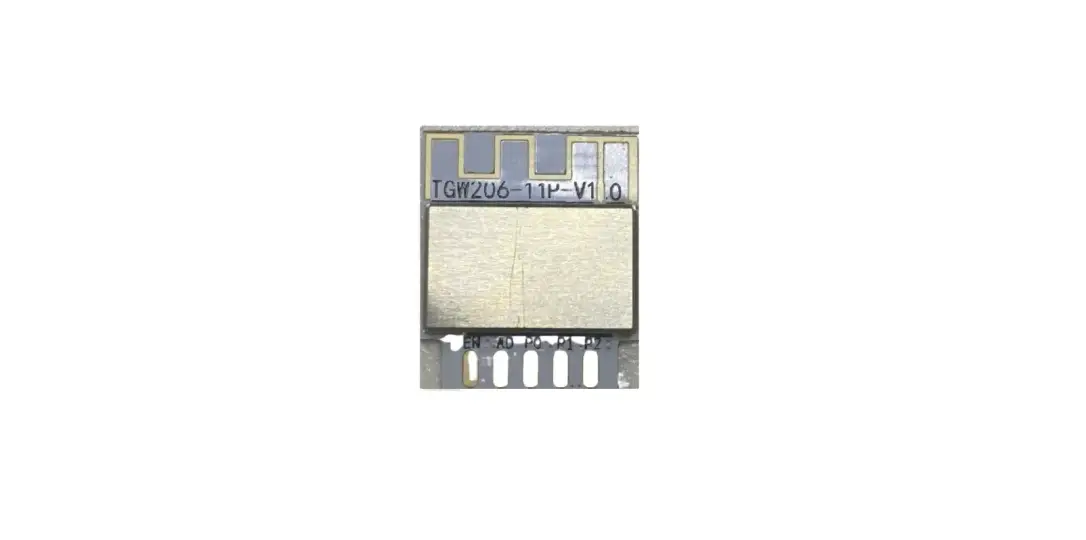
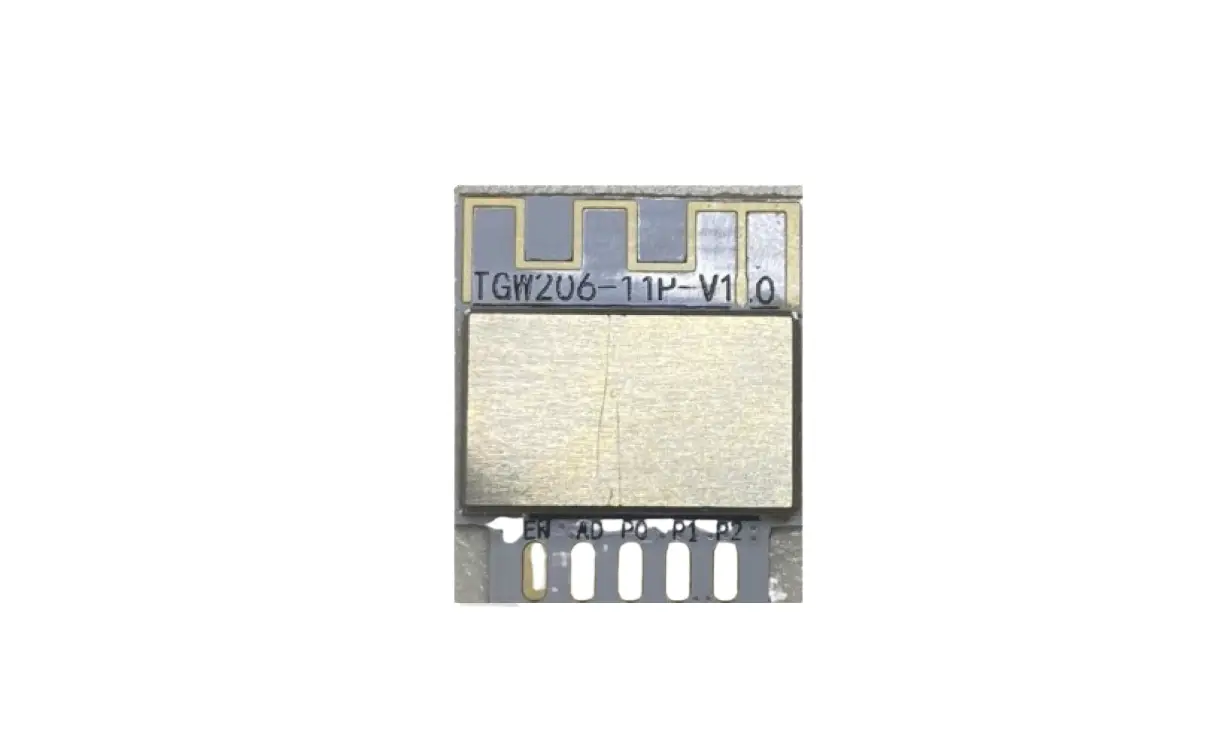
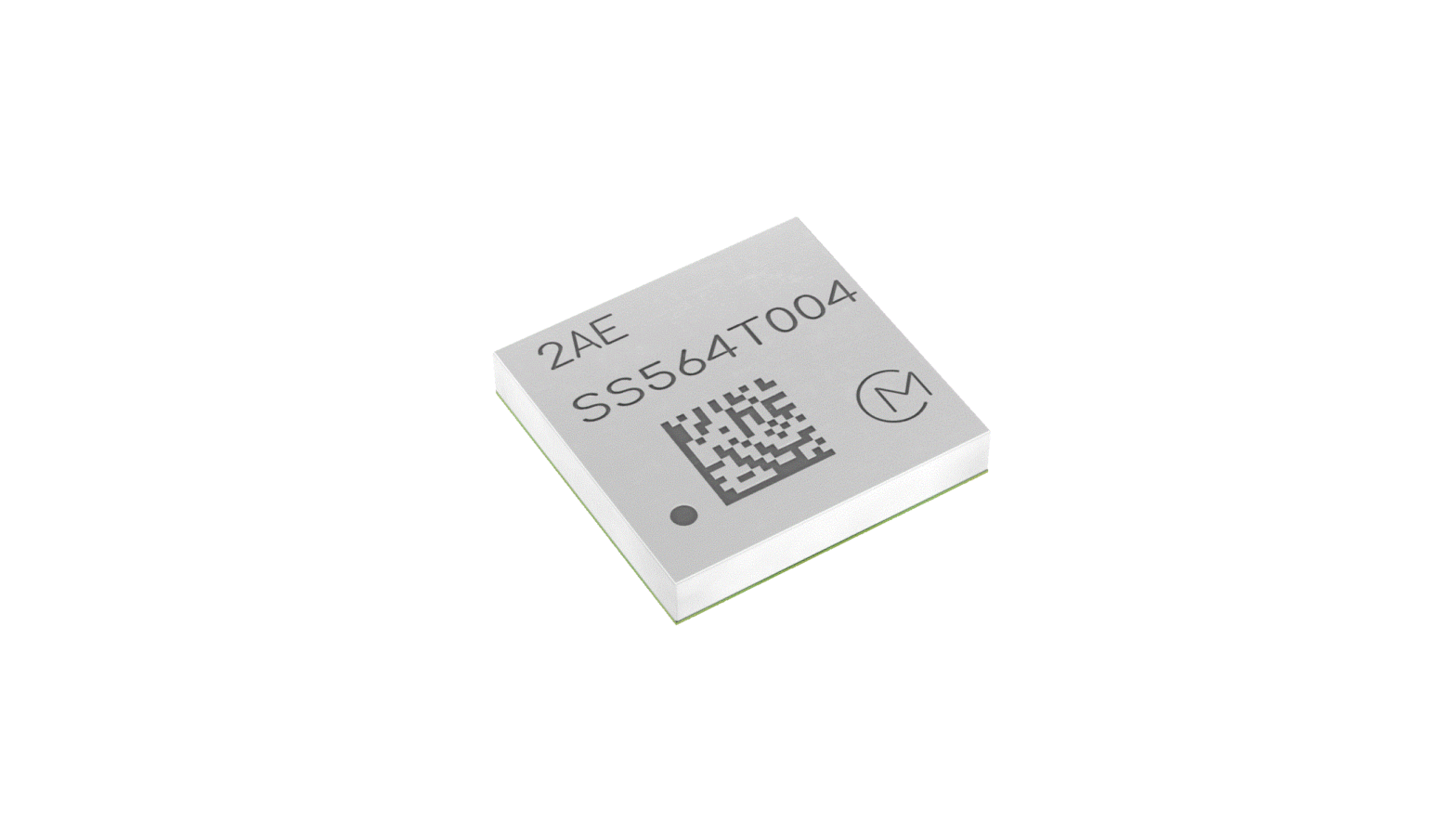
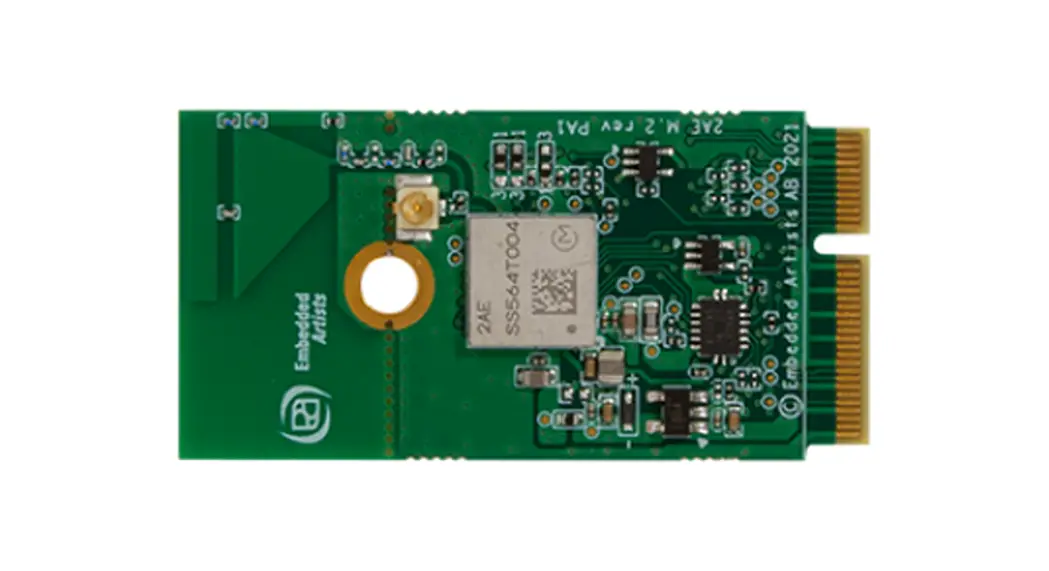
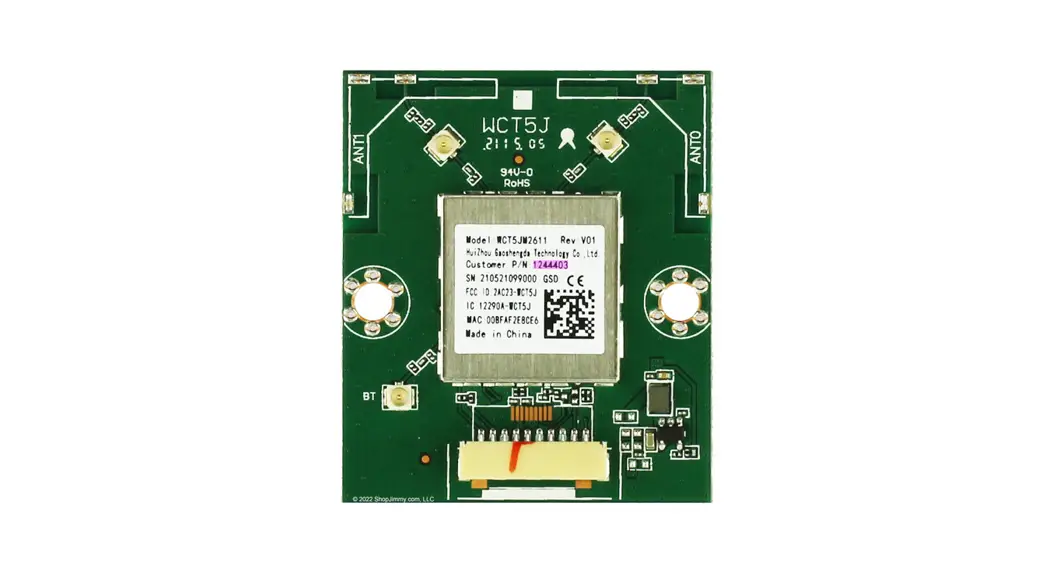
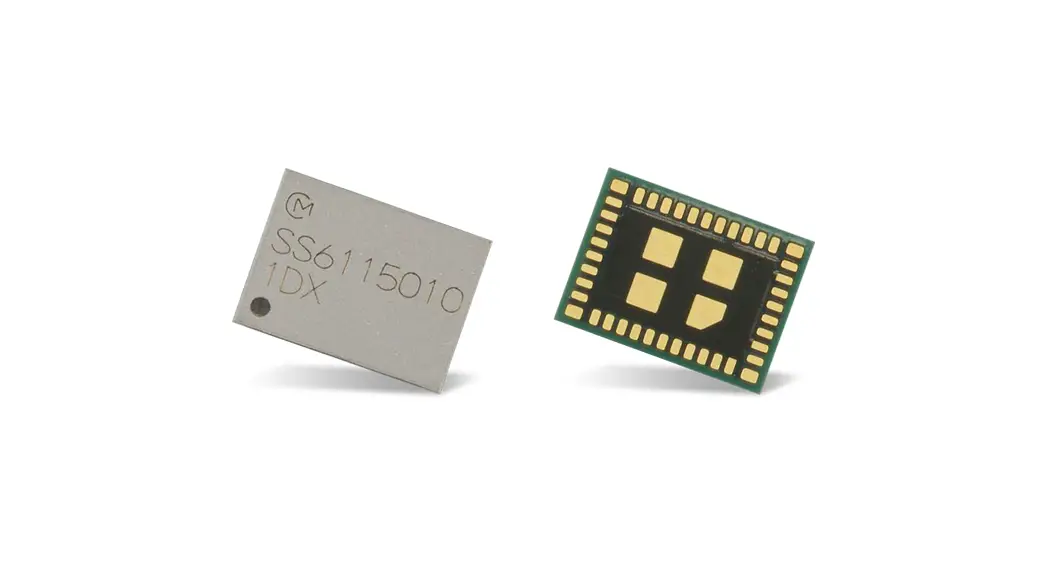
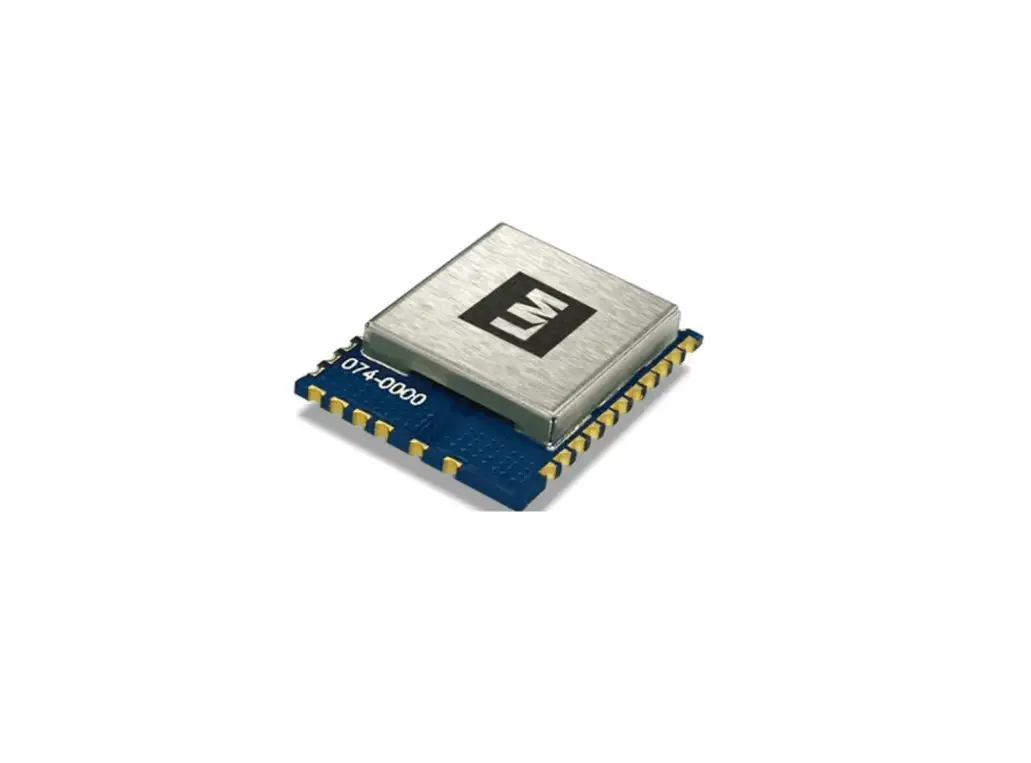
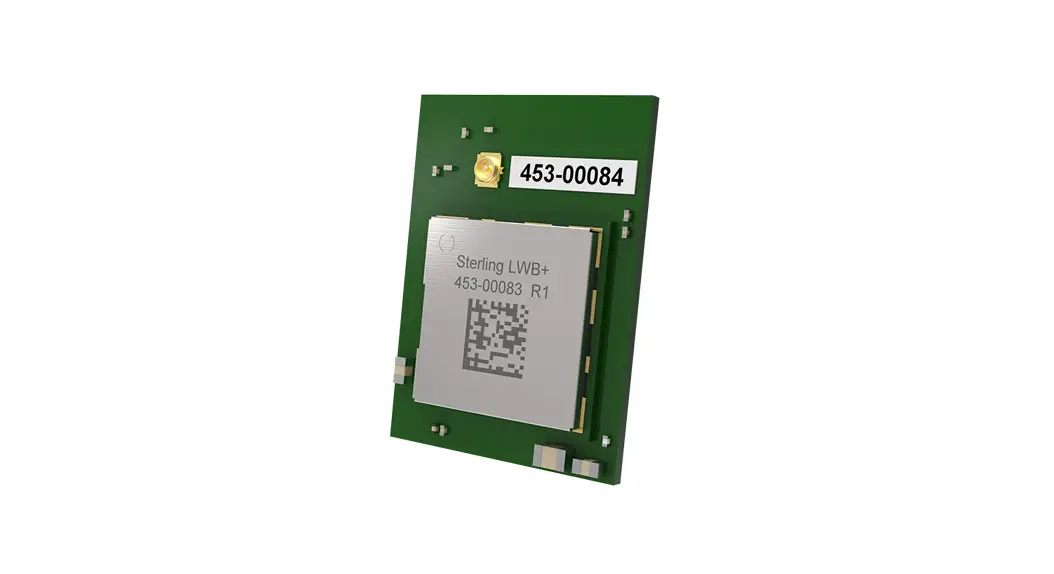
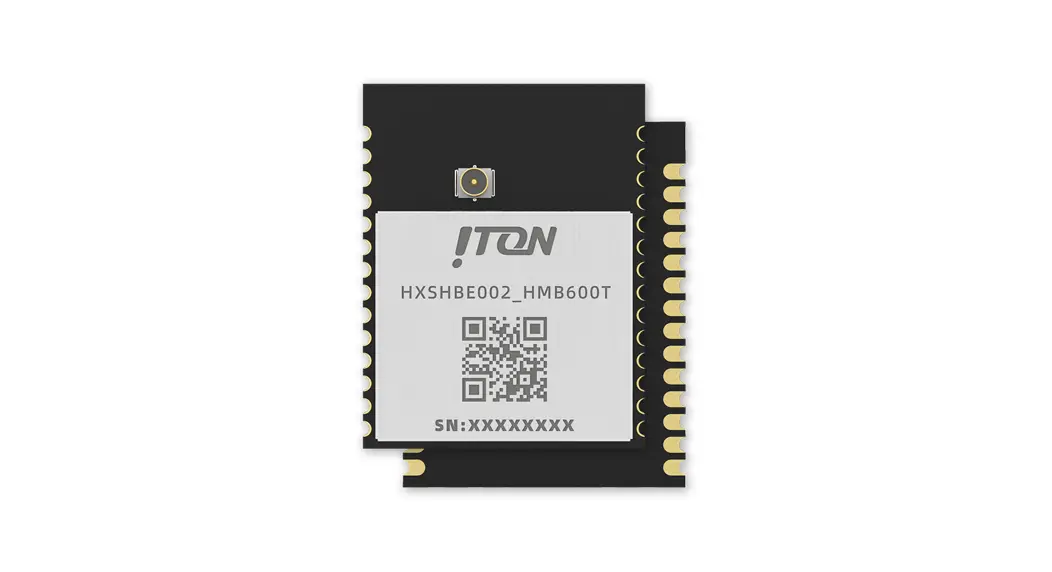
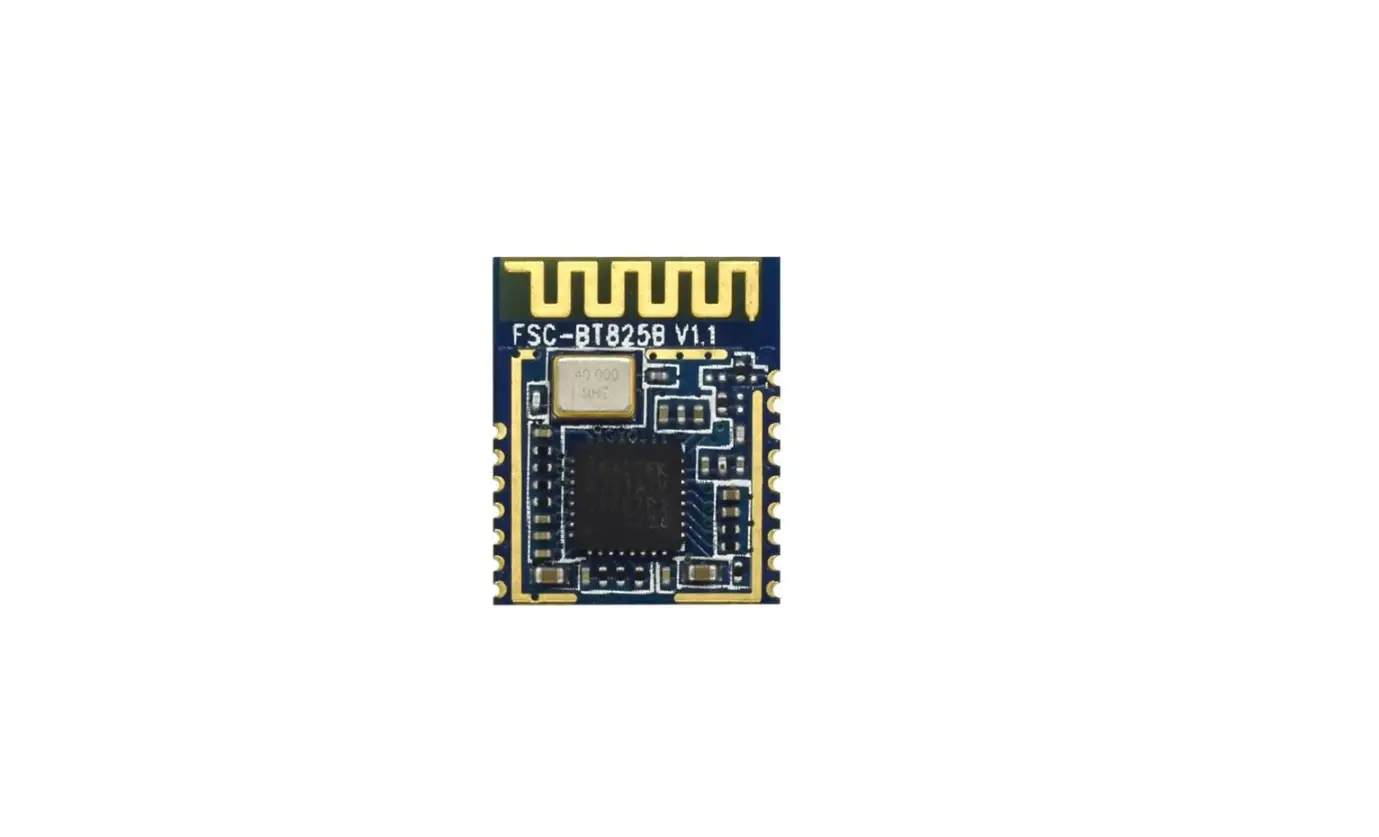
TGW202-6 WiFi and Bluetooth LE 5.0 Module
Product Information
| Product Name | TGW202-6 |
|---|---|
| Version | V1.0-July.2021 |
| Wi-Fi Standard | 802.11b/g/n |
| Bluetooth Standard | LE 5.0 |
| Module Features | External antenna, up to 3 independent PWM channels |
Product Usage Instructions
Module Pin Definition:
| Pin Number | Module Pin Name | Illustrate |
|---|---|---|
| 1 | ANT1 | External antenna |
| 2 | PWM2 / GPIO22 | |
| 3 | PWM0 / GPIO20 | |
| 4 | VDD33 | Power Supply |
| 5 | PWM1 / GPIO21 | |
| 6 | GND | Ground |
Electrical Characteristics Specifications:
| Parameter | Value | Unit |
|---|---|---|
| Module supply voltage | 2.7 – 3.6 | V |
| Operating ambient temperature | -40 – 125 | °C |
| Storage ambient temperature | -40 – 125 | °C |
Recommended Working Environment:
| Parameter | Description |
|---|---|
| VDD | Module supply voltage |
| TA | Operating ambient temperature |
| Ts | Storage ambient temperature |
Application Schematic Reference:
Refer to Figure 3 for the TGW202-6 application circuit
diagram.
Module Mechanical Dimensions:
Refer to Figure 4 for the reference layout package size
diagram.
Layout Precautions:
This module requires an external antenna with excellent
performance in the 2.4-2.5GHz frequency band. The module power
supply filter capacitor should be placed as close as possible to
the module VDD signal interface.
Packaging Information:
Refer to Figure 5 for the TGW202-6 module packaging process
overview. For wave soldering, it is recommended not to perform
double wave soldering. The recommended welding temperature and time
should follow the provided guidelines.
FCC Compliance:
If the module is installed in a host device, it must comply with
FCC regulations. The host device should either have an access
method to remove the module for FCC ID visibility or have an
additional permanent label referring to the enclosed module with
the FCC ID: VYV-TGW202-6.
www.sziton.com
TGW202-6
V1.0-July.2021
TGW202-6
Wi-Fi 802.11b/g/n + Bluetooth LE 5.0 Module
DISCLAIMER AND COPYRIGHT NOTICE Information in this document, including URL references, is subject to change without notice. This document is provided “As if” with no whatsoever, including any warranty of merchantability, noninfringement, fitness for any purpose, or any warranty otherwise arising out of any proposal, specification or samples. All liability, including liability for infringement of any proprietary rights, relating to use of information in this document is disclaimed. No licenses express or implied, by estoppel or otherwise, to any intellectual property rights are granted herein. The Bluetooth logo and symbol belong to the Bluetooth SIG Inc. The Wi-Fi Alliance Member Logo is a trademark of the Wi-Fi Alliance. All trade names, trademarks and registered trademarks mentioned in this document are property of their respective owners, and are hereby acknowledged. Copyright by ITON Technology Corp. All rights reserved.
www.sziton.com
TGW202-6
V1.0-July. 2021
Table of contents
1. Product Features and Specifications……………………………………………………………………………… 3 2. Module pin definition…………………………………………………………………………………………………. 4 3. Electrical Characteristics Specifications………………………………………………………………………… 5 3.2 BLE RF Specifications……………………………………………………………………………………………… 5 3.3 Recommended working environment…………………………………………………………………………..6 3.4 Module electrical parameters………………………………………………………………………………………6 4.Refer to application………………………………………………………………………………………………………6 5.Module Mechanical Dimensions…………………………………………………………………………………… 7 5.1 Module Mechanical Dimensionstolerance±0.15mm…………………………………………….. 7 5.2 Reference Layout package sizetolerance±0.15m…………………………………………………..7 6.Layout Precautions……………………………………………………………………………………………………… 8 7. Packaging information…………………………………………………………………………………………………8 8. Wave soldering reference curve…………………………………………………………………………………… 8 9.History modification record…………………………………………………………………………………………..9 10.Integration instructions for host product manufacturers according to KDB 996369 D03 OEM
Manual v01……………………………………………………………………………………………………………… 9 10.2 Specific operational use conditions………………………………………………………………………. 9 10.3 Limited module procedures……………………………………………………………………………………… 9 10.4 Trace antenna designs…………………………………………………………………………………………….10 10.5 RF exposure considerations………………………………………………………………………………..10 10.6 Antennas……………………………………………………………………………………………………………. 10 10.7 Label and compliance information………………………………………………………………………. 11 10.8 Information on test modes and additional testing requirements……………………………11 10.9 Additional testing, Part 15 Subpart B disclaimer…………………………………………………. 12 General Statements…………………………………………………………………………………………………… 12
ITON Technology Corp.
Page 2 of 8
www.sziton.com
TGW202-6
V1.0-July. 2021
1.Product Features and Specifications
1.1Describe
The TGW202-6 module is designed based on a new generation of intelligent and highly integrated Wi-Fi and Bluetooth LE combination chip TG7100C. The wireless subsystem includes 2.4G radio, Wi-Fi 802.11b/g/n and LE baseband/MAC design. The microcontroller subsystem contains a low-power 32-bit RISC CPU, cache and memory. The power management unit provides flexible settings to implement low-power modes and supports a variety of security features. TGW202-6 module DIP pin welding method is designed, which is especially convenient for small-sized lamps and lanterns. The module leads out the antenna pad, which is convenient for structural design; it supports I2C control or supports up to three PWM outputs at the same time, which can realize simple and fast access to the Tmall Genie ecosystem. 1.2Product Features 802.11b/g/nWi-Fi+ Bluetooth LE5.0 Combosupport STASoft AP Sniffer Supports the use of open source self-controllable RISC-V CPU, adjustable from 1 to 160MHz, 276KB SRAM Ultra-low power consumption: sleep power consumption is only 0.5uA, network standby power consumption is only 40uA (DTIM10 Ultra-fast connection: cold start fast connection is only 70ms Ultra-long distance: transmit power up to 21dBm, sensitivity -90dBm, penetrating one more wall High security: support secure boot, secure debugging, AES 128/192/256 encryption engine, WPA3, MD5, SHA-1/224/256, PKA (RSA/ECC) encryption engine support Wi-Fi Bluetooth LE
1.3Module block diagram
Figure 1 TGW202-6 module block diagram ITON Technology Corp.
Page 3 of 8
www.sziton.com
1.4Application scenarios
Smart Lighting
2.Module pin definition
TGW202-6
V1.0-July. 2021
pin1 pin2 Module pin definition
pin3
pin4
Figure 2 Module pins
pin5 pin6
pin Numbering
Module pin name
illustrate
1
ANT1
External antenna
2
PWM2
GPIO22
3
PWM0
GPIO20
4
VDD33
PowerSupply
5
PWM1
GPIO21
6
GND
Ground
Note: This module can be configured with up to 3 independent PWM channels.
ITON Technology Corp.
Page 4 of 8
www.sziton.com
3.Electrical Characteristics Specifications
3.1WiFi RF Specifications
TGW202-6
V1.0-July. 2021
Product Name Standard Frequency Band Modulation Type Data Transfer Rate Spread Spectrum
RX Sensitivity
Maximum Input Level
Output Power Interface Power Supply Operating Temperature Size:
TGW202-6 Module IEEE 802.11b/g/n 2.4~2.4835GHz ISM Band 802.11b: CCK, DQPSK, DBPSK 802.11g: 64-QAM,16-QAM, QPSK, BPSK 802.11n: 64-QAM,16-QAM, QPSK, BPSK 1,2,5.5,6,11,12,18,22,24,30,36,48,54,65,72.2Mbps IEEE 802.11b: DSSS (Direct Sequence Spread Spectrum) IEEE802.11g/n: OFDM (Orthogonal Frequency Division Multiplexing) 11b-1Mbps: -90dBm 11b-11Mbps: -91dBm 11g-54Mbps: -77dBm 11n HT20-MCS0: -92dBm 11n HT20-MCS7: -73dBm 11b: 5dBm MCS0: -4dBm MCS7: -13dBm 11b: 21dBm 11g: 18dBm 11n: 17dBm UART DC 3.3V -30 to +105
13.5mm×8.5mm×2.1mm
3.2BLE RF Specifications
Parameter Frequency range RX sensitivity Initial carrier frequency offset Output power
Conditions 1 Mbps BLE 1M
Minimum 2402 -24 –
Typical
-93 5 9
Maximum 2480 24 –
Unit MHz dBm KHz dBm
ITON Technology Corp.
Page 5 of 8
www.sziton.com
3.3Recommended working environment
parameter
VDD TA Ts
describe
Module supply voltage operating ambient temperature Storage ambient temperature
3.4Module electrical parameters
parameter
Min
TYP
VDD
2.7
3.3
Distribution current
–
120
working current
–
55
standby current
–
23
TGW202-6
V1.0-July. 2021
Min TYP MAX UNIT
2.7
3.3
3.6
V
-30
25
105
-40
25
125
MAX
3.6 –
UNIT
V mA mA mA
4.Refer to application
4.1Application schematic reference
3. TGW202-6 Figure 3. TGW202-6 application circuit diagram
ITON Technology Corp.
Page 6 of 8
www.sziton.com
5.Module Mechanical Dimensions
5.1 Module Mechanical Dimensionstolerance±0.15mm
TGW202-6
V1.0-July. 2021
A side 5.2 Reference Layout package sizetolerance±0.15m
B side
Figure 4 Reference layout package size diagram ITON Technology Corp.
Page 7 of 8
6.Layout Precautions
This module is an external antenna, so the antenna should be designed with excellent performance in the 2.42.5GHz frequency band
The module power supply filter capacitor should be as close as possible to the module VDD signal Interface
7.Packaging information
Figure 5. TGW202-6 module packaging process overview
8.Wave soldering reference curve TGW202-6 is an in-line module. A wave soldering device is recommended for welding. Only when no wave soldering equipment is available, it is recommended to use wave soldering equipment for welding. Manual welding is recommended within 24 hours after unpacking. Otherwise, the solder should be placed in a drying cabinet with a humidity of less than 10%RH, or re-vacuumed, and the exposure time recorded. The total exposure time must not exceed 168 hours. Please refer to the recommended temperature of the wave welding furnace to set the furnace temperature. The wave welding temperature is 260±5, and the wave welding temperature curve is shown below:
Figure 6. Recommended for wave soldering with lead-free solders Note: When welding modules, it is recommended not to perform double wave soldering.
Recommended welding temperature
Recommendations for temperature curves of wave soldering furnac preheating temperature 80-130
preheating time Crest contact time Tin cylinder temperature
Temperature rise slope
ramp rate
75-100S 3-5S 260±5 2/S 6/S
Recommended welding Welding temperature weld time N/A N/A
N/A
N/A
temperature for manual
360±20
It’s less than 3S per dot N/A N/A N/A N/A
9. FCC Certification Requirements According to the definition of mobile and fixed device is described in Part 2.1091(b), this device is a fixed device. And the following conditions must be met: 1. This Modular Approval is limited to OEM installation for fixed applications only. The antenna installation and operating configurations of this transmitter, including any applicable source-based timeaveraging duty factor, antenna gain, and cable loss must satisfy MPE categorical Exclusion Requirements of 2.1091. 2. The EUT is a fixed device; maintain at least a 20 cm separation between the EUT and the user’s body
and must not transmit simultaneously with any other antenna or transmitter. 3. A label with the following statements must be attached to the host end product: This device contains FCC ID:VYV-TGW202-6 . This module must not transmit simultaneously with any other antenna or transmitter 5. The host end product must include a user manual that clearly defines operating requirements and conditions that must be observed to ensure compliance with current FCC RF exposure guidelines. For portable devices, in addition to the conditions 3 through 6 described above, a separate approval is required to satisfy the SAR requirements of FCC Part 2.1093 If the device is used for other equipment that separate approval is required for all other operating configurations, including portable configurations with respect to 2.1093 and different antenna configurations. For this device, OEM integrators must be provided with labeling instructions of finished products. Please refer to KDB784748 D01 v07, section 8. Page 6/7 last two paragraphs: A certified modular has the option to use a permanently affixed label, or an electronic label. For a permanently affixed label, the module must be labeled with an FCC ID – Section 2.926 (see 2.2 Certification (labeling requirements) above). The OEM manual must provide clear instructions explaining to the OEM the labeling requirements, options and OEM user manual instructions that are required (see next paragraph). For a host using a certified modular with a standard fixed label, if (1) the module’s FCC ID is not visible
when installed in the host, or (2) if the host is marketed so that end users do not have straightforward commonly used methods for access to remove the module so that the FCC ID of the module is visible; then an additional permanent label referring to the enclosed module: VYV-TGW202-6: “Contains Transmitter Module FCC ID: VYV-TGW202-6″The host OEM user manual must also contain clear
instructions on how end users can find and/or access the module and the FCC ID.
9.1 Radiation Exposure Statement:
This module support BT(2402-2480MHz) ,WIFI(2412~2462 MHz)which compliance with part 15.249,15.247 and apply for limited module approval . The module is limited to OEM installation only. The OEM integrator is responsible for ensuring that the end-user has no manual instruction to remove or install module. OEM integrator shall equipped the antenna to compliance with antenna requirement part 15.203& 15.204 and must not be co-located or operating in conjunction with any other antenna or transmitters. And OEM host shall implement a Class II Permissive Change (C2PC) or a new FCC ID to demonstrate complied with FCC standard. The OEM integrator is still responsible for testing their end-product for any additional compliance requirements required with this module installed. The final end product must be labelled in a visible area with the following: “Contains FCC ID:VYVTGW202-6″The final host / module combination may also need to be evaluated against the FCC Part 15B
criteria for unintentional radiators in order to be properly authorized for operation as a Part 15 digital device. The user’s manual or instruction manual for an intentional or unintentional radiator shall caution the user
that changes, or modifications not expressly approved by the party responsible for compliance could void the user’s authority to operate the equipment. In cases where the manual is provided only in a form other than paper, such as on a computer disk or over the Internet, the information required by this section may be included in the manual in that alternative form, provided the user can reasonably be expected to have the capability to access information in that form. This device complies with part 15 of the FCC Rules. Operation is subject to the following two conditions: (1) This device may not cause harmful interference, and (2) this device must accept any interference received, including interference that may cause undesired operation. Changes or modifications not expressly approved by the manufacturer could void the user’s authority to operate the equipment. To ensure compliance with all non-transmitter functions the host manufacturer is responsible for ensuring compliance with the module(s) installed and fully operational. For example, if a host was previously authorized as an unintentional radiator under the Supplier’s Declaration of Conformity procedure without a transmitter certified module and a module is added, the host manufacturer is responsible for ensuring that the after the module is installed and operational the host continues to be compliant with the Part 15B unintentional radiator requirements.
9.2 Class B digital device
This equipment has been tested and found to comply with the limits for a Class B digital device, pursuant to part 15 of the FCC Rules. These limits are designed to provide reasonable protection against harmful interference in a residential installation. This equipment generates, uses and can radiate radio frequency energy and, if not installed and used in accordance with the instructions, may cause harmful interference to radio communications. However, there is no guarantee that interference will not occur in a particular installation. If this equipment does cause harmful interference to radio or television reception, which can be determined by turning the equipment off and on, the user is encouraged to try to correct the interference by one or more of the following measures: – Reorient or relocate the receiving antenna. – Increase the separation between the equipment and receiver. – Connect the equipment into an outlet on a circuit different from that to which the receiver is connected. – Consult the dealer or an experienced radio/TV technician for help.
9.3 Manual Information to the End User
The OEM integrator has to be aware not to provide information to the end user regarding how to install or remove this RF module in the user’s manual of the end product which integrates this module. The end user manual shall include all required regulatory information/warning as show in this manual.
9.4 Important Note:
In the event that these conditions cannot be met (for example certain laptop configurations or co-location with another transmitter), then the FCC authorization is no longer considered valid and the FCC ID cannot be used on the final product. In these circumstances, the OEM integrator will be responsible for reevaluating the end product (including the transmitter) and obtaining a separate FCC authorization.
9.5 Summarize the specific operational use conditions:
The TGW202-6 radio module is designed specifically for control applications in the host product intelligent lighting series, model: TGW202-6. The radio module is not intended to be sold as a standalone product. TGW202-6 is only suitable for indoor lighting fixtures. The TGW202-6 radio module must not coexist or work together with any other antenna or transmitter.
10.Integration instructions for host product manufacturers according to KDB 996369 D03 OEM Manual v01
10.1 List of applicable FCC rules CFR 47 FCC PART 15 SUBPART C 15.247 & 15.207 & 15.209
10.2 Specific operational use conditions The radio module is installed in smart lighting fixtures, and can be remotely controlled by the app in home, office, and commercial environments.
10.3 Limited module procedures The TGW202-6 radio module does not include its own RF shielding. The radio module has been
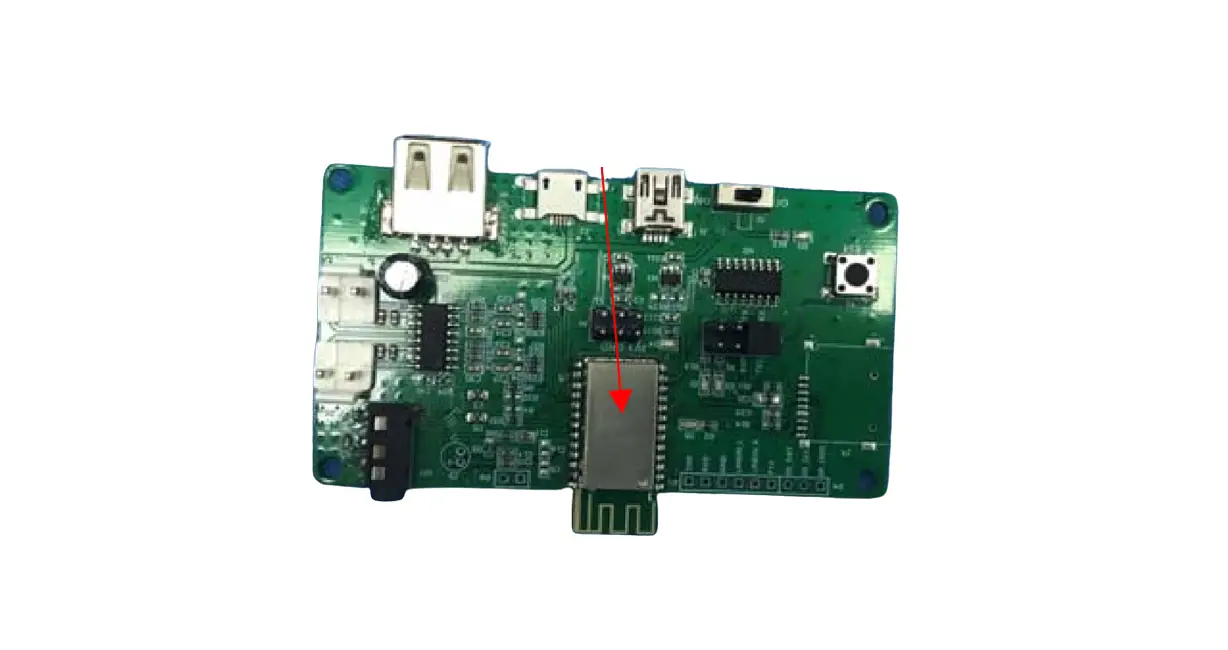
tested in a standalone configuration and complies with FCC Part 15.247. The RF module has also been tested in the host product series, and each host product model has been verified for AC power line conducted emission, stray radiation emission, and conducted output power. The results of the host product testing indicate that the radio module meets the requirements when installed in the host product. Any installation or operation that does not follow this manual will require further evaluation.Host installation instructionsPlug the signal port of the module into the corresponding port on the main boardof the host. See the figure below, marked in the red box.
The module is installed inside the host
Note: See Appendix 1 at the end for detailed instructions on how to install.
10.4 Trace antenna designs The module itself does not come with an antenna, and the rod antenna provided by the laboratory is used for testing.any changes or modifications by the OEM integrator will require additional testing and evaluation. 10.5 RF exposure considerations This equipment complies with FCC radiation exposure limits set forth for an uncontrolled environment.This equipment should be installed and operated with minimum distance 20cm between the radiator & your body. The module has been evaluated and shown compliant with the FCC RF Exposure limits under Mobile exposure conditions. OEM integrator shall equipped the antenna to compliance with antenna requirement part 15.203 &15.204 and must not be co-located or operating in conjunction with any other antenna or transmitters,otherwise, a Class II Permissive Change (C2PC) must be filed with the FCC and/or a new FCC authorization must be applied. 10.6 Antennas Please perform the Trace antenna design that followed the specifications of the antenna. The concrete contents of a check are the following three points. 1) It is the same type as the antenna type of antenna specifications. 2) An antenna gain is lower than a gain given in antenna specifications. Measure the gain, and confirm the peak gain is less than the application value. 3) The emission level is not getting worse.
Measure the spurious, and confirm degradation of less than 3dB than spurious value of worst of report used for the application.
Antenna Specification are as follows: Antenna Type:Monopole antenna Antenna Gain(Peak):2 dBi
This radio transmitter FCC ID: VYV-TGW202-6 has been approved by Federal Communications Commission to operate with the antenna types listed below, with the maximum permissible gain indicated. This device does not use antenna types whose gain is greater than the maximum gain of any of the listed types not included below. The antenna is External antenna, It’s permanently fixed. the antenna gain is 2.4GHz 2dBi),This antenna is permanently paired with a product to sell. The final installation of the radio module in the host must include an antenna. This device is intended only for host manufacturers under the following conditions: The transmitter module may not be co-located with any other transmitter or antenna; The module shall be only used with the internal antenna(s) that has been originally tested and certified with this module. The antenna must be either permanently attached or employ a unique antenna coupler. As long as the conditions above are met, further transmitter test will not be required. However, the host manufacturer is still responsible for testing their end-product for any additional compliance requirements required with this module installed (for example, digital device emissions, PC peripheral requirements, etc.) Important Note: In the event that these conditions cannot be met (for example certain laptop configurations or co-location with another transmitter), then the FCC authorization is no longer considered valid and the FCC ID cannot be used on the final product. In these circumstances, the OEM integrator will be responsible for re-evaluating the end product (including the transmitter) and obtaining a separate FCC authorization.Please refer to Section 9.1 for details.
10.7 Label and compliance information The final end product must be labelled in a visible area with the following : “Contains FCC ID: VYV-TGW202-6” If the size of the end product is smaller than 8x10cm, then additional FCC part 15.19 statement is required to be available in the users’ manual: This device complies with Part 15 of the FCC Rules. Operation is subject to the following two conditions: (1) this device may not cause harmful interference, and (2) this device must accept any interference received, including interference that may cause undesired operation.
A user’s manual for the finished product should include one of the following statements: For a Class A digital device or peripheral, the instructions furnished the user shall include the following or similar statement, placed in a prominent location in the text of the manual: This equipment has been tested and found to comply with the limits for a Class A digital device, pursuant to part 15 of the FCC Rules. These limits are designed to provide reasonable protection against harmful interference when the equipment is operated in a commercial environment. This equipment generates, uses, and can radiate radio frequency energy and, if not installed and used in accordance with the instruction manual, may cause harmful interference to radio communications. Operation of this equipment in a residential area is likely to cause harmful interference in which case
the user will be required to correct the interference at his own expense.
For a Class B digital device or peripheral, the instructions furnished the user shall include the following or similar statement, placed in a prominent location in the text of the manual: This equipment has been tested and found to comply with the limits for a Class B digital device, pursuant to Part 15 of the FCC Rules. These limits are designed to provide reasonable protection against harmful interference in a residential installation. This equipment generates, uses and can radiate radio frequency energy and, if not installed and used in accordance with the instructions, may cause harmful interference to radio communications. However, there is no guarantee that interference will not occur in a particular installation. If this equipment does cause harmful interference to radio or television reception, which can be determined by turning the equipment off and on, the user is encouraged to try to correct the interference by one or more of the following measures: — Reorient or relocate the receiving antenna. — Increase the separation between the equipment and receiver. —Connect the equipment into an outlet on a circuit different from that to which the receiver is connected. — Consult the dealer or an experienced radio/TV technician for help.
The User’s Manual for The finished product should include the following statements: Any changes or modifications to this equipment not expressly approved by the OEM/Integrator may cause harmful interference and void the user’s authority to operate this equipment.
RF Exposure This equipment complies with FCC radiation exposure limits set forth for an uncontrolled environment.This equipment should be installed and operated with minimum distance 20cm between the radiator &your body.
10.8 Information on test modes and additional testing requirements Data transfer module demo board can control the EUT work in RF test mode at specified conditions. This radio module must not be installed to co-locate and operating simultaneously with other radios in the host system except in accordance with FCC multi-transmitter product procedures. Additional testing and equipment authorization may be required operate simultaneously with other radio.
10.9 Additional testing, Part 15 Subpart B disclaimer The host product manufacturer is responsible for compliance with any other FCC rules that apply to the host not covered by the modular transmitter grant of certification. The final host product still requires Part 15 Subpart B compliance testing with the modular transmitter installed.
General Statements The module is intended only for OEM integrators. The OEM integrator is responsible for ensuring that the end-user has no manual instruction to remove or install module. The modular transmitter is only FCC authorized for the specific rule parts (i.e., FCC transmitter rules) listed on the grant, and the host product manufacturer is responsible for compliance to any other FCC rules that apply to the host not covered by the modular transmitter grant of certification. The final host product still requires Part 15 Subpart B compliance testing with the modular transmitter installed. Note EMI Considerations: Note that a host manufacture is recommended to use KDB 996369 D04 Module Integration Guide recommending as “best practice” RF design engineering testing and evaluation in case non-linear interactions generate additional non-compliant limits due to module placement to host components or properties. For standalone mode, reference the guidance in D04 Module Integration Guide and for simultaneous mode7; see D02 Module Q&A Question 12, which permits the host manufacturer to confirm compliance. How to make changes: When changing from the conditions of approval, please present technical documentation that it is equivalent to a Class I change. For example, when adding or changing an antenna, the following technical documents are required. 1) The document indicating the same type as the original antenna 2) Technical document showing that the gain is the same with the gain at the time of the original approval. If the antenna gain is lower than the antenna gain value compared with the original approval, a class II permissive change should be followed. 3) Technical document showing that the radiated emissions level is no more than the worse value than when it was originally certified.
Appendix 1-Quick Installation Guide
The wireless module is installed into the host by the certificate applicant, and other users cannot change it without permission. 1. Connect to a luminaire This chapter introduces how to connect the adapter to your luminaire. Please note that images are for demonstration only 2. Follow the steps below to insert the adapter into your Luminaire
Get a new lamp controller PCB board
Insert wireless module
Prepare complete lamp components, lamp body, lampshade, lamp board, PCB board
Insert the PCB board into the lamp
Install the lamp body Install the lampshade Introduction to Typical Installation and Usage Environment
Appendix 2-APP Distribution Network Description
1. Connect the bulb to 100-230V AC power and turn on the distribution mode (open close 5 times within 10 seconds)
2.1 Open the “Cloud Intelligence APP”
2.2 Click on the “+” button in the upper right corner to search for devices
2.3 Click on the “+” button on the searched device to add a device
2.4. Select 2.4G WiFi, enter the WiFi password, and click Next 2.5 Waiting for the completion of equipment network distribution
2.6. After completing the distribution network, click the corresponding button to control the bulb light
 ITON Technology Corp.-Home