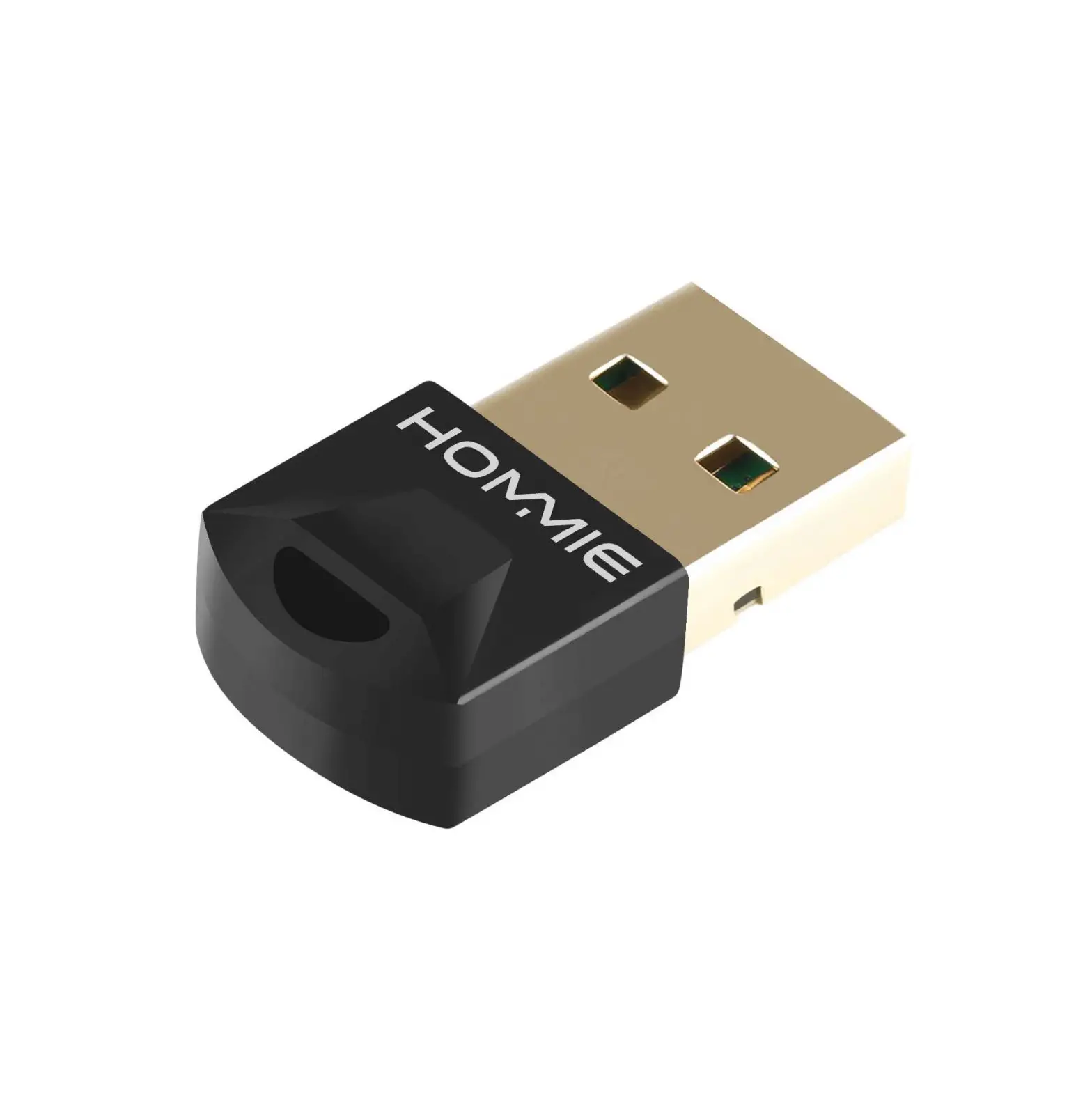
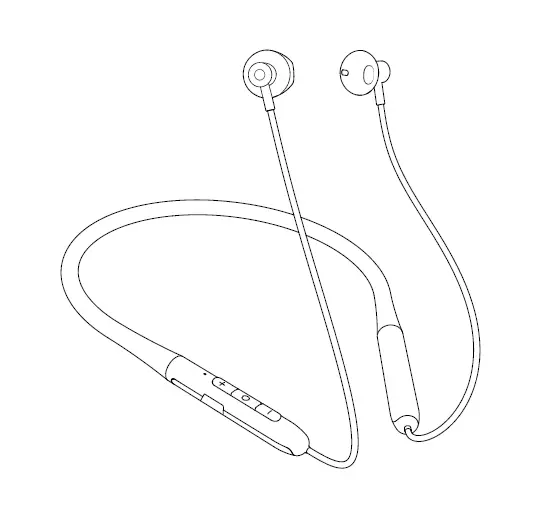
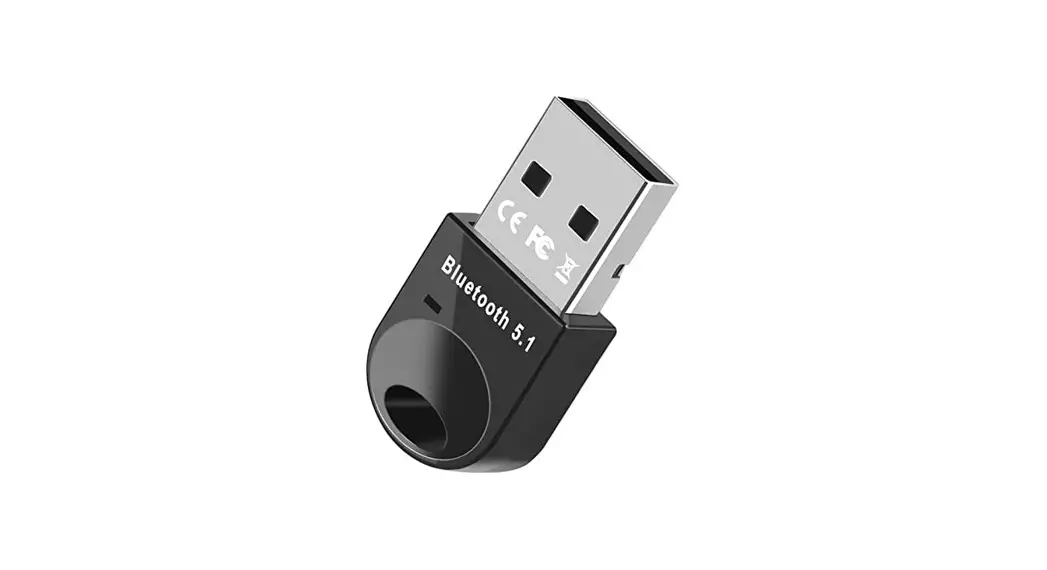
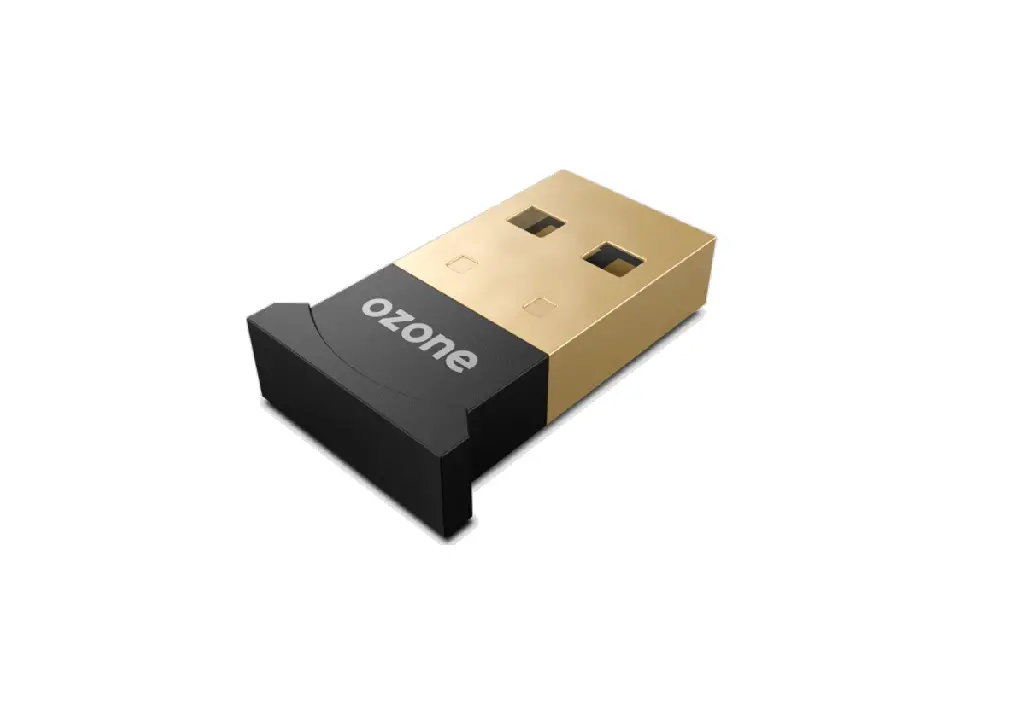
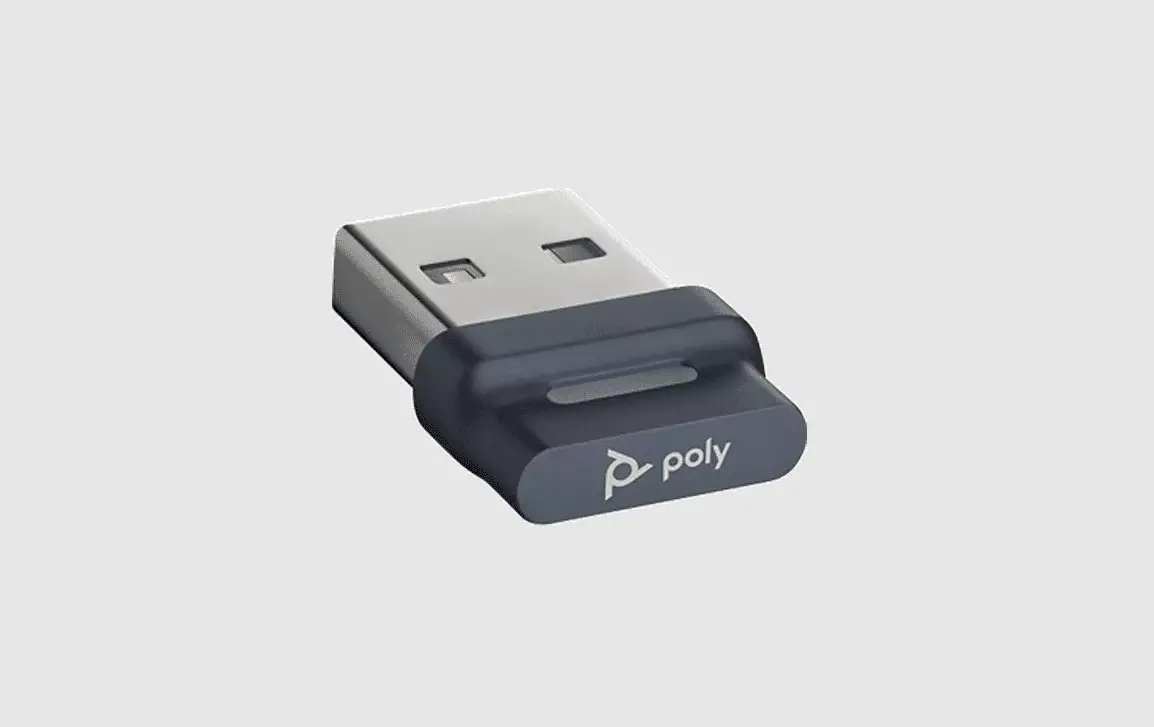
BA04 Bluetooth 5.0 Adapter
User Manual
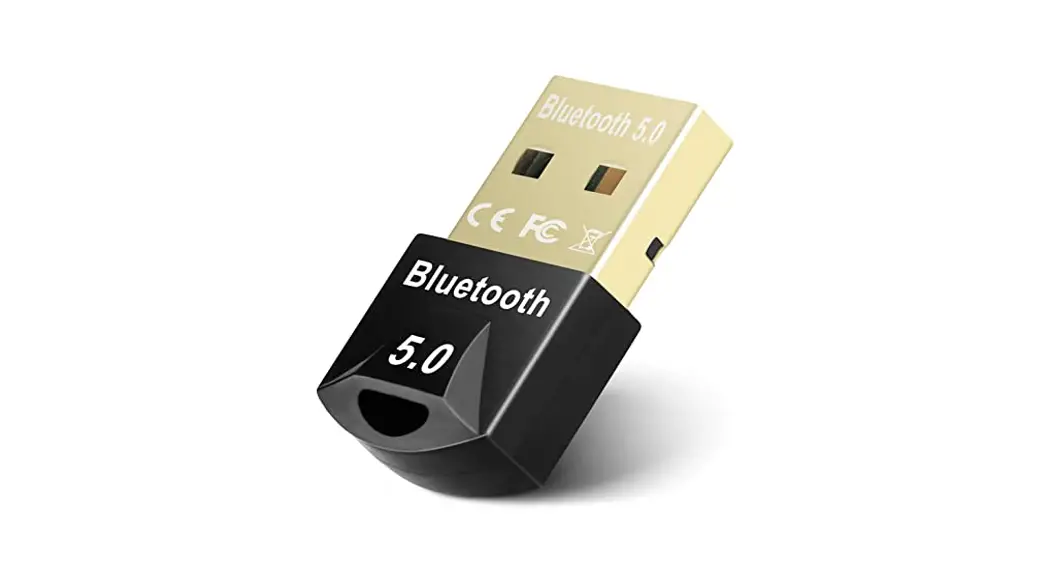
Adapter Baseus BA04 Bluetooth 5.1
Please read this user manual carefully before use and keep it
for future reference.
Product Parameters
- Name: Baseus Wireless Adapter BA04
- Model: Baseus BA04
- Material: Aluminum alloy + ABS
- Wireless version: V5.1
- Connection distance: 20 m
Product Functions
- It supports simultaneous connection with 7 devices
- Wireless speaker
- Wireless earphones
- Wireless mouse
- Wireless keyboard
- Game handle
- Mobile phone & Tablet
Manufacturer: Shenzhen Times Innovation Technology Co., Ltd.
Add: 5th Floor, Building B, Baseus Intelligence Park, No.2008,
Xuegang Rd, Gangtou Community, Bantian Street, Longgang District,
Shenzhen
Hotline: +86-4000-712-711
Website: www.baseus.com
PB3304Z-P0A1 Designed by Baseus Made in China
Product Usage Instructions
- Ensure that the Baseus Wireless Adapter BA04 is fully charged
or connected to a power source. - Turn on the device(s) you want to connect to the adapter (e.g.,
wireless speaker, earphones, mouse, keyboard, game handle, mobile
phone, tablet). - Enable Bluetooth on the device(s) you want to connect to the
adapter. Refer to the device’s user manual for specific
instructions on enabling Bluetooth. - Press and hold the pairing button on the Baseus Wireless
Adapter BA04 until the LED indicator starts flashing rapidly. - On your device(s), search for available Bluetooth devices and
select “Baseus BA04” from the list of discovered devices. - If prompted, enter the PIN or passcode provided in the Baseus
Wireless Adapter BA04 user manual or on the device’s screen. - Once the connection is established, you can start using your
device(s) wirelessly through the adapter. - To switch between connected devices, refer to the user manual
of each individual device for instructions on how to select the
adapter as the audio input/output device. - For optimal performance, keep the connected devices within a
maximum distance of 20 meters from the Baseus Wireless Adapter
BA04.
User manual
Adapter Baseus BA04 Bluetooth 5.1
Please read this user manual carefully before use and keep it for future reference.
Product Parameters
Name:Baseus Wireless Adapter BA04 Model:Baseus BA04 Material: Aluminum alloy + ABS Wireless version: V5.1 Connection distance: 20 m
Product Functions
It supports simultaneous connection with 7 devices
Wireless speaker
Wireless earphones
Wireless mouse
Wireless keyboard
Game handle
Mobile phone& Tablet
This equipment complies with the provisions of Directive 2012/19/EU. It is strictly forbidden to dispose of this equipment with ordinary trash; it must be recycled. This symbol indicates that the product shall not be treated as regular domestic trash, and must be delivered to a recycling center that is capable of recycling electronic and electrical equipment. It is hereby declared that Baseus BA04, a product model of Shenzhen Times Innovation Technology Co., Ltd., complies with the provisions of Directive 2014/53/EUDirective 2011/65/EU. The full text of the EC Declaration of Conformity can be found on the following website: www.baseus.com
Manufacturer: Shenzhen Times Innovation Technology Co., Ltd. Add: 5th Floor, Building B, Baseus Intelligence Park, No.2008, Xuegang Rd, Gangtou Community, Bantian Street, Longgang District, Shenzhen Hotline: +86-4000-712-711 Website: www.baseus.com PB3304Z-P0A1 Designed by Baseus Made in China
 Baseus Official | Simple for More