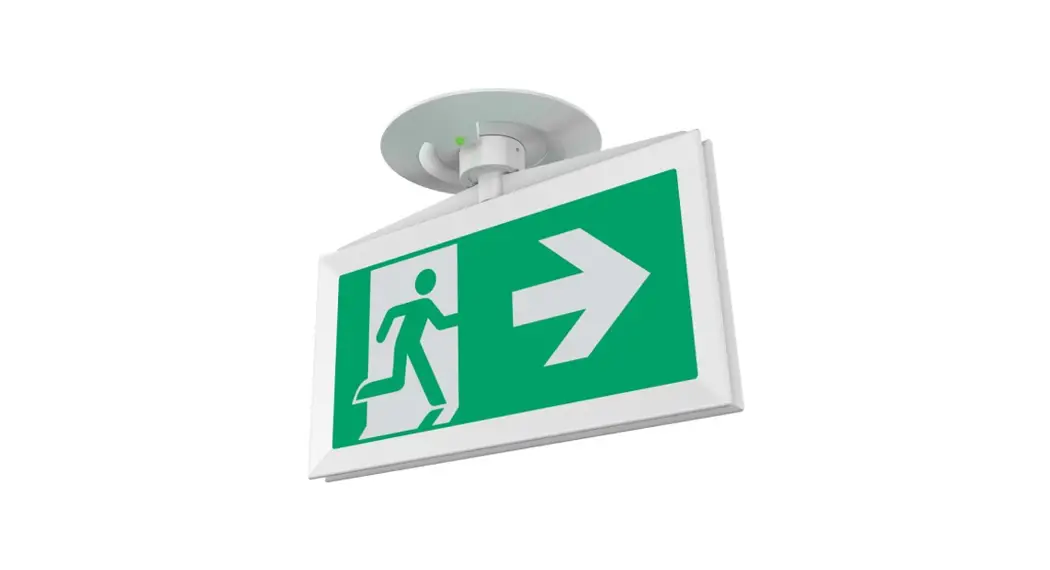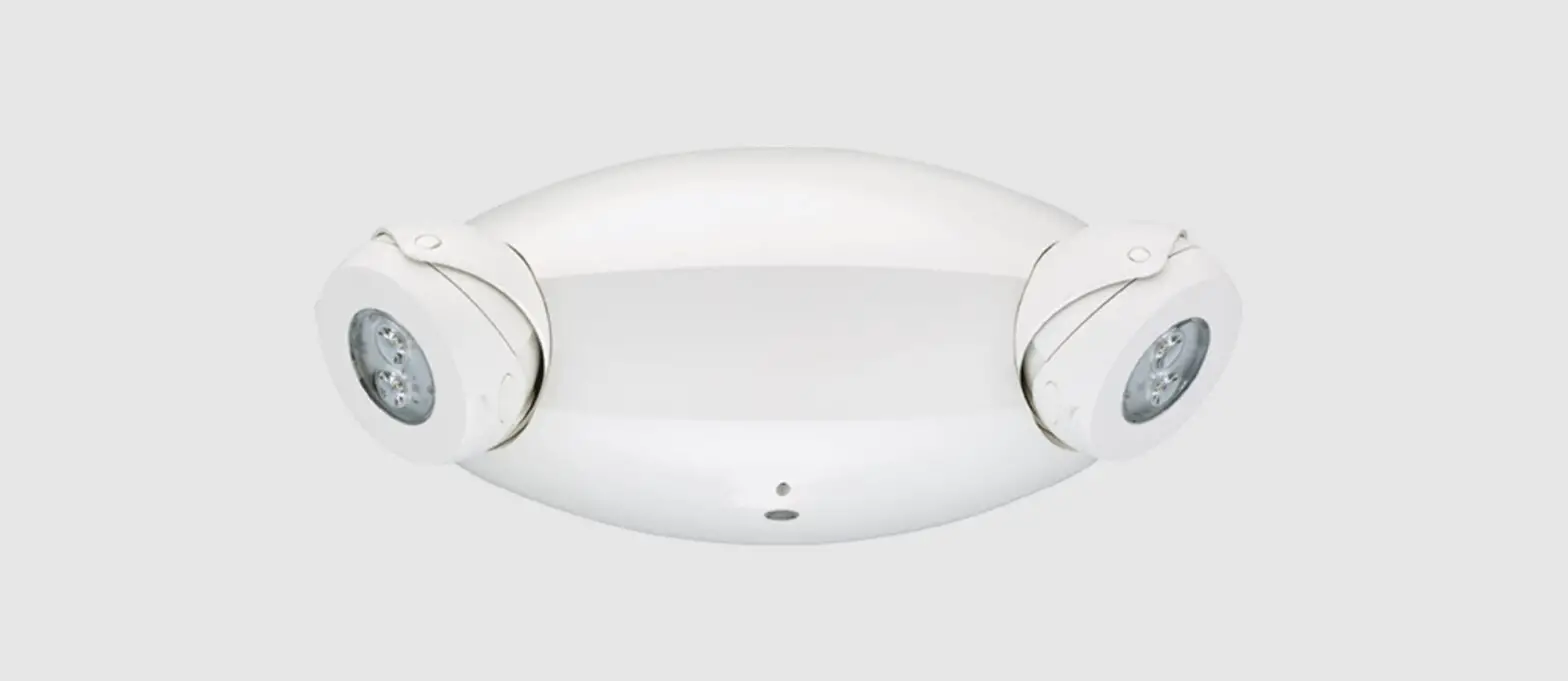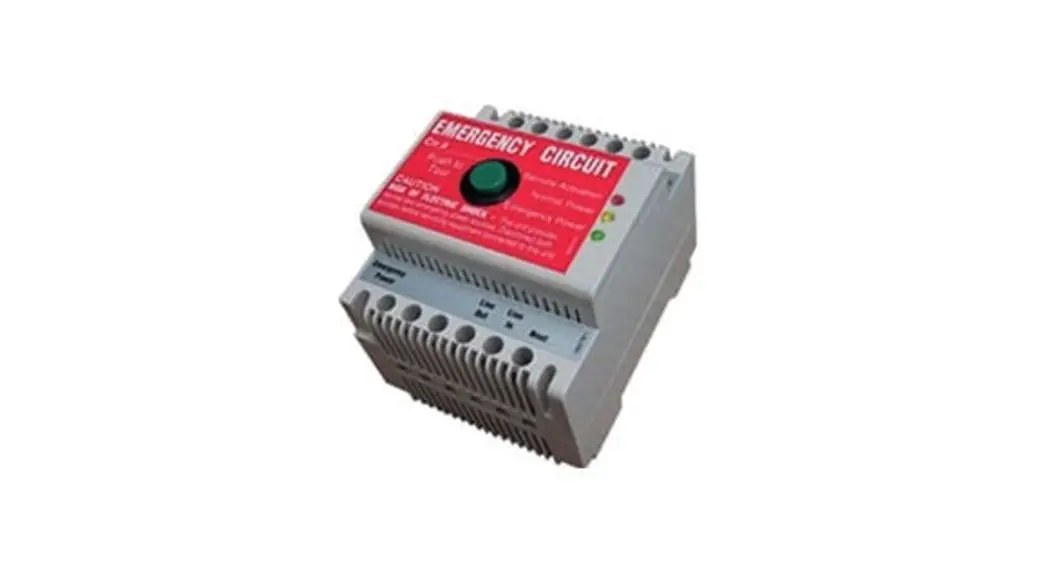

Tridonic Em Ready2apply Emergency Lighting Units Installation Guide

Tridonic Em Ready2apply Emergency Lighting Units Installation Guide

TRIDONIC-logo

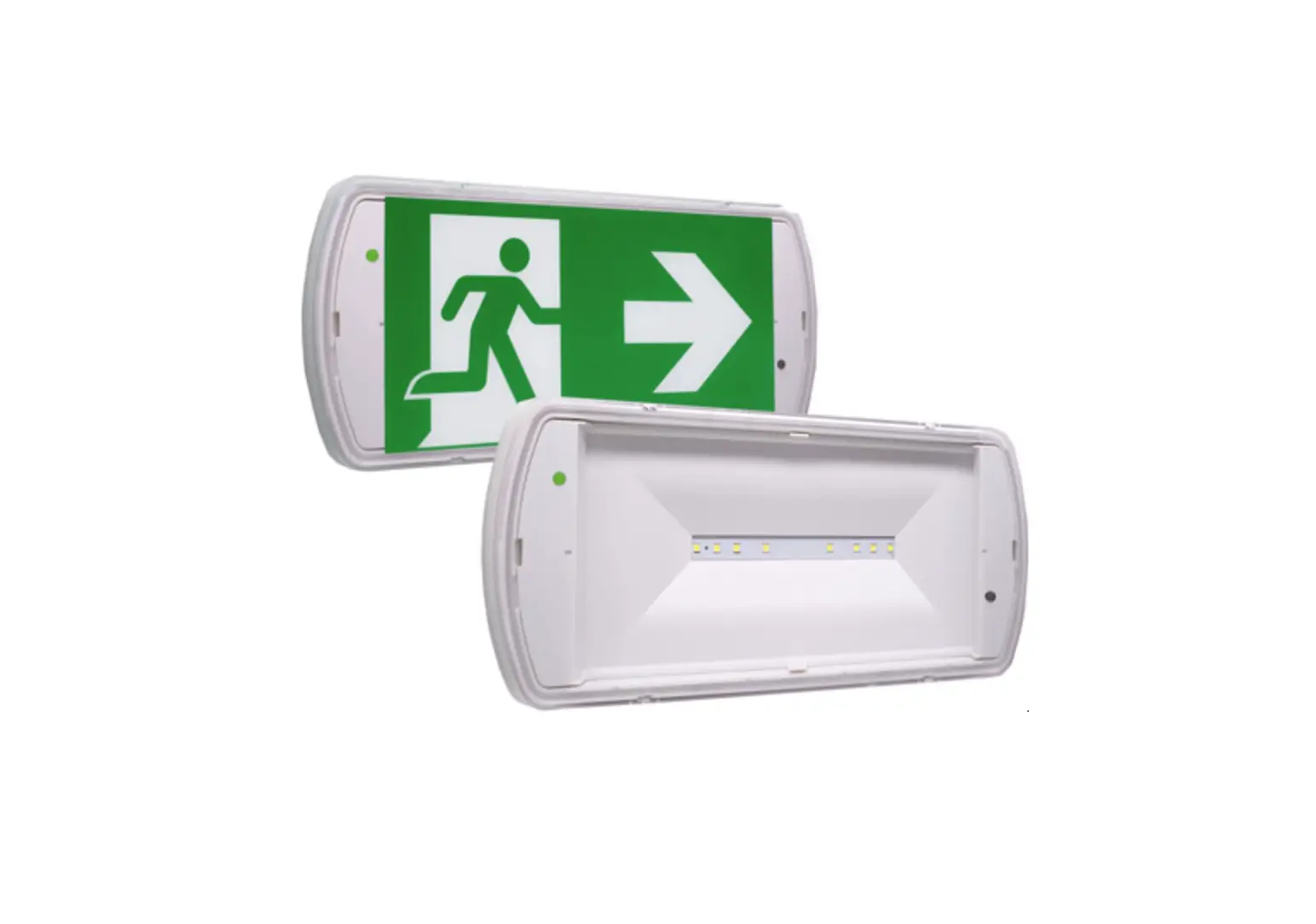
TRIDONIC EM ready2apply Emergency Lighting Units
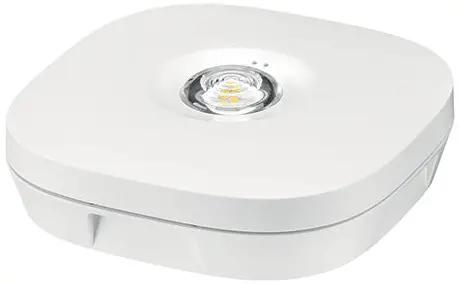
TRIDONIC-EM-ready2apply-Emergency-Lighting-Units-product

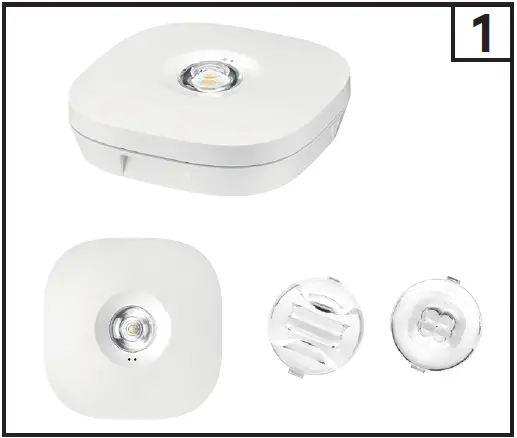
What’s In The Box

TRIDONIC-EM-ready2apply-Emergency-Lighting-Units-fig- (1)

Mounting instruction EM ready2apply

Dimensions
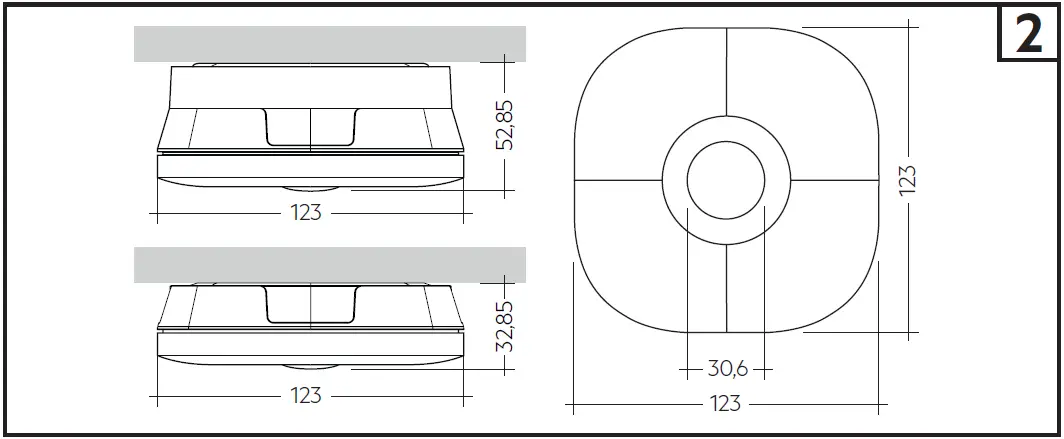
TRIDONIC-EM-ready2apply-Emergency-Lighting-Units-fig- (2)

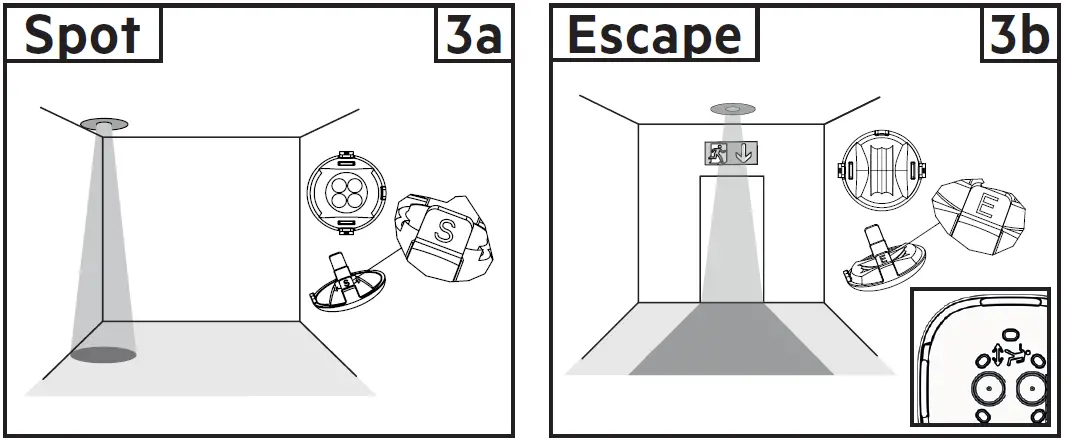
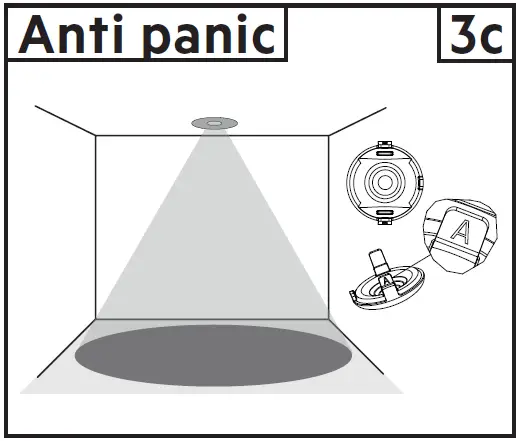
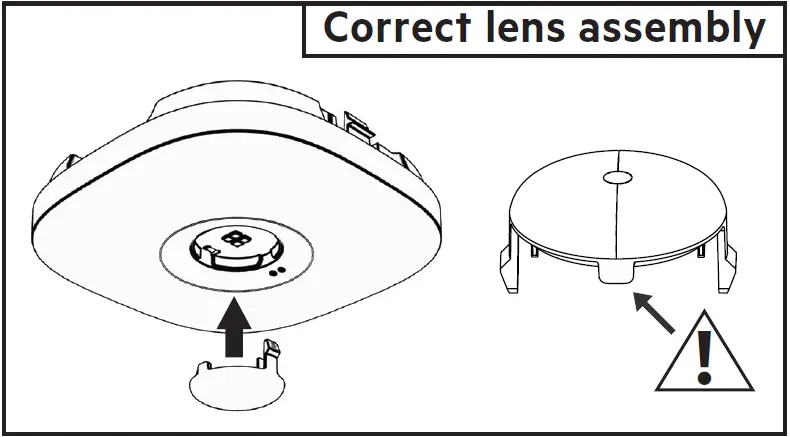
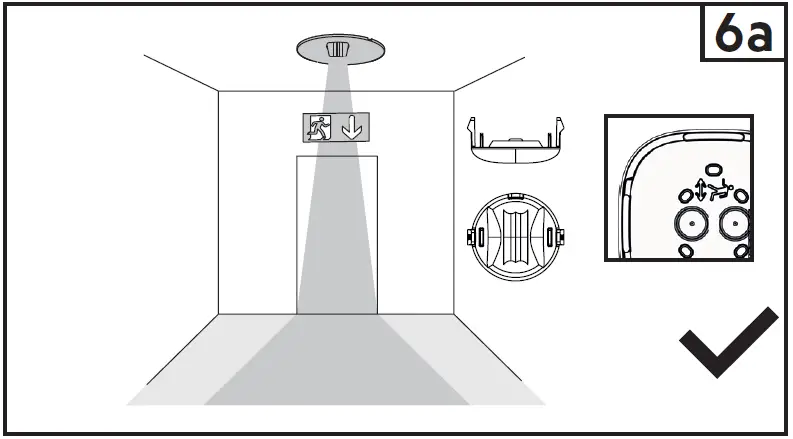
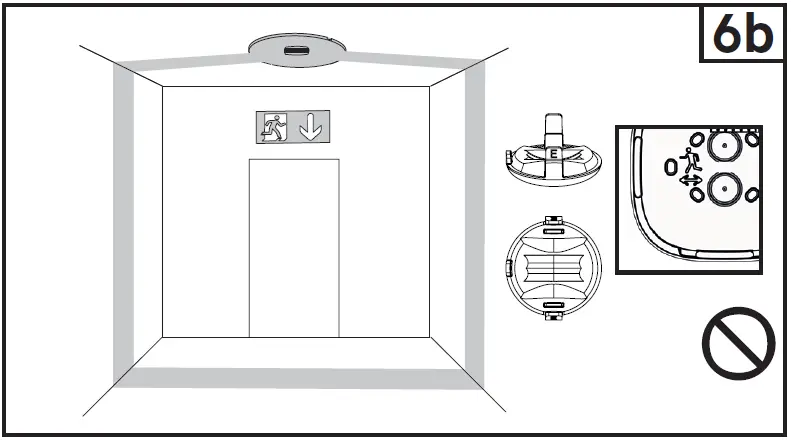
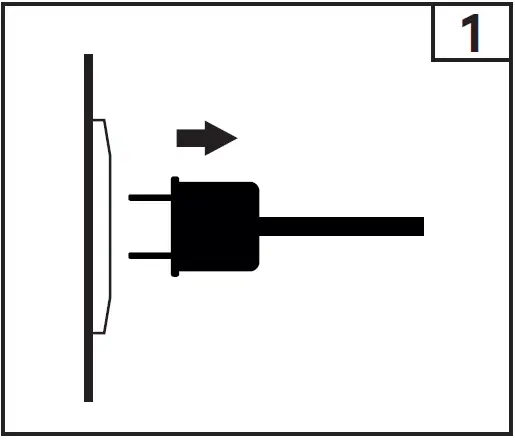
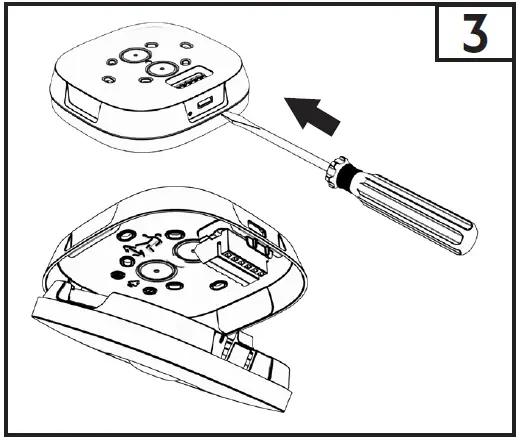
TRIDONIC-EM-ready2apply-Emergency-Lighting-Units-fig- (3)TRIDONIC-EM-ready2apply-Emergency-Lighting-Units-fig- (4)TRIDONIC-EM-ready2apply-Emergency-Lighting-Units-fig- (5)TRIDONIC-EM-ready2apply-Emergency-Lighting-Units-fig- (6)TRIDONIC-EM-ready2apply-Emergency-Lighting-Units-fig- (7)TRIDONIC-EM-ready2apply-Emergency-Lighting-Units-fig- (8)TRIDONIC-EM-ready2apply-Emergency-Lighting-Units-fig- (9)

Installation must be performed by a qualified person. Take care when drilling to prevent damage to internal components.

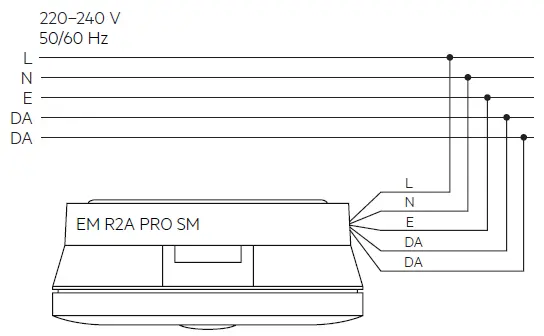
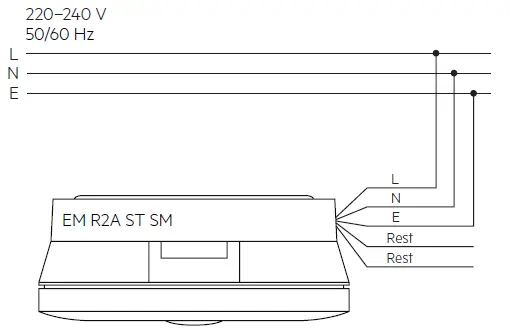
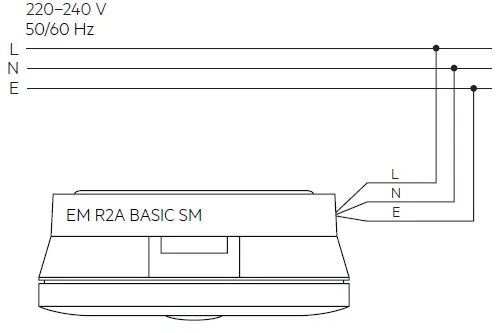
Terminal Description
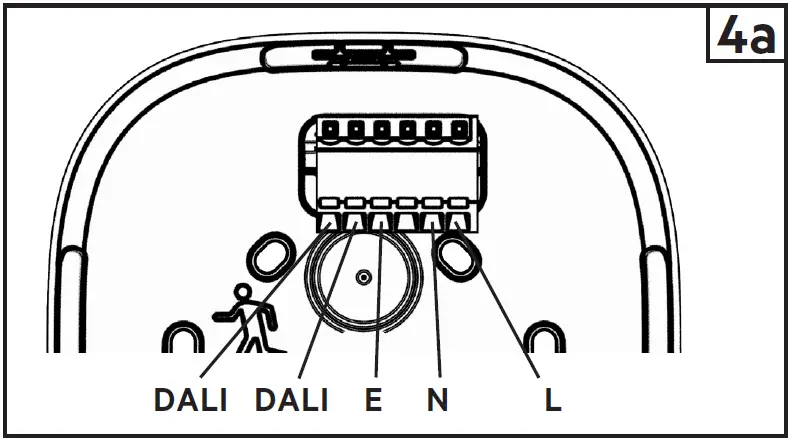
TRIDONIC-EM-ready2apply-Emergency-Lighting-Units-fig- (10)

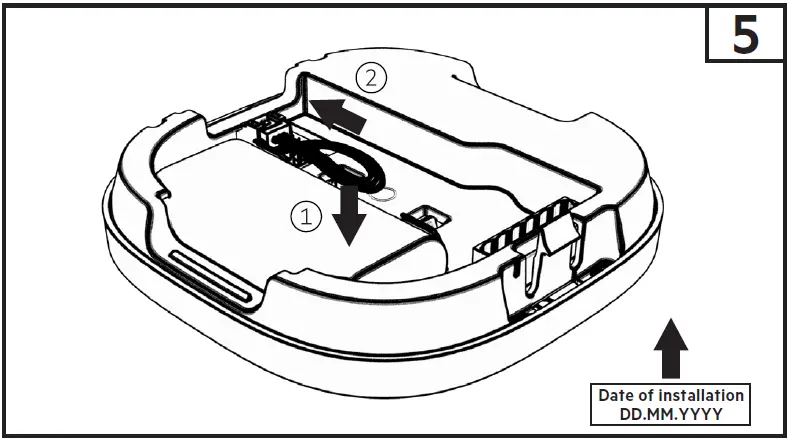
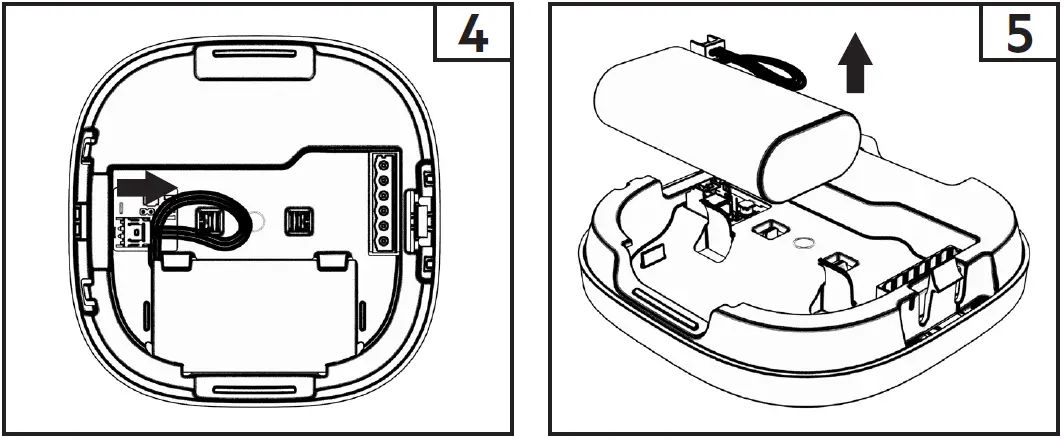
Battery connection

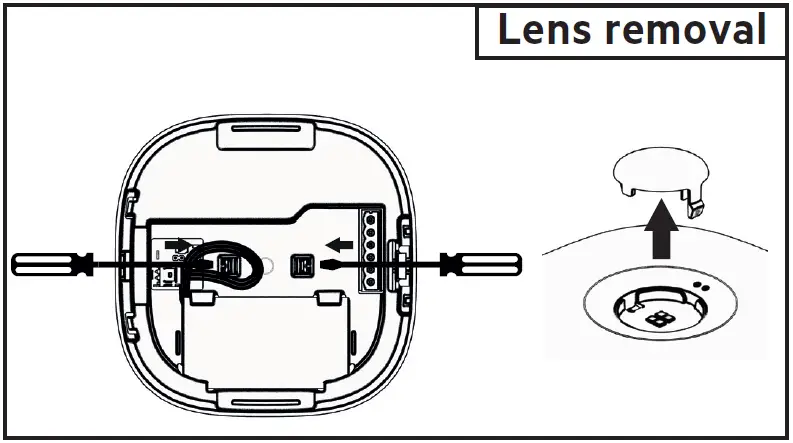
TRIDONIC-EM-ready2apply-Emergency-Lighting-Units-fig- (11)TRIDONIC-EM-ready2apply-Emergency-Lighting-Units-fig- (12)TRIDONIC-EM-ready2apply-Emergency-Lighting-Units-fig- (13)

Battery exchange

TRIDONIC-EM-ready2apply-Emergency-Lighting-Units-fig- (14)

For an impact-protecting rating > IK03 and ≤ IK07 use an M3x10 self-tapping screw for the assembly.TRIDONIC-EM-ready2apply-Emergency-Lighting-Units-fig- (15)TRIDONIC-EM-ready2apply-Emergency-Lighting-Units-fig- (16)TRIDONIC-EM-ready2apply-Emergency-Lighting-Units-fig- (17)
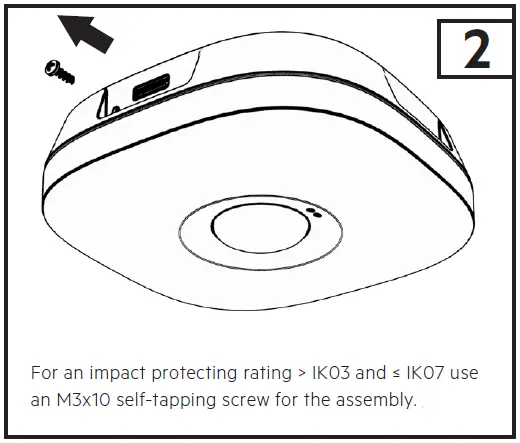
Do not damage the battery and other components during battery replacement.

For further product information refer to the product datasheet at www.tridonic.com.

www.tridonic.com

References

Documents / Resouces

Download manual
Here you can download full pdf version of manual, it may contain additional safety instructions, warranty information, FCC rules, etc.


Related Manuals