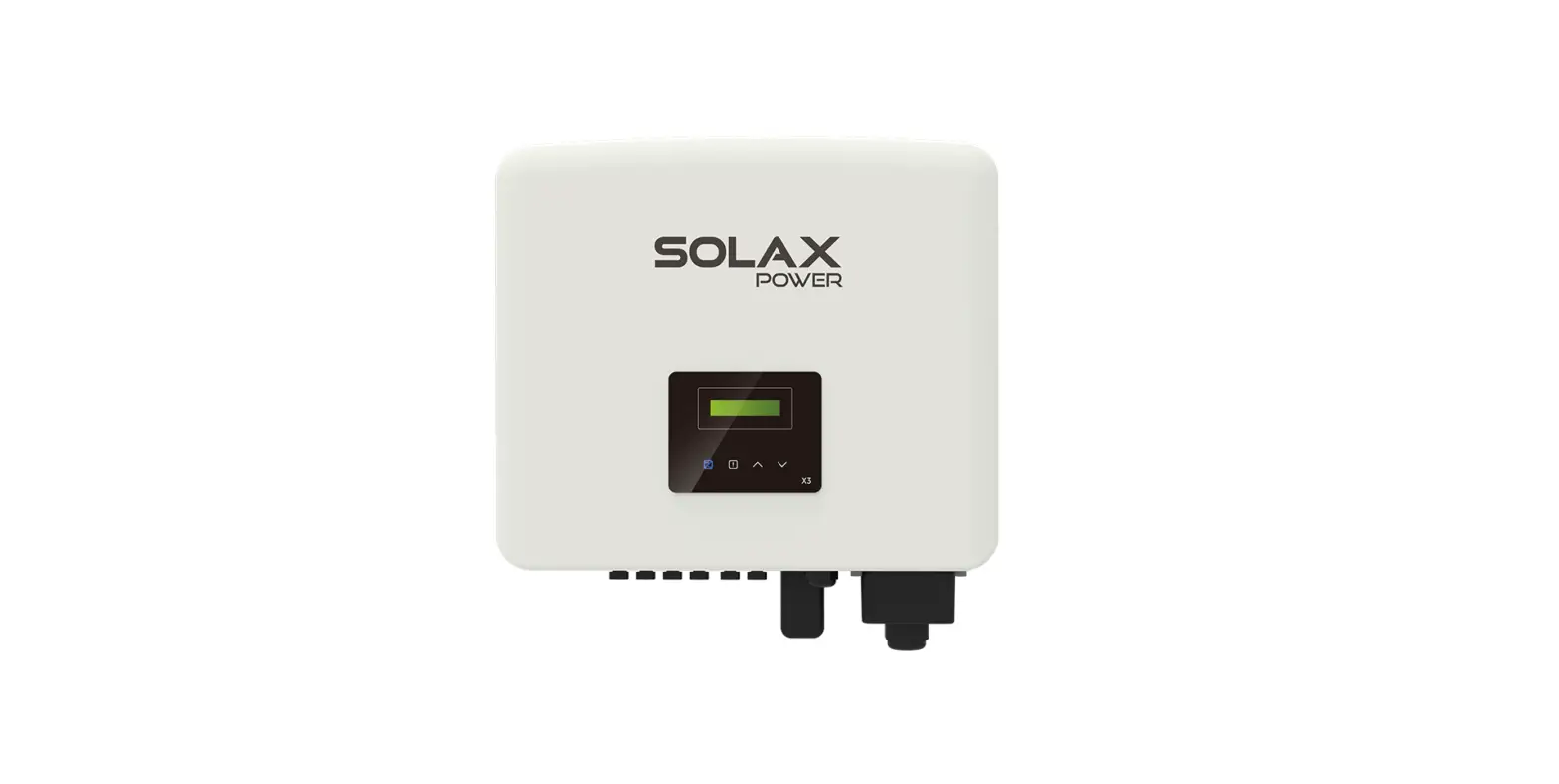
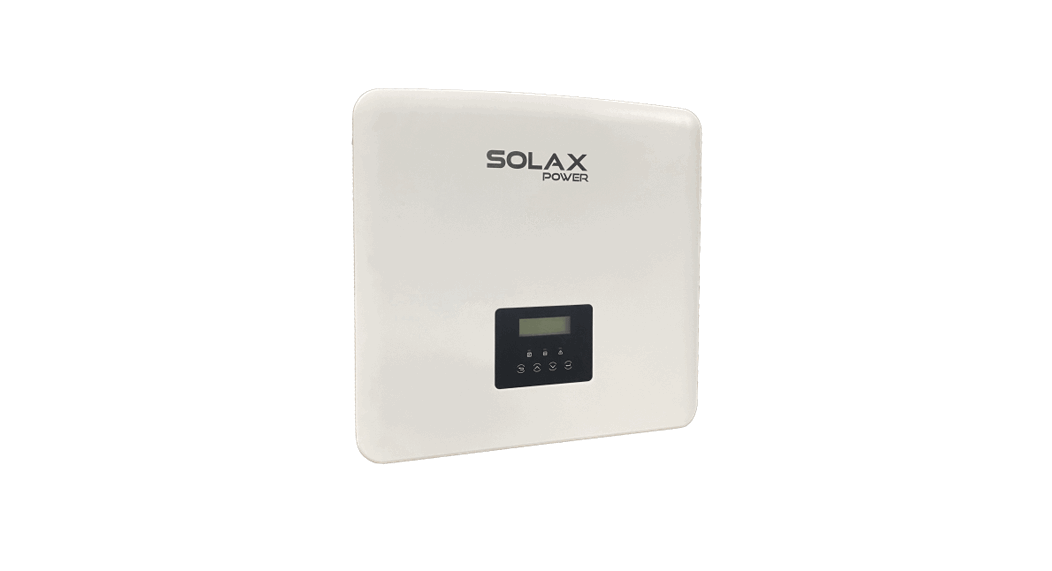
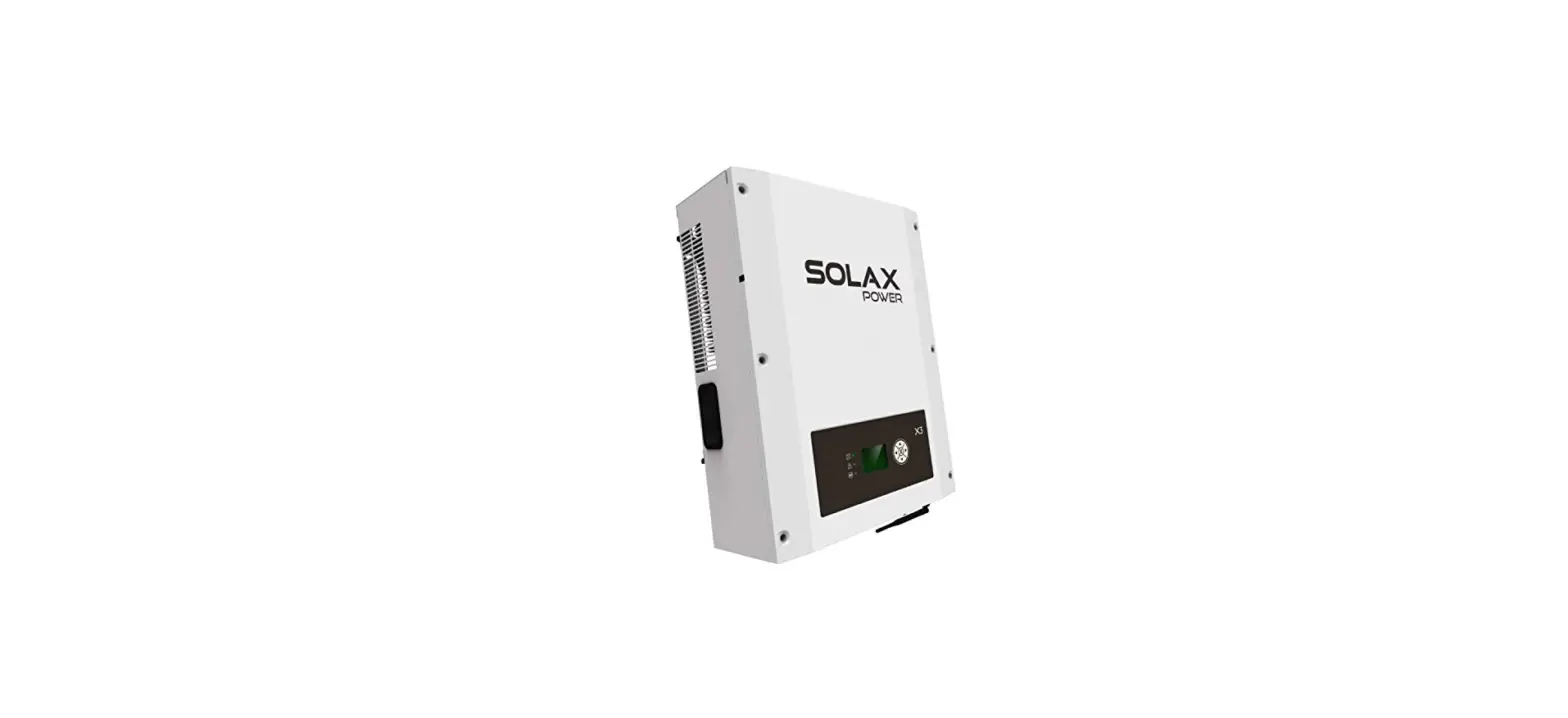
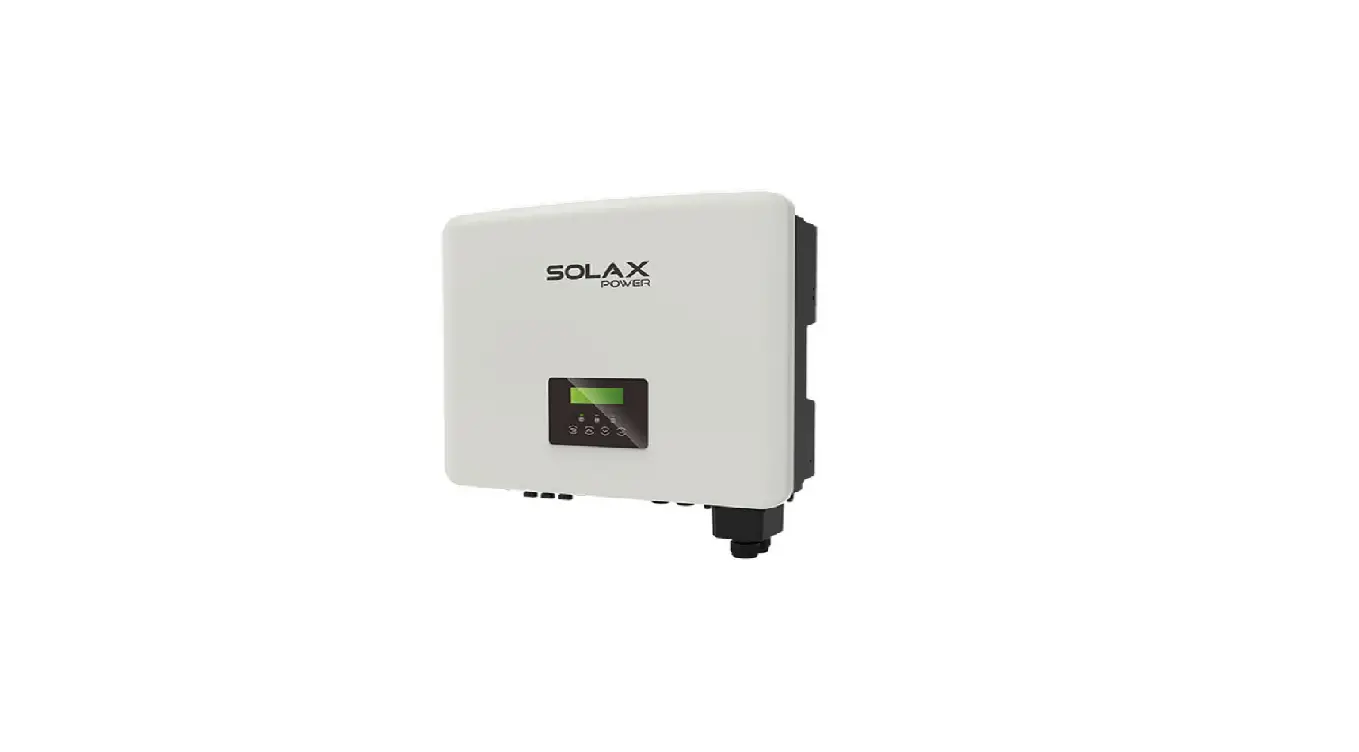
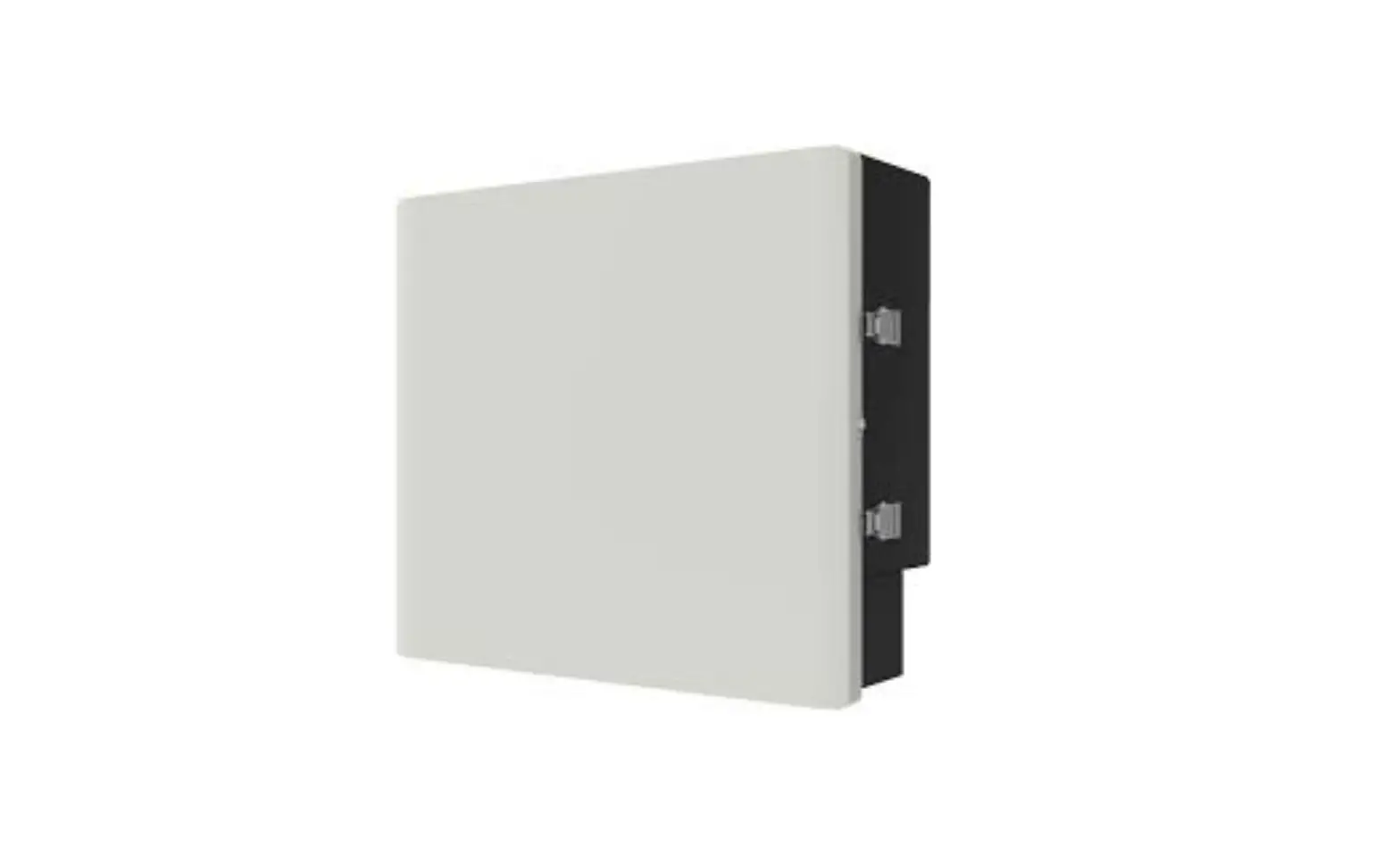
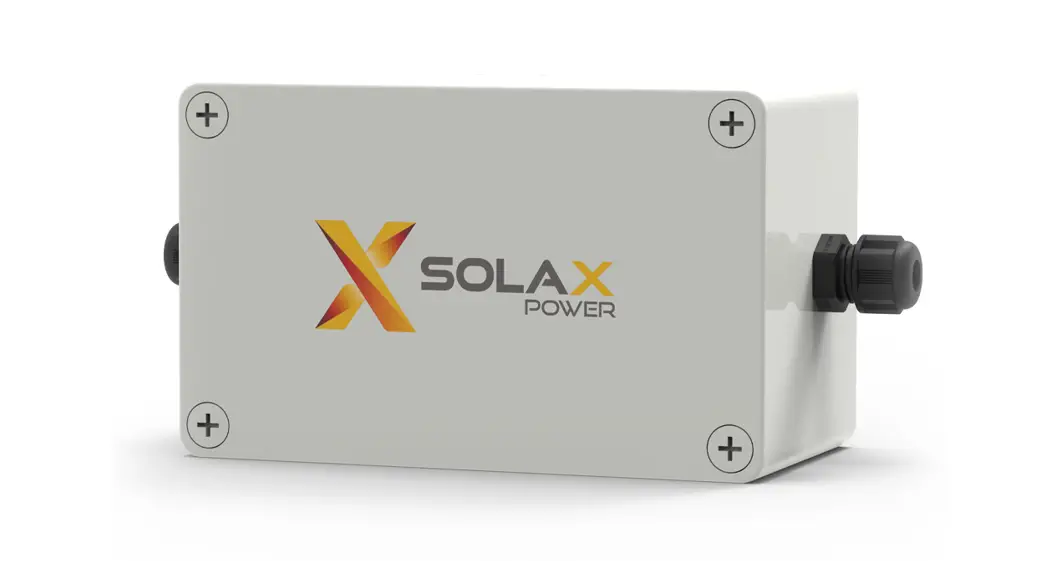
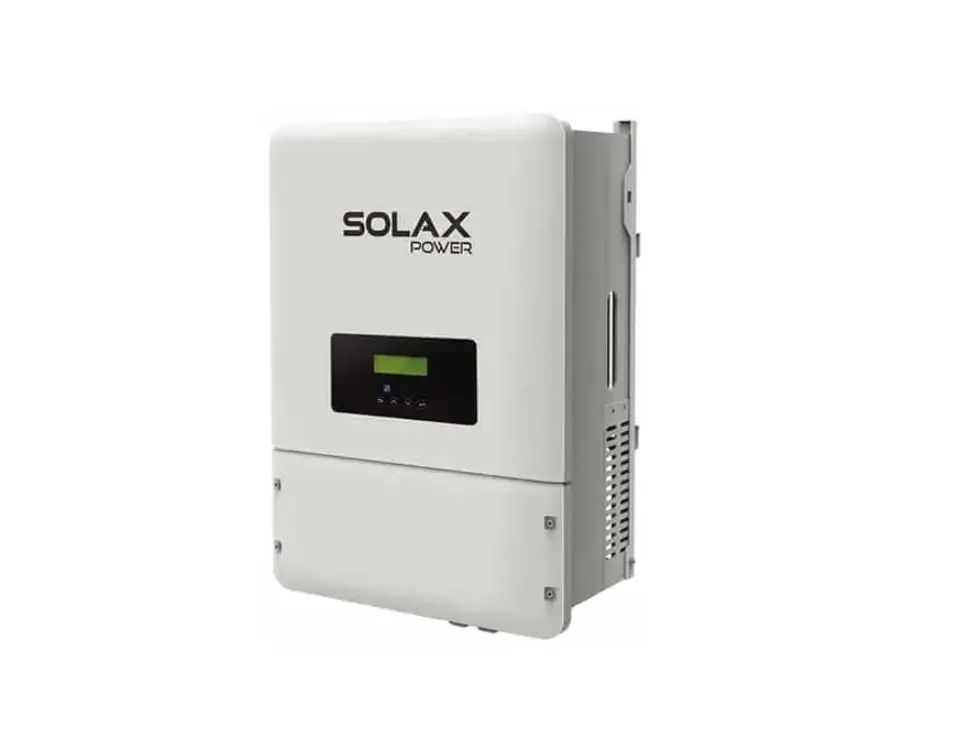
X3 Three-Phase EPS Box
Product Information
The Three-Phase EPS Box is a power steering unit that integrates
two contactors. It simplifies the operation and improves security
for users. This product is compatible with Three-phase EPS
change-over application and requires 13 wires to complete the
steering circuit. The EPS Box dimensions are 300mm x 170mm x
220mm.
Mounting Requirements
The installation site should not be exposed to direct sunlight.
The installation process requires four cushion blocks, self-tapping
screws, and a marker pen. The installation process also requires
expansion screws, expansion tubes, cold pressed terminals, silicone
sleeves, diagonal pliers, Philips screwdriver, 6 driller, crimping
plier, manual wrench, and rubber hammer.
Packing List
- Expansion screws x4
- Expansion tubes x4
- Cushion blocks x4
- Self-tapping screws x4
- Cold pressed terminals x15
- Silicone sleeves x15
Product Usage Instructions
Mounting
- Install four cushion blocks on Three-phase EPS Box with
self-tapping screws. - Use Three-phase EPS Box with cushion blocks as a template to
mark the four holes’ position on the wall with a marker pen. - Drill holes with a 6 driller carefully. Make sure the holes are
deep enough for installing. Install the expansion tubes through
cushion blocks into the holes and tighten them. - Install the expansion screws with a screwdriver to fix the
Three-phase EPS Box.
Wiring Connection
Wires Making
Prepare wires as below. Use the diagonal plier to strip 15mm of
insulation from the side of the wire.
- L wire x9 pcs
- N wire x3 pcs
- GND for EU x1 pcs (or N wire for AU x1 pcs)
If AWG-10 wires are used, pass the wires through the silicone
sleeves to avoid leakage at the insertions.
Grid-Wires Connection
Use the manual wrench to screw off the cap on the cable nut,
then insert Grid-L wires and Grid-N wires into the ports
(L1,L2,L3,L4) of contactor A through the cable nut and tighten them
with a screwdriver.
EPS-Wires Connection
Screw off the cap on the cable nut, then insert EPS-L wires and
EPS-N wires into ports (L1,L2,L3,L4) of contactor B through the
cable nut and tighten them with a screwdriver.
Load-Wires Connection
Screw off the cap on the cable nut, then insert Load-L wires and
Load-N wires into ports (T1, T2, T3, T4) of contactor C through the
cable nut and tighten them with a screwdriver.
Earth-Wire Connection
In EU, insert GND wire into port of contactor (B: L4) through
the cable nut and tighten it with a screwdriver. In AU, insert N
wire into ports of contactor(A: L4&B: L4).
300mm 170mm
Quick Installation Guide
Three-Phase EPS Box
1. Introduction
Three-phase EPS Box integrates two contactors which provide power steering for users. It is compatible with Three-phase EPS change-over application. Configured with Three-phase EPS Box, customers need to connect 13 wires to complete the steering circuit. It can simplify the operation and improve security.
2. Overview 220mm
EPS Box EPS Load
Object 1 2 3
Description EPS Grid Load
4. Mounting
Step 1:
Make sure the installation site does not expose to direct sunlight. Then install the four cushion blocks on Three-phase EPS Box with self-tapping screws.
cushion blocks
self-tapping screws
Step 2:
Use Three-phase EPS Box with cushion blocks as a template to mark the four holes’ position on the wall with marker pen.
mark position
3. Preparation
3.1Packing List Checking
Before installation, make sure that nothing inside the package is damaged. The following items should be inside the package.
1
,
,,
…
expansion screws expansion tubes
X 4
X 4
cushion blocks X 4
self-tapping screws X 4
cold pressed terminals X15
Silicone sleeves X15
3.2 Tools
Before you start, get the following tools ready.
Diagonal plier
Philips screwdriver
6 driller
Crimping plier
Marker pen
Slotted screwdriver Manual wrench Rubber hammer
01
Step 3:
Drill holes with 6 driller carefully, make sure the holes are deep enough for installing. Install the expansion tubes through cushion blocks into the holes and tighten them.
-Drill holes with 6 drill -Depth : at least 50mm
-ighten the expansion tubes
Step 4:
Install the expansion screws with screwdriver to fix the Three-phase EPS Box.
02
5. Wiring Connection
5.1 Wires making Prepare wires as below. Use the diagonal plier to trip
15mm of insulation from side of the wire.
15mm
L wire X9 pcs
15mm
GND For EU X1 pcs
15mm
, Insert wire into cable gland, then insert the end of wire into cold pressed terminal and tighten it.
N wire X3 pcs
For AU x1 pcs
If AWG-10 wires are used, please pass the wires through the silicone sleeves to aviod leakage at the insertions.
5.2 Grid-Wires Connection
Use the manual wrench to screw off the cap on cable nut, then insert Grid-L wires and Grid-N wires into the ports (L1,L2,L3,L4) of contactor A through the cable nut and tighten them with screwdriver.
cable nut contactor B
cap
Grid wires
contactor A contactor C Top View
Grid-N Grid-L Left View
Please prevent other wires from getting loose during operation.
5.3 EPS-Wires Connection
Screw off the cap on cable nut, then insert EPS-L wires and EPS-N wires into ports (L1,L2,L3,L4) of contactor B through the cable nut and tighten them with screwdriver.
cap contactor B
EPS wires
cable nut contactor A contactor C Top View
EPS-N EPS-L Grid-N Grid-L Left View
5.4 Load-Wires Connection
Screw off the cap on cable nut, then insert Load-L wires and Load-N wires into ports ( T1, T2, T3, T4) of contactor C through the cable nut and tighten them with screwdriver.
contactor B cap
load wires
cable cnounttactor A contactor C Top View
03
Load-N Load-L Right View
5.5 Earth-Wire Connection
In EU, insert GND wire into port of contactor (B: L4) through the cable nut and tighten it with screwdriver. In AU, insert N wire into ports of contactor(A: L4&B: L4) .
For EU
For AU
5.6 Checking
Please make sure all wires are tightened. Wire connection in Three-phase EPS-Box.
to EPS port of inverter to Load to E-BAR to GRID
to EPS port of inverter to Load to GRID
For EU
N wire
For AU
Overview of Three-phase EPS Box
For EU
For AU
6. Technical Parameters
Grid Max.AC input current (A)
3×63
Rated AC voltage (V)
3/N/PE~400/230
Rated AC frequency (Hz)
EPS Max.EPS input current (A) Rated EPS voltage (V) Rated EPS frequency (Hz)
50 / 60
3×63 3/N/PE~400/230
50 / 60
Load Rated output current(A), on grid mode Rated output current(A), EPS mode Rated Grid Voltage( V ) Rated Grid Frequency(Hz)
Genaral Data Operating Temperature range ( ) Dimension (mm) Weight (kg)
3×63* 3×63* 3/N/PE~400/230 50/60
-20~+60 300x220x170
4.85
* : The output current will be reduced when the operating temperature exceeds 40. At 50, the output current drops to 95% . At 60,itdropsto80%.
614.00213.03
04
 マックスサーバ... CGI、PHP、ASP、フロントページ対応...安心と快適のウェブホスティング!