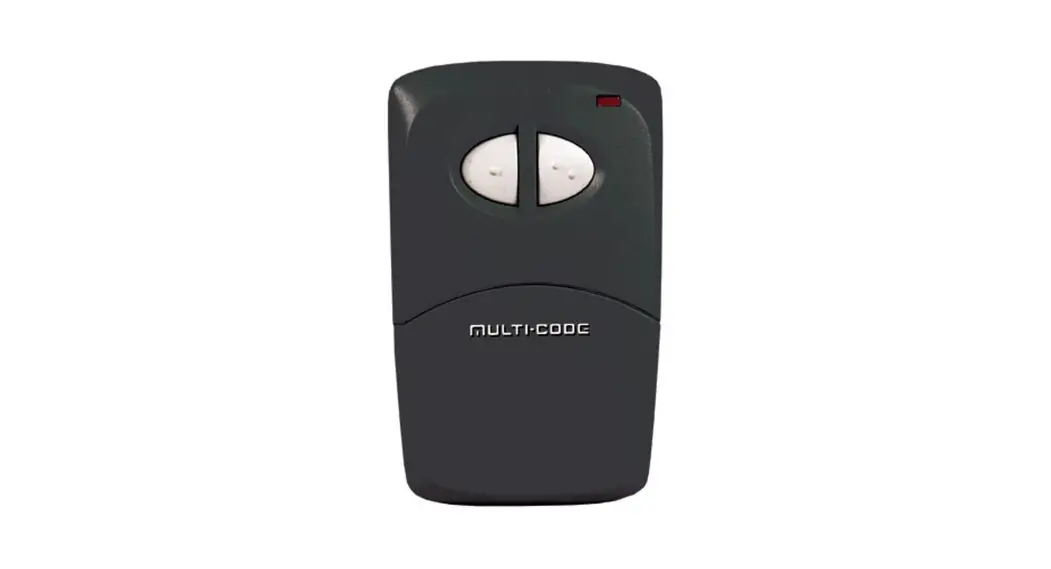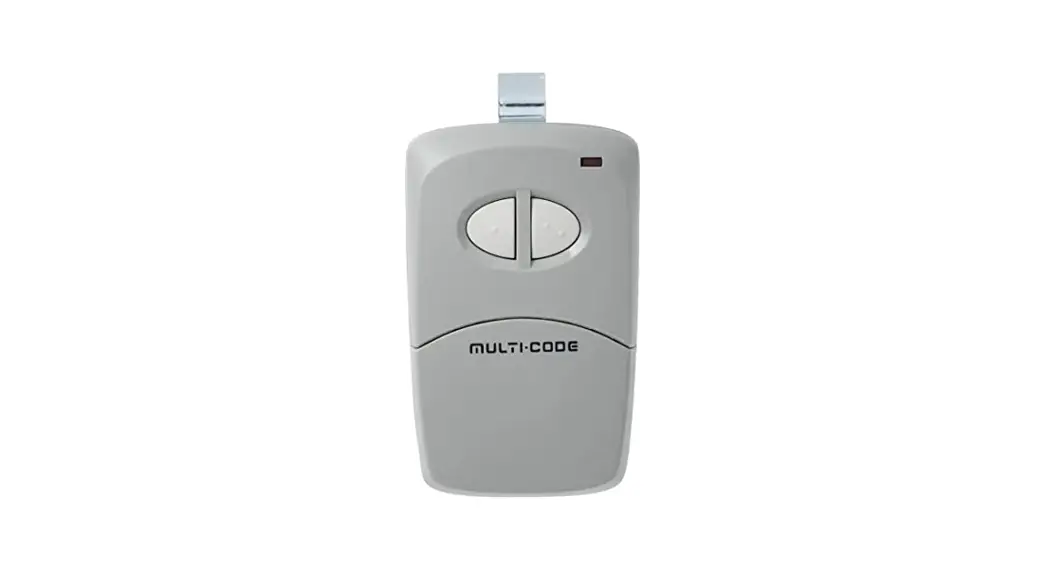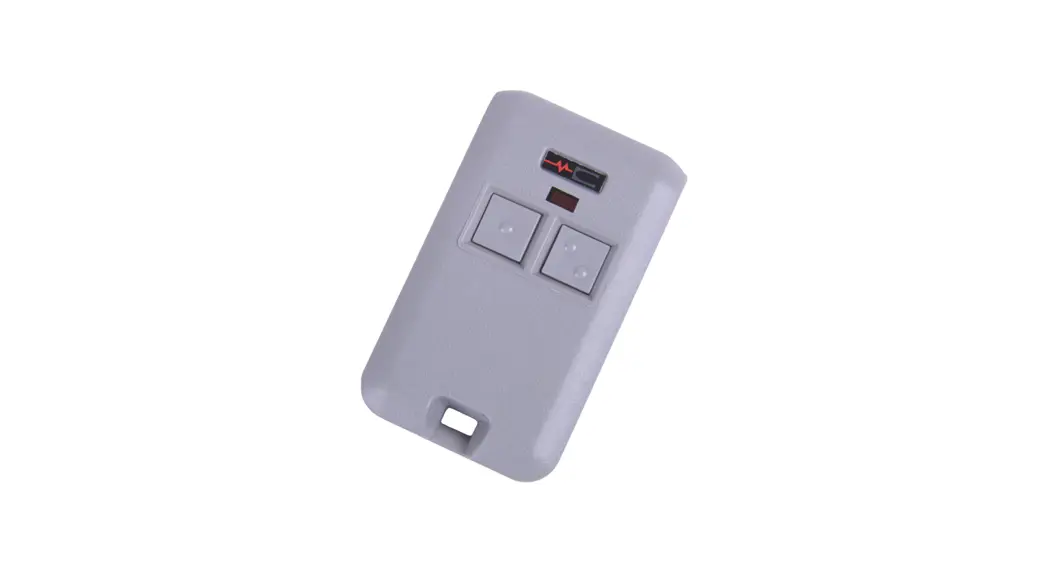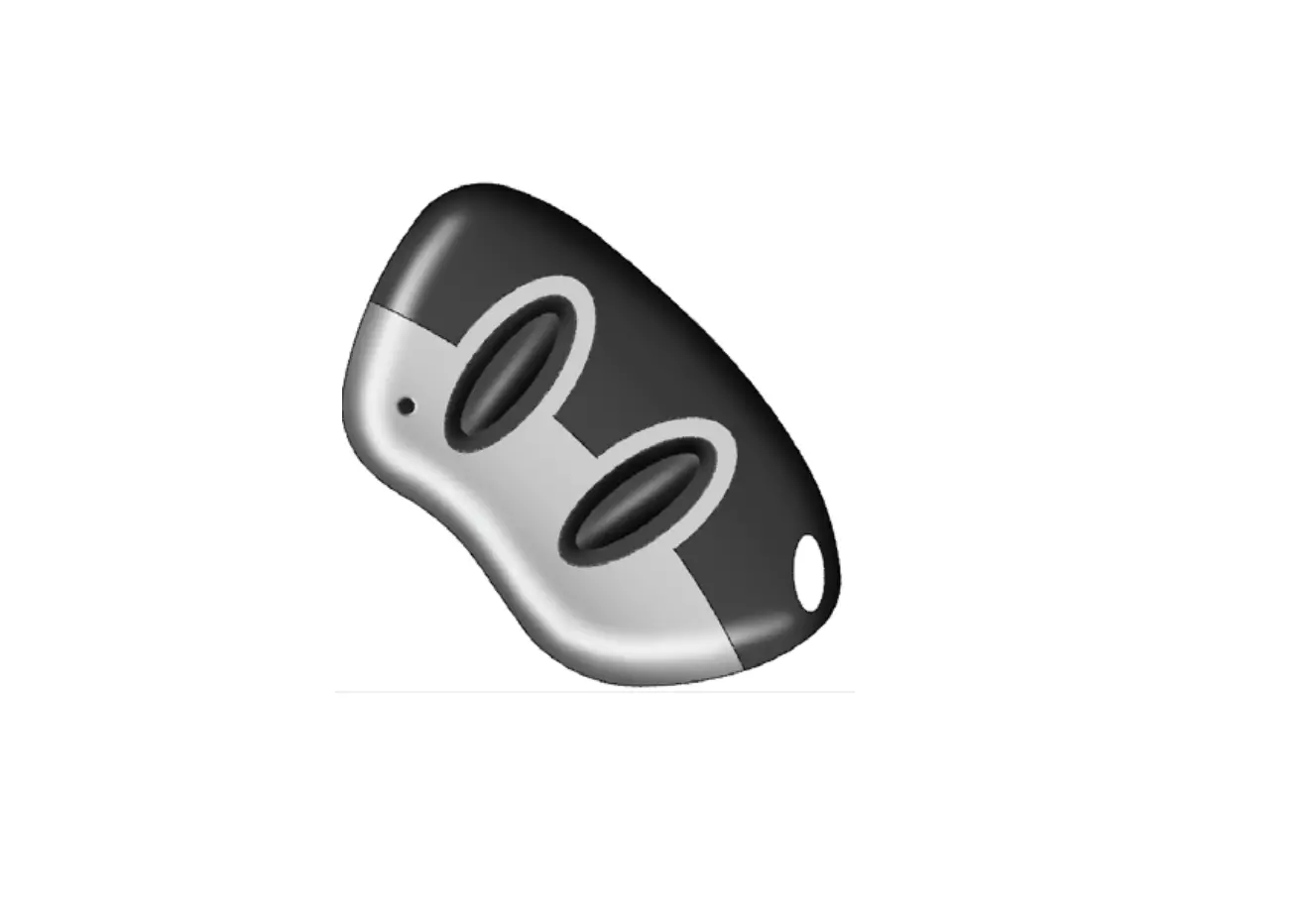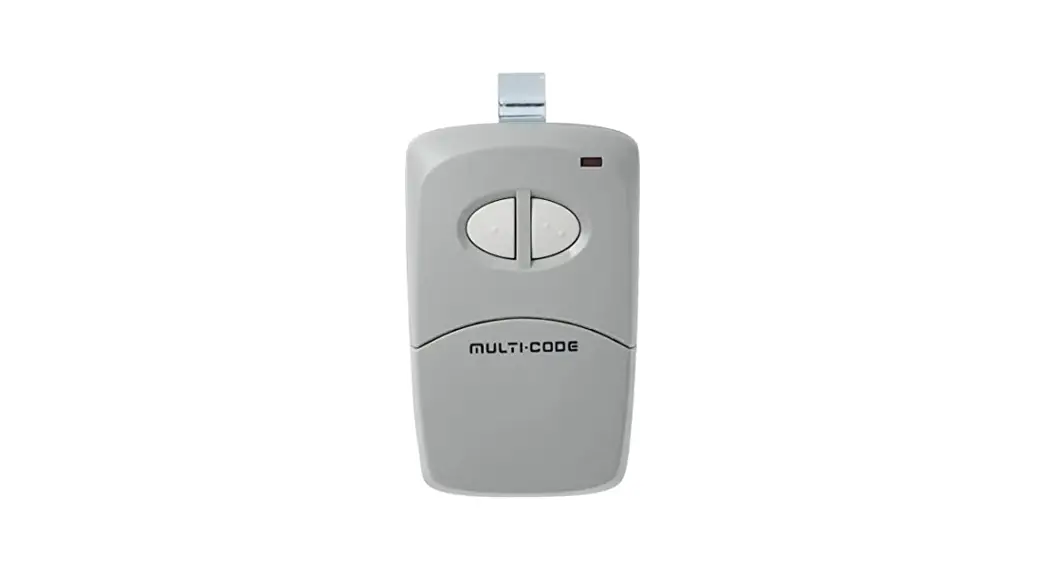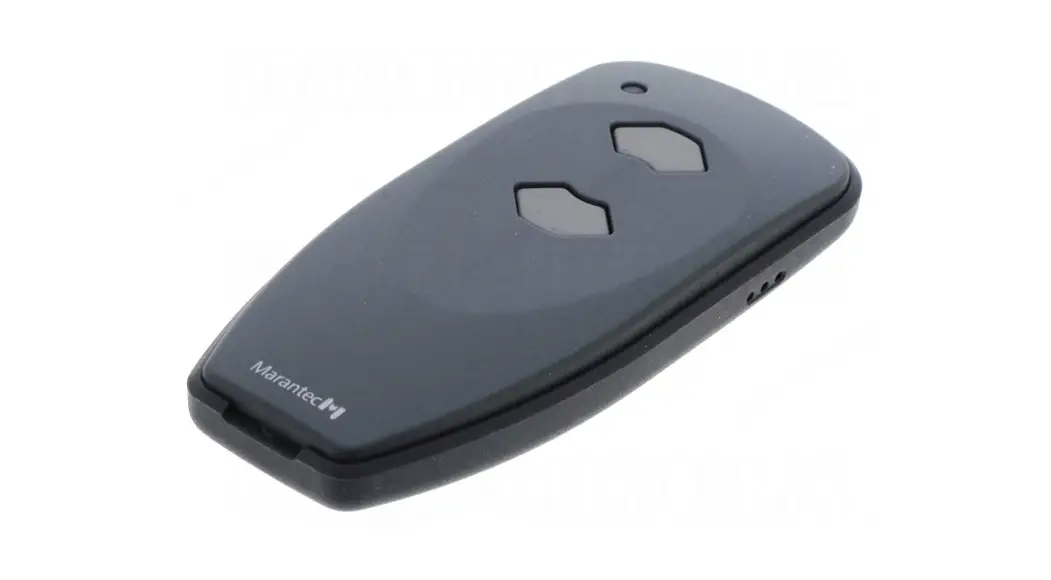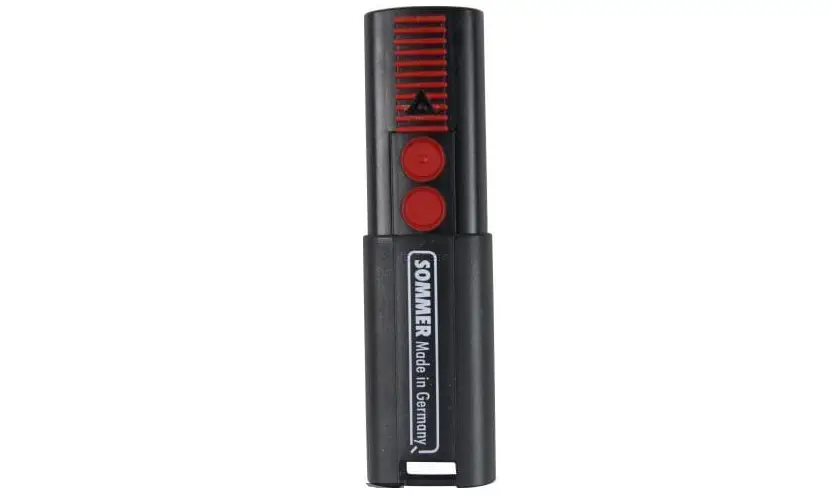

SOMMER 4026 2-Channel Transmitter  Initial operation
 Initial operation
Learning the radio code
- Press the learn button ( 1) once on the control housing.
⇒ The LED (Radio) is solid. - Press the desired transmitter button (2). The LED (Radio) flashes briefly.
⇒ If the LED (Radio) lights up for a second, the transmitter has been learned.
Programming additional transmitters. Repeat the above steps. A maximum of 20 button/storage locations for each radio receiver are available.
If no radio code is received within 10 seconds, the learning process is interrupted and has to be started again if necessary.
Light function
In order to switch the light on the opener on or off separately using the transmitter, a second transmitter button function has to be “learned in”.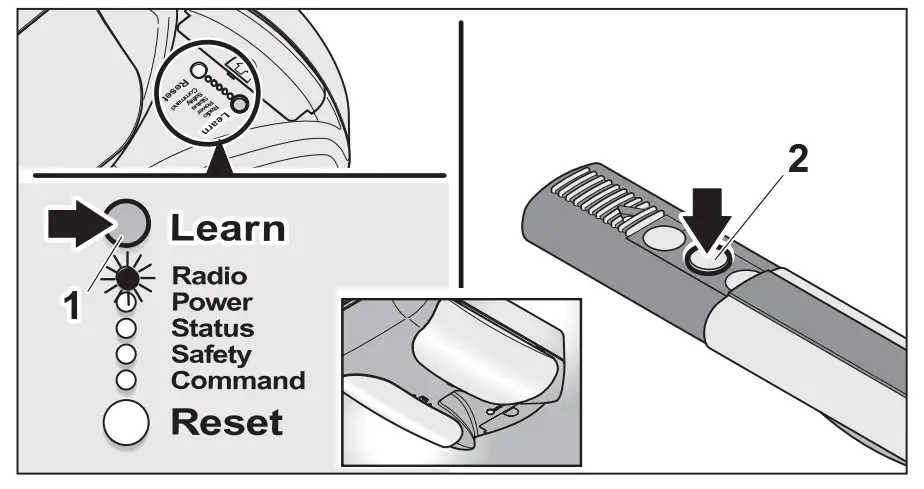
- Press the learn button ( 1) on the control housing two times. The LED (Radio) blinks briefly.
- Press the desired transmitter button (2).
⇒ When the LED (Radio) lights up for a second, the transmitter has been learned.
Other functions
Depending on the DIP switch settings, other functions such as “partial opening” or “defined operation” can be “learned in” for a second transmitter button in the same way. See chapter “Settings”.
Deleting a previously learned radio code 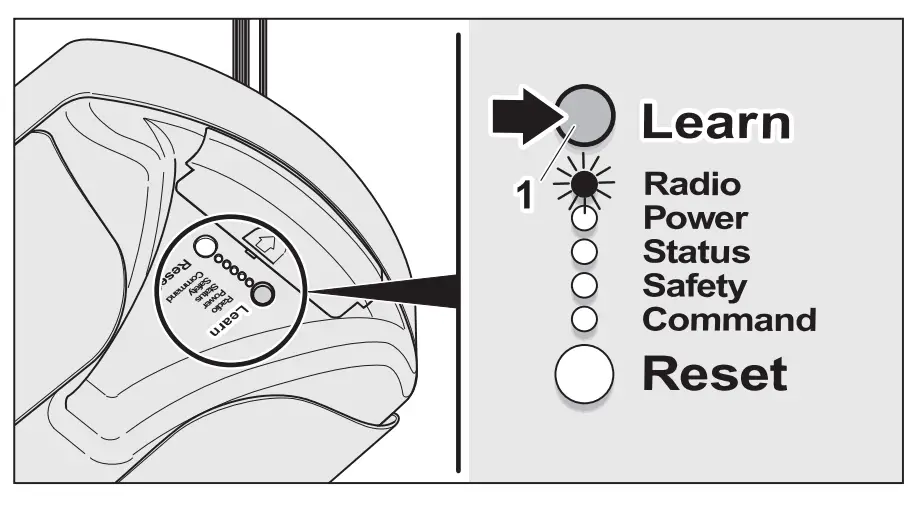
- Press the learn button ( 1) on the control housing for at least five seconds until the LED (Radio) blinks slowly.
- Press the desired transmitter button. The LED (Radio) lights up for one second.
⇒ When the LED (Radio) turns off, the radio code of this transmitter button is deleted.