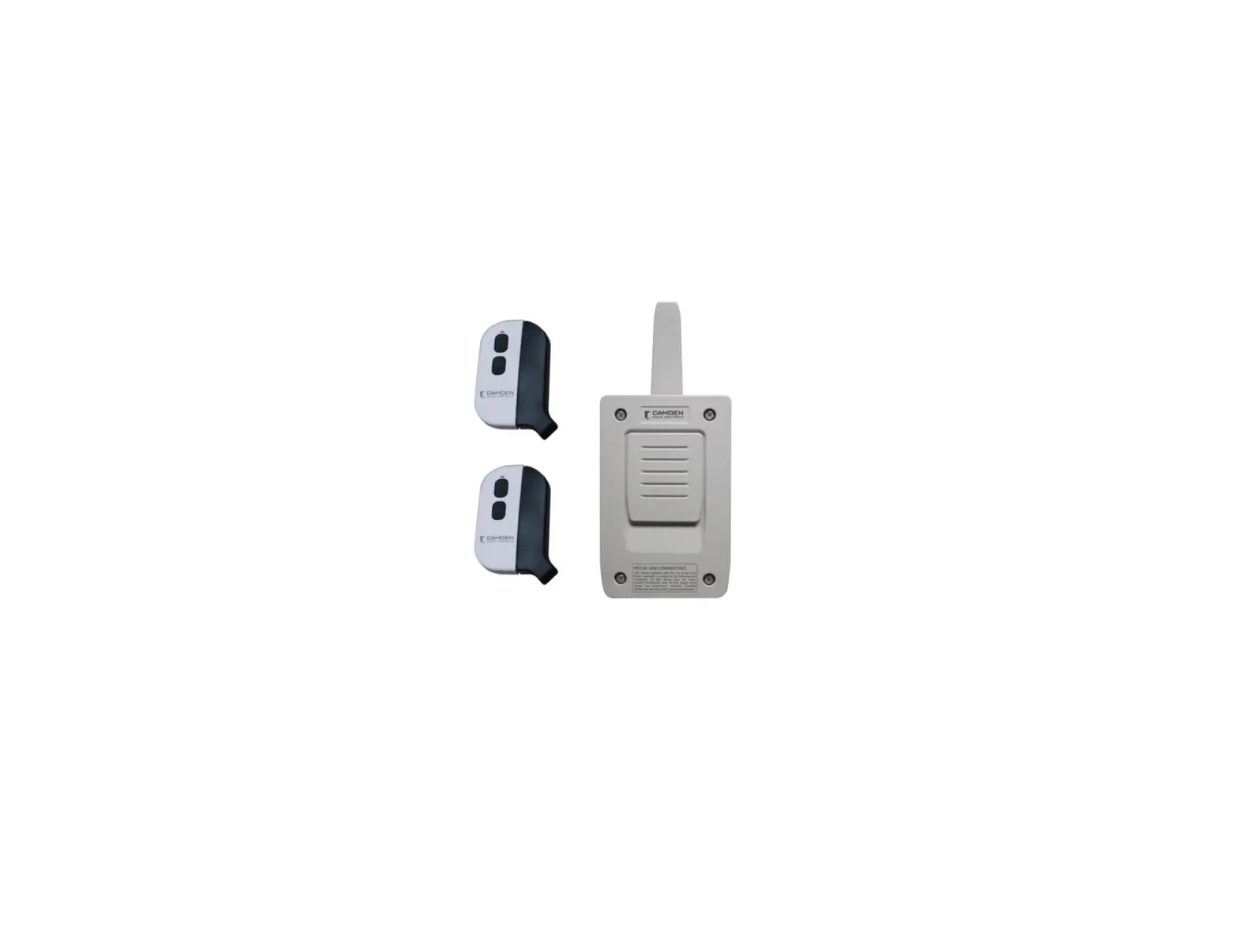
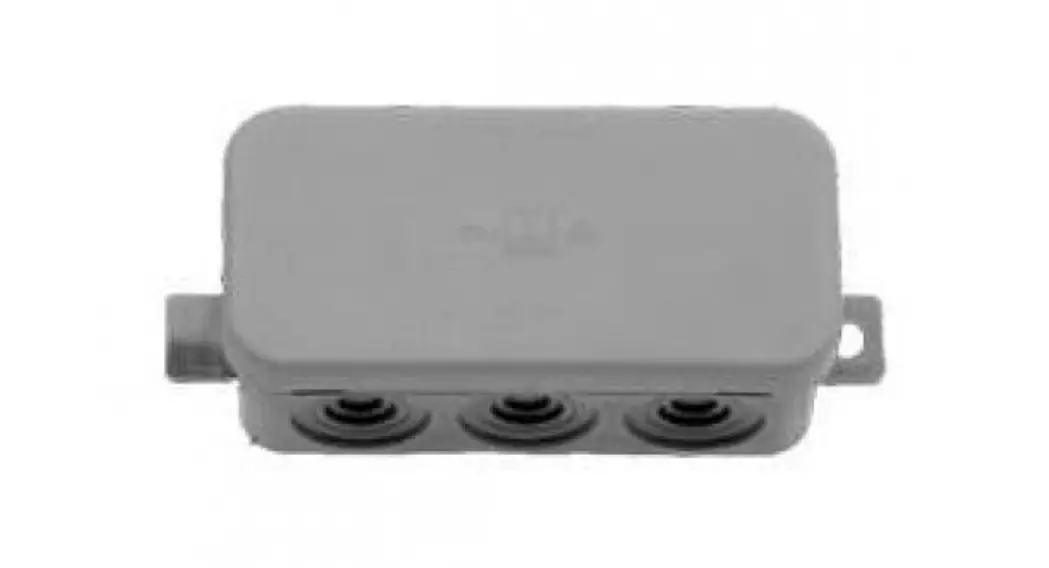
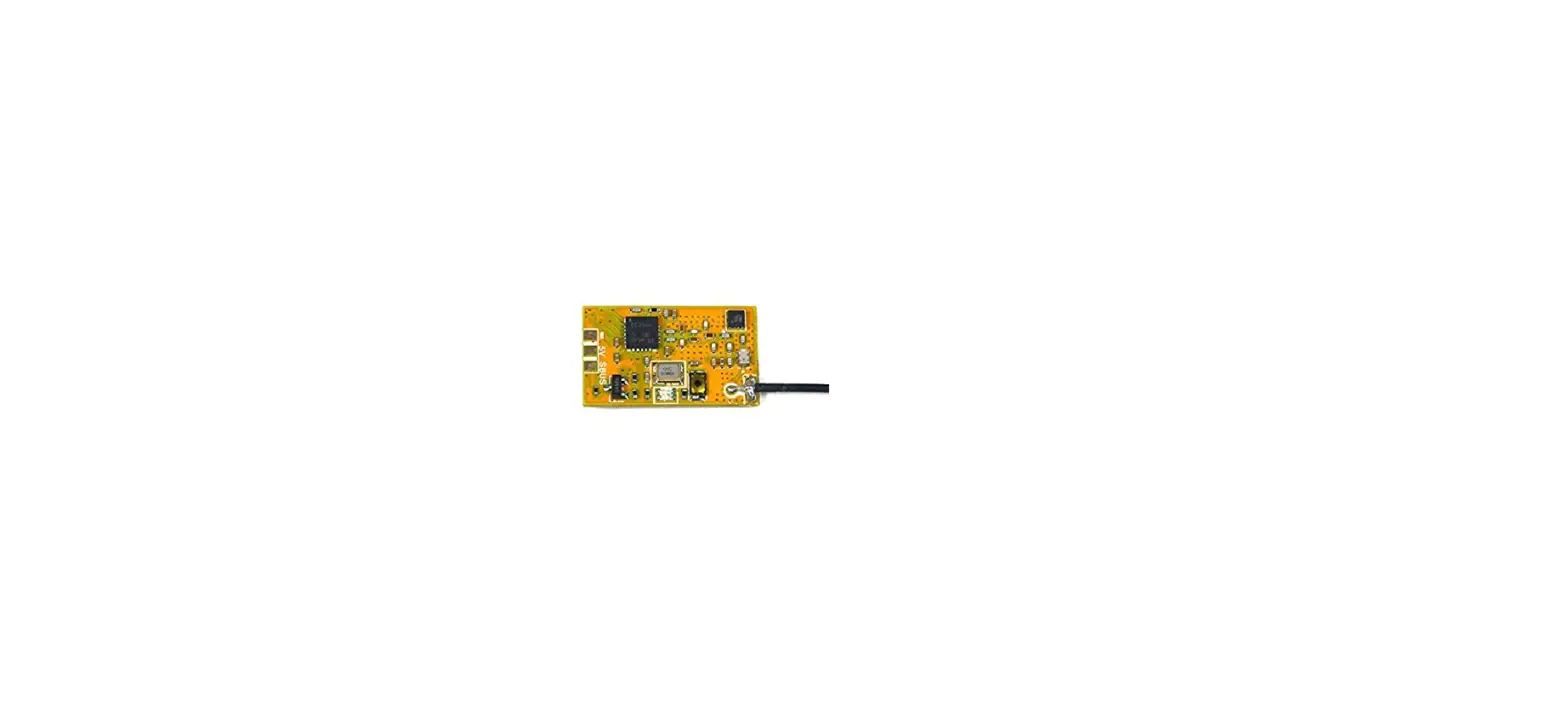
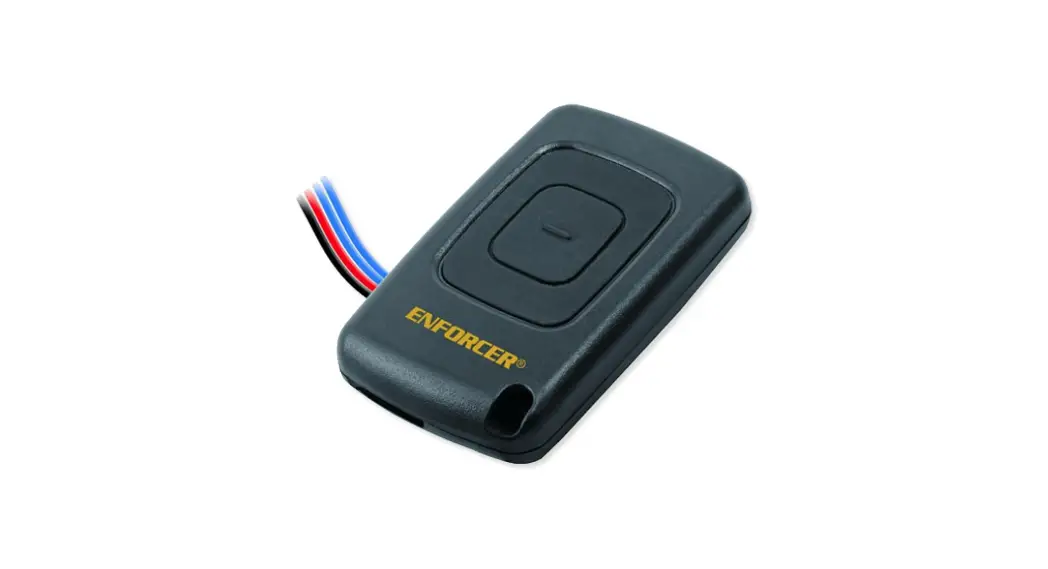
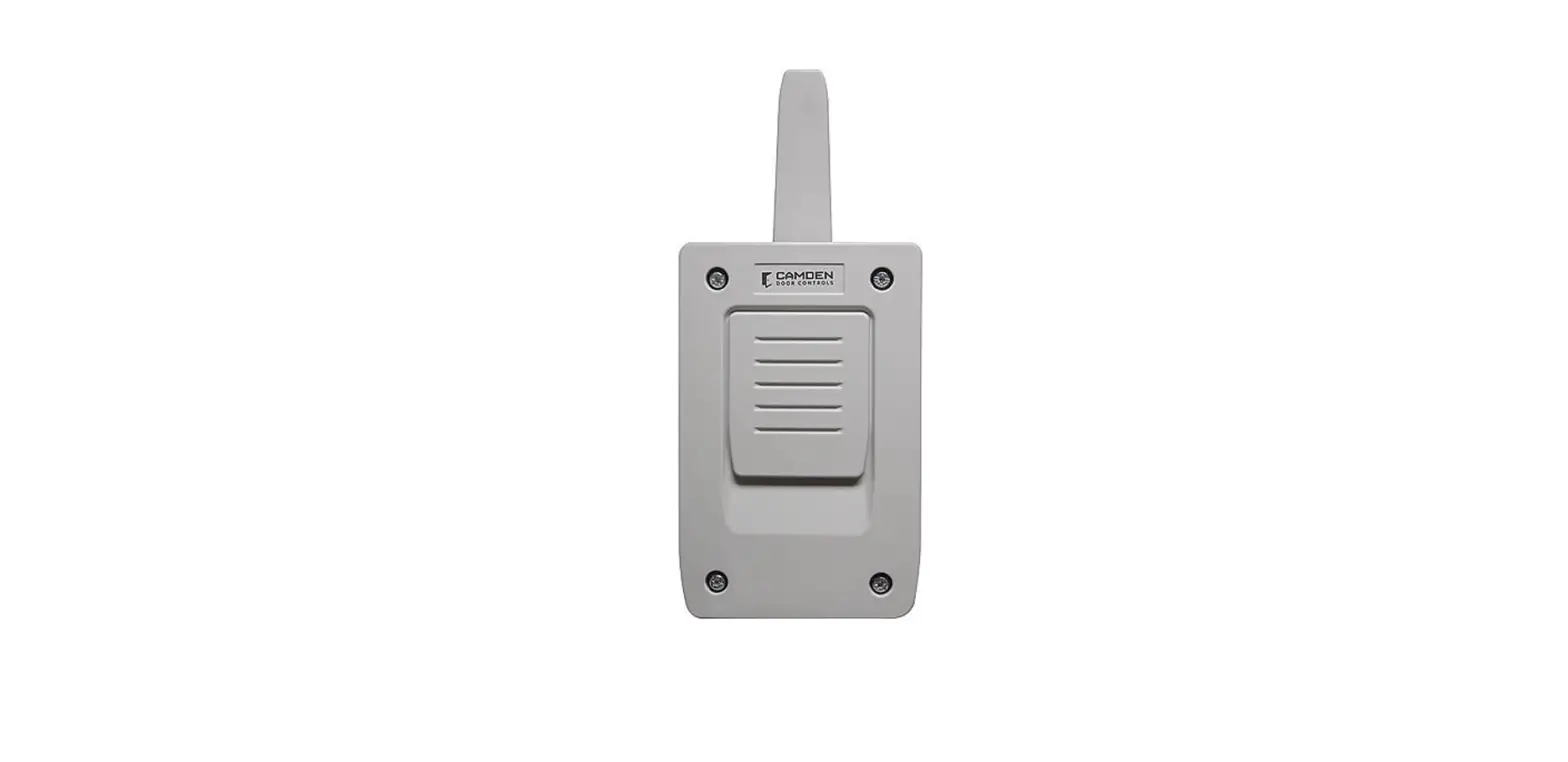
CM-SRX2 Wireless 2 Channel Receiver
Product Information: CM-SRX2 Wireless 2 Channel Receiver
The CM-SRX2 is a standalone receiver that provides access
control for up to two doors from a single device. It is ideal for
front desk/reception applications or hard-to-wire locations. The
receiver is designed to work with magnetic locks, electric strikes,
keypads, gate operators, and door operators. It includes a channel
receiver and transmitter for the second relay.
Specifications:
- Input Power
- Standby Current
- Operating Current
- Working Humidity
- Working Temperature
- Lock Relay Memory Encryption
- Number of Relays
- Frequency
- IP Rating
- Dimensions: 3-1/4 (82mm) x 7-3/8 (187mm) x 5 (127mm)
Installation:
- Attach the rear part of the housing to the wall using the plugs
and screws supplied. - Pass the cables through the bottom of the receiver.
- Connect the power cables to the 12/24V terminals marked on the
PCB board as indicated. (Left terminal is positive). - Seal and cover the receiver front cover to the base using the
screws supplied.
Operation:
The two red LED lights on the receiver flash every 5 seconds to
confirm power is applied to the receiver. Upon receiving a code,
the receiver checks whether it is in its memory, activating the
corresponding relay. The relay activation mode can be selected in
either impulse or ON/OFF using the Imp/Bis jumper. Only relay 2 can
have its mode changed by this jumper from momentary to bi-stable.
Changing the mode for relay 1 can only be accomplished at the
factory.
Programming:
The receiver is always configured in multi-channel. Each
transmitter can be configured independently on the receiver.
Manual Programming:
- The 1st relay is activated by channel 1 and the 2nd relay by
channel 2
Configuration of Transmitter Programming in the Receiver:
| LED R1 | LED R2 |
|---|---|
| Flashing | Flashing |
| ON | OFF |
| OFF | ON |
| ON | ON |
Special Programming:
- Press the transmitter channel to activate relay 1 on the
receiver: LED R1 – ON, LED R2 – OFF - Press the transmitter channel to activate relay 2 on the
receiver: LED R1 – OFF, LED R2 – ON - Press the transmitter channel to activate both relays at once:
LED R1 – ON, LED R2 – ON (If working in latching/bi-stable ON/OFF
activation mode, relay 1 will act as impulse and relay 2 as ON/OFF.
Therefore, on the first press relay 1 will close and open the
contact and relay 2 will only close. On the second, relay 1 will
close and open the contact and relay 2 will open.)
CM-SRX2 Wireless 2 Channel Receiver
INSTALLATION INSTRUCTIONS
THIS PACKAGE INCLUDES:
(1) CM-SRX2 Receiver (1) User Manual (2) Wall Plugs (used for mounting)
(2) Self Tapping Screws (used for mounting) (1) Grommet
1. DESCRIPTION
The CM-SRX2 is a standalone receiver that allows access control up to two doors from one device. Ideal for front desk/ reception applications or hard-to-wire locations. Designed to work with magnetic locks, electric strikes, keypads, gate operators and door operators. Kits include channel receiver and transmitter.
· Transmitter can be mounted inside or outside. IP65 rated
· Rolling code encryption · Field configurable latching/bi-stable mode keeps doors
unlocked until button is pressed again · Receiver can be controlled by up to 30 transmitters · Receiver relay mode is either momentary or bi-stable
for 2nd relay.
2. SPECIFICATIONS
3. DIMENSIONS
3-1/4″ (82mm)
7-3/8″ (187mm)
5″ (127mm)
FCC ID: U5Z-CONNECT4CC
This device complies with Part 15 of the FCC Rules. Operation is subject to the following two conditions: (1) this device may not cause harmful interference, and (2) this device must accept any interference received, including interference hat may cause undesired operation.
Input Power Standby Current Operating Current Working Humidity Working Temperature Lock Relay Memory Encryption
Number of Relays
Frequency IP Rating
Dimensions
12V or 24V AC/DC 18mA (Input VDC12V) 80mA (Input VDC12V) 0-95% -20°C to 85°C (-4°F to 185°F) 1A @ 30VDC 30 codes Rolling code 2 relays; 1ST relay momentary, 2ND momentary or latching/bi-stable 868.35 MHz 65 with grommet 7-3/8″ W x 3-1/4″ H x 1-5/8″ D (187mm x 82mm x 42mm)
1-5/8″ (42mm)
5/8″ (15mm)
1/8″ (4mm)
Mounting Hole ( 2 Places )
1/16″ (2mm)
3-7/8″ (97mm)
1-5/8″ (41mm)
Page 1 of 3
4. INSTALLATION
CM-SRX2 Wireless 2 Channel Receiver
INSTALLATION INSTRUCTIONS
1. Antenna Connection
2. Jumper 12/24V 3. Channel 1 Operation LED 4. Channel 2 Operation LED 5. Programming Push Button 6. Jumper Reset
7. Microswitch Impulse/ Bi-Stable
8. Power Supply
9. Relay 1 Output
10. Relay 2 Output
11. Memory Card Connection
Attach the rear part of the housing to the wall using the plugs and screws supplied. Pass the cables through the bottom of the receiver. Connect the power cables to the 12/24V terminals marked on the PCB board as indicated. (Left terminal is positive) Seal and cover the receiver front cover to the base using the screws supplied.
5. OPERATION
The two red LED lights flash every 5 seconds to confirm power is applied to the receiver. Upon receiving a code, the receiver checks whether it is in its memory, activating the corresponding relay.
The relay activation mode is selected in either impulse or ON/OFF using the Imp/Bis jumper. Only relay 2 can have its mode changed by this jumper from momentary to bi-stable.
Changing the mode for relay 1 can only be accomplished at the factory. (Contact sales for details.)
6. PROGRAMMING
Manual programming
Press the receiver programming button for 1 sec. and an acoustic signal will be heard. The receiver will enter programming (see table below). If the receiver programming button is held pressed down, the receiver will sequentially go from one configuration to the next. Once the programming configuration for the transmitter to be registered has been chosen, send the code to be programmed by pressing the respective transmitter button (1 or 2). Every time a transmitter is programmed, the receiver will issue an acoustic signal for 0.5 seconds for confirmation. After 10 seconds without programming or pressing the first two transmitter buttons, the receiver will automatically exit programming mode while beeping one second twice. If upon programming a transmitter the receiver memory is full, the receiver will emit 7 beeps of 0.5 seconds and exit programming.
The receiver is always configured in multi-channel.
Configuration of Transmitter Programming in the Receiver
LED R1
LED R2
The 1st relay is activated by channel 1 and the 2nd relay by channel 2
Flashing
Flashing
Special Programming
Press the transmitter channel to activate the relay 1 on the receiver
ON
OFF
Press the transmitter channel to activate the relay 2 on the receiver
OFF
ON
Press the transmitter channel to activate the two relays at once *
ON
ON
* If working in latching/bi-stable ON/OFF activation mode, relay 1 will act as impulse and relay 2 as ON/OFF. Therefore, on the first press relay 1 will close and open the contact and relay 2 will only close. On the second, relay 1 will close and open the contact and relay 2 will open.
NOTE: Each transmitter can be configured independently on the receiver.
Page 2 of 3
CM-SRX2 Wireless 2 Channel Receiver
INSTALLATION INSTRUCTIONS
Total Reset
In programming mode, press the programming button down and simultaneously short the “MR” jumper for 3 seconds. The receiver will issue 10 short acoustic warning signals followed by others at a faster pace to indicate that the operation has been successful. The receiver is now in programming mode. After 10 seconds without programming or quickly pressing the programming button, the receiver will exit programming mode, issuing two, one second beep signals.
NOTE: This equipment has been tested and found to comply with the limits for a Class B digital device, pursuant to part 15 of the FCC Rules. These limits are designed to provide reasonable protection against harmful interference in a residential installation. This equipment generates, uses and can radiate radio frequency energy and, if not installed and used in accordance with the instructions, may cause harmful interference to radio communications. However, there is no guarantee that interference will not occur in a particular installation. If this equipment does cause harmful interference to radio or television reception, which can be determined by turning the equipment off and on, the user is encouraged to try to correct the interference by one or more of the following measures:
· Reorient or relocate the receiving antenna. · Increase the separation between the equipment and receiver. · Connect the equipment into an outlet on a circuit different from that to which the receiver is connected. · Consult the dealer or an experienced radio/TV technician for help
Opening New Doors to
Call: 1.877.226.3369 / 905.366.3377
Innovation, Quality, and Support! Visit: www.camdencontrols.com
File: 40-82B315 CM-SRX2 Instructions Manual.Indd Rev: 0 | Date: November 2, 2022 Part No.: 40-82B315
Page 3 of 3