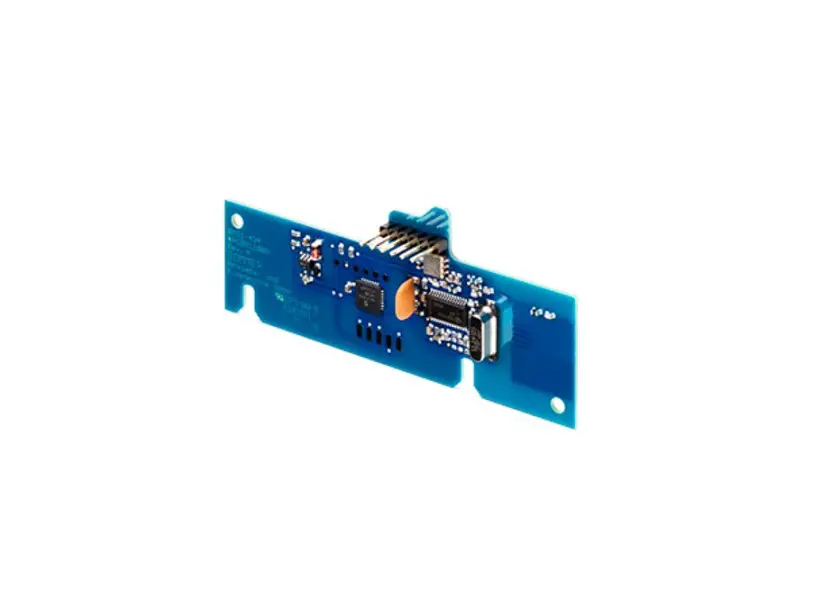
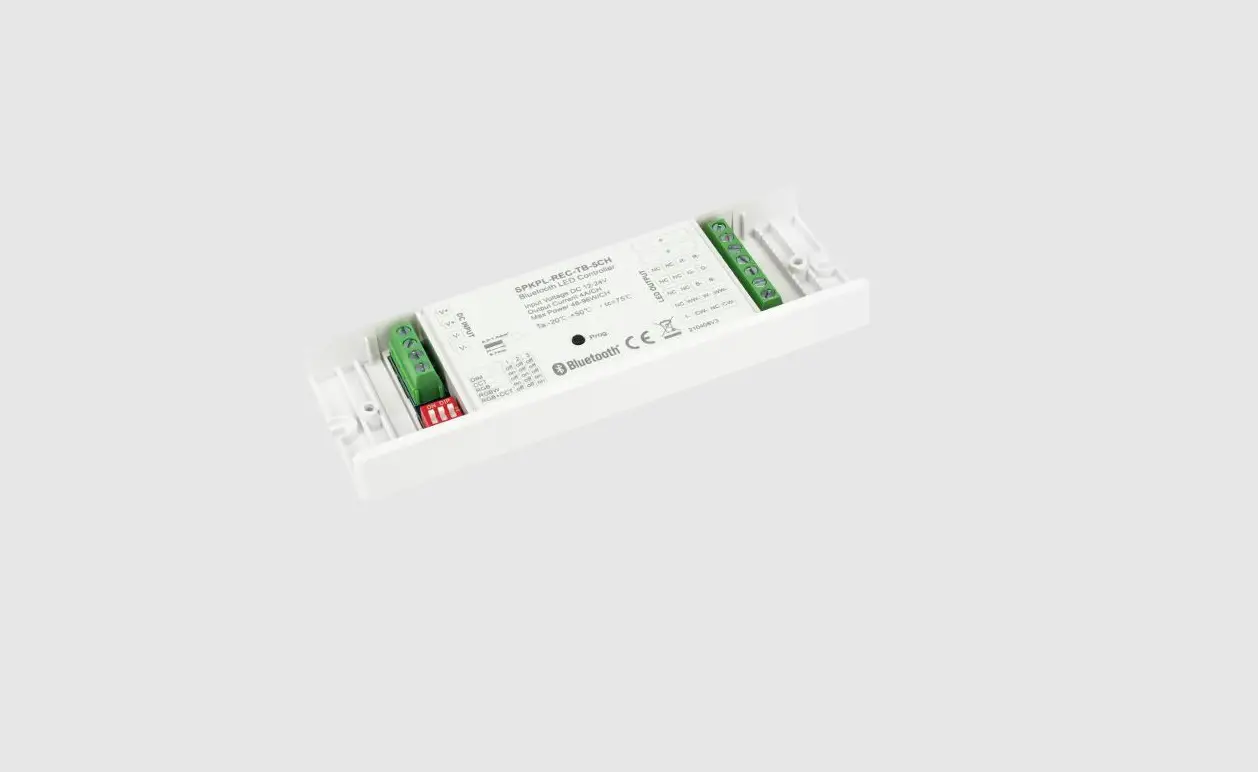
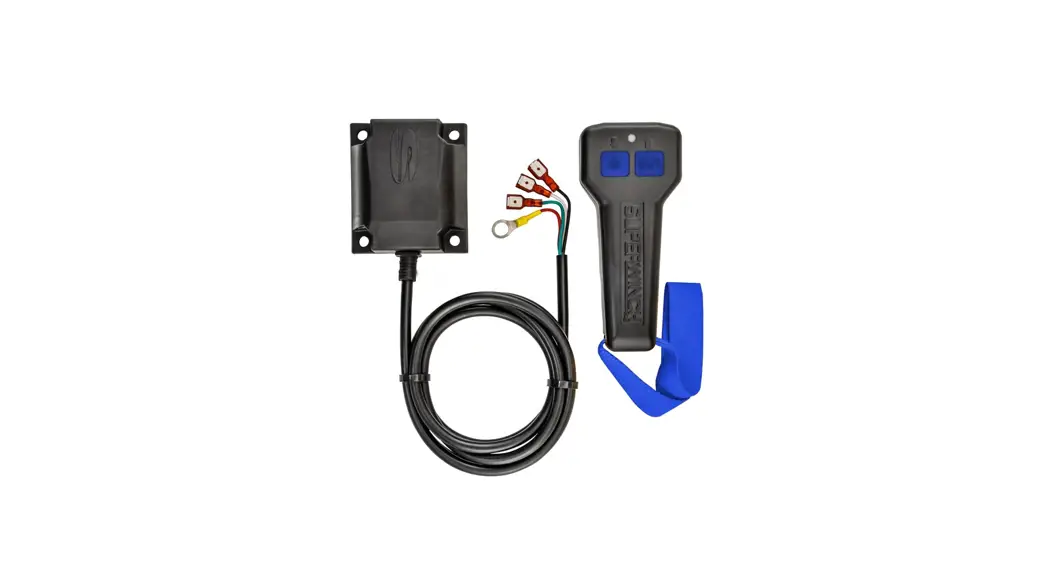
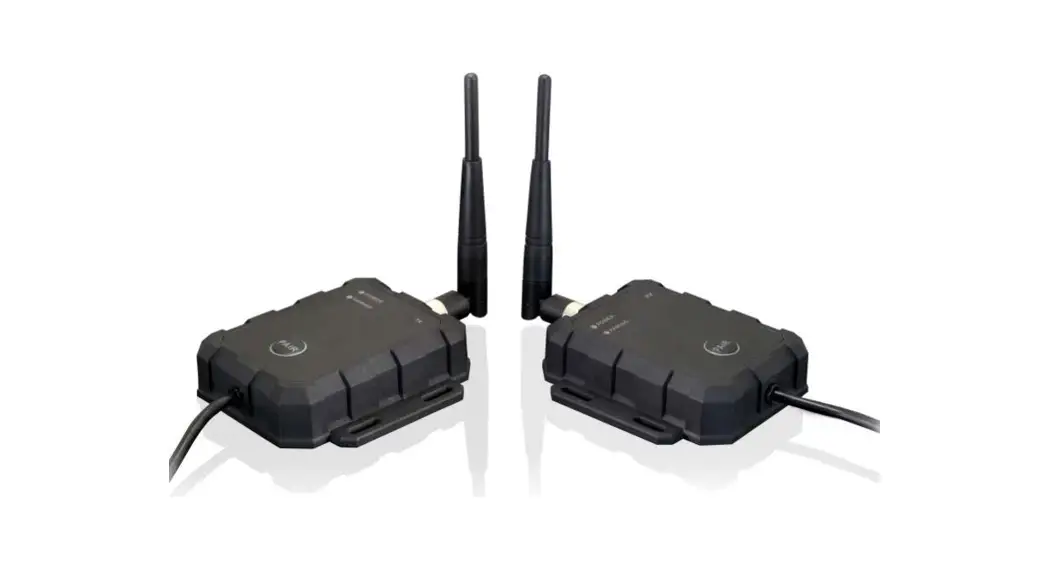
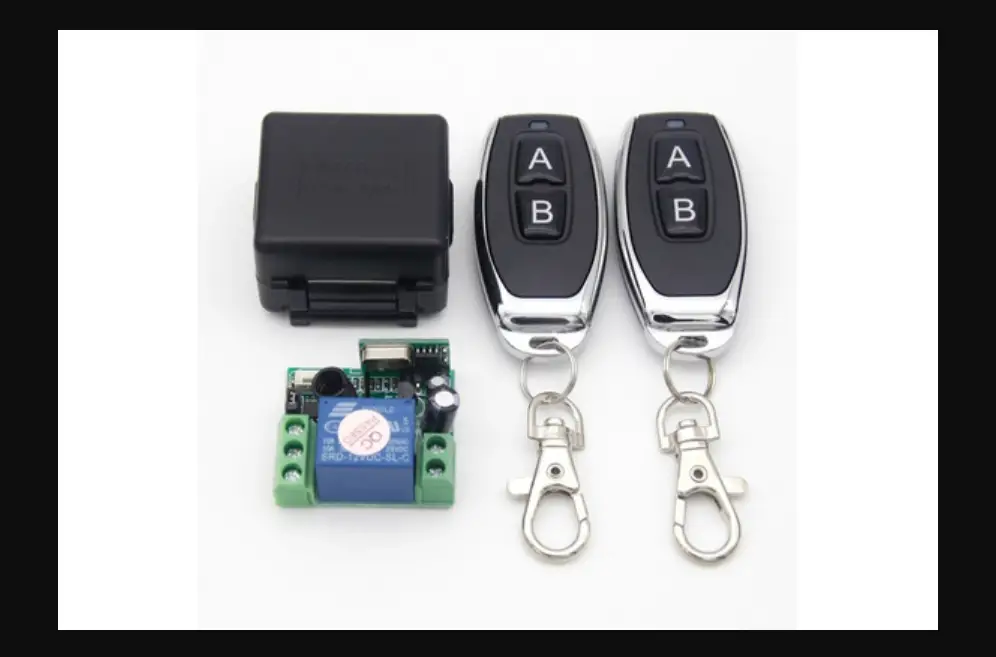
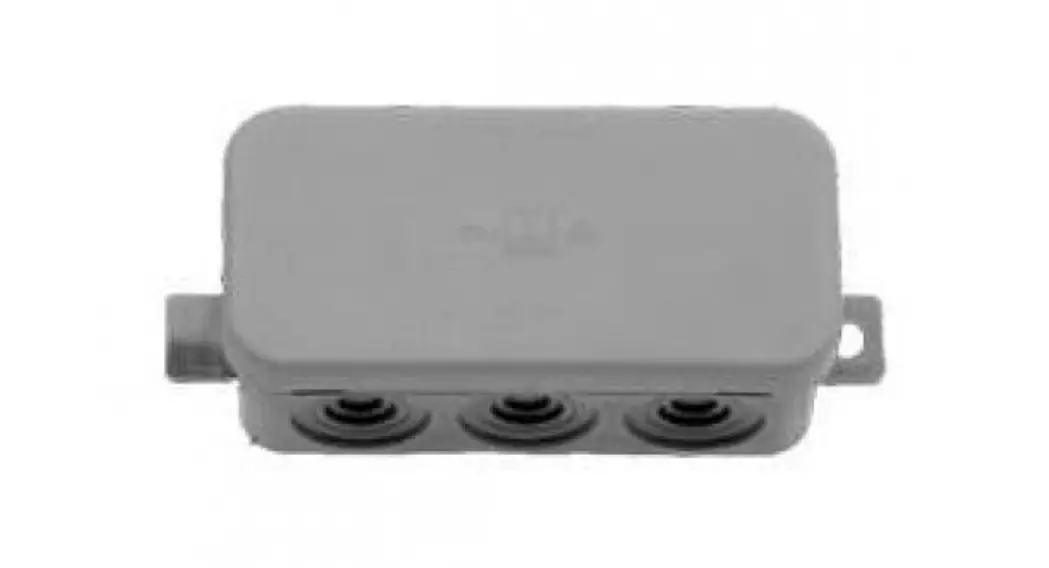
SPWRK-V02 Wireless Receiver Kit
Product Information
This is the Operation & Installation Manual for the Wireless
Receiver Kit, model SPWRK-V02. The kit is designed to be used with
the indoor unit and wireless remote control switch. It is important
to read this manual carefully before installation for correct
performance.
The package includes various parts such as screws, clamps, and
fixing cables, which are necessary for installation. Please check
the contents and number of parts before proceeding with the
installation.
The wireless receiver kit should be installed near the indoor
unit. There are specific guidelines to follow to ensure proper
installation:
- Install the receiver kit and indoor unit at the same time.
- If installing the receiver kit after the indoor unit, turn off
the power source of the indoor unit. - Ensure that the distance between the receiver kit and the
indoor unit is shorter than 5m. - Ensure that the distance between the receiver kit and any EMI
source is larger than 3m.
Once installed, the wireless receiver kit should be connected to
the terminals A and B of the terminal board in the indoor unit’s
electrical control box.
There are also optional functions available for the SPWRK-V02
model, such as emergency run, defrost mode, cool mode, filter
timer, and heat mode. These functions can be set using the dip
switch located under the cover of the receiver kit.
Product Usage Instructions
- Before starting the installation, carefully read the manual and
gather all the necessary parts included in the package. - Install the wireless receiver kit and indoor unit
simultaneously. If installing the receiver kit after the indoor
unit, ensure that the power source of the indoor unit is turned
off. - Check that the distance between the receiver kit and the indoor
unit is shorter than 5m, and the distance between the receiver kit
and any EMI source is larger than 3m. - To install the wireless receiver kit onto the wall or ceiling,
follow these steps:- Prepare a field-supplied box.
- Insert the cable into the rigid metal conduit.
- Fix the fixing bracket of the kit using a field-supplied
screw. - Attach the cover.
- Check that the cable is not loose.
- Remove the cover of the indoor unit electrical control box and
connect the cable to terminals A and B of the terminal board
(white). Secure any remaining cable length using a factory-supplied
band and place them inside the electrical control box. - For optional functions, open the lid of the cover on the
wireless receiver kit. Use the dip switch (SW3) located inside to
set functions such as emergency run, defrost mode, cool mode,
filter timer, and heat mode.
Operation & Installation Manual for Wireless Receiver Kit
Model: SPWRK-V02
Do NOT turn ON the power source, unless the preparation for test running is completed.
Read this manual carefully before installation work for correct performance. Read this manual together with the “Installation & Maintenance Manual” for the indoor unit and
Wireless Remote Control Switch. is the blank box for checking. Mark the blank box for the item after checking.
1. Before Installation and Operation
1) This packing contains the following parts. Check the contents and number of the parts.
Model
Name
Q’ty
Remarks
Band
1
For Fixing Cable
Screw
2
For Fixing Receiver Kit
SPWRK-V02
Screw Screw
2
For Fixing Clamp
2
For Fixing Receiver Kit
Screw
2
For Fixing Receiver Kit
Clamp
2
For Fixing Cable
1
2. Installation of Wireless Receiver Kit
SPWRK-V02
NOTE:
Install the receiver kit onto the wall or ceiling near the indoor unit.
1) Install the wireless receiver kit and indoor unit at the same time. 2) In case that the wireless receiver kit is installed after installing the
indoor unit, turn OFF the power source of the indoor unit. 3) Check to ensure that the distance between the wireless receiver kit
and the indoor unit is shorter than 5m. 4) Check to ensure that the distance between the wireless receiver kit
and the EMI Source is larger than 3m. 5) Remove the cover by using slotted screwdriver. 6) Install the wireless receiver kit onto the wall or ceiling as follows:
Cover
Slot
Holding Bracket
(1) Prepare the following box (Field-Supplied).
(2) Insert the cable into the rigid metal conduit.
Rigid Metal Conduit Screw (M4) (Field-Supplied)
Cable
(3) Fix the fixing bracket of kit by using screw (Field-Supplied).
Cable
Screw (Field-Supplied)
This figure shows the case of Switch Box for 1 Controller.
(4) Attach the cover same as A-(4).
Box (Field-Supplied)
(Step 1) Hooking Part
(Step 2) Click Sound.
Cover
Check to ensure that cable is not loosen.
2
(5)Remove the cover of indoor unit electrical control box and connect the cable to the terminals A and B of the terminal board (white).
After connecting the cable, bind up the remaining cable length portion by band (Factory-Supplied) and put them in the electrical control box.
Terminal Board (White)
Printed Circuit Board
Electrical Box for Indoor Unit
Mark Band “A”
Mark Band “B”
Cable for Wireless Receiver Kit Example
NOTES: Protective box recommend size 3-59/64in.(99.5) by 3-41/64in. (92.5) by 1-3/8in.(35) mm, fixed hole center is 3 5/64in.(78) mm. Receiver panel with transparent plastic protective film, the official may required removed according to user. Remove the cover by using slotted screwdriver. When the back cover installation, to tidy up wiring, attention to the back cover marked “switch” that justify the board of SW1 switch position. If not according to the requirements of sequenced
operations,may cause install or remove substrate difficulties.
3
3. Optional Functions
SPWRK-V02
1)Optional Function Setting Open the lid of cover so that the following functions are available.
EMERGENCY RUN
DEF
COOL
FILTER TIMER
HEAT
Switch “COOL” Switch “HEAT”
Hole for Cable
9
Dip Switch (SW3) (Factory Setting)
Cover
Printed Circuit Board
Base
2) Optional Setting for Dip Switch (SW3)
Operation Function Setting of Sub Receiver Kit Identifying of Indoor Units
: ON, : OFF
Dip Switch Setting (SW3)
1
2
3
4
4
4. Others
1) Proceed the “TEST RUN” mode by using “Operation & Installation Manual” for the wireless remote control switch. Turn OFF all power sources before setting the dip switches.
2) Emergency Operation Setting (Refer to the figure of the item 3 “Optional Functions”.) In case that wireless remote control switch is unusable by batteries shortage, etc., perform emergency operation as follows.
(1) Switch “COOL”: Press “COOL” so that the cooling operation is started. Press “COOL” again so that the cooling operation is stopped.
(2) Switch “HEAT”: Press “HEAT” so that the heating operation is started. Press “HEAT” again so that the heating operation is stopped.
NOTE: During the emergency operation, the LED (yellow) blinks (0.5 second ON / 0.5 second OFF).
3) Alarm Code Indication · In case that some trouble occures because of activation of safety device, etc., “RUN” (red lamp) blinks (0.5 second ON / 0.5 second OFF). · Refer to the Installation Manual for outdoor unit about Alarm Code List. · Alarm Code indicates the blinking times of “DEF” (green lamp) and “FILER” (yellow lamp) as shown bellow. “DEF” (green lamp): The blinking is shown at the 2 digit of Alarm Code “FILTER” (yellow lamp): The blinking is shown at the 1 digit of Alarm Code (Alphabet Code: A=10 times, B=11 times, C=12 times, …..)
– Example –
Alarm 3 5
“FILTER” (yellow lamp) “DEF” (green lamp)
“DEF” blinks 3 times (0.5 second ON / 0.5 second OFF) “FILTER” (yellow lamp) blinks 5 times (0.5 second ON / 0.5 second OFF)
· “Run” (red lamp) blinking (1 second ON / 1 second OFF) indicates abnormal transmitting between Indoor Units and Outdoor Unit.
5
08.2022 V00