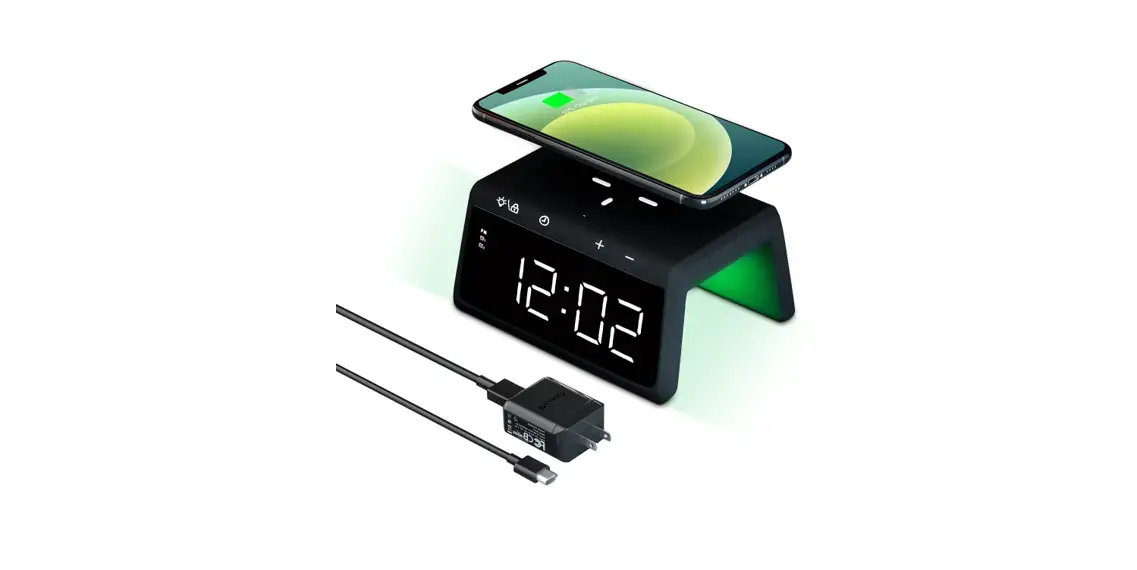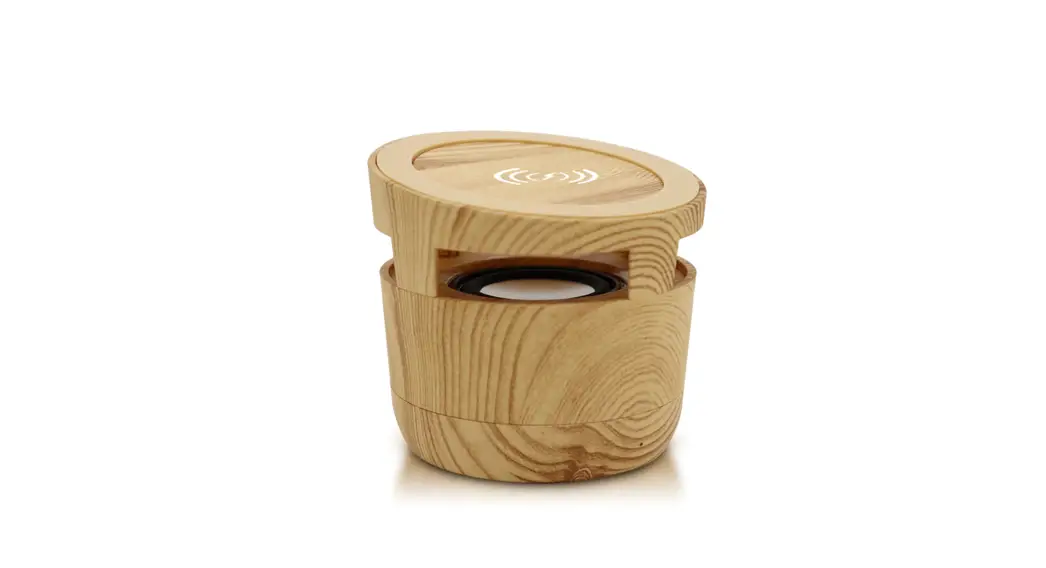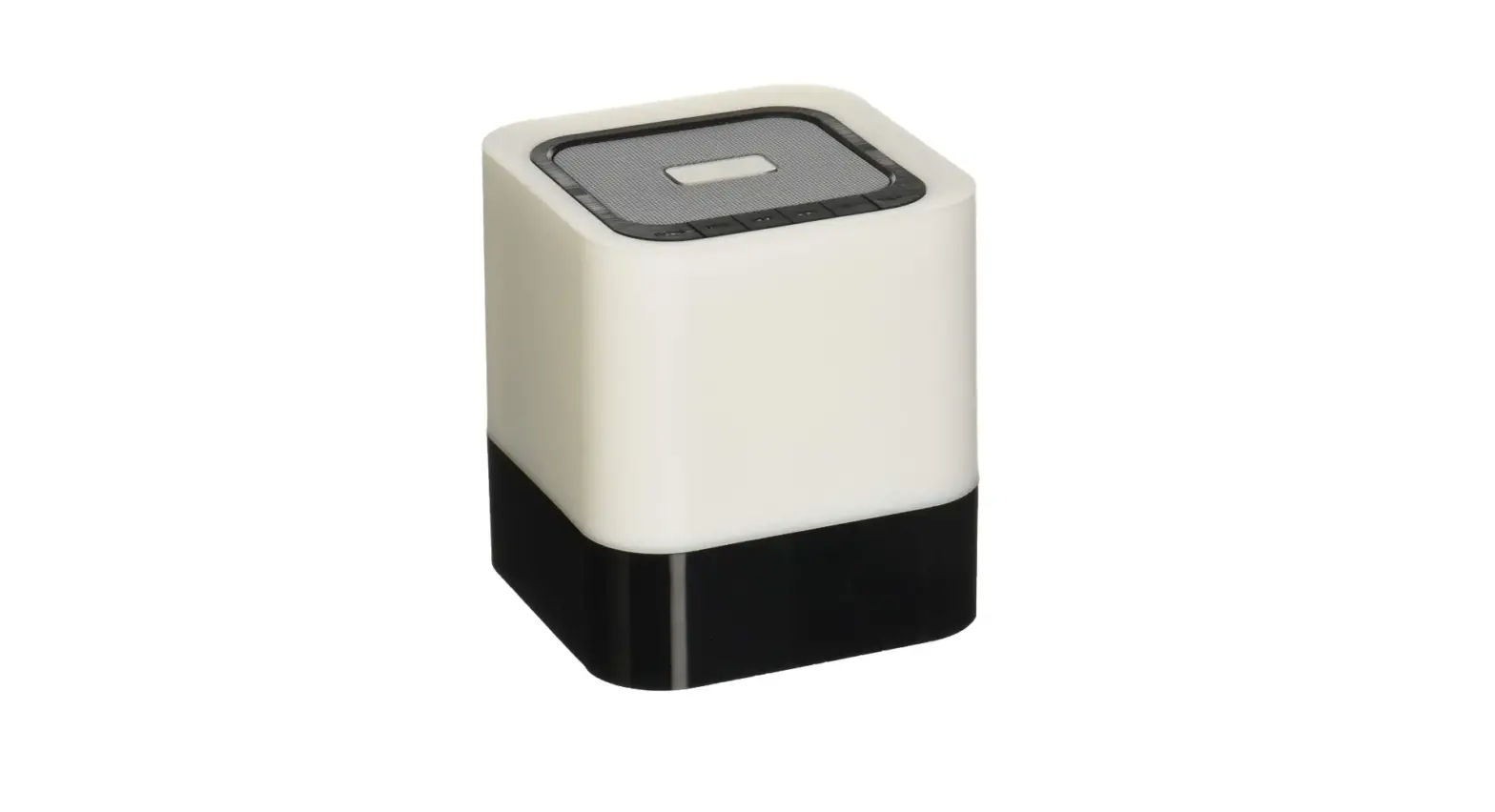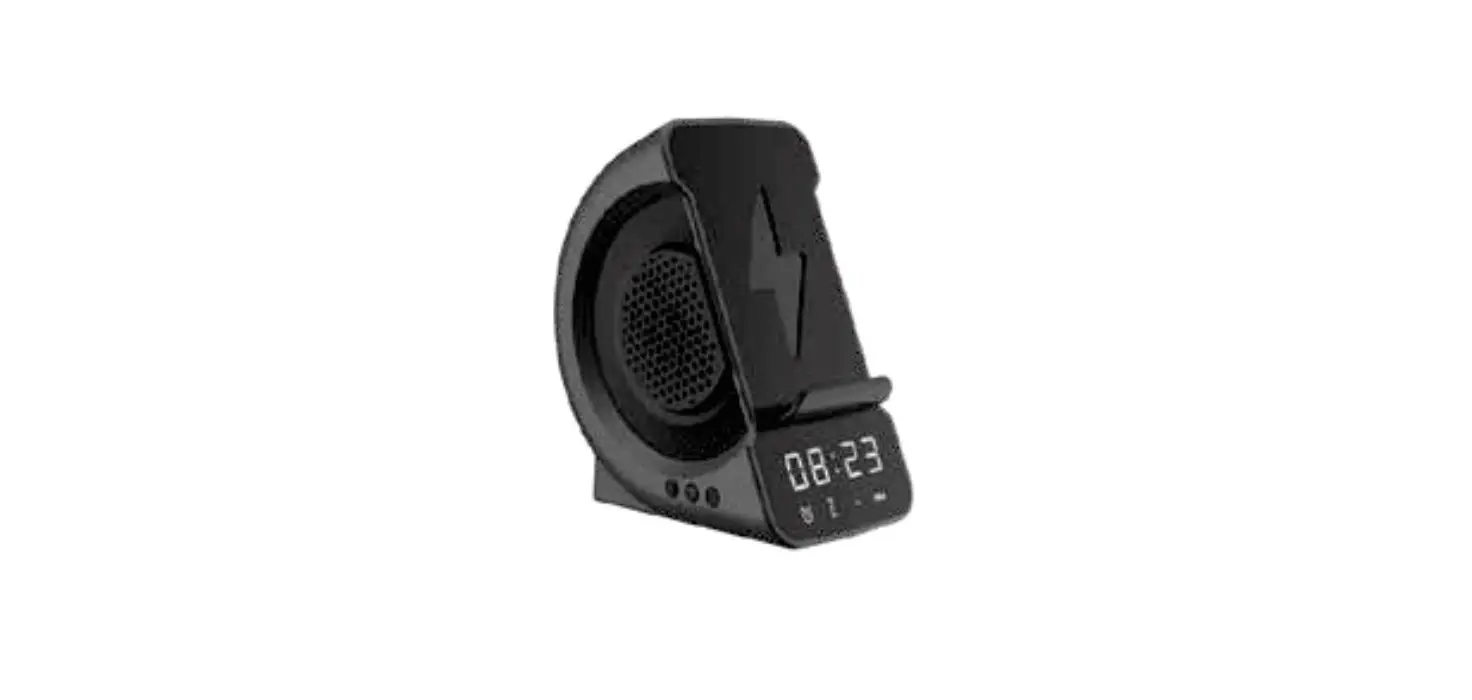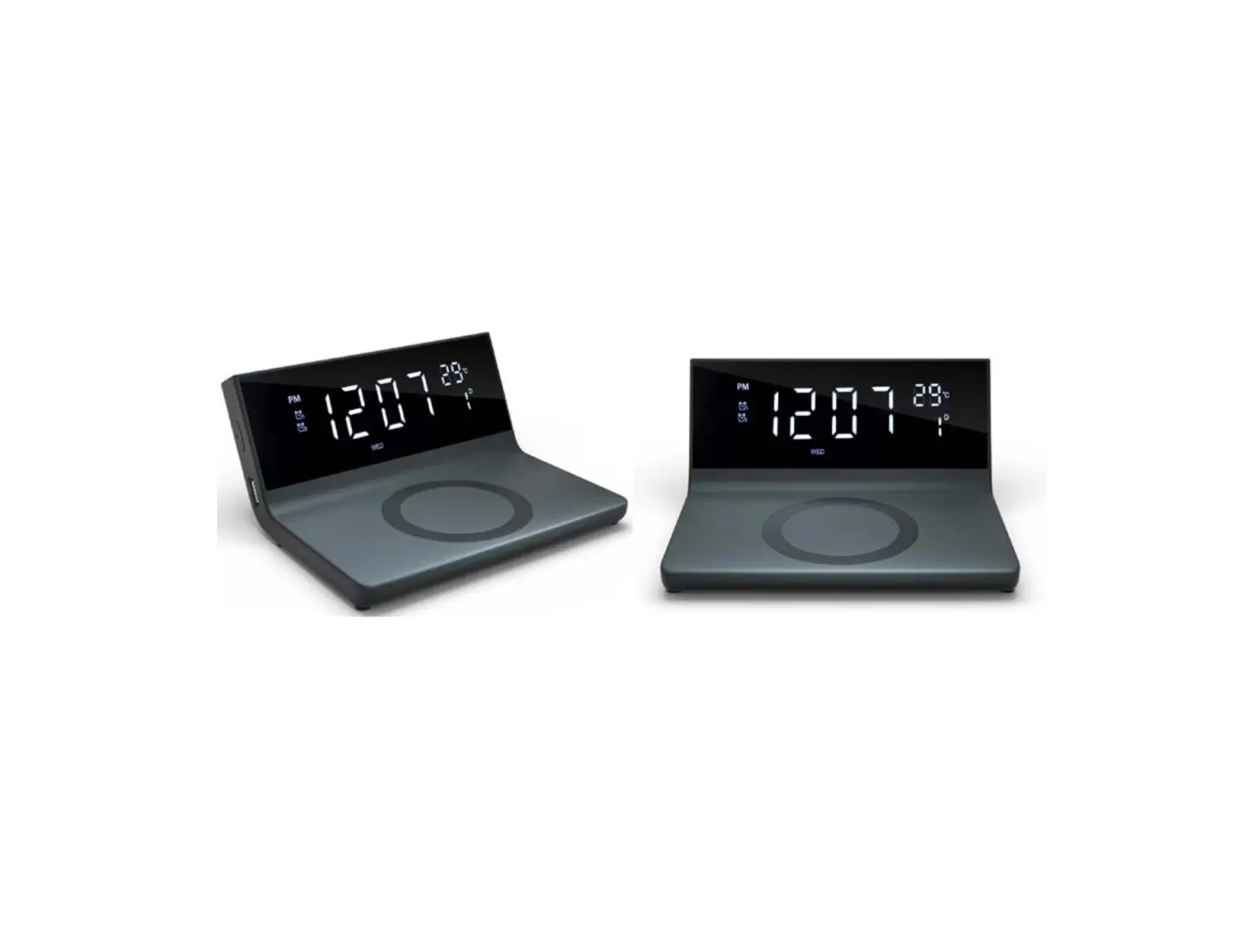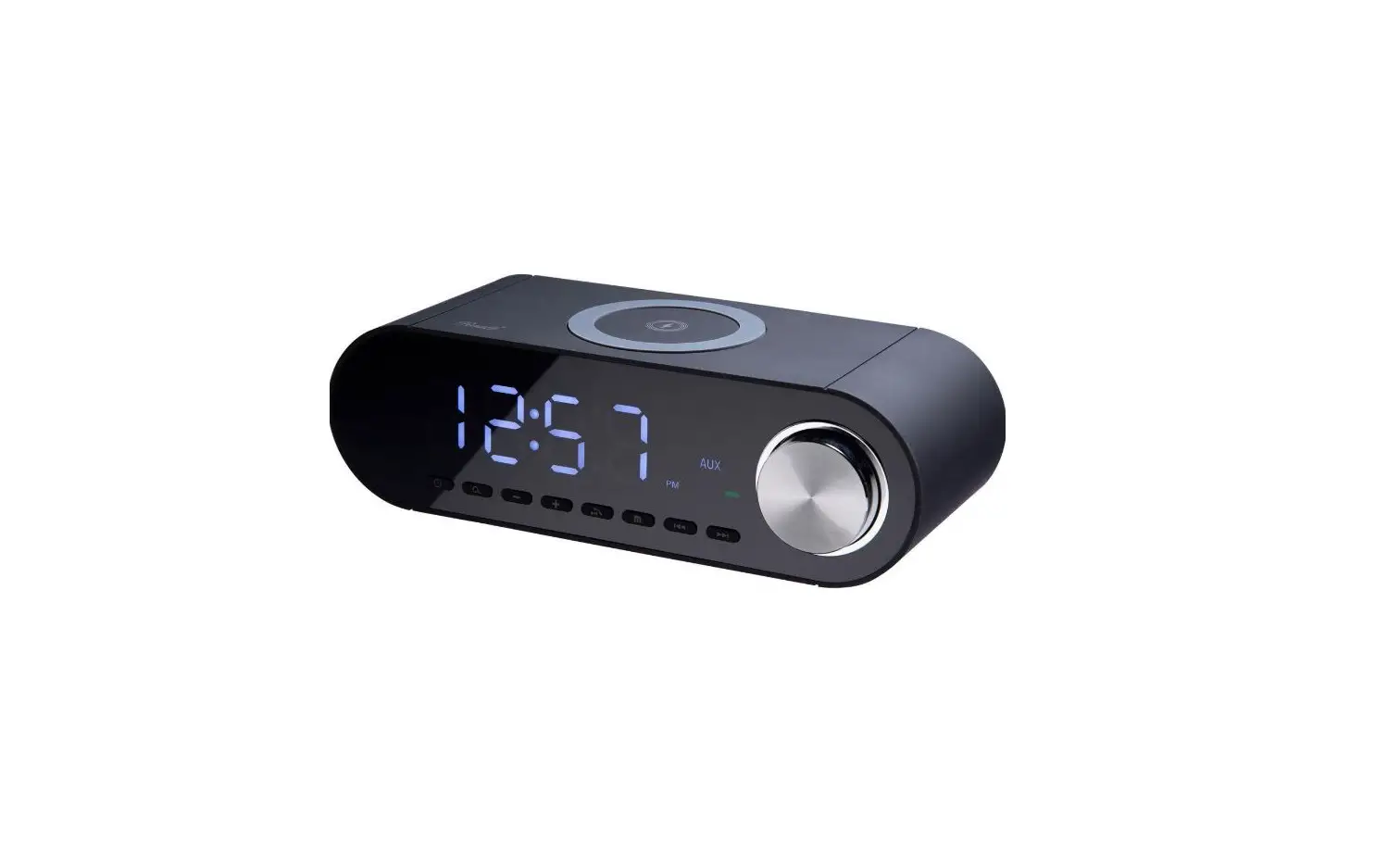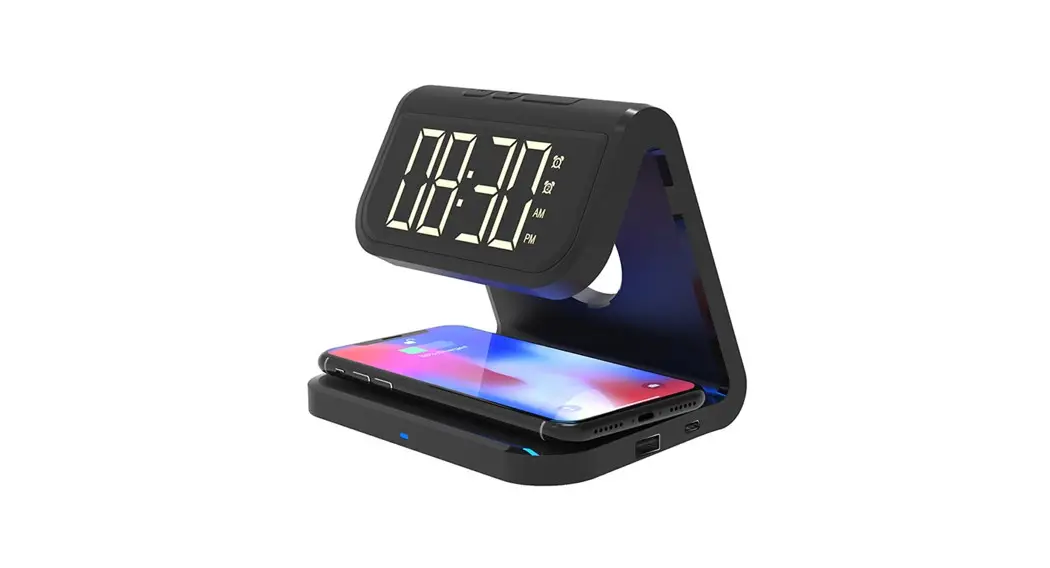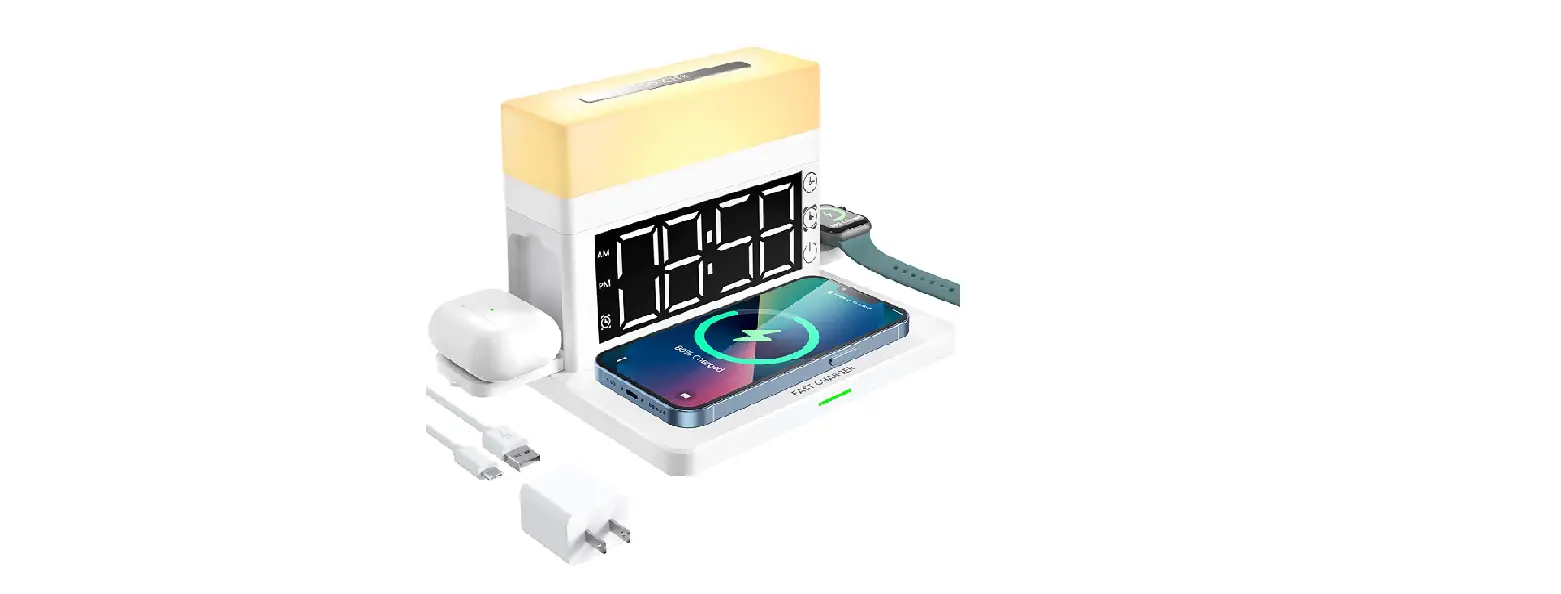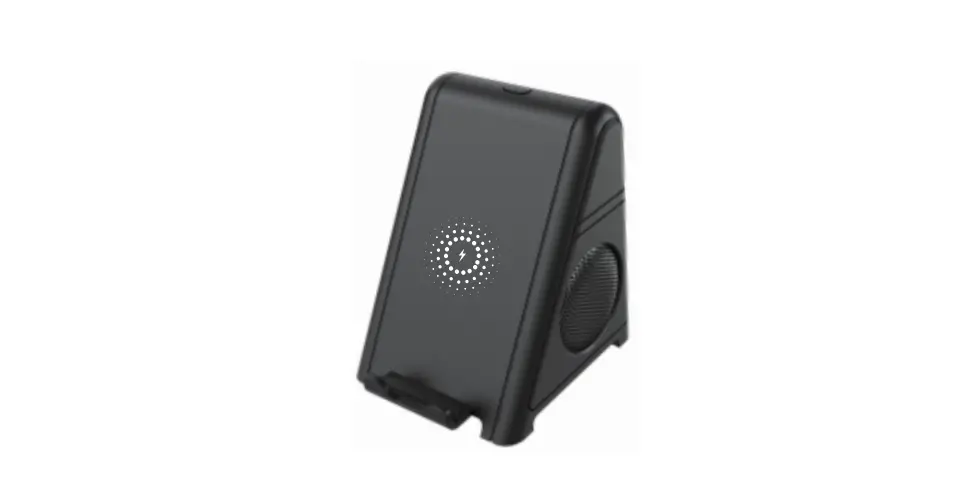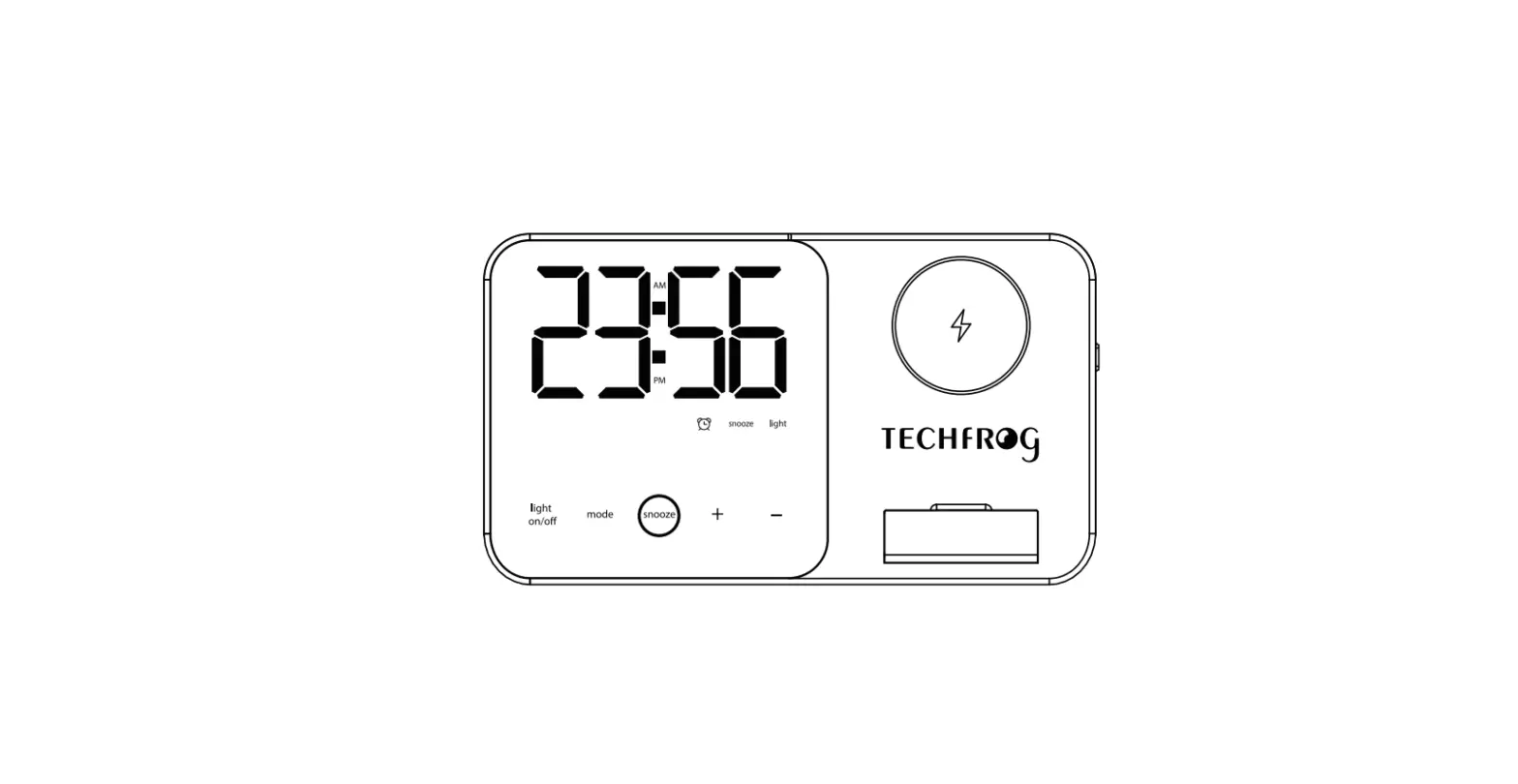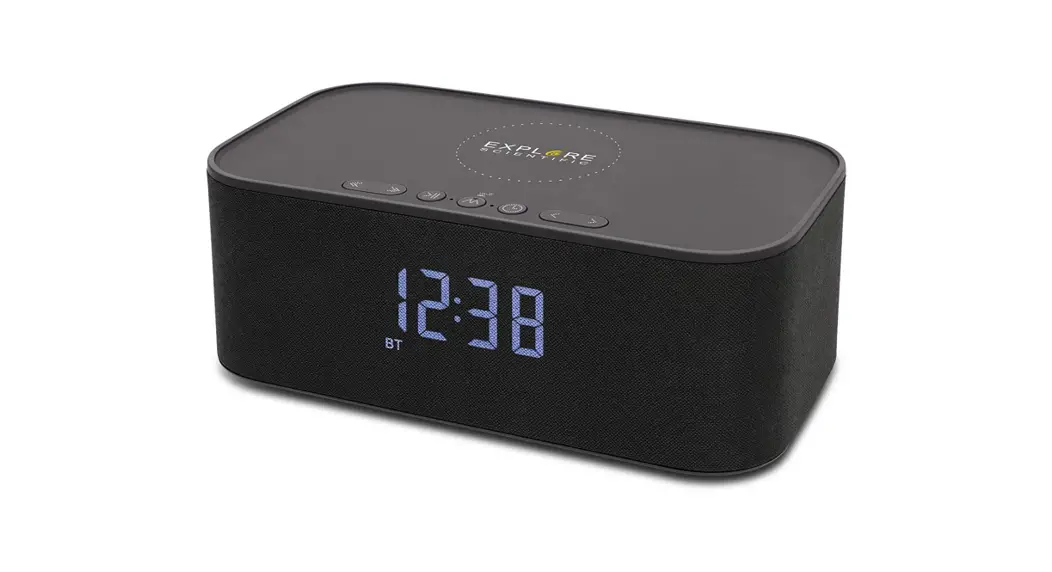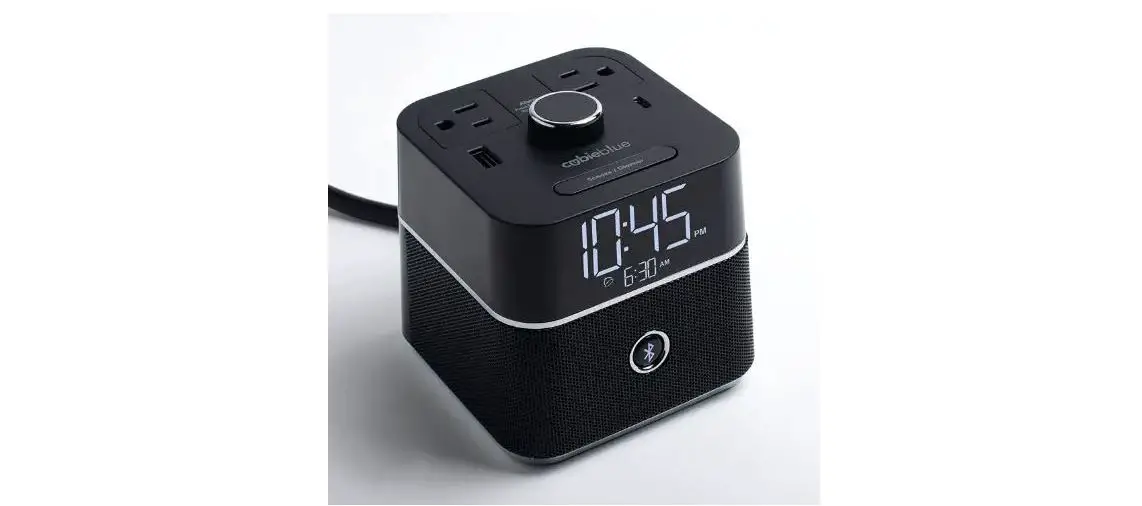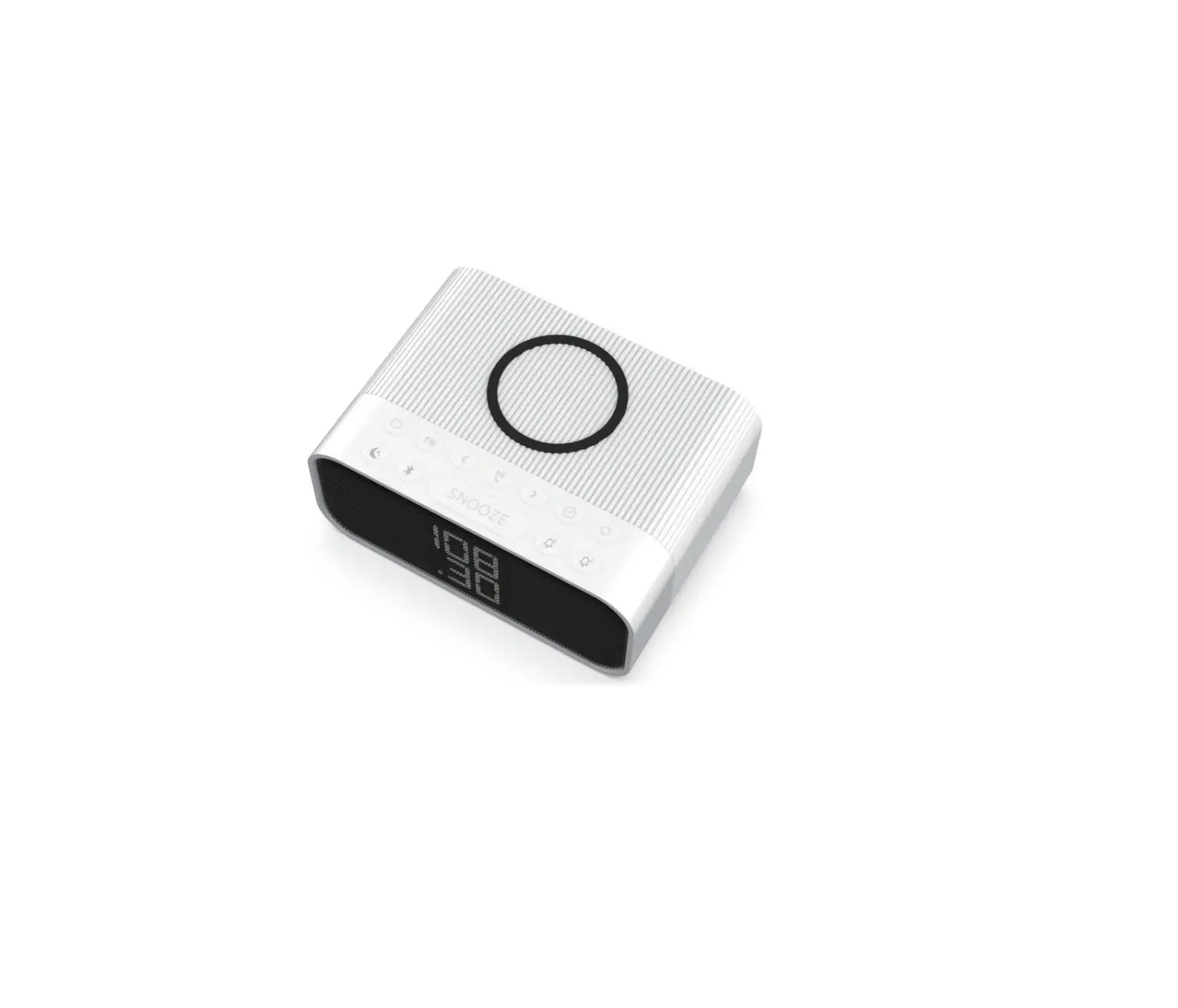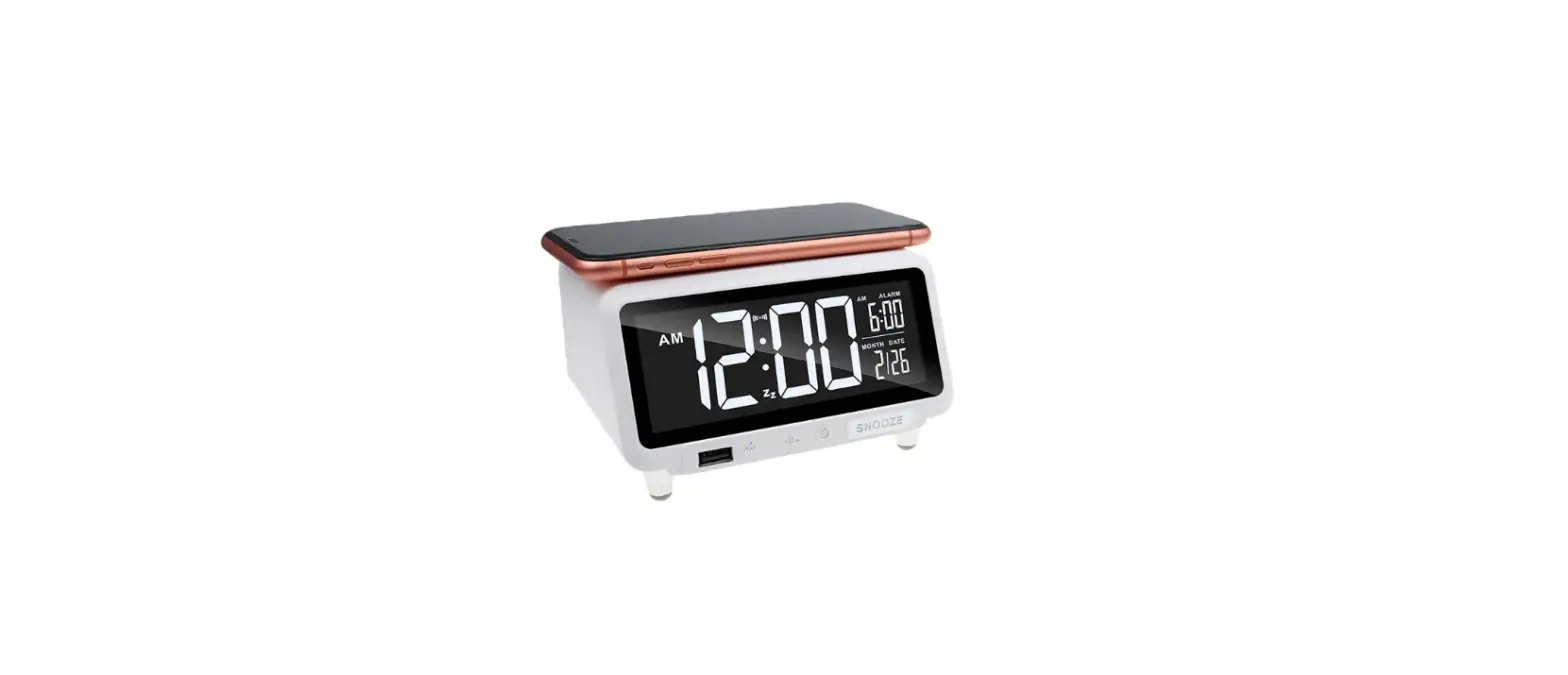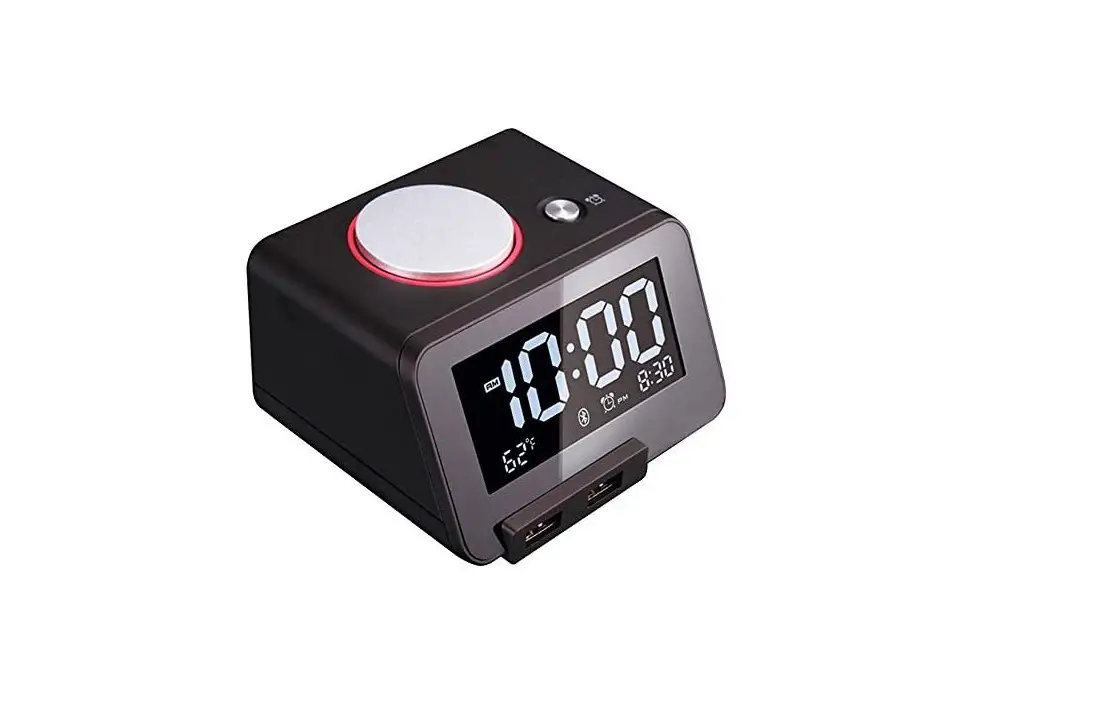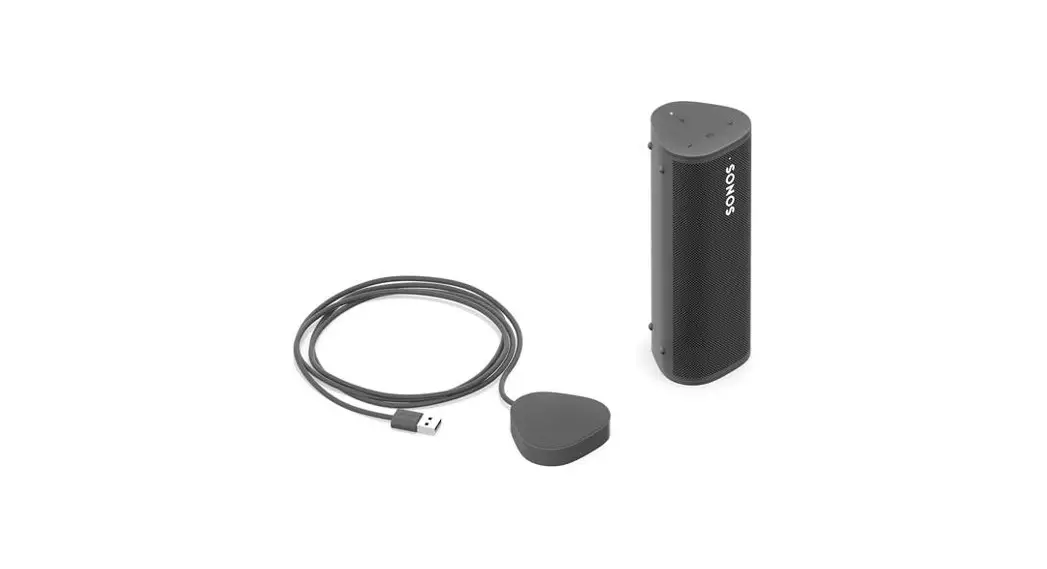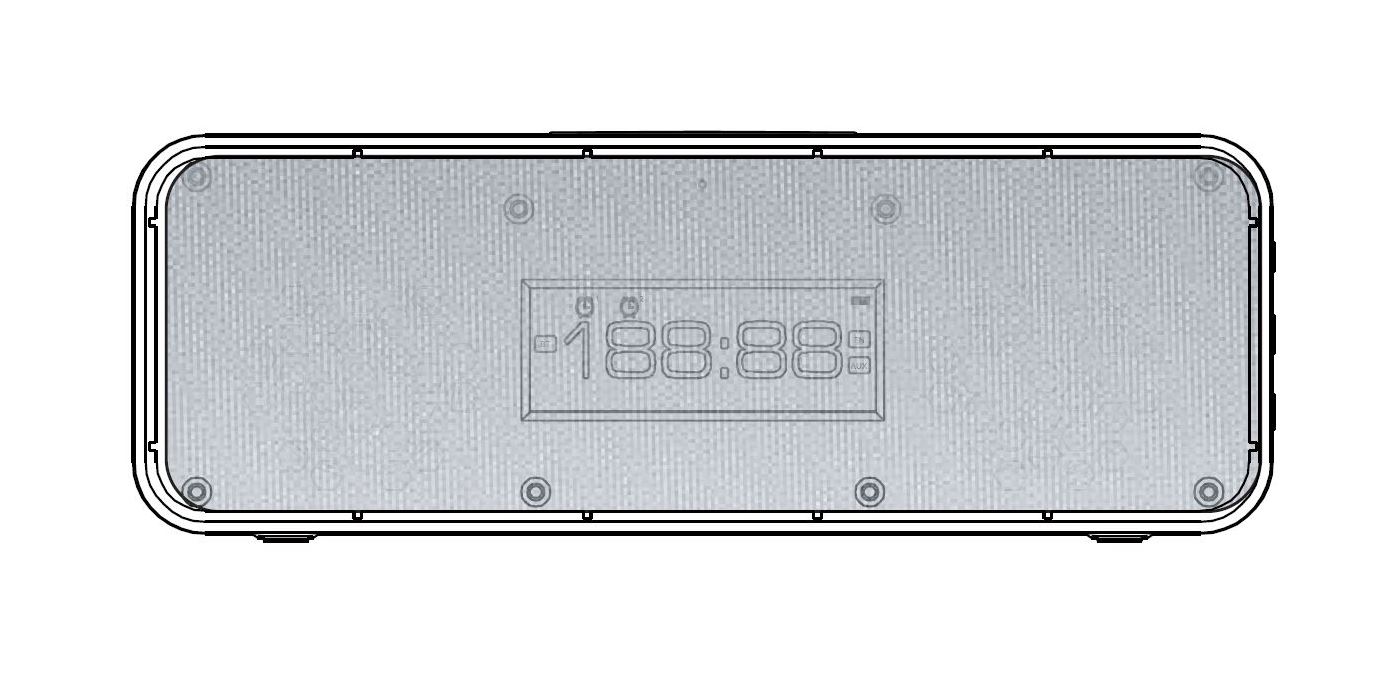

SONITUM B92 Wireless Charger Bluetooth Speaker Alarm Clock
Range Of Application
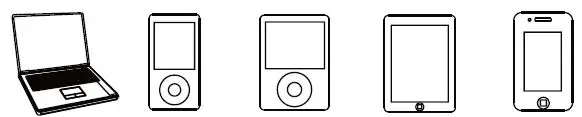
- Laptop / PC
- ipod
- Media player
- Tablet Smartphone
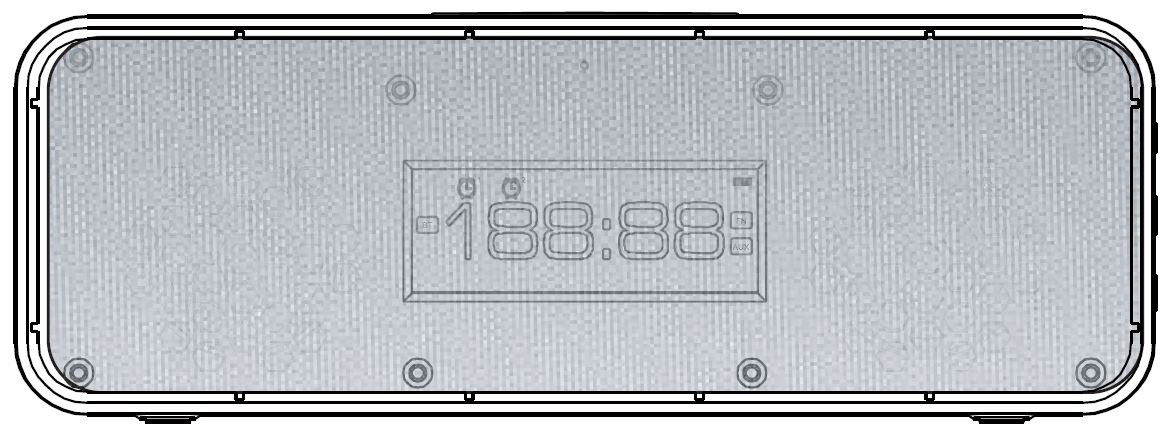
Product Illustration
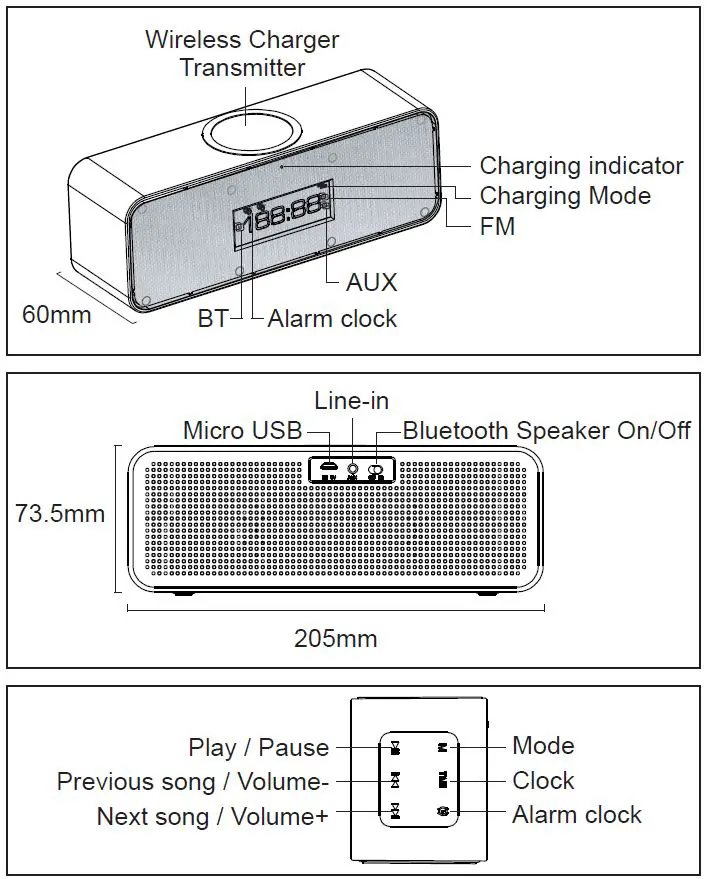
Product Parameters
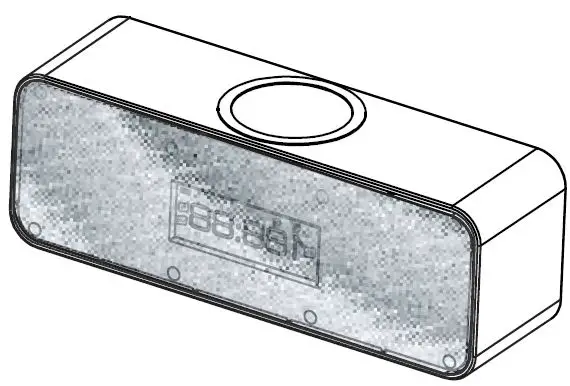
| MODE | TIME | CLOCK | PLAY | PREV | NEXT | |||||||
| Short Press | Long Press | Short Press | Long Press | Short Press | Long Press | Short Press | Long Press | Short Press | Long Press | Short Press | Long Press | |
| BT Mode | Mode Switch | No Operation | No Operation | Clock Setting | Turn on / off alarm | Alarm setting | Play / Pause | No Operation | Prev | Vol- | Next | Vol+ |
| FM Mode | Mode Switch | No Operation | No Operation | Clock Setting | Turn on / off alarm | Alarm setting | Mute Turn ON / OFF | Auto Search | Prev | Vol- | Next | Vol+ |
| AUX Mode | Mode Switch | No Operation | No Operation | Clock Setting | Turn on / off alarm | Alarm setting | Mute Turn ON / OFF | No Operation | No Operation | Vol- | No Operation | Vol+ |
| Time Setting mode | No Operation | No Operation | Save | Setting | No Operation | No Operation | No Operation | No Operation | Up Regulation | Continuous Up Regulation | Down Regulation | Continuous Down Regulation |
| Clock Setting mode | No Operation | No Operation | No Operation | No Operation | Setting | Save | No Operation | No Operation | Up Regulation | Continuous Up Regulation | Down Regulation | Continuous Down Regulation |
- Input: DC 5V/2A
- Audio Output Power: 5W*2
- Wireless Power: 5W
- SNR ≥ 90db
- Wireless Power Output: 5V / 1A
- Built-in Battery : 1500mAh
Instruction Wireless Charging
- Connect the Sonitum speaker to a DC 5V/2A adapter or another mobile power device, and the red light is on at this time.
- Put the mobile phone with the wireless receiver on the wireless charging panel of the Sonitum speaker, and the mobile phone will display the charging status.
- If the mobile phone does not have a built-in wireless receiver, you need to connect the mobile phone to a wireless receiving board. Then put it on the wireless charging panel, and the phone displays the charging status.
- When the wireless charger is charging the mobile phone, the blue light is always on.
Play Music In Bluetooth Speaker Mode
Shift the Bluetooth Speaker On/Off button to ON to begin the Bluetooth Speaker mode. Turn on the Bluetooth function on a mobile phone to search the Bluetooth name ” Sonitum” to begin playing music.
Line-in port: connect the computer, mobile phone and other mobile multimedia devices to play the music.
Remark: The built-in 1500mAh battery is only for Bluetooth speakers, not for wireless charging.
Safety Information
Caution:
Please read the following cautions to avoid an unexpected emergency during using the wireless charger.
- 1. Do not directly touch the device when it is overheated, which may bring scald hurt
- Do not put the device in the place close to Heater, Microwave, Electronic Cooker, which may cause the device to overheat and lead a fire.
- Do not frequently fall or bump the device, which may cause the explosion.
- Do not put or use the device in an environment of low temperature or humidity, the normal environment temperature should be 0-50°C.
- Do not disassemble or repair the device personally.
- Do not put the magnetic stripe like bank card close to the device, which may cause the magnetic failure.
- Do not put the device close to medical instruments in the range of 20cm. Which may cause signal interference.
- Please make sure the charged device is off the protective cover before directly charging to the wireless charger.
- Please plug off the adapter when not using the device, which can save life and avoid damage.
Please read the instruction manual before operating the wireless charger Bluetooth speaker