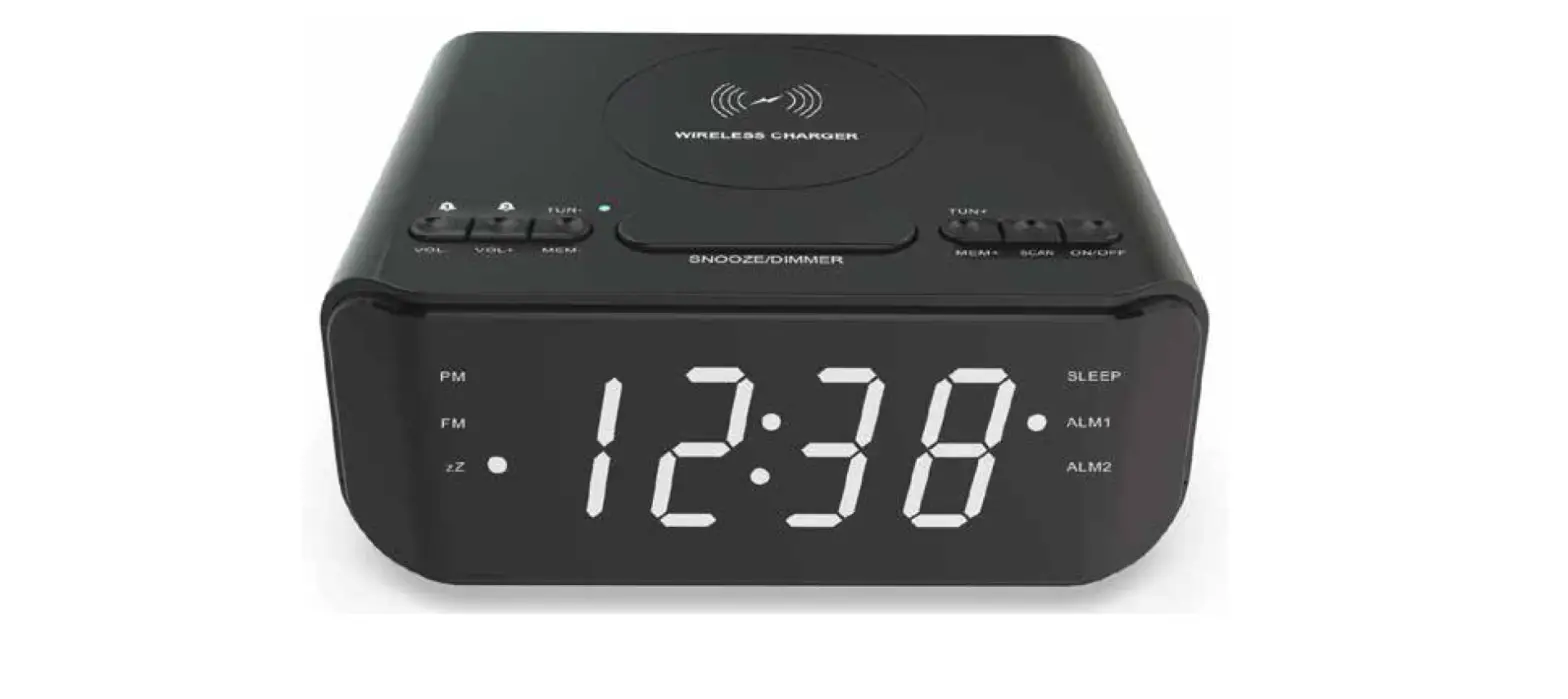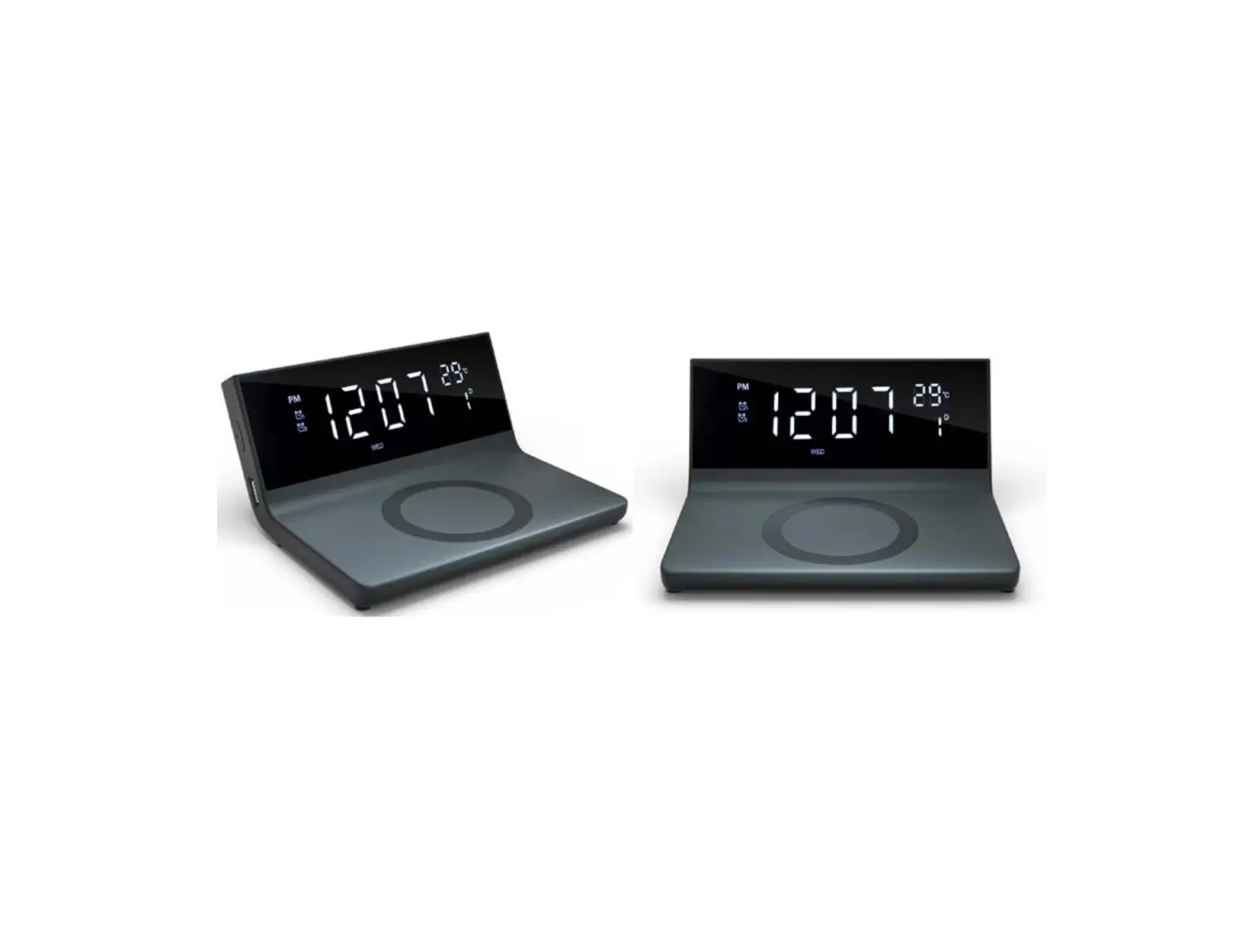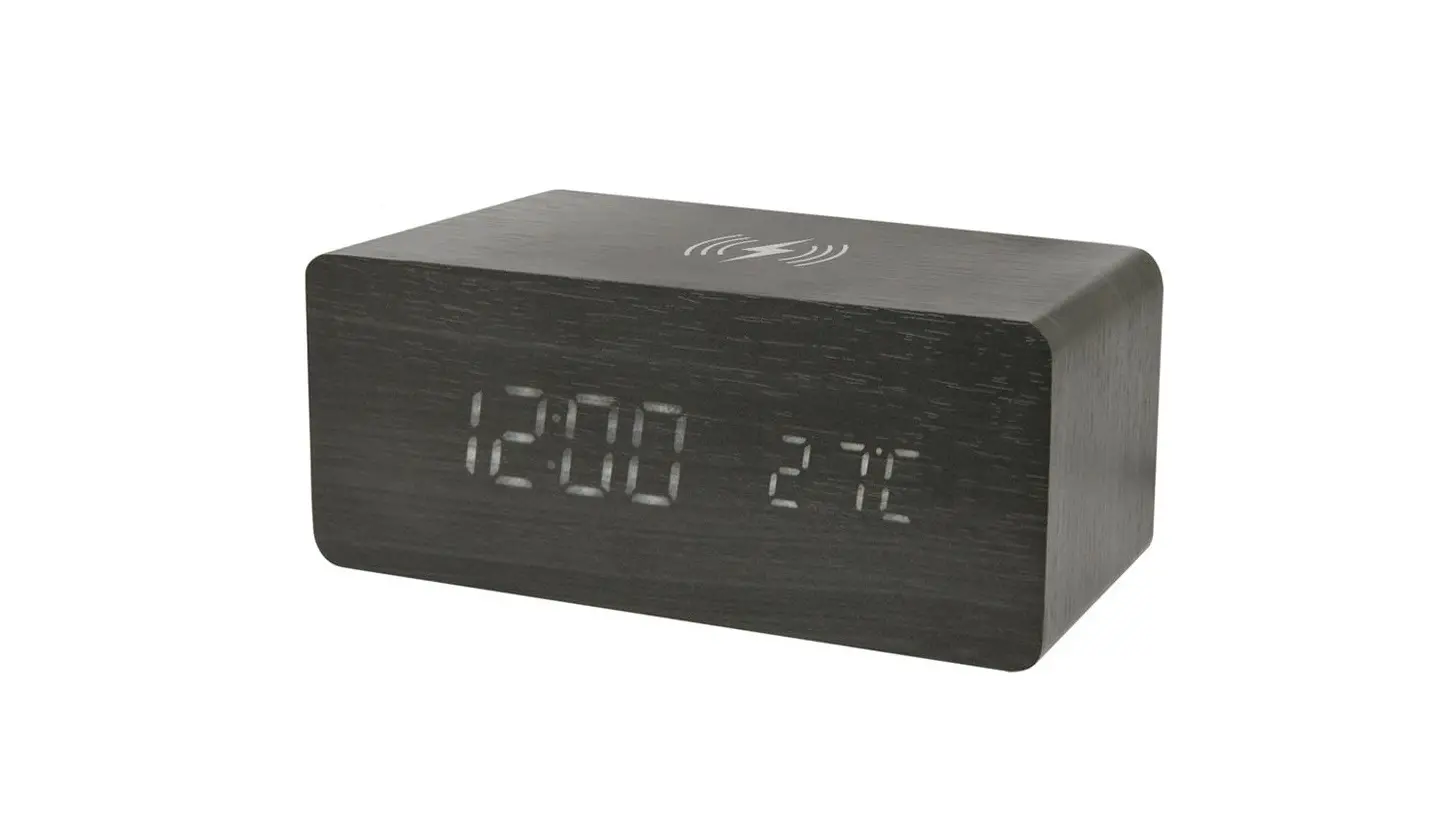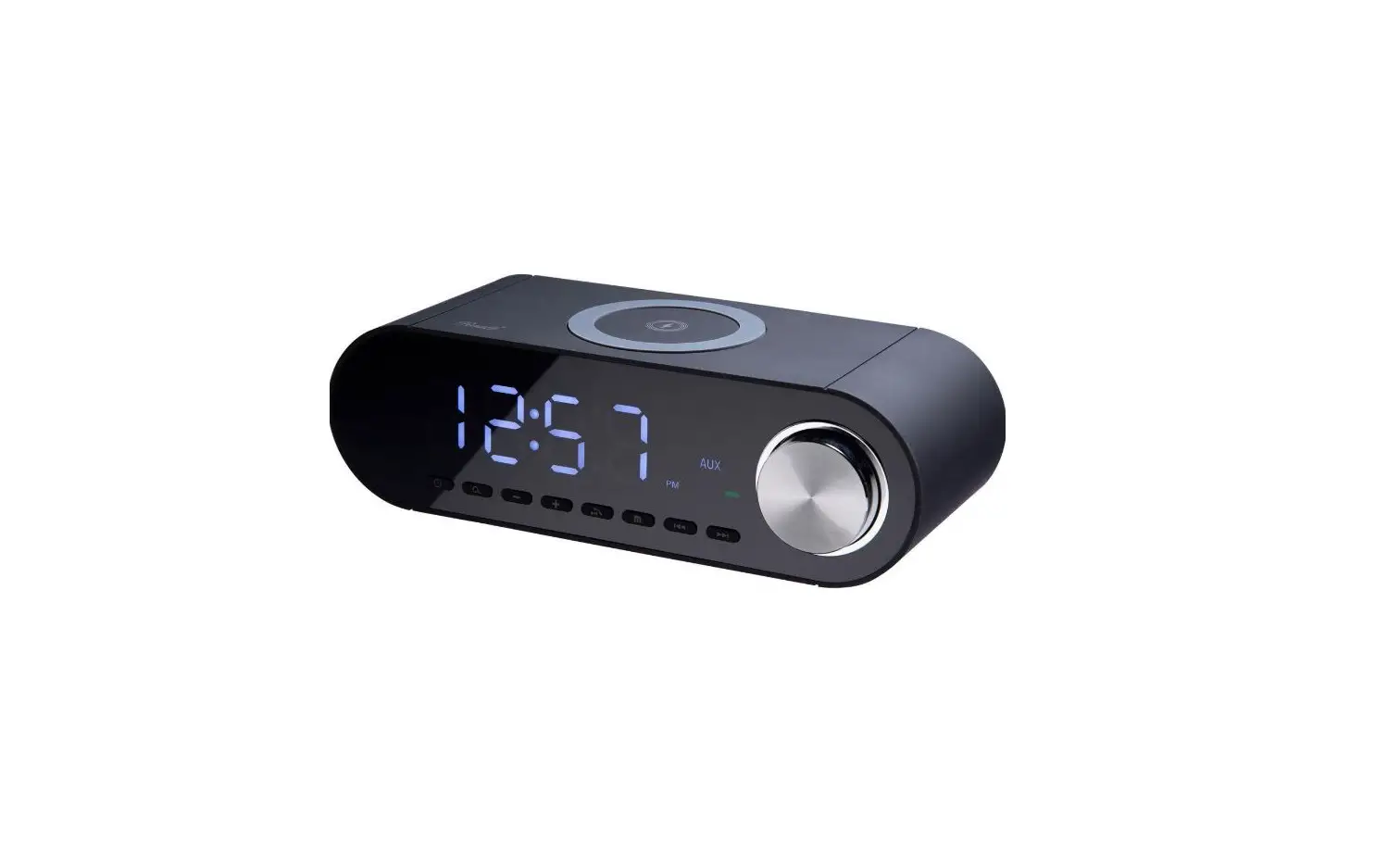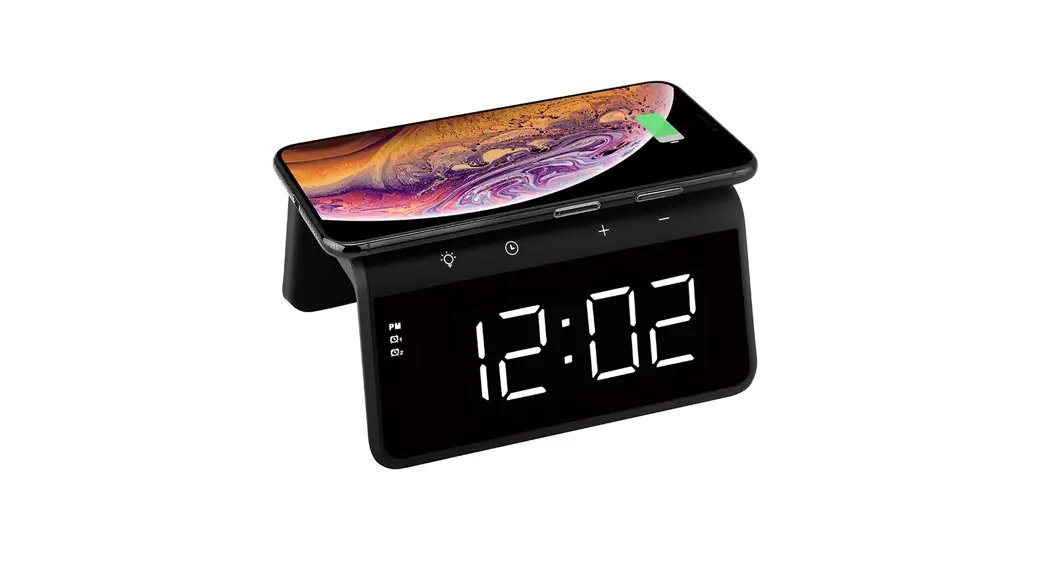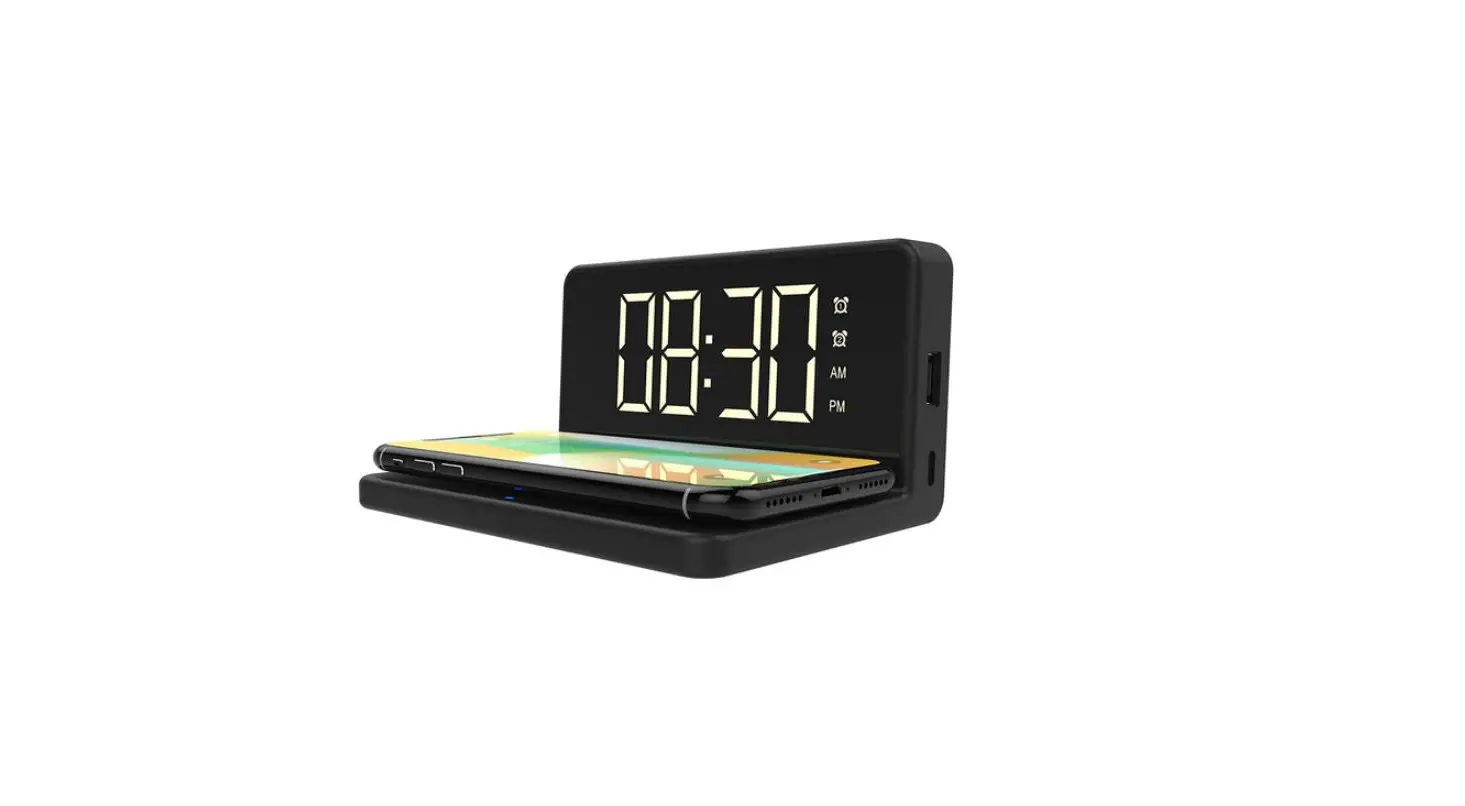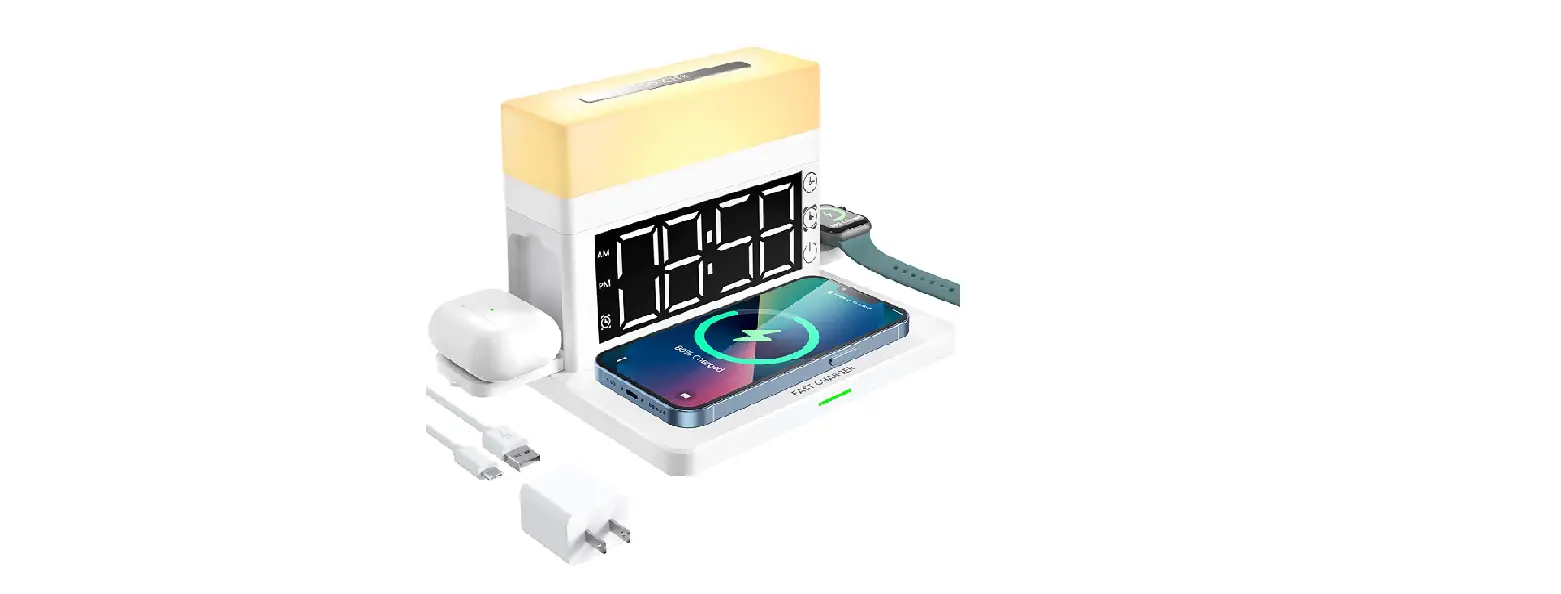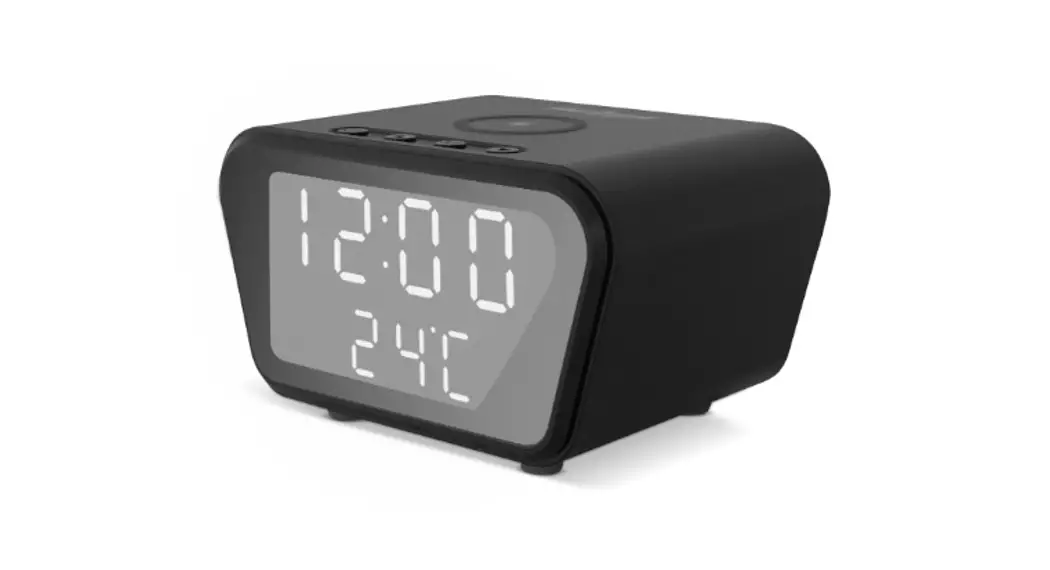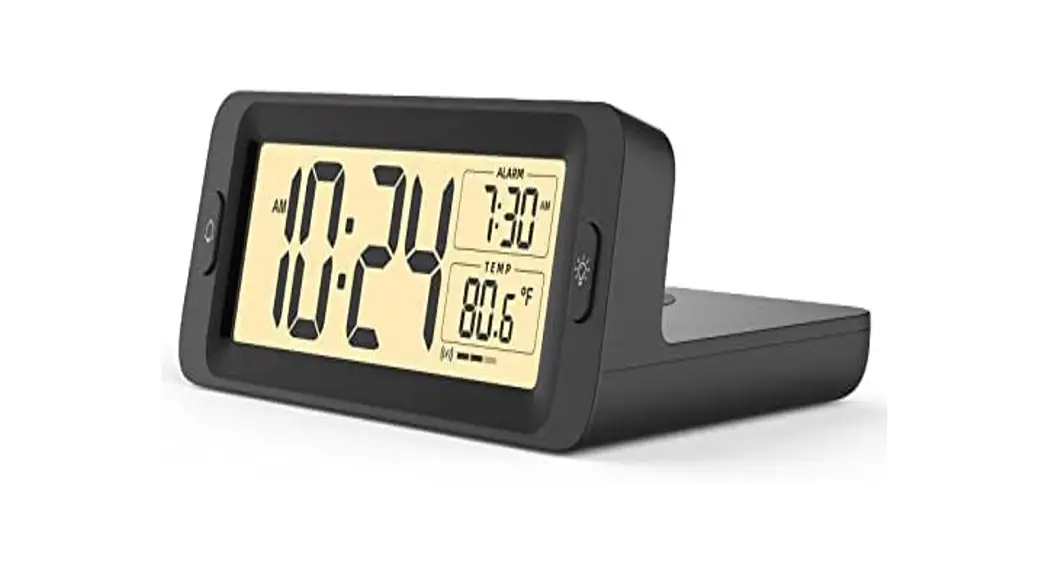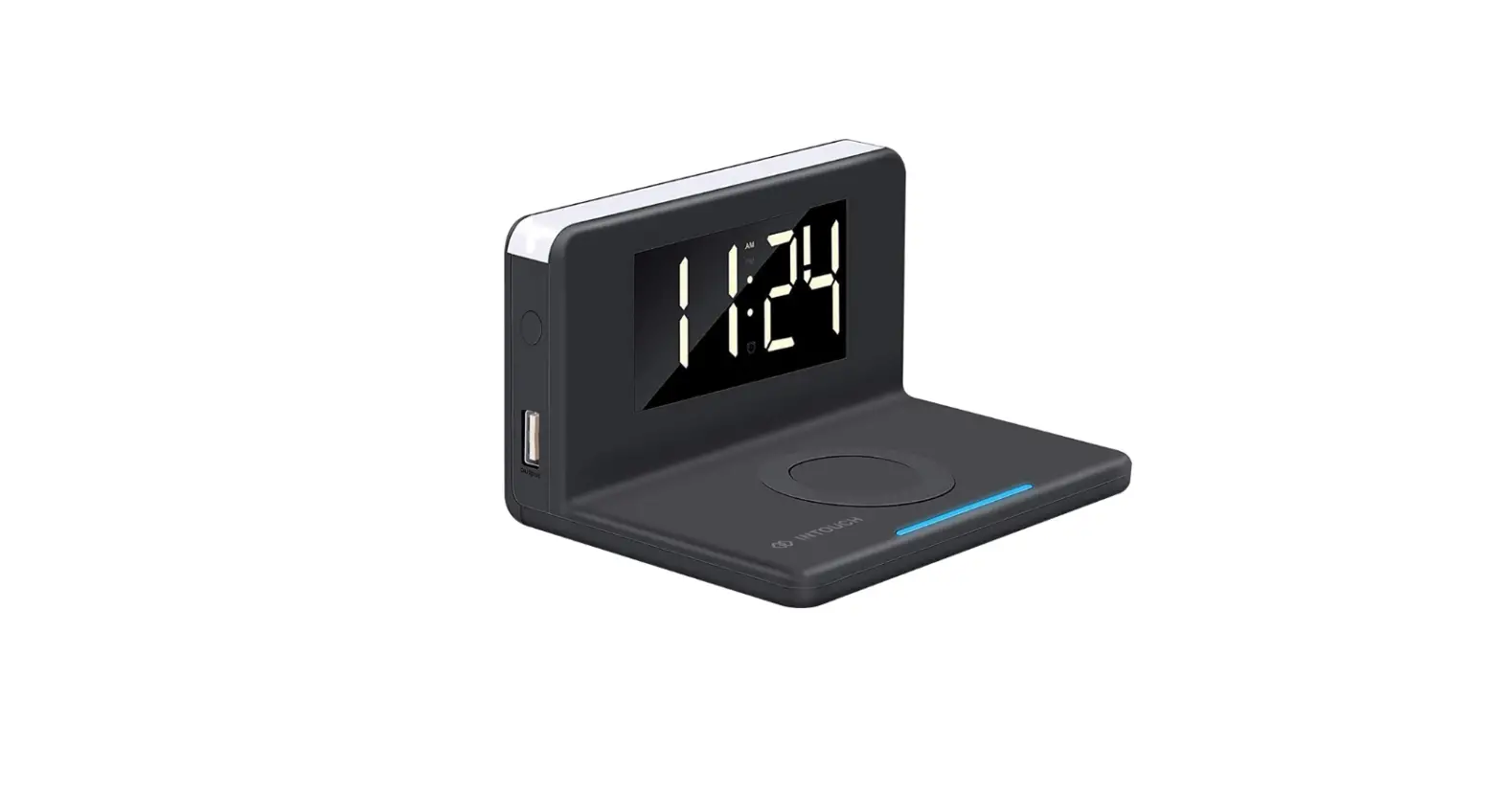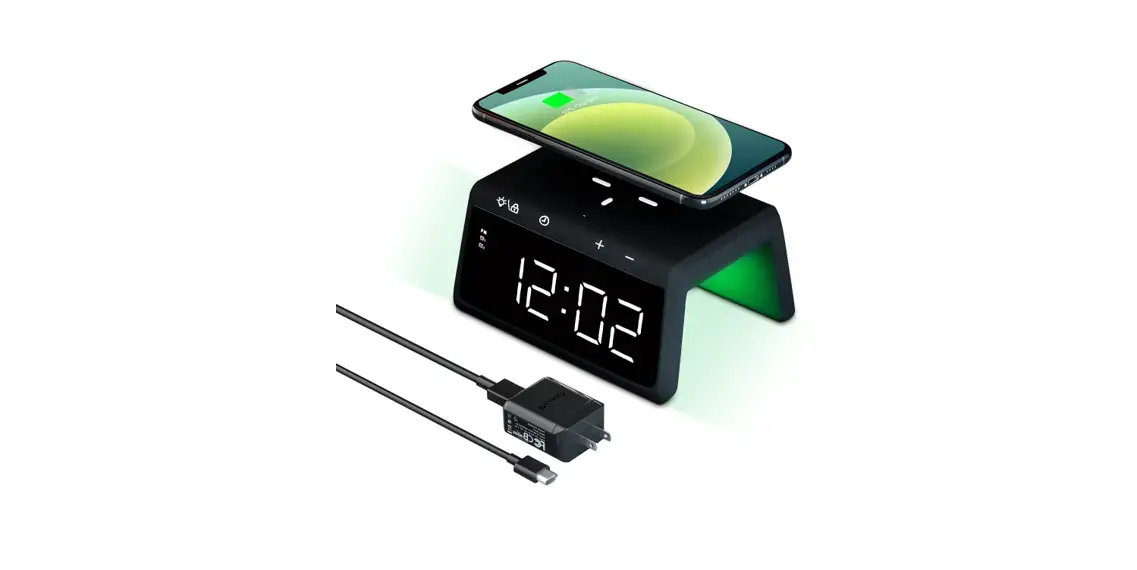

RW003 Alarm Clock Wireless Charging Station
User Manual
Multifunctional wireless charging station with alarm clock and night light
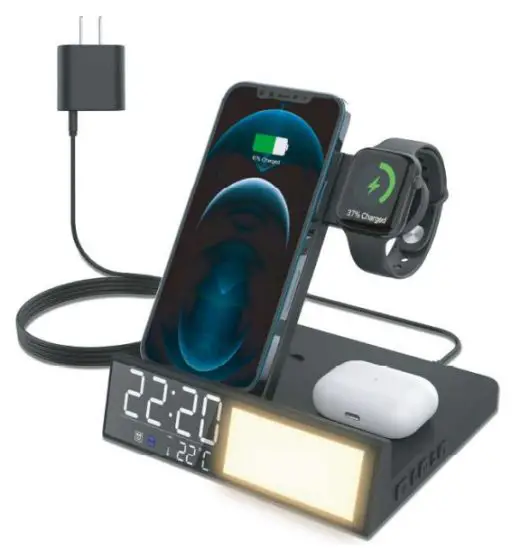
Thank you for choosing our bhipo wireless charging station. please read over carefully and keep this user manual for future reference.
Connect and Power on:
- Connect the power adapter with a wireless charger by type C charging cable then it will power on automatically.
- The time and temperature display on after scanning 1 to 9 on the left front displayer.
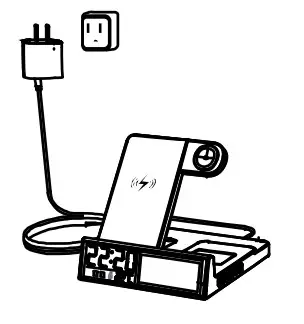
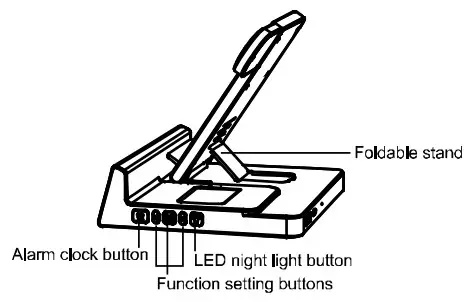
Product Overview
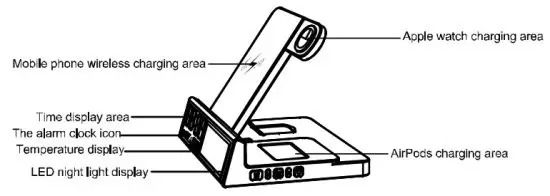
Adjust the charging angle and height by switching the foldable stand
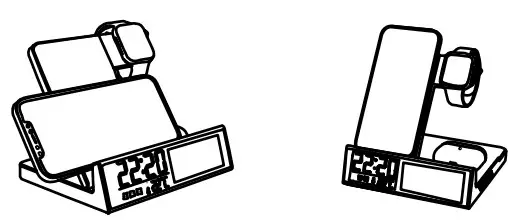
Charge mobile phone as horizontally or vertically.
Support to change mobile phone as horizontal and vertical, ensuring the phone is face up and centrally positioned.
Setting the Clock:
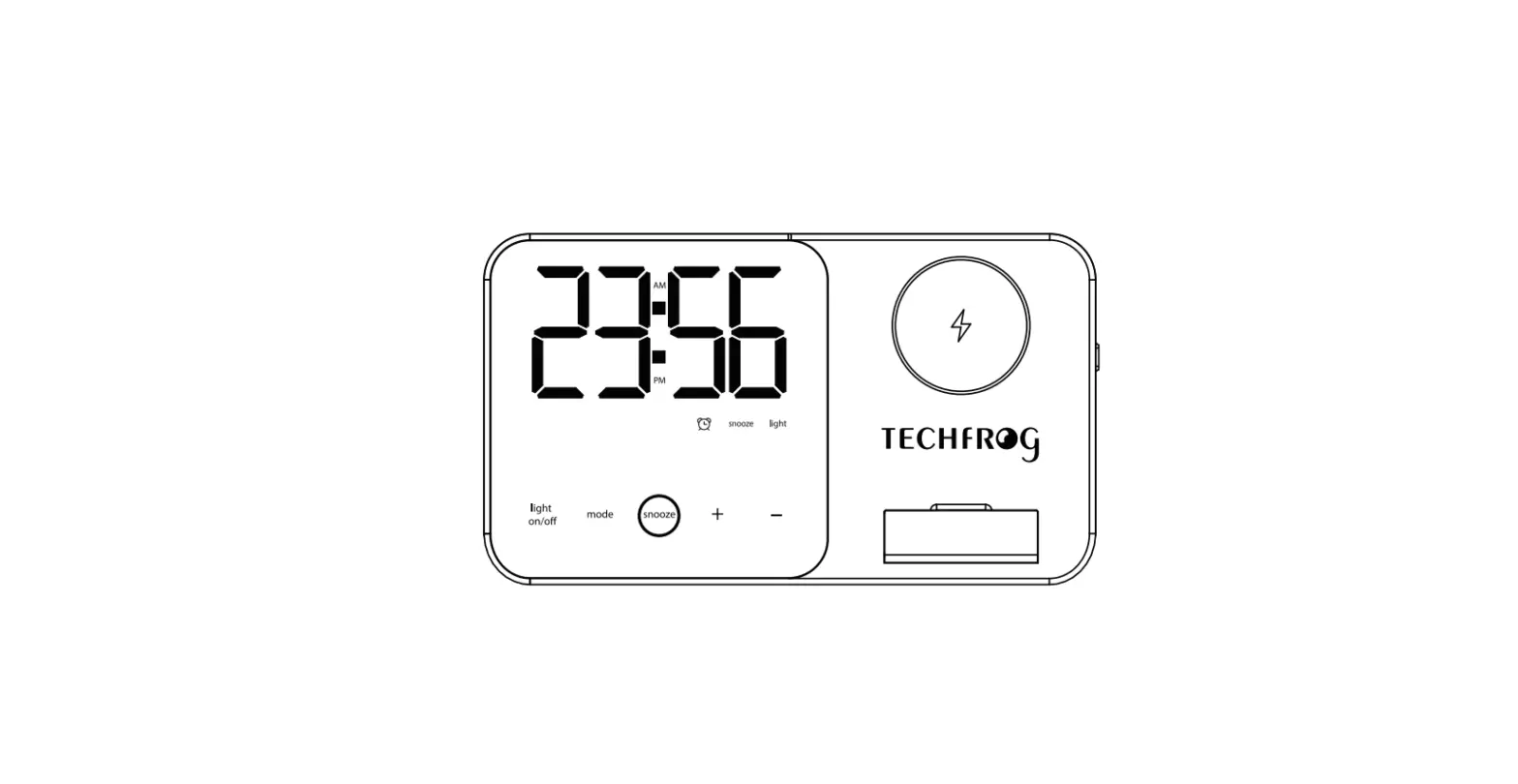
There are three buttons including  /
/  and “kt for clock setting.
long-press the “M” button until 121-I or 24H display on the clock display screen, short press or button to switch 1211 or 24H then short press “M- to confirm, at this time the hour number is flashing, then short press or to increase or decrease numbers and short press V” button to confirm the hours, after that the minute’s number is flashing, then short press or to increase or decrease numbers and short press °M” button to confirm the minutes.
Note: long press  button to turn on or turn off the clock display.
Setting The Alarm Clock:
There are three buttons including / and  for alarm dock setting.
- Turn on the Alarm clock: short press
 button then short press 4 to turn on the alarm clock, there is a
  icon on the screen once it turns on.
 - Setting the Alarm. once alarm color turn on, short press button and you will see there are numbers “00:00” on the screen then long-press button until hour numbers “00”: “00” flashing then short press
 or
or  to increase or decrease numbers and short press to confirm the hours, after that the minute’s numbers “00”: “00” is flashing, then short press or to increase or decrease numbers and short press to confirm the minutes.
 - Turn off the Alarm clock: short pressbutton then short press or to turn off the alarm clock, the alarm will turn off until icons disappear from the screen.
 icon on the screen once it turns on.
Note: Press any buttons can turn off an alarm during alarm ring is on
LED Night Light Operation:
- First-time short press the
 button to turn on the LED night light and it is the brightest warm light.
 - Second-time short press the button to change the night light darker.
- Third-time short press thebutton to turn off the LED night light.
Note: The LED night light can’t be for reading book
How to do to avoid annoying when sleeping?
- Short press the button 3 times until the LED night light turns off.
- Long press the button until the clock disappears from the screen.
Wireless Charging Mode:
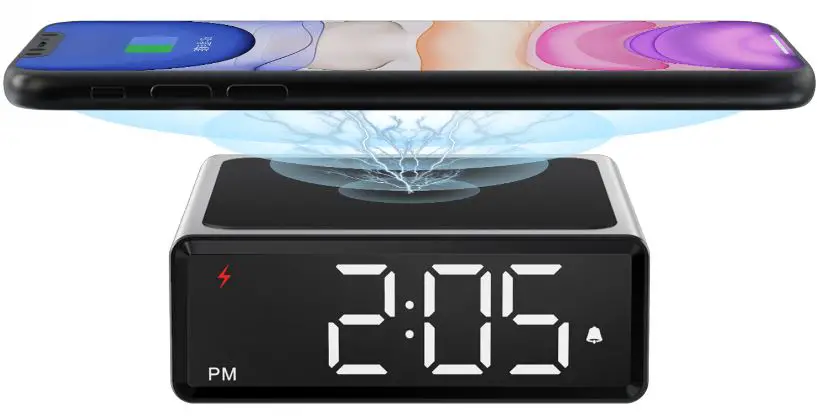
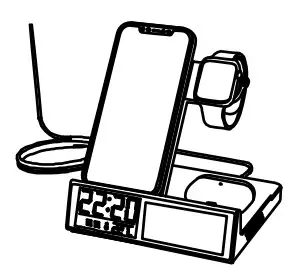
- Charge mobile phone: Place the Qi-compatible mobile phone on a wireless charging area to charge directly. A blue wifi
 icon will display on the clock player area when wireless charging is working correctly (Support to charge the mobile phone as horizontal and vertical, ensuring the phone is face up and centrally positioned)
 - Charge apple watch: Place the smartwatch on the charging area to charge directly (support all apple watch 1/2/3/4/5/6/7)
- Charge AirPods: Place the earbuds in the wireless charging area to charge directly, make sure the LED light of earbuds is upwards when placing it on the charge area (support AirPods2 / 3 / Pro )
 icon will display on the clock player area when wireless charging is working correctly (Support to charge the mobile phone as horizontal and vertical, ensuring the phone is face up and centrally positioned)
Note: Make sure this wireless charge station is powered on before charging your devices.
USB Wire Charging Mode:
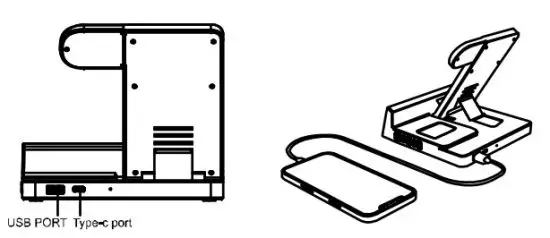
USB output port supports charging other devices by using personal charging cable meanwhile wireless charging.
Connect a USB cable (not included) to the USB output port of this product with other devices then it will charge directly.
Temperature Monitoring:
Once the wireless charger power on, the indoor temperature will show on the screen automatically.
Specification:
Model No.: RVV003
Input: DC5V-3A, 9V-2A
Wireless Output For Mobile Phone: 5VV/7.5W/10W/15W(nnax.)
Wireless Output For Apple watch: 2.5W
Wireless Output For AirPods: 5W(max.)
USB-A Output: DC5V-3A(max.)
Flat size: 16*17.5*4.5cm
Vertical size: 16*14.5*15cm
Net weight: 345g
Packaging Contents:
1 x wireless charging station
1 x QC 3.0 quick charge power adaptor
1 x USB-A to USB-C charging cable
1 x User manual
Note: Please use the included cable and fast wall charger for this wireless charger station
Warnings:
- Do not expose this product to rain or damp conditions.
- Prevent this Item from falling as it could cause serious damage.
- Do not dismantle, repair or modify this product by yourself, contact an authorized specialist.
- In order to avoid any risk, do not dispose of this product inappropriately or throw it into the fire.
- Clean it with a dry cloth.
- Do not place this item near sources of heat or expose it to direct sunlight
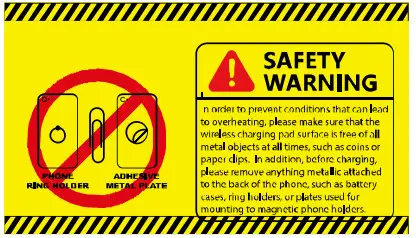
- Do not insert any metal objects into this device as there is a risk of causing a short circuit in the unit.
- To avoid risk, do not place any metal objects between the charger and the mobile device during the charging process.
- Do not use mobile devices with a metal case.
- Keep out of reach of children.