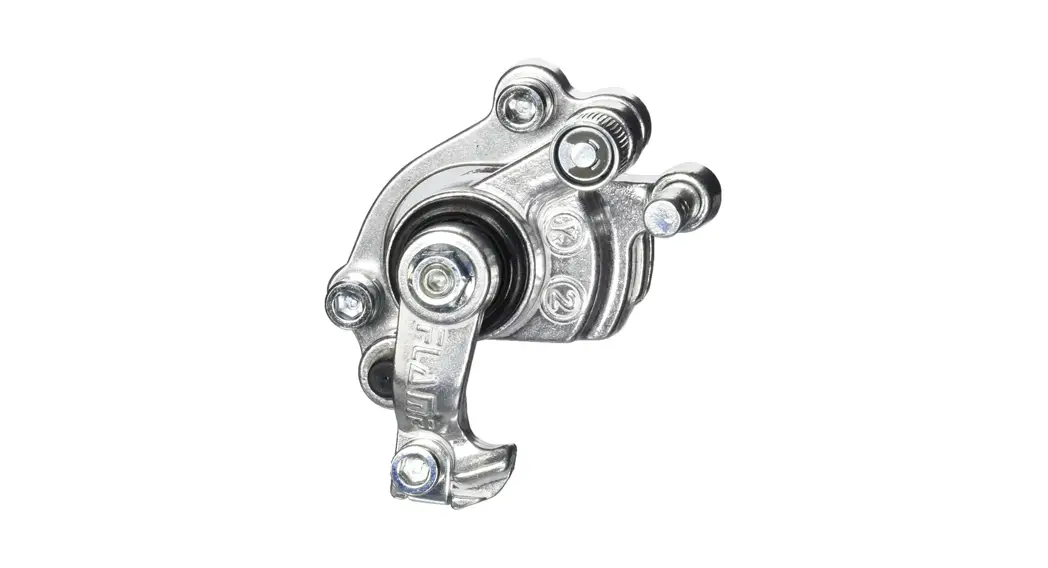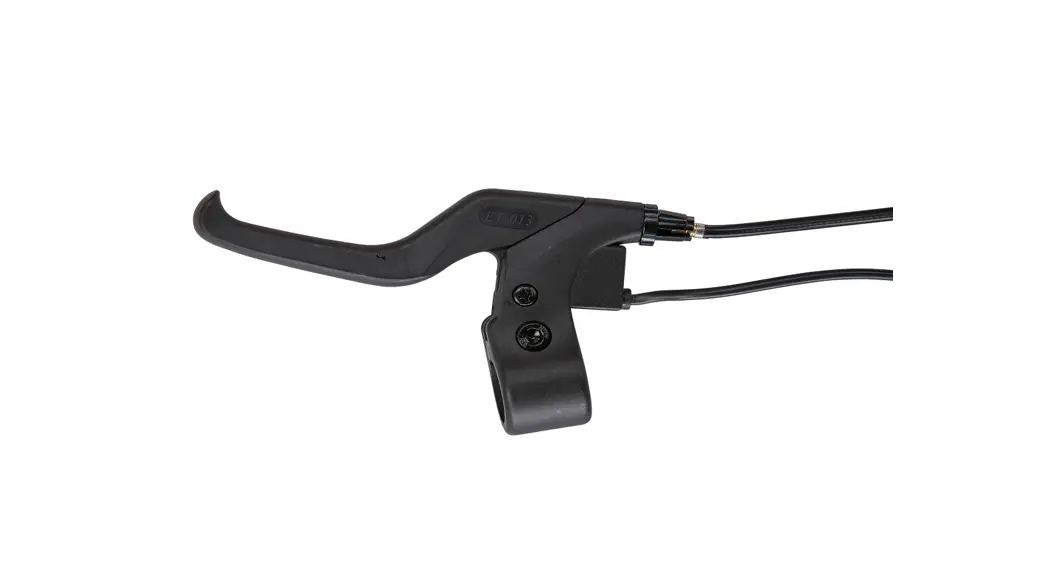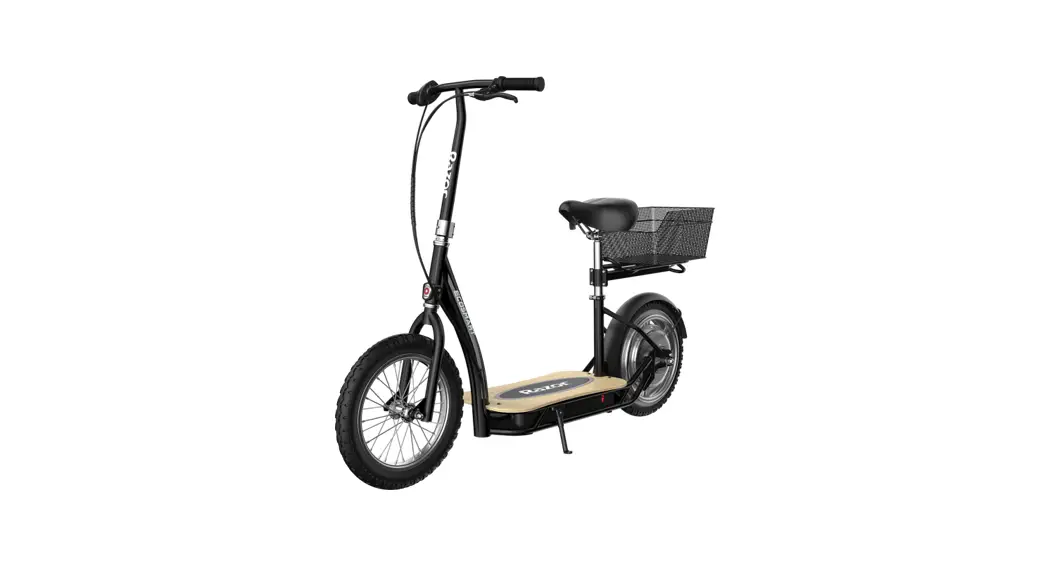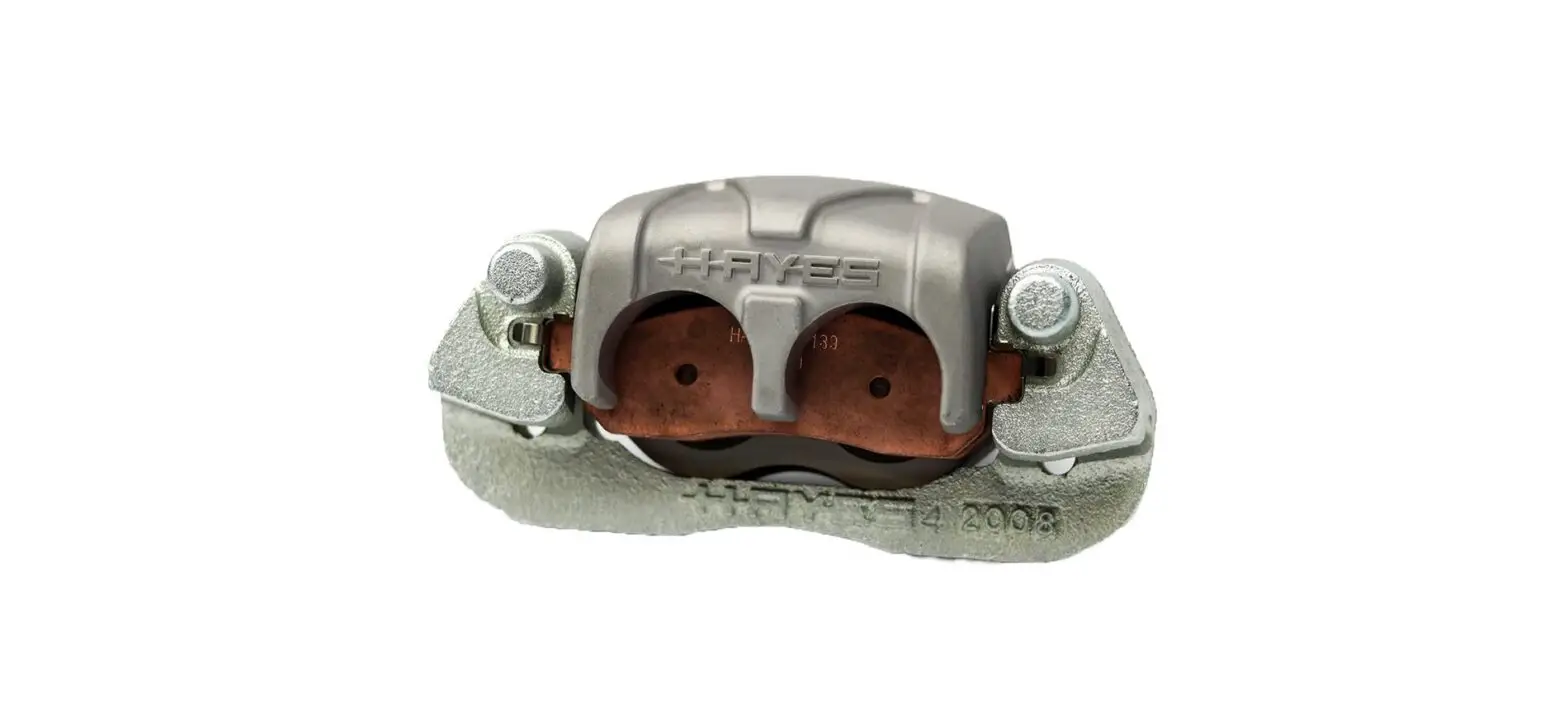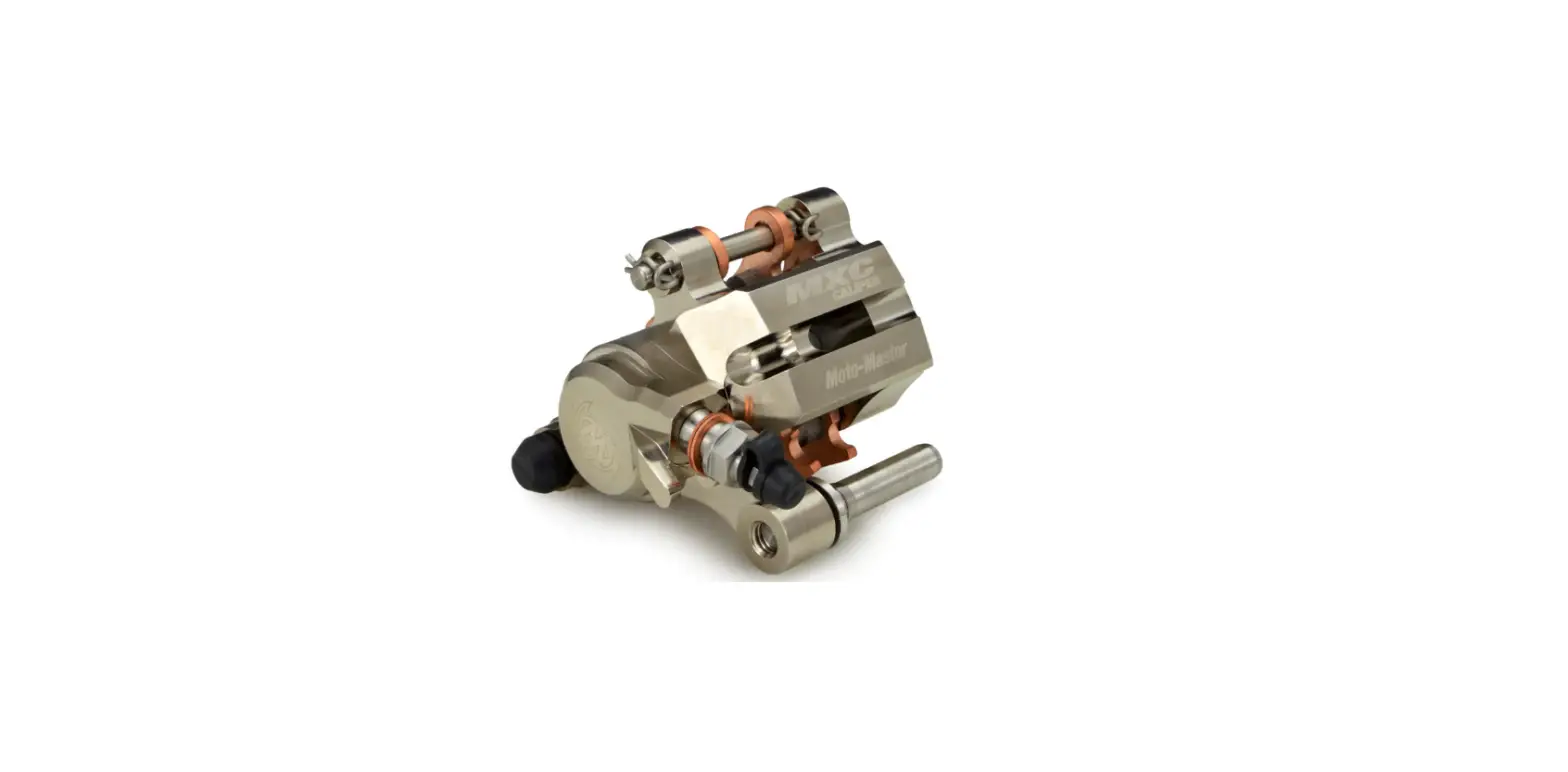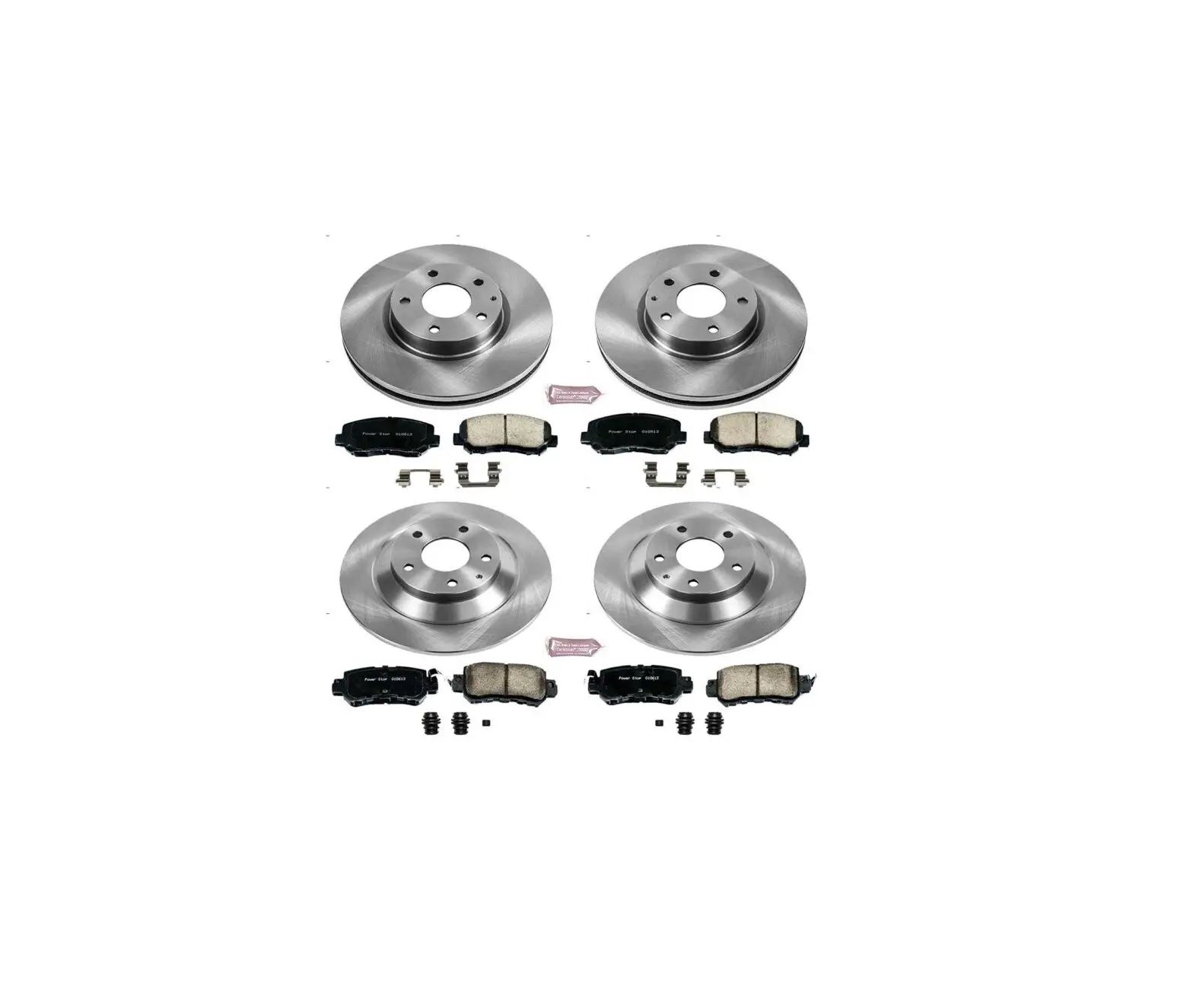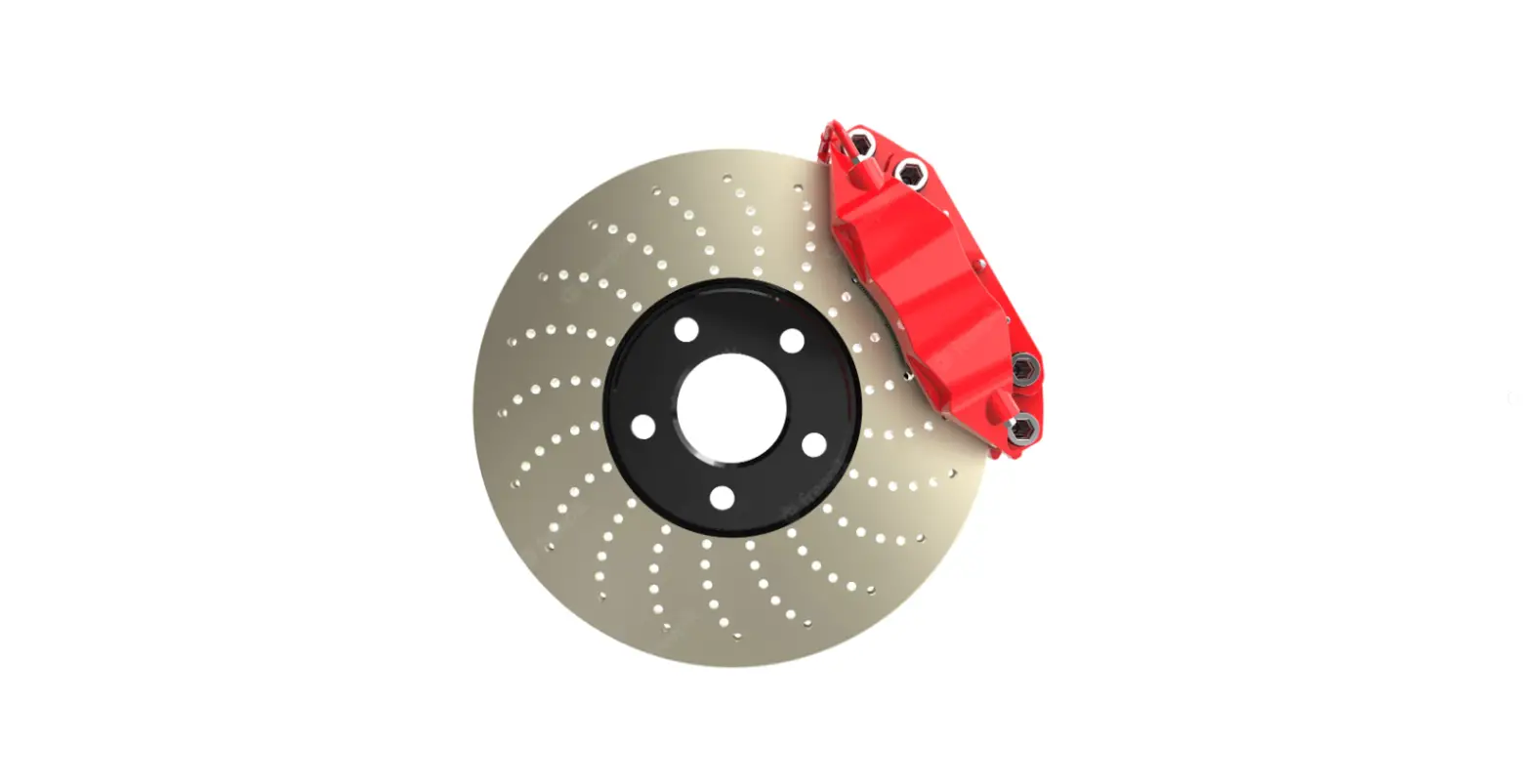

Razor W15110710009 Vector Caliper Brake
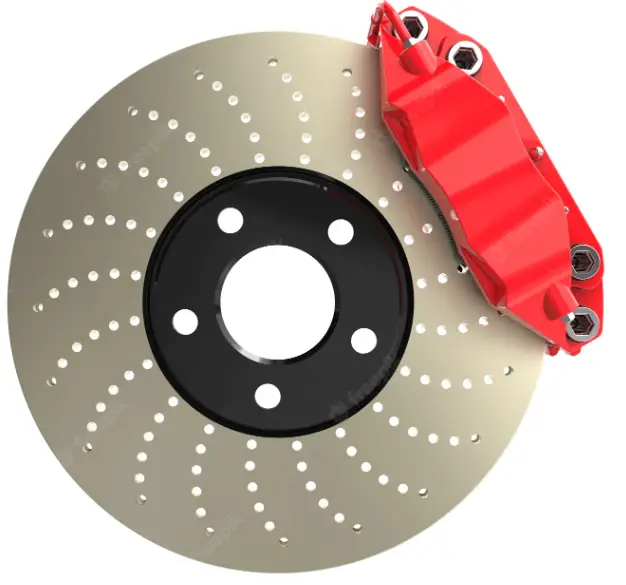
Required Tools: (Not included)
- Long needle pliers
- 5 mm Allen wrench
WARNING
CAUTION: To avoid potential shock or other injury, turn power switch OFF and disconnect charger before conducting any assembly or maintenance procedures. Failure to follow these steps in the correct order may cause irreparable damage.
INSTALLATION INSTRUCTION
- Step 1
Using long needle pliers, pinch the end cap from the brake cable. Remove the end cap and set aside.
- Step 2
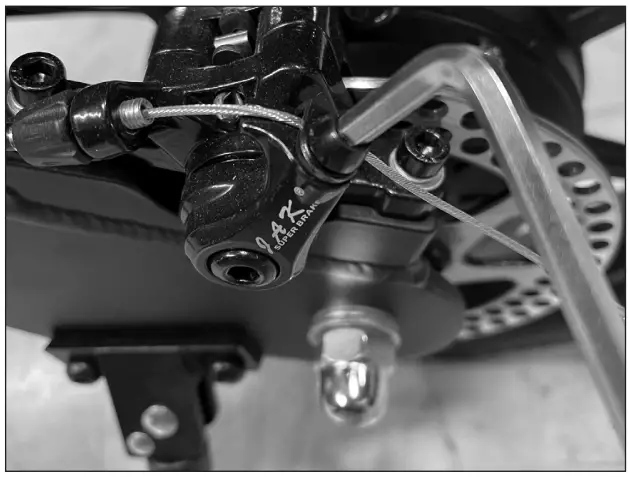
Using a 5 mm Allen wrench, loosen the bolt that holds the brake cable onto the brake caliper actuator arm. Slide the cable out.
- Step 3
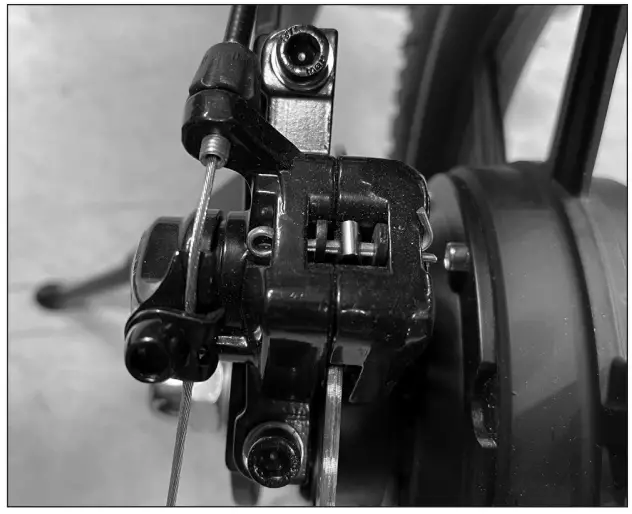
Loosen and remove the two (2) hex bolts that hold the brake caliper onto the frame and remove.
- Step 4
Reverse the steps.
ATTENTION: Charge battery 8 hours before using.
Need Help?
Visit our website at www.razor.com or call toll-free at 866-467-2967 Monday – Friday 8:00am – 5:00pm Pacific Time.
 Razor | Scooters and Ride-ons for the whole family