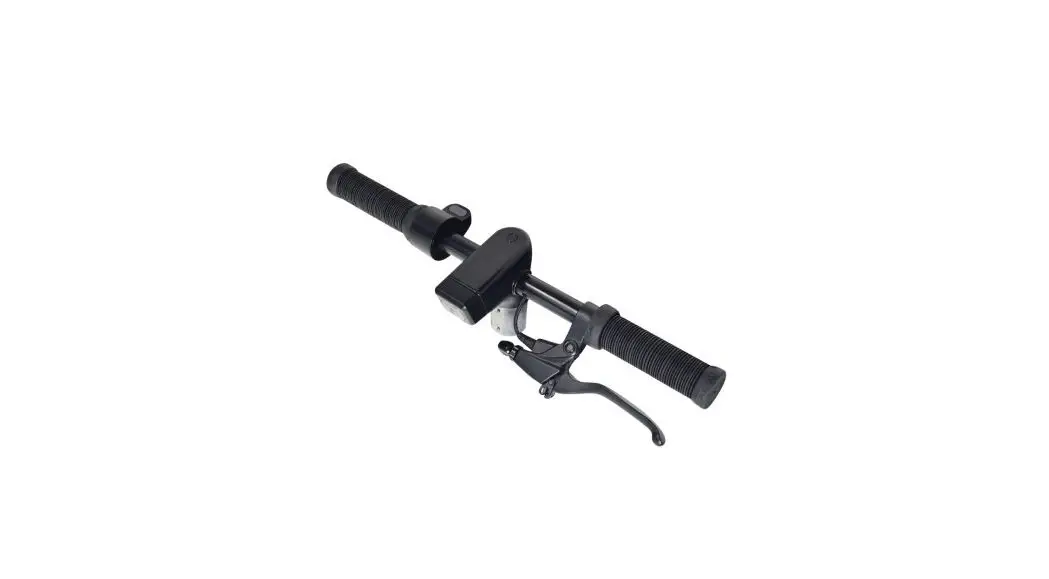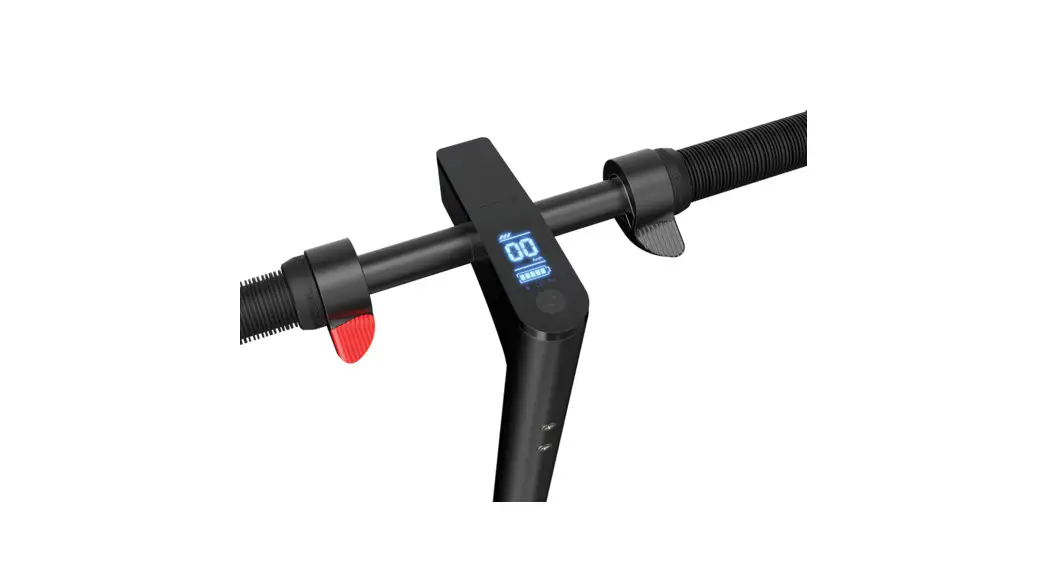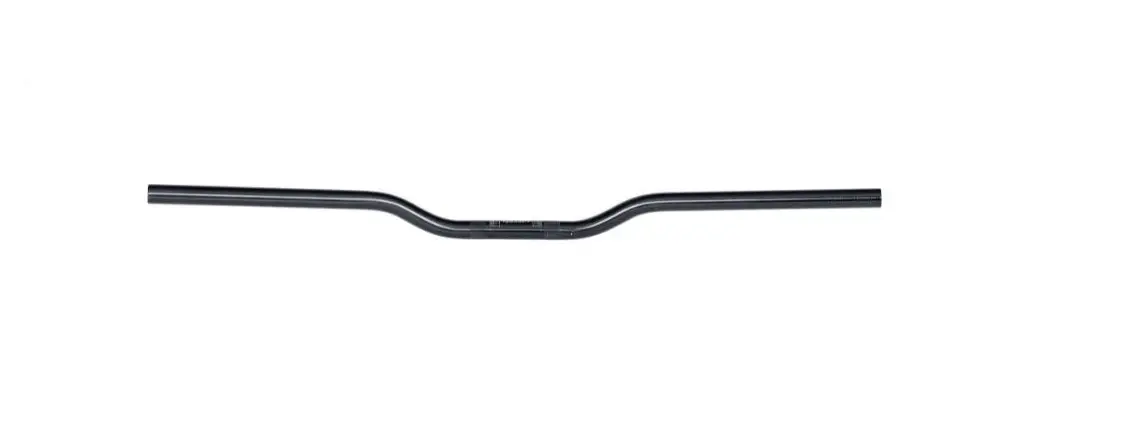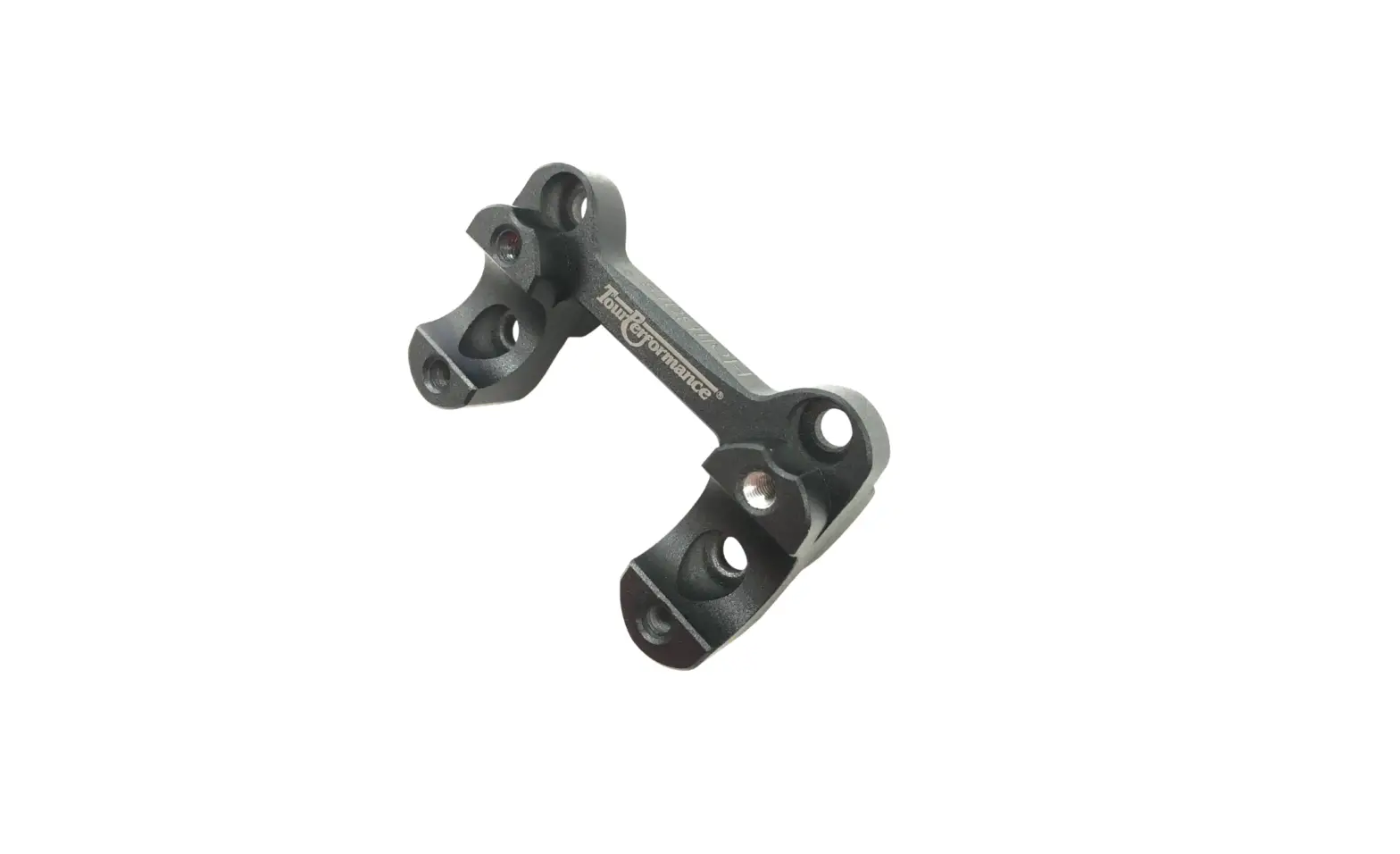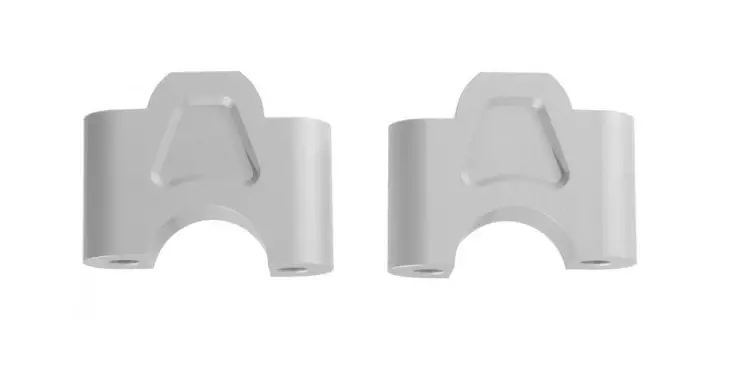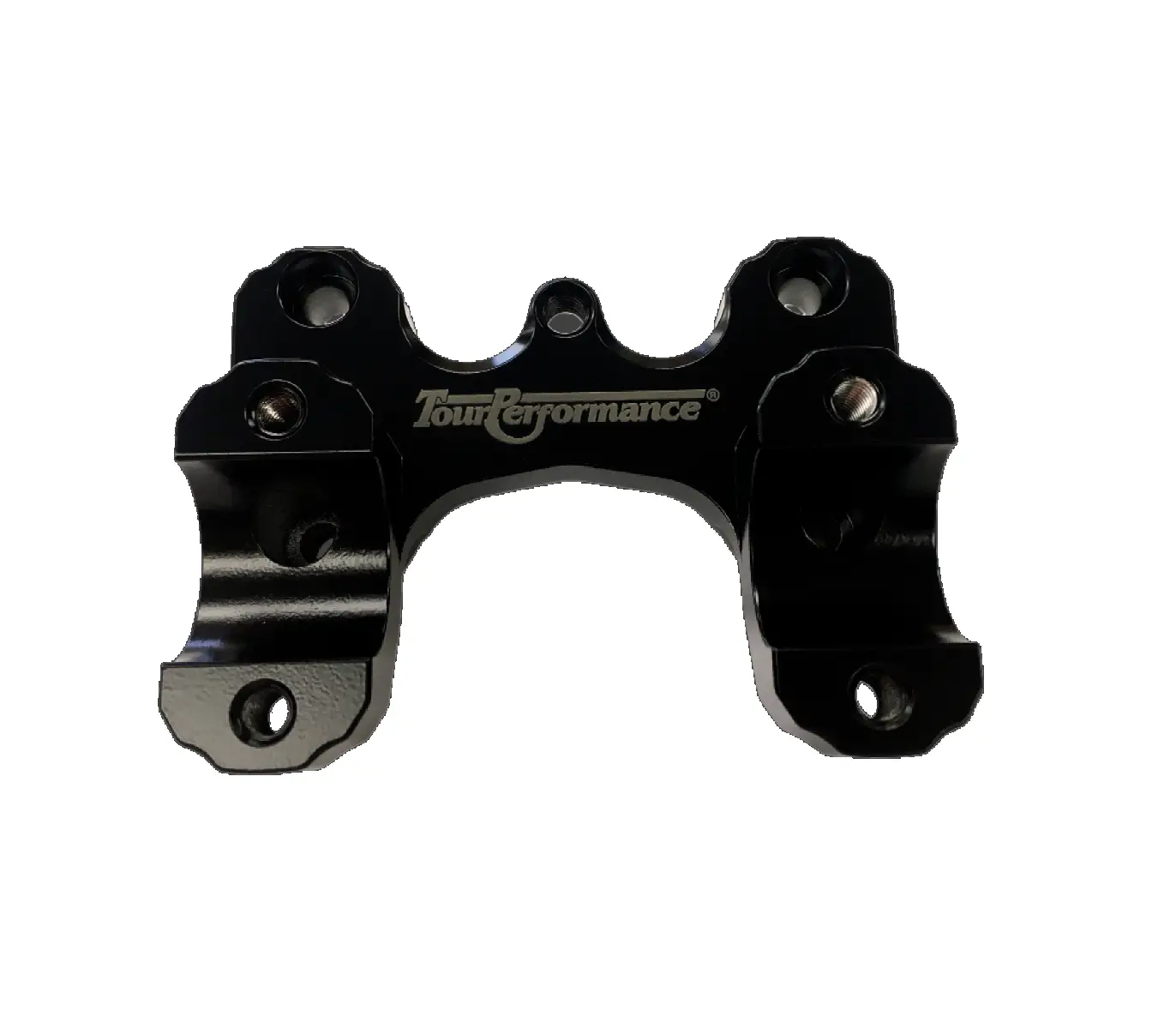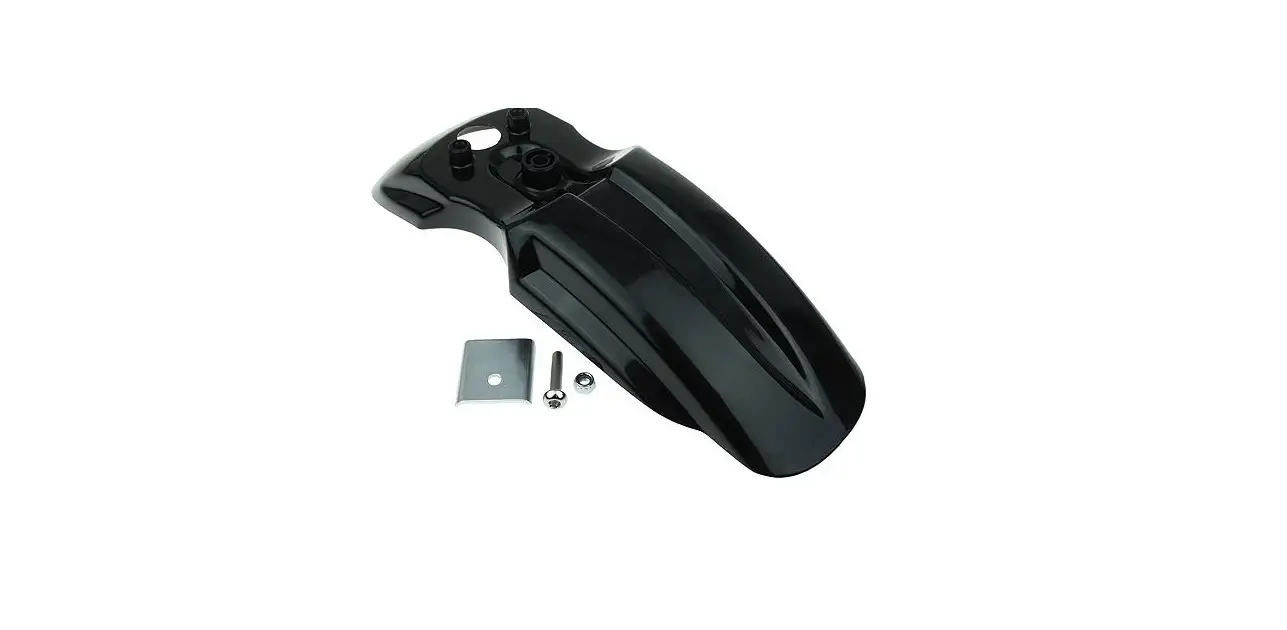

Razor W13113290027 C25 Handlebar Kit Instructions
Required Tools
(Not included)
A. 4 mm Allen wrench
WARNING
CAUTION: To avoid potential shock or other injury, turn power switch OFF and disconnect charger before performing any assembly or maintenance procedures. Failure to follow these steps in the correct order may cause irreparable damage.
Step 1
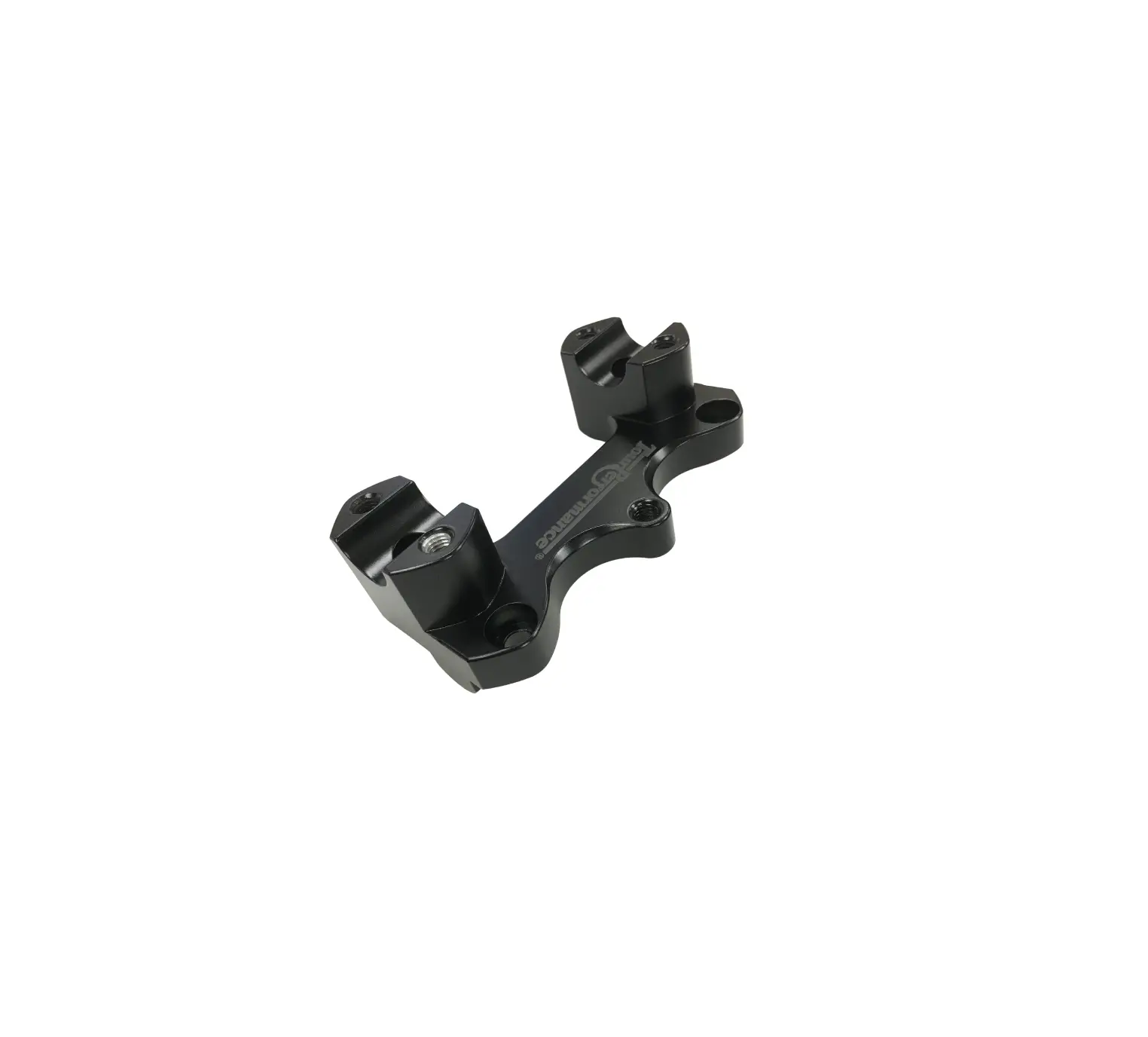
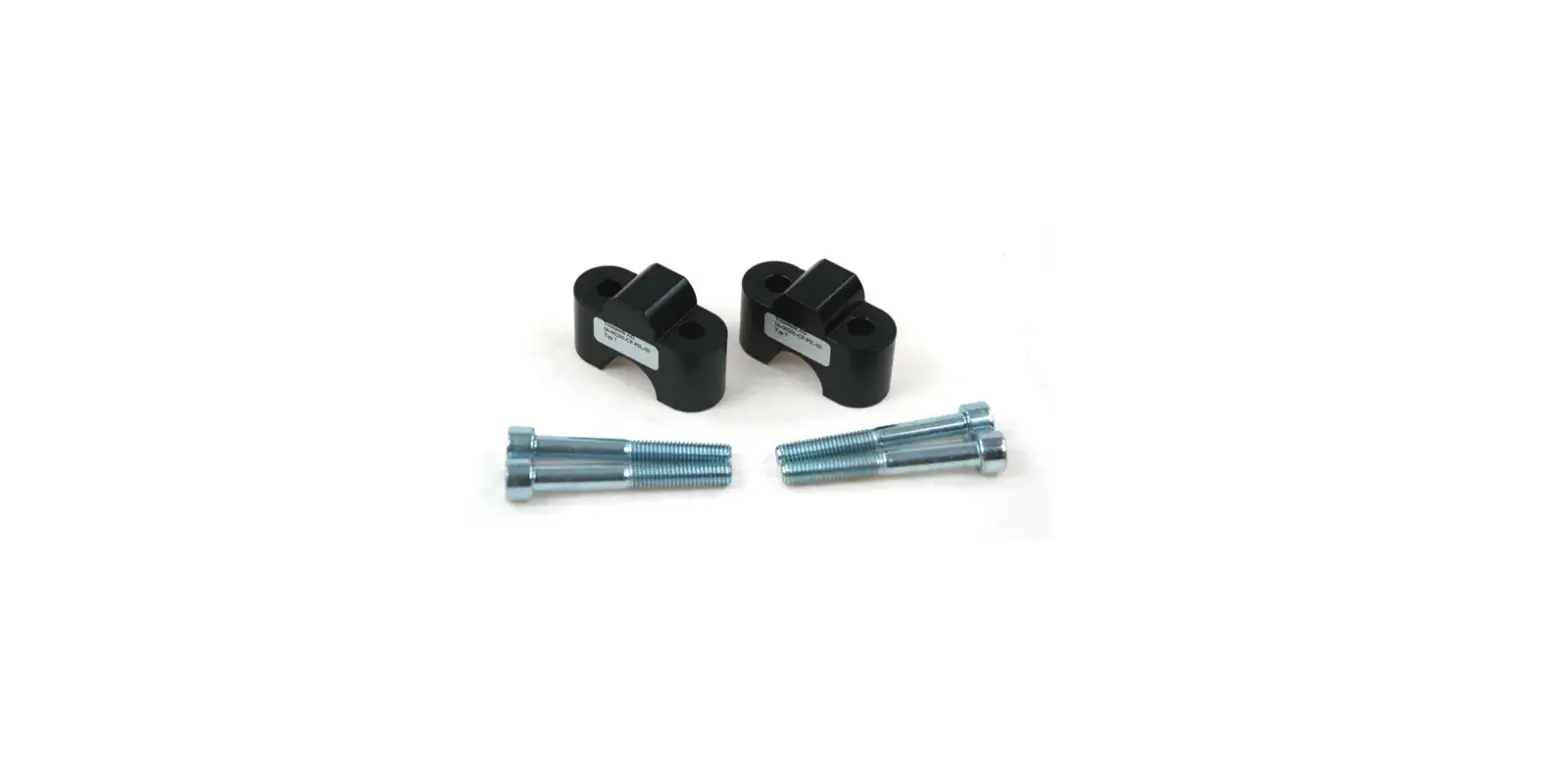
Using a 4 mm Allen wrench, remove the four (4) Allen screws and washers from the handlebar.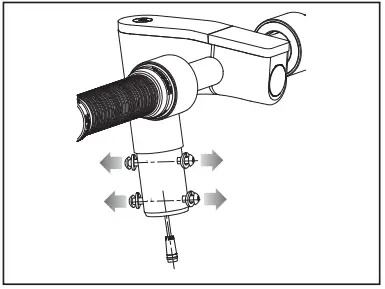
Step 2
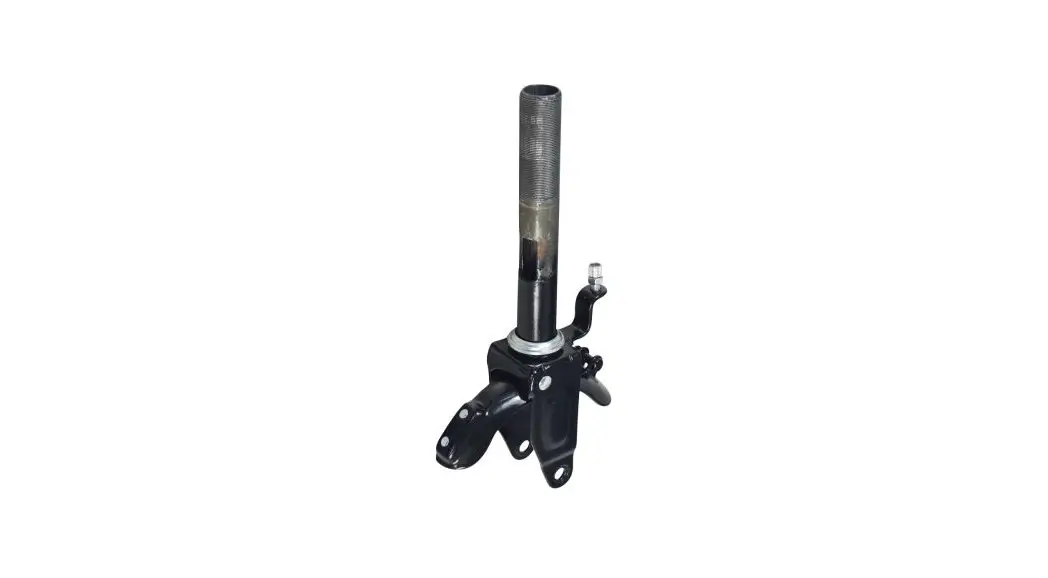
Plug in connector. Slide the stem onto the Steer Tube. Be careful not to pinch wire. Tighten the four (4) handlebar screws and washers securely with a 4 mm Allen wrench.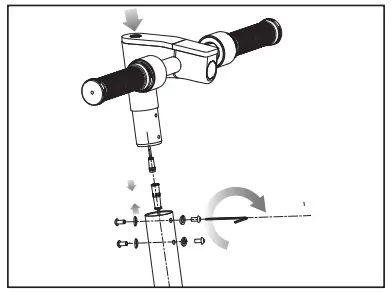
Need Help? Visit our website at www.razor.com or call toll-free at 866-467-2967 Monday – Friday 8:00 AM – 5:00 PM PST.
 Razor | Scooters and Ride-ons for the whole family