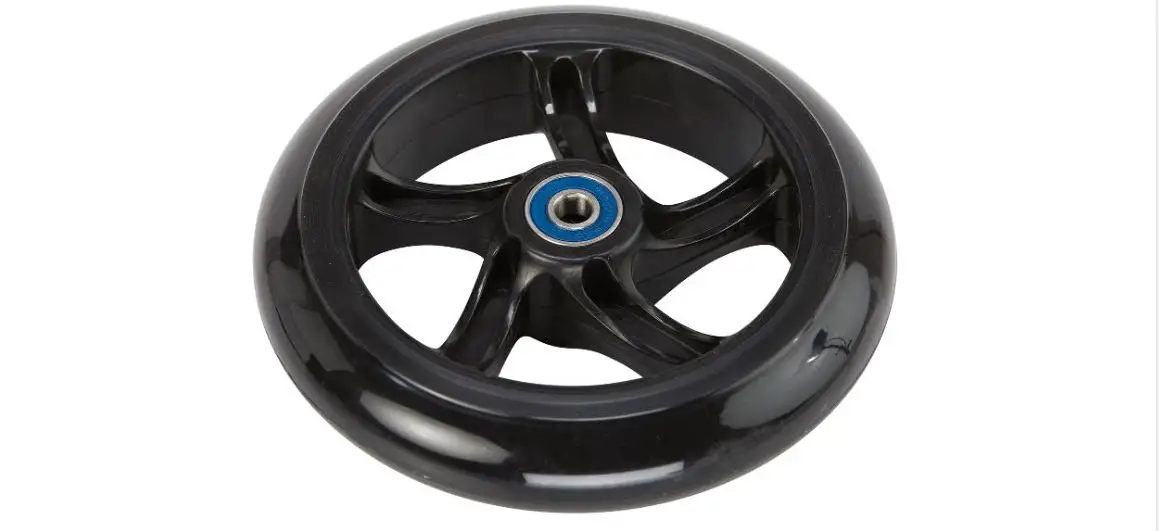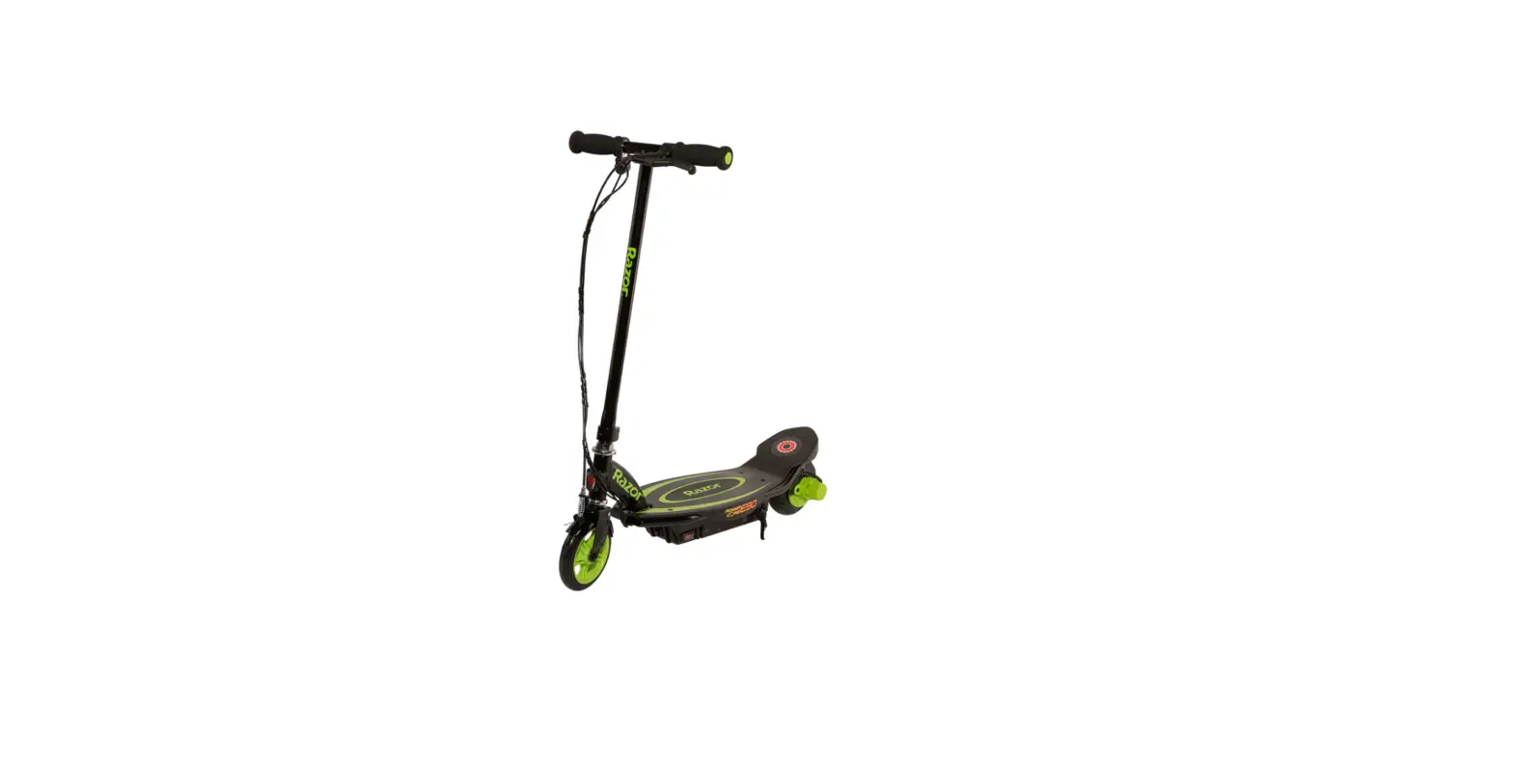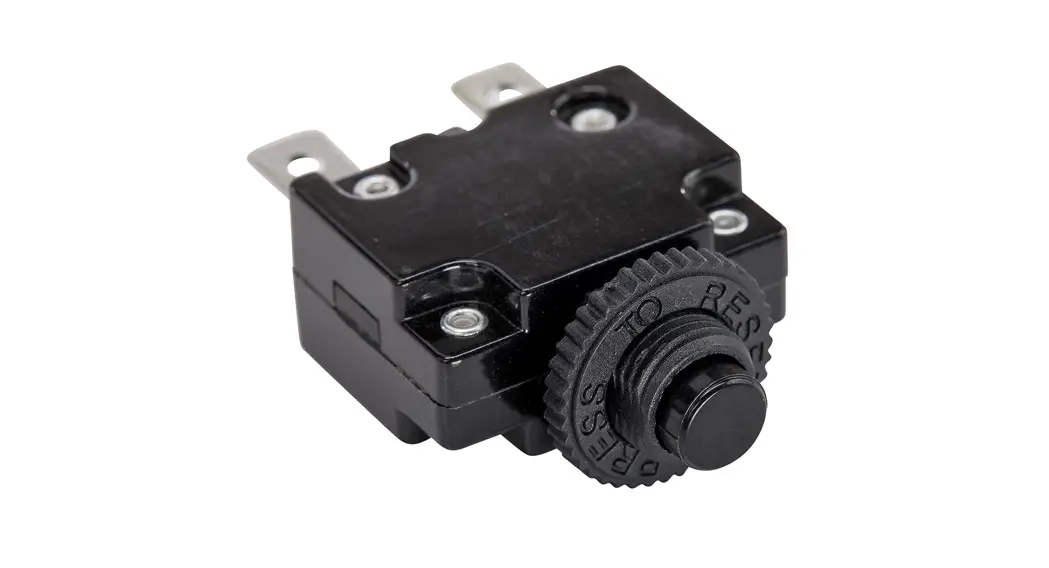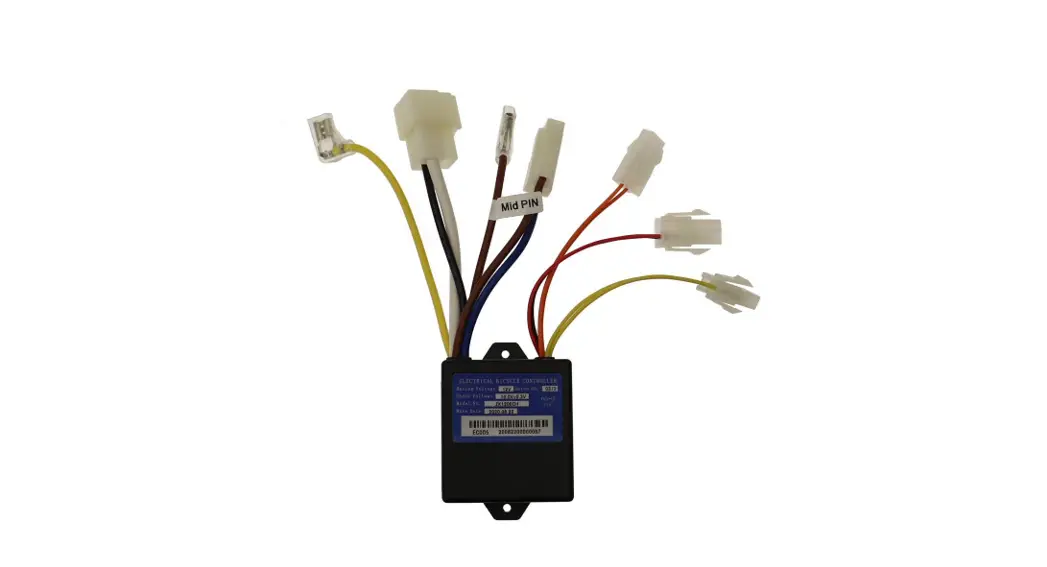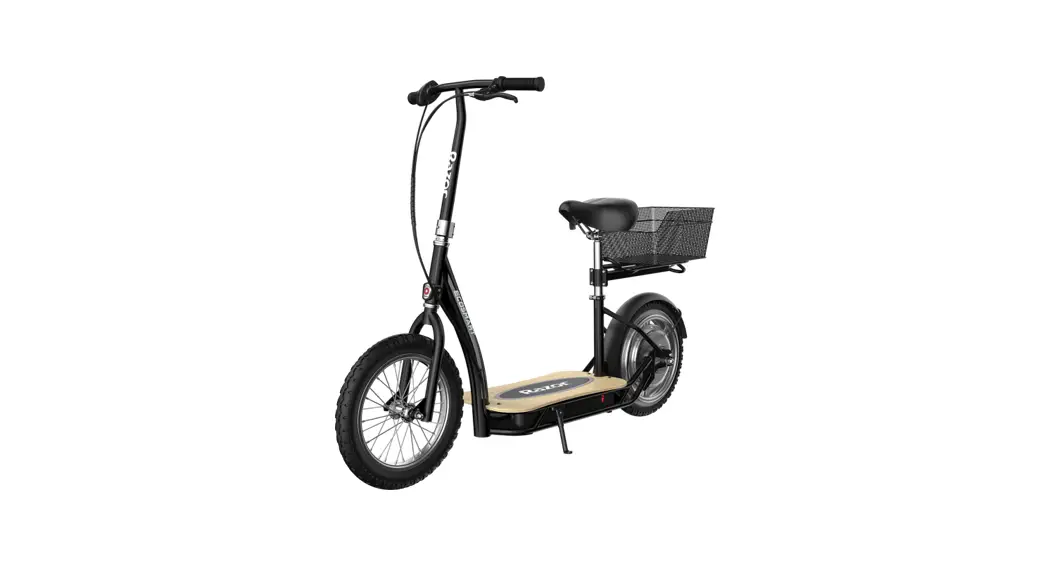
 W13114501011 Ecosmart Metro,
Metro HD, Sup Replacement Procedures
Instructions
Required Tools: (Not included)
A. 4 mm Allen wrench
B. 10 mm wrench
C. Phillips screwdriver
D. 5 mm Allen wrench
E. Flat screwdriver
F. Long needle pliers
 WARNING
CAUTION: To avoid potential shock or other injury, turn power switch OFF and disconnect charger before conducting any assembly or maintenance procedures. Failure to follow these steps in the correct order may cause irreparable damage.
Step 1
Turn the unit off. Using a 4 mm Allen wrench and a 10 mm wrench, remove the four (4) bolts on the deck. The bolts at the front are held by two (2) 10 mm nuts.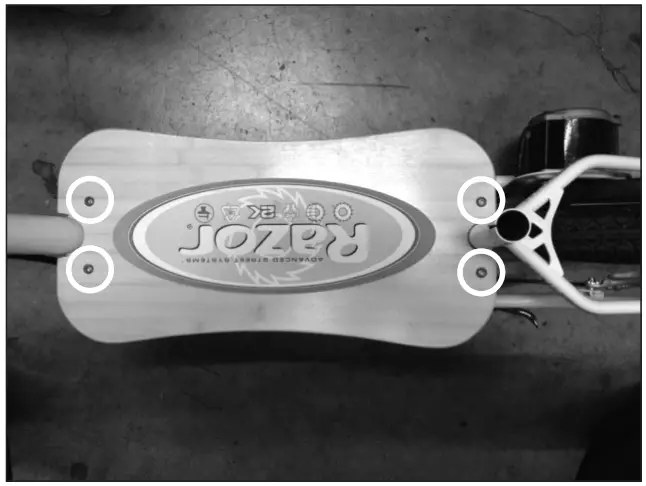 Step 2
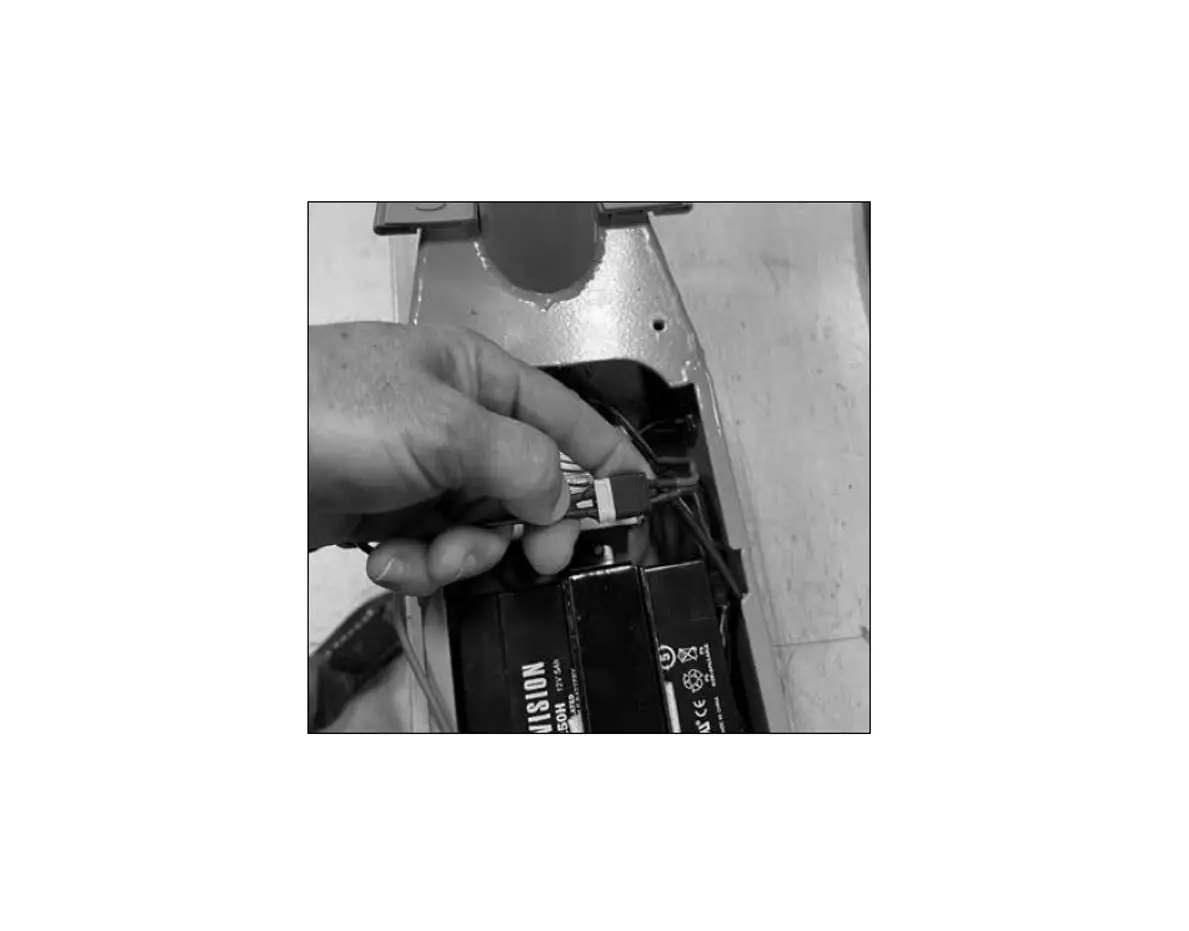
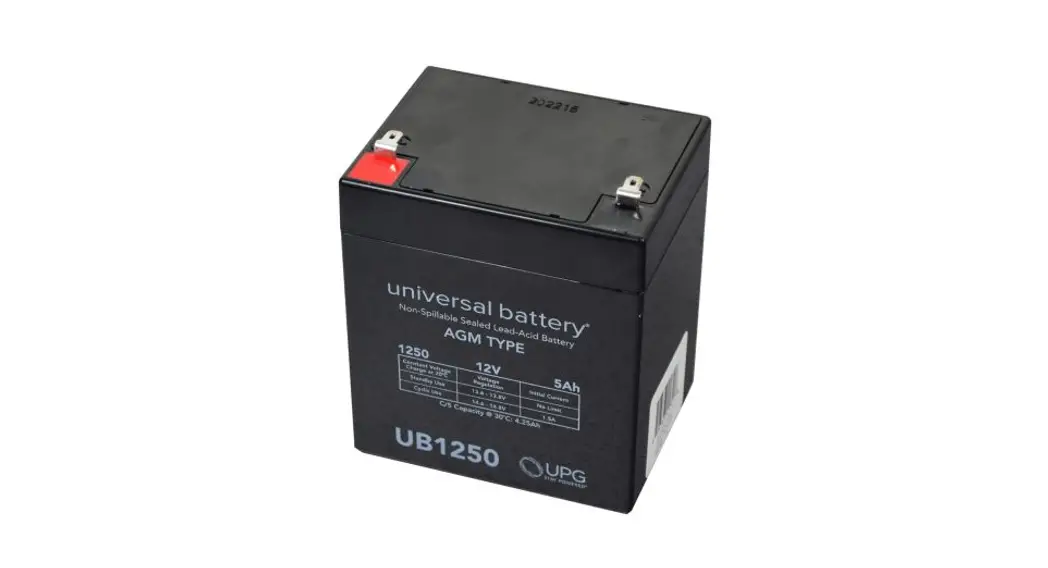
Disconnect the batteries. Remove batteries from the battery tray to gain better access to the brake cables. Set batteries aside.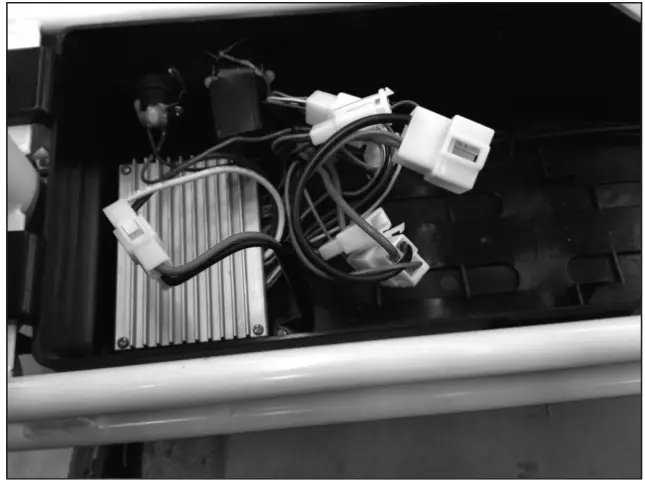 Step 3
Using a Phillips screwdriver, remove the two (2) screws on the plastic piece that holds the cables to the battery tray.
Remove the rubber plug located at the front of the battery tray.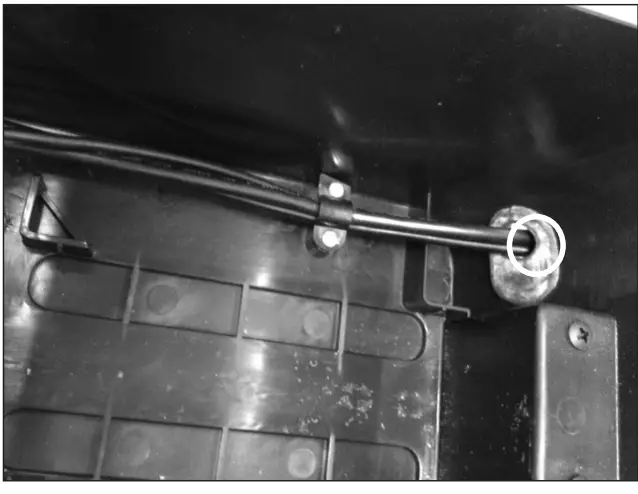
Step 4
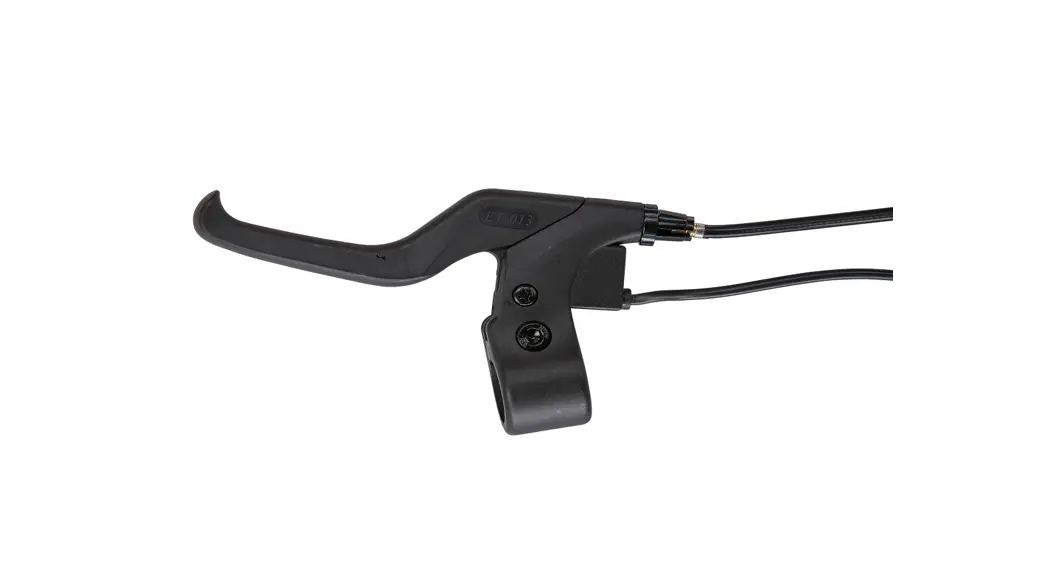
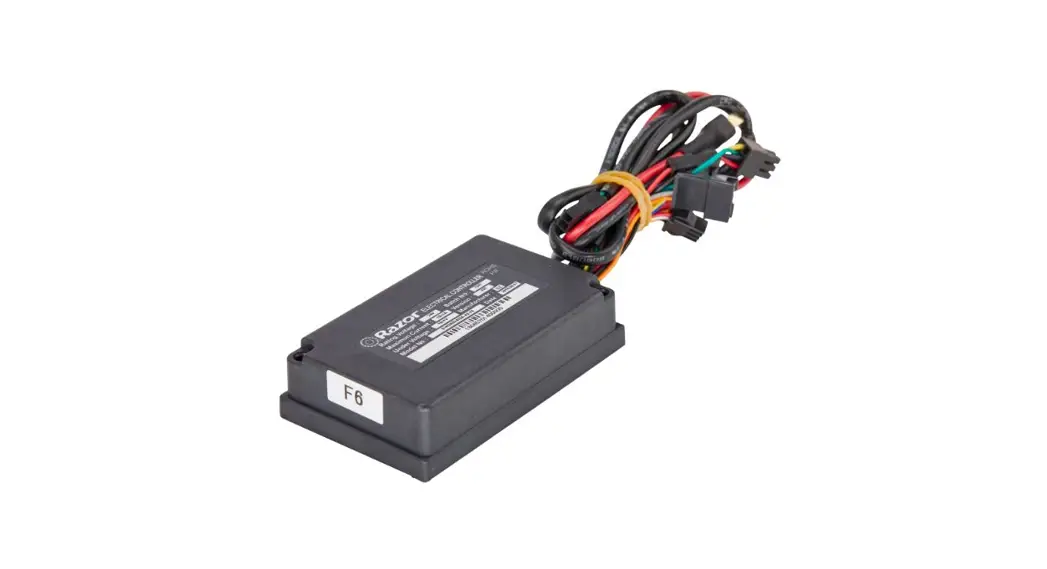
Follow the brake lever wire and disconnect it from the control module. Locate the brake cable. Cut the zip tie and remove the cable wrap.
NOTE: Save the cable wrap for re-assembly. Gently pull the brake cable through the hole in the battery tray.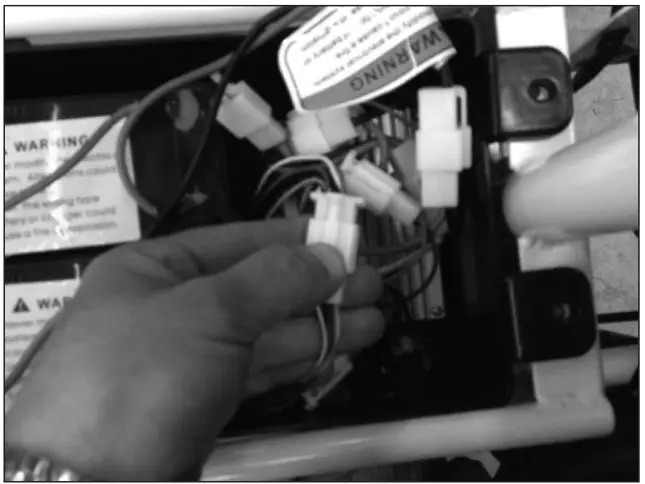
Step 5
Using a 5 mm Allen wrench, loosen the bolt on the brake lever and move it away from the grip.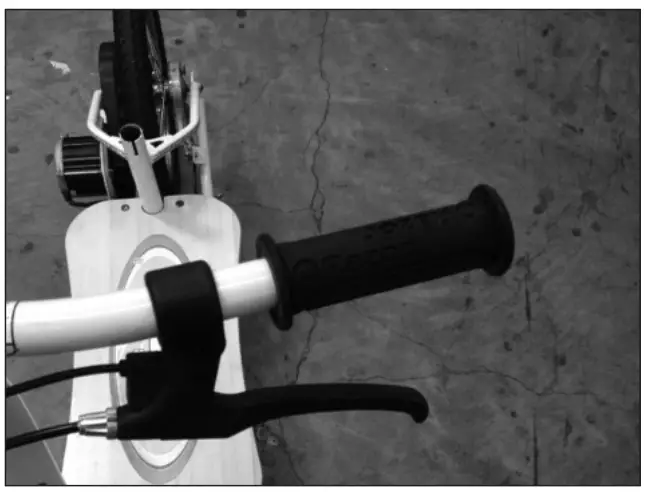 Step 6
Carefully wedge the flat screwdriver under the edge of the handlebar grip. Add a small amount of lubricant or soapy water and remove the grip.
NOTE: Save the grip for re-assembly.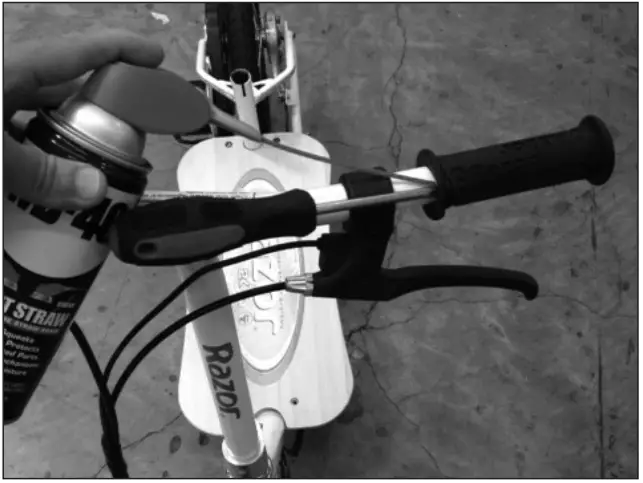
Step 7
Using long needle pliers, remove the end cap from the brake cable and set aside.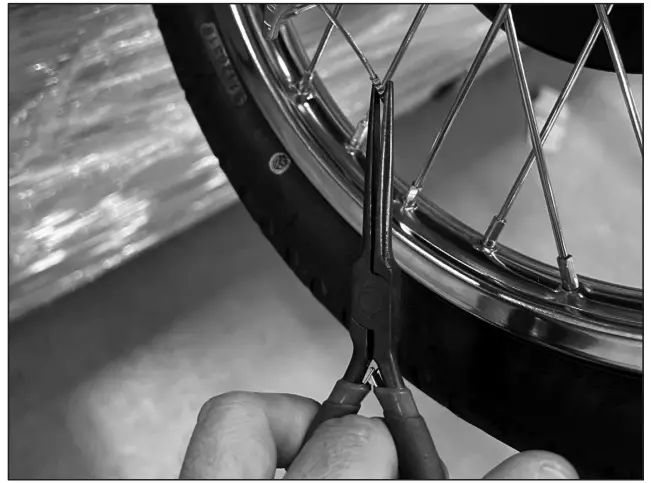 Step 8
Using a 10 mm wrench, loosen the locknut that holds the brake cable in place. Slide the cable out, save all the hardware for re-installation.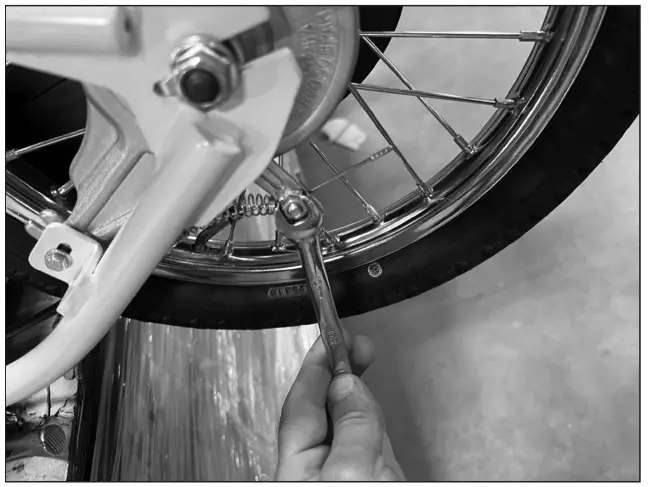
Reverse the steps.
ATTENTION: Charge battery 12 hours before using.
Need Help?
Visit our website at www.razor.com or
call toll-free at 866-467-2967 Monday
– Friday 8:00am – 5:00pm Pacific Time.
 Razor | Scooters and Ride-ons for the whole family