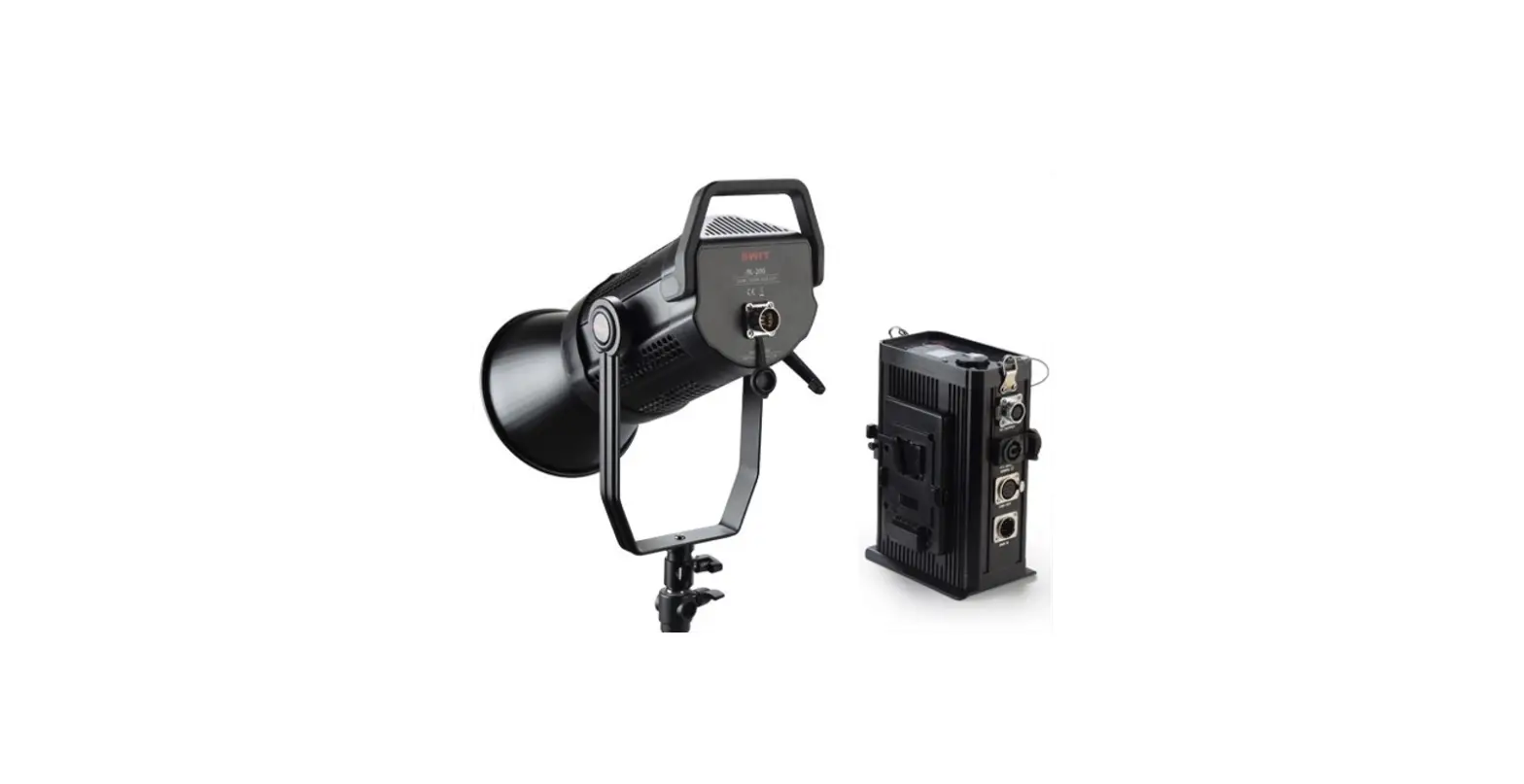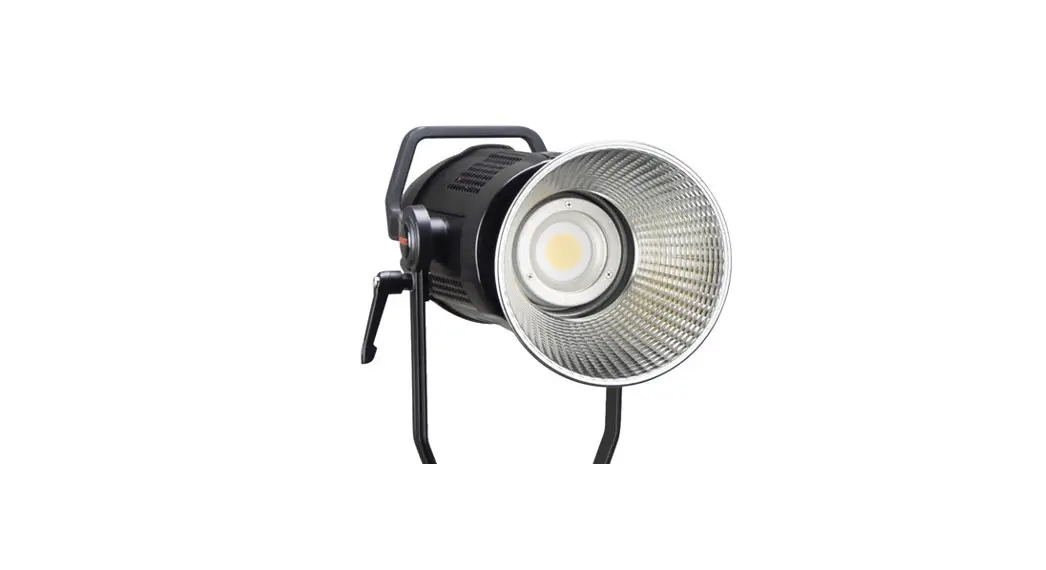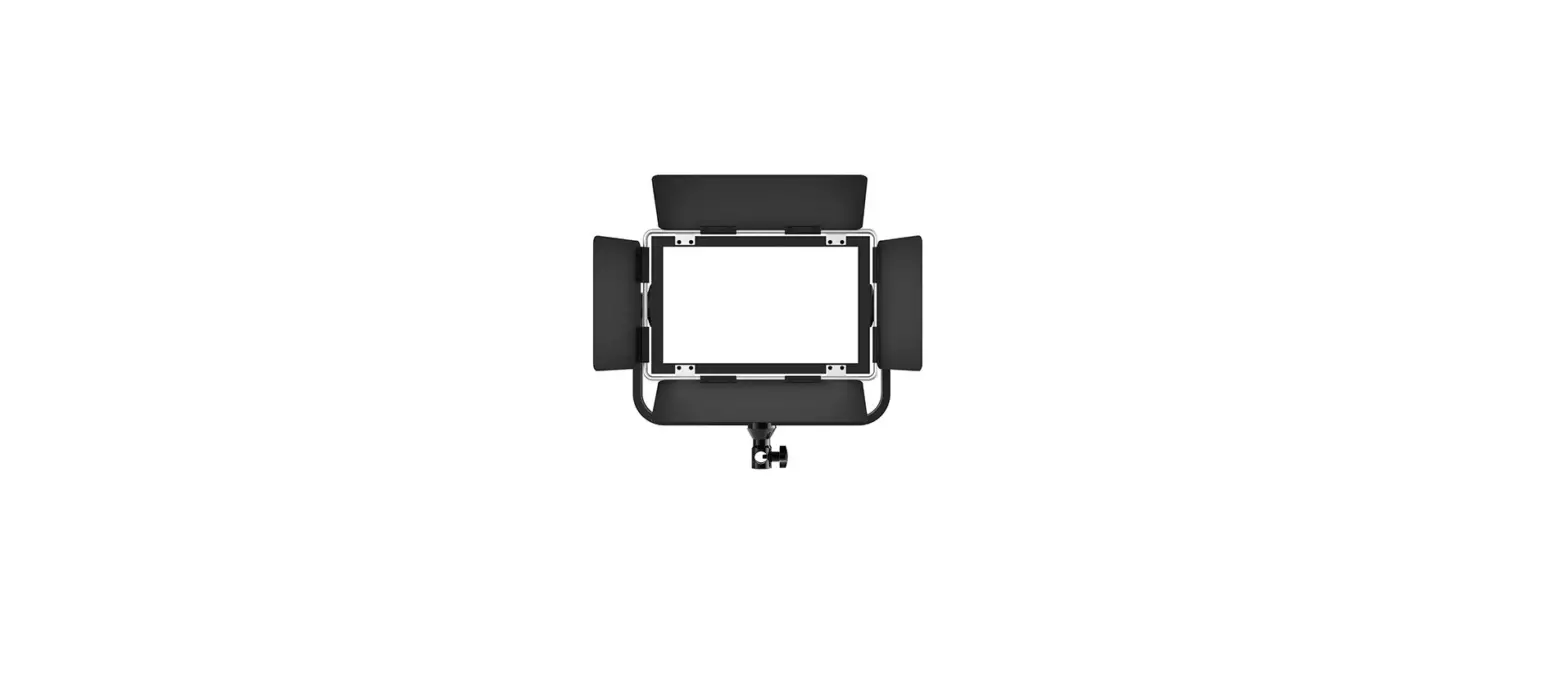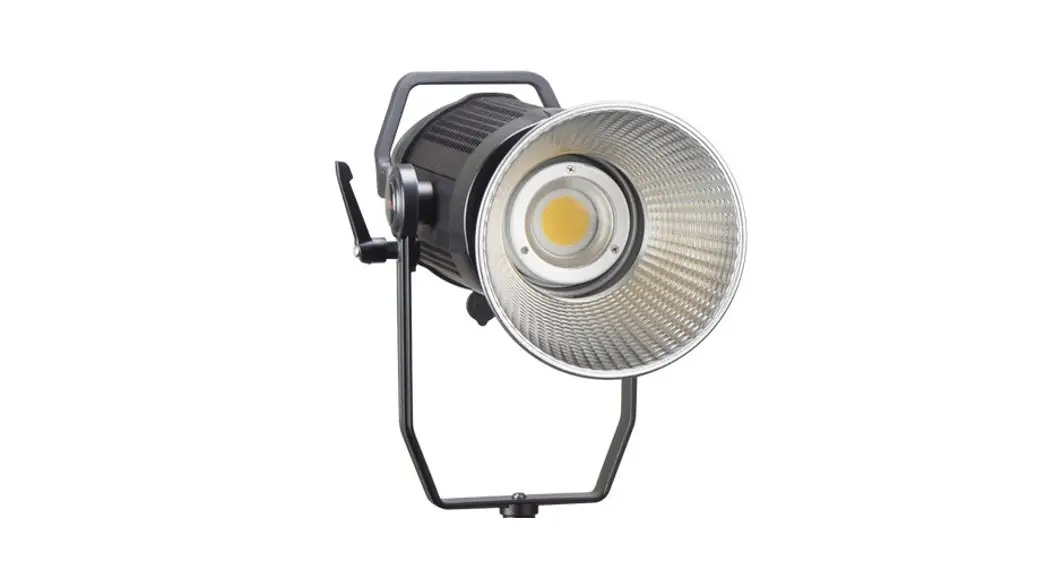

BL-150E
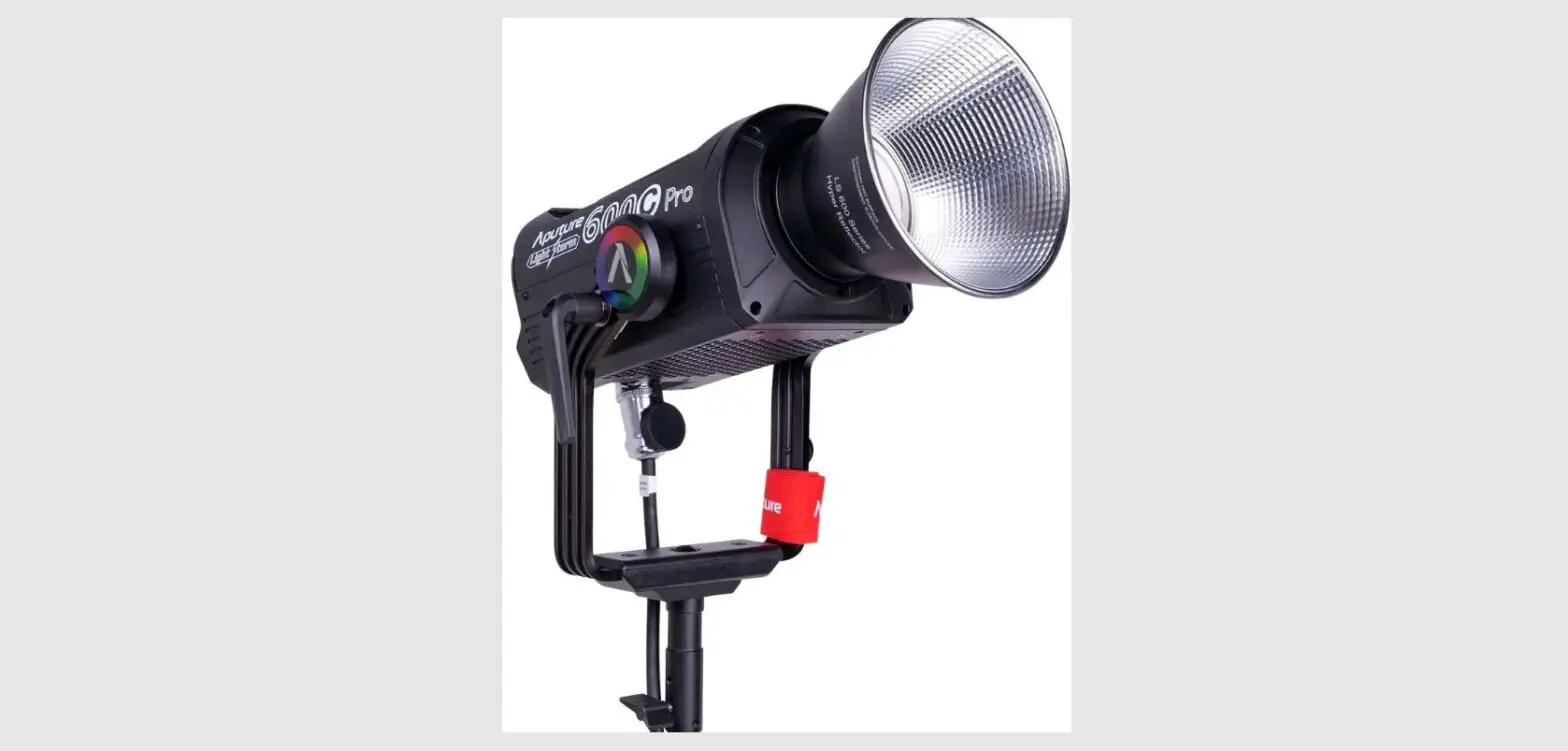
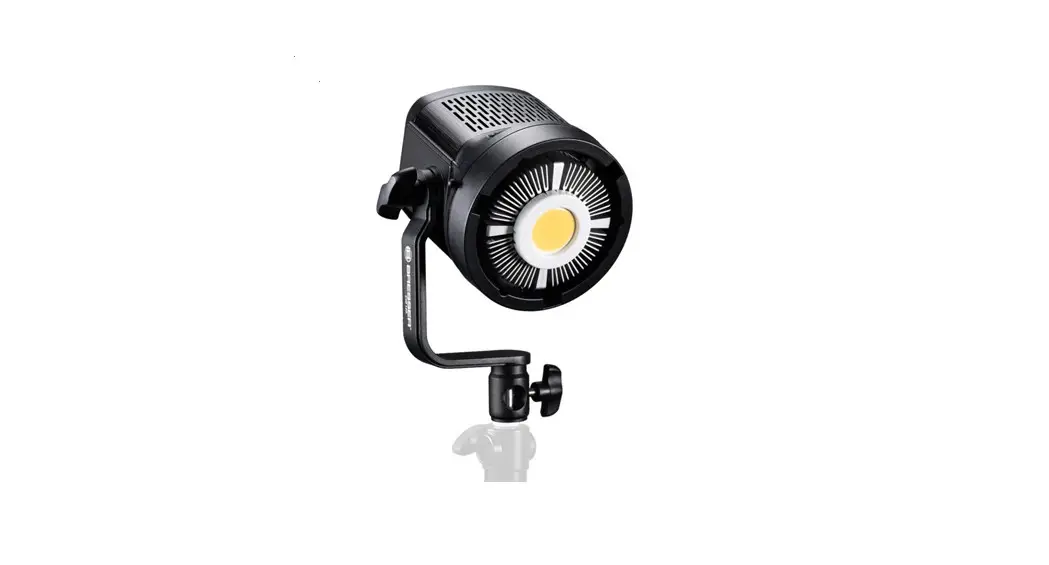
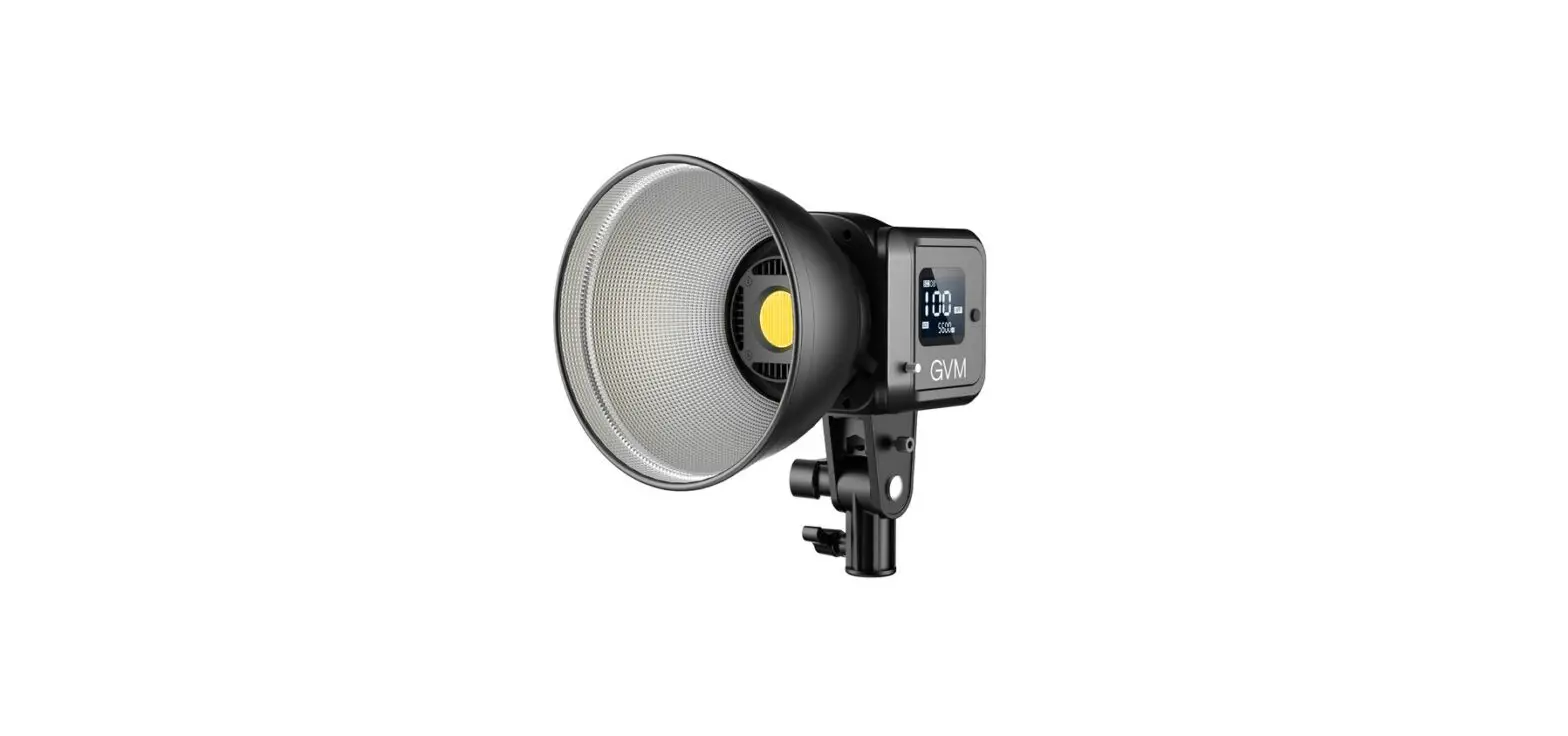
Bowens COB LED Light
Ver:B USER MANUAL
SWIT Electronics Co.,Ltd.
Specification
Thank you for choosing SWIT products. Please read the instructions before using, and keep it for future reference.
| Model | BL-150E |
| Color temperature | 5600K |
| Brightness | 000%-100% |
| CRI | 97 |
| TLCI | 98 |
| Beam angle | 60°(Without Shield) |
| Maximum illuminance | 4400 Lux@lm( Without Shield ); 27290 Lux@lm(With Standard Shield) |
| Ways of control | Button,APP, DMX |
| Working voltage | AC 100-240V,50/60Hz |
| Input power | 150W |
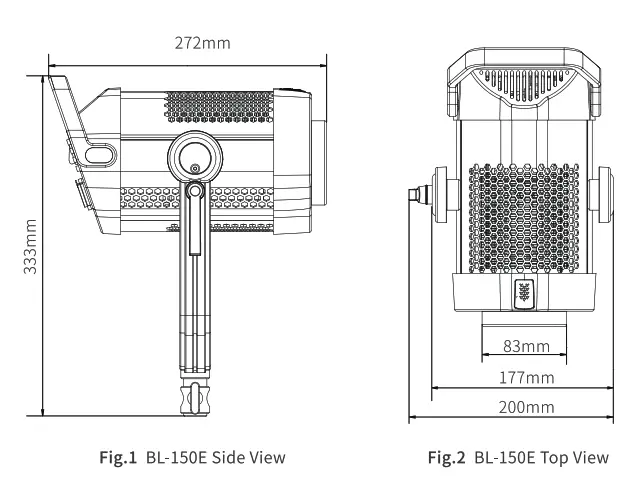
| Dimension(mm) | See Fig.1, Fig.2 |
| Net weight | 2.23Kg |
Warning
- Do not pull out the power cable when the light is powered on. Cut off the power when not using, switch off the light before pulling out or plugin;
- Do not disassemble the light or touch the internal of the light with a metal object to avoid damage;
- Do not use the light in rainy or snow days or store in a wet environment.
Appearance
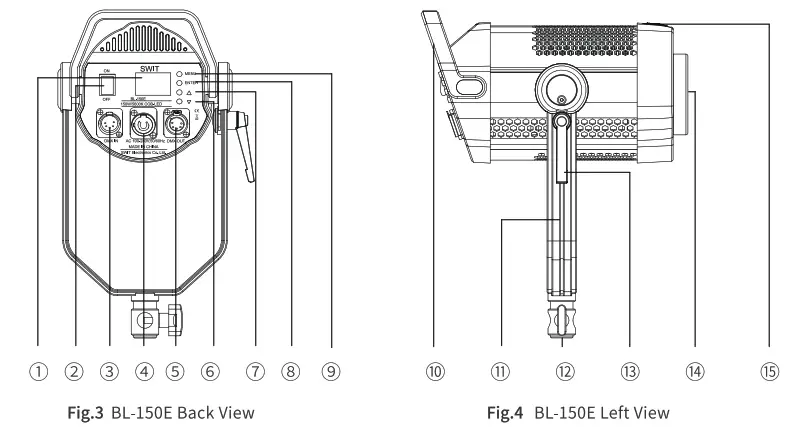
| 1. LCD Screen 2. Power Switch 3. DMX IN 4. AC INPUT 5. DMX OUT6.”  ” ”7 .  ” ”8.”MENU” 9. ENTER | 10 Handle 11U-Shape Bracket 12 Bracket Adaptor 13 Fastening Knob 14. LED 15Light shield fixed cover |
1. CCT MODE Switch on the light(Fig.3 (D),pressuMenu”(Fig.3 (D)change the working mode to CCT mode, the screen shown as Fig. 5, press”Enter” to choose the intensity, according to the use requirement, adjust the intensity through “s”(Fig.3 CD), “v”(Fig.3 (D).
| No. | Parameter | Adjusting Range |
| 1 | Intensity | 000%-100% |
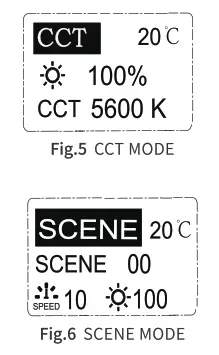 2. SCENE MODE PressuMenu”(Fig.3®)to change the light mode to scene mode, the screen shown as Fig.6:
2.1 Scene setting Choose”Enter”to enter into scene choosing function, and press”” (Fig.3 0), ““(Fig.3 0) to choose scene according to the use requirement.
2.2 Frequency setting After entering into Fig.6 interface, press the “Menu”(Fig.3 C))button for twice, choose the frequency setting function, Press”s”(Fig.3 0), “y”(Fig.3 ©)to set the frequency according to the use requirement.
| No. | Parameter | Adjusting Range |
| 1 | SCENE | 00-09 |
| 2 | SPEED | 00-10 |
| 3 | INTENSITY | 000-100 |
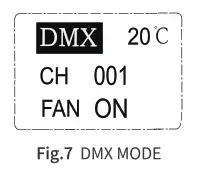 2.3 Intensity adjustment
After enter into Fig.6 interface, press”Menu”(Fig.3 C) ), choose the intensity adjusting function, and press ““(Fig.3 0),”“(Fig3 (:))to adjust the intensity according to the use requirement.
3. DMX MODE Choose”Menu”(Fig.3 (:))to change the working mode, Screen shown as Fig.7:
3.1 CH Address Setting Press the “Enter” button to choose CH address setting function, and press ““(Fig.3 0), and ““(Fig.3 (D)to set the CH address according to the use requirement.
No. Parameter Adjusting Range 1 SCENE 00-09 2 SPEED 00-10 3 INTENSITY 000-100
3.2 Fan Working Status Setting Press”Enter” twice to choose the working status setting function, and press”A”(Fig.3 “Y”(Fig.3 0) to set the working status of fan according to to use requirement.
| No. | Parameter | Adjusting Range |
| 1 | CH | OFF, 001-512 |
| 2 | FAN | ON, OFF |
4. Muetooth Resetting Press the “Menu”(Fig.3 0)button to change the working mode, Screen shown as Fig.8, Press the “Enter” button to choose”“, press””(Fig.3 0) to set”?”to”YES” for reset Bluetooth(See Fig.9).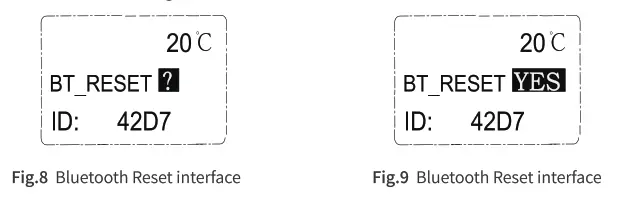
DMX/Intercontrol Mode
Press the “Menu” button(Fig.3 Qto change working mode to DMX mode:
- DMX Mode Connect all the lights through the DMX cable and connect with the DMX signal output device, setting the CH address (See 3.1 CH address setting). This product occupies one DMX channel to adjust the intensity, intensity adjusting range: of 000%-100%.
- Intercontrol Mode Set the CH address of aimed light to the same address to realize the wireless mutual control between the lights, using this function, there is no host, or slave between the lights.
APP Usage
- APP Name and download
1) APP Name: SWIT BL(Android)/ DeSal Lite+(10S) 2) Download:
► Android: Scan QR to Install(Fig.10);
► 105: Apple Store search”DeSal Lite+” to Install. - APP Using Attention
► Please reset the Bluetooth of the light if APP can not recognize the light;
► APP can only control turning off the brightness of the light, and the power switch of the lamp is controlled in the body.
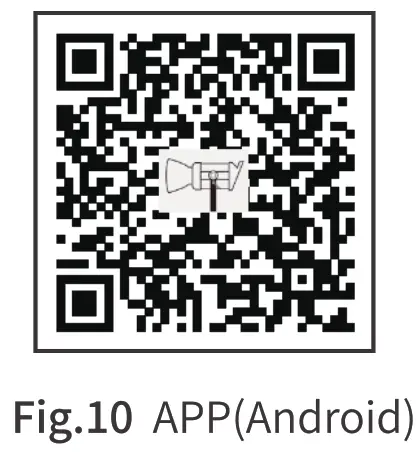 https://www.swit.cc/uploads/APK/SWIT_BL.apk
Packing List
| No. | Accessories | Quantity |
| 1 | BL-150E | x 1 |
| 2 | Power cable | x 1 |
| 3 | Standard light shield | x 1 |
| 4 | Certification | x 1 |
| 5 | BA-OCT36(36-inch Octagonal Softbox) | Optional Accessories |
| 6 | BA-LAN26(26-inch Lantern Softbox) | |
| 7 | BA-PARA26(26-inch Parabolic Dome Softbox) | |
| 8 | BA-BD16(16-inch Beauty Dish) | |
| 9 | BA-ST3(3.1-inch Snoot With honeycomb) | |
| 10 | BA-F3X(Fresne112°-40°3x Lens) | |
| 11 | BA-BK4(Bowens 4-leaf Barndoor for standard reflector) |
Tel:+86-25-85805753
Fax:+86-25-85805296
http://www.swit.ce
E-mail: [email protected]