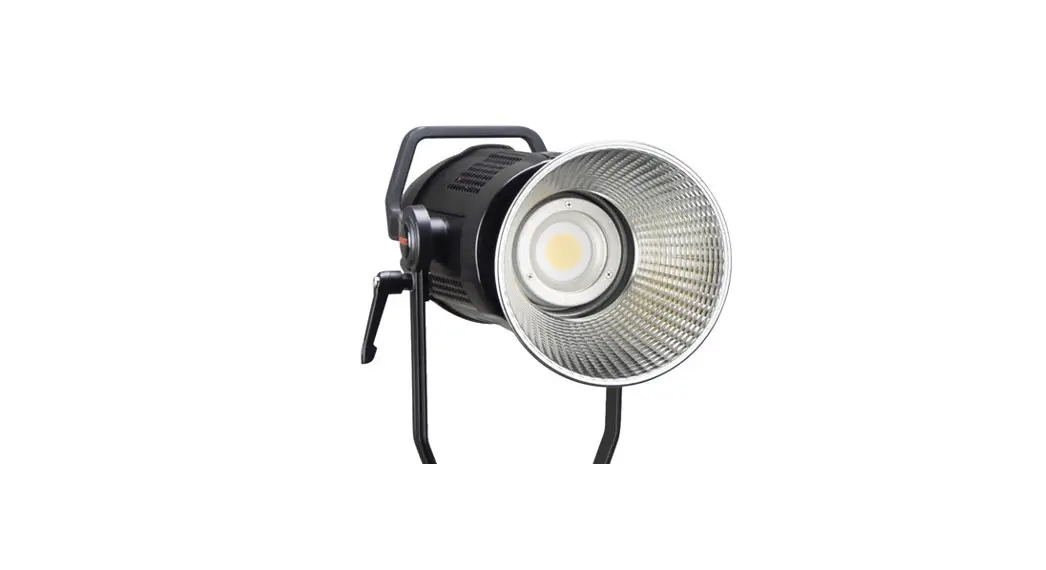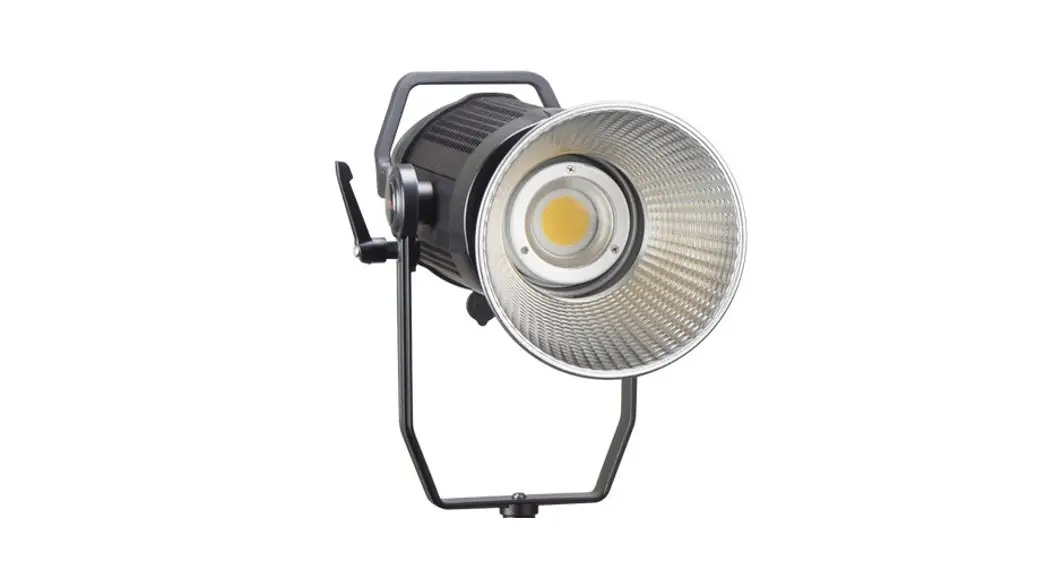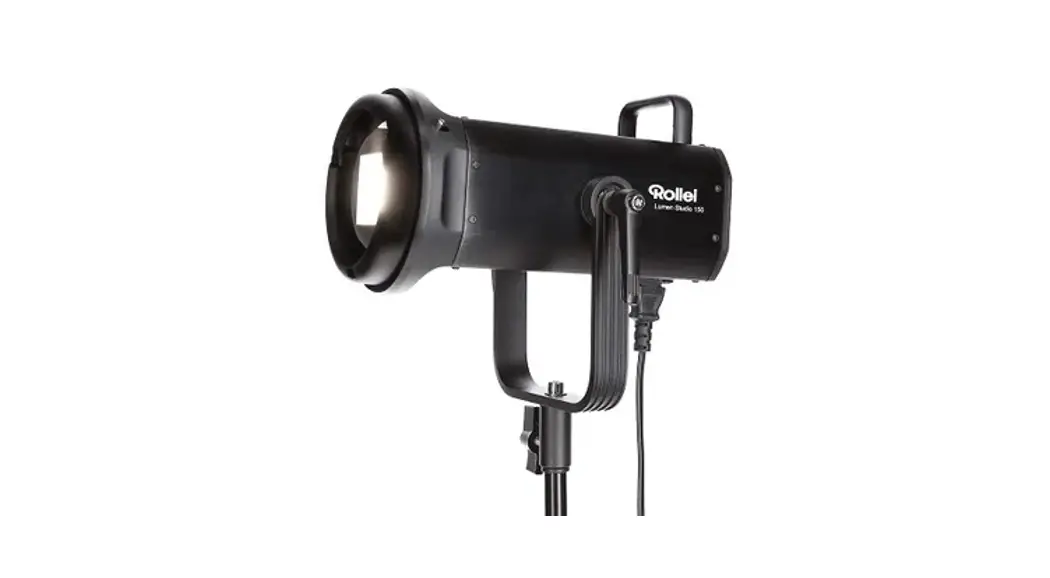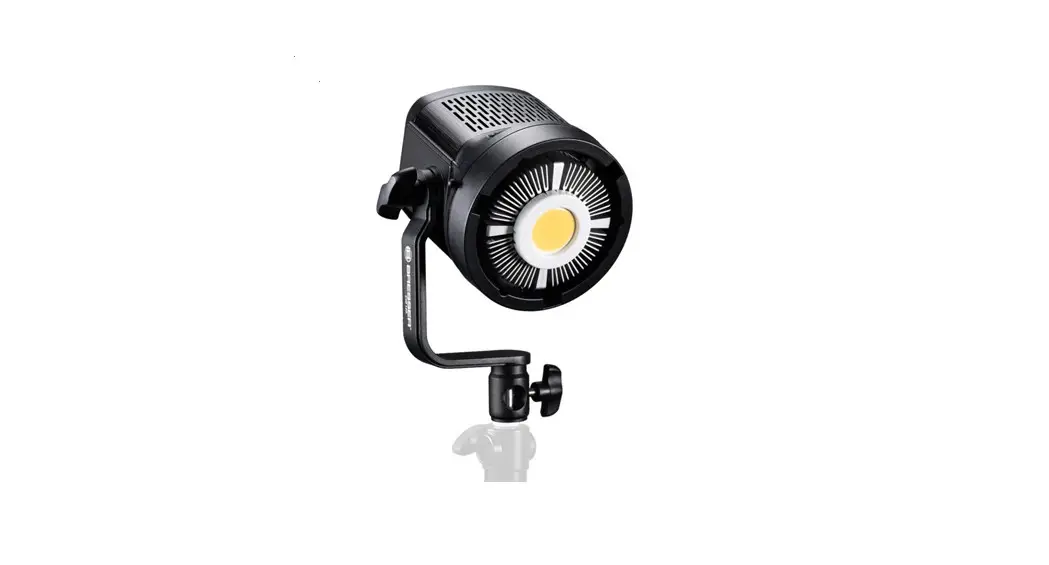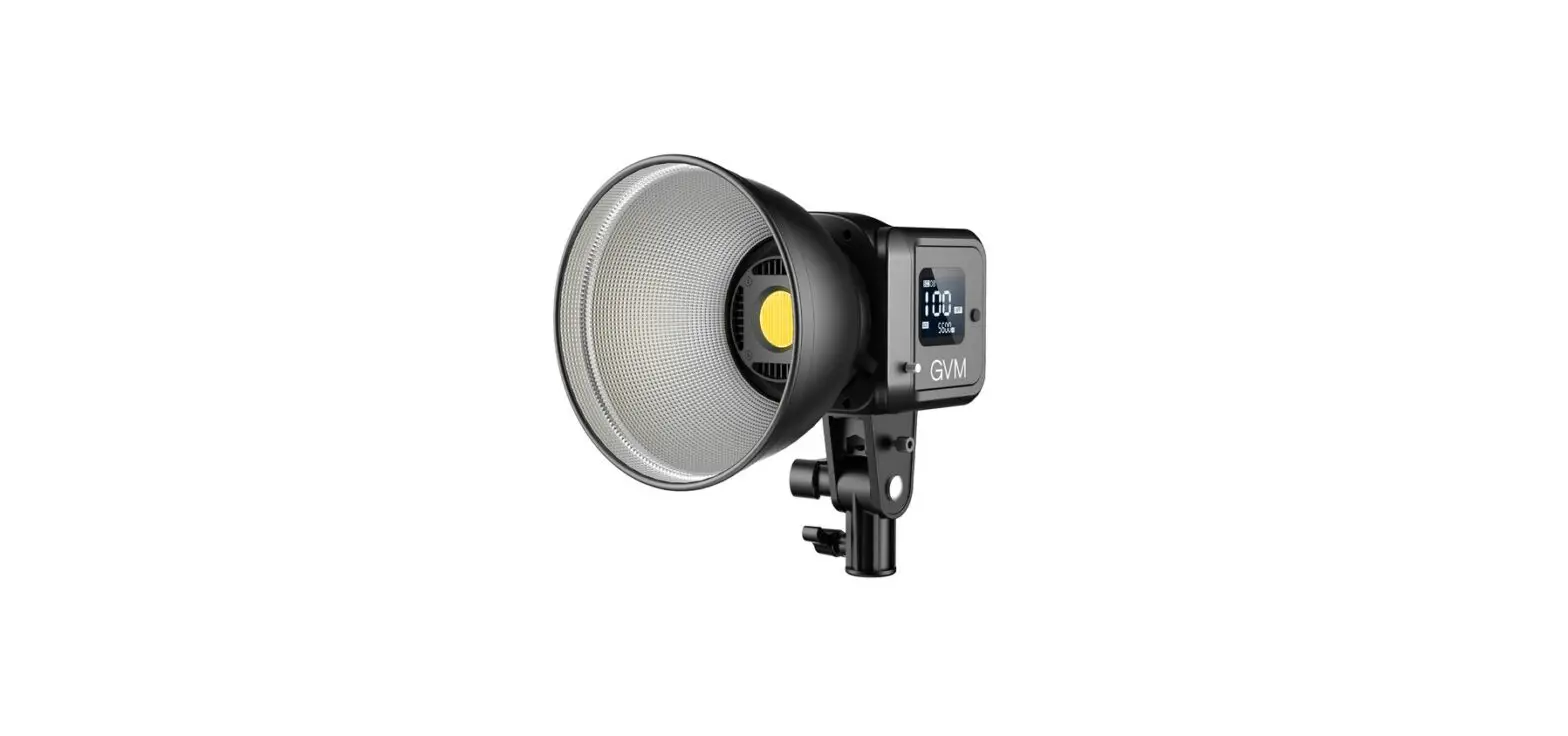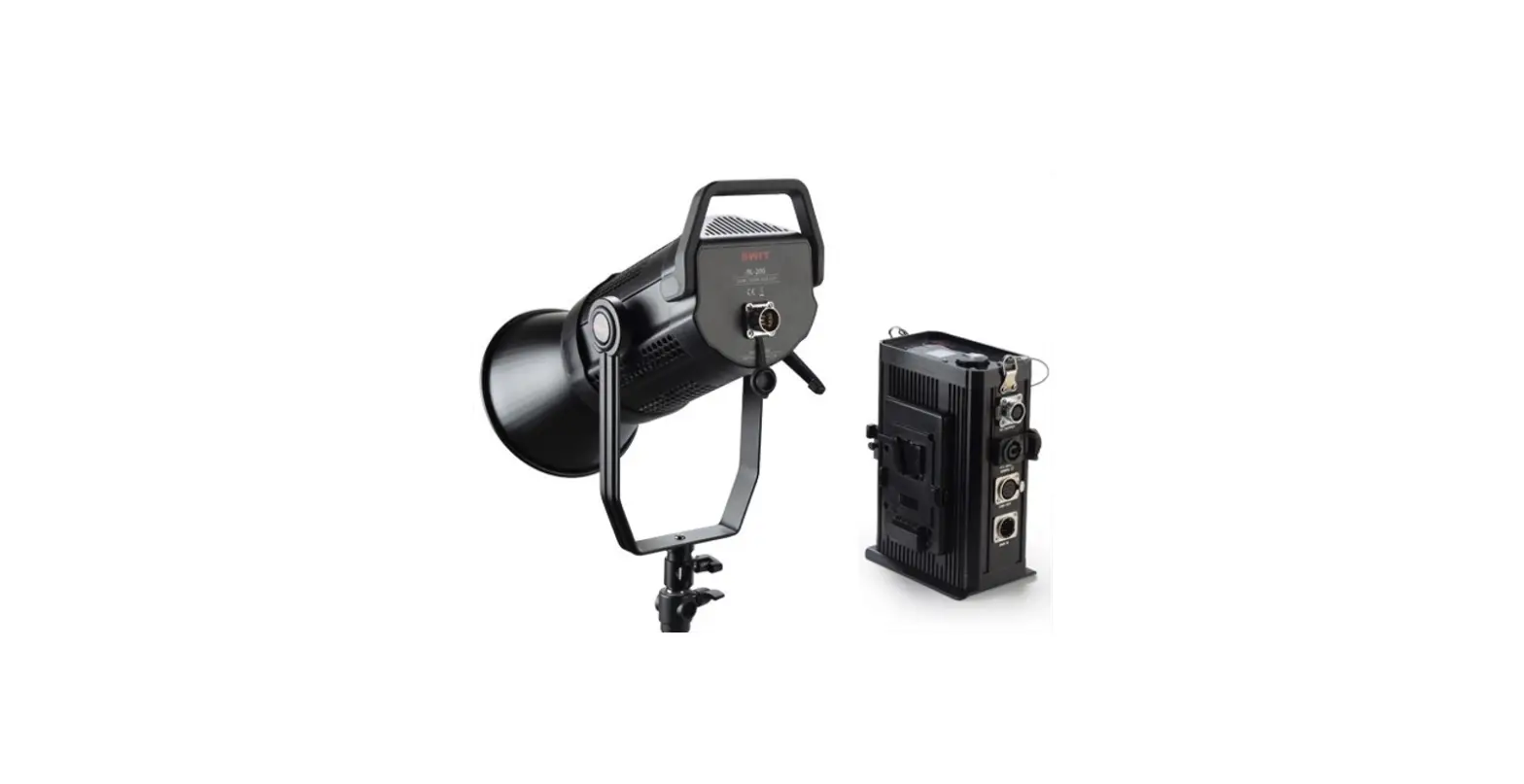

SWIT BL-200 Bowens COB LED Light
ABOUT COMPANY
- Tel: +86-25-85805753
- Fax: +86-25-85805296
- http://www.swit.cc
- E-mail: [email protected]
Thank you for choosing SWIT products. Please read the instructions before using, and keep it for future reference.
Specification
| Model | BL-200 | BL-300 |
| Color temperature | 5600K | |
| Brightness | 000%-100% | |
| CRI | ||
| TLCI | 98 | |
| Beam angle | 61°( Without Shield ) | |
| Maximum illuminance | 5900 Lux@lm (Without Shield) 38000 Lux@lm (With Standard Shield) | 12100 Lux@lm (Without Shield) 54000 Lux@lm (With Standard Shield) |
| Ways of control | Knob, Button,APP, DMX | |
| Working voltage | AC 100-240V,50/60Hz; DC 12-17V | |
| Input power | 200W | 300W |
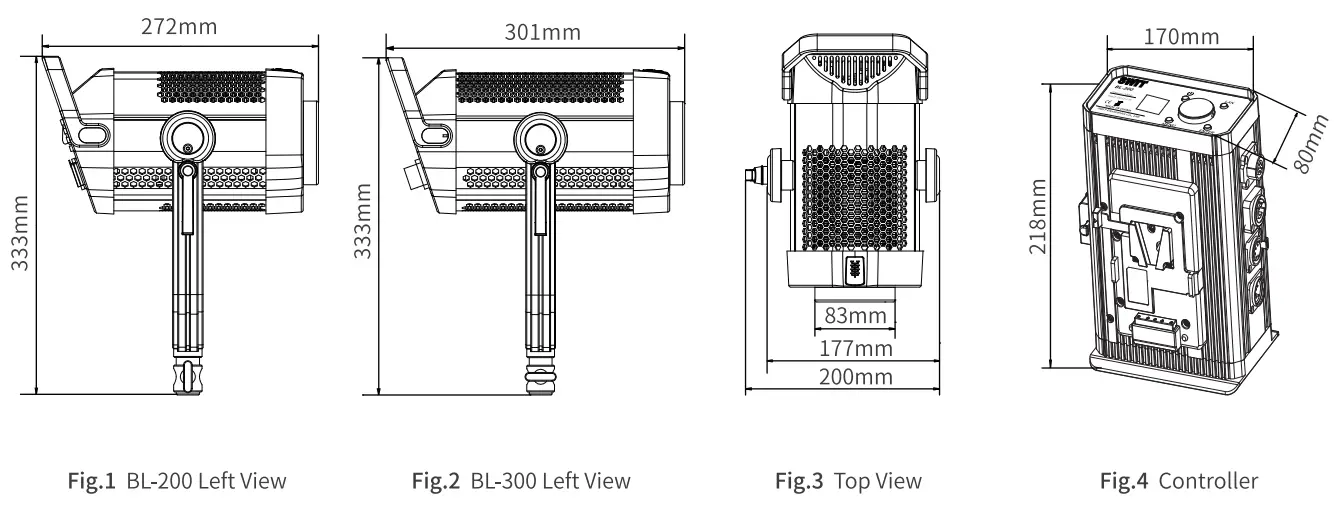
| Dimension(mm) | Shown as Below | |
| Net weight | Controller: 1.9Kg; Light Body:1.8Kg | Controller: 2.0Kg; Light Body:2.6Kg |
DIMENSION
Warning
- Do not pull out the power cable when the light is power on. Cut off the power when not using, switch off the light before pull out or plug in;
- Do not disassemble the light or touch the internal of the light with metal object to avoid damage;
- Do not use the light in raining or snowing days or store in wet environment.
Appearance
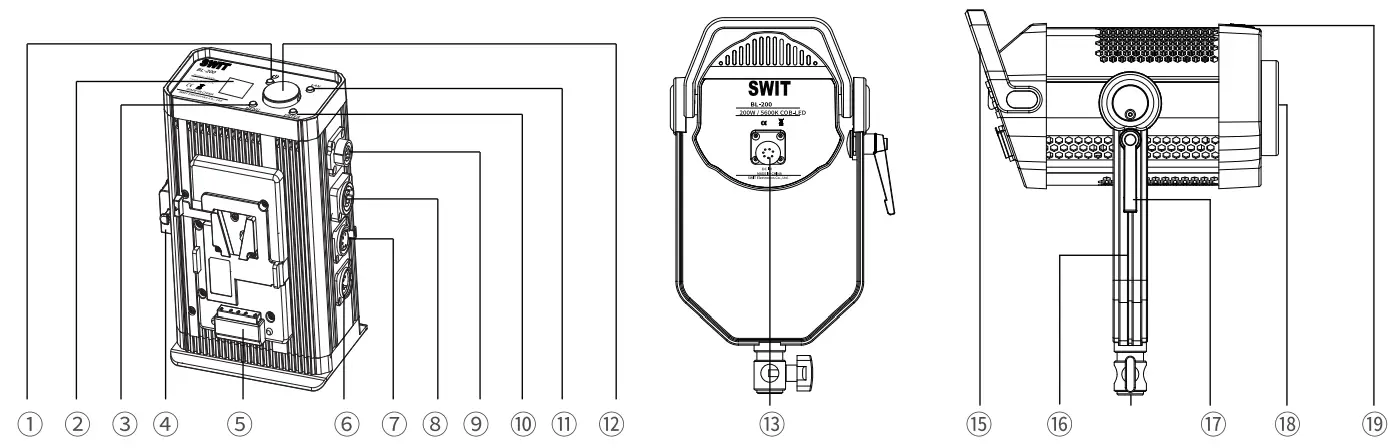
- Power switch
- LCD screen
- “MENU”
- Cold shoe
- DMX IN
- “ENTER”
- DMX OUT
- AC INPUT
- Battery plate
- DC OUTPUT
- “LANGUAGE”
- Adjusting knob
- U-shape bracket
- Light shield fixed cover
- DC INPUT
- Handle
- Bracket adaptor
- Fastening Knob
- LED
MENU INTERFACE
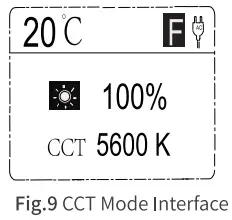
Switch on the light(Fig.5 CD),screen will show the interface before last time switch off, press”ENTER”button (Fig.S@))to return to menu interface(Fig.8).
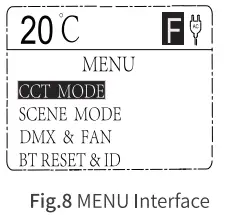
.CCT MODE
Press”MENU”button(Fig.5 ®)to return to menu interface(See Fig.8),press “ENTER”button(Fig.S@))to enter into CCT mode(See Fig.9), press “ENTER” button(Fig.5 @))again to choose intensity,rotate the adjusting knob(Fig.S@)to adjust the intensity of the light in according to use requirement.
| No. | Parameter | Adjusting Range |
| 1 | Int ensit y | 000%-100% |
SCENE MODE
Press”MENU”button(Fig.5 ®)to return back to menu interface(See Fig.8), rotate the adjusting knob(Fig.S@) to “SCENE”, press”ENTER”button (Fig.5 @))to enter into scene mode(See Fig.IO):
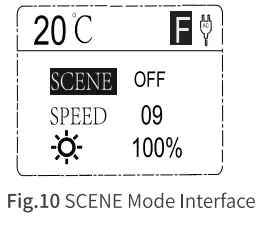
- Rotate the adjusting knob(Fig.5 @):change the parameter or change the value;
- “ENTER”button(Fig.S@)):choose the parameter or back to previous step.
DMX & FAN SETTING
Press”MENU”button(Fig.5 ®)to return back to menu interface(See Fig.8),rotate the adjusting knob(Fig.5@) to “DMX & FAN Setting “, press”ENTER “button(Fig.5 @))to enter into DMX & FAN setting mode(See Fig.11):
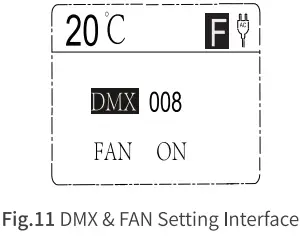
- Rotate the adjusting knob(Fig.5@):change the parameter or change the value;
- “ENTER”button(Fig.S@)):choose the parameter or back to previous step.
No. Parameter Adjusting knob 1 DMX 000-512 2 FAN ON/ OFF
Bluetooth Resetting & ID
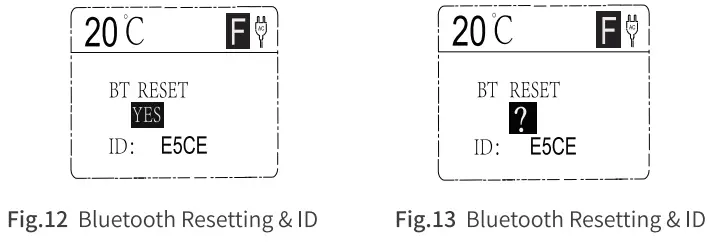
Press”MENU”button(Fig.5 @)to return back to menu interface(See Fig.8),rotate the adjusting knob (Fig.5 @)to”Bluetooth reset & ID”, press” ENTER”button(Fig.5 @))to enter into Bluetooth reset & ID interface(See Fig.12),rotate the adjusting knob(Fig.S@)to set”?”to”Yes”,then finished the reset.
Language
Press”LANGUAGE”button(Fig.5 ®)to change the language between Chinese and English.
Parameter Adjusting Speed
This product is equipped with fast and slow adjustment modes for parameters. Press the adjustment knob (Figure 5) to complete the switch. The upper right corner of the screen shows:
- “F” represent fast adjusting mode;
- “S”represent slow adjusting mode.
DMX Mode
Press”MENU”button(Fig.3 ®)to change the working mode to DMX mode, connect all the light through DMX cable and connect with DMX signal output device, set the DMX address(See 4 DMX & FAN SETTING).
This product occupy one DMX channel to adjust the intensity, intensity adjusting range: 000%-100%.
APP Usage
- APP Name and download
- APP Name: SWIT BL(Android)/ DeSal Lite+(IOS)
- Download:
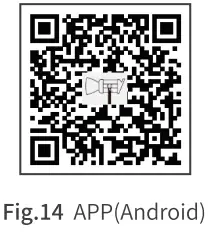
- Android: Scan QR to lnstall(Fig.14);
- IOS: Apple Store search”DeSal Lite+”to Install.
- APP Using Attention
- Please reset the Bluetooth of light if APP can not recognize the light;
- APP can only control to turn off the brightness of the light, and the power switch of the lamp is controlled in the body.

Packing List
| No | Accessories | Quantity |
| 1 | BL-200 or BL-300 li ght body | x l |
| 2 | Co ntrol ler | x l |
| 3 | AC power cable | x l |
| 4 | DC power cable | x l |
| 5 | Cont rol box bracket | x l |
| 6 | St an dard shield | x l |
| 7 | Certi ficati on | x l |
| 8 | BA-OCT36 {36-in ch Octa gonal So ft box) |
Opi tonal Acc essories |
| 9 | BA-LAN26(26 -inch La nte rn So ftb ox) | |
| 10 | BA-PARA 26(26-inch Parabo li c Dome So ft box) | |
| 11 | BA-BD1 6(16- inch Beauty Dish) | |
| 12 | BA-ST3(3.l -inch Snoot Wi th honeycomb) | |
| 13 | BA-F3X( Fresne l 12°-40°3x Lens) | |
| 14 | BA-BK4(Bowe ns 4-leaf Barndoor for st an da rd reflector) |