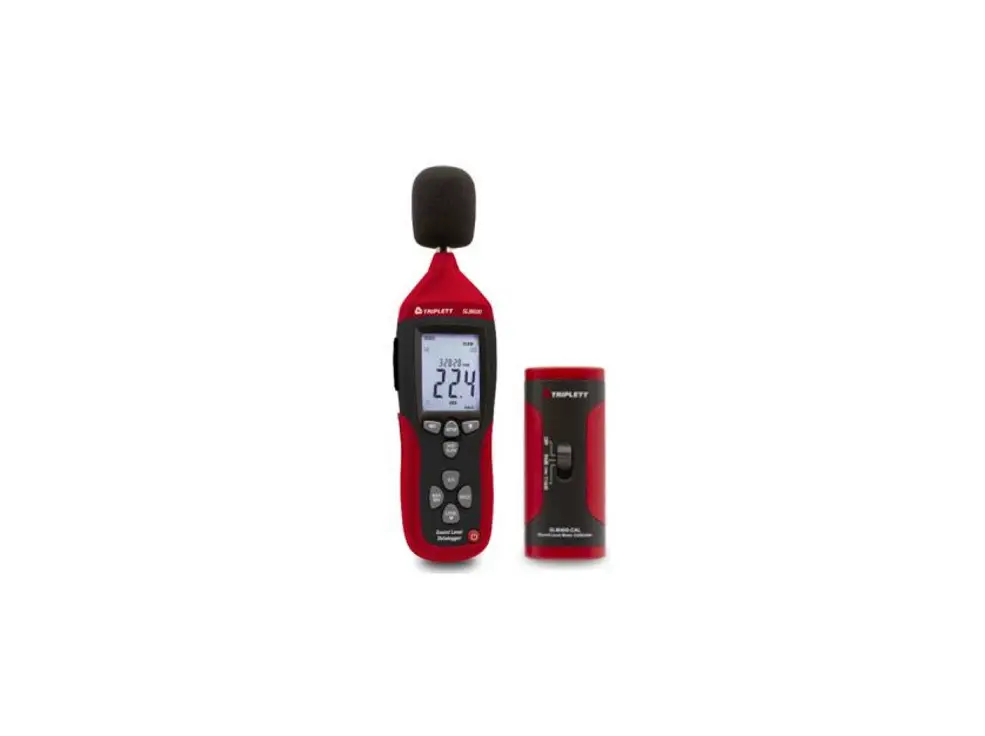
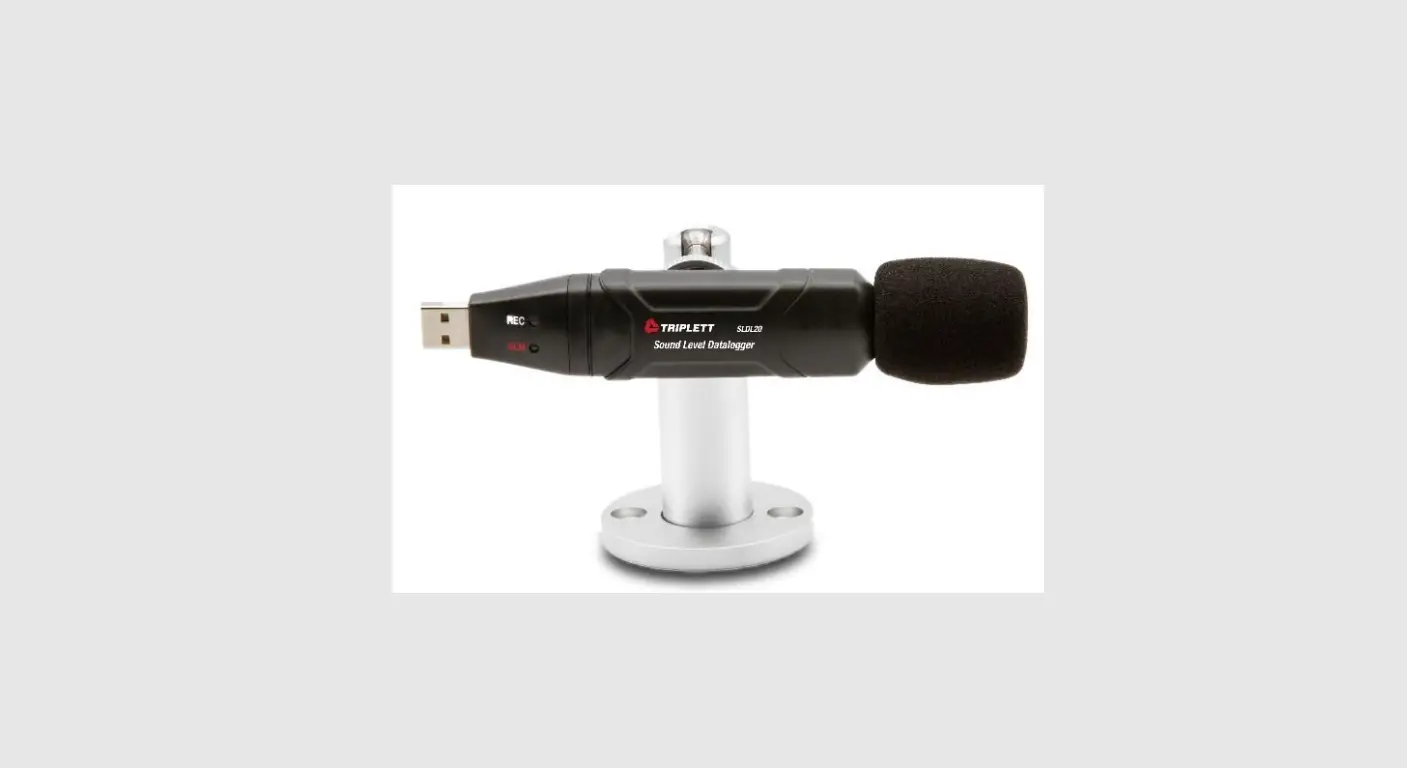
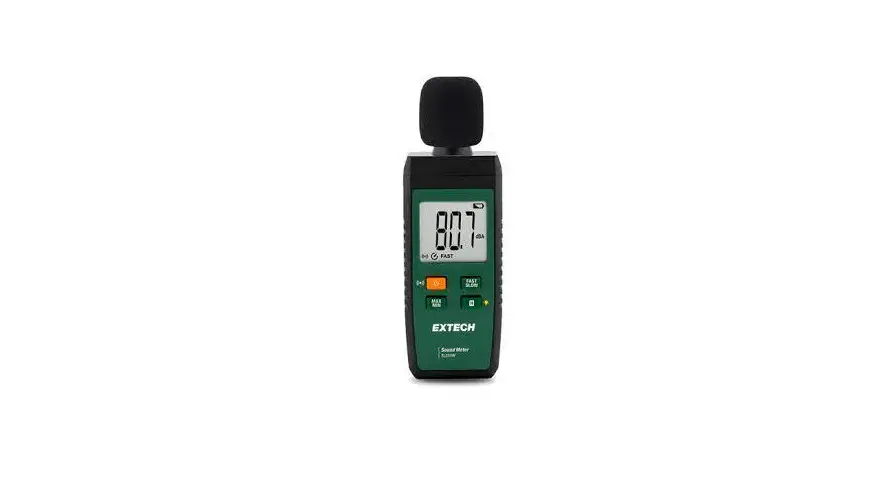
SLM600-KIT Datalogging Sound Level Meter and Calibrator Kit
Product Information: SL600-KIT Datalogging Sound Level Meter
and Calibrator Kit
The Triplett SL600 Digital Sound Level Meter is a portable
device that measures and displays sound pressure levels in dB
(decibels) from 30 to 130dB in three measurement ranges. The meter
is equipped with an LCD numerical display and a bargraph for quick
and easy viewing of sound level changes. Selectable AC/DC analog
outputs, PC cable, and software enable the user to download and
analyze measured data. The meter has a modern housing design,
automatic data hold, adjustable high and low alarms, and adjustable
emissivity. The device is shipped fully tested and calibrated and,
with proper use, will provide years of reliable service.
Product Usage Instructions:
- Safety: Read the safety information carefully
before attempting to operate or service the meter. Use the meter
only as specified in the manual. - Maintenance and Cleaning: Periodically wipe
the case with a dry cloth. Do not use abrasives or solvents.
Servicing not covered in this manual should be performed by
qualified personnel. - Battery Installation/AC Adaptor: The meter can
be powered by one 9V battery or by an AC power adaptor. Before
inserting or replacing the battery and before connecting the AC
adaptor, be sure to turn off the meter. - Time and Date Setup: The SETUP mode is used to
set the time, date, and default measurement range. Once set, the
meter will retain the settings in non-volatile memory. Resetting
should not be required.- Make sure the meter is OFF to start.
- Press and hold the SETUP button and then press the power
button. Release the SETUP button to enter the setup mode. - Adjustment screen: Press the LEVEL button to adjust the minutes
to the current time. - Adjustment screen: Press the LEVEL button to adjust the hour to
the current time. - Adjustment screen: Press the LEVEL button to adjust the date to
the current day. Press the SETUP button to enter the adjustment
screen. Press the LEVEL button to adjust the display to the current
month. - Press the HOLD button at any time during this procedure to save
the set data and return to normal operation.
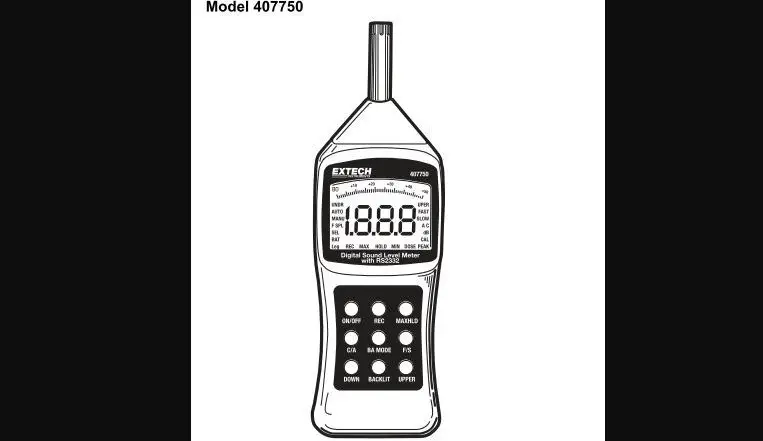
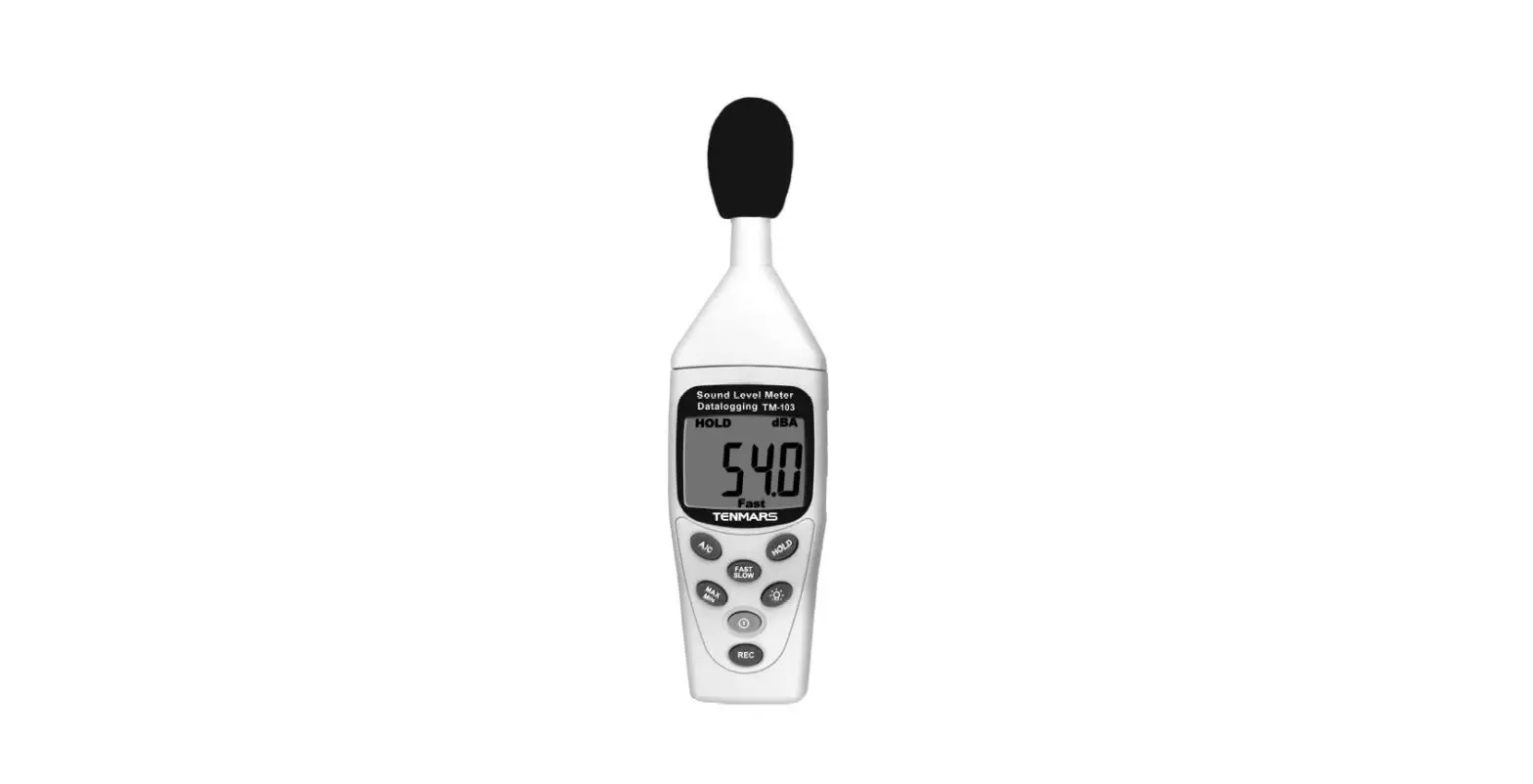
Meter Description: The meter includes a
windscreen, LCD display, setup-button, record button, A/C
weighting, max/min display, range button, microphone, backlight,
fast/slow response, HOLD, and ON/OFF. The battery compartment and
tripod mount are at the rear. The side panel includes an external
9VDC power adaptor, USB PC port, DC/AC analog output, and CAL
potentiometer.
DISPLAY Symbols: MAX, MIN, OVER, UNDER, FAST,
SLOW, dBA, dBC, REC, AUTO, FULL, HOLD
- Maximum hold
- Minimum hold
- Over range
- Under range
- Fast response
- Slow response
- A-weighting
- C-weighting
- Recording data
- Auto range selection
- Memory full
- Data hold
- Auto power off enabled
- Low battery indicate
User Manual
SL600-KIT
Datalogging Sound Level Meter and Calibrator Kit
1.888.610.7664
15
10
20
5
25
0
30
www.calcert.com
Introduction
Congratulations on your purchase of the Triplett SL600 Digital Sound Level Meter.This meter measures and displays sound pressure levels in dB (decibels) from 30 to 130dB in three measurement ranges. In addition to the LCD numerical displays, a bargraph is included for quick and easy viewing of sound level changes. Features include selectab
AC/DC analog outputs. PC cable and software enable the user to download and analyze measured data. This meter is shipped fully tested and calibrated and, with proper use, will provide years of reliable service.
Unique flat surface, modern housing design Automatic Data Hold
Emissivity Digitally adjustable from 0.10 to 1.0 Adjustable High and Low Alarms
Safety
Read the following safety information carefully before attempting to operate or service the meter. Use the meter only as specified in this manual; otherwise, the protection provided by the meter may be impaired.
Environmental Conditions Altitude up to 2000 meters Relative Humidity: 90% max Operating Temperature: 32 to 104°F (0 to 40°C
Maintenance and Cleaning Servicing not covered in this manual should be performed by qualified personnel. Periodically wipe the case with a dry cloth. Do not use abrasives or solvents.
1.888.610.7664
15
10
20
5
25
0
30
www.calcert.com
Meter Description
1. Windscreen 2. LCD Display 3. Setup-button: 4. Record button 5. A/C weighting 6. Max/Min display 7. Range button 8. Microphone 9. Backlight 10. Fast/Slow response 11. HOLD 12. ON/OFF
NOTE: Battery Compartment and Tripod Mount are at the rear
SIDE PANEL
13. External 9VDC power adaptor 14. USB pc port 15. DC/AC analog output 16. CAL potentiometer
1.888.610.7664
15
10
20
5
25
0
30
www.calcert.com
DISPLAY Symbol MAX
MIN OVER UNDER FAST SLOW dBA dBC REC AUTO FULL HOLD
Function Maximum hold
Minimum hold Over range Under range Fast response Slow response A-Weighting C-Weighting Recording data Auto range selection Memory full Data hold
Auto Power Off enabled Low battery indicate
Initial Setup
Battery Installation/AC Adaptor
The meter can be powered by one 9V battery or by an AC power adaptor. Before inserting or replacing the battery and before connecting the AC adaptor, be sure to turn off the meter. Time and Date Setup
The SETUP mode is used to set the time, date and default measurement range. Once set, the meter will retain the settings in non-volatile memory. Resetting should not be required.
NOTE: Press the HOLD button at any time during this procedure to save the set data and to return to normal operation
1. Make sure the meter is OFF to start
2. Press and hold the SETUP button and then press the power button. Release the SETUP button to enter the setup mode.
1.888.610.7664
15
10
20
5
25
0
30
www.calcert.com
3. adjustment screen. Press the LEVEL button
to adjust the minutes to the
current time.
4.
adjustment screen.
Press the LEVEL button to adjust the hour to the
current time.
–
–
5. adjustment screen.
Press the LEVEL button to adjust the date to the current day.
1. Press the SETUP button to enter the ustment screen. Press the
LEVEL button to adjust the display to the current month.
2. Press the SETUP button to enter the
LEVEL button to adjust the display to the current year.
3. Press the SETUP button two
more times to view the default
–
–
adjusted.
1.888.610.7664
15
10
20
5
25
0
30
www.calcert.com
9. Press the SETUP button to enter the time/date reset screen. NOTE: If the HOLD button is pressed with this screen displayed the time and date will be reset to default values.
Measurements
MEASUREMENT CONSIDERATIONS 5. Wind blowing across the microphone increases the noise measurement. Use the supplied windscreen to cover the microphone when applicable. 6. Calibrate the instrument before each use if possible. Especially if the meter has not been used for a long period of time. 7. Do not store or operate the instrument in areas of high temperature or humidity.
8. Keep meter and microphone dry.
9. Avoid severe vibration. Protect the meter from impact. Do not drop it. Transport the meter in the supplied case.
10. Remove the battery when the meter is to be stored for long periods of time.
BASIC OPERATION
1. Turn the meter ON by pressing the button.
2.
button.
3. Select Fast or Slow response time by pressing the FAST/SLOW button.
4. Use the LEVEL button to select the appropriate range. The range is shown near the top of the display. Use a range that puts the sound level reading in the center of the range. If the OVER or UNDER icons appear on the display, select a new range if possible.
5. The numeric and bargraph displays indicate the sound level measurement.
6. To turn the meter off, press and hold the button for 3 seconds.
1.888.610.7664
15
10
20
5
25
0
30
www.calcert.com
LEVEL
The LEVEL button is used to select the measurement range. Press this button to step through the ranges as indicated on the display (30 to 80, 50 to 100, 80 to 130, or 30 to 130 autoranging)
A/C FREQUENCY WEIGHTING
weighting selected, the frequency response of the meter is similar to
environmental or hearing conservation programs such as OSHA regulatory testing and noise weighting is a much flatter response and is suitable for the sound level analysis of machines, engines, etc. Most noise measurements are performed using ‘A’ Weighting and SLOW Response.
FAST/SLOW RESPONSE TIME Use the FAST/SLOW button to select a FAST (125 ms) or a SLOW (1 second) response time. Select FAST to capture noise peaks and noises that occur very quickly. Select the SLOW response to monitor a sound source that has a consistent noise level or to average quickly changing levels. Select SLOW response for most applications.
HOLD
the button again to resume normal operation.
MAX / MIN
In the MAX/MIN mode the meter will display and hold either the maximum or minimum reading. The display will update only when the measured value exceeds the value presently in the display. 1. Press the MAX/MIN button and the MAX icon will appear on the
display. The reading displayed is the highest reading encountered since the MAX mode was entered. 2. Press the MAX/MIN button again. The MIN icon will appear on the display. The reading displayed is the lowest reading encountered since the MIN mode was entered. 3. Press the MAX/MIN button again to exit the MAX / MIN display mode.
1.888.610.7664
15
10
20
5
25
0
30
www.calcert.com
RECORDING DATA The meter can store up to 20,000 readings at an interval rate of 1 to 59 seconds. Each recording session is saved as a data set and each record is saved with a date and time stamp. This data can be downloaded using the supplied software.
Setting the interval time
1. Press and hold the button while turning the meter ON. 0001 and Int will appear in the display.
2. Press the LEVEL button to set the sample interval from once per second to once per 59 seconds.
3. Press the HOLD button to save the interval setting and exit the setting mode.
Recording readings 1. Press the REC button to begin recording. The REC icon will appear
on the display. 2. Press the REC button again to stop recording. 3. Auto Power OFF is disabled when the record function is active.
Clearing Stored readings 1. Turn the meter OFF. 2. Press and hold the REC button while turning the meter ON. 3. When (clear) appears on the display, release the REC button. 4. All of the readings that were stored in memory are now erased.
BACKLIGHT
Press the button to turn the LCD backlight on or off. To conserve battery life, the backlight will automatically turn off after approximately 30 seconds.
AUTO POWER OFF
The meter will automatically shut off after approximately 15 minutes of inactivity. Press the SETUP button to disable the auto-power-off feature. The icon in the display indicates that the auto power off feature is active.
1.888.610.7664
15
10
20
5
25
0
30
www.calcert.com
ANALOG OUTPUTS The meter is equipped with an analog output feature. panel and requires a 3.5mm stereo phono plug. (1AC Output, 2-DC Output, 3- Ground) AC analog output
Output voltage: 1Vrms at full scale of the selected range.
DC analog output
Output voltage: 10mV (±1mV) per displayed dB.
Calibration
Frequent calibration is recommended and is often required by noise standards and directives. 1. Turn the meter ON 2. 3. 4. Place the calibrator onto the microphone. 5. Turn the calibrator ON. 6.
on the side panel the output of the calibrator (typically 94dB or 114dB).
1.888.610.7664
15
10
20
5
25
0
30
www.calcert.com
Battery Replacement
1. The
battery icon will appear on the display when the battery needs replacing.
2. Turn the meter OFF and slide the rear battery cover off.
3. Install the 9V battery and replace the cover.
Never dispose of used batteries or rechargeable batteries in household waste. As consumers, users are legally required to take used batteries to appropriate collection sites, the retail store where the batteries were
purchased, or wherever batteries are sold.
Disposal: Do not dispose of this instrument in household waste. The user is obligated to take end-of-life devices to a designated collection point for the disposal of electrical and electronic equipment.
Other Battery Safety Reminders Never dispose of batteries in a fire. Batteries may explode or leak. Never mix battery types. Always install new batteries of the same type.
USB PC Interface
The meter has a built-in USB port for use with the supplied data acquisition software. The software allows the user to download stored data, view, save, export, and print readings from the sound level meter.
SOFTWARE INSTALLATION Refer to the documentation included with the software for complete details on installation and operation of the application program and the USB driver software.
SOFTWARE COMMUNICATION 1. Connect the meter to the PC using the supplied USB cable. 2. Turn the meter ON and press the SETUP button. 3. Launch the application program. 4. Select the COM port which has the CP210X driver installed. 5. Data will appear on the pc screen when communication is established.
1.888.610.7664
15
10
20
5
25
0
30
www.calcert.com
Specifications
Applicable Standards
IEC61672-1: 2002 Class 2; IEC60651: 1979 Type 2; ANSI S1.4:1983
Accuracy Frequency Range Dynamic Range Frequency Weighting Time response Measurement Ranges Memory Microphone Calibration Display Display update rate Range indicators Battery life
Power supply Auto Power Off Analog Outputs
Operating conditions
Storage conditions Dimensions Weight
Type 2, ±1.4dB (under reference conditions) 31.5Hz to 8kHz 50dB
A and C Fast (125ms) and Slow (1 second) 30 to 80dB, 50 to 100dB, 80 to 130dB and autoranging (30 to 130dB) 20,000 records with date and time
Requires external calibrator 4 digit LCD with bargraph and backlighting
2 times/second
30 hours (approximately) One 9V battery (NEDA1604 or equivalent) or 12V/1A AC adaptor After approx. 15 minutes of inactivity with disable
DC: 10mV/1dB; Output 32 to 104oF (0 to 40oC); 10% to 90% relative humidity 14 to 140oF (-10 to 60oC); 10% to75% relative humidity
12.35 oz. (350g)
1.888.610.7664
15
10
20
5
25
0
30
www.calcert.com
Typical A-Weighted Sound Levels
Warranty
Triplett / Jewell Instruments extends the following warranty to the original purchaser of these goods for use. Triplett warrants to the original purchaser for use that the products sold by it will be free from defects in workmanship and material for a period of (1) one year from the date of purchase. This warranty does not apply to any of our products which have been repaired or altered by unauthorized persons in any way or purchased from unauthorized distributors so as, in our sole judgment, to injure their stability or reliability, or which have been subject to misuse, abuse, misapplication, negligence, accident or which have had the serial numbers altered, defaced, or removed. Accessories, including batteries are not covered by this warranty
Copyright © 2022 Triplett
1.888.610.7664
15
10
20
5
25
0
30
www.calcert.com
 Calcert