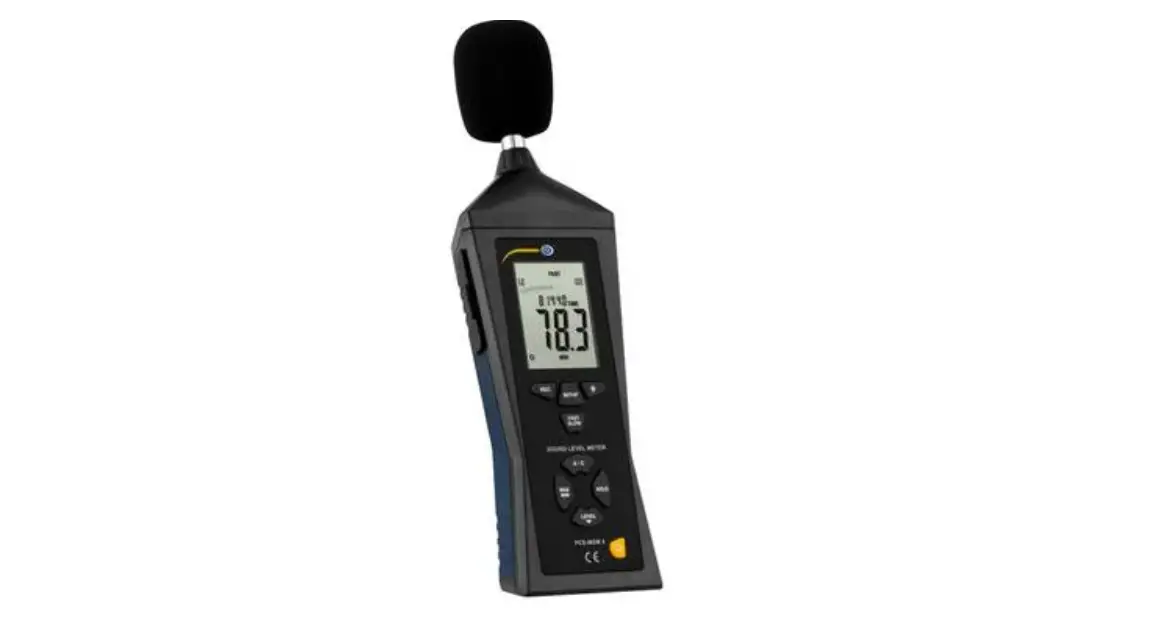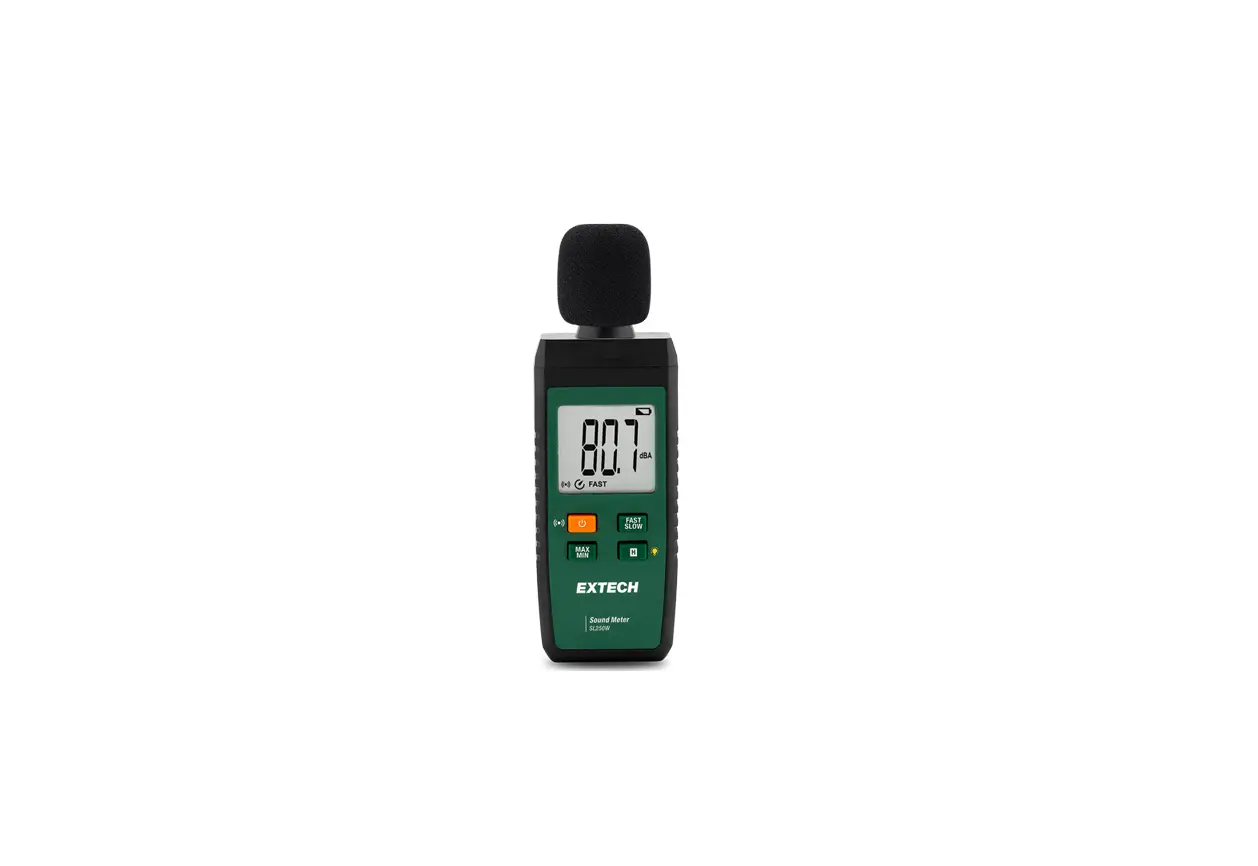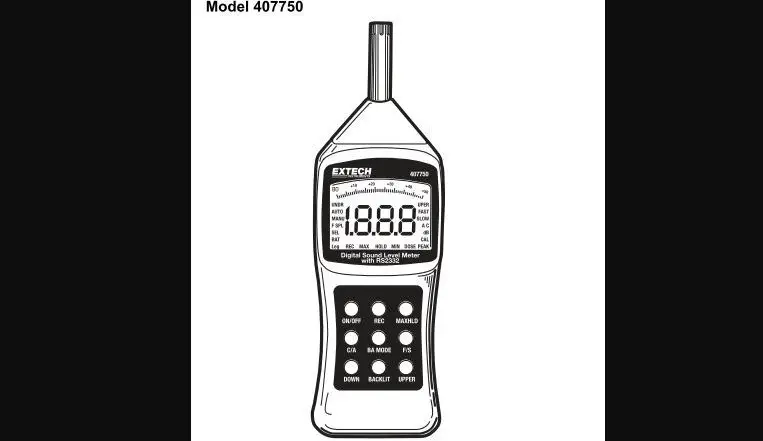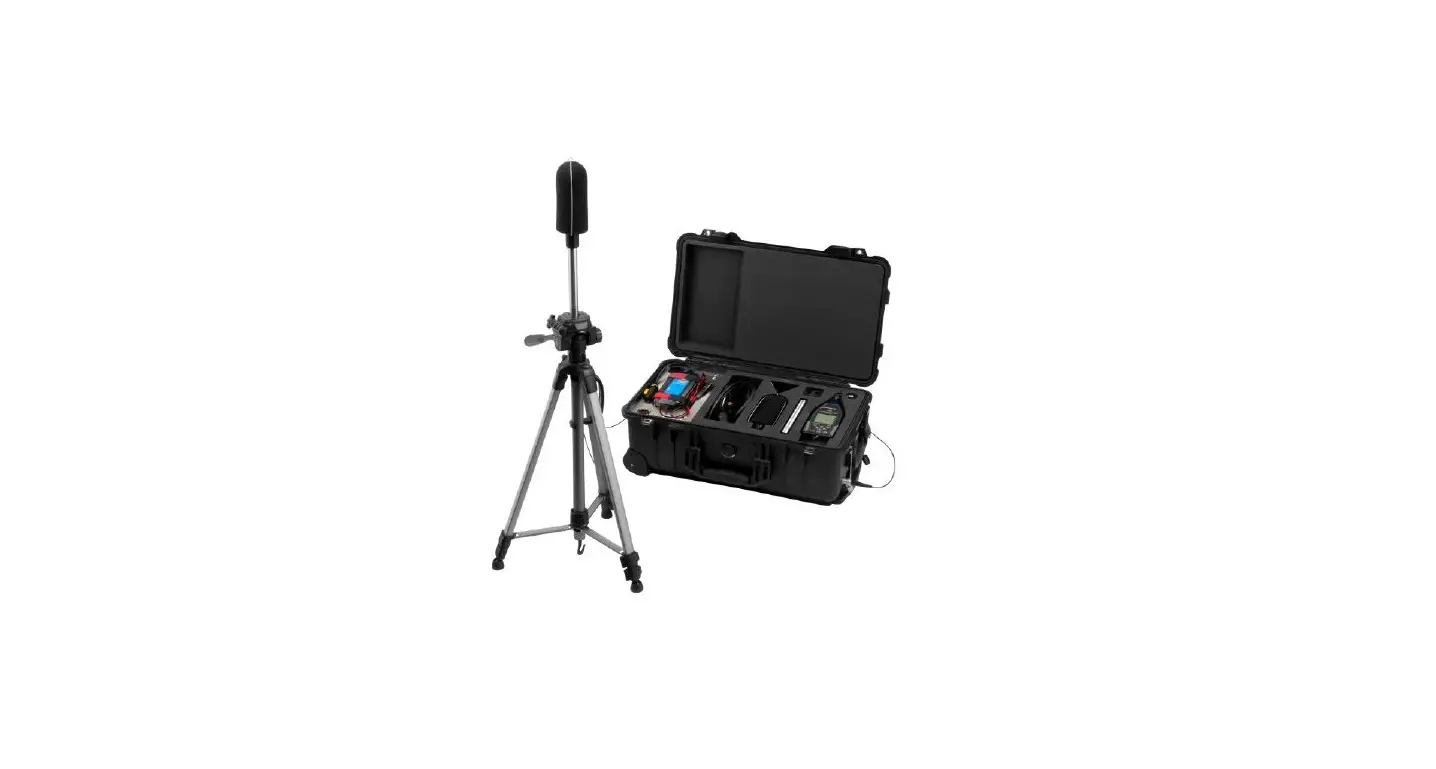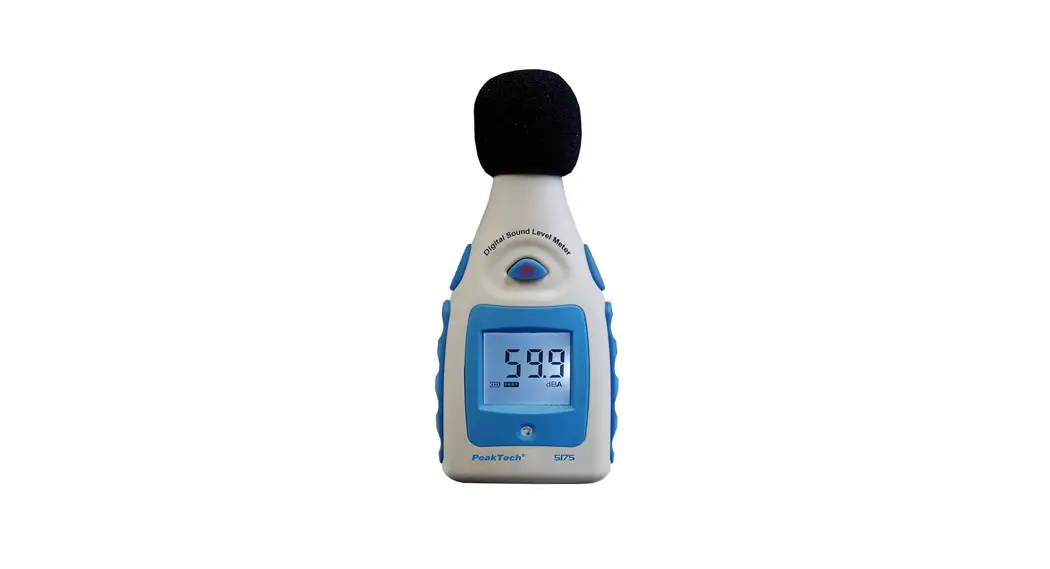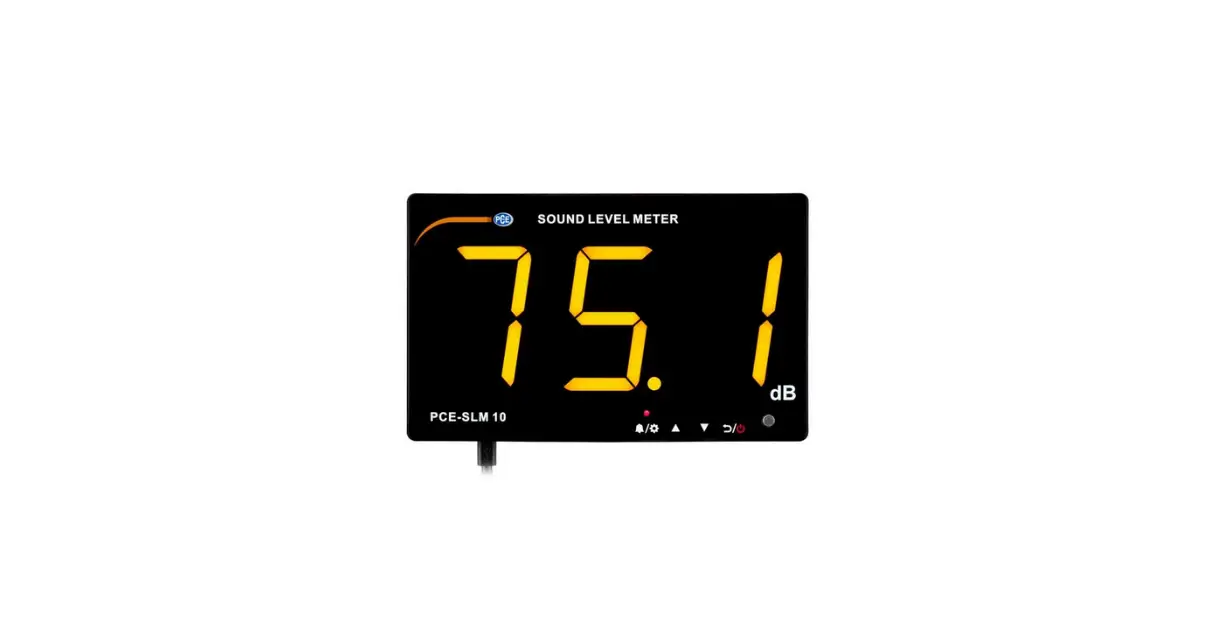

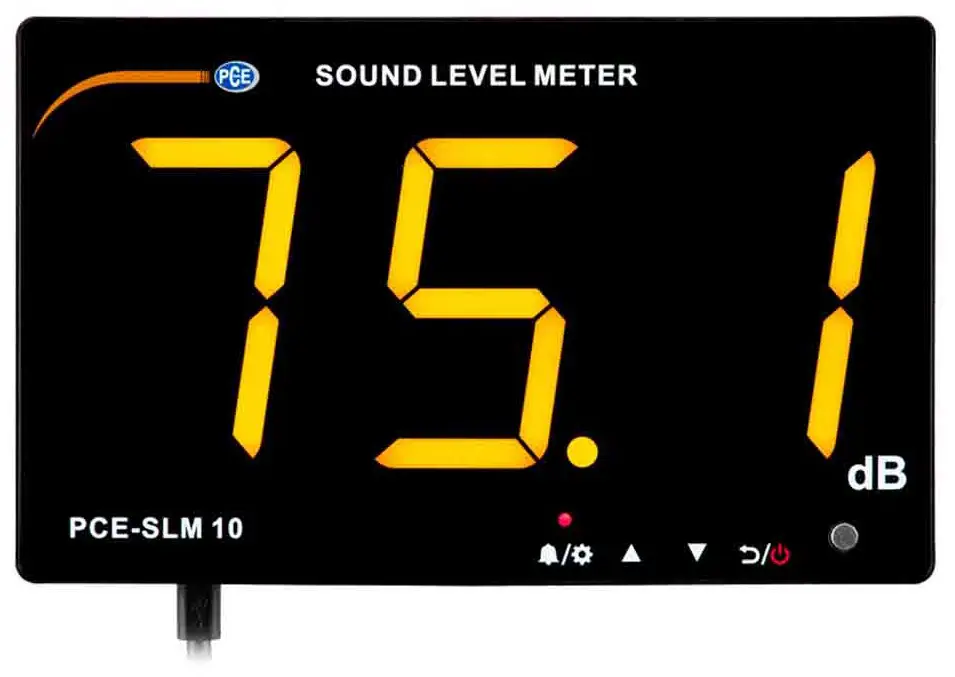
PCE-SLM 10 Sound Level Meter
Safety notes
- Please read this manual carefully and completely before you use the device for the first time. The device may only be used by qualified personnel and repaired by PCE Instruments personnel. Damage or injuries caused by non-observance of the manual are excluded from our liability and not covered by our warranty.
- The device must only be used as described in this instruction manual. If used otherwise, this can cause dangerous situations for the user and damage to the meter.
- The instrument may only be used if the environmental conditions (temperature, relative humidity, …) are within the ranges stated in the technical specifications. Do not expose the device to extreme temperatures, direct sunlight, extreme humidity or moisture.
- Do not expose the device to shocks or strong vibrations.
- The case should only be opened by qualified PCE Instruments personnel.
- Never use the instrument when your hands are wet.
- You must not make any technical changes to the device.
- The appliance should only be cleaned with a damp cloth. Use only pH-neutral cleaner, no abrasives or solvents.
- The device must only be used with accessories from PCE Instruments or equivalent.
- Before each use, inspect the case for visible damage. If any damage is visible, do not use the device.
- Do not use the instrument in explosive atmospheres.
- The measurement range as stated in the specifications must not be exceeded under any circumstances.
- Non-observance of the safety notes can cause damage to the device and injuries to the user.
- Switch off the device while it is not in use.
- Do not exhaust the maximum measurement range.
- Do not use the meter if it is no longer working properly.
- Do not use the meter in wet or damp environments.
- We do not assume liability for printing errors or any other mistakes in this manual.
- We expressly point to our general guarantee terms which can be found in our general terms of business.
- If you have any questions please contact PCE Instruments. The contact details can be found at the end of this manual.
Delivery contents
- 1 x sound level meter PCE-SLM 10
- 1 x micro USB cable
- 1 x user manual
Specifications
| Measurement range | 30 … 130 dB |
| Accuracy | ±1.5 dB (at 94 dB and 1 kHz) |
| Frequency range | 31.5 Hz … 85 kHz |
| Frequency weighting | A |
| Time valuation | FAST (Fast) |
| Microphone | 6 mm condenser microphone |
| Display | 3 digits |
| Resolution | 0.1 dB (<100 dB), 1 dB (>100 dB) |
| Alarm reminder | Display and sound |
| Alarm output | With alarm output |
| Memory | 657,000 readings |
| Power supply | 5 VDC 1 A via micro USB connection |
| Operating conditions | 0 … 40 °C / 10 … 80 % RH |
| Storage conditions | -10 … 60 °C / 10 … 70 % RH |
| Dimensions | 210 x 130 x 28 mm |
| Digit height | 75 mm |
| Weight | Approx. 453 g |
Device description
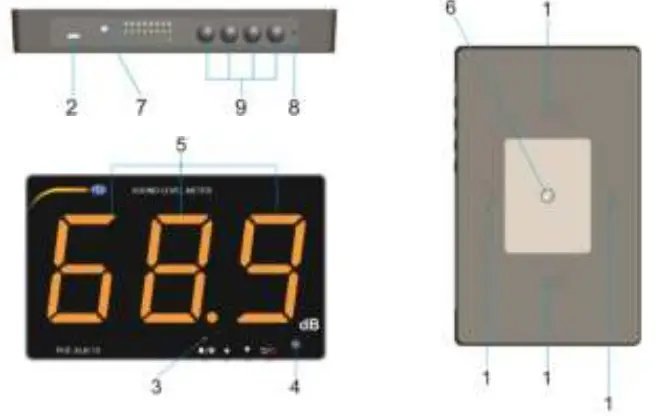
- Wall mounting brackets
- PC connection and power supply
- Alarm LED
- Microphone sensor
- Display
- ¼ inch connection for tripod mountings
- 3.5 mm speaker connection
- Adjusting screw
- Keys

Switching the meter on and off
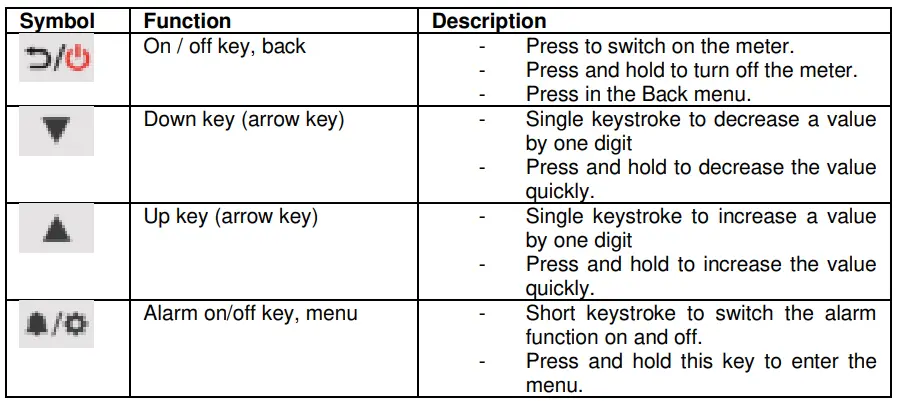
To turn on the meter, press the  key. The meter turns on immediately and starts measuring after two seconds. When you connect the power supply, the meter also turns on automatically. To turn off the meter, press and hold the key for two seconds.
Alarm function
- After the alarm has been triggered, it must be cancelled. It remains active until it is manually cancelled by the operator using the
 key or is automatically cancelled after the set time.
 - After the cancellation, the measurement will be continued after 2 seconds.
Note: During this whole time, the display is frozen. Therefore, no measurement is made. The frozen reading will be logged every two seconds.
Switch alarm function on and off
To switch the alarm function on or off, press and release the  key once. The alarm LED above the key indicates whether the alarm function is active.
Data storage
The sound measurement display logs the highest measured sound value every two seconds. As soon as the memory is full, the first half of the memory is automatically deleted and replaced by current measured values. It is therefore advisable to read out the memory on the PC at regular intervals. The memory is sufficient for 657,000 measured values.
In the menu of the sound meter you can make settings for the alarm function, date and time. To enter the menu, press and hold the key for about 2 seconds. To select an individual menu item, press the key repeatedly. You can change a value with the arrow keys. To accept a value, press the key again. To exit the menu, press the key.
The menu is arranged as follows:
| Function | Description |
| Alarm limit value | Set the alarm limit value (range 50 … 130). |
| Automatic alarm cancellation time | Set when the alarm is to be cancelled automatically after it has been triggered (range 6 … 120 seconds). |
| Alarm volume | Set the volume of the alarm (range 1 … 3). |
| Year | Set the current year. |
| Month | Set the current month. |
| Day | Set the current day. |
| Hour | Set the current hour. |
| Minute | Set the current minute. |
| Second | Set the current second. |
After setting the second, you automatically leave the menu and return directly to measuring mode.
Software
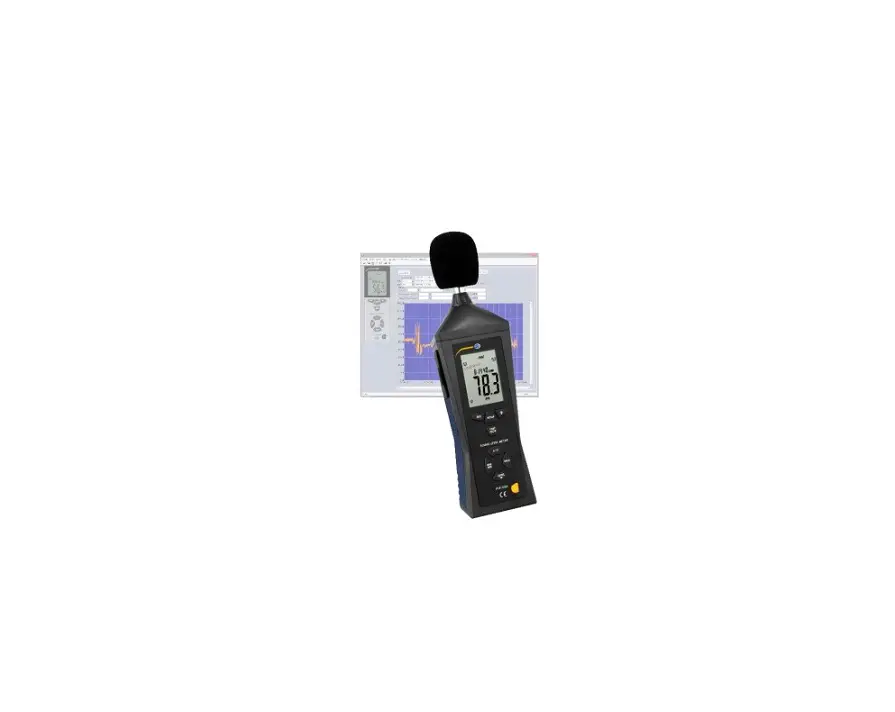
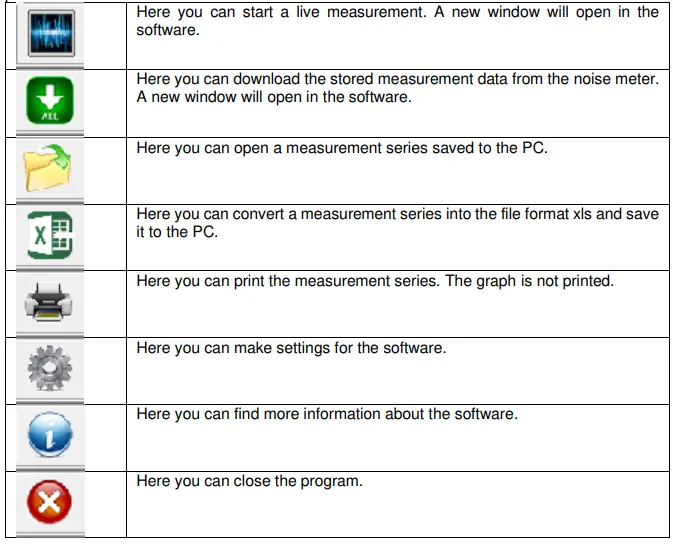
With the sound software you can download and analyse the stored data. A live view is also possible with the software.
Window: Live measurement
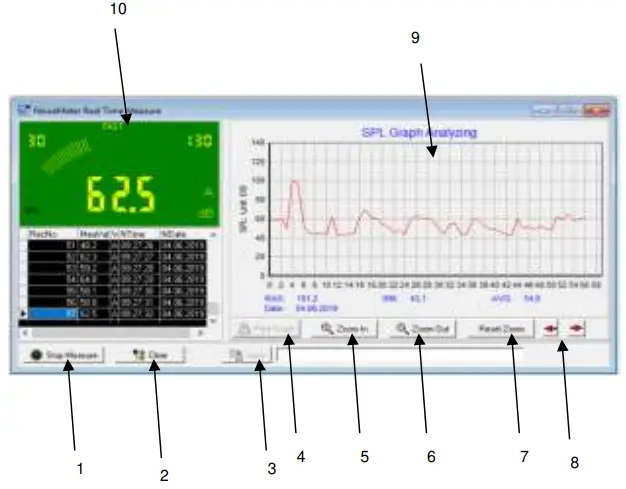
| No. | Description |
| 1 | Start and stop a live measurement. |
| 2 | Delete a measurement series. |
| 3 | Save the measurement series to the PC. This is only possible when the live measurement is stopped. File format: “lab” |
| 4 | Print graph. This is only possible when the live measurement is stopped. |
| 5 | Here you can zoom into the graph. |
| 6 | Here you can zoom out of the graph. |
| 7 | The zoom can be reset here. |
| 8 | Here you can move the graph when using zoom. |
| 9 | Graph with max, min, average value, date and time |
| 10 | Display |
Window: Data readout
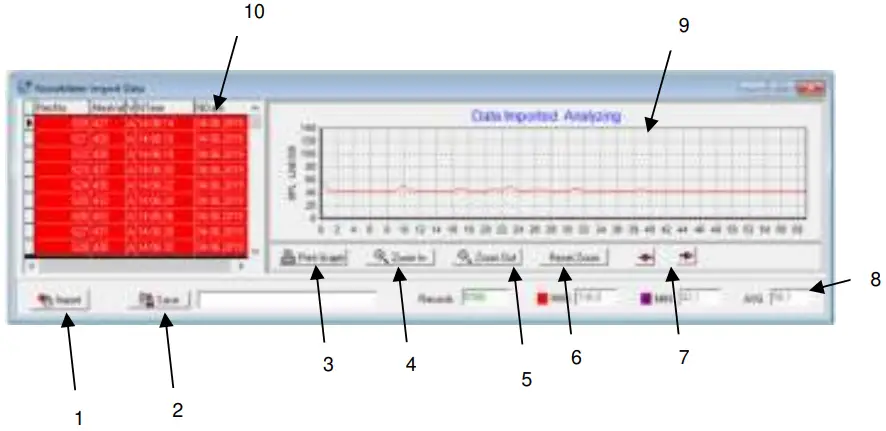
| No. | Description |
| 1 | Start and stop a live measurement. |
| 2 | Save the measurement series on the PC. This is only possible when the live measurement is stopped. File format: “lab” |
| 3 | Print graph. This is only possible when the live measurement is stopped. |
| 4 | Here you can zoom into the graph. |
| 5 | Here you can zoom out of the graph. |
| 6 | The zoom can be reset here. |
| 7 | Here you can move the graph when using zoom. |
| 8 | Display of number of measurements, max, min and average value |
| 9 | Graph |
| 10 | List of all measured values |
Warranty
You can read our warranty terms in our General Business Terms which you can find here: https://www.pce-instruments.com/english/terms.
Disposal
- For the disposal of batteries in the EU, the 2006/66/EC directive of the European Parliament applies. Due to the contained pollutants, batteries must not be disposed of as household waste. They must be given to collection points designed for that purpose.
- In order to comply with the EU directive 2012/19/EU we take our devices back. We either re-use them or give them to a recycling company which disposes of the devices in line with law.
- For countries outside the EU, batteries and devices should be disposed of in accordance with your local waste regulations.
- If you have any questions, please contact PCE Instruments.


PCE Instruments contact information
- Germany
- PCE Deutschland GmbH
- Im Langel 4
- D-59872 Meschede
- Deutschland
- Tel.: +49 (0) 2903 976 99 0
- Fax: +49 (0) 2903 976 99 29
- [email protected]
- www.pce-instruments.com/deutsch
- United Kingdom
- PCE Instruments UK Ltd
- Unit 11 Southpoint Business Park Ensign Way, Southampton Hampshire
- United Kingdom, SO31 4RF
- Tel: +44 (0) 2380 98703 0
- Fax: +44 (0) 2380 98703 9
- [email protected]
- www.pce-instruments.com/english
- The Netherlands
- PCE Brookhuis B.V.
- Institutenweg 15
- 7521 PH Enschede
- Nederland
- Telefoon: +31 (0)53 737 01 92 [email protected]
- www.pce-instruments.com/dutch
- United States of America
- PCE Americas Inc.
- 711 Commerce Way suite 8 Jupiter / Palm Beach
- 33458 FL
- USA
- Tel: +1 (561) 320-9162
- Fax: +1 (561) 320-9176
- [email protected]
- www.pce-instruments.com/us
- France
- PCE Instruments France EURL
- 23, rue de Strasbourg
- 67250 Soultz-Sous-Forets
- France
- Téléphone: +33 (0) 972 3537 17
- Numéro de fax: +33 (0) 972 3537 18
- [email protected]
- www.pce-instruments.com/french
- Italy
- PCE Italia s.r.l.
- Via Pesciatina 878 / B-Interno 6
- 55010 Loc. Gragnano
- Capannori (Lucca)
- Italia
- Telefono: +39 0583 975 114
- Fax: +39 0583 974 824
- [email protected]
- www.pce-instruments.com/italiano
- China
- PCE (Beijing) Technology Co., Limited 1519 Room, 6 Building
- Zhong Ang Times Plaza
- No. 9 Mentougou Road, Tou Gou District 102300 Beijing, China
- Tel: +86 (10) 8893 9660
- [email protected]
- www.pce-instruments.cn
- Spain
- PCE Ibérica S.L.
- Calle Mayor, 53
- 02500 Tobarra (Albacete) España
- Tel. : +34 967 543 548
- Fax: +34 967 543 542
- [email protected]
- www.pce-instruments.com/espanol
- Turkey
- PCE Teknik Cihazları Ltd.Şti. Halkalı Merkez Mah.
- Pehlivan Sok. No.6/C
- 34303 Küçükçekmece – İstanbul Türkiye
- Tel: 0212 471 11 47
- Faks: 0212 705 53 93
- [email protected]
- www.pce-instruments.com/turkish
- Hong Kong
- PCE Instruments HK Ltd.
- Unit J, 21/F., COS Centre
- 56 Tsun Yip Street
- Kwun Tong
- Kowloon, Hong Kong
- Tel: +852-301-84912
- [email protected]
- www.pce-instruments.cn
References
 France.fr : Actualités, destinations et infos du tourisme en France
-
iberica.es
-
instruments.cn
 Make an offer on the domain instruments.co.uk - Domains.co.uk
-
Computer Instruments | Home
 Discover Italy: Official Tourism Website - Italia.it
 PCE(北京)科技有限公司
-
Industrial Measurement Products and Solutions | PCE Instruments
-
PCE Deutschland GmbH Prüfgeräte vom Hersteller | PCE Instruments
-
PCE Brookhuis B.V. | PCE Instruments
-
PCE Americas Inc. : Test Instruments | PCE Instruments
-
PCE Iberica S.L. Instrumentación | PCE Instruments
-
PCE Instruments France | PCE Instruments
-
PCE Italia s.r.l. / Strumenti di Misura | PCE Instruments
-
PCE Teknik Cihazlar Paz. Tic. Ltd.Şti. | PCE Instruments
-
PCE Americas Inc. : Test Instruments | PCE Instruments
 France.fr : Actualités, destinations et infos du tourisme en France
 iberica.es
 instruments.cn
 Make an offer on the domain instruments.co.uk - Domains.co.uk
 Computer Instruments | Home
 Discover Italy: Official Tourism Website - Italia.it
 PCE(北京)科技有限公司
 Industrial Measurement Products and Solutions | PCE Instruments