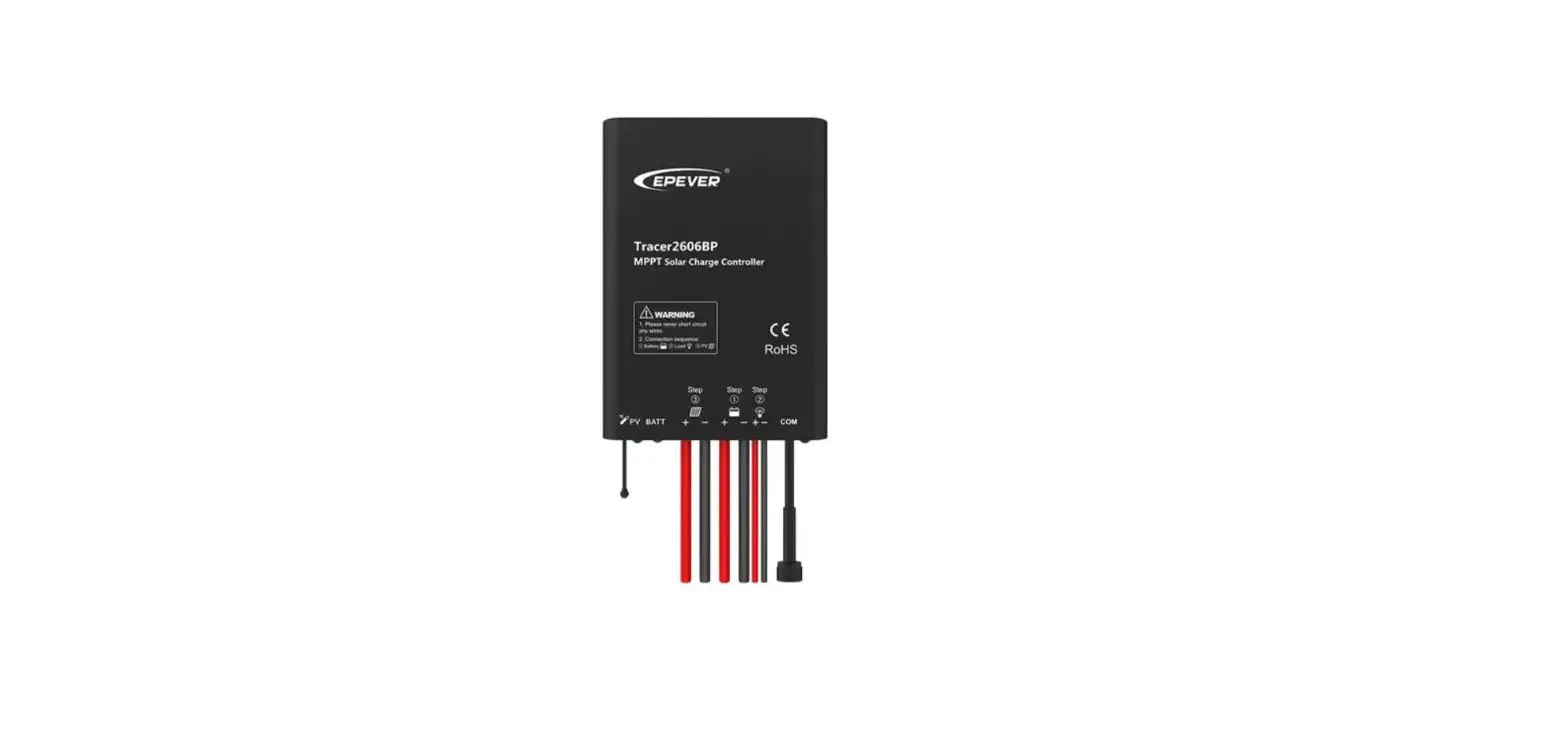
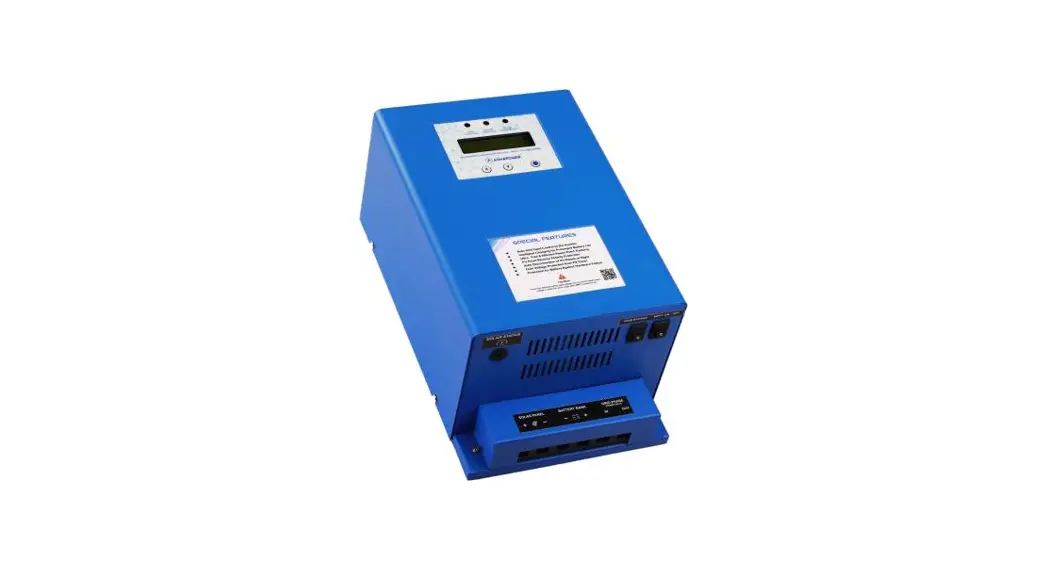
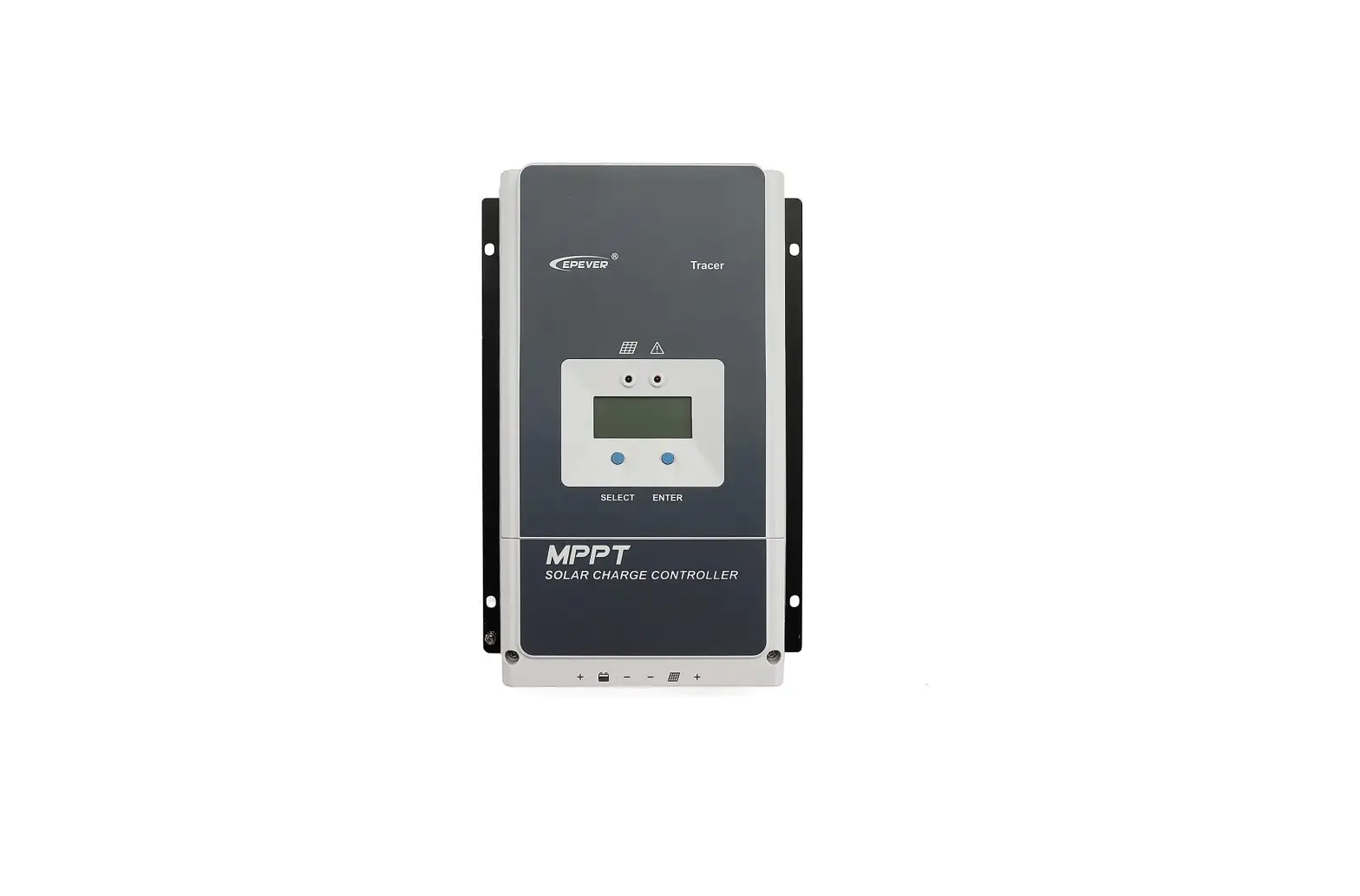
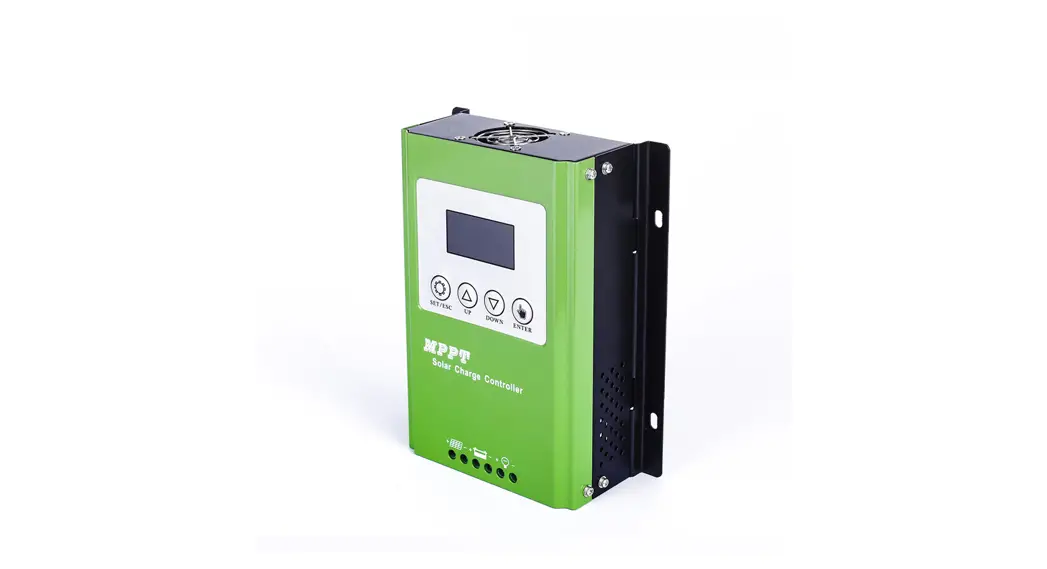
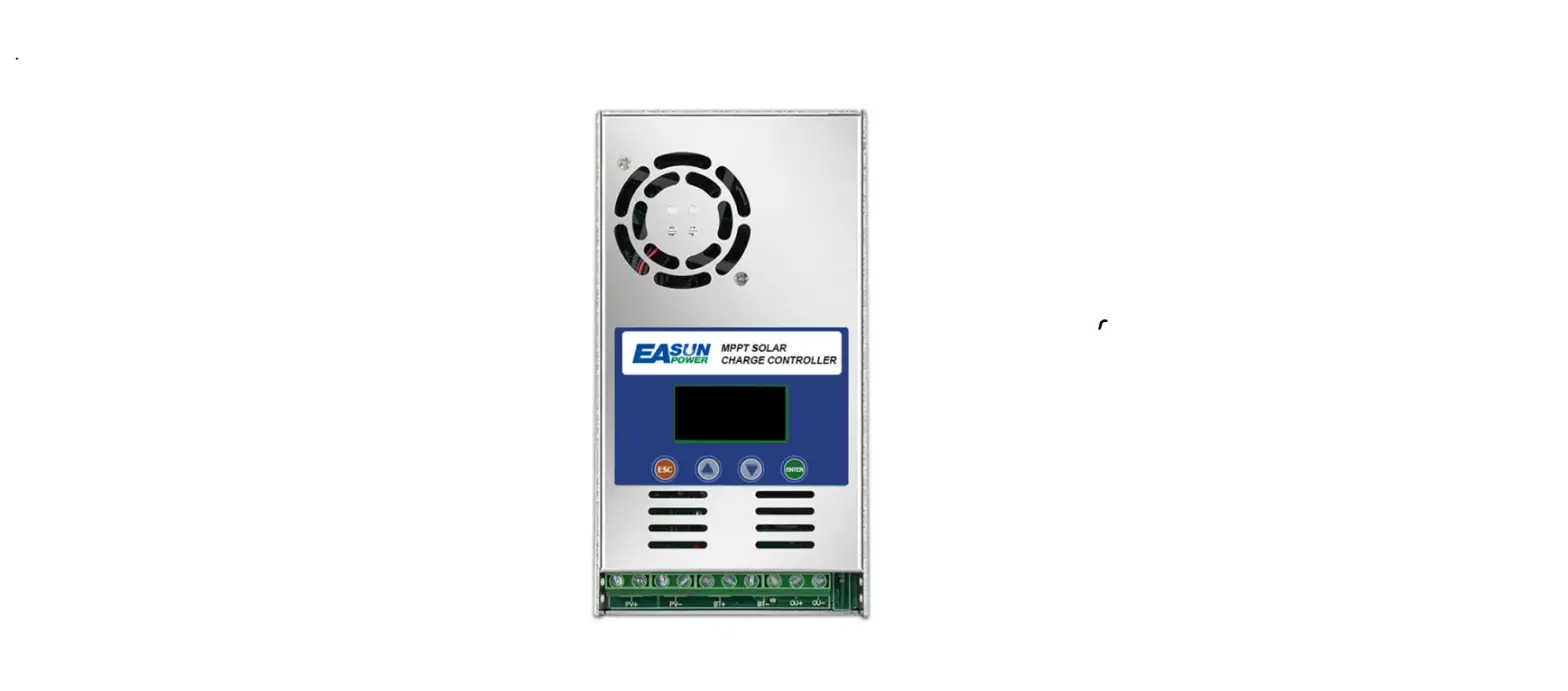
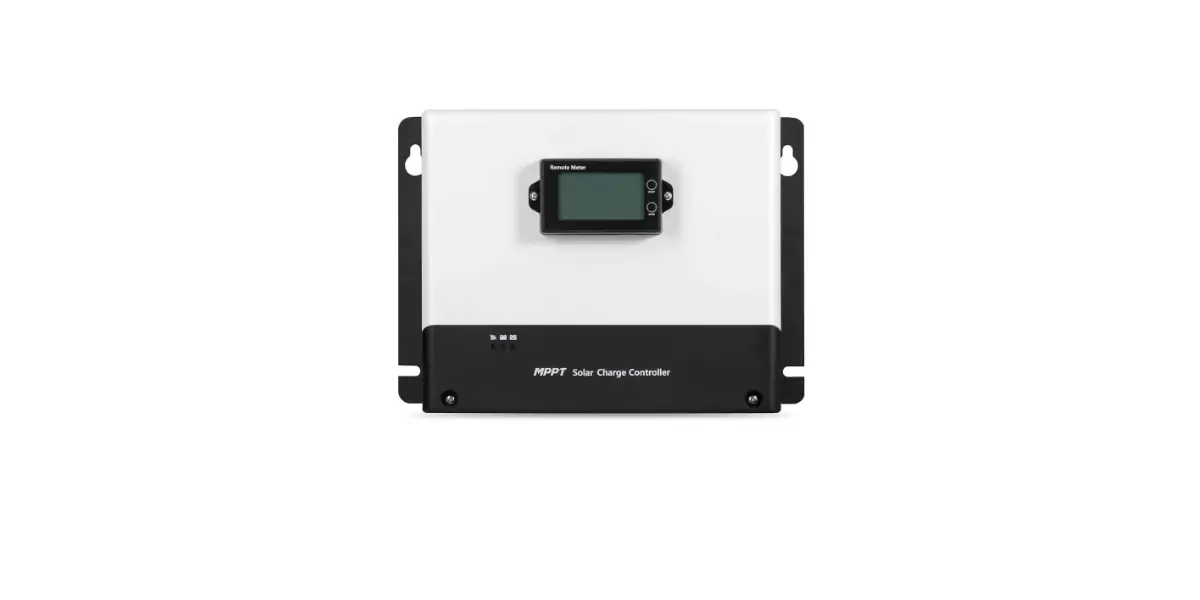
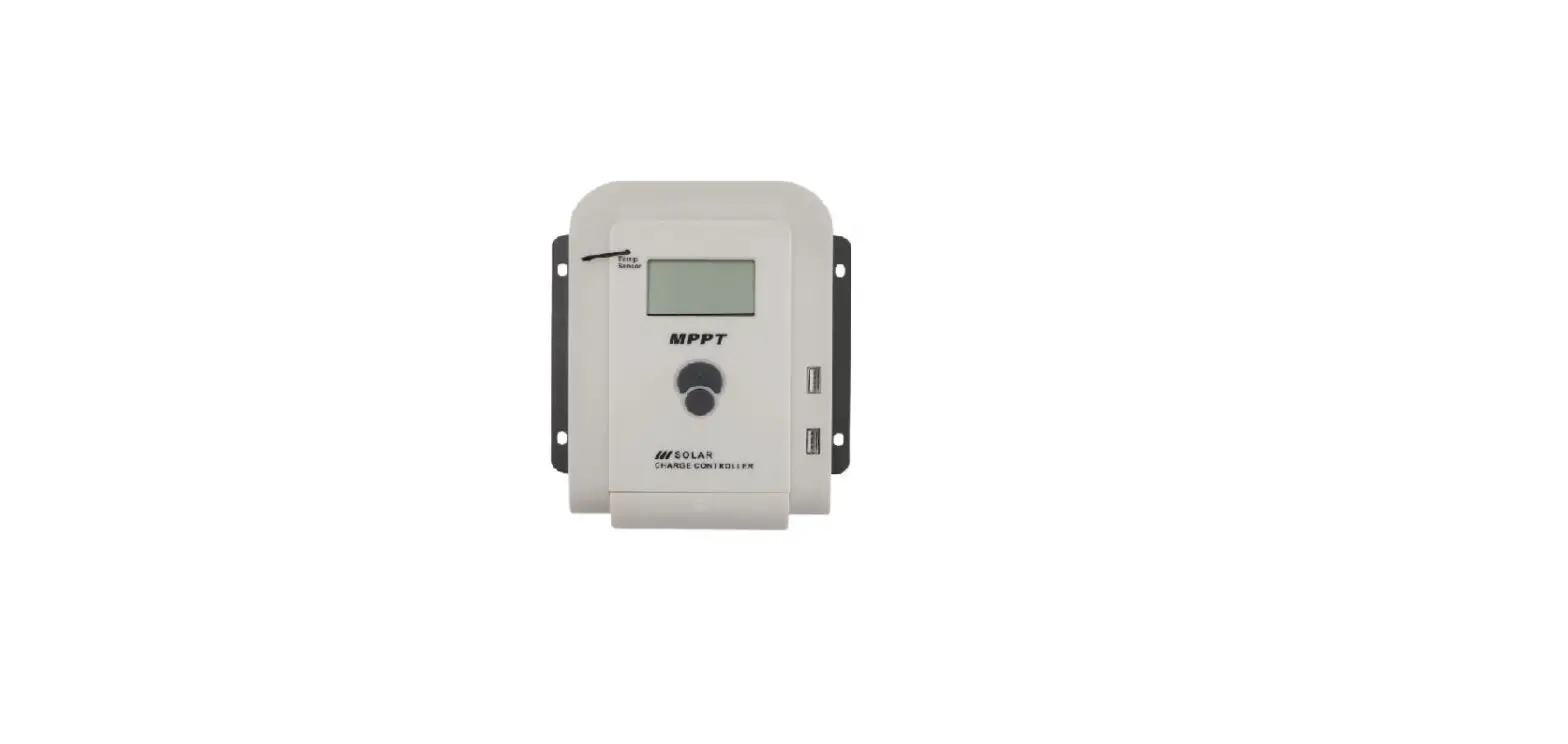
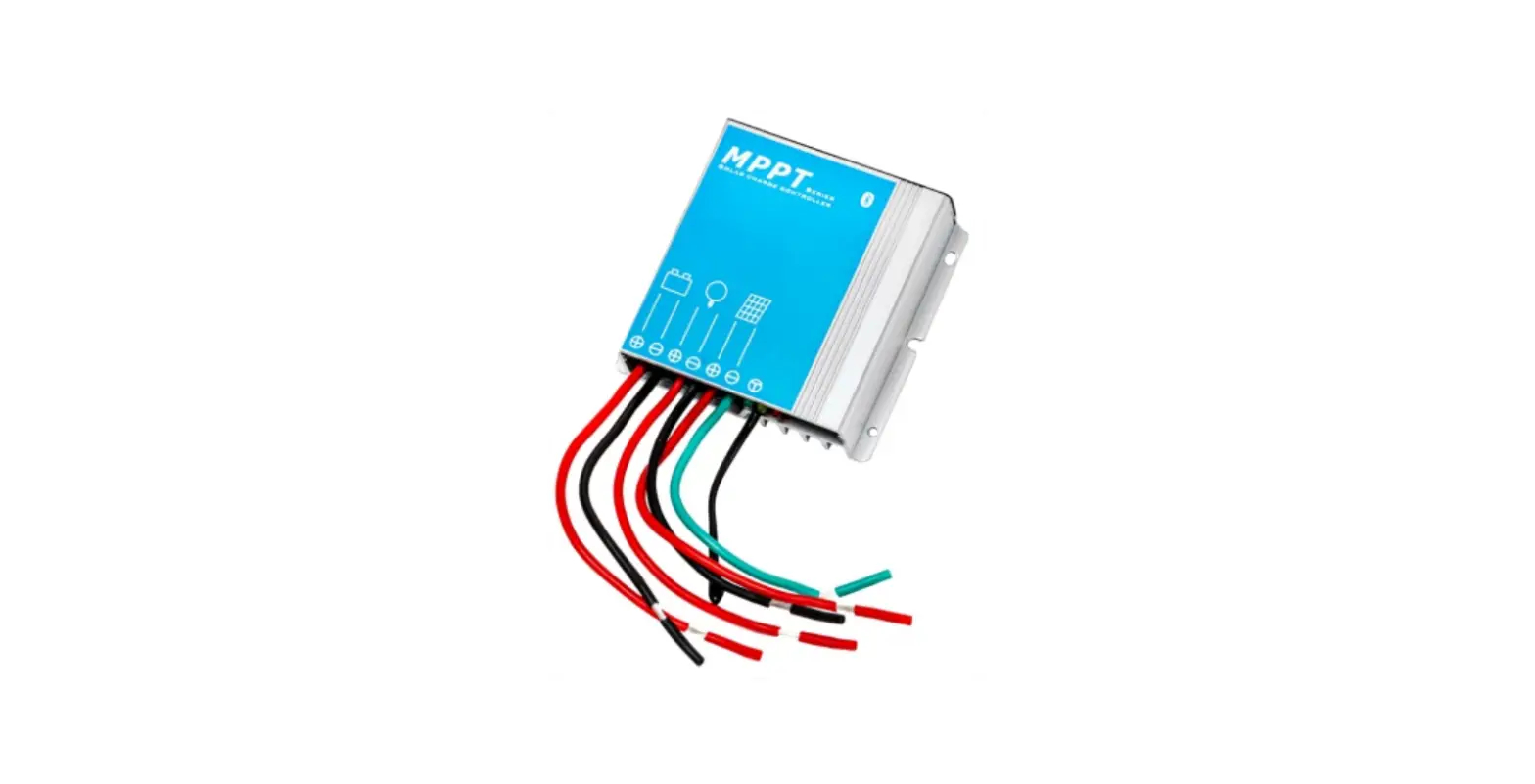
Magicube Series MPPT Solar Controller
Product Information
Product Name: Magicube Series MPPT Solar Controller
Model Number: 1.03.02.10043-1-1
Supported Voltage: 12/24/36/48V
Supported Current: 20/40/60A
Certifications: MF CE, Rohs, ISO9001:2015
Product Usage Instructions
- Read the user manual carefully to understand the installation,
operation, and monitoring recommendations provided. - Ensure to follow the safety instructions mentioned in the
manual. - Do not disassemble or attempt to repair the controller as there
are no user-serviceable parts inside. - Keep children away from batteries and the charge
controller. - Ensure to use the controller as intended and mentioned in the
manual to avoid any damages. - If any service or repair is required, contact authorized
personnel only. - Install the Magicube series solar controller in your
PV-System. - The solar controller utilizes maximum power point tracking
(MPPT) technology for efficient charging. - The MPPT technology detects the real-time power of the solar
module and finds the maximum point on the I-V curve for optimal
battery charging efficiency. - Under most conditions, MPPT technology will boost the solar
charge current. - The power into the controller should be equal to the power out
of the controller, considering losses in wiring and
conversion. - If the solar module’s maximum power voltage (Vmp) is greater
than the battery voltage, the battery current must be
proportionally greater to balance input and output power. - The greater the difference between Vmp and battery voltage, the
greater the current boost.
For any further assistance or inquiries, please refer to the
user manual or contact our customer support.
1.03.02.10043-1-1
Magicube series MPPT Solar Controller
12/24/36/48V20/40/60A
User Manual
User Manual_Magicube series_MF CE, Rohs, ISO9001:2015
Subject to change without notice!
Contents
1.Safety instructions and waiver of liability ……………………………………………………………………………………….1 1.1 Safety Instructions …………………………………………………………………………………………………………………………………………………1 1.2 Liability Exclusion…………………………………………………………………………………………………………………………………………………..1
2.Pruduct Overview ……………………………………………………………………………………………………………………………2
3.Dimensions ……………………………………………………………………………………………………………………………………3 3.1 The dimensions of MC2010 ……………………………………………………………………………………………………………………………..3 3.2 The dimensions of MC4010 ……………………………………………………………………………………………………………………………..4 3.2 The dimensions of MC6010/6015 ………………………………………………………………………………………………………………….5
4.Structure & Accessor y………………………………………………………………………………………………………………….6 4.1 Structure & Characteristics ……………………………………………………………………………………………………………………………..6 4.2 Temperature Sensor …………………………………………………………………………………………………………………………………………..6 4.3 RS485 ……………………………………………………………………………………………………………………………………………………………………..6 4.4 Optional Accessories…………………………………………………………………………………………………………………………………………7
5.Installation ……………………………………………………………………………………………………………………………………8 5.1 Installation Notes……………………………………………………………………………………………………………………………………………….8 5.2 Mounting Location Requirements…………………………………………………………………………………………………………………9 5.3 Fix the controller…………………………………………………………………………………………………………………………………………………9 5.4 Wiring Specifications ………………………………………………………………………………………………………………………………………..9 5.5 Connection…………………………………………………………………………………………………………………………………………………………11 5.6 Grounding ………………………………………………………………………………………………………………………………………………………….11
6.Operation…………………………………………………………………………………………………………………………………….11 6.1 LED Indicator……………………………………………………………………………………………………………………………………………………..11 6.2 Key Function ………………………………………………………………………………………………………………………………………………………12 6.3 LCD Display ………………………………………………………………………………………………………………………………………………………..12 6.4 Parameters setting …………………………………………………………………………………………………………………………………………..14
7.Protections, Troubleshooting and Maintenance……………………………………………………………………..16 7.1 Trouble shooting………………………………………………………………………………………………………………………………………………16 7.2 Protection …………………………………………………………………………………………………………………………………………………………..17 7.3 Maintenance………………………………………………………………………………………………………………………………………………………17
8.Technical Data ……………………………………………………………………………………………………………………………….18
Dear Clients, Thank you for purchasing our Magicube Series Solar PV Charge Controller. Your support and trust in us are much appreciated. Please take time to read this manual, this will help you make full use of the many advantages this controller can provide your PV-System with. This manual presents important recommendations for installing, operating and monitoring. Read it with special care in your own interest and please pay attention to the safety recommendations herein indicated.
1, Safety instructions and waiver of liability
1.1 Safety Instructions The following symbols are used throughout this manual to indicate potentially dangerous conditions or mark important safety instructions. Please take care when meeting these symbols.
WARNING: Indicates a potentially dangerous condition. Use extreme caution when performing this task.
CAUTION: Indicates a critical procedure for safe and proper operation of the controller. CAUTION: 1) There are no user serviceable parts inside the controller. Do not disassemble or attempt to repair the controller. 2) Keep children away from batteries and the charge controller.
1.2 Liability Exclusion The manufacturer shall not be liable for damages, especially on the battery, caused by use other than as intended or as mentioned in this manual or if the recommendations of the battery manufacturer are neglected. The manufacturer shall not be liable if there has been service or repair carried out by any unauthorized person, unusual use, wrong installation, or bad system design.
1
2, Overview
Magicube series solar controller is based on an advanced maximum power point tracking (MPPT) technology developed, dedicated to the solar system, the controller conversion efficiency up to 98%.
It comes with a number of outstanding features, such as:
A combination of multiple tracking algorithms enables tracking the maximum power point quickly and accurately Innovative Max Power Point Tracking(MPPT) technology, tracking efficiency >99.9% Full digital technology, high charge conversion efficiency up to 98% LCD display design, read operating data and working condition easily Real-time energy statistics function 12/24/36/48V automatic recognition Flexible System battery selection: Liquid, Gel, AGM and Lithium Extends battery life through accurate remote temperature sensor
The Controller is protected against over-temperature due to built-in power reduction function Four stages battery charging process: MPPT, boost, equalization, float Dual automatic protection to avoid exceeding the rated charging power and current Multiple load control modes: Always on, Dusk to Dawn, Evening and Manual IoT Wireless communication or Bluetooth communication functions optional Optional APP version for Bluetooth communication With the wireless communication function of the IoT , the controller can be connected remotely through IoT/GPRS Monthly charging data can be calculated and displayed by grouping and graphs Based RS-485 standard Modbus protocol with RJ11 interface to maximize the communication needs of different occasions. Perfect EMC & thermal design Full automatic electronic protect function for increased charge controller availability
2.2 MPPT
MPPT profile
The full name of the MPPT is maximum power point tracking. It is an advanced charging way which could detect the real-time power of the solar Module and the maximum point of the I-V curve that make the highest battery charging efficiency.
Current Boost Under most conditions, MPPT technology will “boost” the solar charge current. MPPT ChargingPower Into the controller (Pmax)=Power out of the controller (Pout)
Iin x Vmp= Iout x Vout * Assuming 100% efficiency. Actually, the losses in wiring and conversion exist.
If the solar module’s maximum power voltage (Vmp) is greater than the battery voltage, it follows that the
battery current must be proportionally greater than the solar input current so that input and output power are
balanced. The greater the difference between the Vmp and battery voltage, the greater the current boost.
Current boost can be substantial in systems where the solar array is of a higher nominal voltage than the
battery as described in the next section.
2
High Voltage Strings and Grid-Tie Modules
Another benefit of MPPT technology is the ability to charge batteries with solar arrays of higher nominal voltages. For example, a 12 Volt battery bank may be charged with a 12-, 24-, 36-, or 48-Volt nominal offgrid solar array. Grid-tie solar modules may also be used as long as the solar array open circuit voltage (Voc) rating will not exceed the maximum input voltage rating at the worst-case (coldest) module temperature. The solar module documentation should provide Voc vs. temperature data. Higher solar input voltage results in lower solar input current for a given input power. High voltage solar input strings allow for smaller gauge solar wiring. This is especially helpful and economical for systems with long wiring runs between the controller and the solar array.
An Advantage Over Traditional Controllers
Traditional PWM controllers connect the solar module directly to the battery when recharging. This requires that the solar module operates in a voltage range that is usually below the module’s Vmp. In a 12 Volt system for example, the battery voltage may range from 10.8-15 Vdc but the module’s Vmp is typically around 16 or 17V. Because traditional controllers do not always operate at the Vmp of the solar array, energy is wasted that could otherwise be used to charge the battery and power system loads. The greater the difference between battery voltage and the Vmp of the module, the more energy is wasted.
I(A)
VI curve
Typical Battery Voltage
Range
MPP
P(W)
VP curve
MPP Px
PWM Controller Operating
Range
Pmax-Px
0
10.8V 15V 17V
V(V)
0
10.8V
15V 17V
V(V)
Nominal 12 Volt Solar Module I-V cur ve and output power graph.
In contrast with the traditional PWM controller, MPPT controller could play a maximum power of the solar panel so that a larger charging current could be supplied. Generally speaking, the controller’s energy utilization efficiency is 15%~20% higher than PWM controller.
Conditions That Limit the Effectiveness of MPPT
The Vmp of a solar module decreases as the temperature of the module increases. In very hot weather, the Vmp may be close to or even less than the battery voltage. In this situation, there will be very little or no MPPT gain compared to traditional controllers. However, systems with modules of higher nominal voltage than the battery bank will always have an array Vmp greater than the battery voltage. Additionally, the savings in wiring due to the reduced solar current make MPPT worthwhile even in hot climates.
2.3 MPPT–Four Charging Stages
Magicube series controller has a 4-stage battery charging algorithm for rapid, efficient, and safe battery
charging.
U(V)
Equalize Charge
14.8V 14.5V
13.7V
Night
MPPT Charge
Boost Charge
Float Charge
Night
MPPT Charge
TIME
In this stage, the battery voltage has not yet reached boost voltage and 100% of available solar power is used to recharge the battery.
Boost Charge
When the battery has recharged to the Boost voltage setpoint, constant-voltage regulation is used to prevent heating and excessive battery gassing. The Boost stage remains 120 minutes and then goes to Float Charge. Whenever the controller is powered on, if it detects neither over discharged nor overvoltage, the charging will enter into the boost charging stage.
Float Charge
After the Boost voltage stage, the controller will reduce the battery voltage to Float voltage setpoint. When the battery is fully recharged, there will be no more chemical reactions and all the charge current transmits into heat and gas at this time. Then the controller reduces the voltage to the floating stage, charging with a smaller voltage and current. It will reduce the temperature of the battery and prevent the gassing, also charging the battery slightly at the same time. The purpose of Float stage is to offset the power consumption caused by self consumption and small loads in the whole system, while maintaining full battery storage capacity.
In the Float stage, loads can continue to draw power from the battery. If the system load(s) exceed the solar charge current, the controller will no longer be able to maintain the battery at the Float setpoint. Should the battery voltage remains below the boost reconnect charging voltage, the controller will exit the Float stage and return to Bulk charging.
Equalize Charge
Certain types of batteries benefit from periodic equalizing charge, which can stir the electrolyte, balance
battery voltage and complete chemical reaction. Equalizing charge increases the battery voltage, higher
than the standard complement voltage, which gasifies the battery electrolyte. If it detects that the battery
is being over discharged, the solar controller will automatically turn the battery to the equalization
charging stage, and the equalization charging will be 120mins. Equalizing charge and boost charge are not
carried out constantly in a full charge process to avoid too much gas precipitation or overheating of the
battery.
WARNING: Risk of explosion!
Equalizing flooded battery can produce explosive gases, so well ventilation of battery box is
necessary.
3, Dimensions
3.1 The dimensions of MC2010
Unit:mm
136.60
67.10
136.60 120.00
71.00
3
3.2 The dimensions of MC4010
Unit:mm
196.50
136.60 120.00
67.10
117.00
4
3.3 The dimensions of MC6010/6015
Unit:mm
262.50
97.50
186.50 166.00
160.00
5
4, Structure & Accessory
4.1 Structure & Characteristics
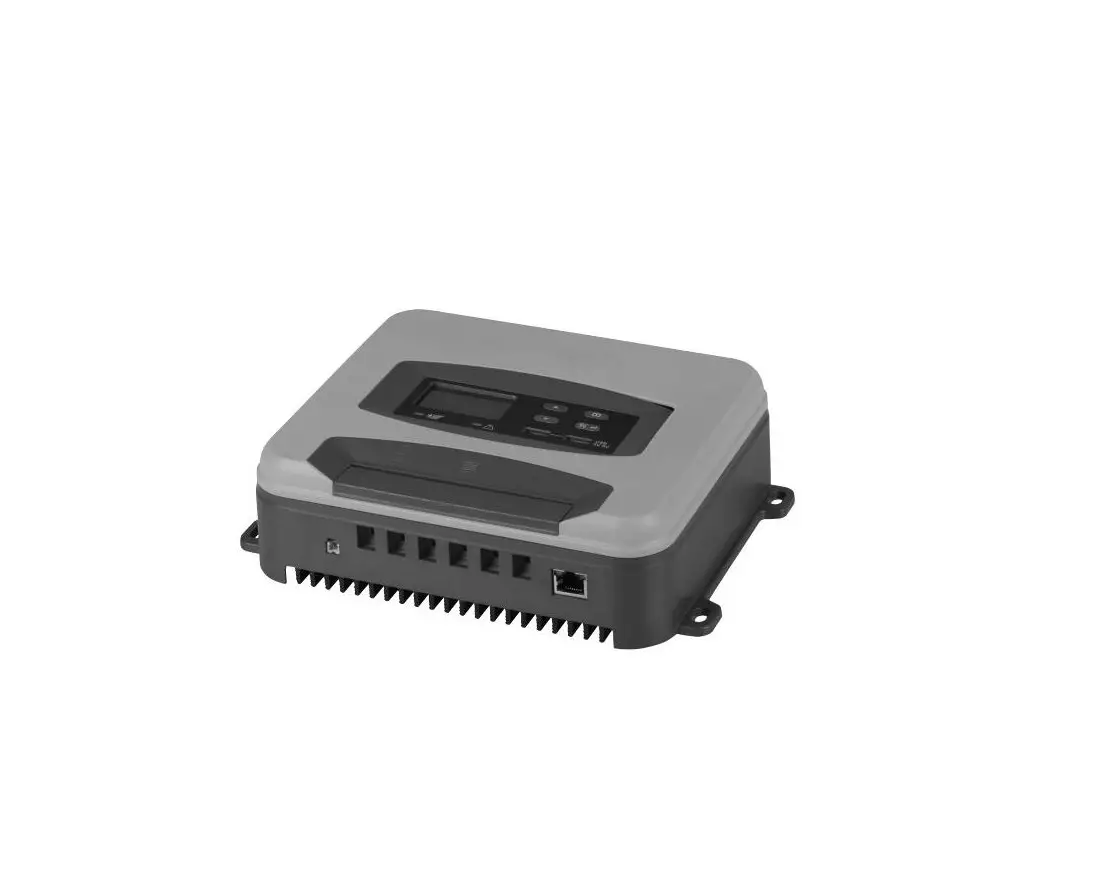
Heat Sink –dissipate controller heat
Plastic Case –Internal protection
LED & LCD — Display settings and operating status, system parameters
Key: MENUOK
–Set and view the operating parameters
Temperature Sensor Port –Collect temperature information, for temperature compensation.
RJ11 interface –Connecting monitoring devices
Load Terminals –Connected load.
Battery Terminals –Connect the battery.
Solar module terminals –Connected solar modules.
4.2 Temperature Sensor To collect battery temperature data for temperature compensation so the controller can accurately charge the battery. The temperature sensor is connected via interface 5.
If the remote temperature sensor is not connected to the controller or damaged, the default temperature for battery charging is 25 °C . The controller is shipped with an 80 mm long cable temperature sensor. Should a sensor with a longer cable be required than this needs to be ordered separately.
4.3 RS485 The charger is equipped with a RS485 port with RJ11 sockets, the RJ11 interface is defined as follows:
Pin No. Definition
1
NC
2
NC
3
RS485-A
1234 5 6
NC NC RS485-B RS485-A NC NC
4
RS485-B
5
NC
6
NC
RJ11(6P2C) for controller
!
Please contact the sales for the latest version of the communication protocol.
The RS485 interface on this charger is not galvanically isolated and can not be grounded. Do not short circuit unused pin (Note NC).
6
4.4 Option Accessories 4.4.1 Bluetooth Communication Two options are available: 1. BT inside 2. BT external (Cyber-BT), and connected via RJ11 connector. Bluetooth communication has the following characteristics 1. Support Android/iOS mobile phone App 2. Realizes wireless monitoring function of PV charge controller 3. Use high performance, ultra-low power consumption Bluetooth dedicated chip 4. Adopt Bluetooth 4.2 and BLE technology
Refer to Bluetooth APP instructions for detailed operation of mobile APP. 4.4.2 Wireless Communication for Internet of Things The controller equipped with the Internet of Things wireless communication capability has the following characteristics: 1. For the wireless Internet of Things communication functionality the controller can be remotely accessed through IoT/ GPRS. 2. A variety of options are available for remote monitoring and real-time control through WeChat App /PC program. 3. Real-time monitoring of PV voltage, PV charging current, battery voltage, battery current, load voltage, load current and other system parameters as well as charge controller status. 4. Real-time automatic fault alarm.
Please contact our Sales Team for more details about the IoT wireless communication.
7
5, Installation
CAUTION: Please read all instructions and precautions in the manual before proceeding with the installation! It is recommended to remove the protective film cover from the LCD screen before operation. 5.1 Installation Notes This charge controller must only be used in PV systems by requirements given in this user manual and the specifications of other system components provided by their manufacturers. No energy source other than a PV generator may be connected to the PV charge controller referred to herein. PV-modules must always be disconnected prior to the installation and adjustments of the charge controller; Make sure the circuit breaker, fuse or disconnects of the battery terminal are turned off. Double check whether battery voltage meets the voltage range of the Charge Controller. Batteries store a large amount of energy, never short circuit a battery under any circumstances. We strongly recommend connecting a protection fuse directly to the battery terminal for protection in case of short circuiting the battery. Batteries can produce flammable gases. Avoid provoking any sparks, using fire or any exposed flame close to any batteries, ever. Make sure that the battery room is well ventilated to disperse any gases. Only use insulated tools and avoid placing (any) metal objects near/close to batteries. Be extremely cautious when working with batteries. Wear eye protection by all means. Have fresh water available to immediately wash and clean any contact with battery acid. Get immediate medical aid in case of any hazard that may occur. Never install/handle with batteries alone. Avoid touching or short-circuiting wires or terminals. Be aware that voltages on given system components, terminals or wires can be a multiple of battery voltage. Only use insulated tools, stand on dry ground, and keep your hands always dry and protected by proper (approved) electrician gloves when working on PV-Systems. Prevent any water, ever, from penetrating the controller, outdoor installation must avoid any direct sunlight and penetration of any water (e.g. rain) and humidity. After installation make sure that all connections are properly tightened, and eliminate any electrical loose connections to eliminate by all means any hot electrical connection spots.
8
5.2 Mounting Location Requirements
Do not subject the PV charge controller to direct sunlight or any other heat sources. Protect the PV charge controller from any dust, dirt and moisture. Mount it flat to a vertical wall. Must be a non-flammable material. Maintain a minimum clearance of 15 cm below and around the controller to ensure unhindered air circulation. Mount the PV charge controller not too far from the batteries (for accurate voltage sensing least lessening).
Mark the position of the PV charge controller fastening holes on the wall, drill 4 holes and insert dowels, fasten the PV charge controller to the wall with the cable openings facing downwards.
WARM AIR
>15CM
COOL AIR
>15CM
5.3 Fix the controller
Drill 4 mounting holes in the wall according to “installation position” and fix the four screws(M5) , then aim the controller’s fixing holes at the screws and mount the controller on.
5.4 Connection
WARNING: The PV-module/array can produce open-circuit voltages in excess of 100 Vdc when exposed to sunlight. Pay highest attention to this fact.
WARNING: Risk of explosion! In case the battery’s positive and negative terminals or leads get ever in touch, i.e. short-circuited, a fire or explosion hazard might get triggered. Always pay maximum when handling batteries and related circuits.
CAUTION: 1. When the controller is not connected with the external temperature sensor, the internal temperature of the battery is 25 . 2.If a power inverter is used the system, directly connect the inverter to the battery.
9
We strongly recommend connecting a fuse directly to the battery terminal to protect from any short circuit in the battery circuit. PV-modules generate current whenever light shines on them. The generated current is directly proportional to the light intensity. Even low levels of light, will deliver the PV-Modules no load, full voltage. It is thus utterly advisable to protect PV-modules from any incident light during installation; Never touch uninsulated cables (ends), only use electric insulated tools, and make sure that the wire cross section is adequate for the PV module operating currents. Connections must always be conducted in the sequence as described below.
Remote temperature
sensor
RS485 communication
interface
1st step: Connect accessories (1)Connect the remote temperature sensor cable Connect the remote temperature sensor cable to the interface and place the other end close to the battery. (2)Connect the accessories for RS485 or IoT communication. 2nd step: Connect loads Connect the load cable with the correct polarity of the right-hand side pair of terminals on the solar charge controller (with the lamp symbol). To avoid the presence of any tension on the cable/wires, please connect these first to the load before connecting them to the charge controller. 3rd step: Connect the battery Connect the battery cables observing the correct polarity to the center pair of terminals (make sure you identify the battery marking/symbol on the controller casing!) of the PV charge controller. Pay greatest attention to polarity. Never, ever invert the plus+ and minus- poles).
1) Should your system be nominal 12 Vdc, make sure the battery voltage is between the 5 and 15.0 Vdc voltage range;
2) for 24 Vdc nominal voltage, the battery voltage should be within the 20 to 31 Vdc range; 3) for 36 Vdc nominal voltage, the battery voltage should be within the 31 to 42 Vdc range; 4) for 48 Vdc nominal voltage, the battery voltage should be within the 42 to 62 Vdc range. 5) Voltages are identifiable when the controller is set to a lithium battery. If the polarity is correct, the LCD on the controller will begin to display those. 4th step: Connect the solar module When connecting the PV-Module make sure to cover it from incident sun light. Double check the PVModule will not exceed the maximum permissible input current of the Charge Controller (please refer to the section Technical Data). Connect the solar module connection cable to the correct polarity of the left pair of terminals on the solar charge controller (with the solar module symbol). 5th step: Final work Tighten all cables connected to the controller and remove all the remains around the controller (leaving a void of minimum 15 cm).
10
5.5 Wiring Specifications Wiring and installation methods must comply with national and local electrical code/specifications. The wiring specifications of the PV-system battery must be selected according to rated currents. Please check following table for wiring specifications:
Model
Rated charging Rated
current
discharging current
Solar wire diameter (mm²/AWG)
Battery wire diameter (mm²/AWG)
Load wire diameter (mm²/AWG)
MC2010
20A
20A
6/10
6/10
6/10
MC4010
40A
30A
10/8
10/8
6/9
MC6010/6015
60A
30A
16/5
16/5
6/9
!
The indicated cable/wire sizes are for reference only. If longer runs between the PV array and the controller or between the controller and the battery are required, than larger capacity cables must be used to reduce voltage drop and improve system performance.
5.6 Grounding
Be aware that the negative terminals of controller are interconnected and therefore bear the same electrical potential. If any grounding is required, always do this on the negative wires/terminals.
CAUTION: For common-negative system, such as motorhome, it is recommended to use a common-negative controller; but if in a common-negative system, some common-positive equipment is used, and the positive pole is grounded, the controller may get damaged.
6, Operation
6.1 LED indicator
Solar LED
Load LED
Battery LED
LED Green (PV Panel)
Yellow (Battery)
Red (Load) Blue (Communication)
Status On Fast flash(0.1/0.1s) Flash(0.5/0.5s) Slow flash(0.5/2s) On Off Fast flash(0.1/0.1s) Slow flash(0.5/2s) On Off Fast flash(0.1/0.1s) Slow flash(0.5/2s) Off Fast flash(0.1/0.1s)
Communication LED
Function Solar panel is connected, no charged. MPPT charging Equal or Boost Charging Float Charging Battery is normal. Over voltage protection Low voltage protection Battery voltage is low. Load is on. Load is off. Short circuit or over current protection Over temperature protection No communication Normal communication
11
6.2 Key function
MENU OK
Mode Browse interface Static display
Setting parameter Load On/Off 6.3 LCD Display
Operating
Short press OK.
Press the MENU and OK key at the same time for 1s, the LCD screen will lock the interface. Press the MENU and OK key again for 1s, the LCD interface will unlock and start scrolling.
Press the MENU key for 1s to enter the setting mode when the icon appears on the display interface, and exit automatically after 30s or press the MENU.
When the controller is working in street lamp mode, press the MENU key for 3s to turn on the load, press the MENU key again or 1min later the load will be turned off.
6.3.1 Status Description
Item
Icon
Status Charging
PV voltage
PV array
PV current
PV ampere hours of the day
The total charge ampere hours of the solar panel
Battery
Battery capacity
Battery voltage(Set Charging target voltage for lithium battery)) Battery current
Battery type(Programmable)
Temperature(Can clear Bluetooth Device Password)
Load voltage(Set low voltage protection voltage)
Load current
Load
Load ampere hours of the day
The total discharge ampere hours of the load
Load mode(Programmable) !
PV array charge ampere hours and load ampere hours are off after power failure
12
6.3.2 The interface automatically cycles in the displayed sequence 6.3.3 Press OK to browse the interface
13
6.3.4 Fault indication
Status
Icon
Short circuit
Description Load off, fault icon display,the LCD screen displays E1.
Over current
Load off, fault icon display,the LCD screen displays E2.
Low voltage
Load off, battery level shows empty, fault icon display, battery frame flashes, the LCD screen displays E3.
Over voltage
The charge and discharge are off, battery level shows full, fault icon display, battery flashes, the LCD screen displays E4.
Over temperature
The charge and discharge are off, fault icon display, icon flashing, the LCD screen displays E5.
Controller does not correctly identify system voltage
Controller does not correctly identify system voltage.
6.4 Parameters setting
When the icon appears in the display interface, it means that the parameters can be set. Press the
MENU key for 1s, then icon flashes, press OK to change the parameter; when the setting is finished,
you can wait 30 seconds to exit the setting mode automatically, or you can press the MENU to exit the
setting mode.
6.4.1Charging target voltage(Lithium)
If the battery type is set to lithium battery, the LCD display interface is shown in the left figure. Long press the MENU key for 1 second, the icon flashes to set the charging target voltage of lithium battery. Setting range of Charging target voltage:
12/24V: 10.0 ~ 32.0V (default: 14.4V) 12/24/36/48V: 10.0 ~ 64.0v (default: 29.4V) The controller automatically calculates the charging recovery voltage . according to the charging target voltage . The charging recovery voltage is approximate 0.97 * Charging target voltage. If the battery type is not lithium battery, there is no icon in the current interface. 6.4.2 Low voltage protection and recovery voltage
When the LCD shows as displayed at left, press the MENU key for 1s, the icon flashes, now you can set the controller ‘s low voltage protection voltage. 1.If the battery is set to lithium battery, the low voltage protection voltage setting range is as follow:
12/24V: 9.0 ~ 30.0V (default: 10.6V) 12/24/36/48V: 9.0 ~ 60.0V (default: 21.0V)
The controller automatically calculates the low voltage recovery voltage
according to the low voltage protection voltage. The low voltage recovery
voltage is approximate 1.11 * low voltage protection voltage.
The default low voltage recovery voltage of the controller is
0.8/1.6/2.4/3.2V higher than the low voltage protection voltage. If you
want to reduce the low voltage recovery voltage, please reduce the low
voltage protection voltage first.
2.If the battery is not lithium battery, the low voltage protection mode of the controller is divided into battery voltage control and capacity control. Battery voltage control setting range 10.8~11.8V/21.6~23.6V/32.4~35.4V/43.2~47.2V (default:11.2V/22.4V/33.6V/44.8V). Battery capacity control
Display
Low voltage protection range
Low voltage reconnect
11.0~11.6V/22.0~23.2V/33.0~34.8V/44.0~46.4V
12.4/24.8/37.2/49.6V
11.1~11.7V/22.2~23.4V/33.3~35.1V/44.4~46.8V
12.5/25.0/37.5/50.0V
11.2~11.8V/22.4~23.6V/33.6~35.4V/44.8~47.2V
12.6/25.2/37.8/50.4V
11.4~11.9V/22.8~23.8V/34.2~35.7V/45.6~47.6V
12.7/25.4/38.1/50.8V
11.6~12.0V/23.2~24.0V/34.8~36.0V/46.4~48.0V
12.8/25.6/38.4/51.2V
14
6.4.3 Clear Bluetooth Device Password
When the LCD shows as displayed at left, press the MENU key for 1s, the icon flashes, you can press OK to clear the Bluetooth device password set by
the mobile app.
6.4.4 Battery type
For device passwords, please refer to Bluetooth APP instructions.
When the LCD shows as displayed at left, press the MENU key for 1s,the icon flashes , now you can set the battery type.
Display
Battery type GEL(Default)
AGM
Lithium
Liquid
1.Charging Voltage Parameters(Liquid, GEL, AGM) When choosing Liquid, GEL or AGM for battery type, the parameters of boost, equalization and float charge voltage can be set by IoT, RS485 or bluetooth APP. The range of parameters is as follows. The following voltage parameters are 25/12V system parameters, in a 24/36/48V system displayed values are multiplied by a factor of 2/3/4.
Charging stage
Boost
Equalization
Float
Charging Voltage Range
14.0~14.8V
14.0~15.0V
13.0~14.5V
Default charging voltage
14.5V
14.8V
13.7V
2.Charging Voltage Parameters(Lithium)
When choosing lithium battery type, the charging target voltage and overcharge recovery voltage of
lithium battery can be set by pressing the key (see 6.4.1 setting selection for details) , IoT, RS485 or
bluetooth APP.
Charge target voltage range:
12/24V:
10.0-32.0V (default:14.4V)
12/24/36/48V: 10.0-64.0V (default:29.4V)
Charge recovery voltage setting range: 12/24V:
9.2-31.8V (default:14.0V)
12/24/36/48V: 9.2-63.8V (default:28.7V)
Note:
(Overcharge Recovery Voltage+1.5V)Lithium Overcharge Protection Voltage (Overcharge Recovery Voltage+0.2V)
Parameter setting out of range is not supported.
Warning: The required accuracy of BMS shall be at least 0.2V. If tolerance is larger than 0.2V, manufacturer will not assume any liability for any consequent system malfunction.
6.4.5 Load mode
When the LCD shows as displayed at left, press the MENU key for 1s, the icon flashes, now you can set the load mode.
Display
Load mode
Always on Mode: The load output is always switched on.
Dusk to Dawn Mode: The load output is switched on between sunset and sunrise.
Evening Mode: The load output will be switched on for 2~9hours after sunset. Manual Mode: The load output can be switched on and off manually by pressing MENU shortly.
15
1.Always on Mode When the controller is set to always On mode, no matter the charging or discharging state, the load is
always powered on (except in when in protection state).
2. Street Lamp Function When the load is set to Dusk to Dawn or Evening mode, the Day/Night threshold voltage and the Day/Night delay time can be set by IoT, RS485 or bluetooth APP, and the load can be turned on or off by the test function during the day charging process. 2.1 Day/Night threshold voltage The controller recognizes day and night based on the solar array open circuit voltage. This day/night threshold voltage can be modified according to local light conditions and the solar array used. Day/Night threshold setting range: 3.0~10.0/6.0~20.0/9.0~30.0/12.0~40.0V(Default: 8/16/24/32V) 2.2 Day/Night delay time In the evening, when the solar array open circuit voltage reaches the setting day/night detect voltage, you can adjust the day/night delay time to make the load turn on a little bit later. Day/Night delay time setting range: 0~30min(Default: 0min) 2.3 Test Function When the controller is working in Dusk to Dawn or Evening mode, press the MENU key for 3s to turn on the load. Press the MENU key again or the load turns off automatically after 1 minute. If the controller is operating in always on mode, the test function does not work.
3.User-defind Mode If the load mode is selected “USE”, then you can switch on and off the load output manually by pressing MENU shortly. The default switching state of the load in manual mode can be changed by IoT, RS485 or bluetooth APP. At the same time, the output to the load can be turned on or off.
1.If the controller turns off the load due to low voltage protectionovercurrent protectionshort-circuit protection or over temperature protection, the load will turn on automatically when the controller recovers from protection state. 2.Please note: Pushing the MENU button can still activate the function of the key, even during of the above four kinds protection states.
7, Troubleshooting, Protections and maintenance
7.1Trouble shooting
Faults
Reason Short Circuit Over Current Battery voltage is too low
Troubleshooting
Clear short circuit fault Restart the controller or press the key to restore the load output Reduce electrical equipment; Restart the controller or press the key to clear the fault load and restore the output
Load will be reconnected when battery is recharged.
Battery voltage is too high
Check if other sources overcharge the battery or battery parameter is set correctly. If not, controller is damaged.
Battery voltage is abnormal
Charge or discharge the battery so that the battery voltage is within the normal operating range(5.0~15.0V
at start-up
or 20~31V or 31~42 or 40~62V).
Over temperature
After the temperature decreases, the controller will work normally.
16
7.2 Protection
Protection PV Over Current PV Short Circuit
Description
The controller will limit charging power to the rated level. Over-sized PV array will not be able to operate at the maximum power point.
When PV short circuit occurs, the controller will stop charging. Remove it to resume normal operation. When the PV doesn’t charge, the controller will not be damaged if short-circuit just happened in the PV array. Warning: It is forbidden to short-circuit the PV array during charging. Otherwise, the controller may be damaged.
PV Reverse Polarity
Fully protection against PV reverse polarity, no damage to the controller. Correct the connection to resume normal operation.
Battery Reverse Polarity
Fully protection against battery reverse polarity, no damage to the controller. Correct the connection to resume normal operation.
Battery Over voltage
Should there are other energy sources to charge the battery, when the battery voltage exceeds 15.8 / 31.3 / 46.8 / 62.3V(Overcharge protection voltage of lithium battery equals target voltage plus 0.2V), the controller will stop charging to protect the battery from overcharging damage.
Battery Over discharge
When the battery voltage drops to the low voltage disconnect setting, the controller will stop discharging to protect the battery from over discharging
Load Over Current Protection
Load Short Circuit Protection
Over Temperature Protection
Damaged Remote Temperature Sensor
IIf the load current exceeds the maximum load current rating 1.25 times, the controller will automatically cut off the output. If the load reconnects the output automatically 10 times, it needs to be cleared by pressing the test key, restarting the controller or switching from Night to the Day. When the load output of the controller is short circuited, the controller will automatically cut off the output. If the load reconnects the output automatically 10 times, it needs to be cleared by pressing the test key, restarting the controller or switching from Night to the Day. The controller detects the internal temperature through internal sensor, when the temperature exceeds the setting value, the charging current will decrease. The controller stops working when the internal temperature exceeds 75 and resumes work when the internal temperature is below 65.
When the external temperature sensor is damaged or not connected, the controller will charge at 25 by default to prevent overcharge from damaging the battery.
7.3 Maintenance For best system performance, the following inspections and maintenance tasks are recommended to be carried out for at least two times a year.
Make sure no block on air-flow around the controller. Clear up any dirt and fragments on radiator.
Check all the naked wires to make sure insulation is not damaged. Repair or replace some wires if necessary.
Tighten all terminal screws to the indicated torque; Inspect for loose, broken, or burnt cable/wire connections.
Check and confirm that LCD is consistent with required. Pay attention to any troubleshooting or error indication. Take corrective action if necessary.
Make sure all system components are effectively and tightly connected to ground.
Check all terminals for any corrosion signs, damaged insulation, increased temperature .
Check for any dirt, nesting insects and any corrosion signs. Implement corrections actions as early as possible.
WARNINGRisk of electric shock! Make sure that all the power is turned off before above operations, and then follow the corresponding inspections and operations.
17
8, Technical Data
Item
MC2010
MC4010
MC6010
Max Charging Current
20A
40A
60A
System Voltage
12/24V automatic recognition
MPPT Charging Voltage before boost or equalization charging stage
Boost Voltage
14~14.8/28~29.6V @25(default: 14.5/29V)
Equalization Voltage
14~15.0/28~30V@25(default: 14.8/29.6V)(Liquid, AGM)
Float Voltage
13~14.5/26~29V @25(default: 13.7/27.4V)
Low Volt. Disconnect
10.8~11.8V/21.6~23.6V(default: 11.2/22.4V)
Battery Param eters
Reconnect Voltage Overcharge Protect Max volt on Bat. terminal
11.4~12.8V/22.8~25.6Vdefault: 12.0/24.0V) 15.8/31.3V 35V
Temp. Compensation
-4.17mV/K per cell (Boost, Equalization)
-3.33mV/K per cell (Float)
Charging target voltage 10.0~32.0V(Lithium, default: 14.4V)
Charging recovery voltage 9.2~31.8V(Lithium, default: 14.0V)
Low voltage disconnect 9.0~30.0V(Lithium, default: 10.6V)
Low voltage reconnect
9.6~31.0V(Lithium, default: 12.0V)
Battery Type
Gel, AGM, Liquid, Lithiumdefault: Gel)
Panel Parameters
Max volt on PV terminal *1 Max input power Day/Night threshold MPPT tracking range
95V
260/520W
520/1040W
3.0~10.0/6.0~20.0V(Default: 8/16V)
Battery Voltage + 1.0V~Voc*0.9 *2
750W/1500W
Load
Output Current Load mode
20A
30A
Always on, Street lamp, User-defind Mode(default: Always on)
Max tracking efficiency
>99.9%
Max charge conversion 98.0%
Dimensions
136.6*136.6*67.1mm 196.5*136.6*67.1mm 262.5*186.5*97.5mm
Weight
830g
1.3Kg
2.5Kg
Self consumption
12mA
14mA
12mA
System Parameters
Communication Optional Grounding
RS485(RJ11 interface) IoT,BLE(Internal/External) Common Negative
Power terminals
6AWG(16mm²)
Ambient temperature
-20 ~ +55
Storage temperature
-25 ~ +80
Ambient humidity
0 ~ 100%RH
Protection degree
IP32
Max Altitude
4000m
18
Item
MC6015
Max Charging Current 60A
System Voltage
12/24/36/48V automatic recognition
MPPT Charging Voltage before boost or equalization charging stage
Boost Voltage
14~14.8/28~29.6/42~44.4/56~59.2V@25(default:14.5/29/43.5/58V)
Equalization Voltage
14~15/28~30/42~45/56~60V@25
(default:14.8/29.6/44.4/59.2V)(Liquid, AGM)
Float Voltage
13~14.5/26~29/39~43.5/52~58V@25(default:13.7/27.4/41.1/54.8V)
Battery Low Volt. Disconnect Param eters Reconnect Voltage
10.8~11.8/21.6~23.6/32.4~35.4/43.2~47.2V (default:11.2/22.4/33.6/44.8V) 11.4~12.8/22.8~25.6/34.2~38.4/45.6~51.2V(default:12/24/36/48V)
Overcharge Protect
15.8/31.3/46.8/62.3V
Max volt on Bat. terminal 65V
Temp. Compensation
-4.17mV/K per cell (Boost, Equalization)-3.33mV/K per cell (Float)
Charging target voltage 10.0~64.0V(Lithium, default: 29.4V)
Charging recovery Volt. 9.2~63.8V(Lithium, default: 28.7V)
Low voltage disconnect 9.0~60.0V(Lithium, default: 21.0V)
Low voltage reconnect 9.6~62.0V(Lithium, default: 22.4V)
Battery Type
Gel, AGM, Liquid, Lithiumdefault: Gel)
Max volt on PV terminal
Panel Max input power Parameters Day/Night threshold
MPPT tracking range
150V, 138V*1 750/1500/2250/3000W 3.0~10.0/6.0~20.0/9.0~30.0/12.0~40.0V(Default: 8/16/24/32V) Battery Voltage + 1.0V~Voc*0.9 *2
Load
Output Current Load mode
30A Always on, Street lamp, User-defind Mode(default: Always on)
Max tracking efficiency >99.9%
Max charge conversion 98.0%
Dimensions
262.5*186.5*97.5mm
Weight
3Kg
Self consumption
20mA (12V); 19mA (24/36/48V)
System Communication Param- Optional eters Grounding
RS485(RJ11 interface) IoT,BLE(Internal/External) Common Negative
Power terminals
6AWG(16mm²)
Ambient temperature -20 ~ +55
Storage temperature
-25 ~ +80
Ambient humidity
0 ~ 100%RH
Protection degree
IP32
Max Altitude
4000m
*1. Maximum solar panel voltage at minimum ambient operating temperature. *2. Voc: PV-Module open circuit voltage. *3. Slash separate values for 12V, 24V, 36V and 48V nominal system voltage.
19
9.Conversion Efficiency Curves Test conditionsIllumination intensity: 1000W/m² Model: MC2010
Temperature: 25
Conversion Efficiency%
12V Conversion Efficiency Curves Solar Module MPP Voltage 18V/36V
99
98
18V
97
96
36V
95
94
93
92
0
30
60
90
120
150
180
210
Charging Power(W)
240 260
Conversion Efficiency%
24V Conversion Efficiency Curves Solar Module MPP Voltage 36V/54V/72V 99
98
36V
97
54V 72V
96
95
94
93
92
0
60
120
180
240
300
360 420
Charging Power(W)
480
520
Conversion Efficiency%
ModelMC4010
99 98 18V 97 36V 96 95 94 93 92
12V Conversion Efficiency Curves Solar Module MPP Voltage 18V/36V
0 40
80 120 160 200
240 280 320 360
Charging Power(W)
400 440 480 520
Conversion Efficiency%
99 98
36V
97 54V 96 72V 95 94 93 92
0 80
24V Conversion Efficiency Curves Solar Module MPP Voltage 36V/54V/72V
160 240 320 400
480 560 640 720
800 880 960 1040
Charging Power(W)
Conversion Efficiency%
ModelMC6015
96
34V
95 51V
68V
94 93 92 91
24V Conversion Efficiency Curves Solar Module MPP Voltage 34V/51V/68V
0
300
500
700
900
1100
1300
Charging Power(W)
1500
Conversion Efficiency%
99
98
97 68V 85V
96 95
94
48V Conversion Efficiency Curves Solar Module MPP Voltage 68V/85V
0
500
750
1000 1250 1500
1750 2000 2250 2500 2750 3000
Charging Power(W)