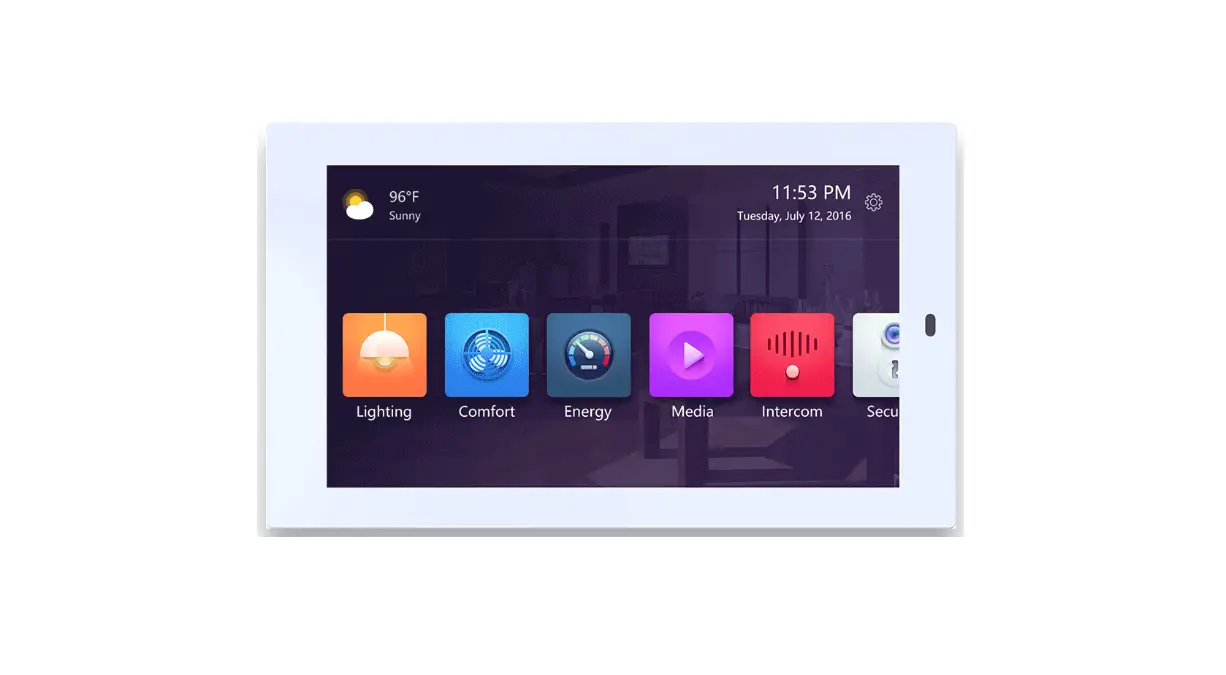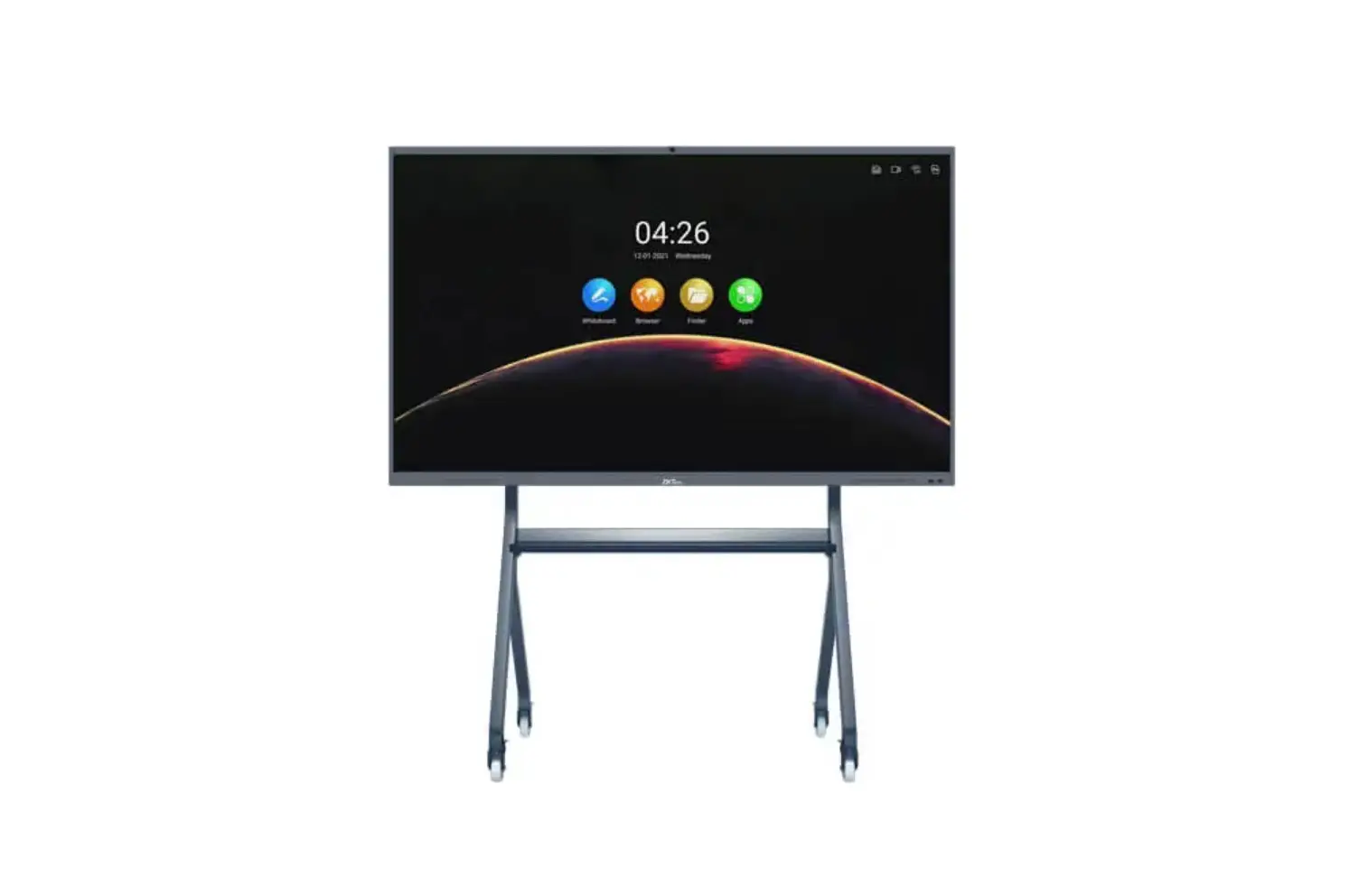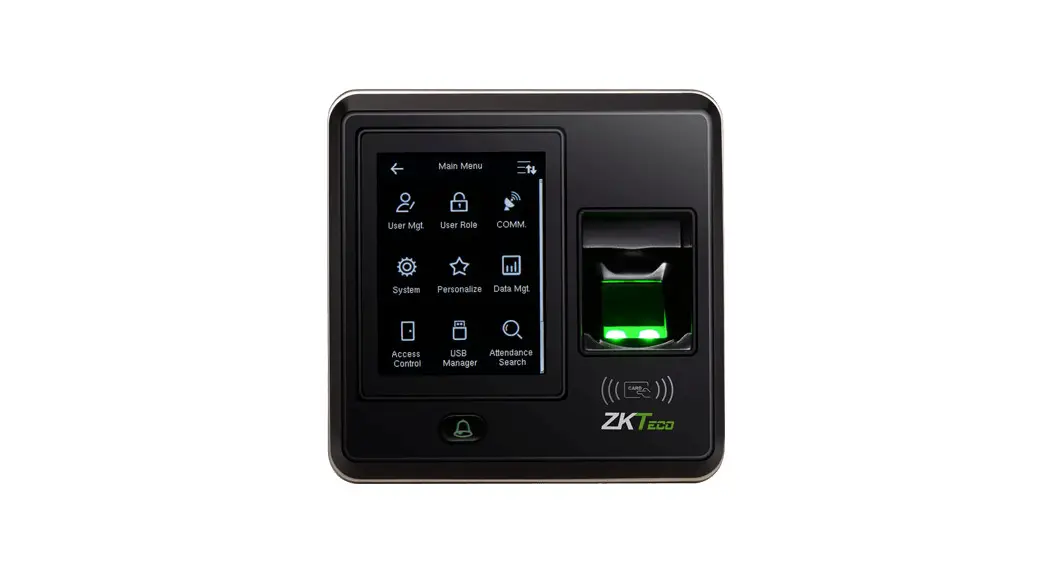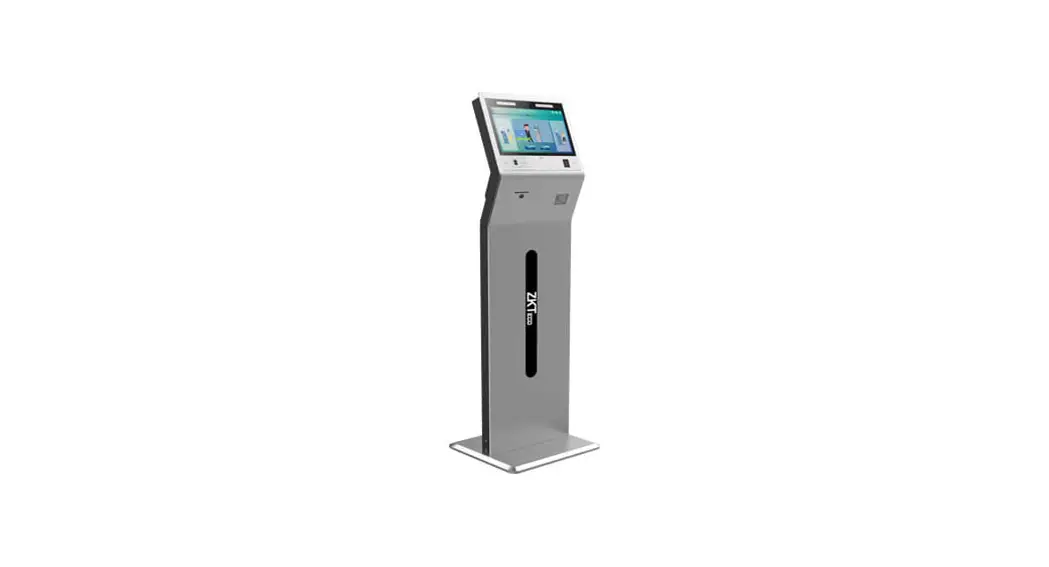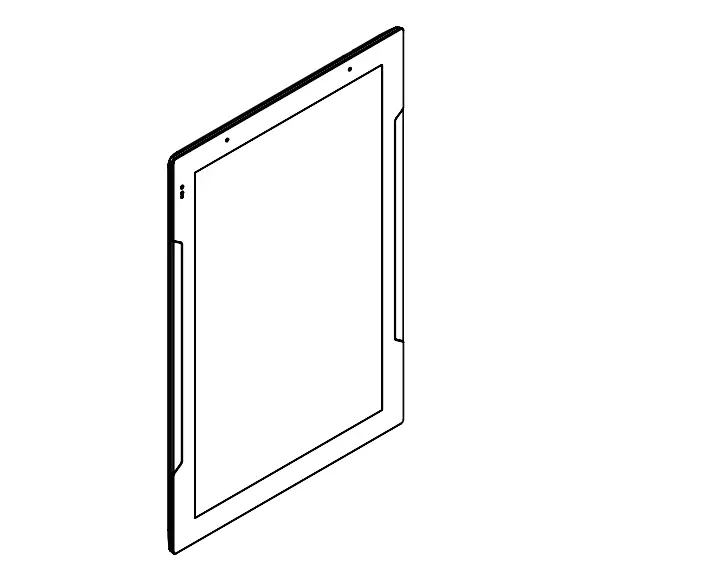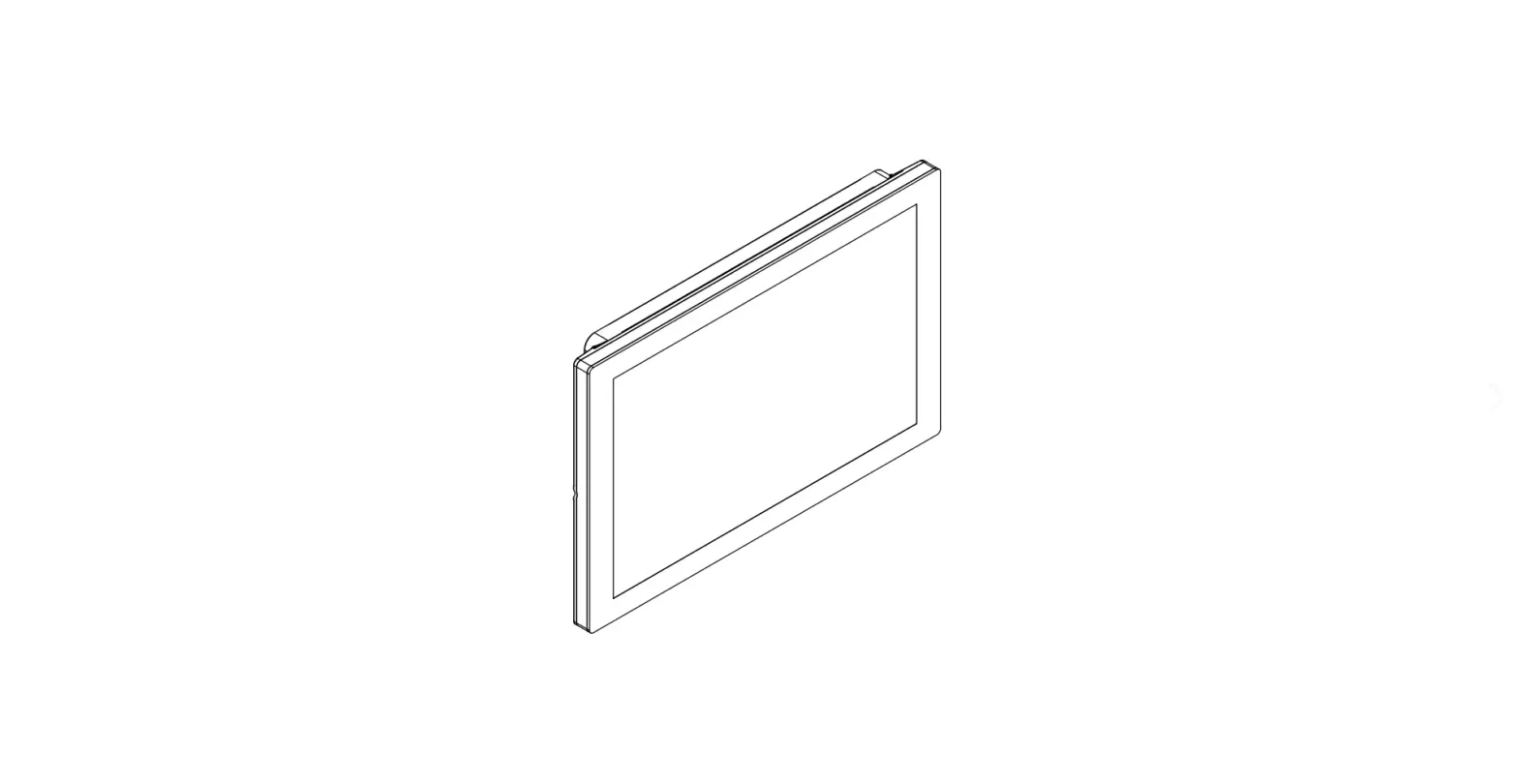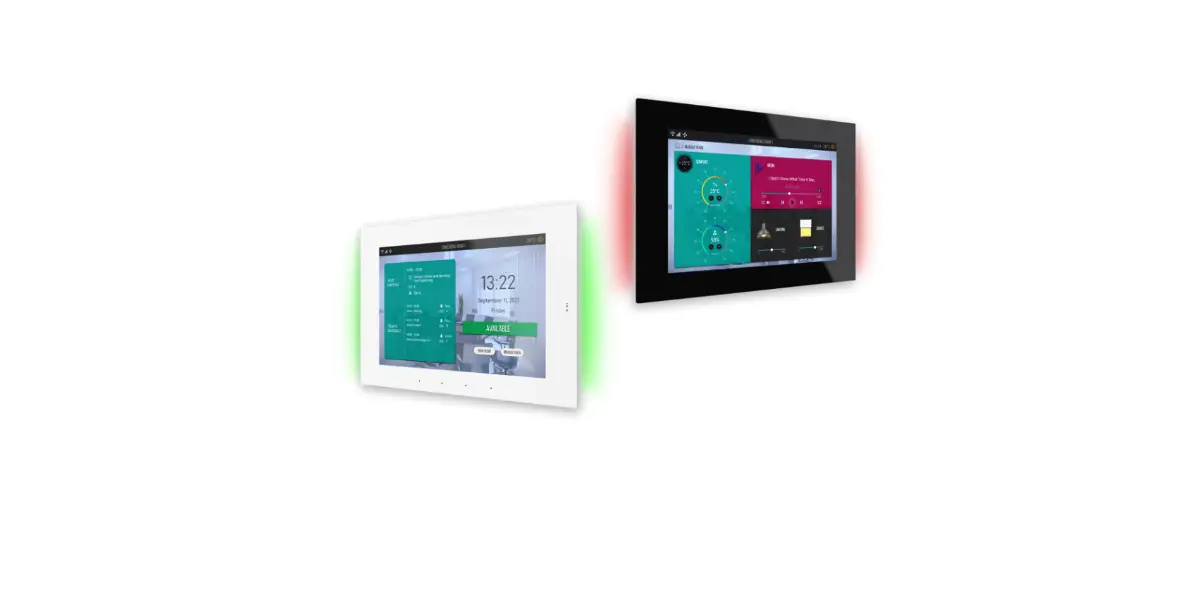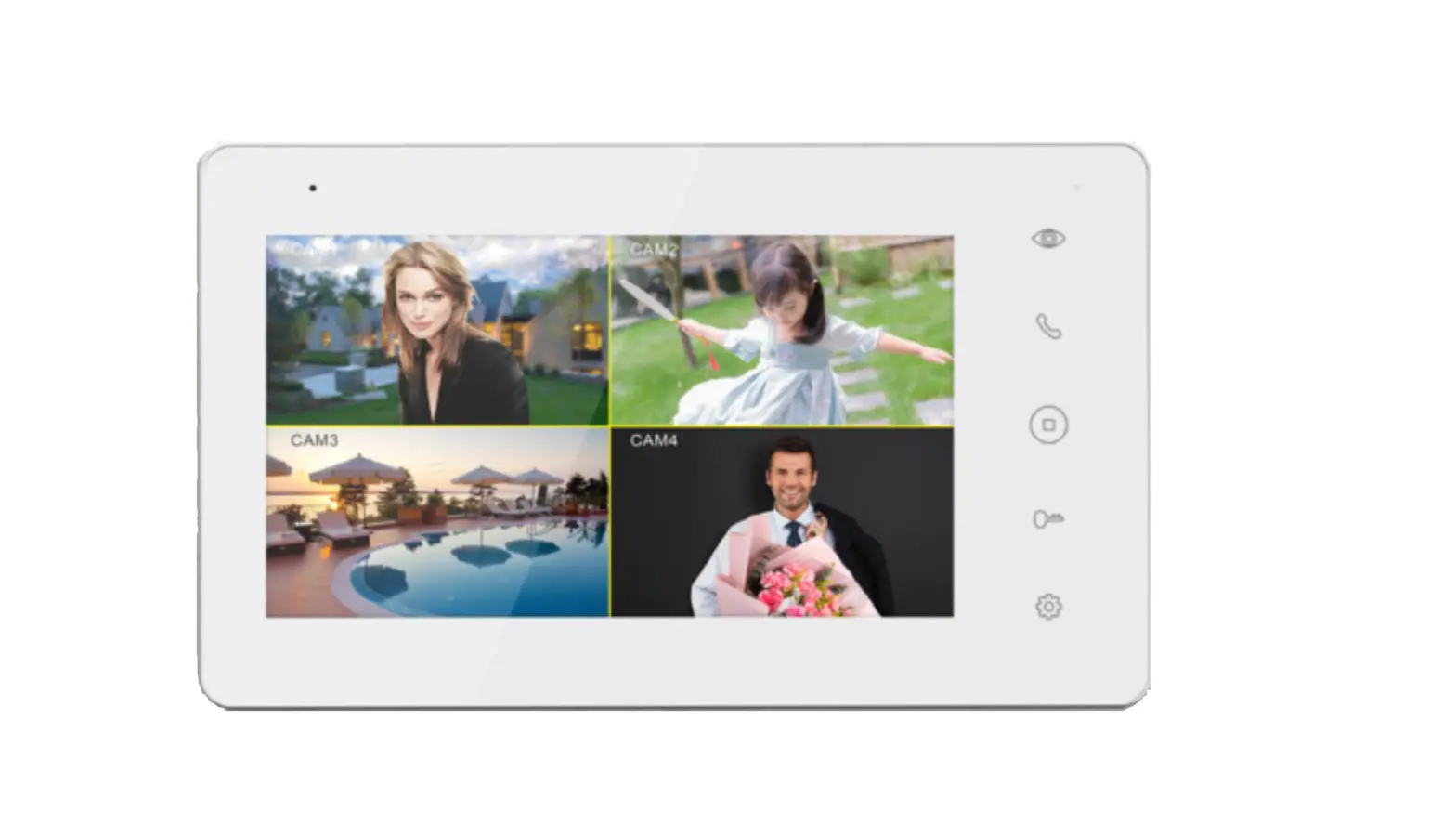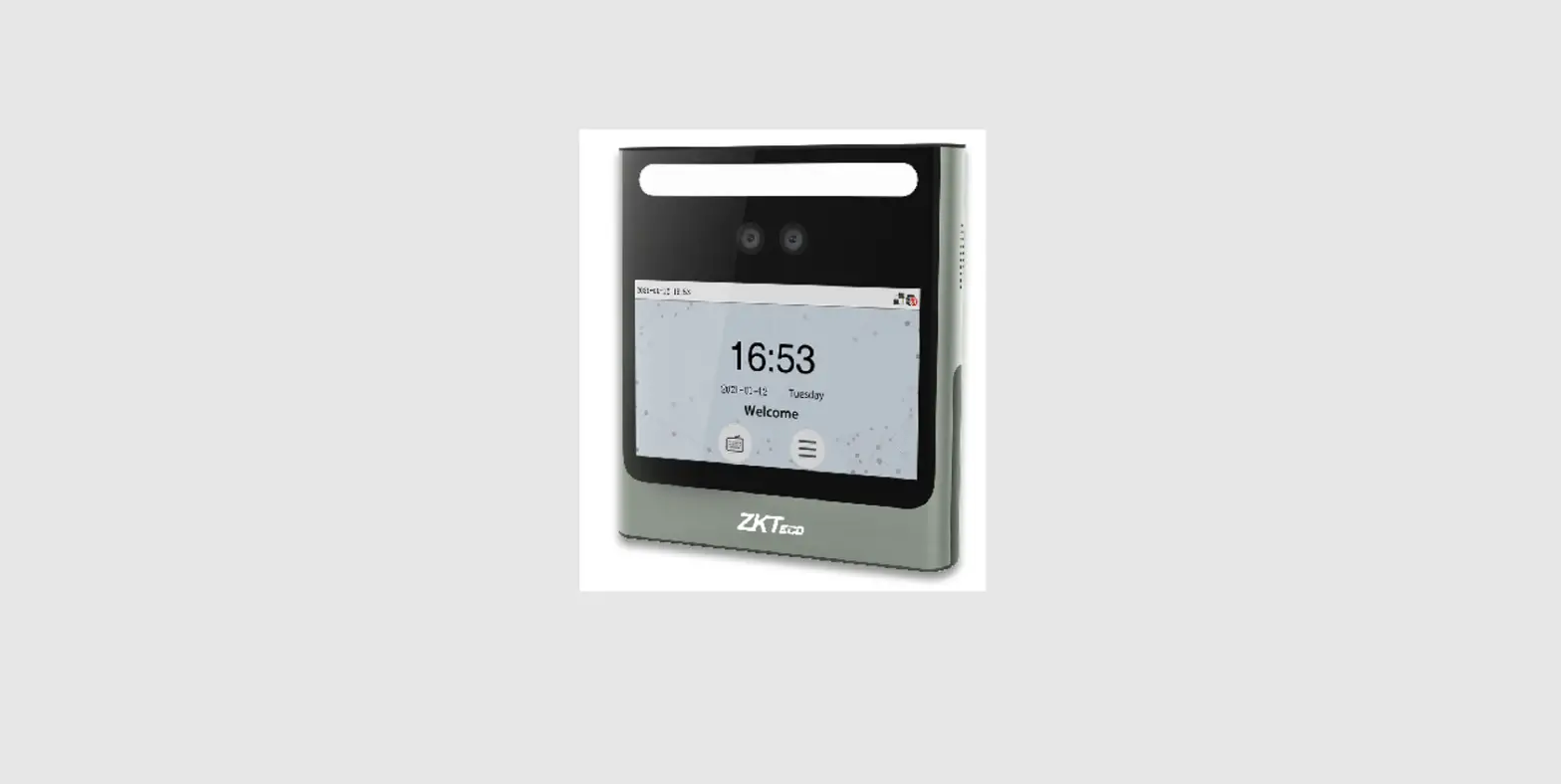

ZKTeco RevFace15 7 Inch Touch Screen

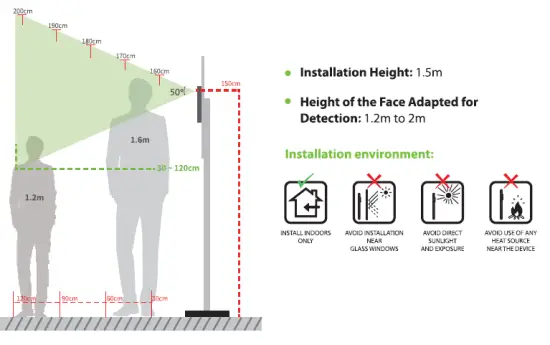
Installation Requirements
Device Installation
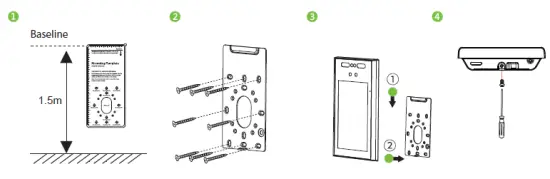
Installing on the wall
- Place the mounting template sticker onto the wall, and drill holes according to the mounting paper.
- Fix the backplate onto the wall using wall mounting screws.
- Fix the device to the backplate.
- Use the safety screw to fasten the device to the backplate.

Power Connection 
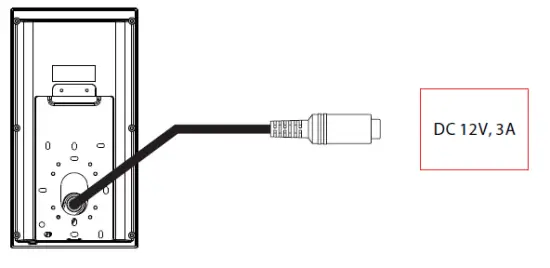
- Recommended AC adapter: 12V, 3A
- To share the power with other devices, use an AC adapter with higher current ratings.
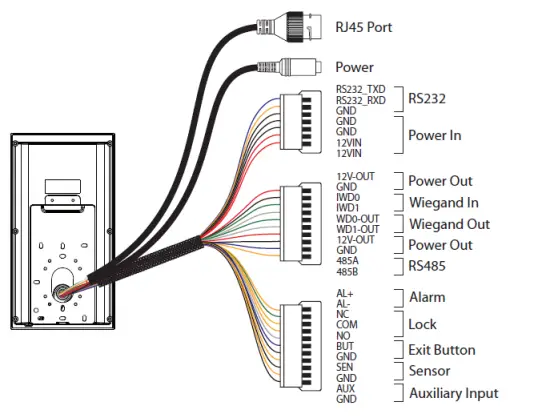
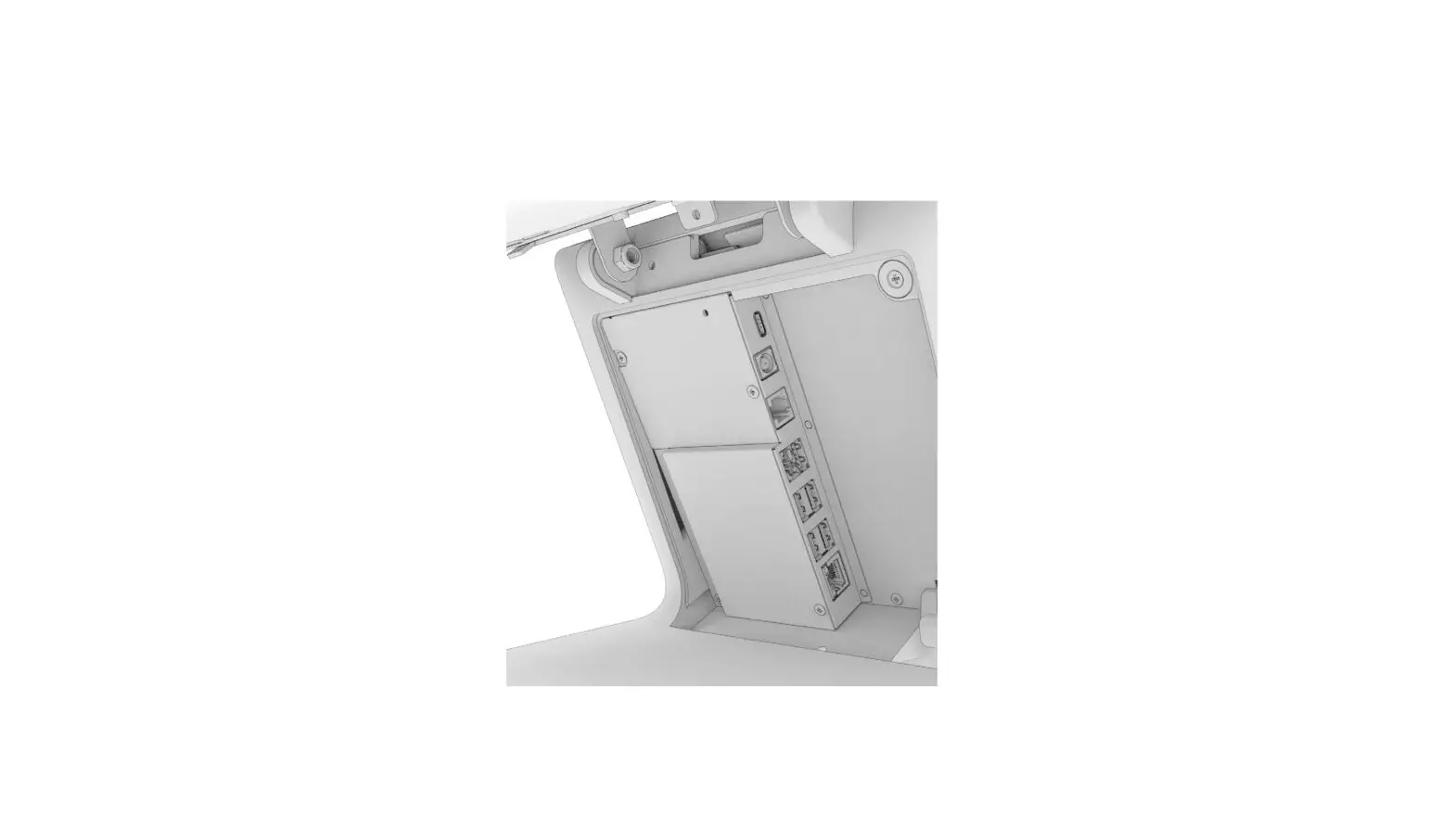
Port Introduction
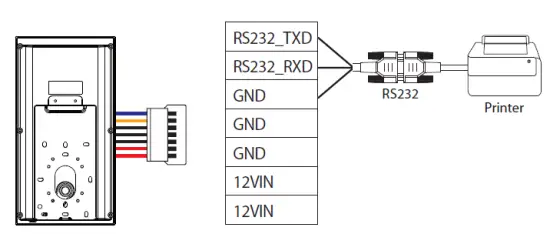
Printer Connection 
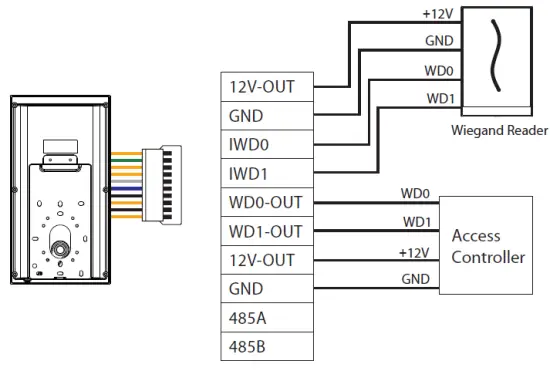
Wiegand Reader Connection 
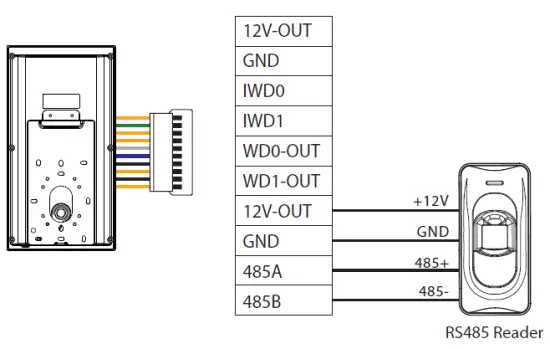
RS485 Connection 
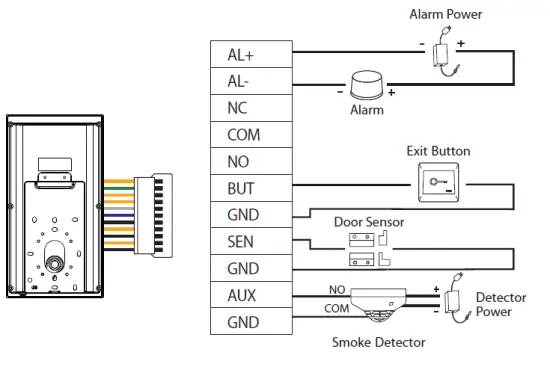
Door Sensor, Exit Button & Alarm Connection 
Lock Relay Connection
The system supports both Normally Opened Lock and Normally Closed Lock. The NO Lock (normally open when powered) is connected with ‘NO’ and ‘COM’ terminals, and the NC Lock (normally close when powered) is connected with ‘NC’ and ‘COM’ terminals. The power can be shared with the lock or can be used separately for the lock, as shown in the example with NC Lock below: 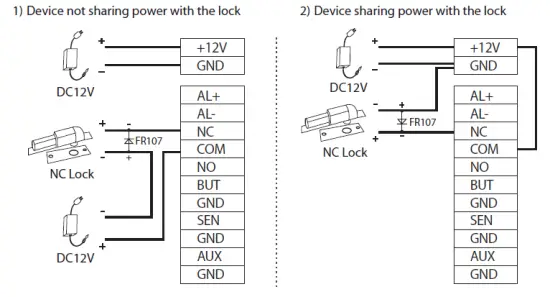
Ethernet Connection
Connect the device and the software over an Ethernet cable. An example is shown below: 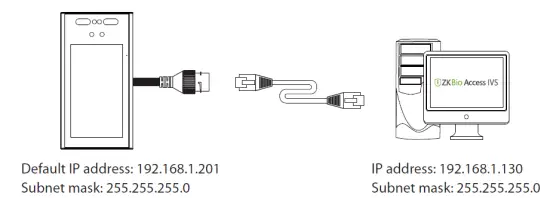
Click [Comm.] > [Ethernet] > [IP Address], input the IP address and click [OK].
Note: In LAN, the IP addresses of the server (PC) and the device must be in the same network segment when connecting to ZKBioAccess IVS software.
Download Center
Use the mobile phone and scan the QR Code to download the User Manual, Installation Guide and Quick Start Guide. 
ZKTeco Industrial Park, No. 32, Industrial Road, Tangxia Town, Dongguan, China.
- Phone : +86 769 – 82109991
- Fax : +86 755 – 89602394
- www.zkteco.com
 ZKTeco | Home Page
![Zkteco Revface15[t1] Version: 2.0 User Guide](https://static-data1.manualsee.com/1/img/305/2978662/2022/05/ZKTeco-RevFace15-T1-Version-Featured-Image.png "Zkteco Revface15[t1] Version: 2.0 User Guide")