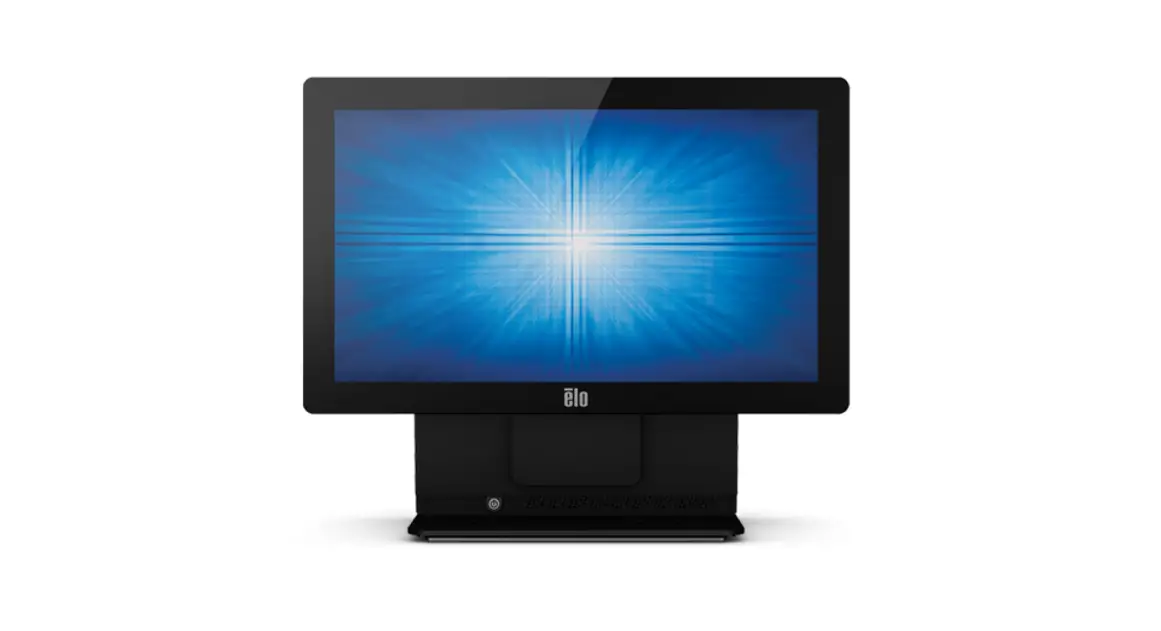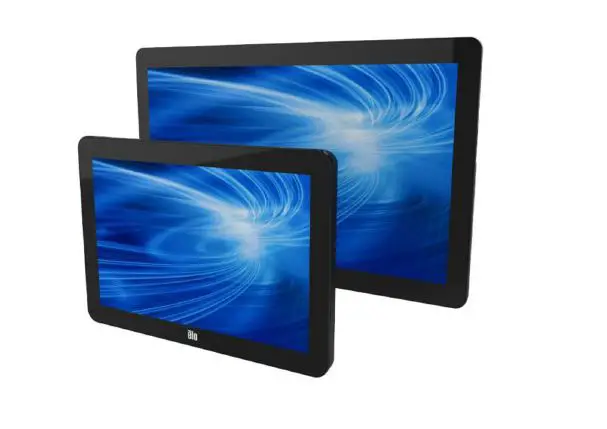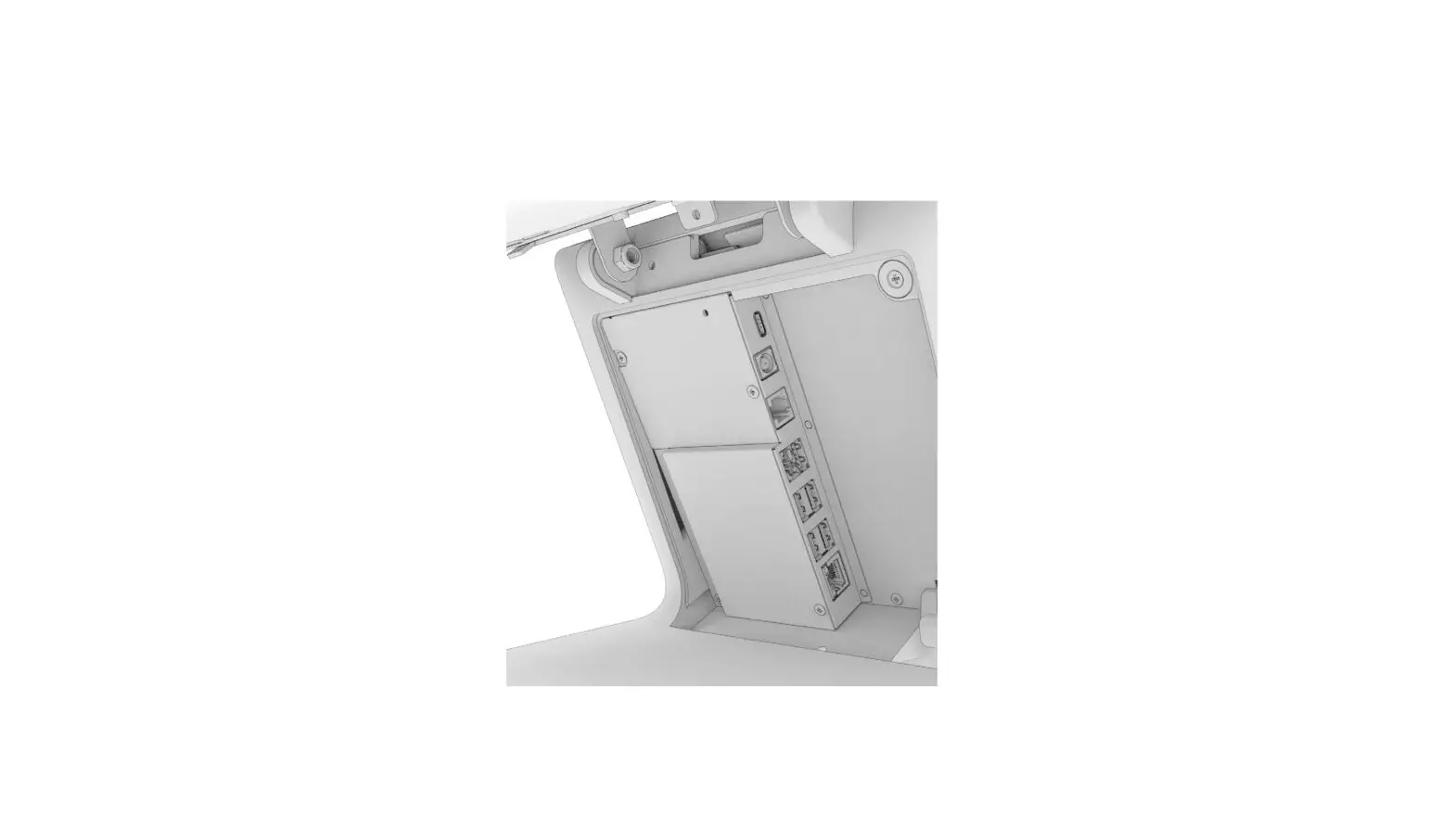

EloPOS Z30 Touch Screen and Computer
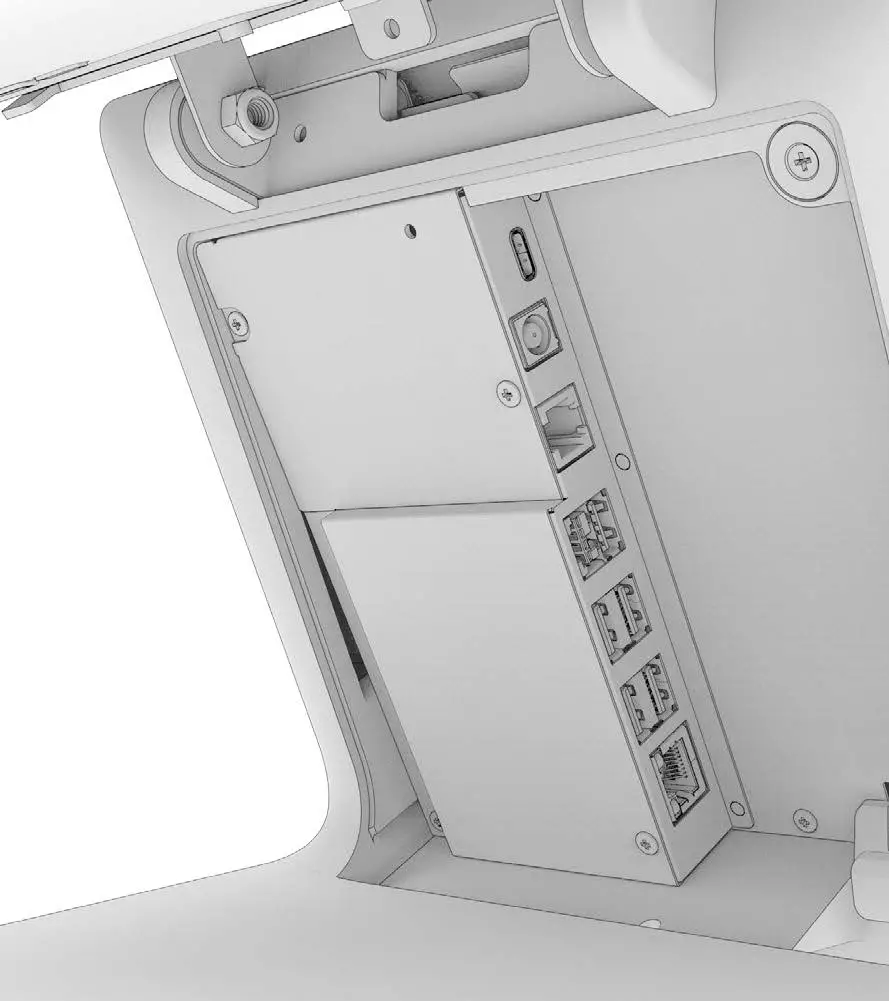
Contents
- EloPOS Z30 (1)
- 150W DC Power Adapter and cables
- M3x5mm I/O cover security screw (1)
- Stand Mounting bracket and screw (1)
- Tie-wraps (2)
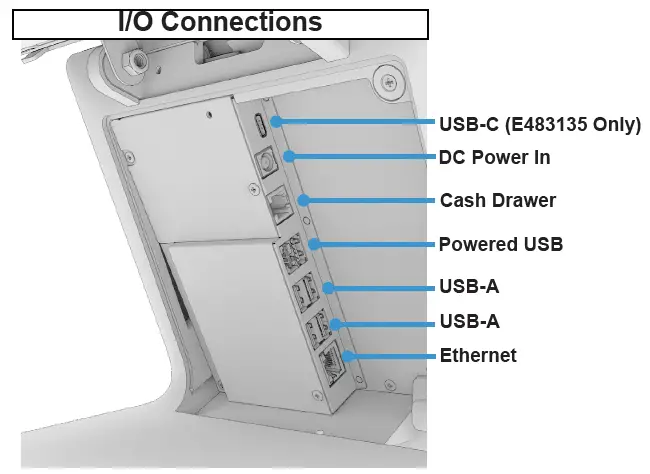
I/O Connections
Installation
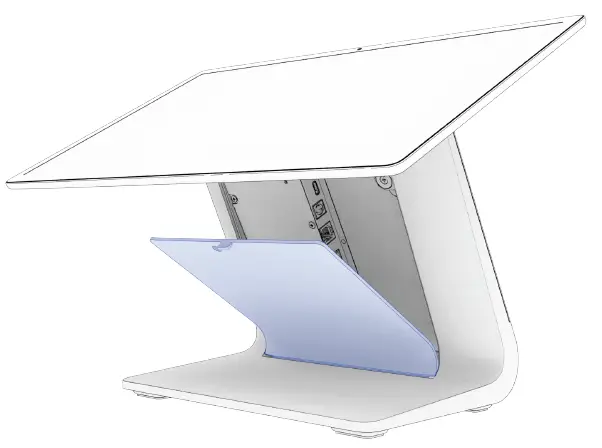
- Remove the cable cover door to access the I/O connections.

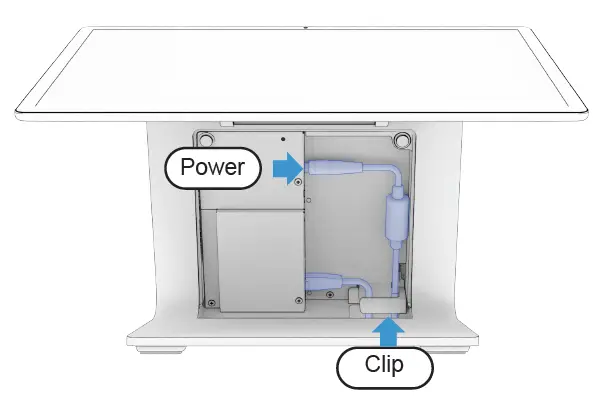
- Route the DC power cable through the hole in the bottom of the stand and connect it as shown. Connect other I/O cables as needed (see back page) Make sure all cables route through the plastic clip at the bottom.

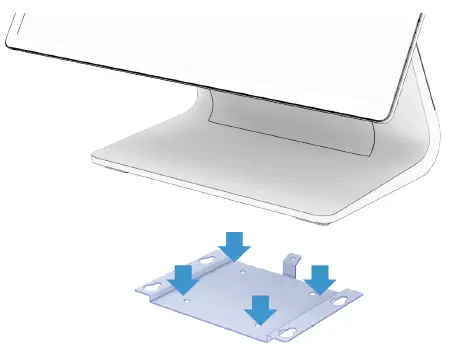
- Mount the system to a table (optional). Skip to Step 6 if not mounting to a table.

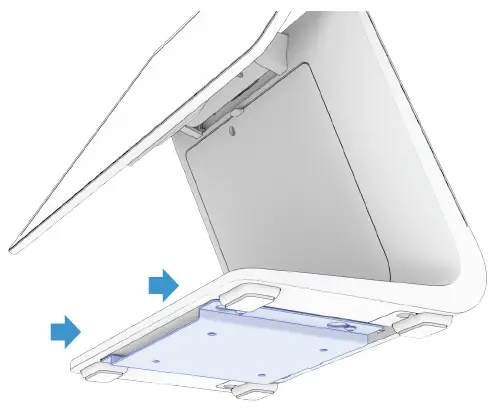
Secure the mounting bracket to the table using the appropriate screw type and length. Elo suggests M4 or #10 screw diameter. - Lower the system onto the bracket and sldie it back ensuring the bracket engages the screws on the bottom side.

 Touchscreens for Retail, Self-Order & POS | Elo® Official Website