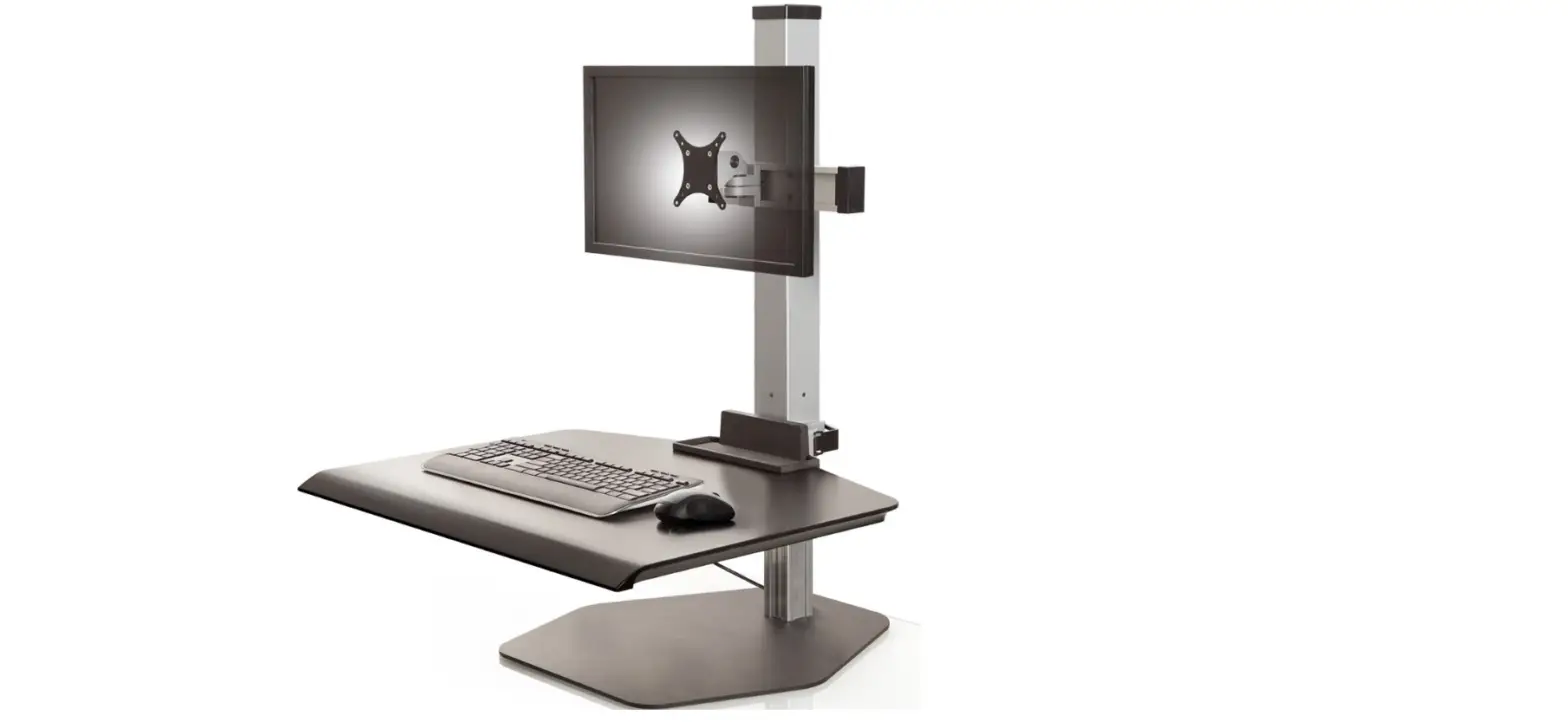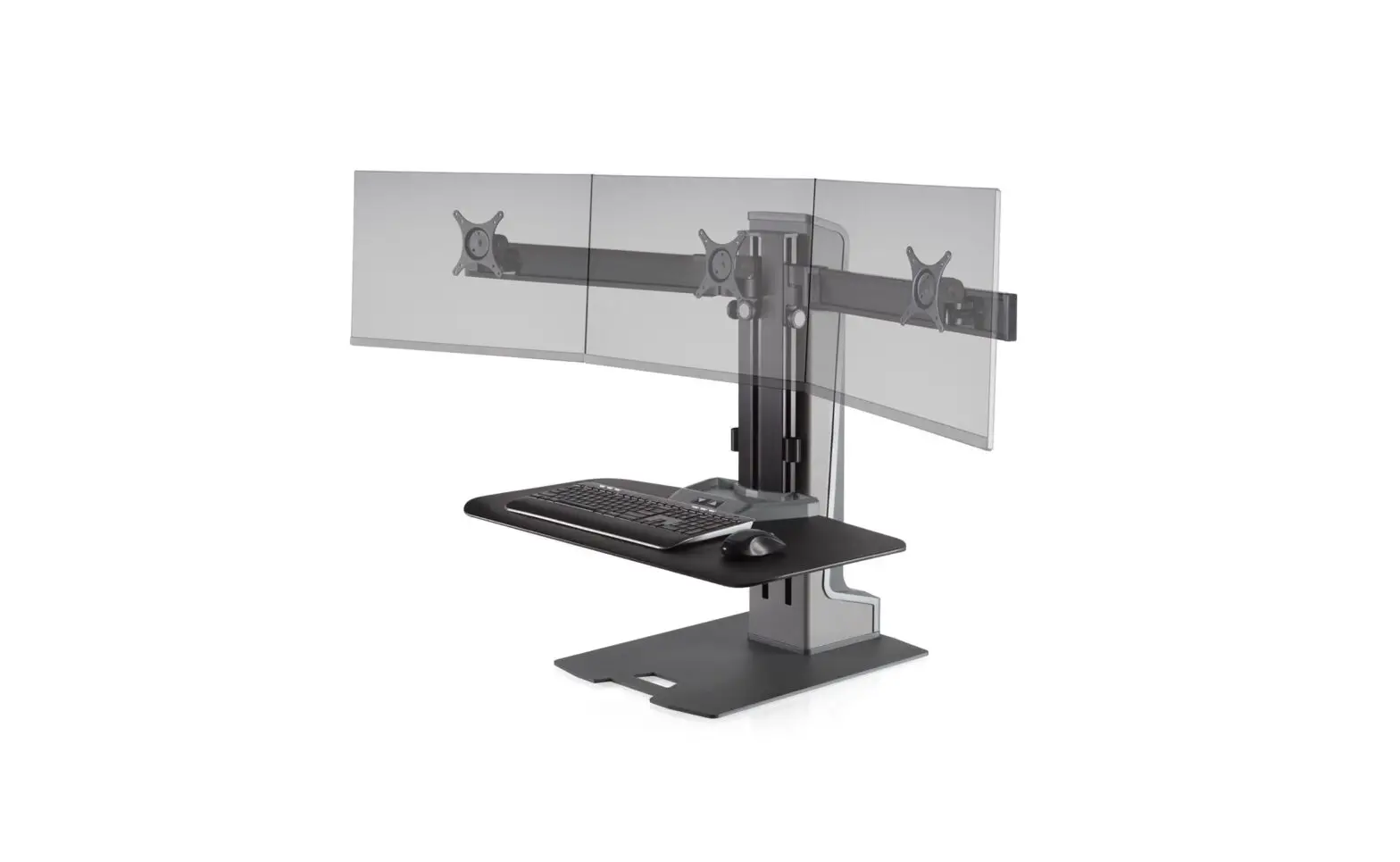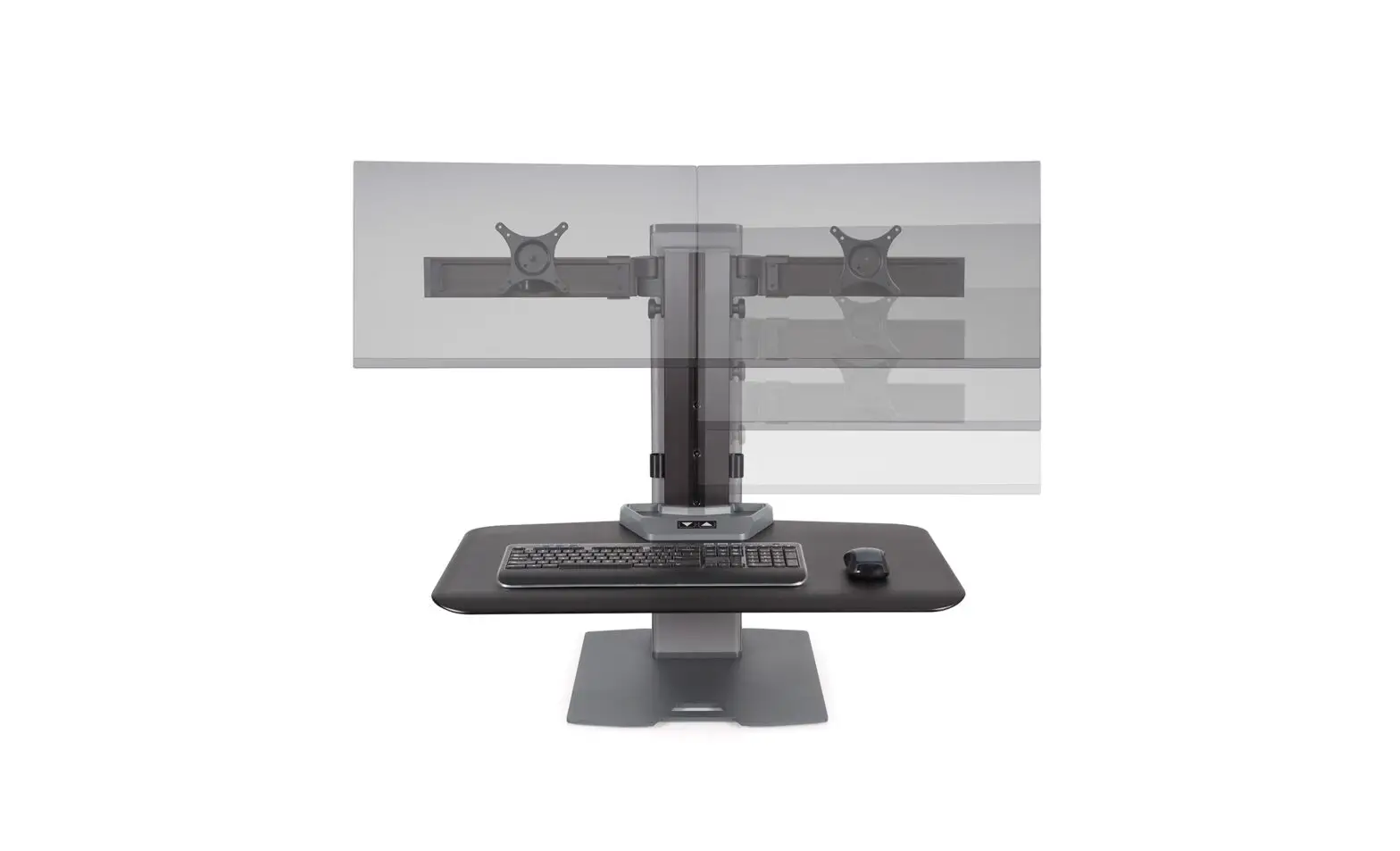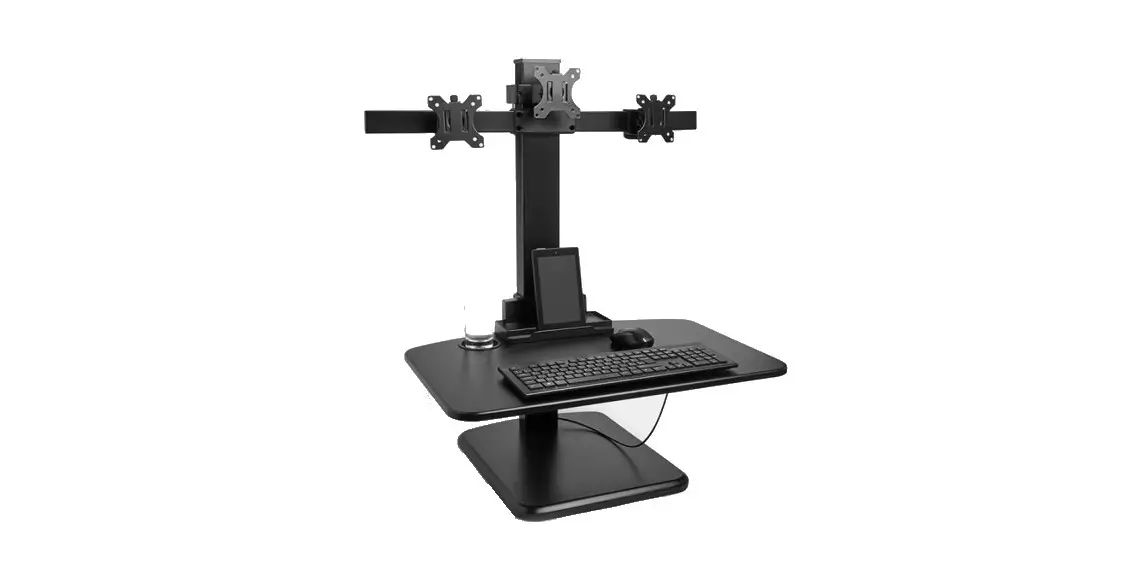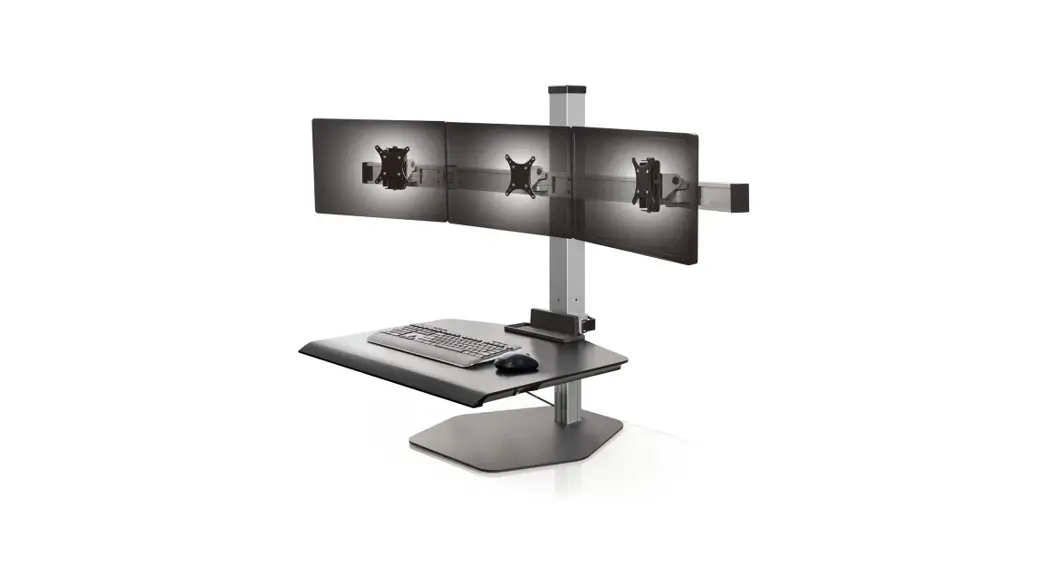



 Winston-E Electric Triple Monitor Sit-Stand Workstation
Instruction Manual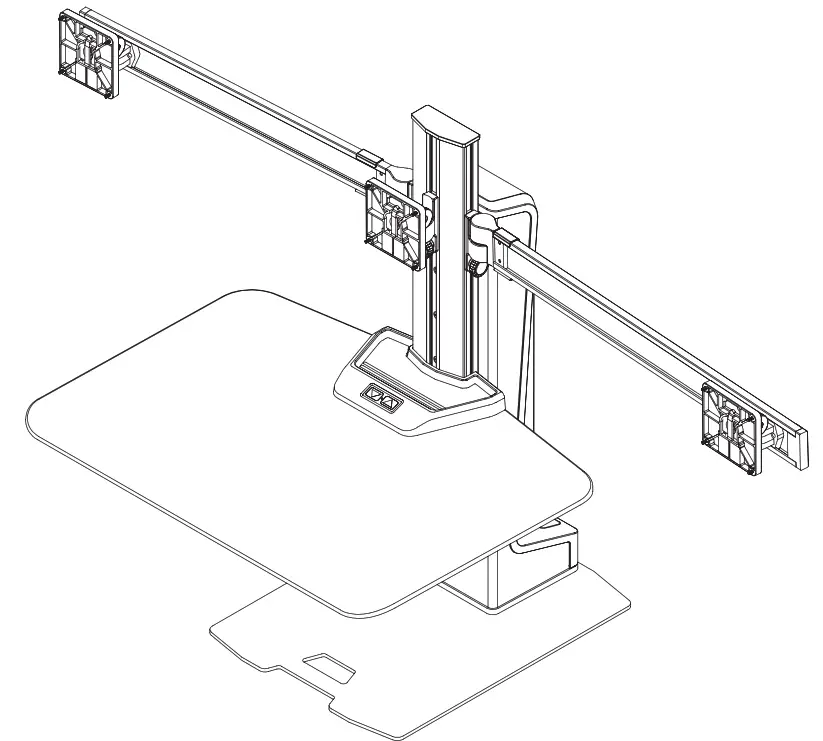
WARNING
 WARNING: FAILURE TO CAREFULLY FOLLOW ASSEMBLY, SAFETY, AND OPERATION INSTRUCTIONS AND WARNINGS REGARDING THIS PRODUCT MAY RESULT IN BODILY INJURY AND/OR PROPERTY DAMAGE.
Liability: The manufacturer does not accept warranty claims or liability claims for damages arising from improper use of Winston-E. For safe use, do not place any objects or body parts underneath the worksurface. Make sure no body parts, objects, or furnishings are located above the Winston-E. When using Winston-E, make sure no hands, fingers, or other body parts are near the lifting column or between the cross beam and worksurface. Winston-E must be set on a level, stable surface for safe use.
Additional Warning: Do not use Winston-E if it has a damaged cord or plug. Winston-E should not be carried by the cord. Pull on the plug, not the cord, to unplug Winston-E. Keep liquids away from Winston-E. Keep hair, loose clothing, fingers, and body parts away from openings and moving parts.
Switch off the power supply and remove the main power supply plug before installation or troubleshooting. Ensure no cables or cords can get jammed or stripped when raising or lowering Winston-E. Ensure all wires are not entangled in the Winston-E and have enough length when the unit is raised to the desired height.
WINSTON-E IS NOT A TOY. Children should not use Winston-E. Do not crawl, lie, or move around the unit. Do not sit, kneel, or stand on the work surface. Do not use Winston-E if you are distracted or are under the influence of medications that can cause diminished control. Winston-E is not a toy and should only be installed and used by someone familiar with and capable of adhering to the warnings and instructions.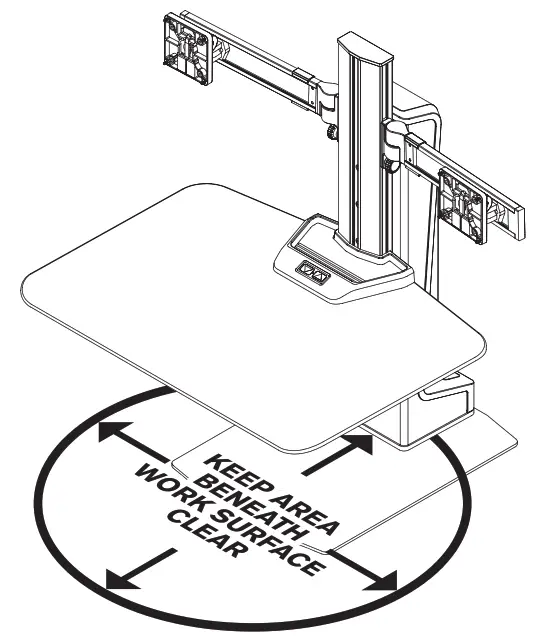
WARRANTY
Winston-E includes a 5-year limited warranty. This limited warranty covers any defects in the materials and workmanship of the product. This limited warranty may not cover problems, damage, or injuries caused by misuse, accidents, or abuse. The manufacturer may require proof of purchase before performing any repairs or replacing products during the warranty period. This warranty is non-transferable and applies only to the original purchaser.
PARTS LIST
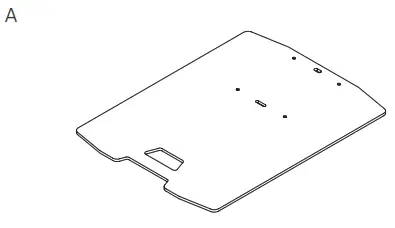 | 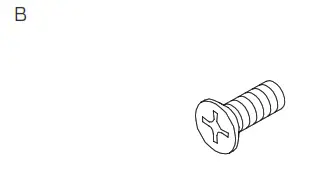 | 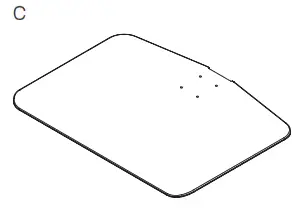 | 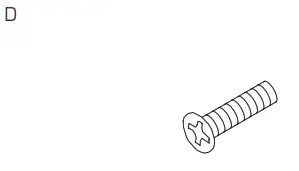 |
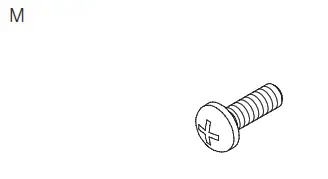
| Freestanding Base 1x 412268 | M6 x 1 x 16mm FPhMS 4x 702013 | Worksurface 1x 111700 or Compact Worksurface 112896 | M6 x 1 x 25mm FPhMS 4x 711870 |
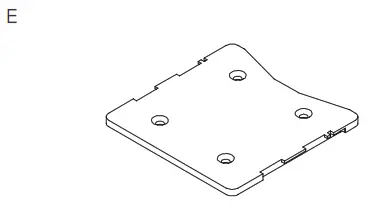 | 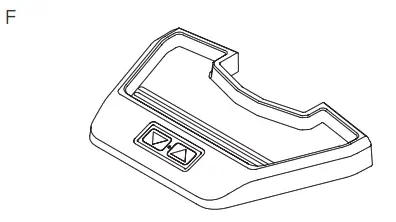 | 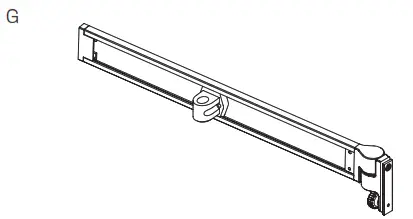 | 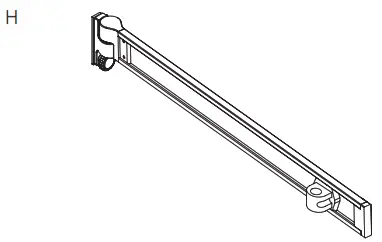 |
| Worksurface Plate 1x 111701 | Utility Tray 1x 412269 | Left Wing 1x 312270-22-L | Right Wing 1x 312270-22-R |
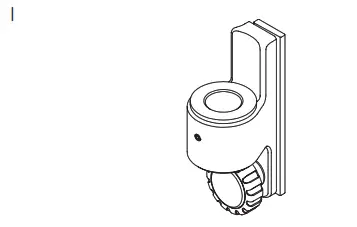 | 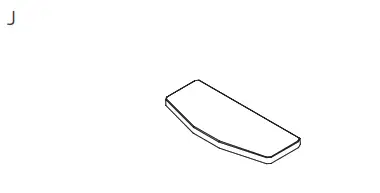 | 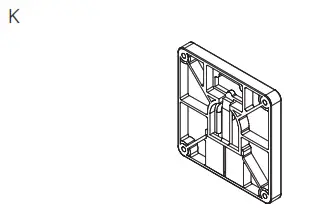 | 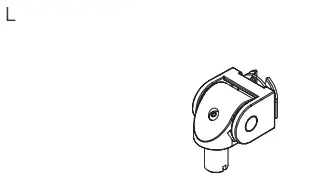 |
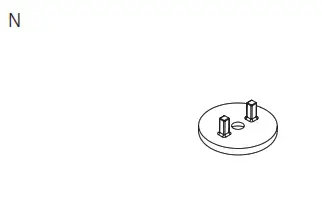
| Column Mount 1x 312552 | Cap 1x 112057 | Quick Connect VESA Plate 3x 114808 | Monitor Tilter 3x 8500 Tilter |
 |  | 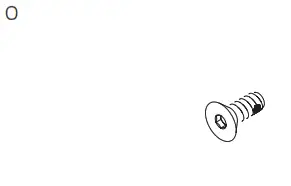 | 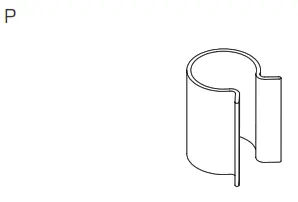 |
| M4 x 12 mm PhPHS 4x 702096 | Dog Washer 3x 111230-603 | 10-32 x 1/2″ FHSCS 3x 711240 | Column Cable Clip 2x 112626 |
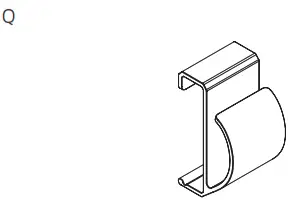 | 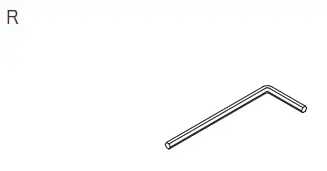 | 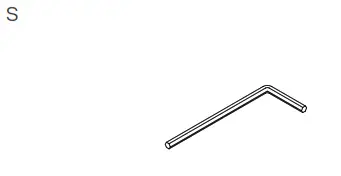 | 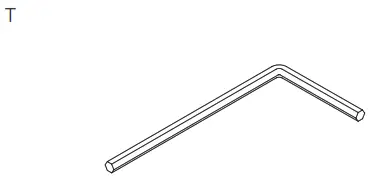 |
| Wing Cable Clip 2x 112082 | 3/32″ Allen Wrench 1x 700146 | 1/8″ Allen Wrench 1x 701312 | 7/32″ Allen Wrench 1x 701127 |
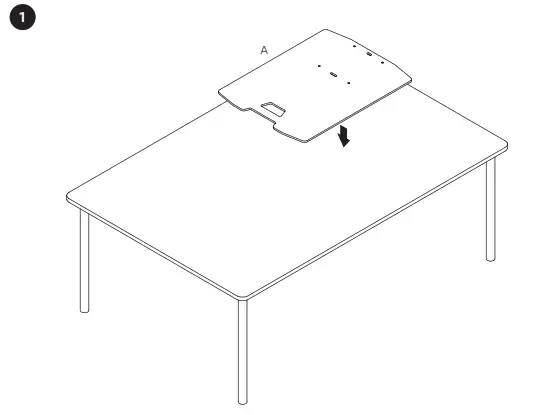 | 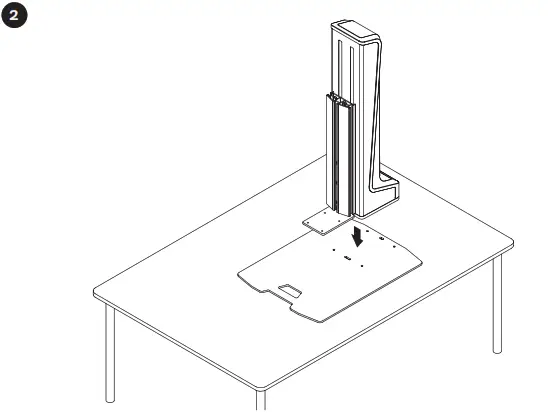 |
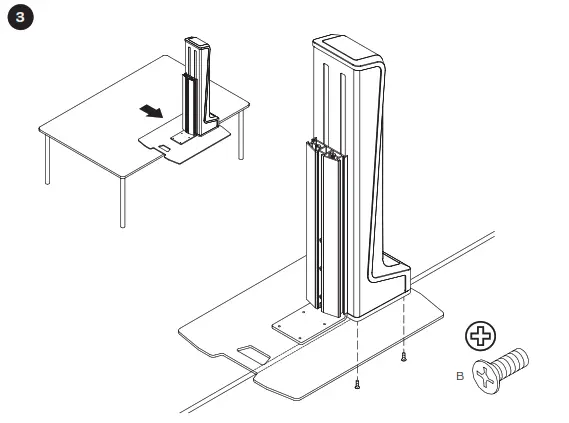 | 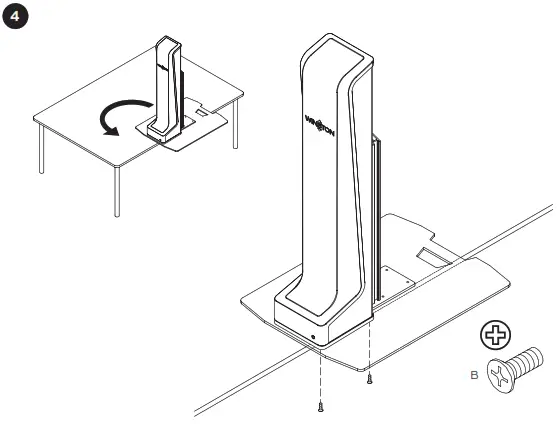 |
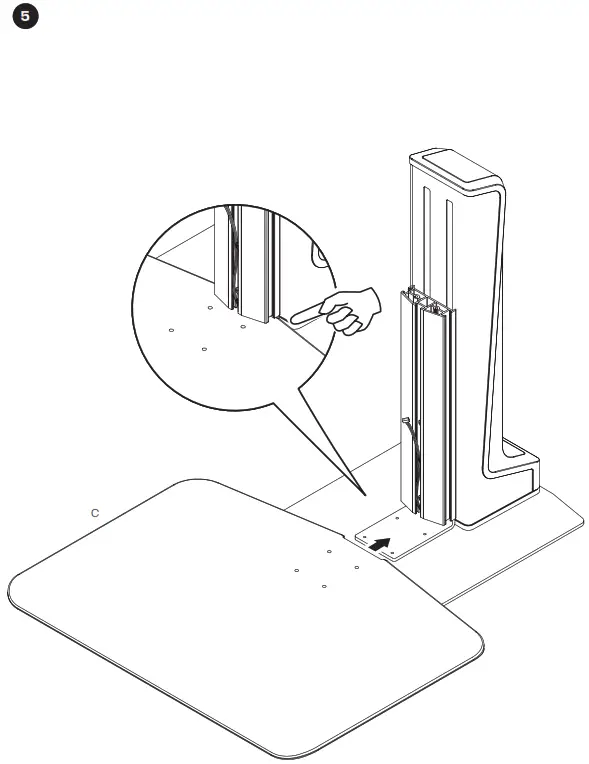 | 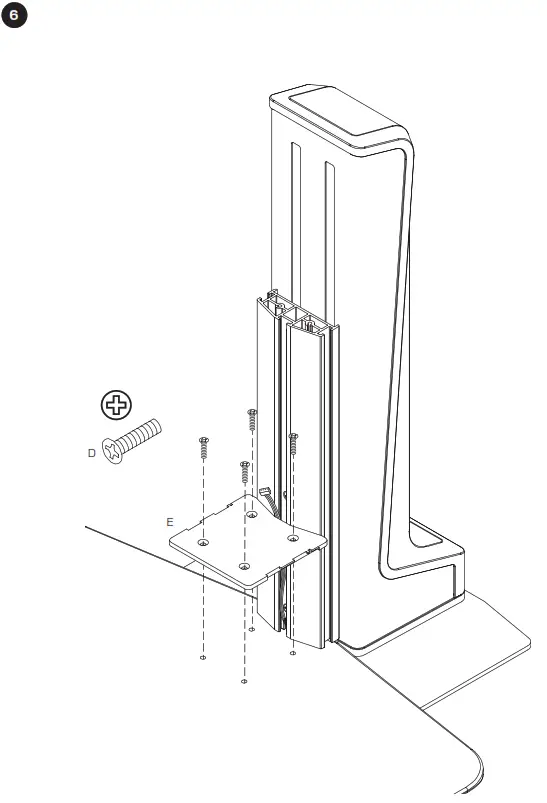 |
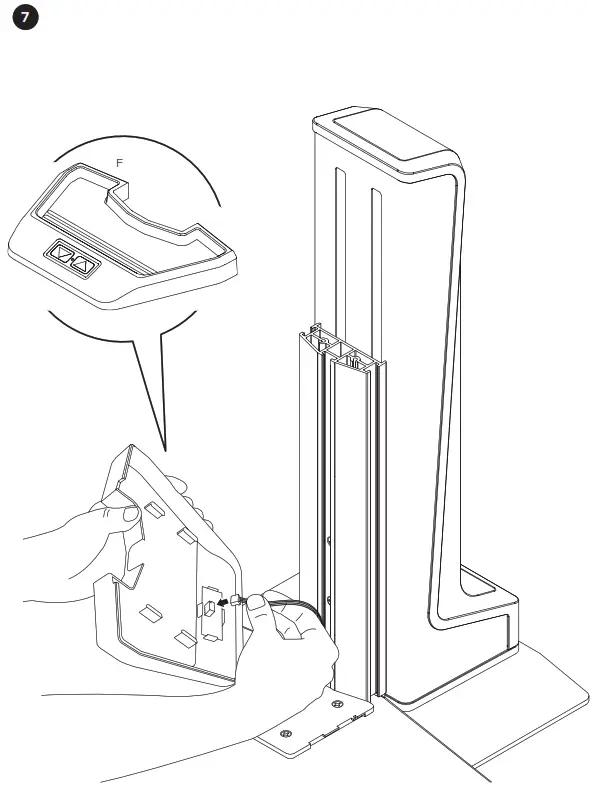 | 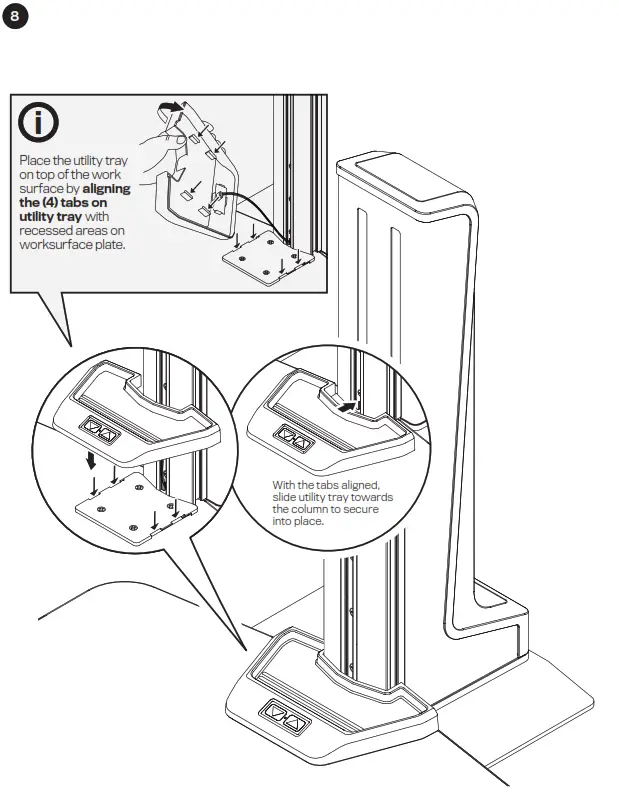 |
 |  |
 |  |
 |  |
 |  |
HOW TO PROGRAM
- With the worksurface at its lowest position press the up button and release.

- Press the up or down button to stop the worksurface at the desired height.

- Wait several seconds for the light to blink.
While the light is blinking, press the up & down buttons at the same time and release.
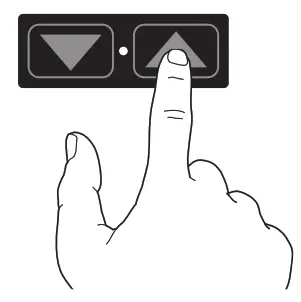
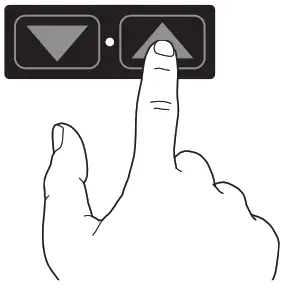
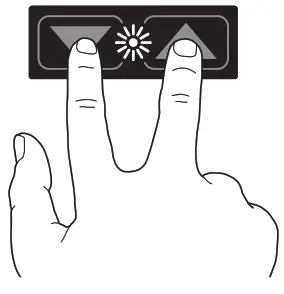
 Your Winston-E is now programmed!
Next time the up button is pressed, the worksurface will rise and automatically stop at your preset height.
To reprogram your single-touch height adjust the setting, you will first need to erase the programmed setting (see below).
HOW TO ERASE
- With the work surface at its lowest position, press and hold the down button for three seconds. The light will blink to confirm setting has been erased.

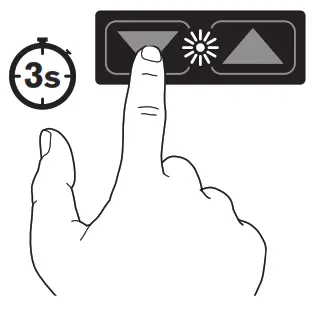
Your Winston-E height adjust setting has been erased!
To reprogram the single-touch height adjust the setting, and follow the steps “How to Program” above.
| Innovative Ergonomic Solutions 800 524 2744 [email protected] team-ies.com | HAT Collective 408 437 8770 [email protected] hatcollective.com |
 WORK YOUR WAY - HAT Collective
 IES Holdings
 Home - Human Active Technology