 3000167
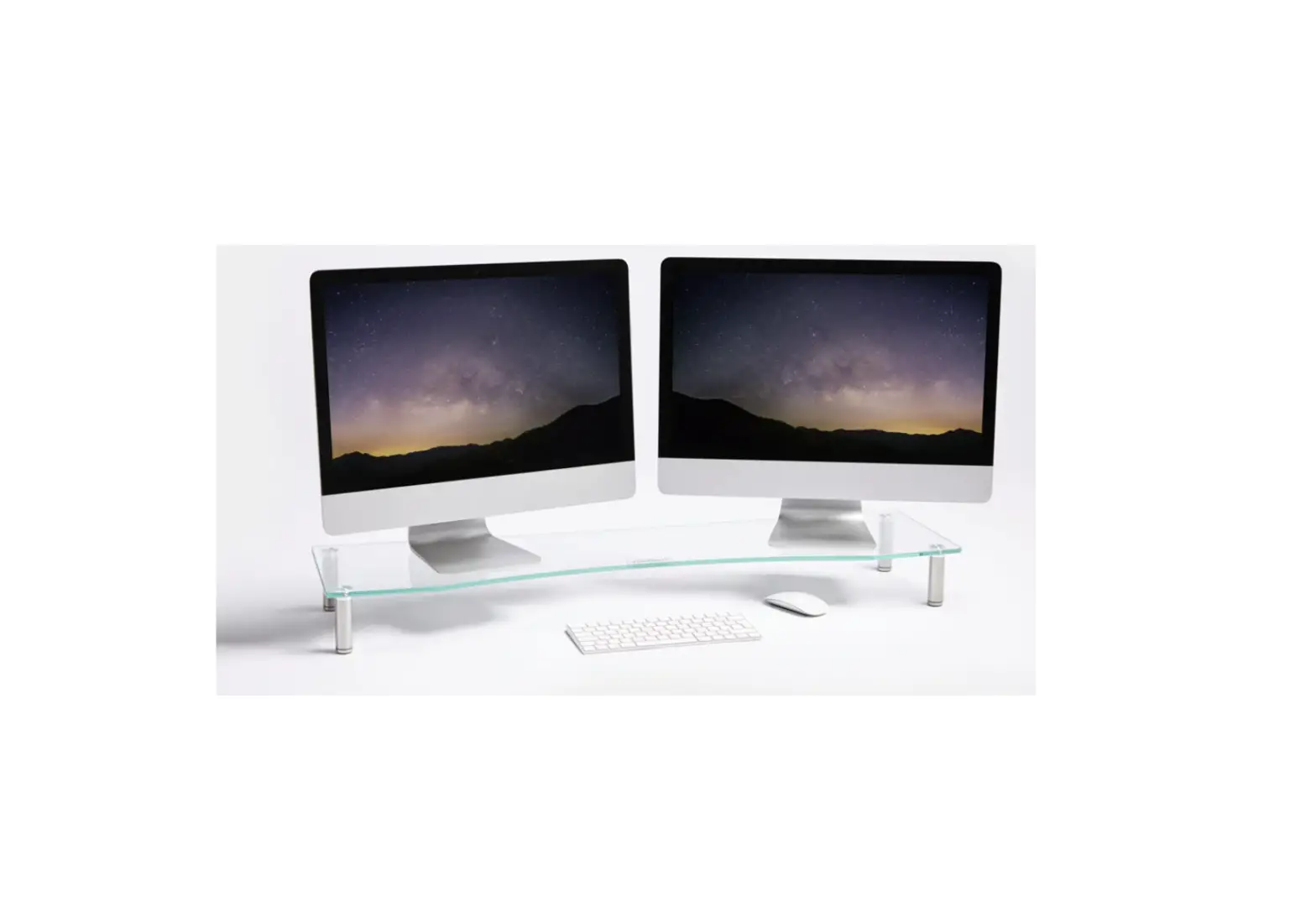
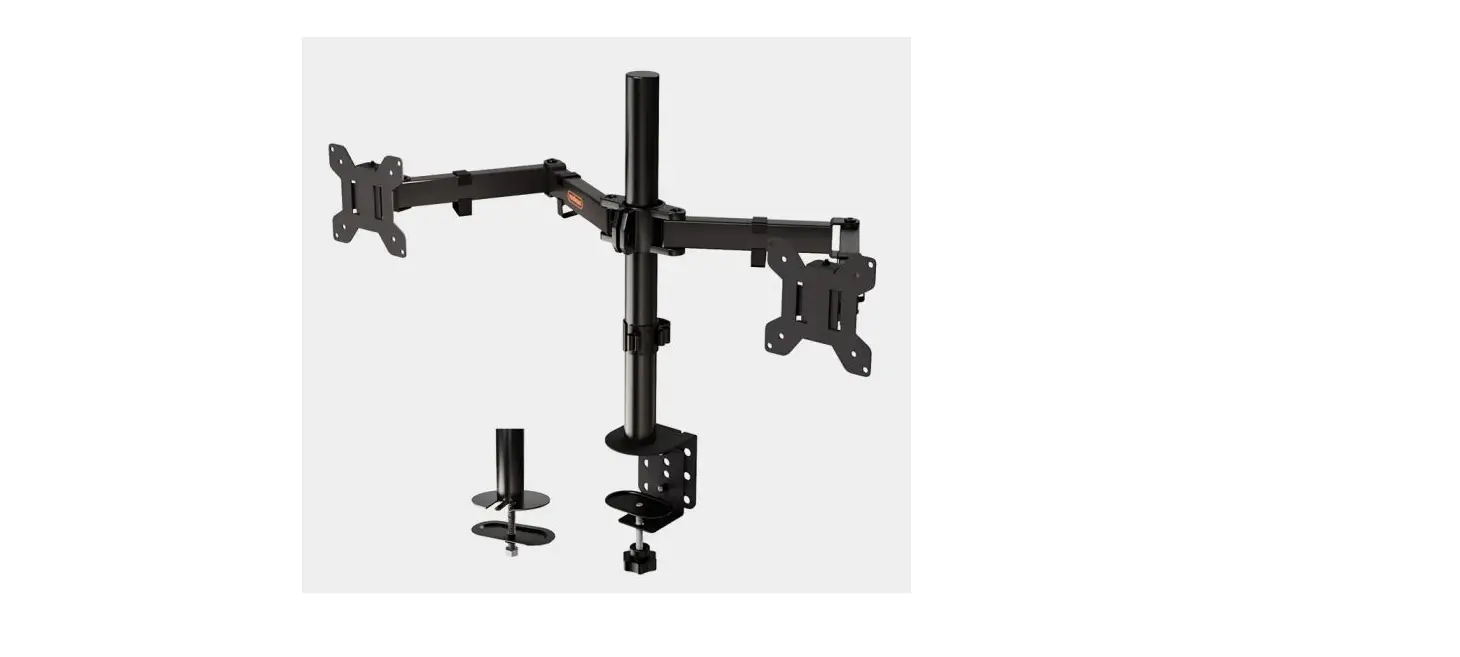
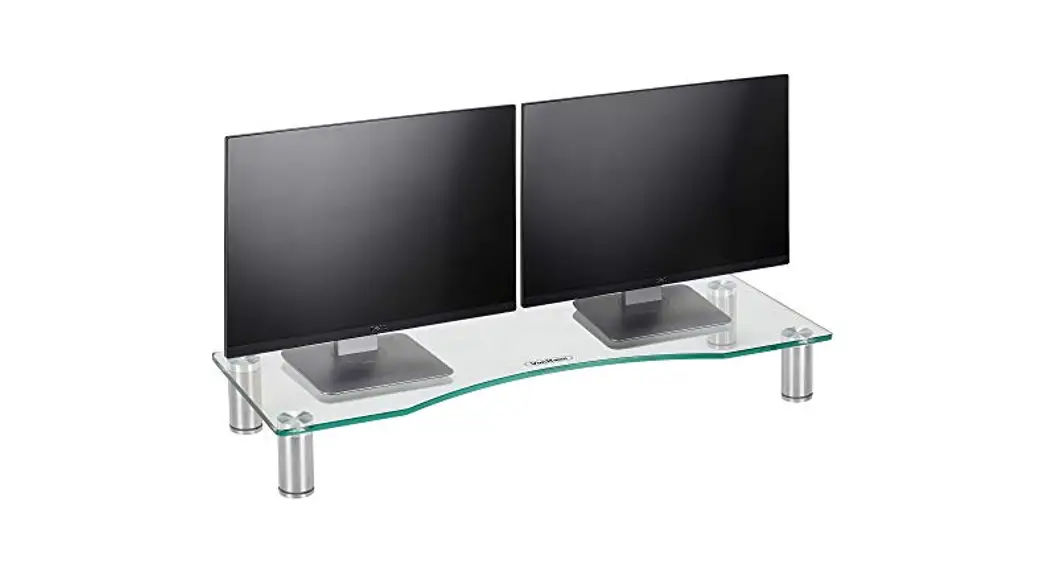
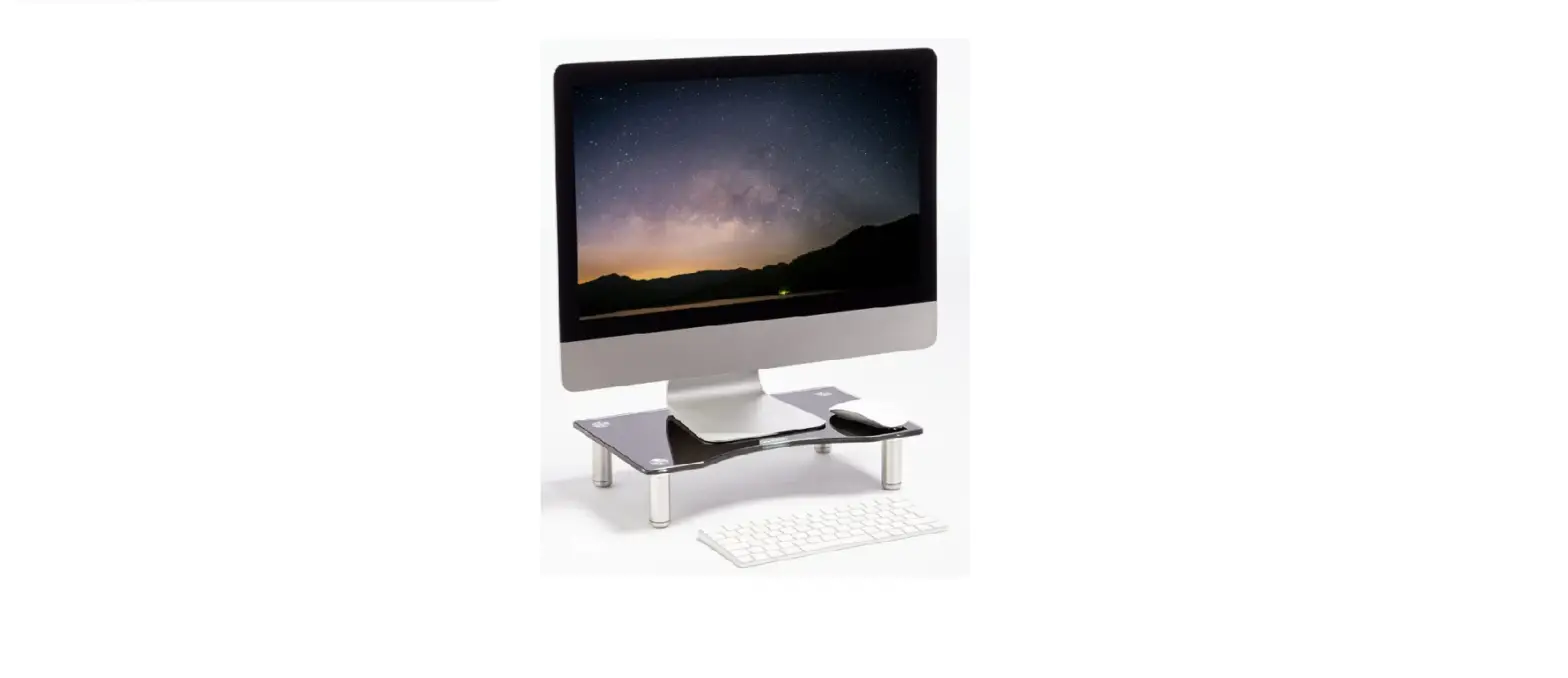
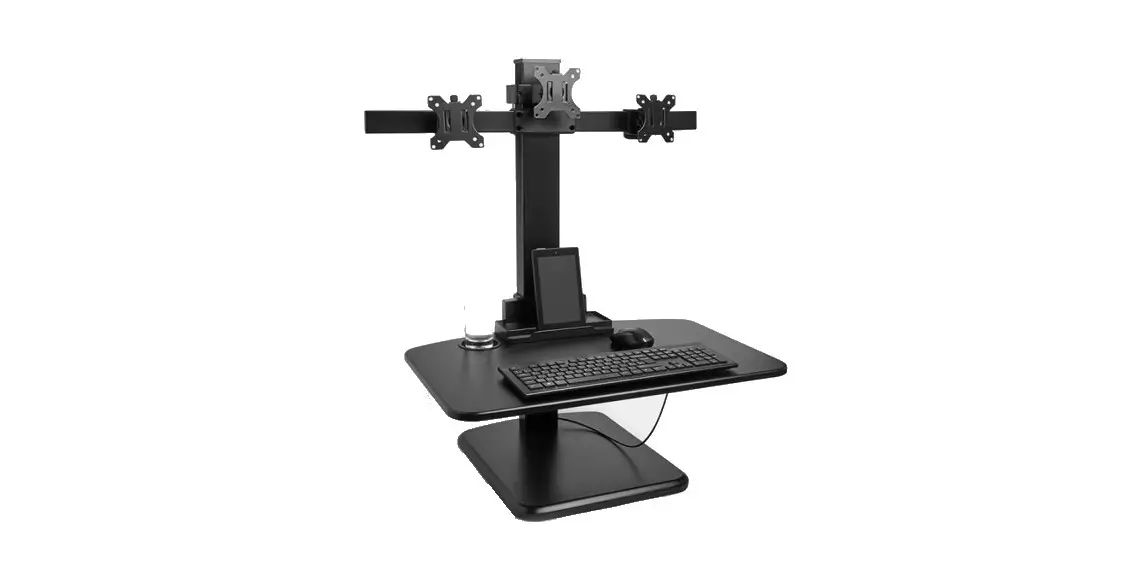
Multiple Monitor Sit Stand Workstation Converter
Instruction Manual
3000167 Multiple Monitor Sit Stand Workstation Converter
 Please read all instructions carefully before use and retain them for future reference.
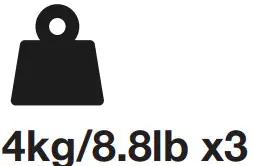 Maximum
 Estimated assembly time
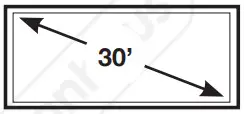 Max screen size.
 Do not use power tools to assemble Do not climb on Do not jump on
 Re-tighten fixings every 6 months
INTENDED USE This product is not intended for outdoor use. This product is not intended as a climbing structure and it is not a toy. Children should be supervised to ensure that they do not play with the product.
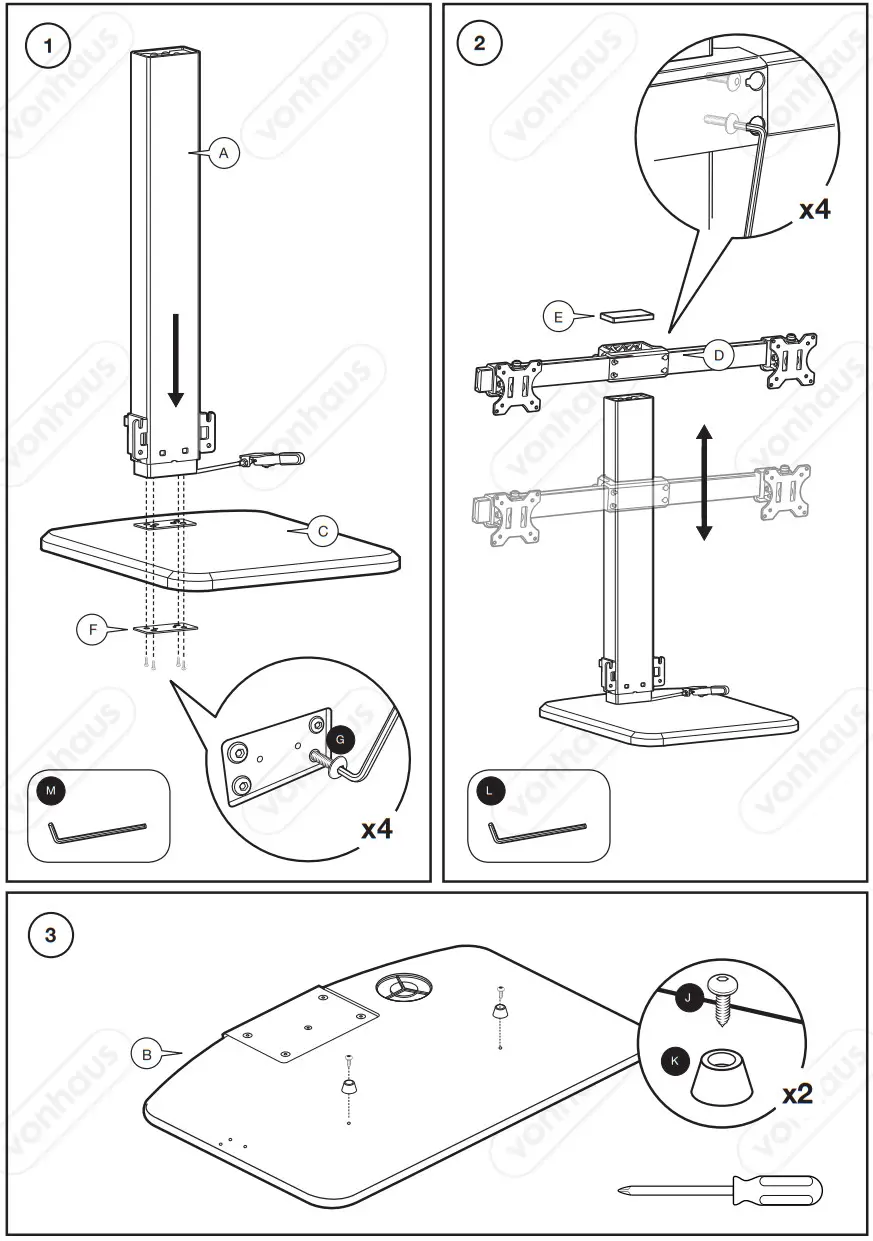
Follow each step of the assembly as outlined by the steps in this Instruction Manual.
Assemble close to the product’s intended position.
Locate the product in a suitable area where it will not create an obstruction.
GENERAL SAFETY The assembly pack may contain small parts which can pose a choking hazard to children and pets. Place on solid and even ground. Only use in an upright stable position. Do not overload the product as this may result in damage to the product or personal injury.
CLEANING & MAINTENANCE Do not clean the product with any abrasive cloth or chemicals. Solvents or detergents can cause damage to the surface. Periodically check and re-tighten fittings where applicable. Re-tighten all fittings after the first week following assembly. To clean, sponge down with warm water, a soft cloth, and mild detergent.
Ensure you have all the pieces listed. If you are missing any components, contact our customer service department at
[email protected] (UK/EU) or
[email protected] (US).
Do not proceed with assembly if any components are missing.
IMPORTANT!
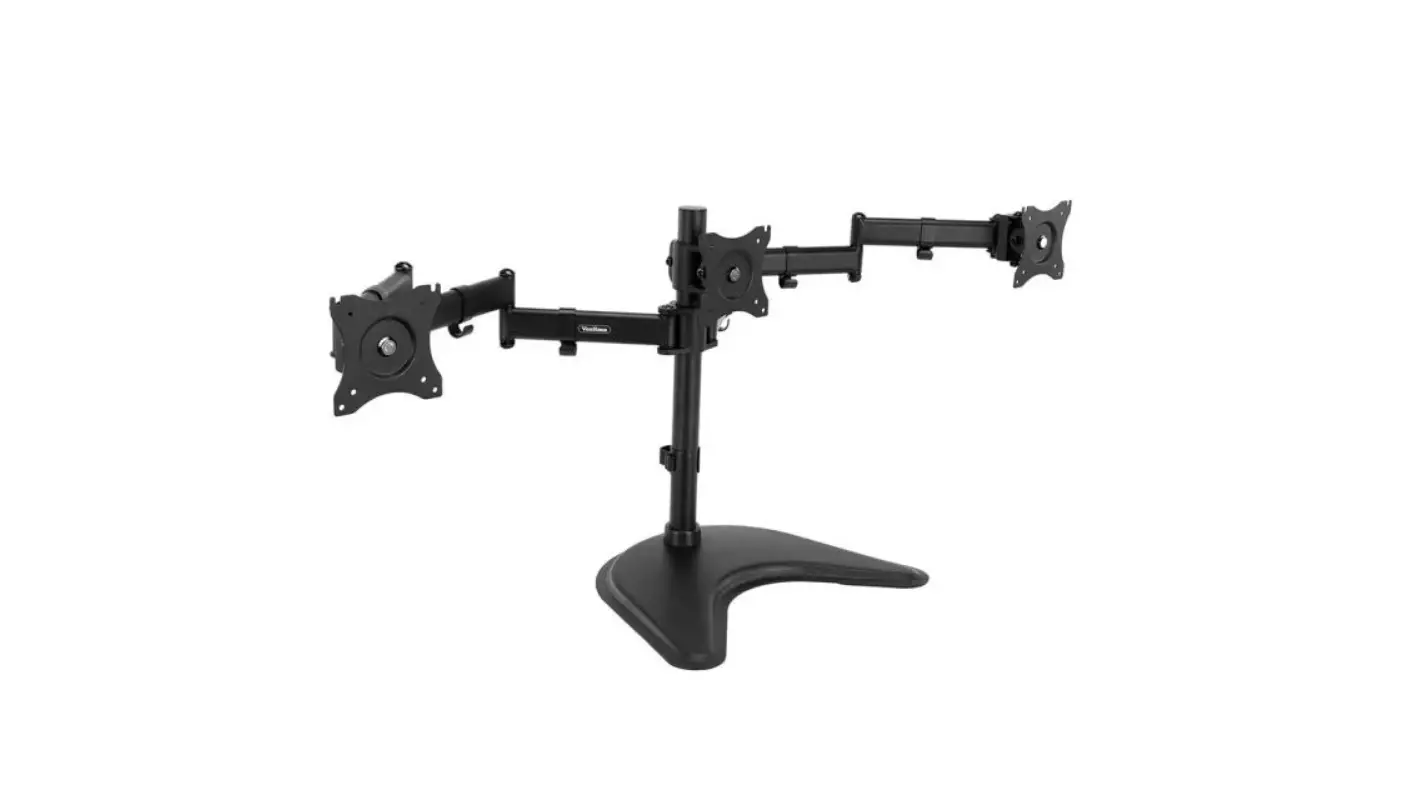
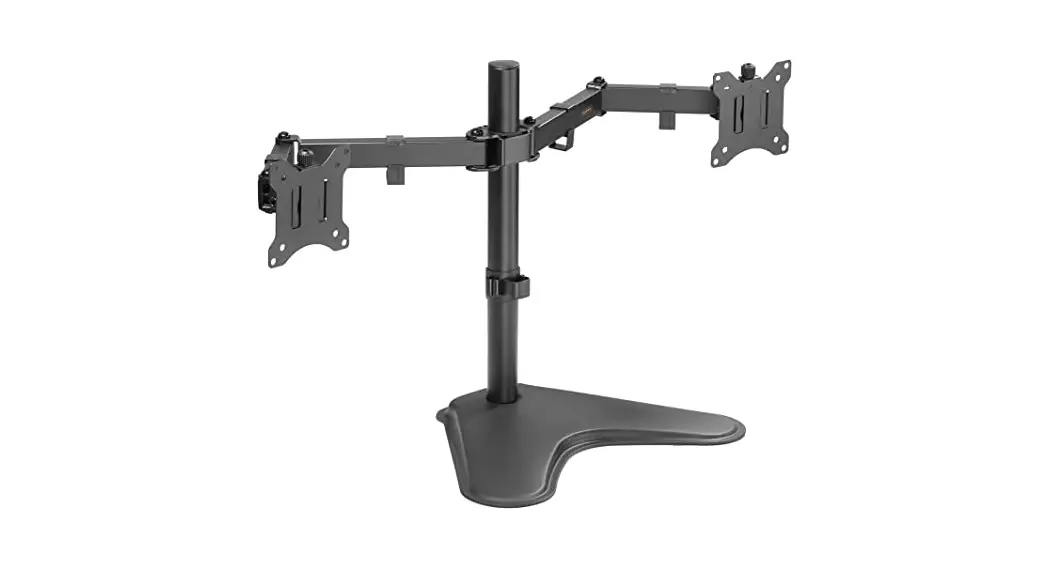
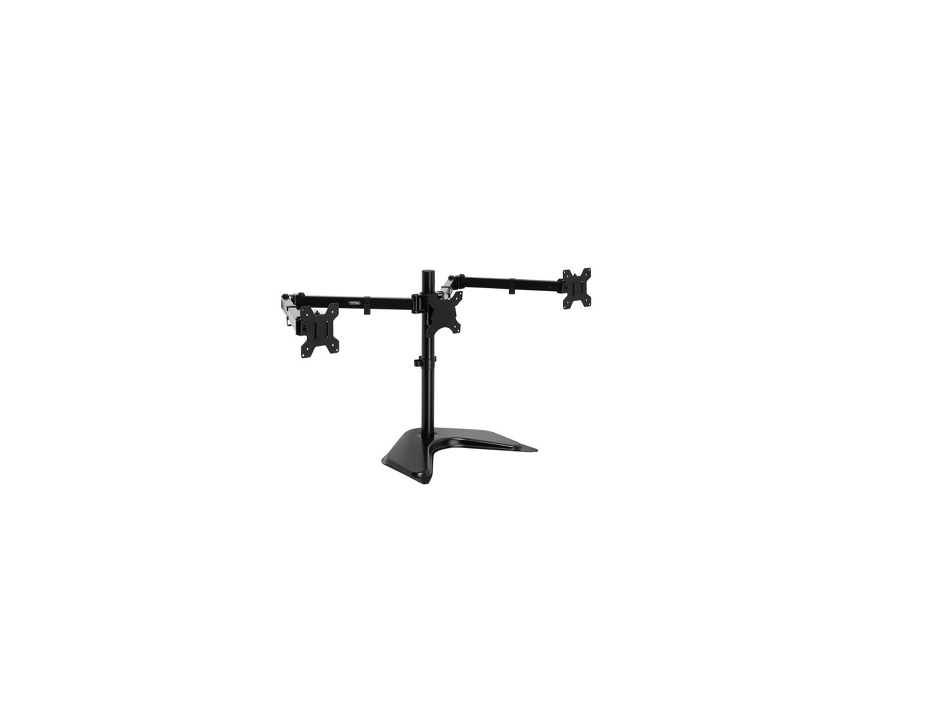
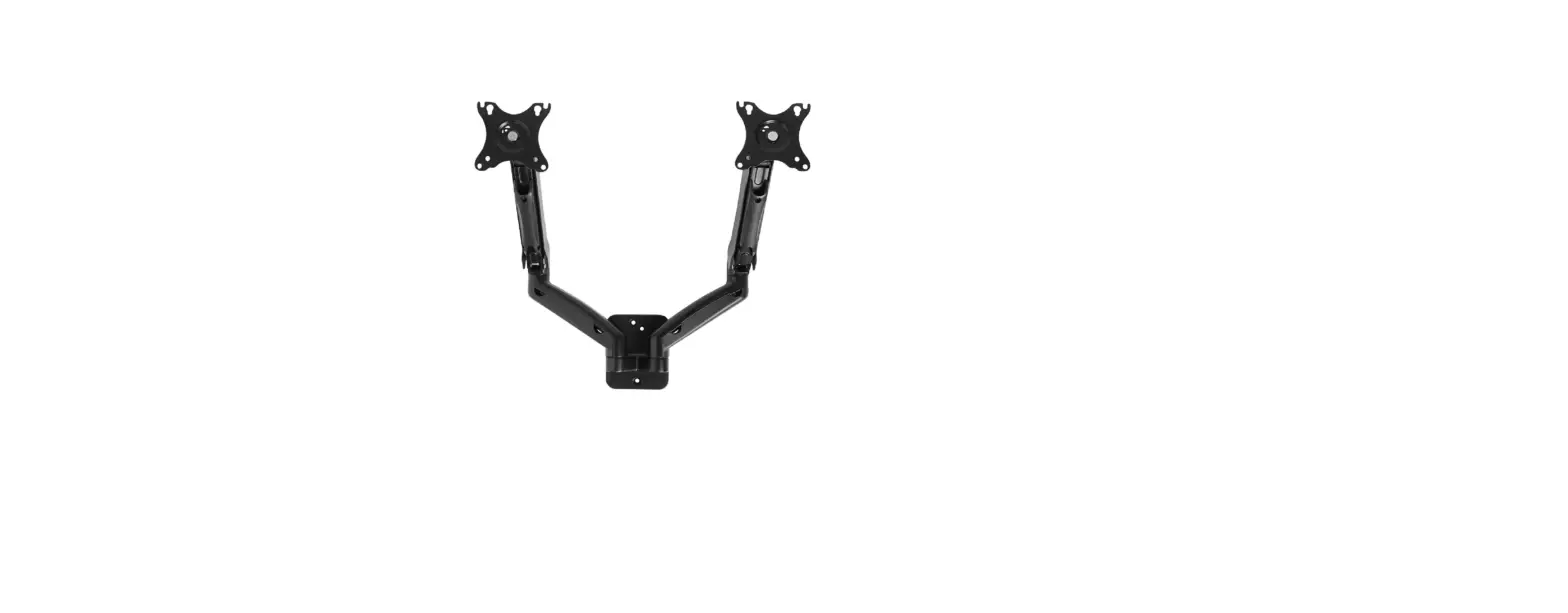
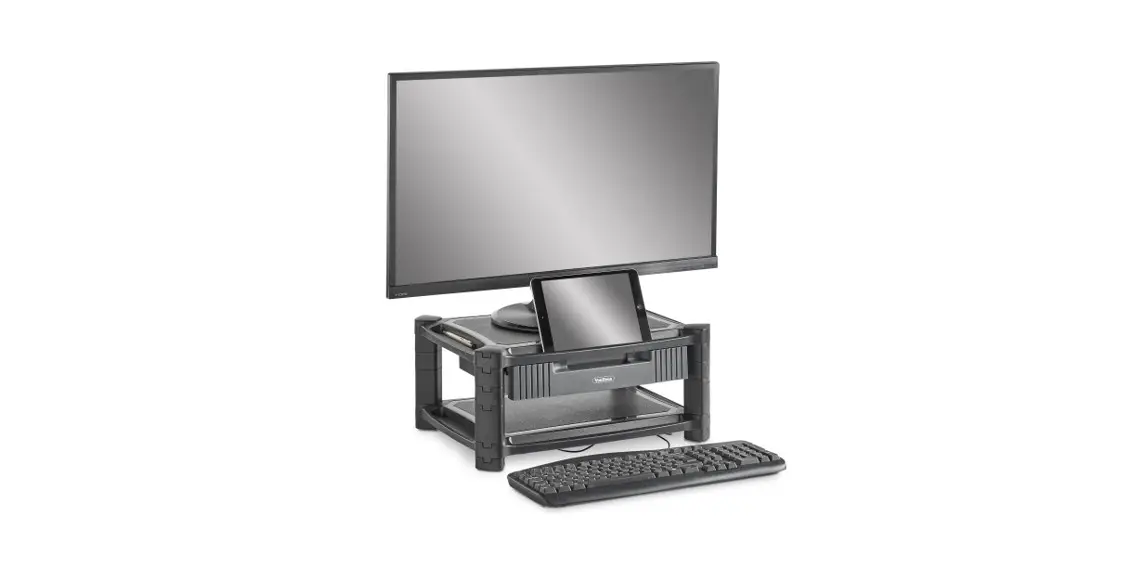
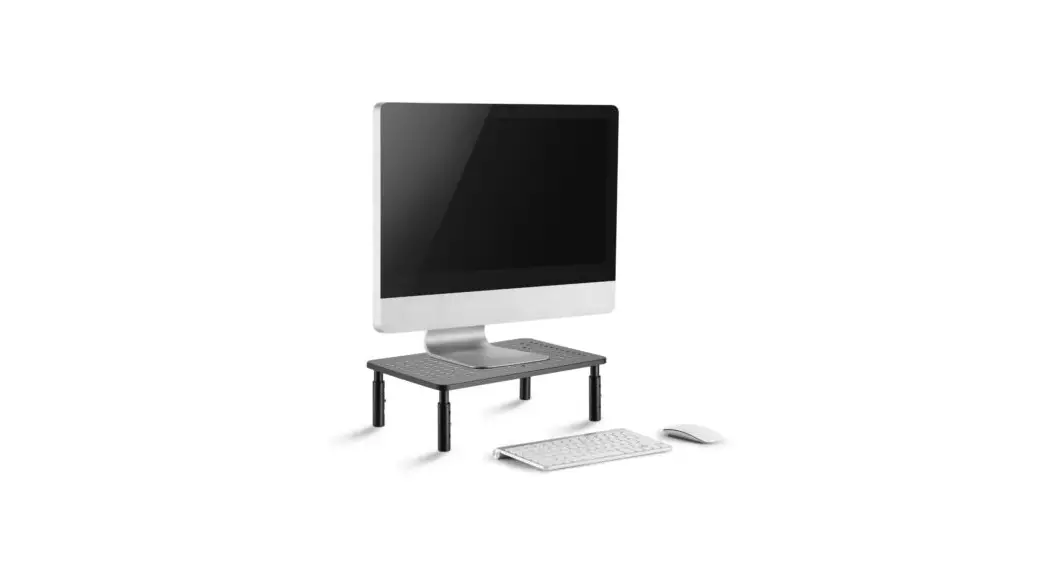
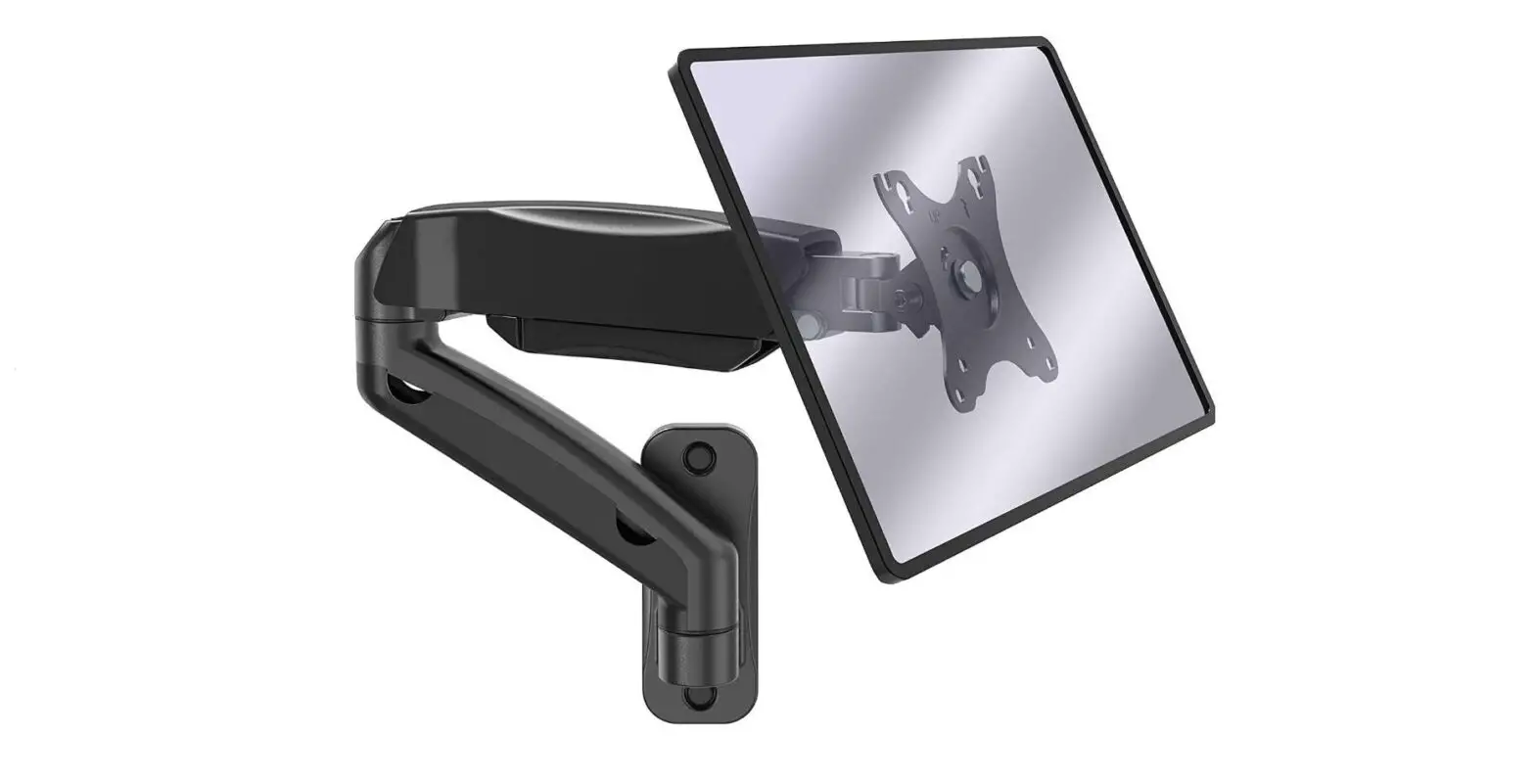
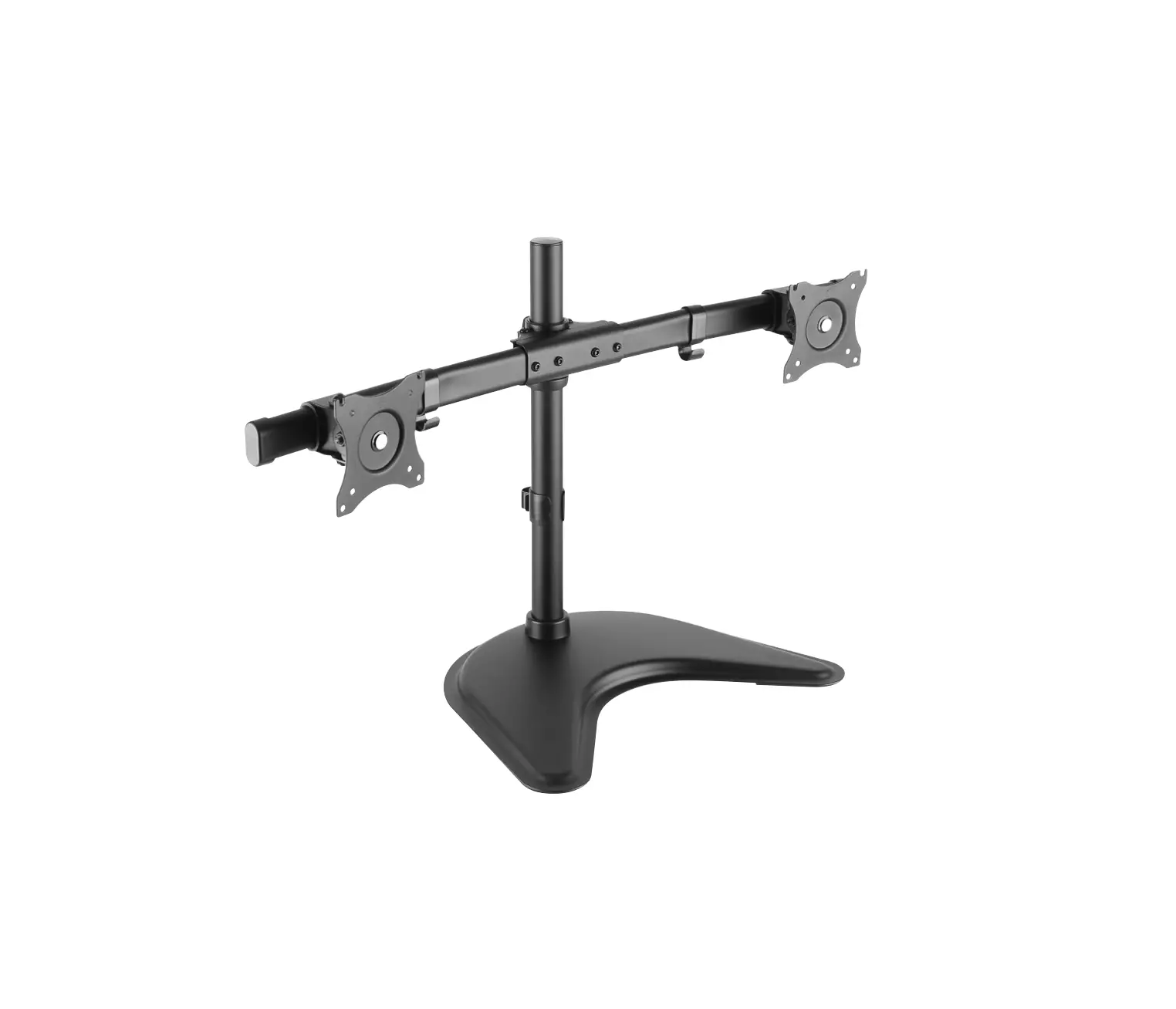
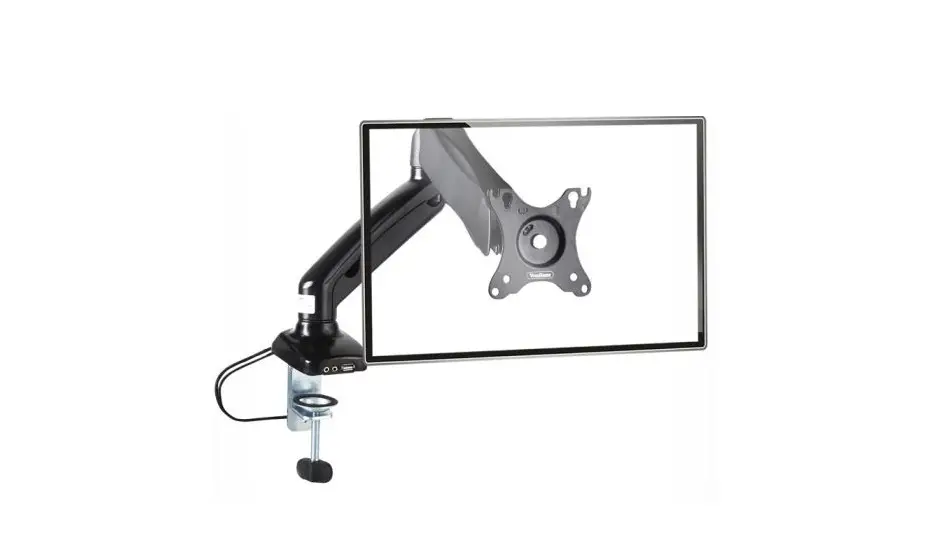
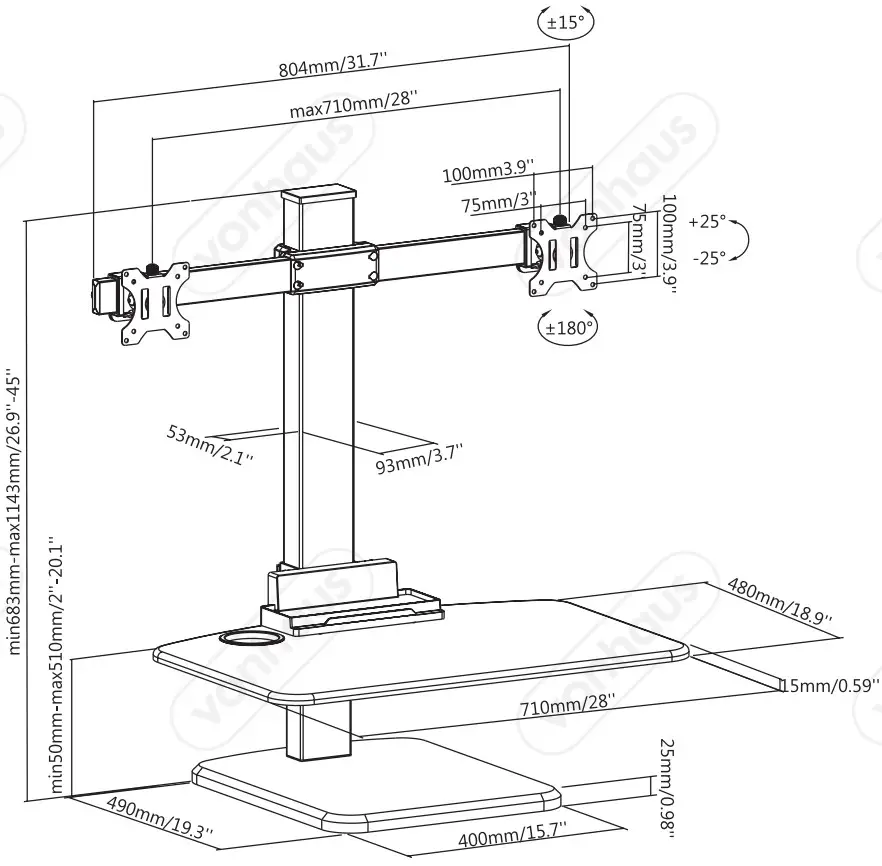
Option 1: Single monitor, Max. Load 7 kgs, Max. screen size 32’’
Option 2: Dual monitors, Max. Load 6 kgs per screen, Max. screen size 30’’.
Option 3: Triple monitors, Max.Load 4 kgs per screen, Max. screen size 30’’.
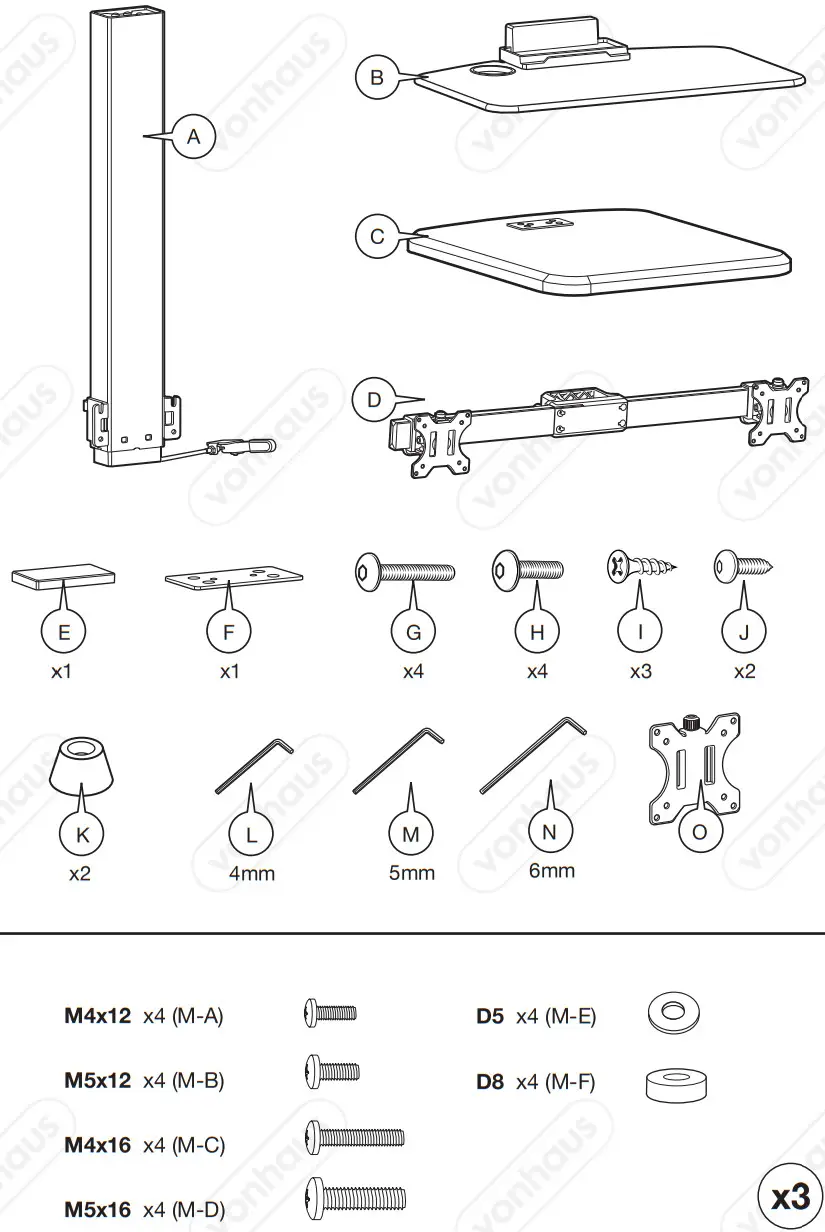
COMPONENTS
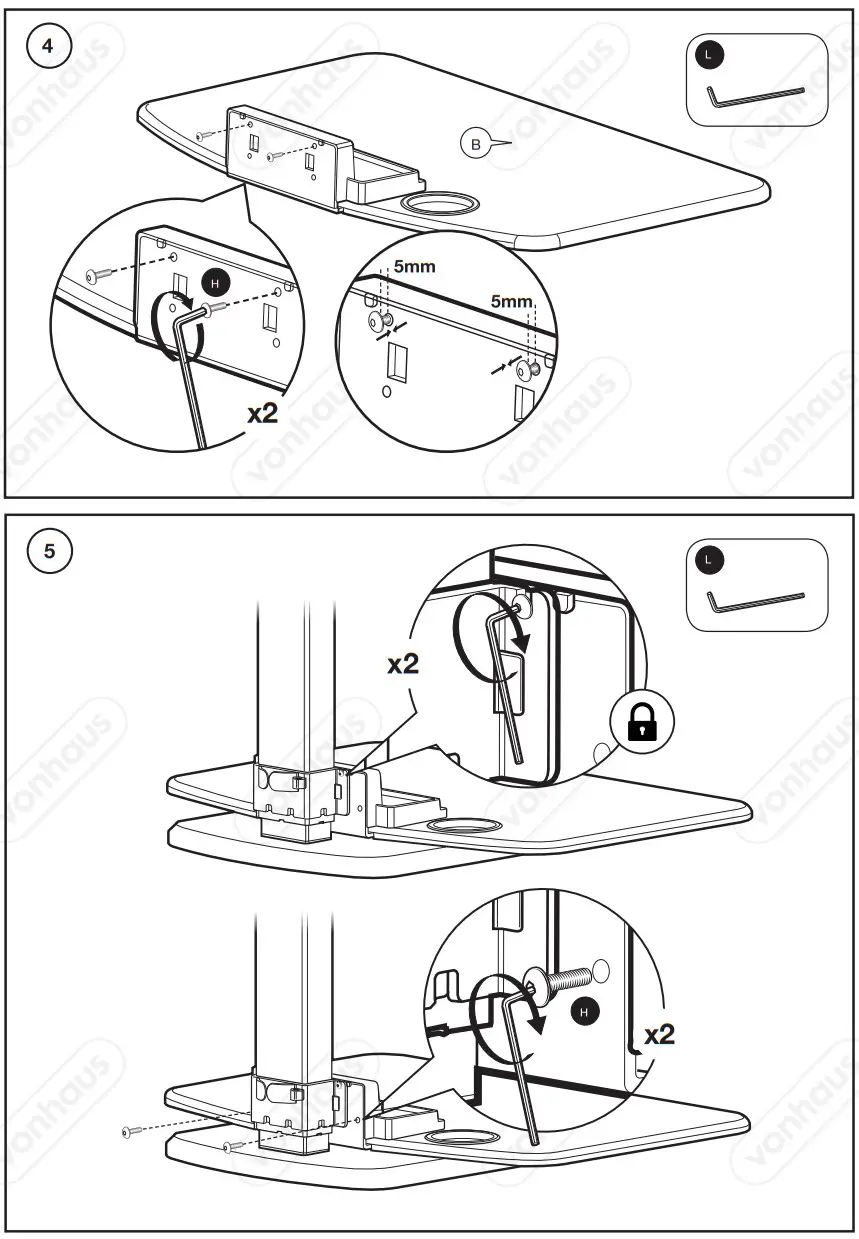
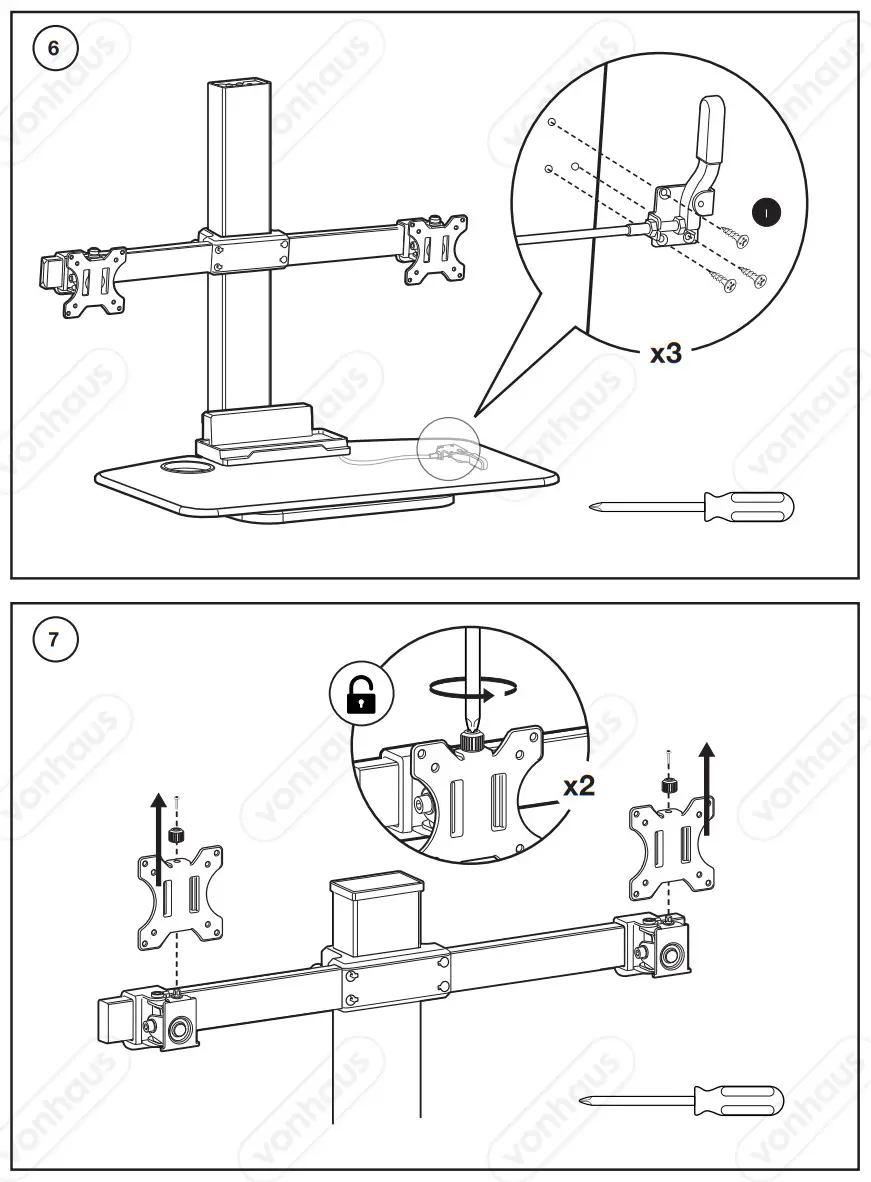
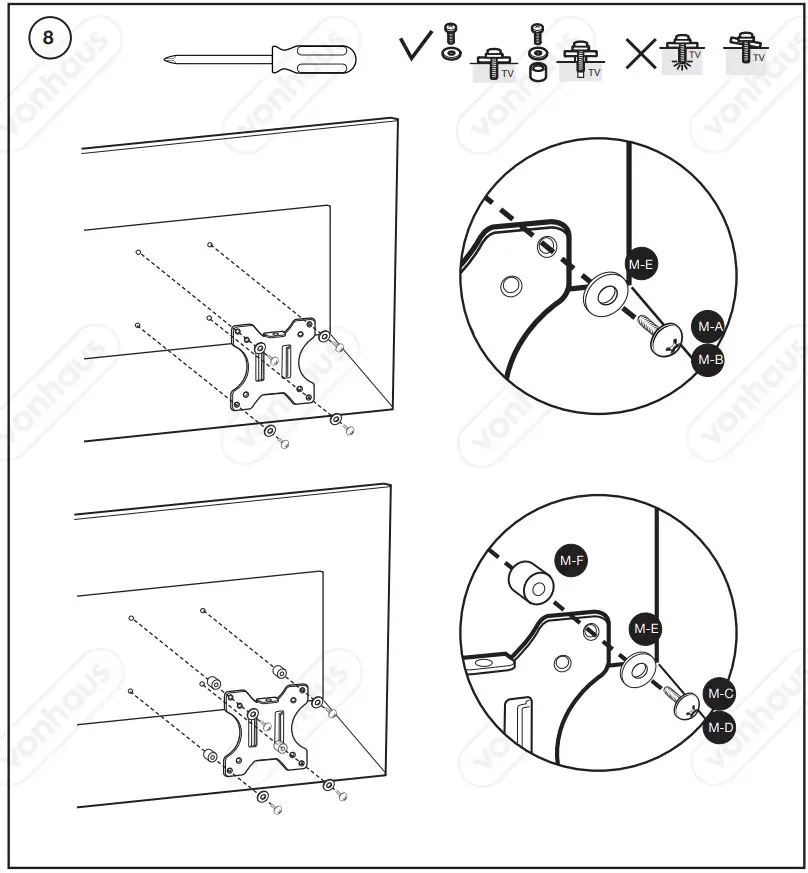
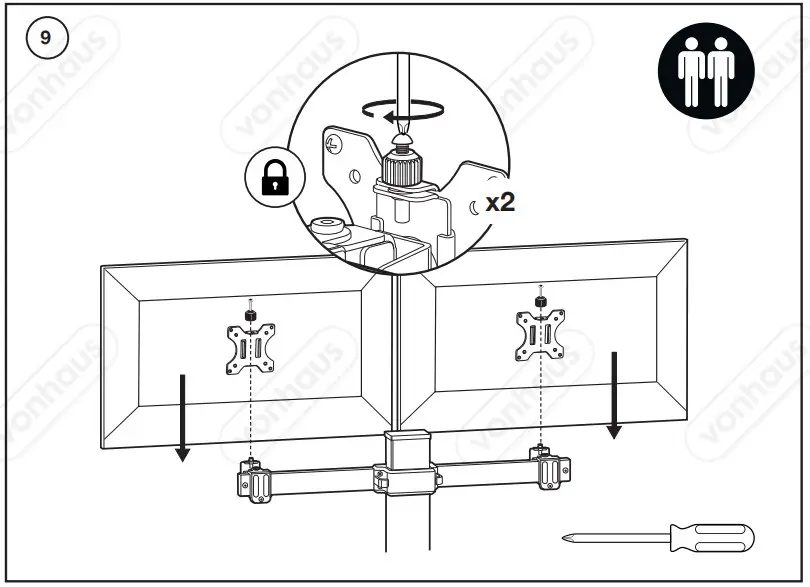
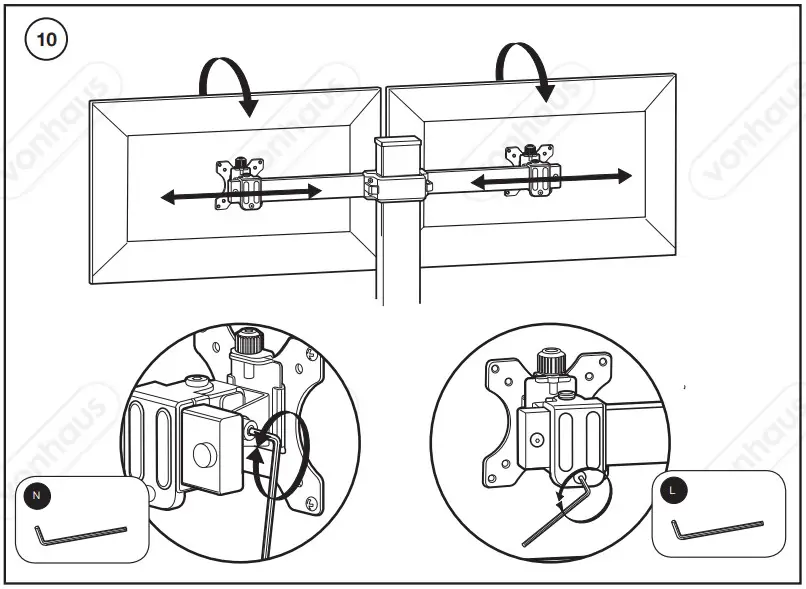
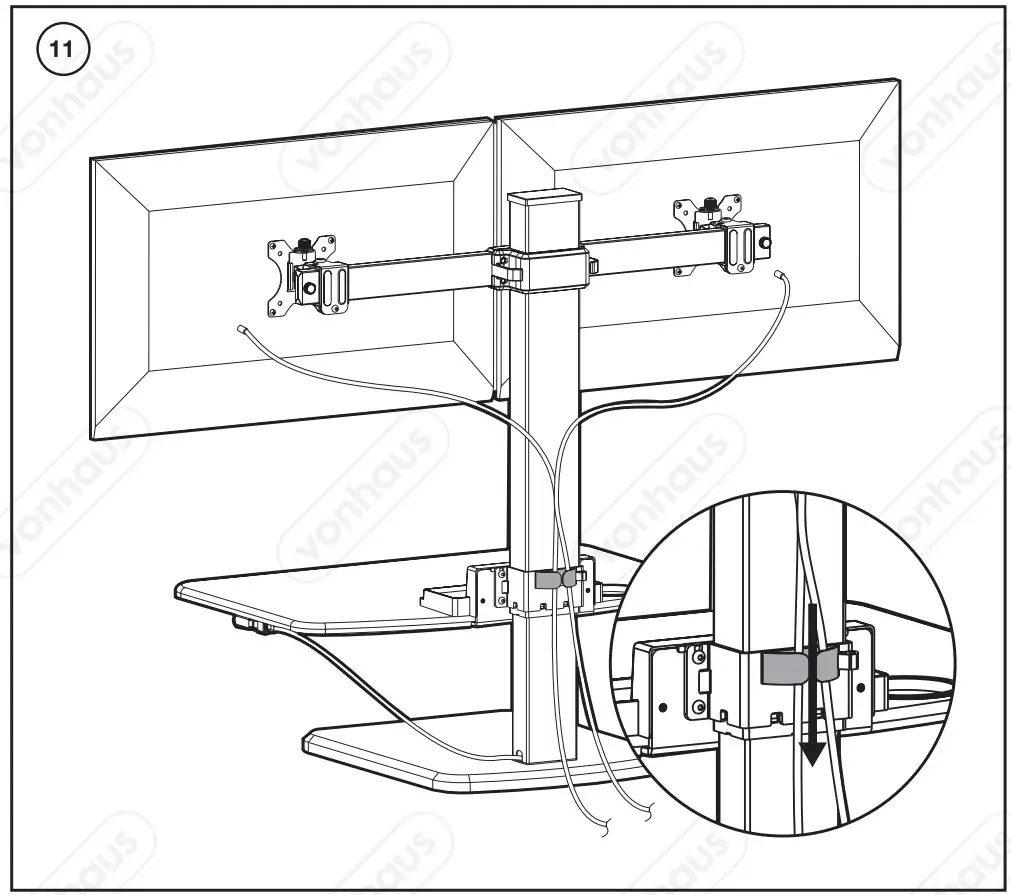
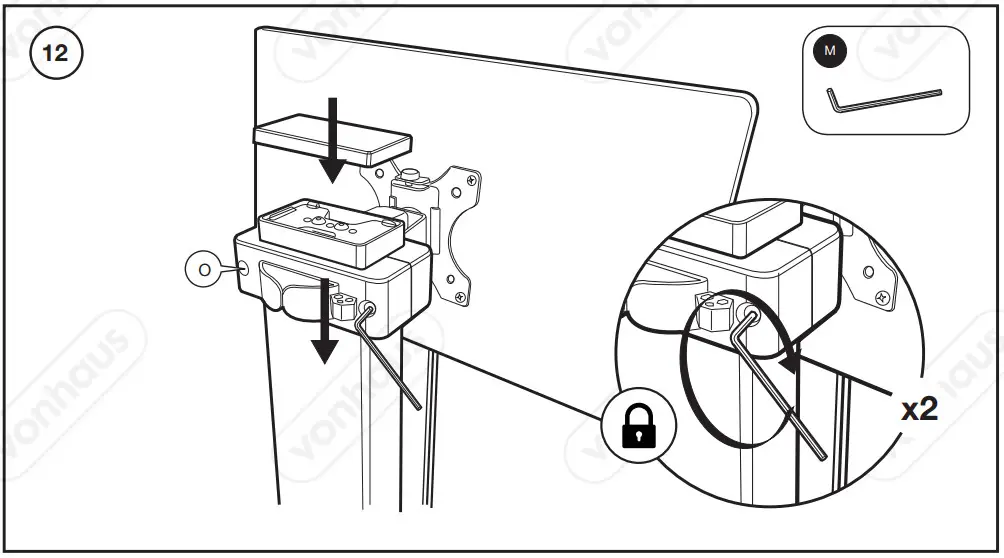
ASSEMBLY
 |  |
 |  |
 |  |
 |  |
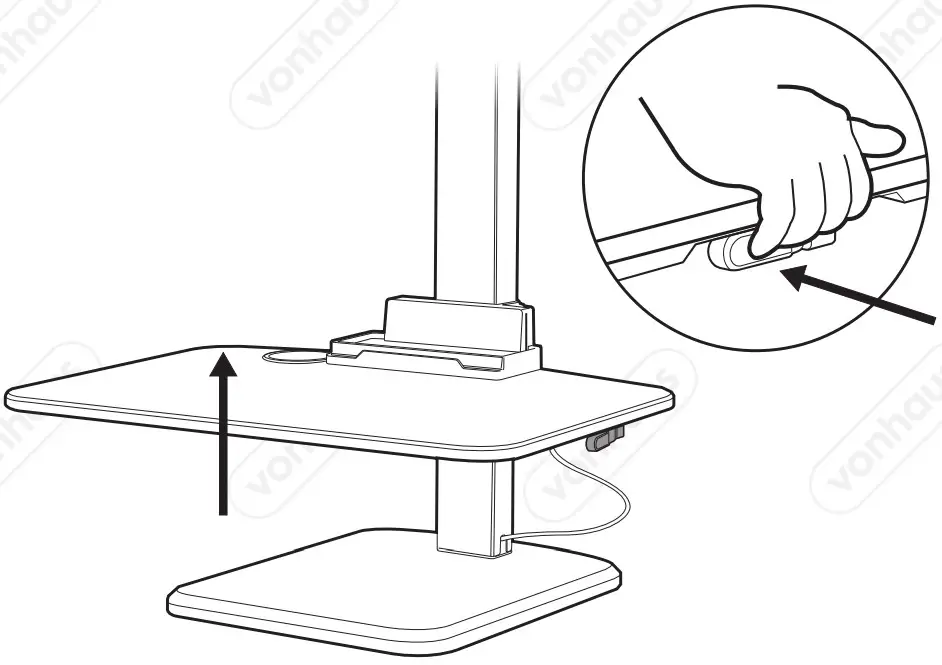
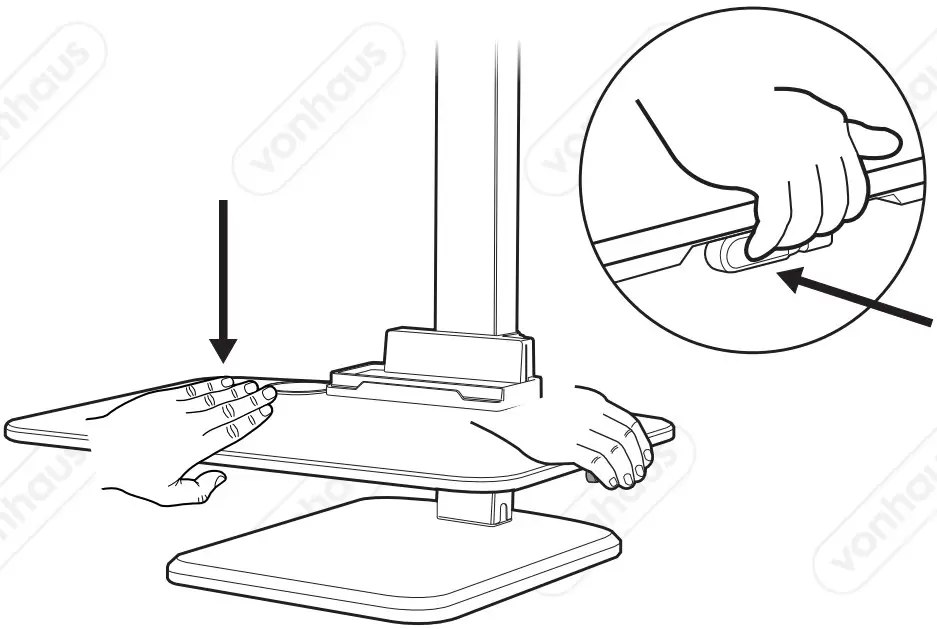
WORKING POSITION
 |  |
THANK YOU
Thank you for purchasing your product/appliance.
Should you require further assistance with your purchase, you can contact us at
[email protected] (UK/EU)
[email protected] (US)
VonHaus is a registered trademark of DOMU Brands Ltd.
Made in China for DOMU Brands. M24 2RW.