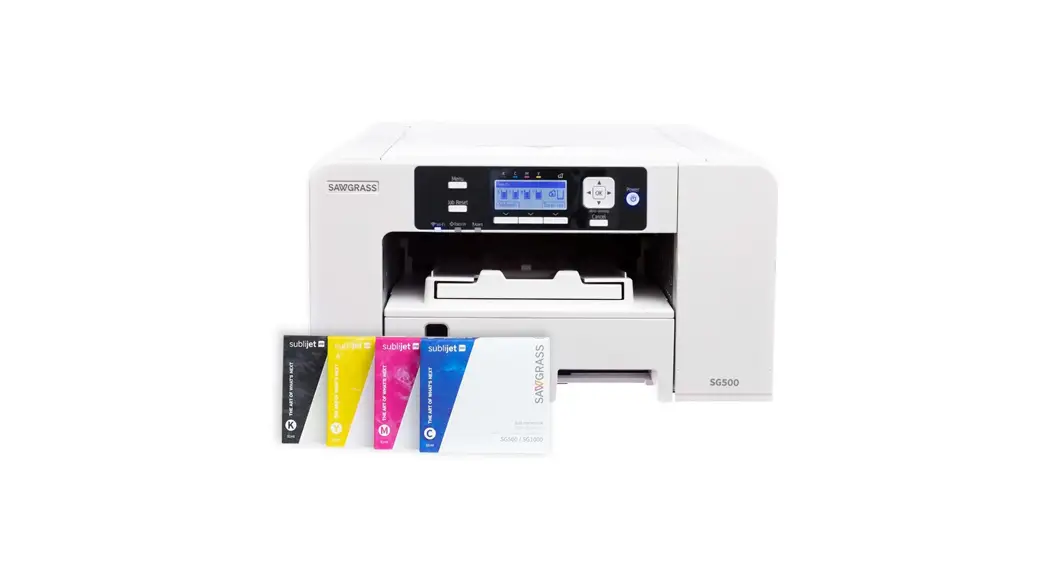

 SG500 & SG1000 SUBLIMATION PRINTERS
Installation Guide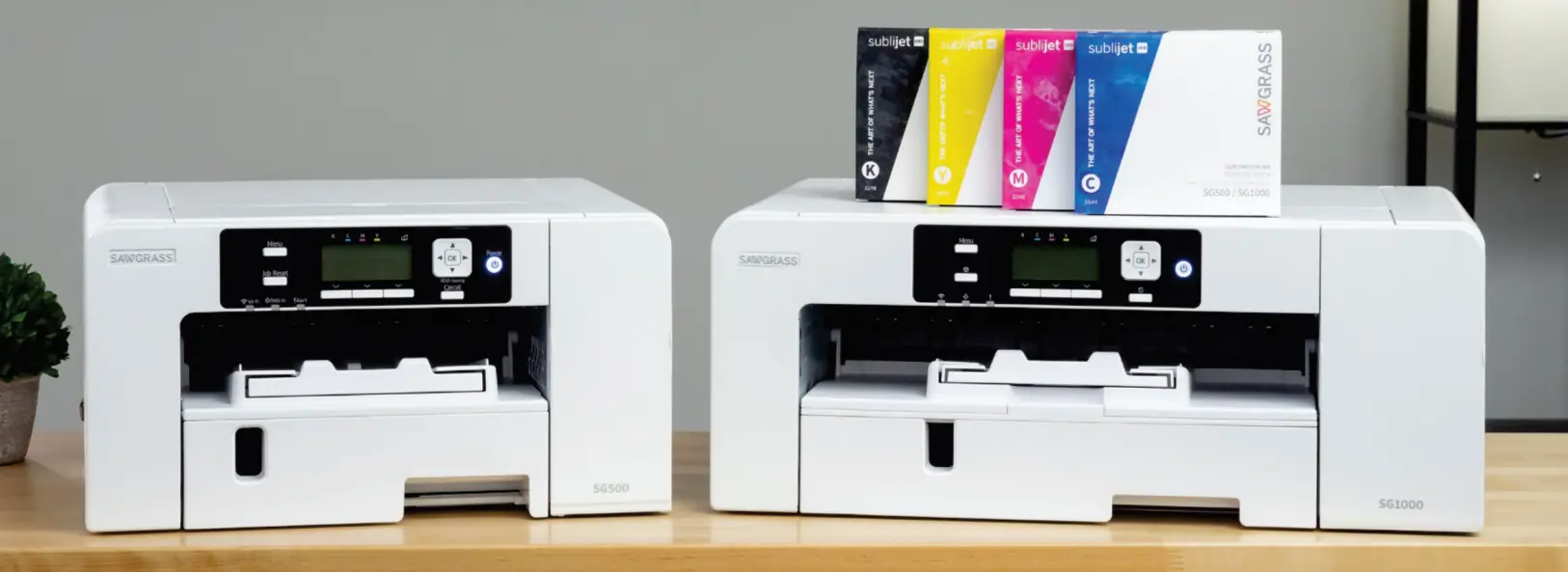 QUICK INSTALLATION GUIDE:
SG500 Sublimation Printer System
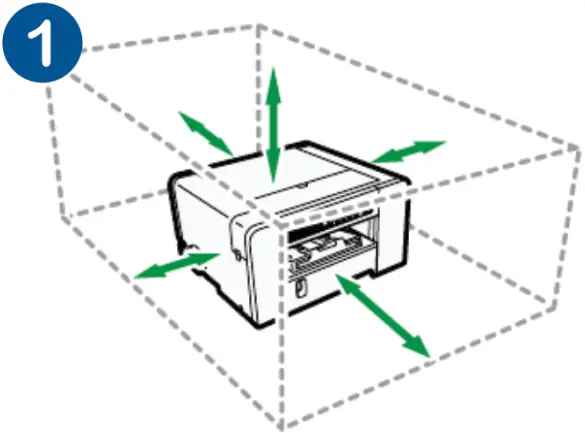 | Prepare a place for your printer that is sturdy, has space on all sides for ventilation and climate control, and is near an electrical outlet (the printer should be left on at all times). |
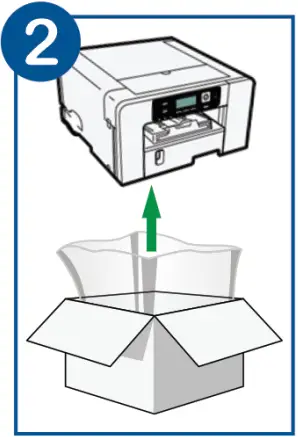 | Remove the protective covering from the printer’s packaging, the plastic film from around the printer, the tape on the printer’s exterior, and the STYROFOAM BLOCK that is located on the inside of the printer towards the right when you open the top cover. |
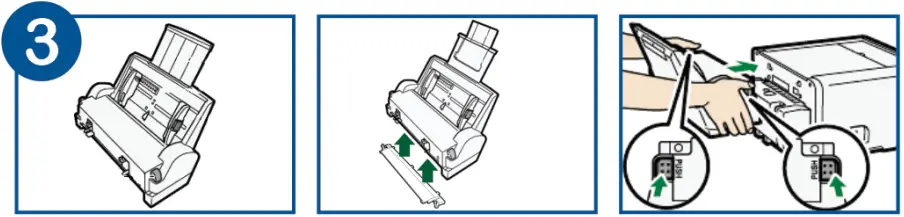 | Attach the printer’s optional multi-bypass paper tray (if applicable) with the provided rail for support. |
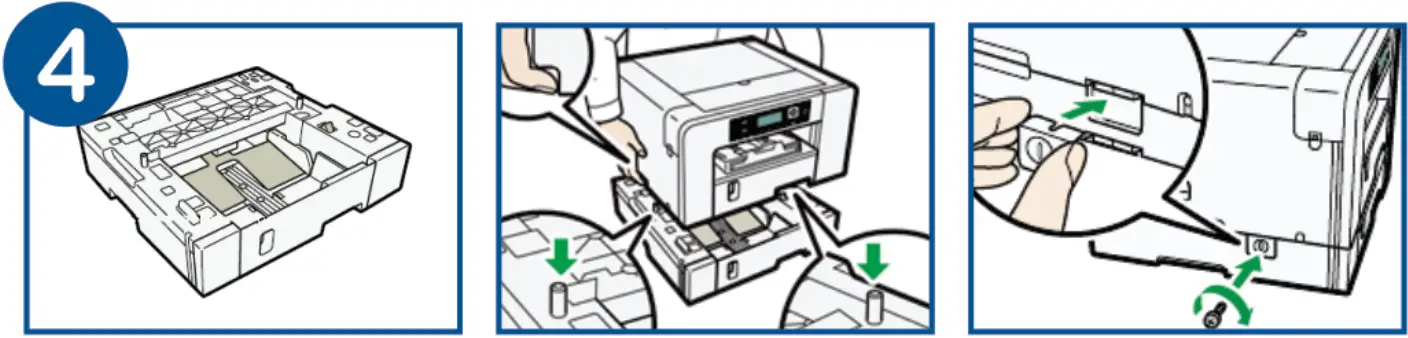 | Attach the printer’s optional additional paper feed units (if applicable). |
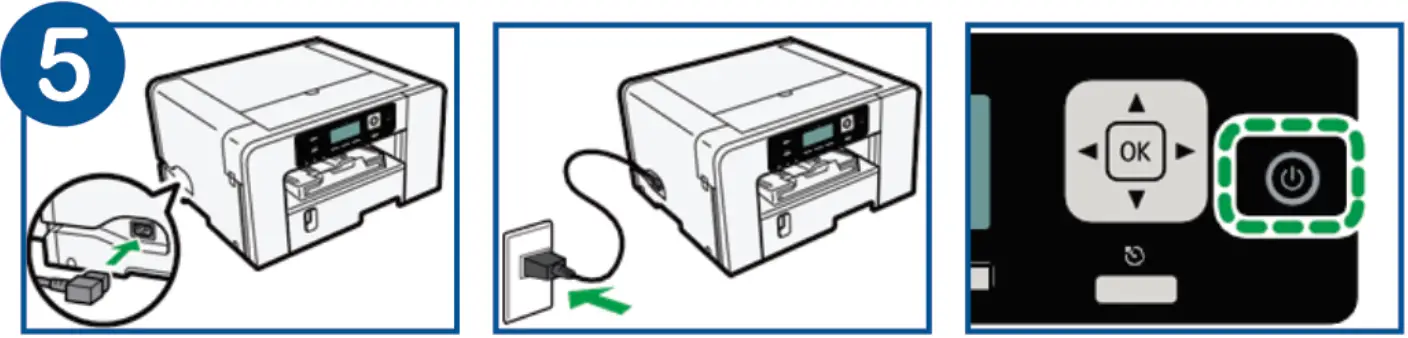 | Connect the power cord to the left side of the printer, plug the cord into the electrical outlet, and turn the printer on. |
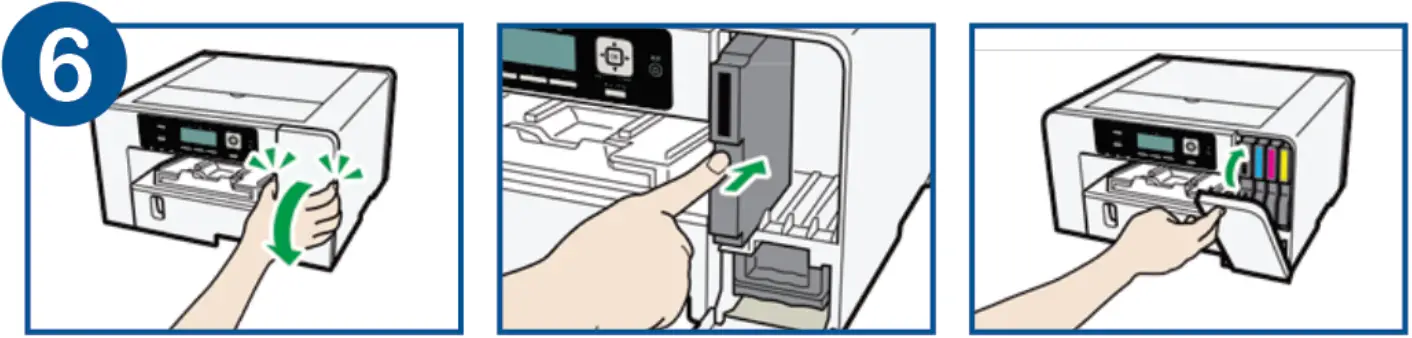 | Open the ink door on the right front side of the printer, insert the inks according to the colors marked on the printer, and close the ink door (ink charge should begin that takes seven minutes). |
7. | Contact Conde’s Technical Support Department by emailing [email protected] or calling 1-800-826-6332 option #2. We will assist you with running a nozzle check and producing your first print. |
 IMPORTANT: DO NOT CONNECT YOUR PRINTER via USB, Wi-Fi, or Ethernet cord until you contact Conde Technical Support!
LET US HELP WALK YOU THROUGH THE ENTIRE SETUP PROCESS! Purchasing your Sawgrass SG500 or SG1000 sublimation printer from Conde qualifies you for a FREE 1-hour onboarding session via phone. Contact your Conde Account Manager to schedule your appointment!
www.conde.com
800-826-6332