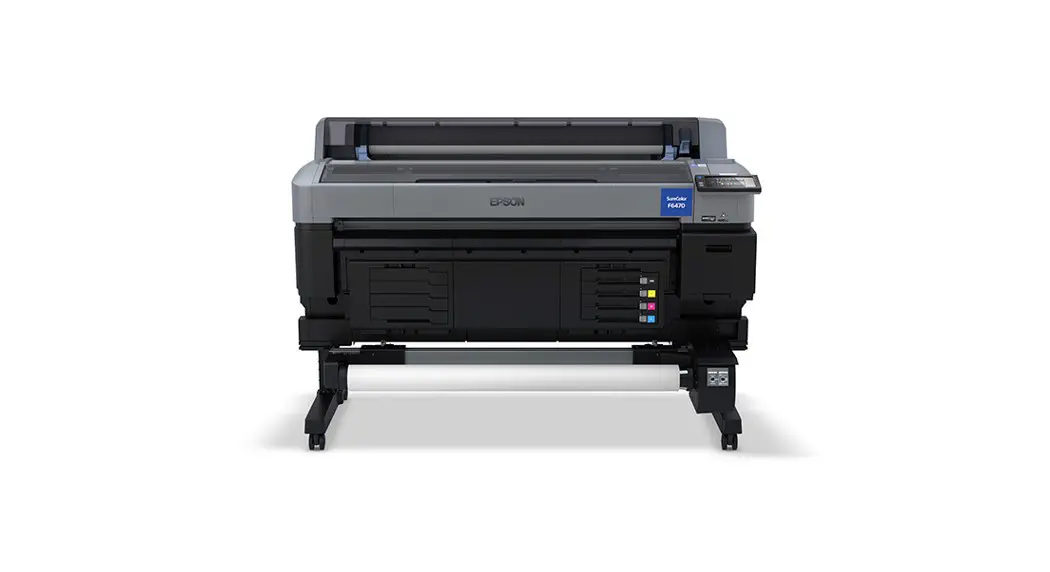
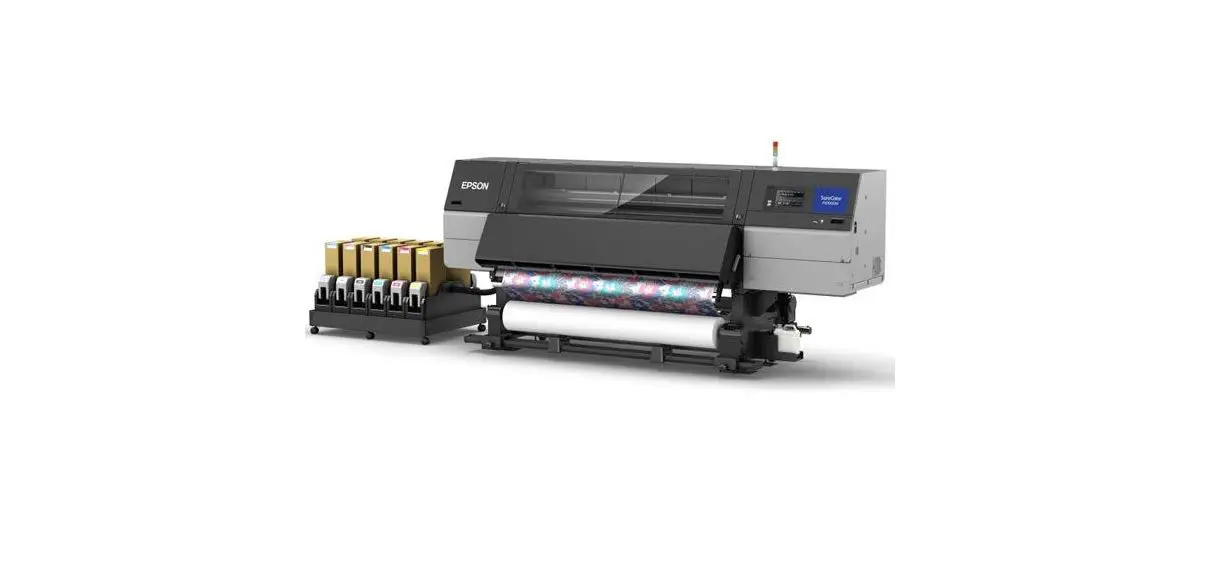
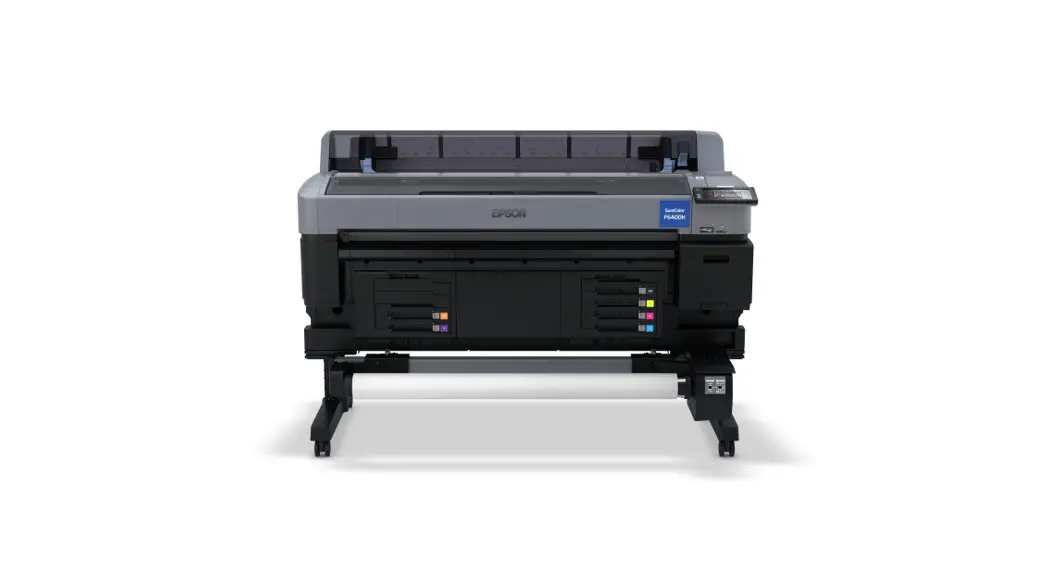
F570 Sublimation Printer
Product Information:
The optional printer stand and paper basket are accessories for
the printer. They provide additional support and storage for the
printer and printed documents. The stand is designed to securely
hold the printer, while the paper basket is used to collect and
organize printed papers.
Here are the items included for the assembly of the optional
printer stand and paper basket:
- Left mounting bracket
- Right mounting bracket
- Support brace
- Left leg
- Right leg
- Paper basket bar
- Left leg base (square hole faces front)
- Right leg base (square hole faces front)
- Allen wrench
- Paper basket rod
- Left paper basket support rod
- Right paper basket support rod
- Screws (28; 24 if thumbscrews are included)
- Screw holders (4)
- Thumbscrews (4; not included with all stands)
Product Usage Instructions:
- Attach the support brace to the left leg base and the right leg
base. - Use the Allen wrench to insert 8 screws (four on each side)
into the holes on the support brace and leg bases as shown. - Attach the legs to the bases.
- Insert 8 screws (4 on each side) into the holes in the
legs. - Push in the cloth on the paper basket bar so it does not get
caught between the bar and the legs, and attach the bar to the legs
as shown. Make sure the L and R stickers on the paper basket bar
are correctly oriented with the L and R stickers on the leg
bases. - Insert 4 screws (2 on each side) into the holes on the paper
basket bar to secure it to the legs. - Make sure the L and R stickers on the mounting brackets are
correctly oriented with the left and right legs and attach them as
shown. - Insert 4 screws into 4 screw holders (2 on each side) and
insert them into the holes on the legs to secure the mounting
brackets. - Slide the paper basket rod into the pocket on the end of the
paper basket cloth. - Insert the top of the paper basket support rods through the
loops on the paper basket cloth and attach them to the paper basket
rods. - Insert the ends of the paper basket support rods into the holes
on the leg bases. - Close the paper basket as shown.
- On the back of the paper basket and stand, attach the loops on
the paper basket cloth to the hooks on the leg bases as shown. - On the front of the stand, lock the casters.
- Have at least two people lift the printer using the handholds
as shown. Caution: Do not hold the printer by the output tray. You
may damage it. - Align the notches on the printer with the notches on the back
of the stand as shown and place the printer on the stand. - Do one of the following:
- If your stand does not include thumbscrews, insert 4 screws (2
on each side) into the bottom of the mounting brackets to secure
the printer to the stand. On the left rear side, insert the screw
through the wired loop on the printer as shown. - If your stand includes thumbscrews, insert 4 thumbscrews (2 on
each side) into the bottom of the mounting brackets to secure the
printer to the stand. On the left rear side, insert the thumbscrew
through the wired loop on the printer as shown.
- If your stand does not include thumbscrews, insert 4 screws (2
Assembling the Optional Printer Stand and Paper Basket
Follow these instructions to assemble the optional printer stand and paper basket. Before you begin, make sure you have enough space to set up the printer as shown here.
1 2 inches (50 mm) 2 11.2 inches (285 mm) 3 6 inches (150 mm) Caution: At least two people are required to lift the printer onto the assembled stand. Make sure you have all of these items for assembly:
1 Left mounting bracket 2 Right mounting bracket 3 Support brace 4 Left leg 5 Right leg 6 Paper basket bar 7 Left leg base (square hole faces front) 8 Right leg base (square hole faces front) 9 Allen wrench
10 Paper basket rod 11 Left paper basket support rod 12 Right paper basket support rod 13 Screws (28; 24 if thumbscrews are included) 14 Screw holders (4) 15 Thumbscrews (4; not included with all stands)
1. Attach the support brace to the left leg base and the right leg base.
2. Use the Allen wrench to insert 8 screws (four on each side) into the holes on the support brace and leg bases as shown.
3. Attach the legs to the bases. 4. Insert 8 screws (4 on each side) into the holes in the legs.
5. Push in the cloth on the paper basket bar so it does not get caught between the bar and the legs, and attach the bar to the legs as shown.
Note: Make sure the L and R stickers on the paper basket bar are correctly oriented with the L and R stickers on the leg bases.
6. Insert 4 screws (2 on each side) into the holes on the paper basket bar to secure it to the legs.
7. Make sure the L and R stickers on the mounting brackets are correctly oriented with the left and right legs and attach them as shown.
8. Insert 4 screws into 4 screw holders (2 on each side) and insert them into the holes on the legs to secure the mounting brackets.
9. Slide the paper basket rod into the pocket on the end of the paper basket cloth.
10. Insert the top of the paper basket support rods through the loops on the paper basket cloth and attach them to the paper basket rods.
11. Insert the ends of the paper basket support rods into the holes on the leg bases.
12. Close the paper basket as shown.
13. On the back of the paper basket and stand, attach the loops on the paper basket cloth to the hooks on the leg bases as shown.
14. On the front of the stand, lock the casters.
15. Have at least two people lift the printer using the handholds as shown.
Caution: Do not hold the printer by the output tray. You may damage it.
16. Align the notches on the printer with the notches on the back of the stand as shown and place the printer on the stand.
17. Do one of the following: o If your stand does not include thumbscrews, insert 4 screws (2 on each side) into the bottom of the mounting brackets to secure the printer to the stand. On the left rear side, insert the screw through the wired loop on the printer as shown.
o If your stand includes thumbscrews, insert 4 thumbscrews (2 on each side) into the bottom of the mounting brackets to secure the printer to the stand. On the left rear side, insert the thumbscrew through the wired loop on the printer as shown.