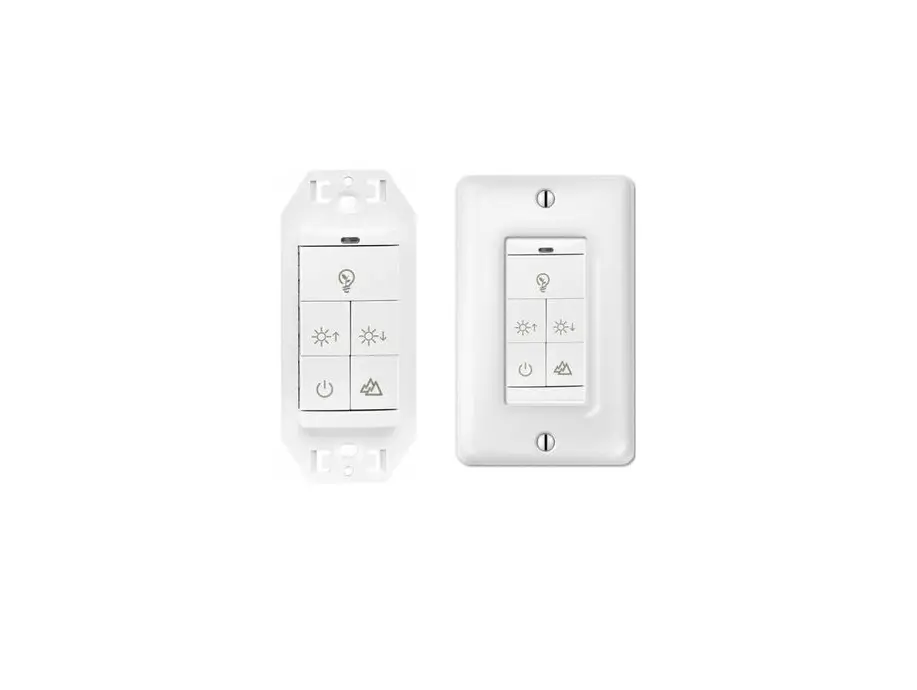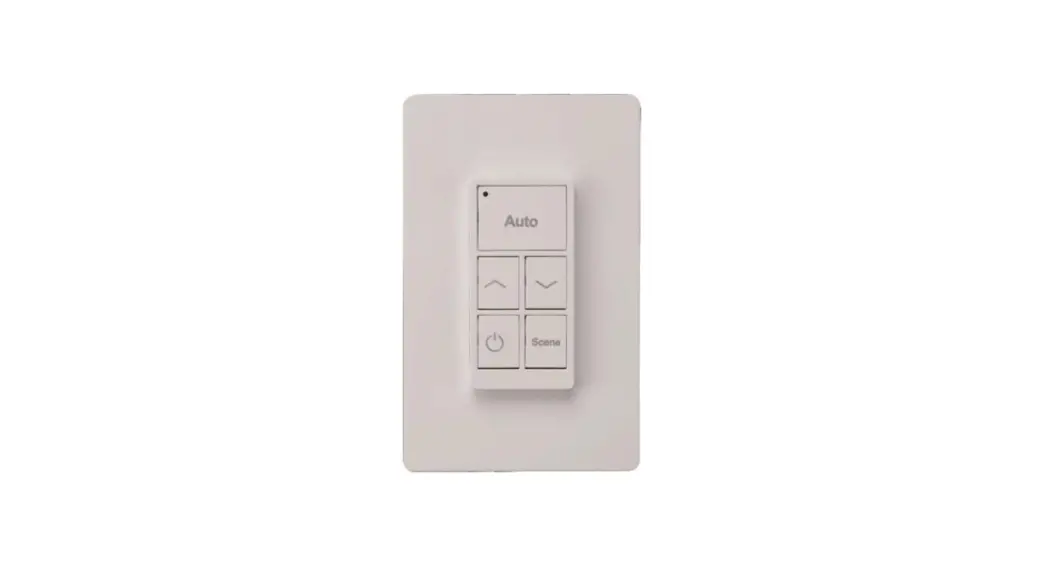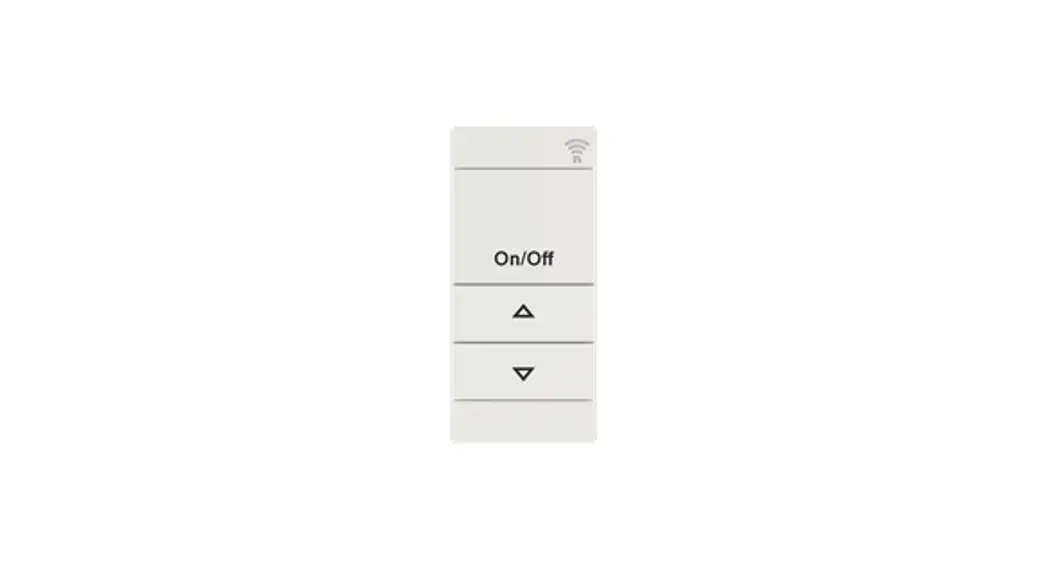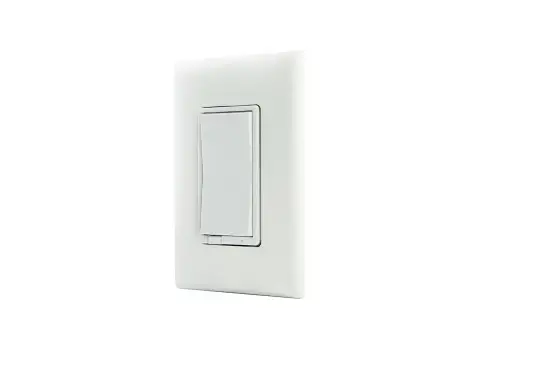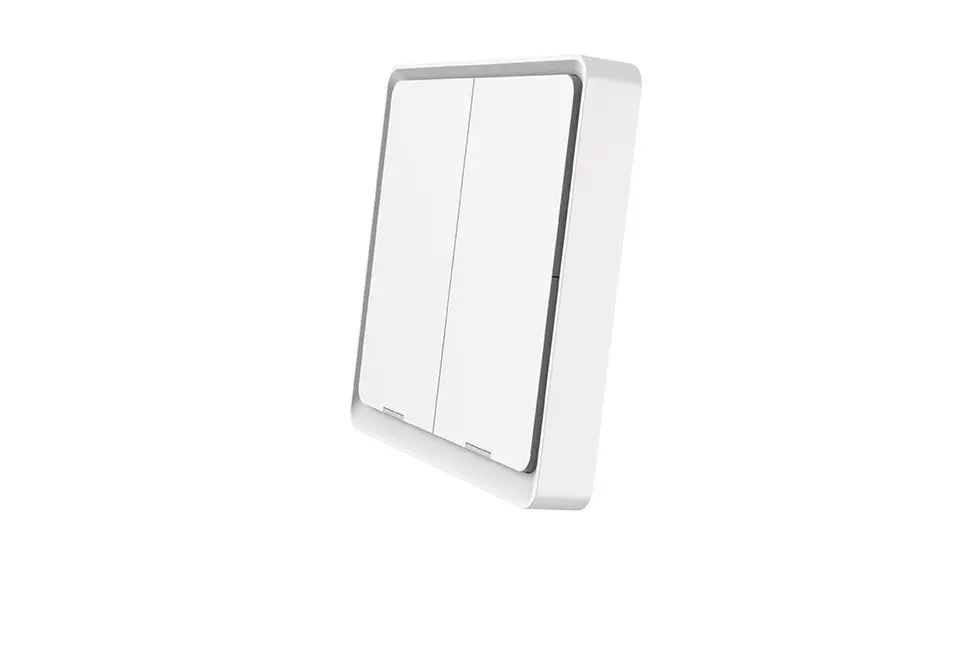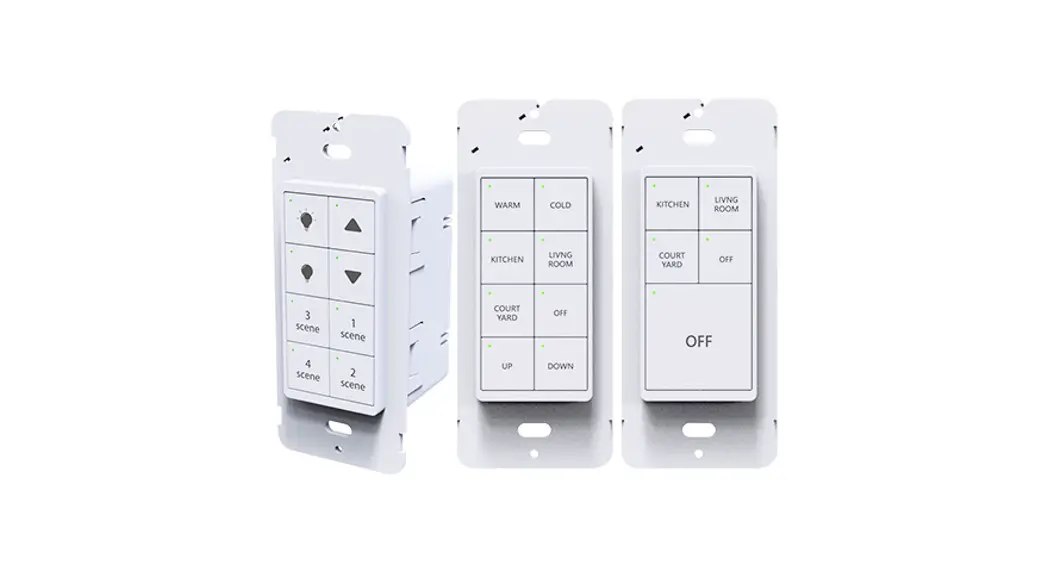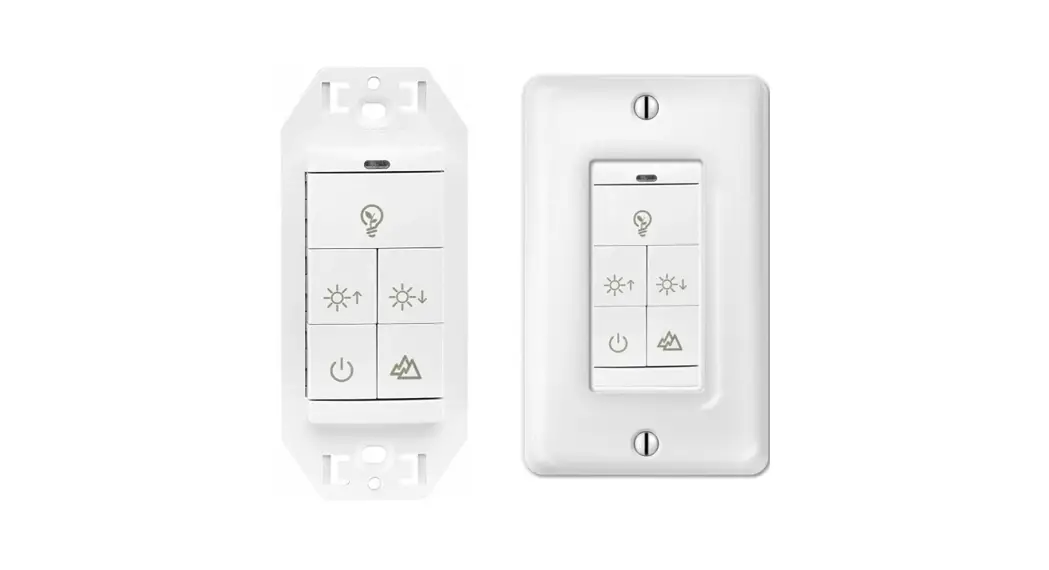
 WP1025 5 Key Battery Powered Wall
Switch Instructions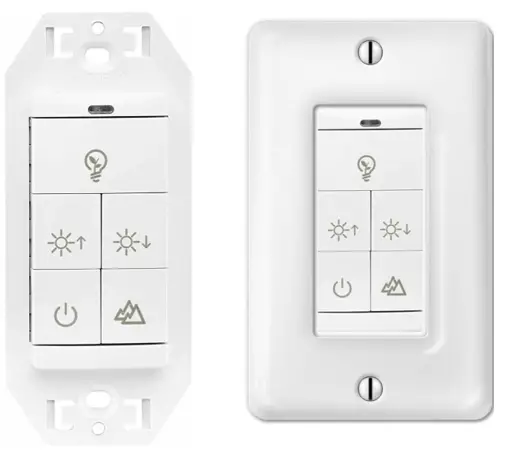
| Document | Instructions |
| Rev. Date | 4.26.2023 |
| Order Code | 11808 |
| Model # | WP1025 |
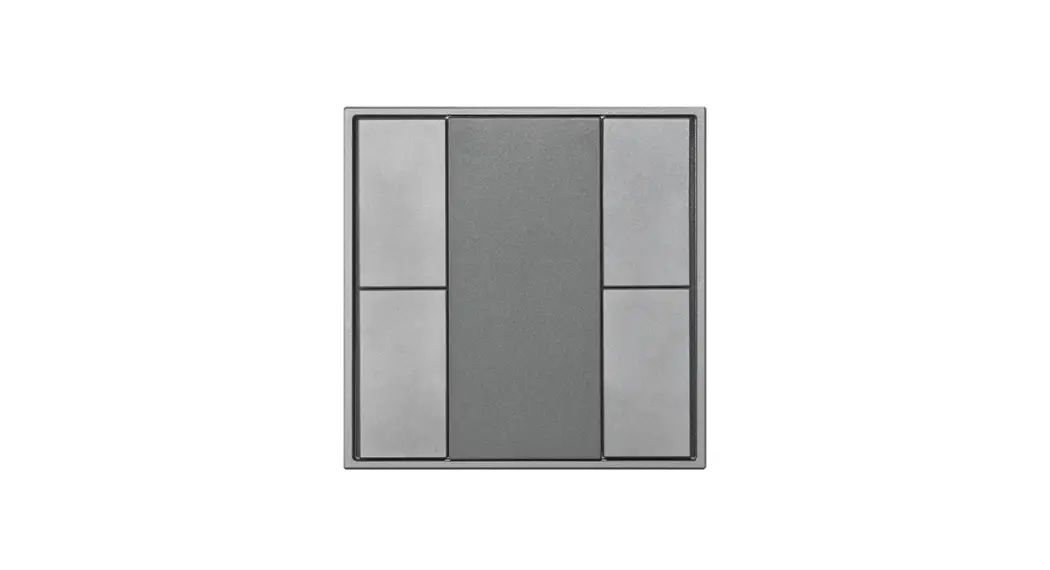
5 Key Battery Powered Wall Switch
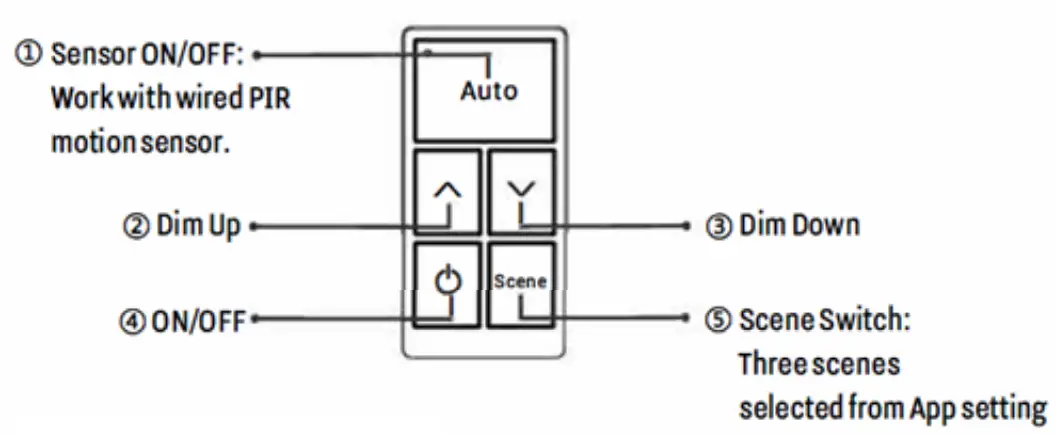
INSTRUCTIONS
- Install 2pcs CR2032 battery by opening the back cover.
- Press button(1) and (2) together over 2 seconds to enter pairing mode or achieve reset function. This switch can be scanned in next 30 seconds.
- In EarthConnect App “Switch” page, click to add the switch.
- Select the light/light group to be controlled by this switch.
- Select 3 scenes to be controlled by this switch.
IMPORTANT: Battery model is CS2032.
The battery can be used for 5 years based on the usage of twice a day.
Step 1: Open the cover of the remote control with a flat screw driver.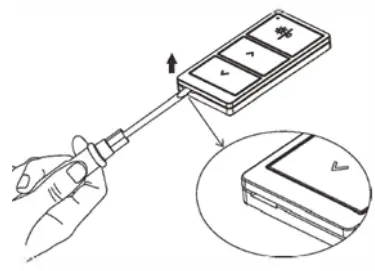 Step 2: Replace the battery (CS2032) with a new one.
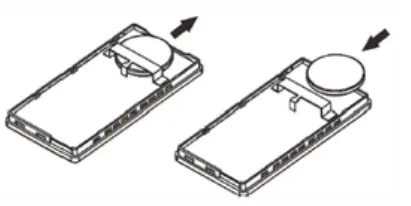 Step 3: Attached the cover.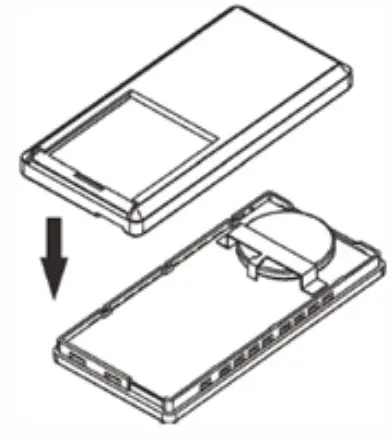
WALL SURFACE INSTRUCTIONS
Step 1: Remove the cover plate carefully with scissors.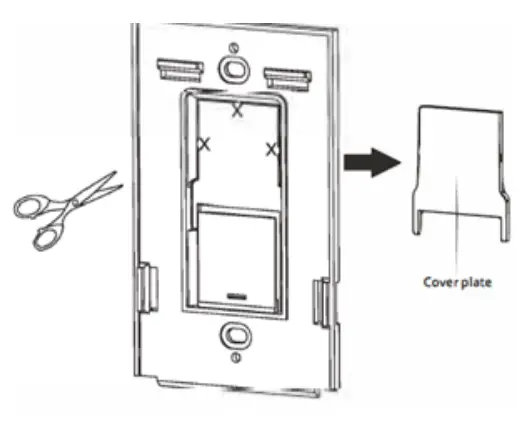 Step 2: Mark the position you want to install.
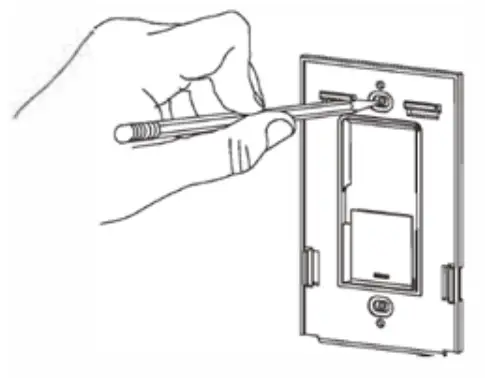 Step 3: Drill two holes with power drill.
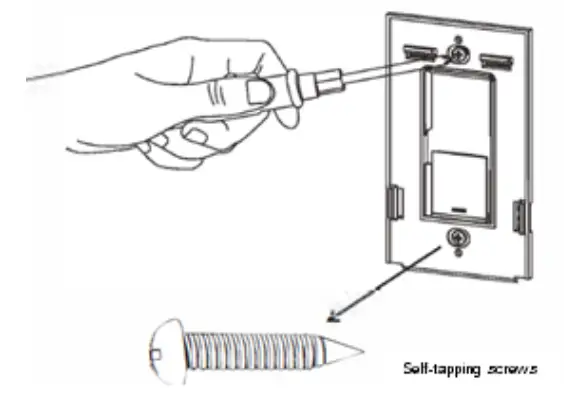
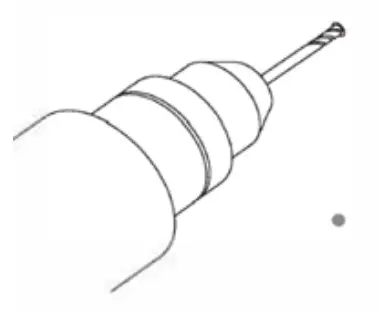 Step 4: Attach the bracket with the supplied self-tapping screws.
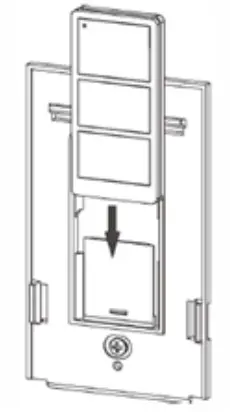
 Step 5: Slide remote controller into the bracket.
 Step 6: Attach the wall plate.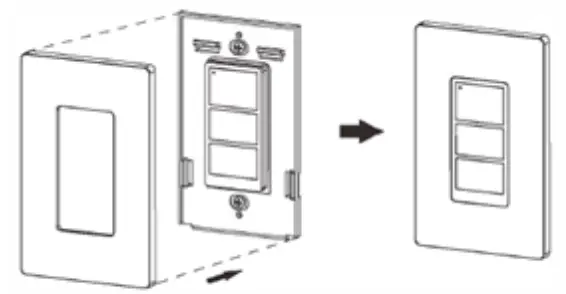
Download the EarthConnect App https://qrco.de/bdoXW5
 Download the app instructions
 https://qrco.de/bdsozr
LEARN MORE: EarthConnect
www.earthtronics.com/earthconnect
EarthTronics, Inc.
Norton Shores, MI 49441
www.earthtronics.com
Email: [email protected]
Toll Free: 866.632.7840
Rev. 4.26.23 | EC11808
 EarthTronics is an LED lighting product manufacturer and supplier