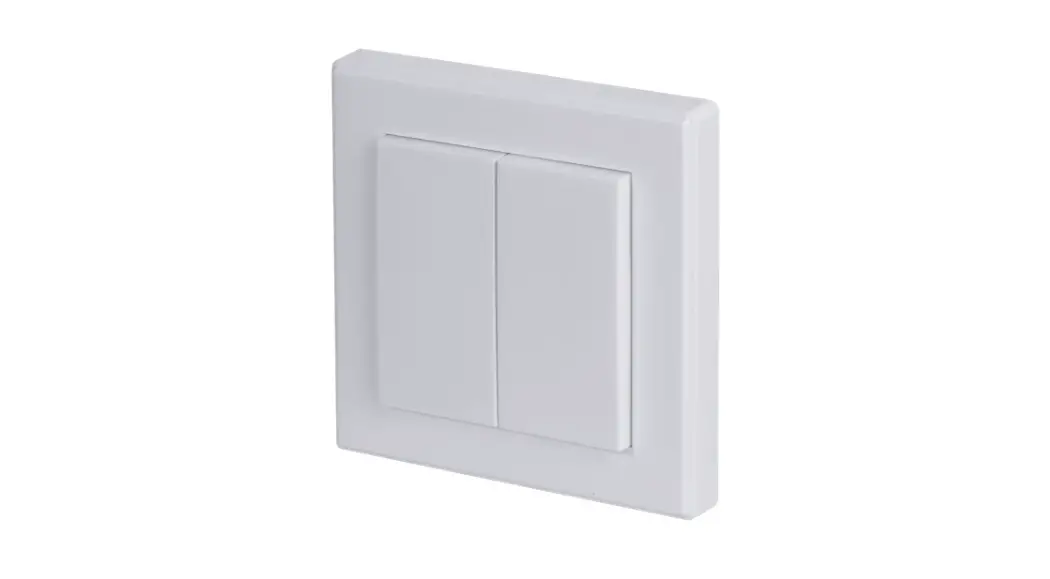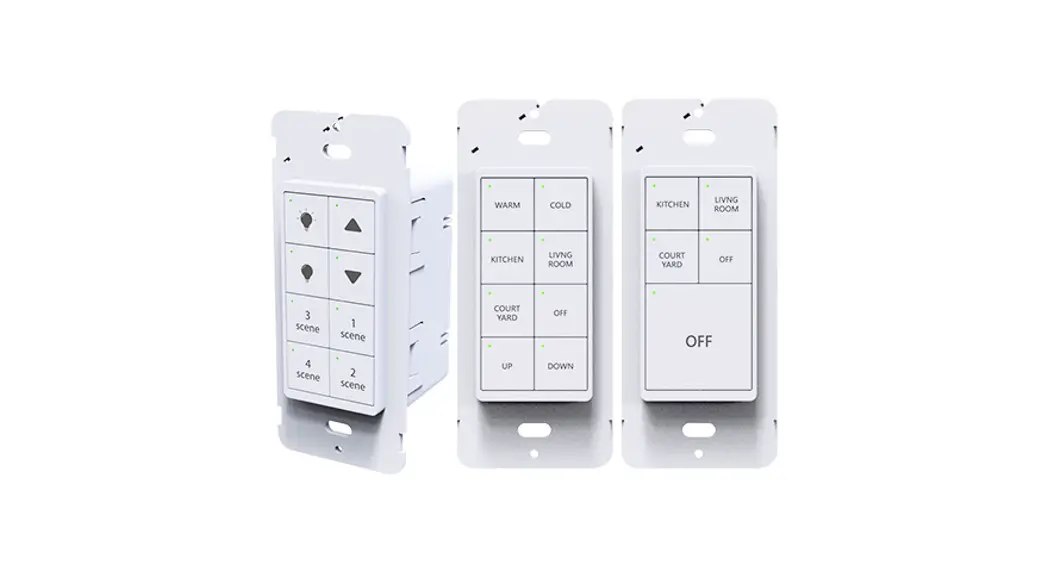

Wall-mount Non-Neutral Switch Manual
Standard and Non-Neutral Available
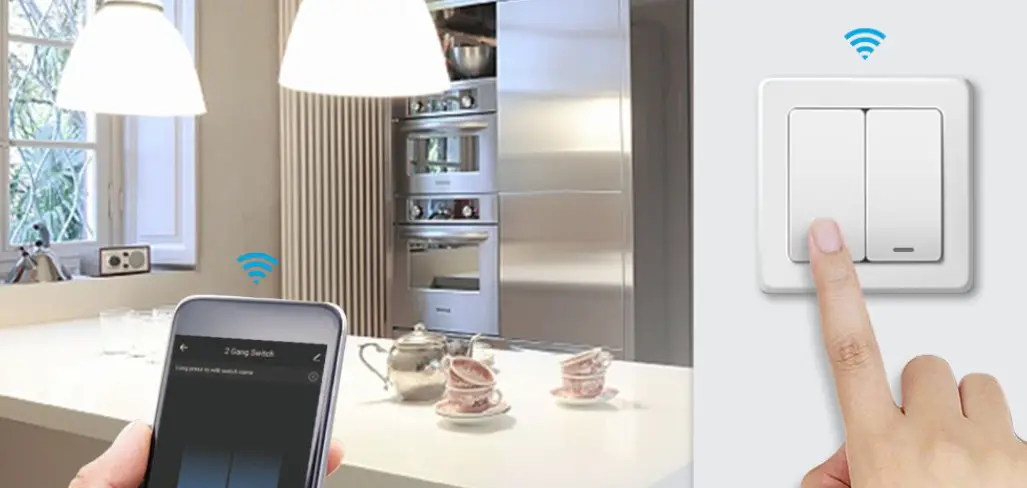
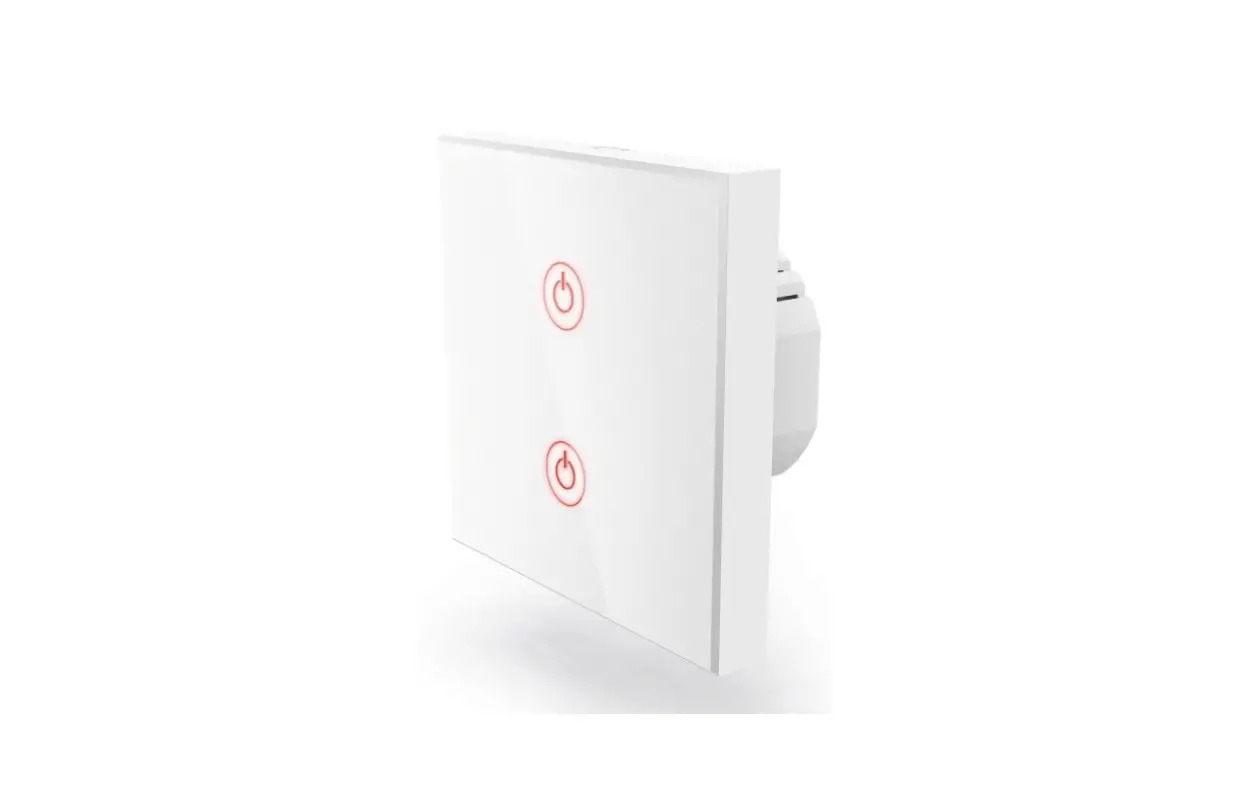
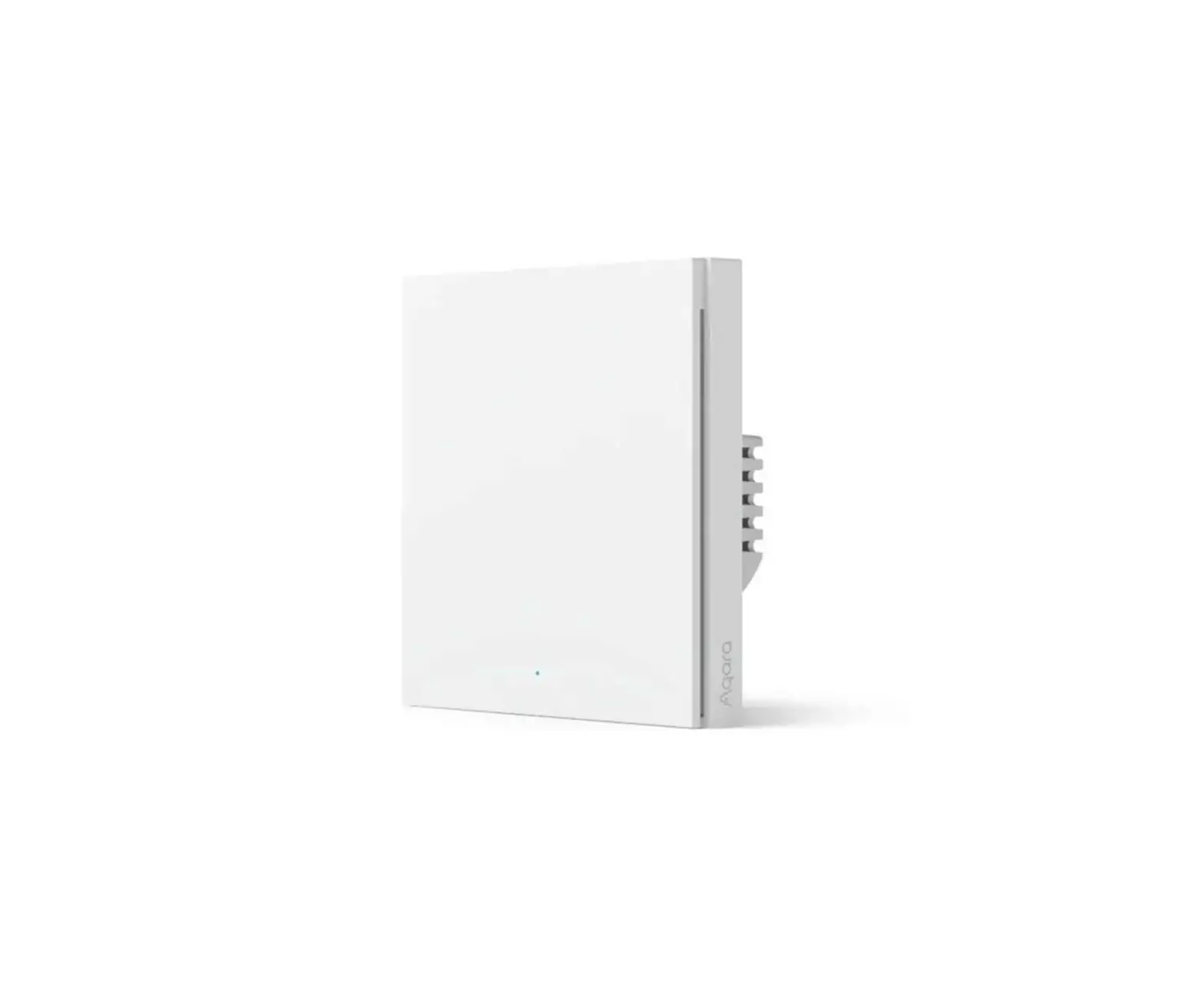
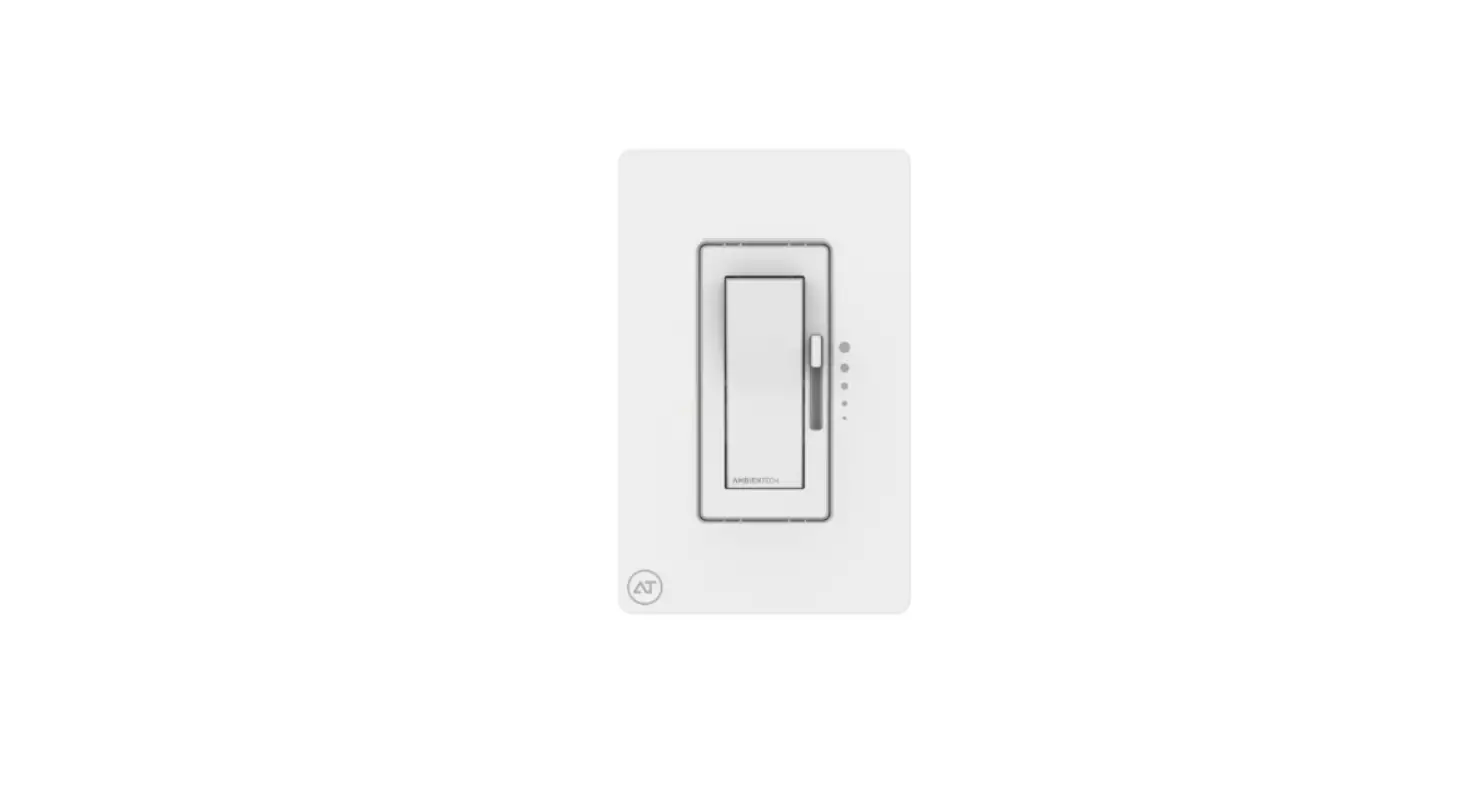
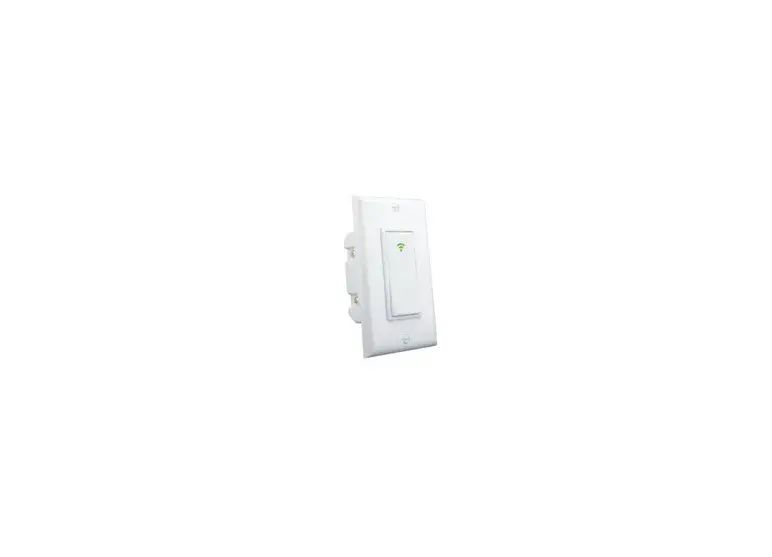
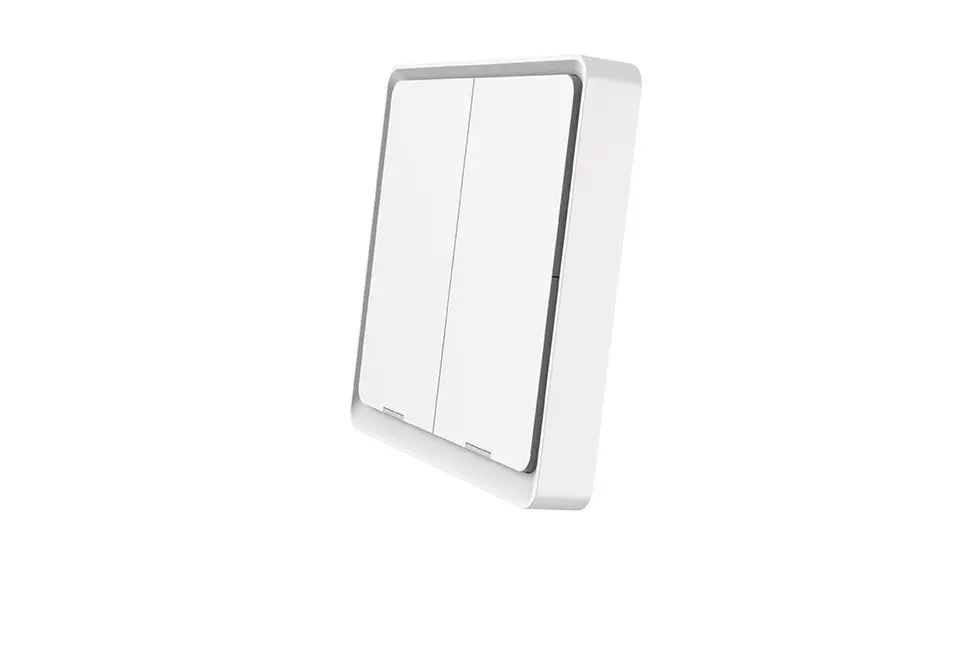
The ATOM Wireless Wall-mount Switch is designed to replace traditional in-wall switch with modern wireless technologies. It is capable of providing multi-functions and allow wirelessly control lighting devices in various platforms. This is a must have components to excel user experiences in the wireless environment.
KEY FEATURES:
- Best low power load support, no bypass part or low power light adapter required
- Default local circuit operate and do not require system control
- 20dBm 2.4G for long range communication
- Power failure memory to return to its previous set level prior to the interruption of power
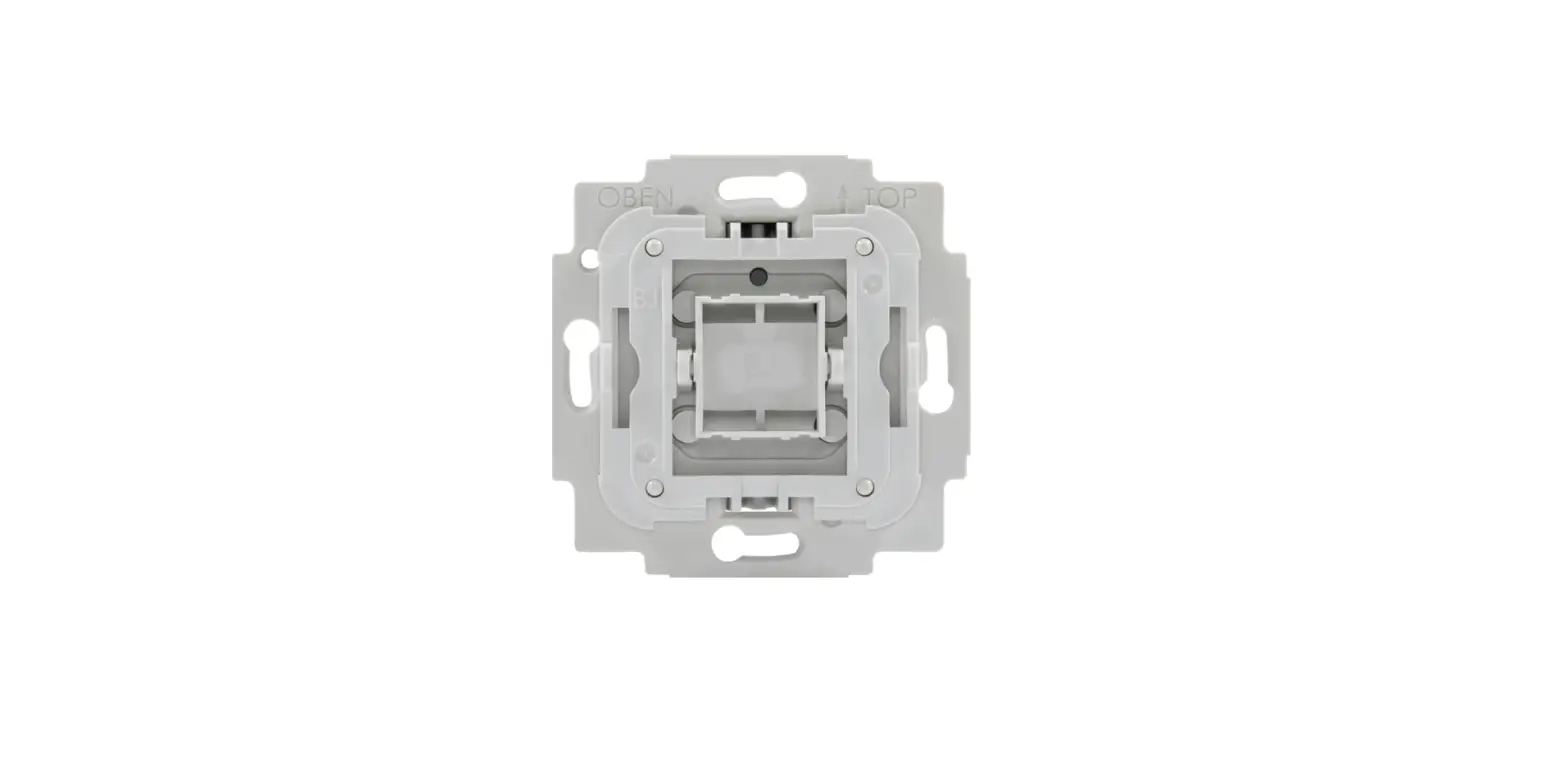
- Compatible to designer style wall-plates or standard off-the-shelve wall plates
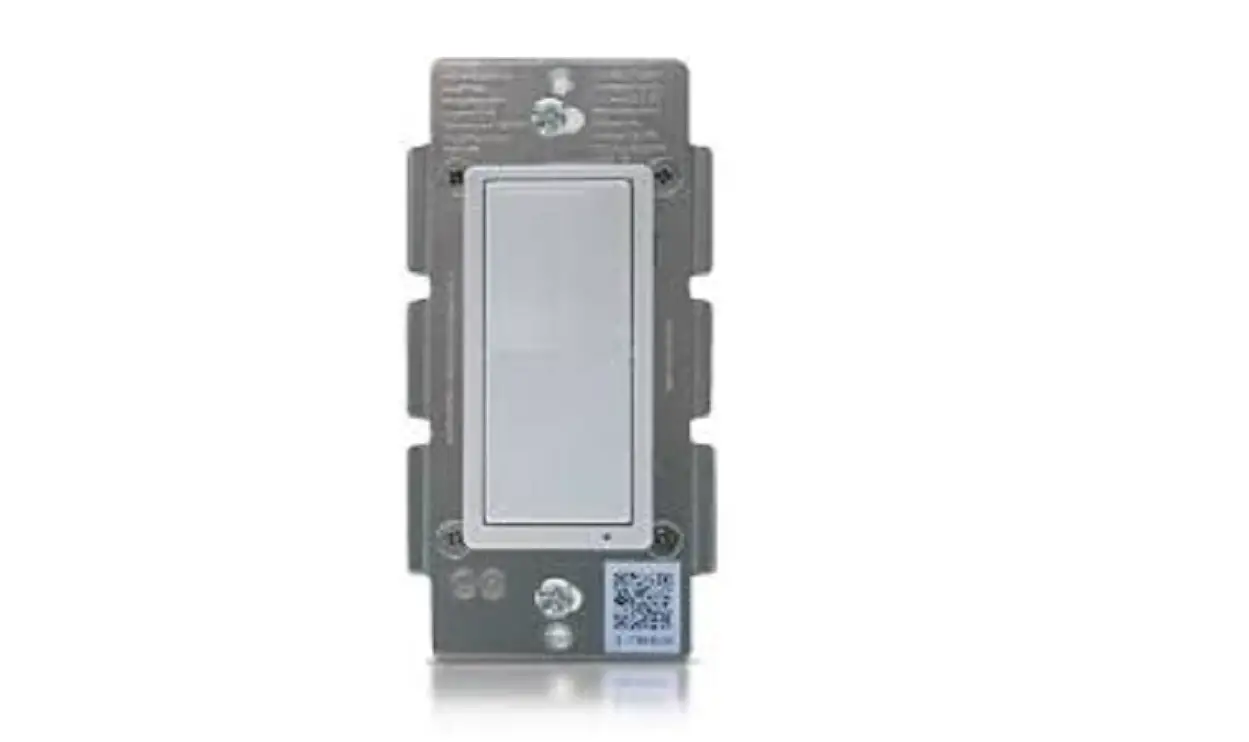
- Fit in 1-gang U.S. wall-box ; 2 1/2″ minimum depth recommended
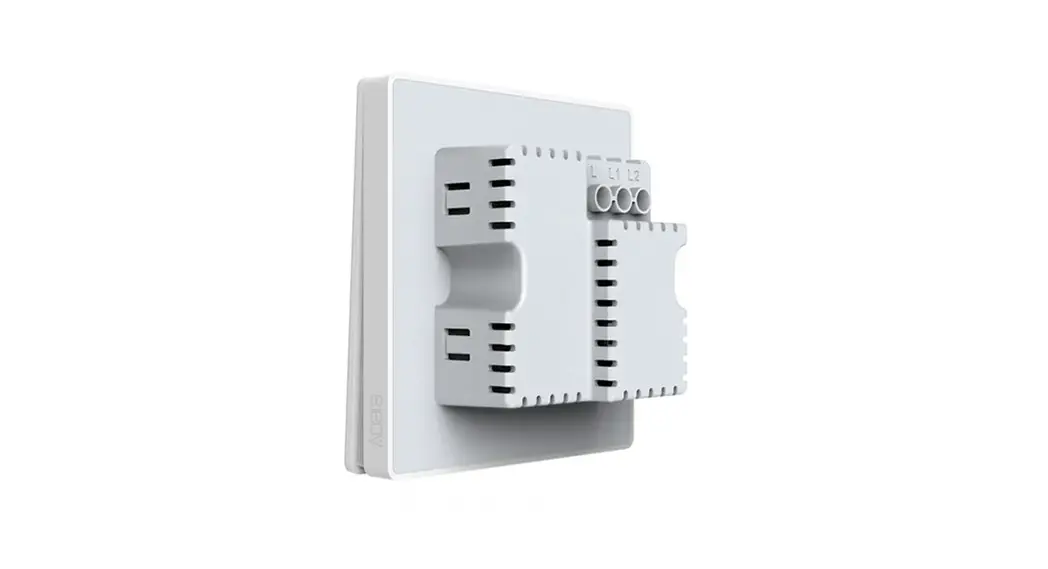
- Non-neutral design make installation easier (ZigBee only)
- Available color – White
SPECIFICATION:
| Compatibility | ZigBee Pro ; BT 5.0 |
| Input: | 110 ~ 277VAC/47-63Hz |
| Relay switching Capability | 5A/120VAC; 3A/277VAC |
| Operating Environment | 0 – 50 Deg. C |
| Radio Properties | 2.4GHz; 20dBm transfer power |
| Internal Antenna | Built-in |
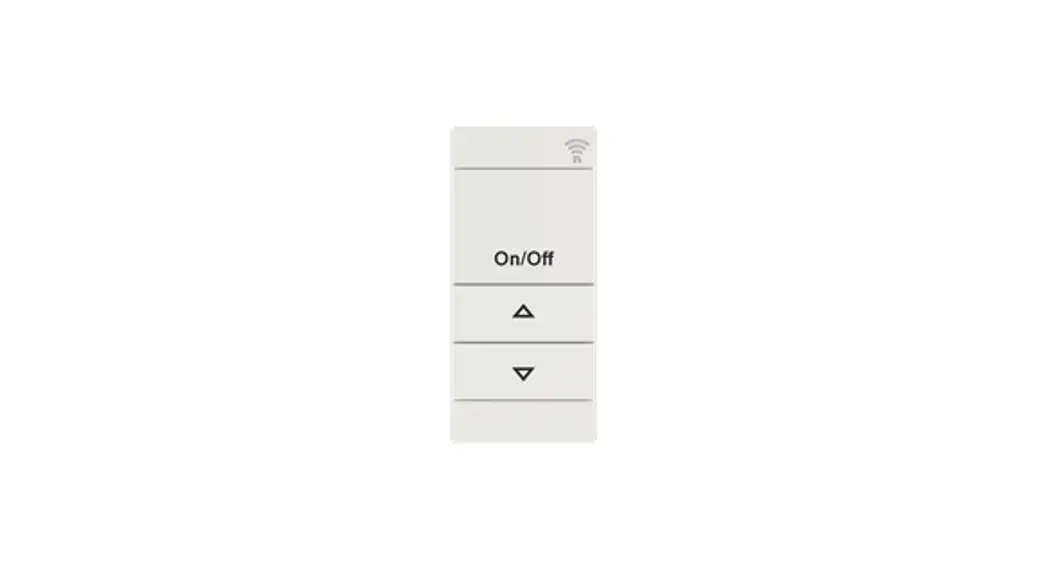
| Controls | 2 to 8 buttons for on/off; dim; scene selection |
| Dimensions | 44.40 x 33.20 x 105mm (L x W x H) |
| Warranty | 5 Year |
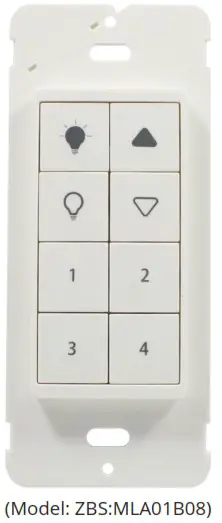
 | Short press: Sends “ON” instruction to lights that are bound to this switch and also controls its local Relay to ON position. |
 | Press: Send “Step Up” (with On/Off), and then send “Stop” as soon as released. |
 | Short press: Send “Recall scene (scene ID=1)” |
 | Short press: Send “Recall scene (scene ID=3)” |
 | Short press: Sends “OFF” instruction to lights that are bound to this switch and also controls its local Relay to OFF position. |
 | Press: Send “Step Down” (with On/Off), and then send “Stop” as soon as released. |
 | Short press: Send “Recall scene (scene ID=2)” |
 | Short press: Send “Recall scene (scene ID=4)” |
 Long press (6 seconds or longer) simultaneously until all button indicators are lit, then release the buttons. All button indicators will blink in 1 second interval if factory reset successfully.
LED Indicators Status and Sleep/ Wakeup Intervals
| Switch not commissioned | 1. All 8 buttons will blink in 1 second interval when in non-commissioned state. 2. If its local Relay is ON, it stays awake and searches for network for 16 seconds, and then goes to sleep for 20 seconds. Repeats this iteration until commissioned. 3. If its local Relay is OFF, it stays awake and searches for network for 16 seconds, and then goes to sleep for 20 seconds. Repeats this iteration for only 15 minutes and then goes to deep sleep, waiting for a manual press to be woken up. |
| Switch commissioned | 1. After it joins a network, only the pressed button will be lit. 2. Upon powered on, all 8 buttons blinks for 3 seconds and then off. |
WIRING DIAGRAMS
Typical Non-Neutral wiring diagram
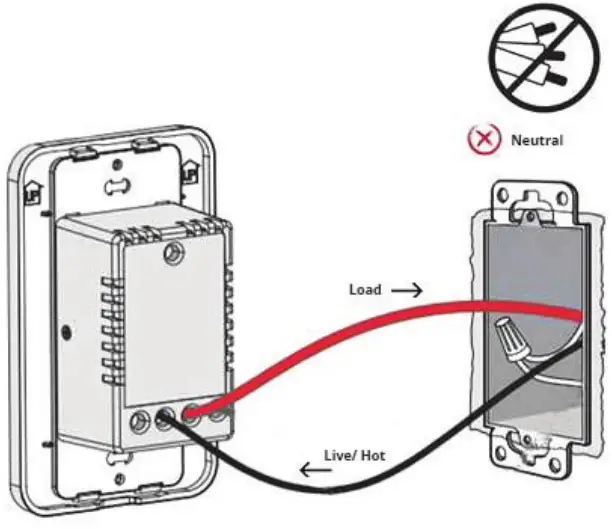
Typical Installation
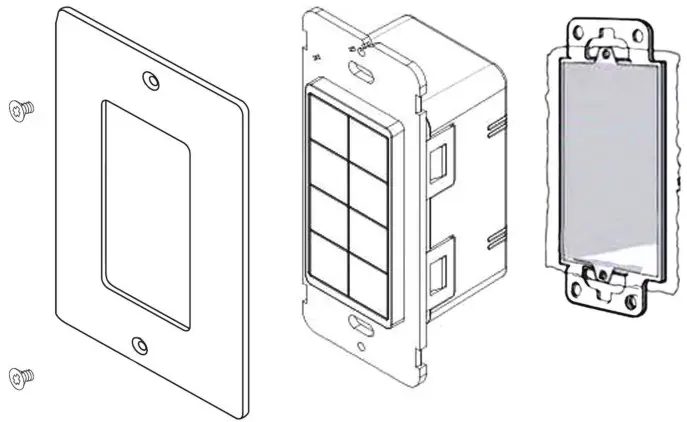
Note: Faceplate not included.
MAGTECH INDUSTRIES CORP.
5625 South Arville St. Suite A Las Vegas NV, 89129 | Tel +1 702-364-9998 | [email protected] | www.magtechind.com
 Magtech Industries