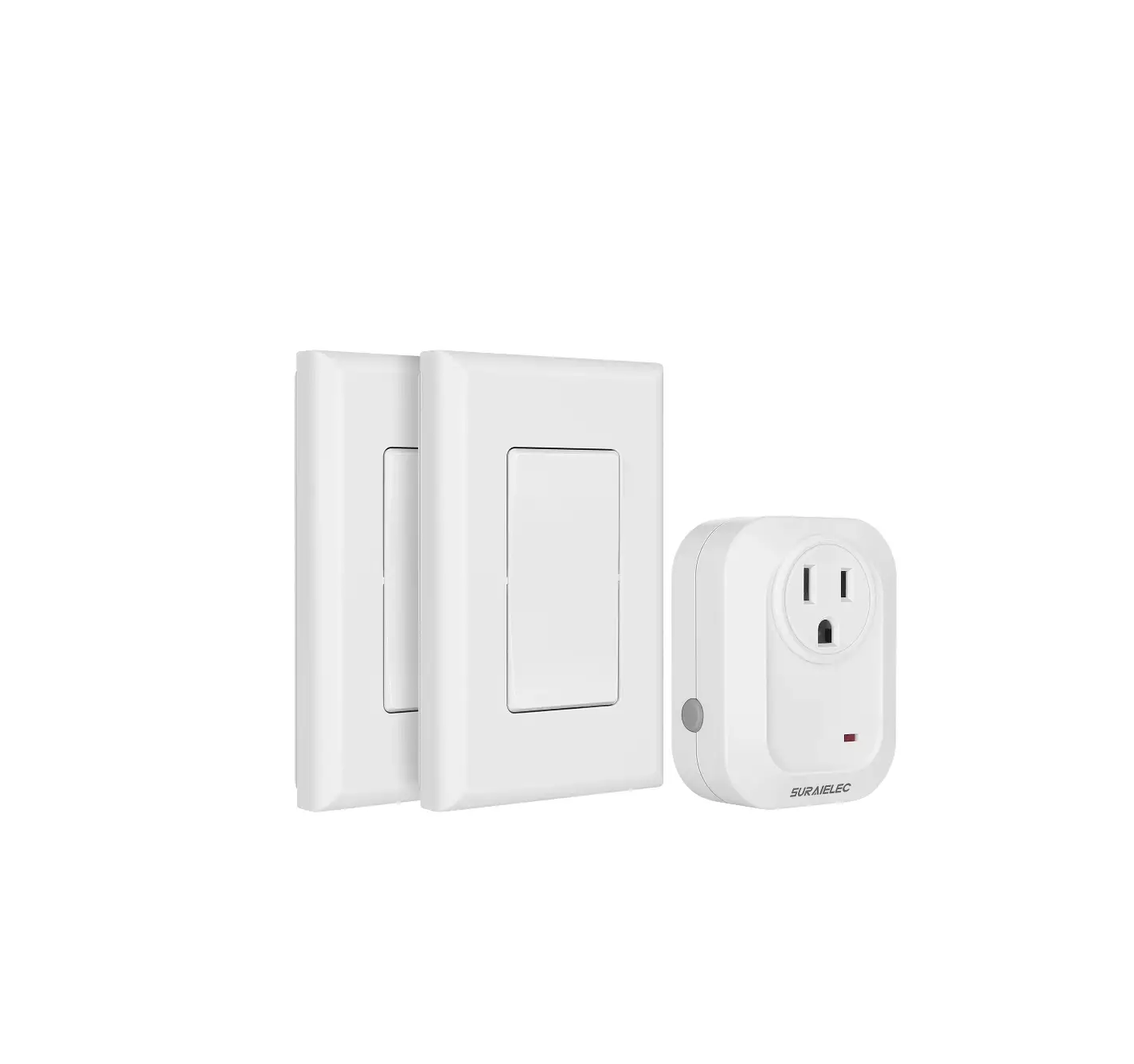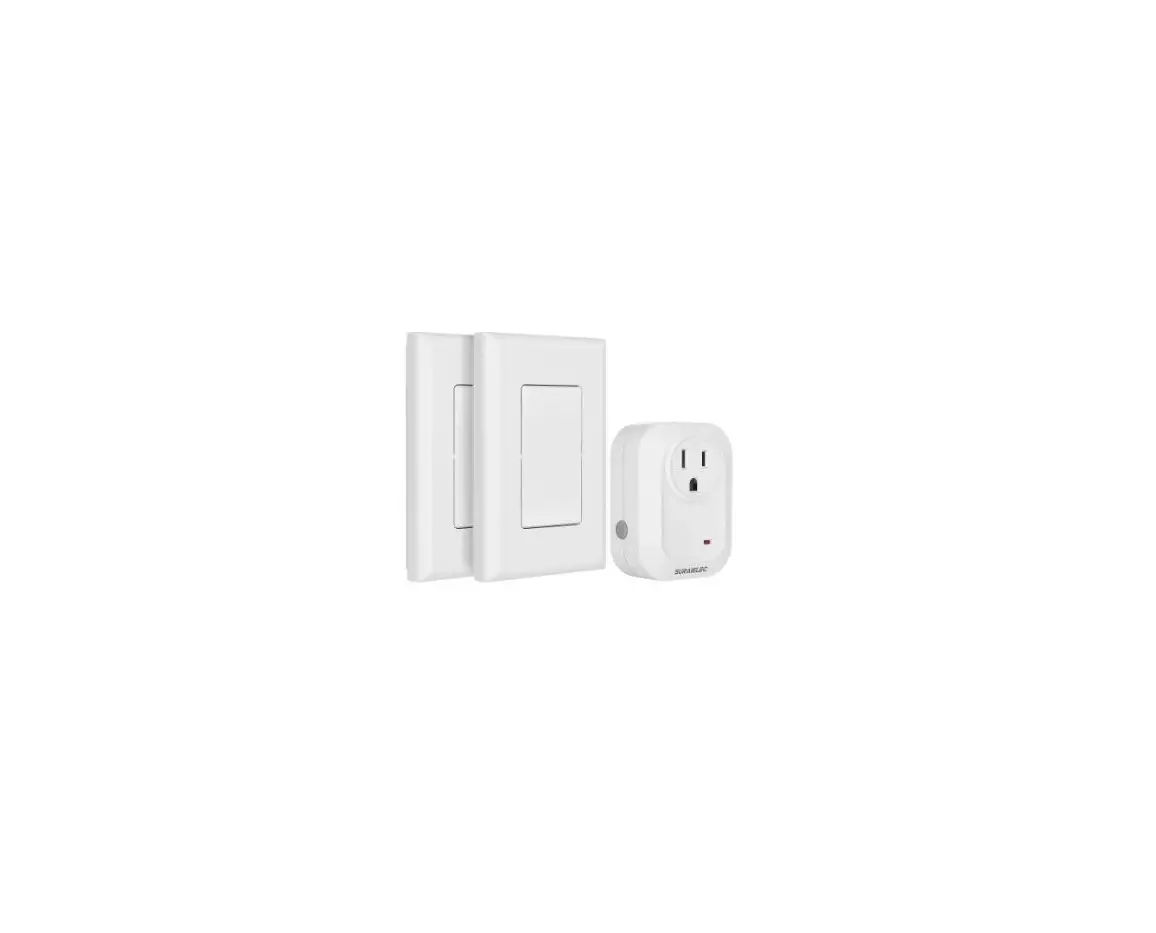

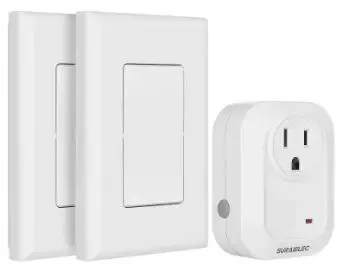
SURAIELEC URSW21B Wireless Wall Switch Outlet
If you have any problems or questions, please contact our Consumer Care by the Email: [email protected]
Warning: To reduce the risk of fire, electric shock or personal injury, please strictly follow the instructions.
- Do not connect any devices that may exceed the performance limits of the outlets.
- For indoor use only.
- Do not disassemble or repair the product, but only by authorized service personnel.
- To prevent children from suffocation and chocking, keep them away from packing materials.
- Do not dispose any part of this product in a fire.
- Avoid exposure to high-temperature sources, direct sunlight, or exposure to moisture.
- If the remote is not in use for an extended period of time, remove battery.
- Any questions, please contact us firstly by E-mail: [email protected]
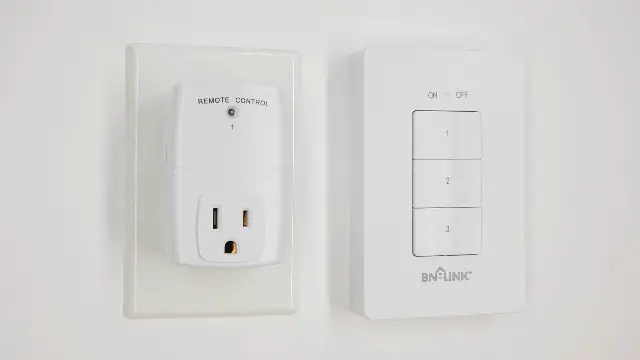
Product Layout
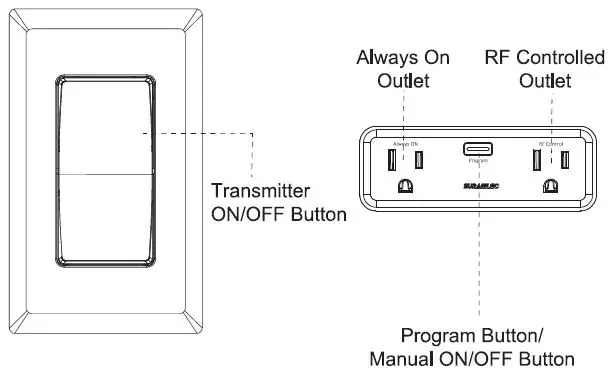
Operating
- Plug the receiver into a powerd wall outlet.

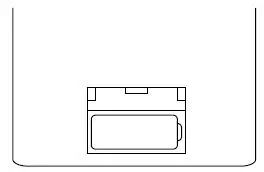
- Remove the isolaiton tab in the battery compartment of the transmitter.

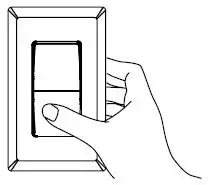
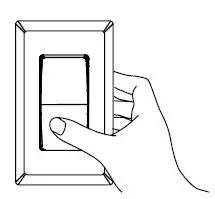
- Press the ON or OFF buttom on the transmitter will turn on or off the corresponding accordingly.

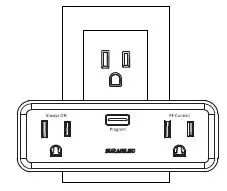
Note:
The receiver will remain “OFF” after a power cut to save energy.
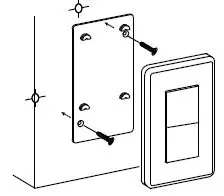
Transmitter lnstalltion
Handheld or wall mount
Reset an Outlet
To remove an outlet from all remote control pairings means that the outlet can’t be controlled by any transmitter.
- Unplug the receiver from the wall outlet.
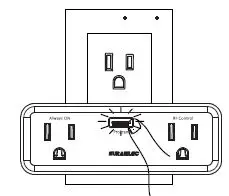
- Press and hold the program button on the receiver.
- Plug the receiver into the wall outlet again while continuing to hold the program button for approximately 5 seconds until the indicator light begins to flash.
- Pregram rest is successful when the indicator light stop blinking.
Programming
The transmitter and receiver outlet have been pre-paired for immediate use, if you want to customize the configuration to meet your needs, to program a transmitter and receiver, please follow the steps below:
- Cancel the programming referring to the above “Reset an Outlet” section firstly.
- Press and hold the programming button until the indicator light starts to blink.

- Release program button, press ON or OFF button on the transmitter

- Paring is successful when the indicator light stops blinking.
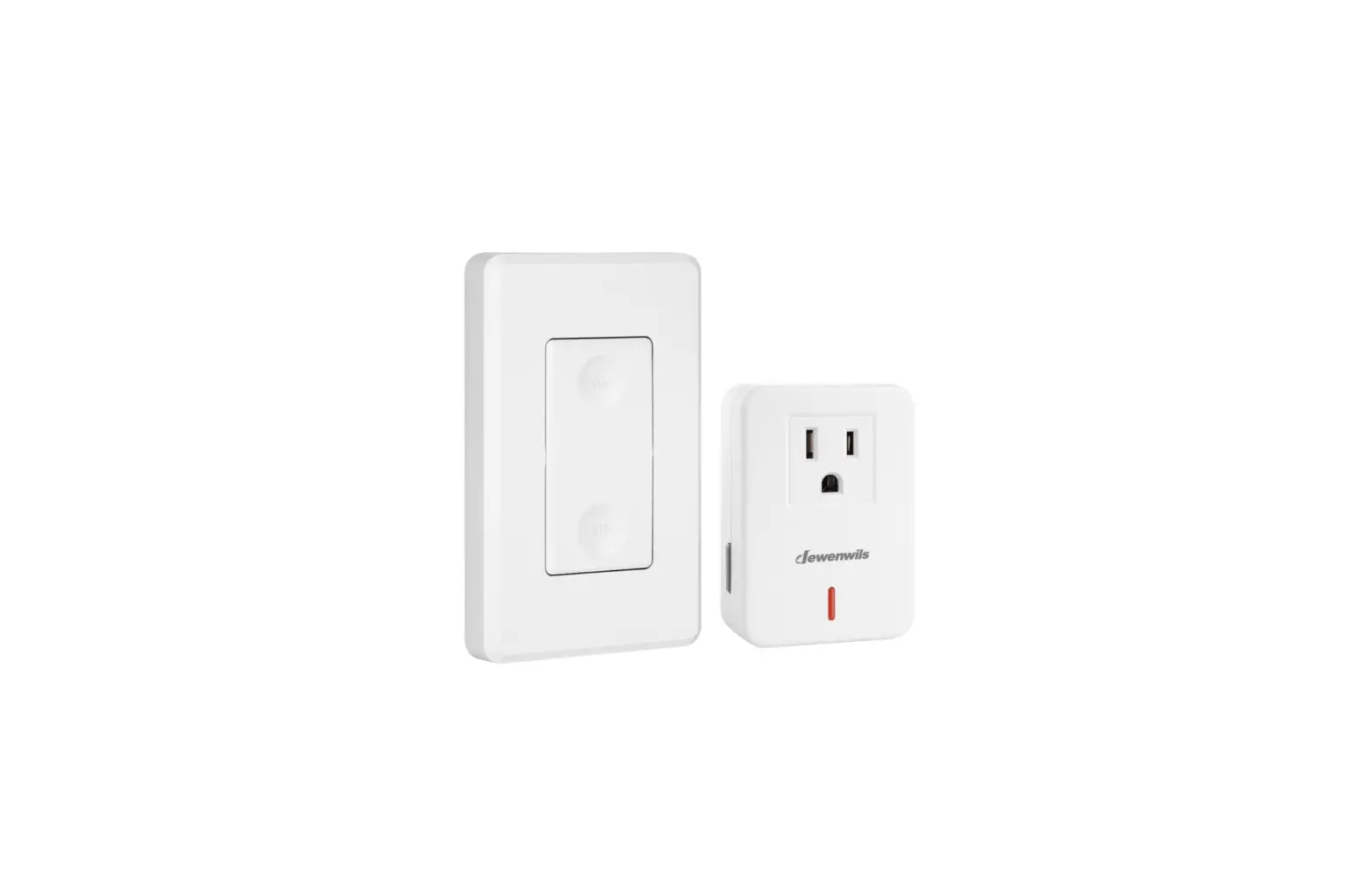
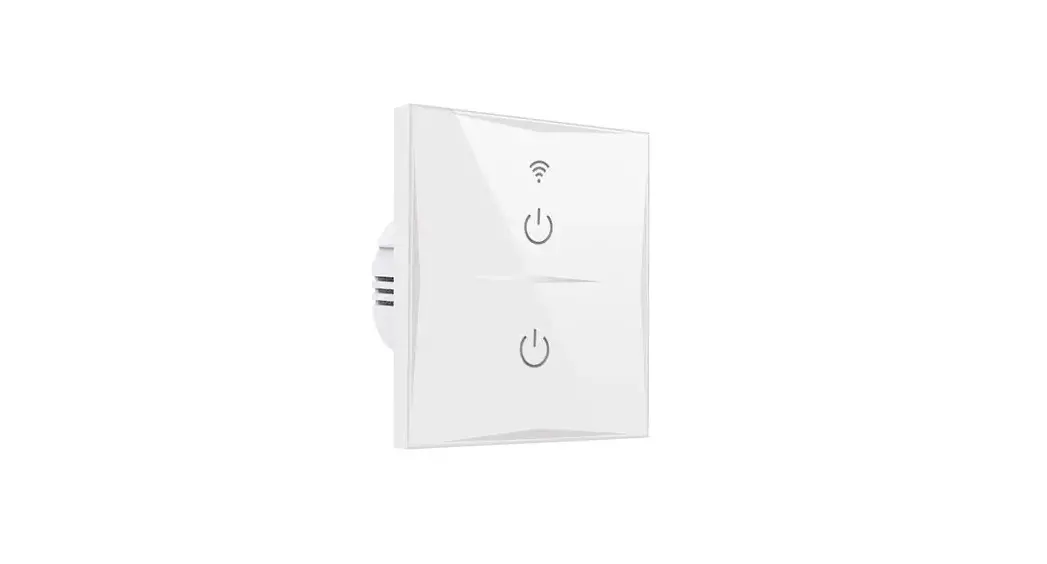
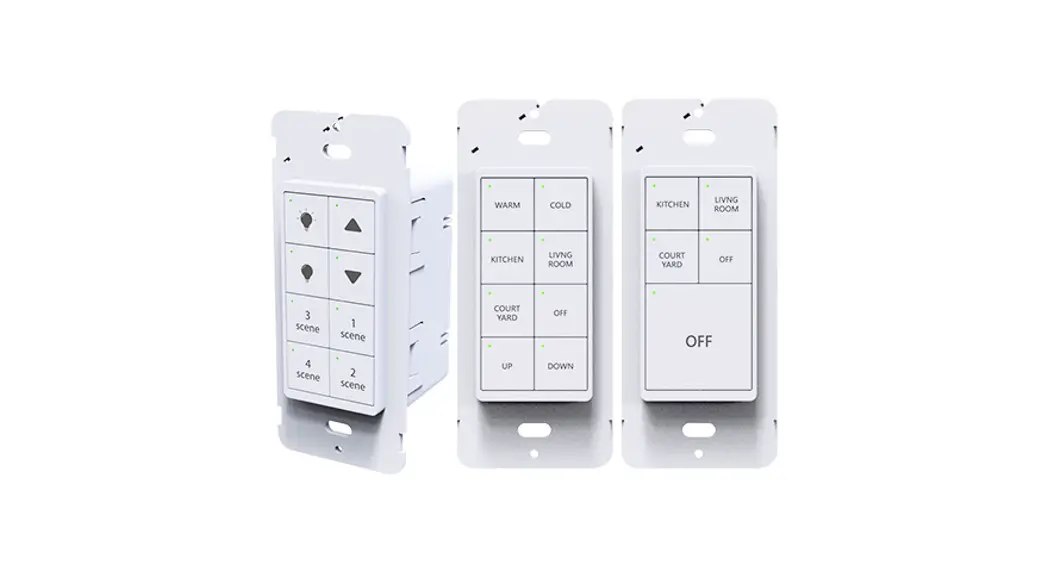
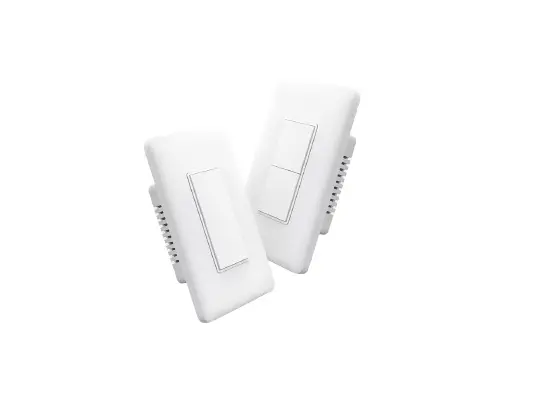
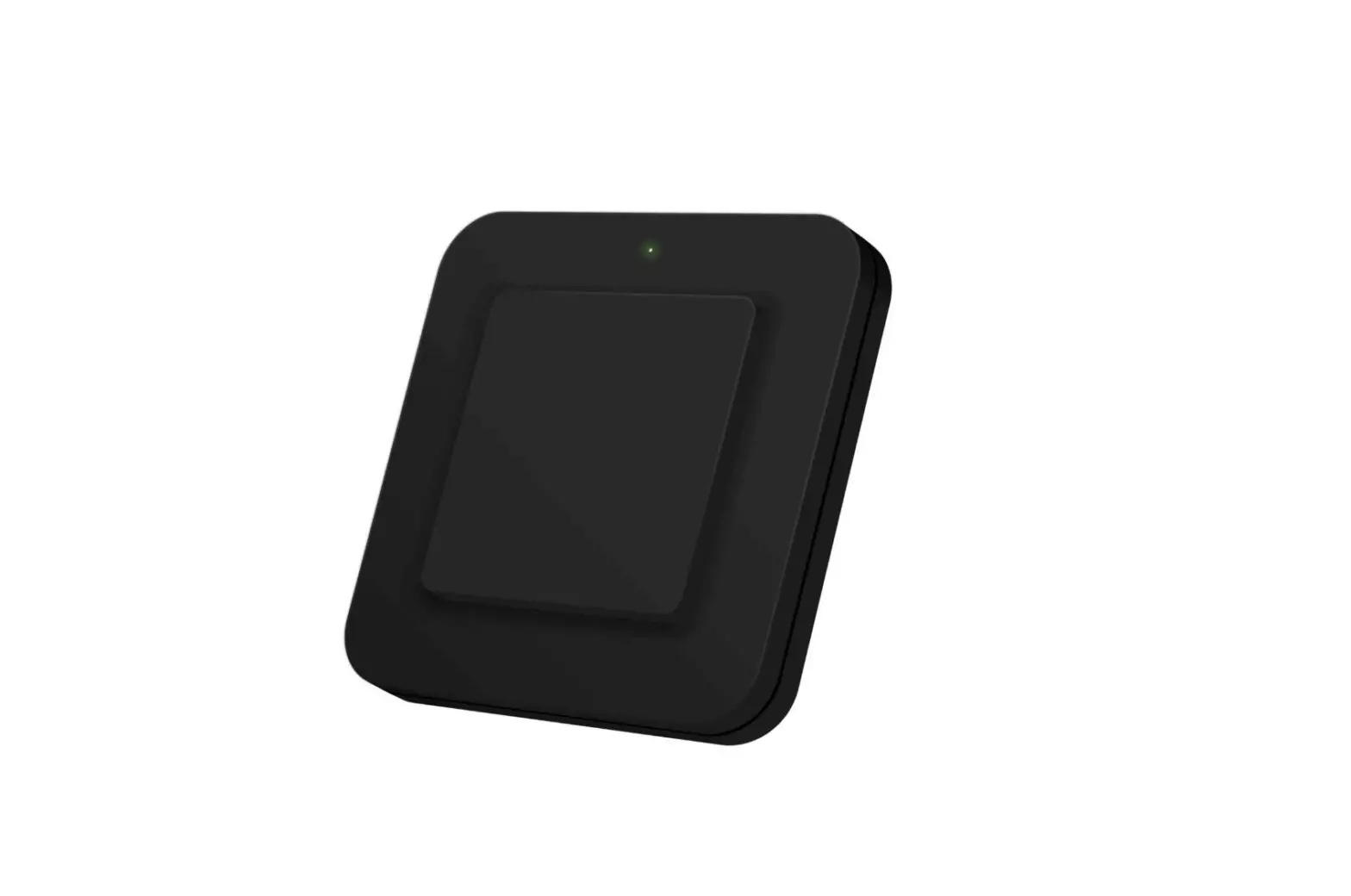
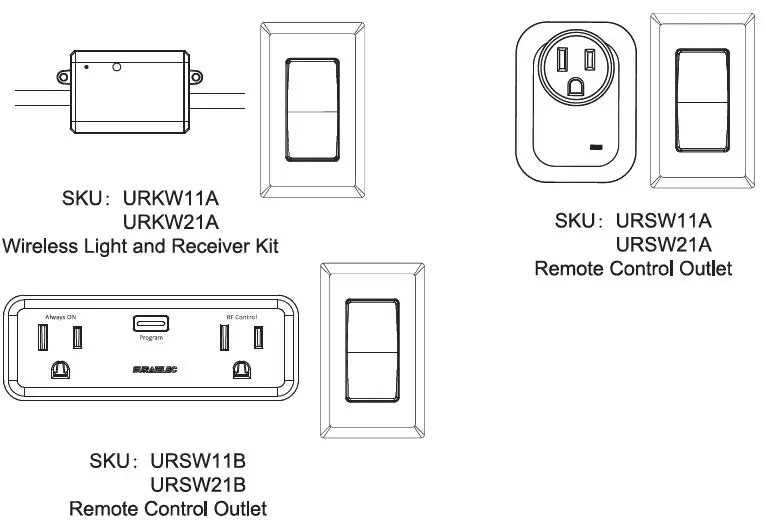
Suraielec Remote Series Product
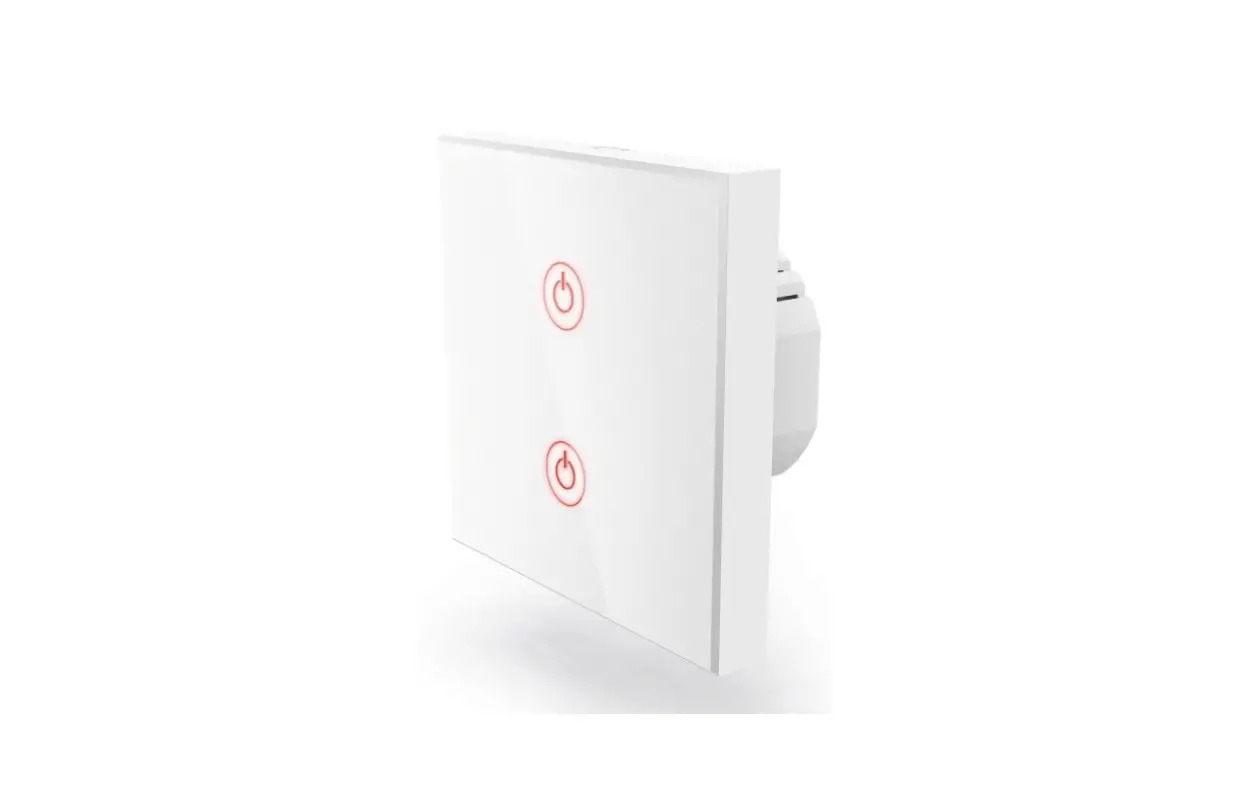
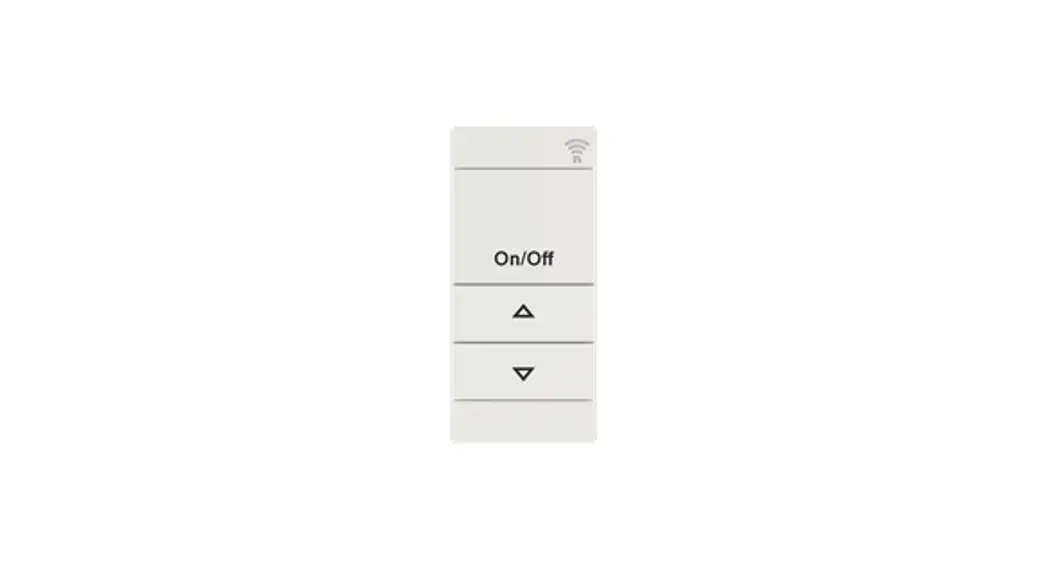
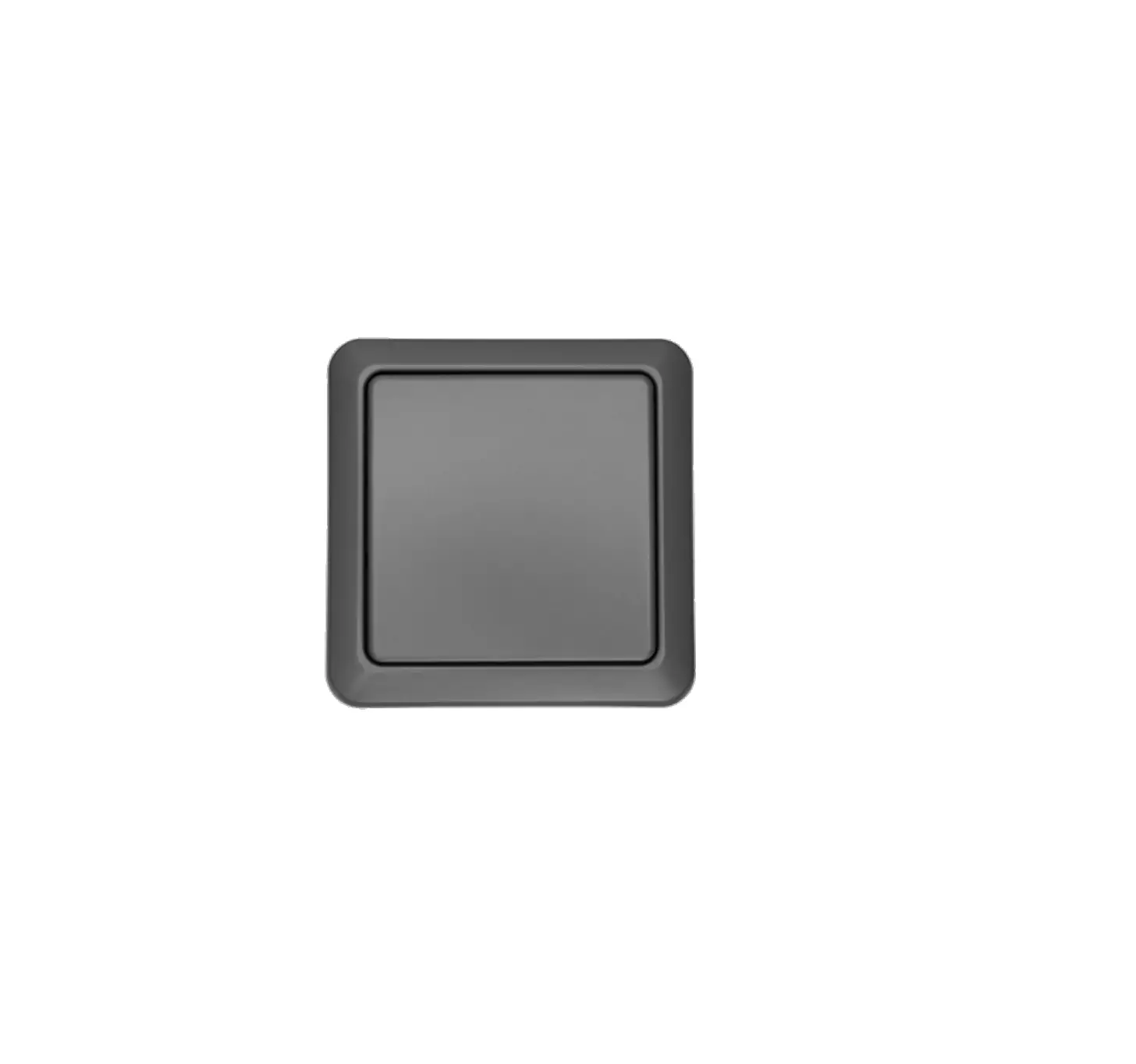
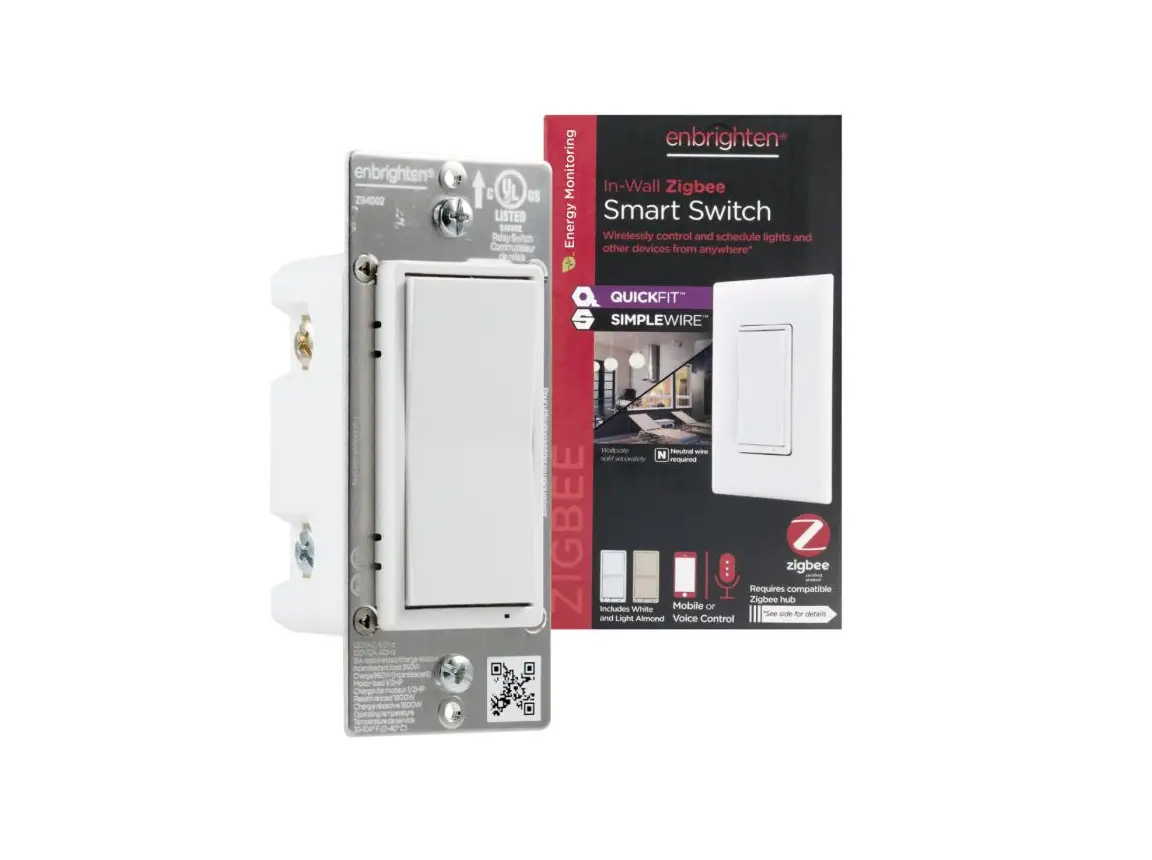
To meet your different needs, Suraielec provides a series of remote products. All of these products can be paired with each other freely.
Specifications
- Power Supply: 125VAC/ 60Hz
- Max. Rating: 15A/1875W(Resistive)
1 0A/1250W(Tungsten) - Remote Range: 100ft (Free Area)
- Frequency: 433.92MHz
- Battery: 12V 23A(lncluded)
Package Includes
URSW11B
- Outlet Receiver x 1
- Remote Transmitter x 1
- Mount Screwsx 1 set
- Instruction Manual x 1
URSW21B
- Outlet Receiver x 1
- Remote Transmitter x 2
- Mount Screwsx 2 set
- Instruction Manual x 1
One Year Limited Warranty
Suraielec warrants this product to be free from defects in material and workmanship for a period of one year from the date of purchase. Warranty is void if damage is caused by misuse or improper installation. Email: [email protected]
Our dedicated customer service team will get back to you within 24 hours.
This device complies with part 15 of the FCC rules.
lntertek
CONFORMS TO UL STD 61058-1 AND 498A CERTIFIED TO CSA STD.C 22.2 # 61058-1 AND 42