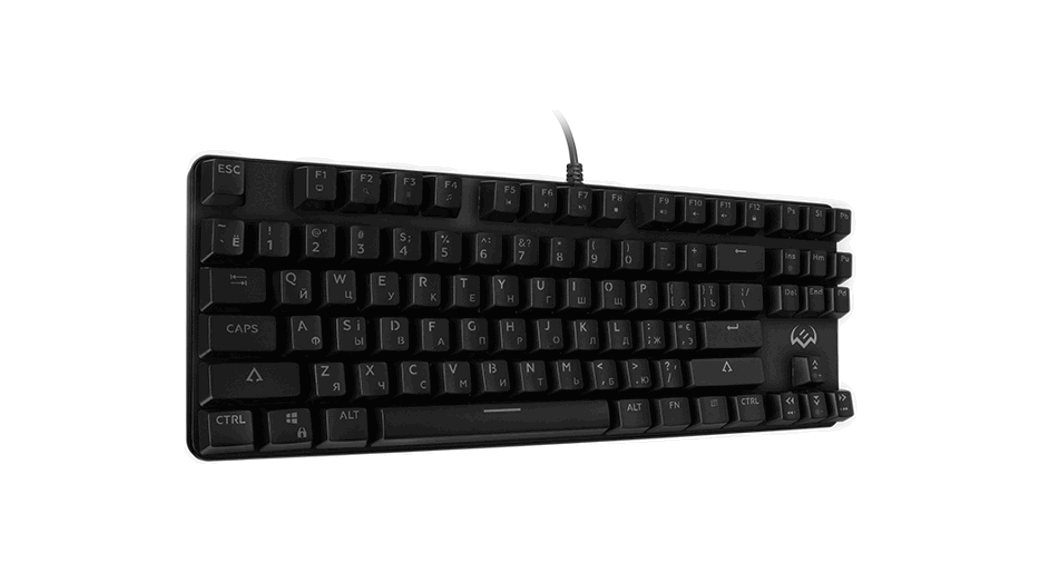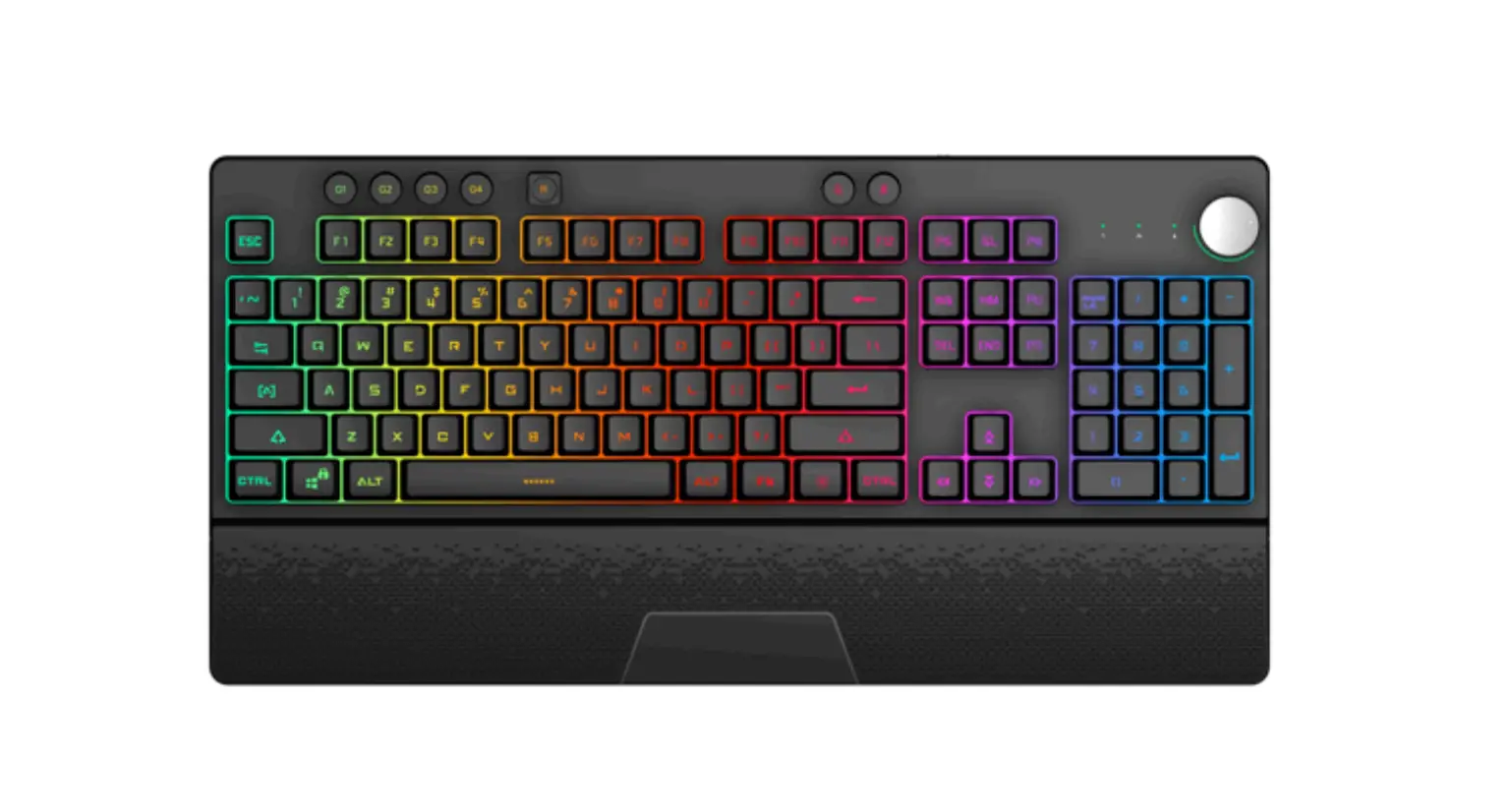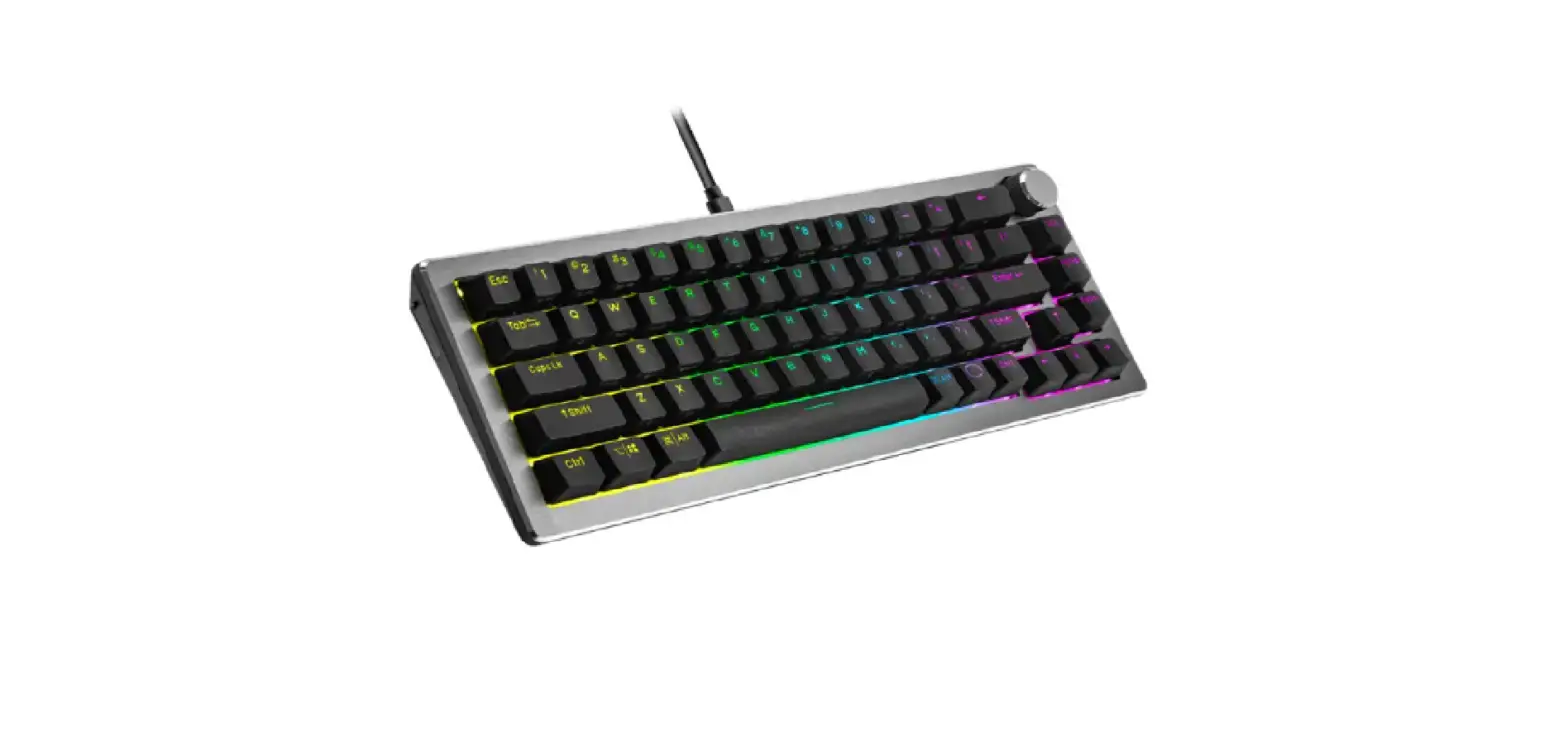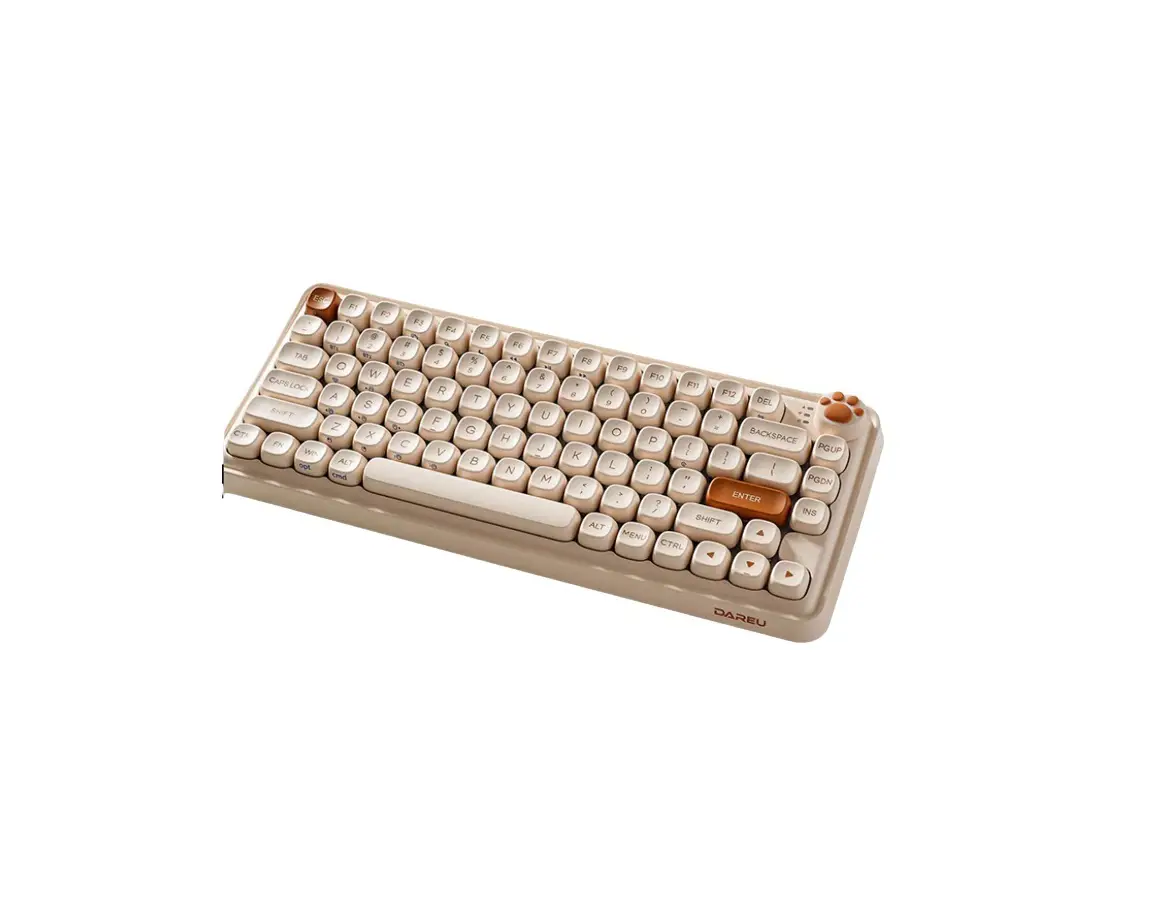

User Manual
LORI-LR68
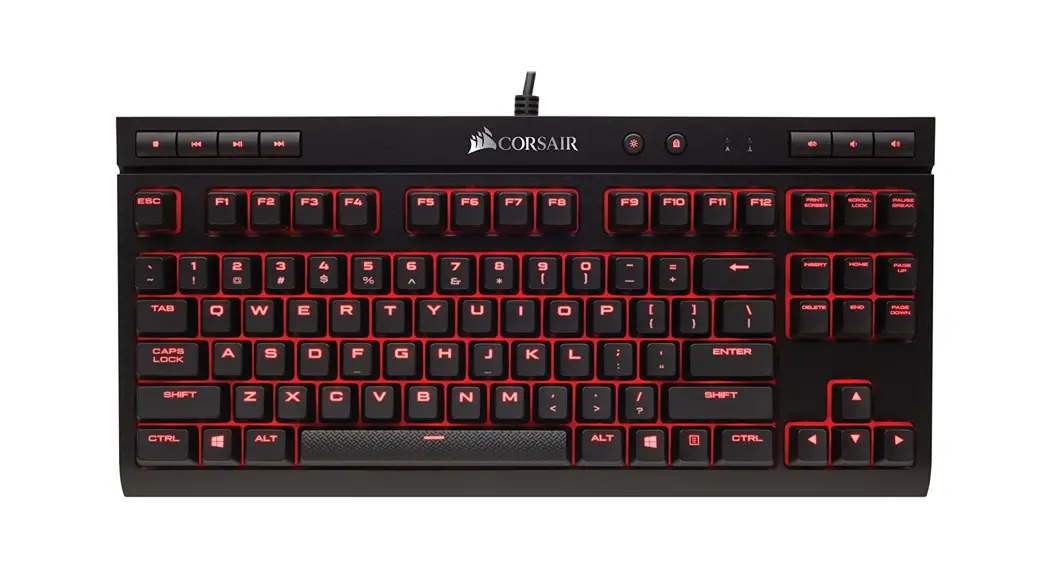
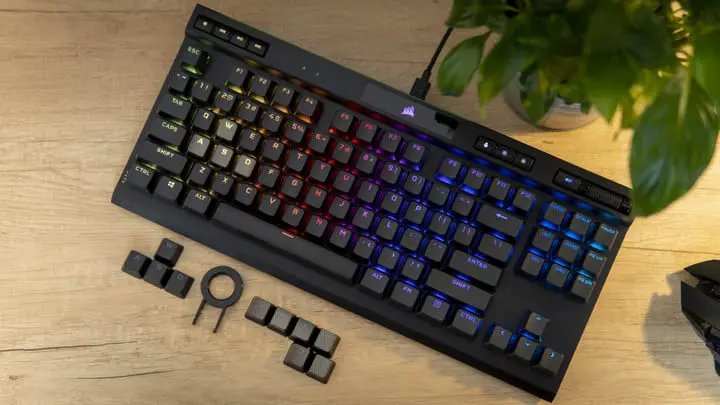
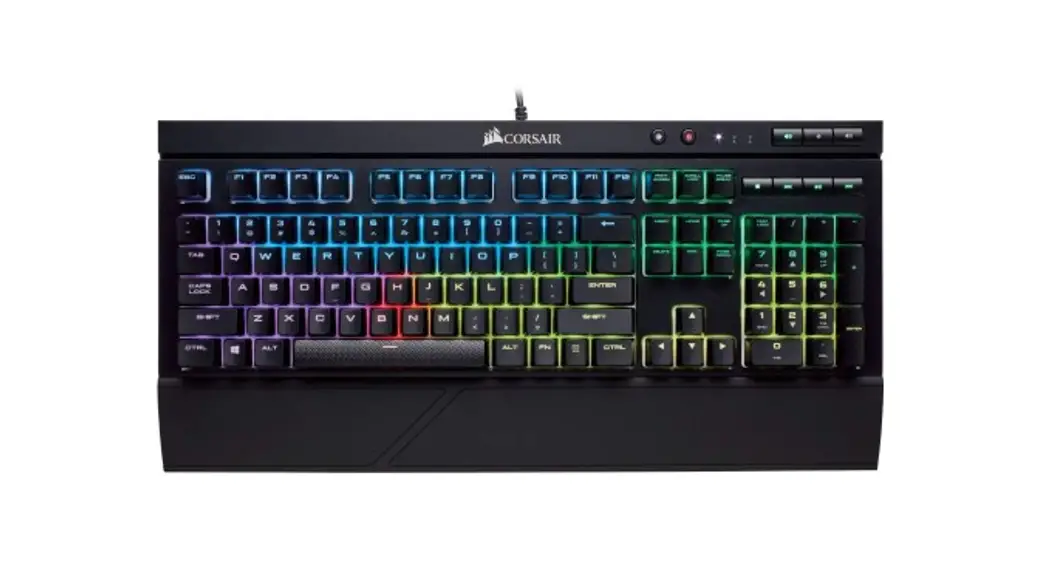
LR68 Gaming Keyboard
Characteristics
| Brand | LORICK |
| Product model | LR68 |
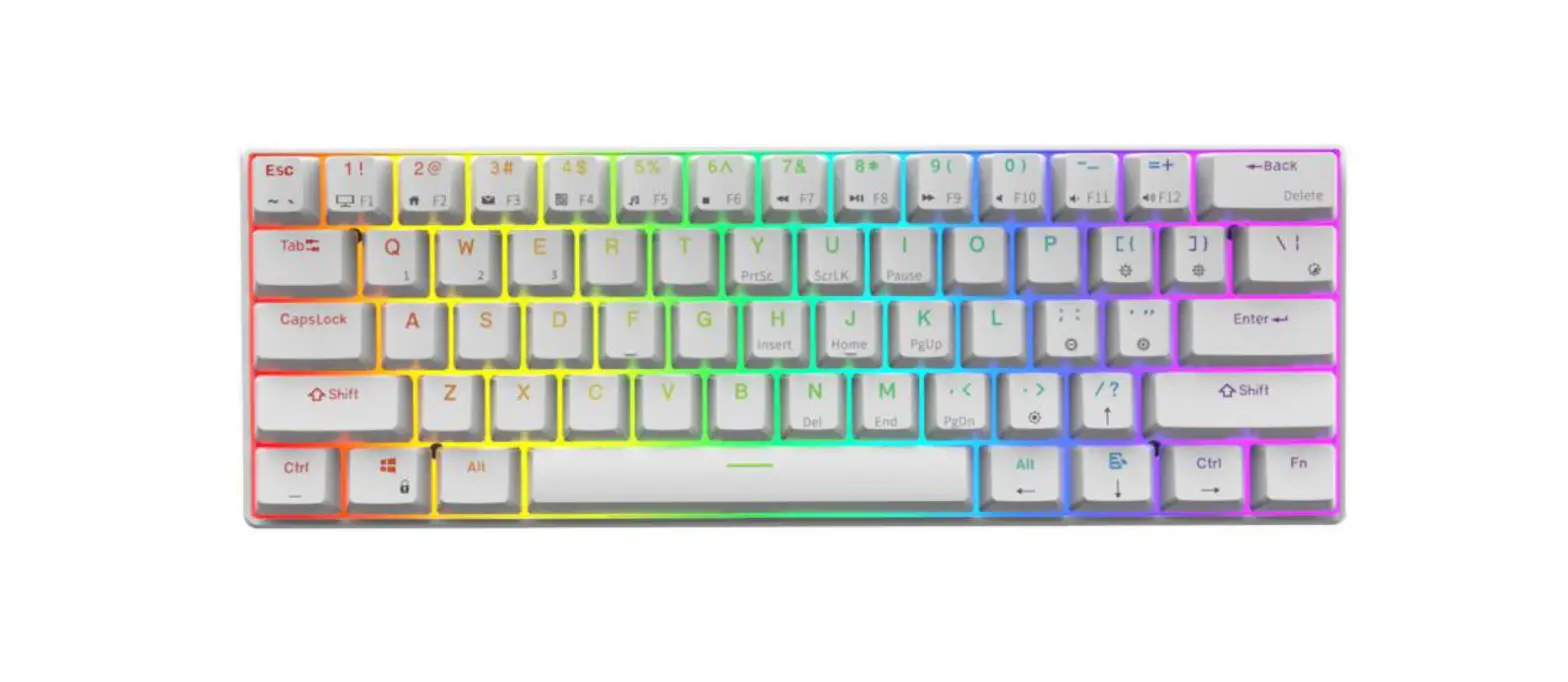
| Layout | 68 keys |
| Interface type | Type-C |
| Connection mode | Bluetooth, cable, and 2.4GHz |
| Keycap | PBT |
| Switch | Gateron |
| Battery capacity | 2200mAh |
| Support system | Window XP/ 7/ 8/10/Vista |
| Hot-swappable | Supports 3-pin and 5-pin general Hot-swappable |
| Product dimension | 325*113*45mm |
Connection mode
| Cable mode | On the top side of the keyboard, slide the switch to switch to USB. Plug the USB line to be able to use the cable mode. |
| Bluetooth mode | On the top side of the keyboard, slide the switch to switch to Bluetooth. The keyboard supports the control over the storage of 3 sets of Bluetooth devices. By FN+Q, FN+W, and FN+E, select the call among three sets of successfully paired Bluetooth devices. After FN+Q is pressed, switch to Device 1. The indicator flashes in green once, which indicates switching. After FN+Q is pressed for 2 seconds, code matching is performed, and the indicator flashes fast in green. After FN + W combination is pressed, it switches to Device 2, and the indicator flashes once to indicate switching. After FN + W is pressed for 2 seconds, the code will be checked, and the indicator light will flash in blue. After FN + E is pressed, it switches to Device 3, and the indicator flashes once to indicate switching. After FN + E is pressed for 2s, code matching is performed, and the indicator flashes in red. Bluetooth code name: LR68 5.0 |
| 2.4G | Slide the switch on the top side of the keyboard to switch 2.4G. Long press the FN + P key and the indicator flashes in pink to enter pairing. Plug in the receiver to pair. After pairing, the pink light will be normally on. |
Description of FN+ multi-functional keys
| FN+Space | Reset | Long press for 4s, and the keyboard restores to factory setting to clear all settings. |
| FN+Q | Bluetooth code matching and device switching | After the combination is pressed, switch to device 1, and the indicator flashes once in green to indicate switching. After the combination is pressed for 2S, code matching is performed, and the indicator flashes in green. |
| FN+W | After the combination is pressed, switch to device 2, and the indicator flashes once in green to indicate switching. After the combination is pressed for 2S, code matching is performed, and the indicator flashes in blue. | |
| FN+E | After the combination is pressed, switch to device 3, and the indicator flashes once in green to indicate switching. After the combination is pressed for 2S, code matching is performed, and the indicator flashes in red. | |
| FN+P | 2.4G code matching | Long press the combination key and the indicator flashes in pink to enter pairing. Plug in the receiver to pair. After pairing, the pink light will be normally on. |
| FN+↑ | LED brightness + | Light brightness incremental control with five levels with memory. (When it is up to the limit value, 2 indicators flashes synchronously to give prompts). |
| FN+↓ | LED brightness – | Light brightness decreases control with five levels plus off with memory. (When it is up to the limit value, 2 indicators flashes synchronously to give prompts). |
| FN+→ | Light effect single color switching | Convert a full-color light effect to the monochrome state, and adjust the seven-color cycle, with memory. |
| FN+← | Full-color light effect switching | Convert memory. monochrome light effect to a full-color state, with |
| FN+> | Light effect direction control | |
| FN+< | Light effect direction control |
| FN+] | Light effect speed increases | The light speed is incrementally adjusted, with five levels with memory. (When it is up to the limit value, two indicators flash synchronously to give prompts) |
| FN+[ | Light effect speed decreases | The light speed is decreasingly adjusted, with five levels with memory. (When it is up to the limit value, two indicators flash synchronously to give prompts) |
| FN+, | | Light effect control | Light effect control in a cycle |
| Fn +Home | End | |
| Fn +Del | Ins | |
| Fn+Page UP | PrtSc | |
| Fn+Page DN | Pause |
Information on the indicators
When the Capslock key is pressed to activate capitalization, it will flash in red.
The RGB light will be on when Bluetooth pairs it.
When the red light is on, it means charging; when the green light is on, it means being fully charged.
The flashing of the ESC key indicates that the keyboard is low in power and should be charged in time.
Power saving mode
If it lies idle for 5 minutes, the RGB light will be out. If it lies idle for 20 minutes, the keyboard will enter deep sleep mode. Press any key to wake up.
Note: This equipment has been tested and found to comply with the limits for a Class B digital device, pursuant to part 15 of the FCC Rules. These limits are designed to provide reasonable protection against harmful interference in a residential installation. This equipment generates, uses, and can radiate radio frequency energy and, if not installed and used in accordance with the instructions, may cause harmful interference to radio communications. However, there is no guarantee that interference will not occur in a particular installation. If this equipment does cause harmful interference to radio or television reception, which can be determined by turning the equipment off and on, the user is encouraged to try to correct the interference by one or more of the following measures:
- Reorient or relocate the receiving antenna.
- Increase the separation between the equipment and the receiver.
- Connect the equipment to an outlet on a circuit different from that to which the receiver is connected.
- Consult the dealer or an experienced radio/TV technician for help.
Operation is subject to the following three conditions:
(1) This device may not cause harmful interference, and
(2) This device must accept any interference received, including interference that may cause undesired operation.
FCC Warning Statement:
Changes or modifications to this unit not expressly approved by the party responsible for compliance could void the user’s authority to operate the equipment. This equipment has been tested and found to comply with the limits for a Class B digital device, pursuant to Part 15 of the FCC Rules. These limits are designed to provide reasonable protection against harmful interference in a residential installation. This equipment generates, uses, and can radiate radio frequency energy and, if not installed and used in accordance with the instructions may cause harmful interference to radio communications.
However, there is no guarantee that interference will not occur in a particular installation. If this equipment does cause harmful interference to radio or television reception, which can be determined by turning the equipment off and on, the user is encouraged to try to correct the interference by one or more of the following measures:
- Reorient or relocate the receiving antenna.
- Increase the separation between the equipment and the receiver.
- Connect the equipment to an outlet on a circuit different from that to which the receiver is connected.
- Consult the dealer or an experienced radio/TV technician for help.
This device complies with Part 15 of the FCC Rules. Operation is subject to the following two conditions:
- this device may not cause harmful interference, and
- this device must accept any interference received, including interference that may cause undesired operation.
FCC Radiation Exposure Statement
The device has been evaluated to meet the general RF exposure requirement. The device can be used in portable exposure conditions without restriction.