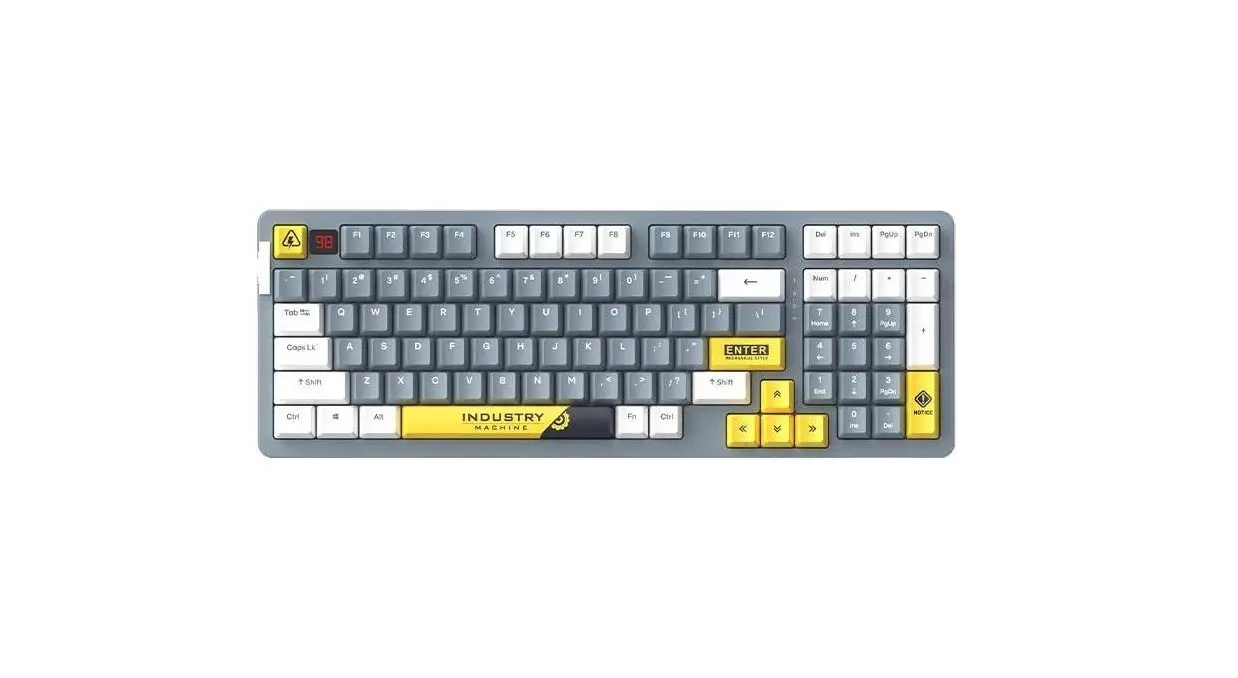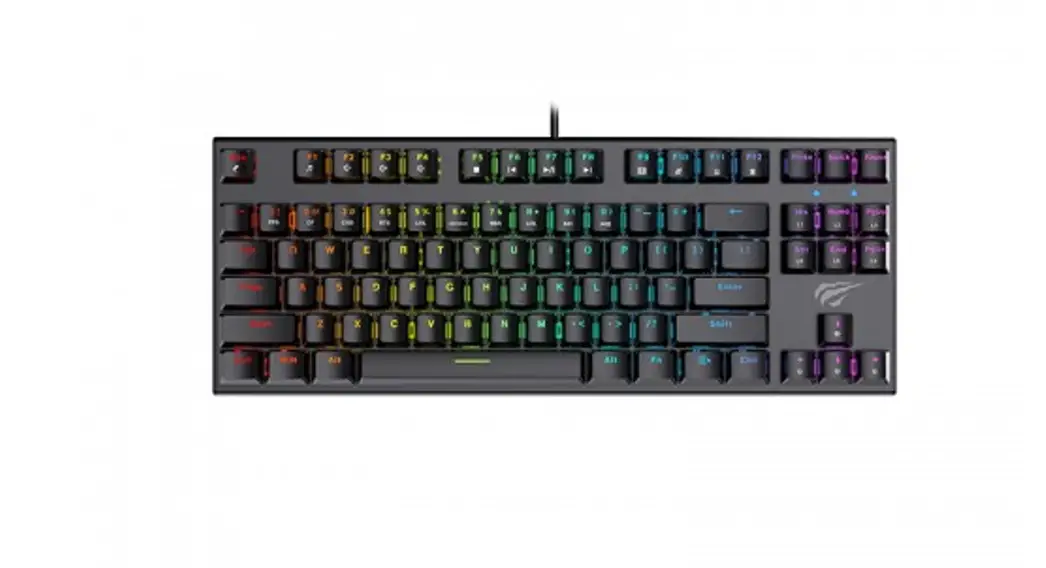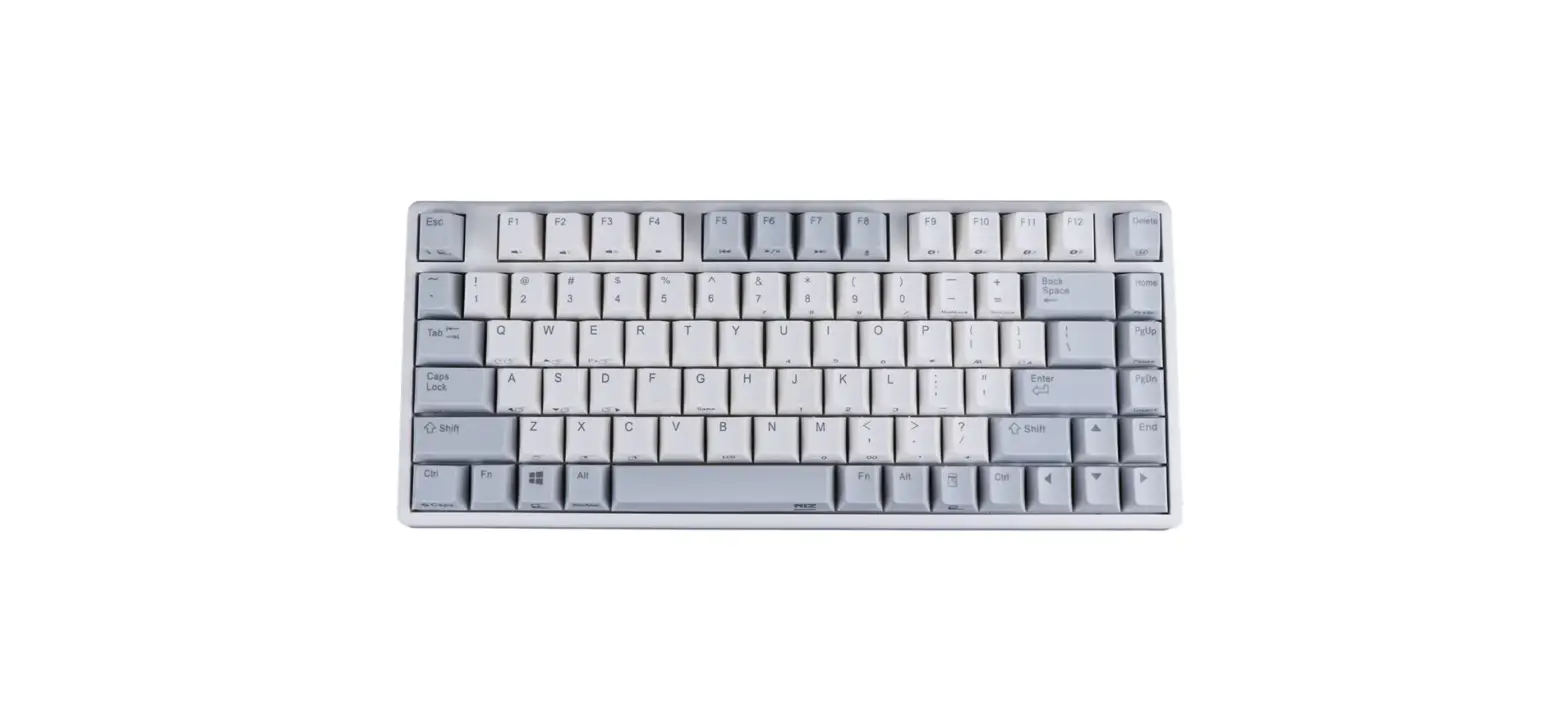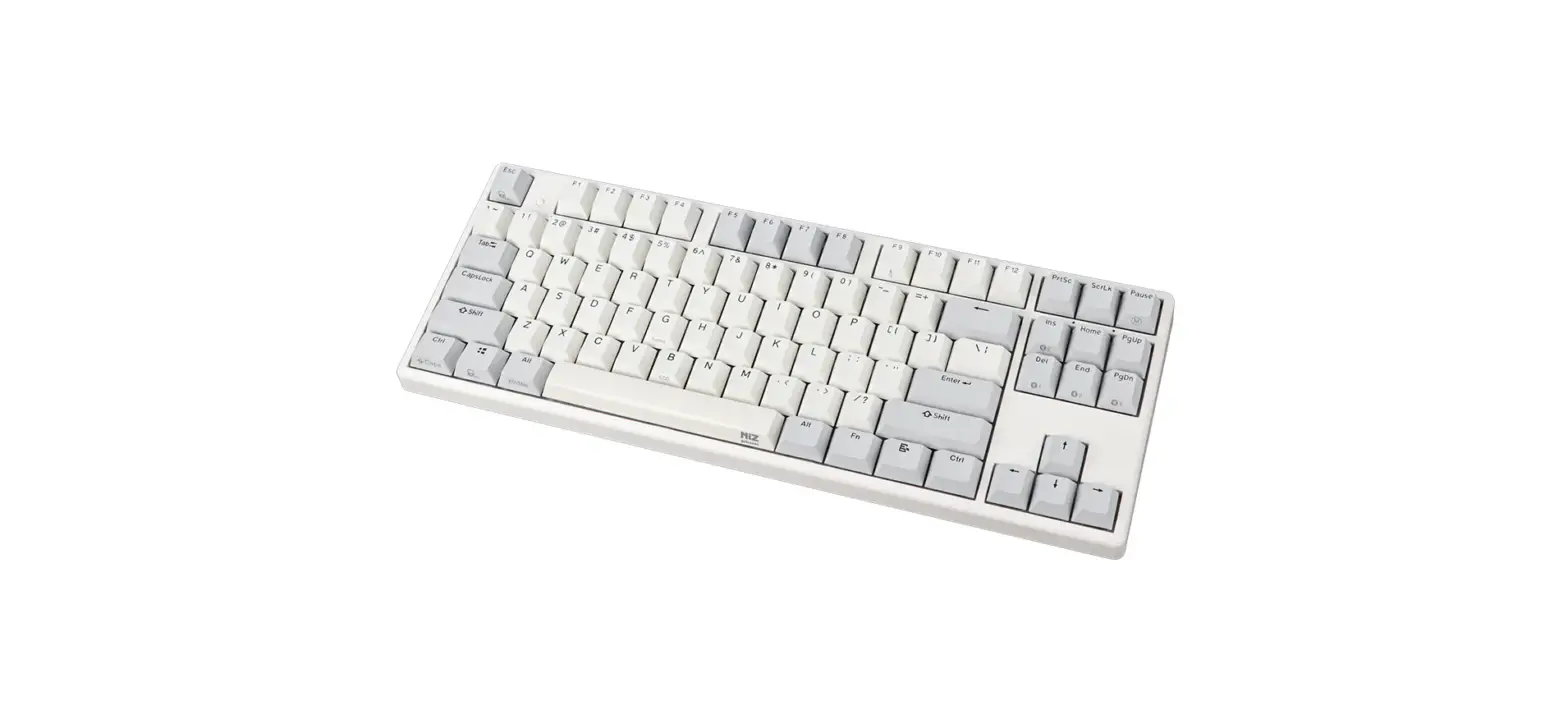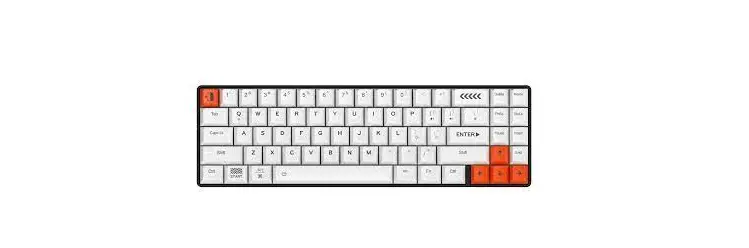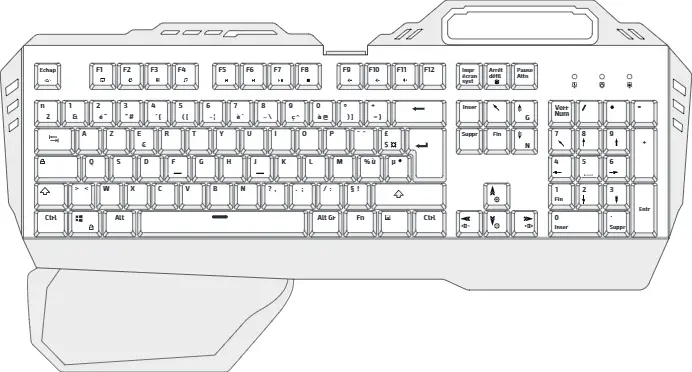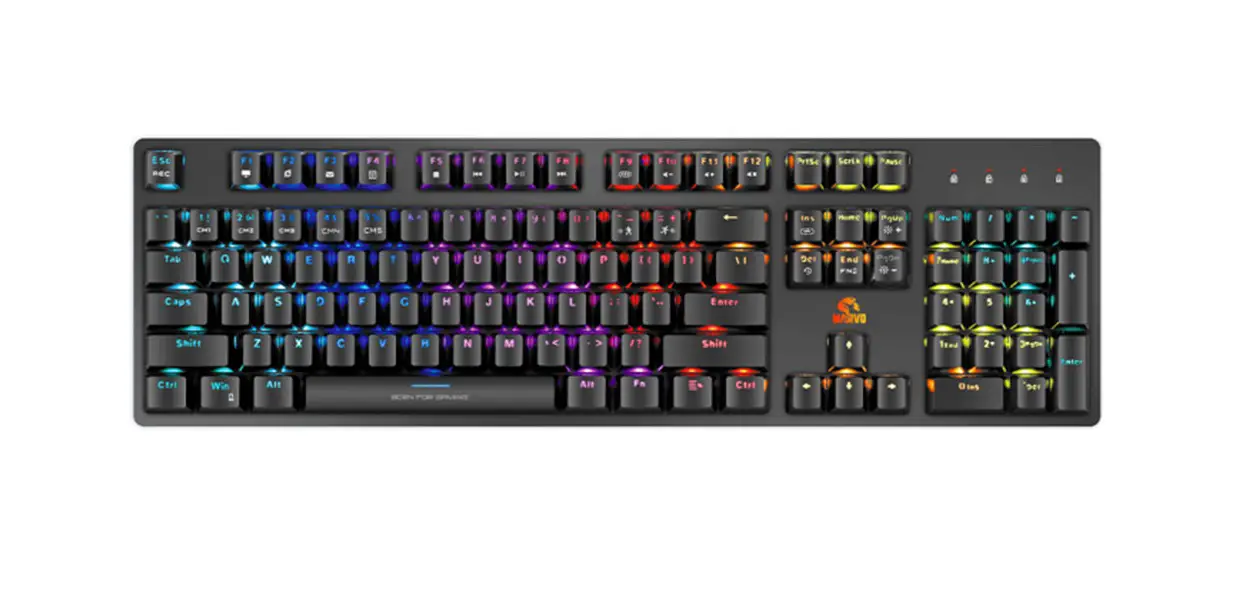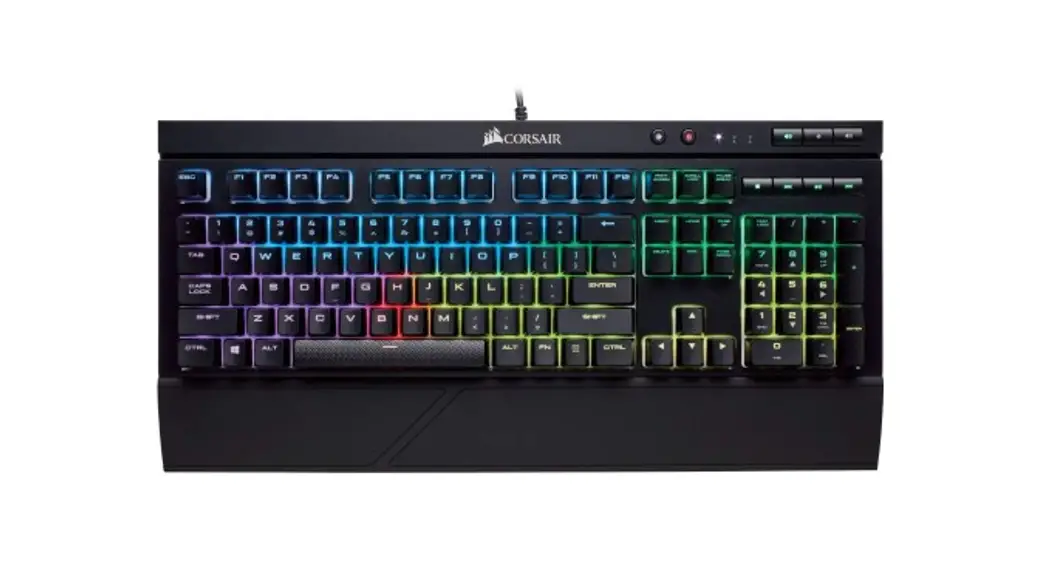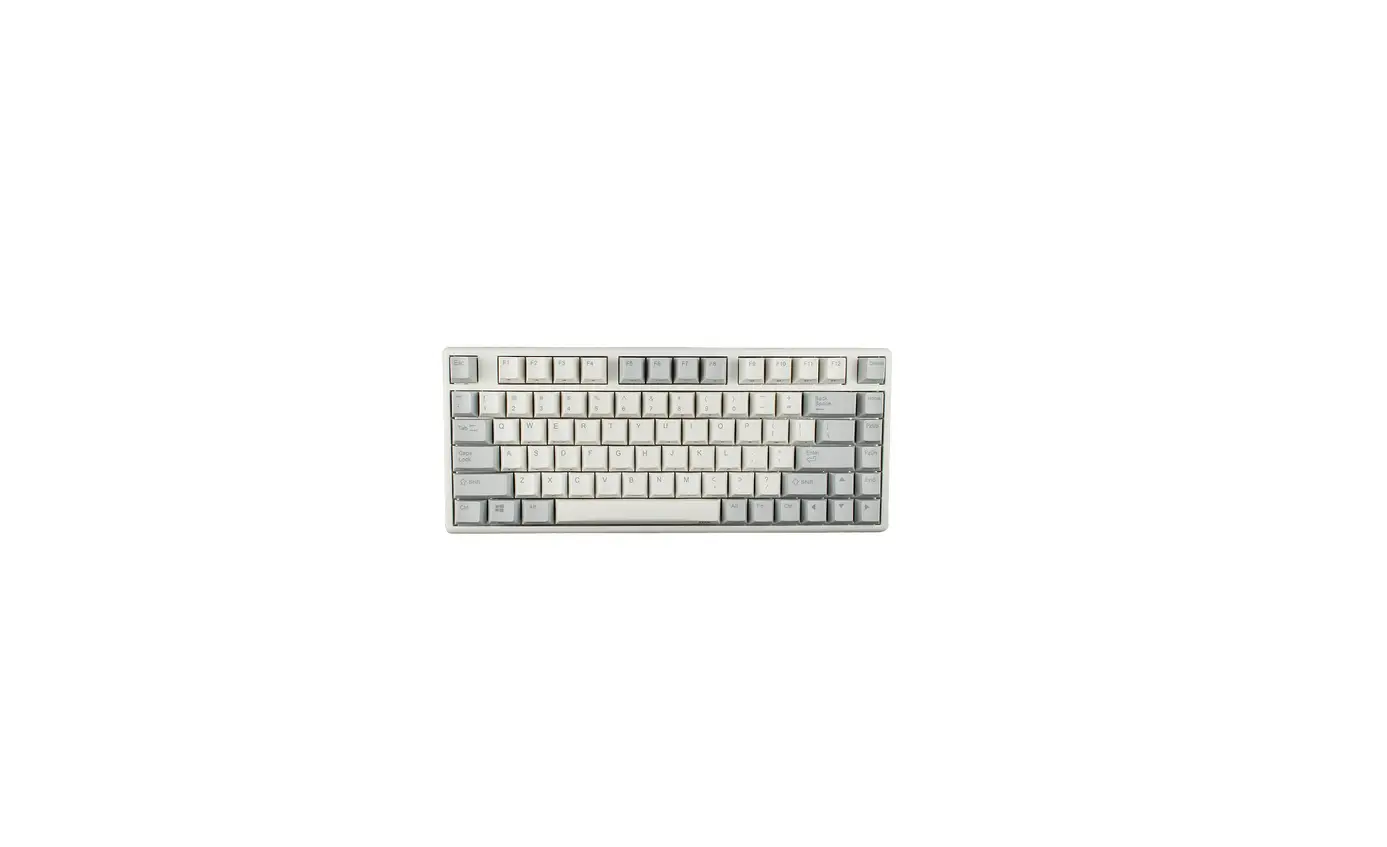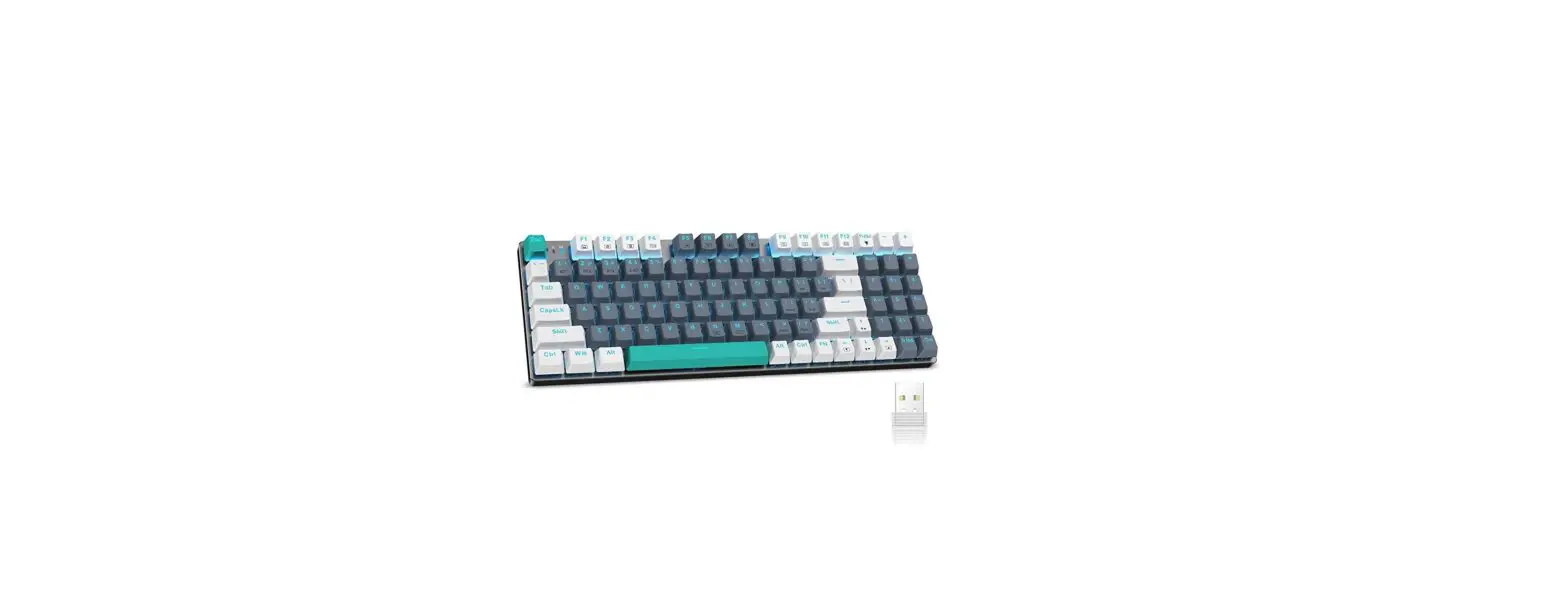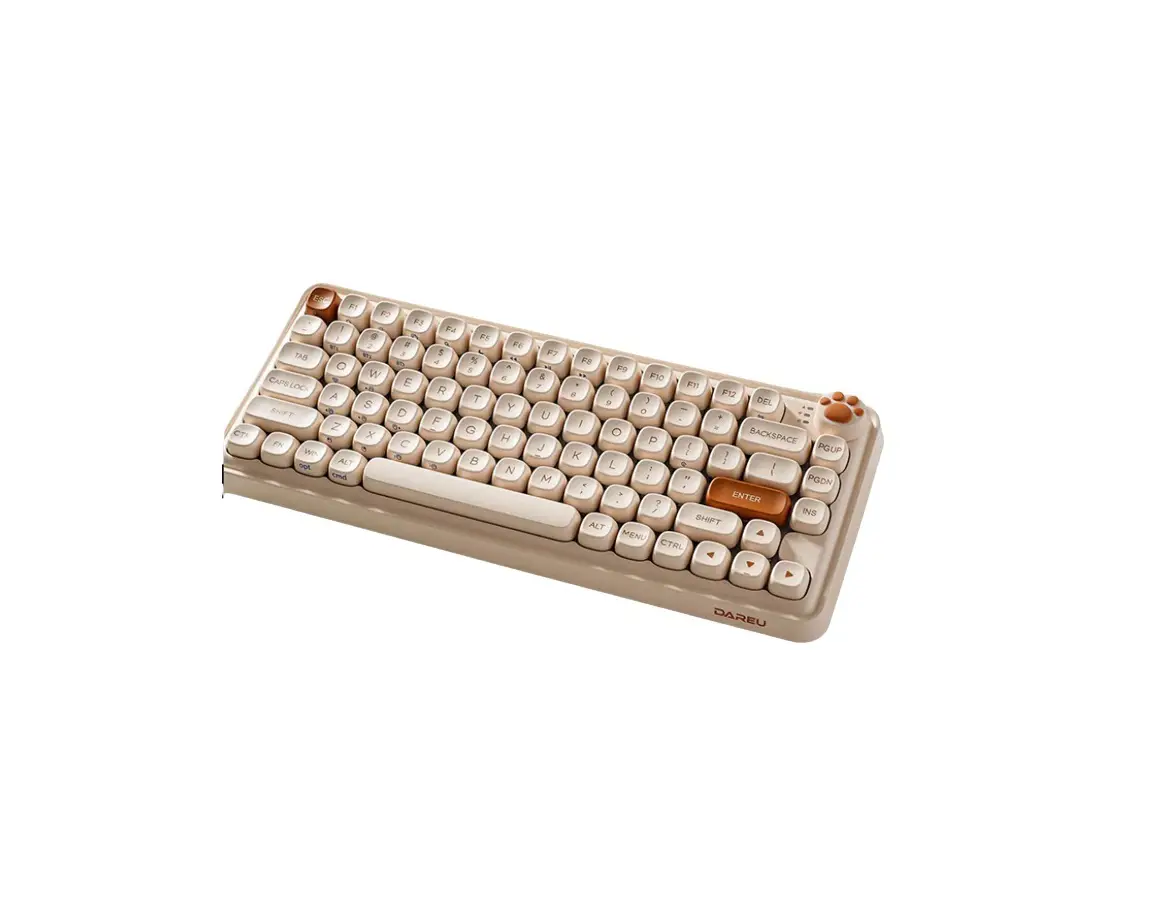
DAREU Z82 Mechanical Gaming Keyboard
What’s in the box
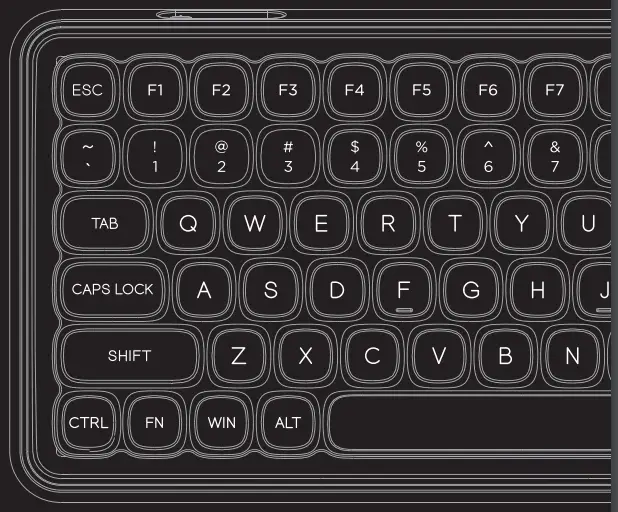
- Keyboard x1

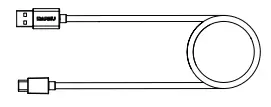
- Cable x1

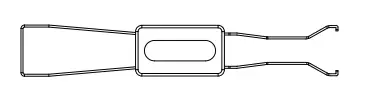
- Keycap/Switch puller (2 in 1) x1

- User manual x1

Parameter
Physical specification
Connection: 2.4G/BT/Wired Cable length: 1.8 meters
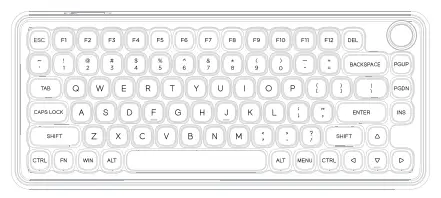
Keyboard type: mechanical keyboard Standard: 82 keys
Switch: ≥50 million clicks; hot-swappable Weight: 760±10g
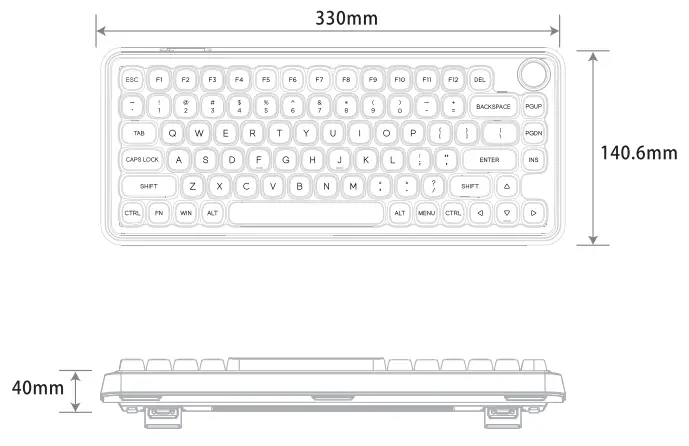
Size: 330*140.6*40mm
Electrical specification
Backlight: single color Keycap: PBT
Key conflict: N-Key rollover Battery capacity: 2000mAh
Working time in wireless mode: backlight off: approx. 67 hours backlighton: approx. 16 hours
Charging time: approx. 5.5 hours Macro: support
Compatibility: Windows XP/Win 7/Win 8/Win 10/Win 11/MaC OS/Android
Product views
Connection guidelines
Three connection methods

A: Wired mode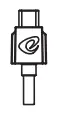
1: 2.4G mode
2: BT mode
Indicator light instruction
A Caps Lock/Unlock indicator LED flashes during 2.4G/BT pairing, and turns off after connection
 LED stays red while charging; LED stays green while fully charged
2.4G connect
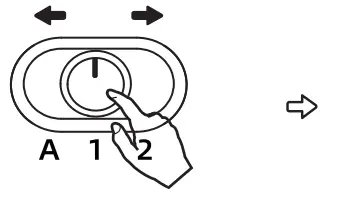 | 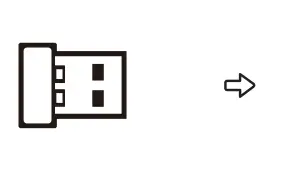 |  |
| Toggle to 1 | Plug and play | PC and laptop |
Tips: reconnect steps
Ⅰ. Pull out 2.4G dongle
Ⅱ. Long press FN+Q for 3 seconds, the indicator light flashes quickly
Ⅲ. Insert the dongle and it will automatically pair
BT pairing method
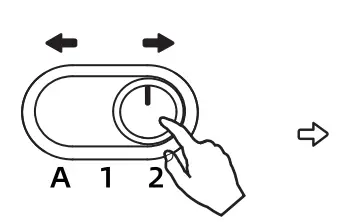 | 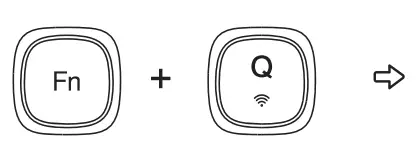 |  |
| Toggle to 2 | Fn+Q for 3 seconds |
:
- Switch button to 2;
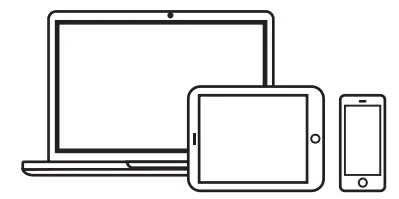
- Turn on the device BT and search keyboard;
- Paring and connection.
In BT mode, we can choose to connect three different devices at the same time. Switching methods as following:
 Default this BT channel, connect the first BT device.
- Press this key combination to connect a second BT device.
- Press this key combination to connect a third BT device.
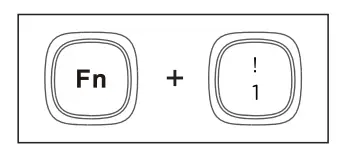 Default this BT channel, connect the first BT device.
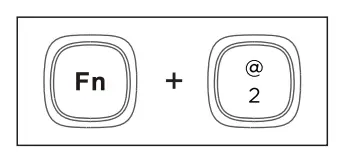 Press this key combination to connect a second BT device.
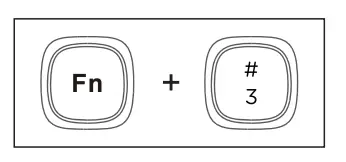 Press this key combination to connect a third BT device.
*Reconnect devices in BT mode: press Fn+Q for 3~4 seconds, the indicator light flashes quickly. Then pair it for use.
Shortcuts
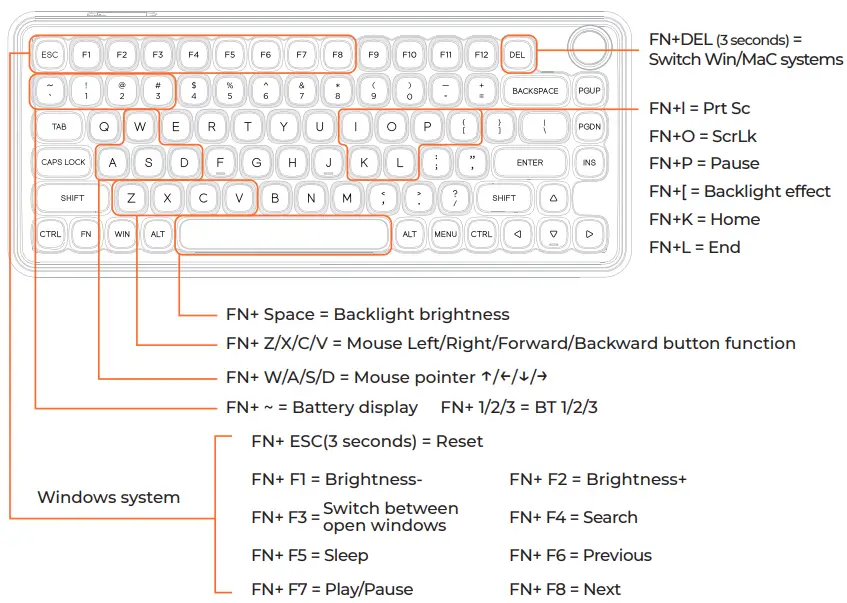
*FN+~ power display introduction: when pressing FN+~, the LED on the button 1~0 will light up. When fully charged, the 1~0 LEDs are all on.
How to use driver
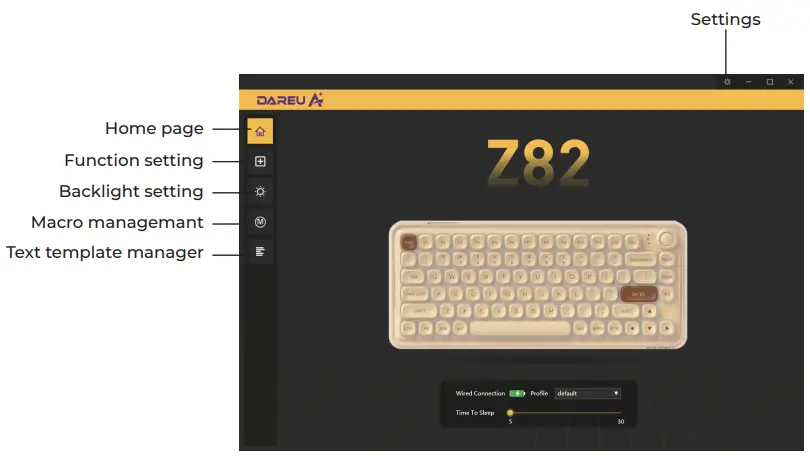
Driver interface
Download driver from Dareu’s official website (www.dareu.com) and install it on computer.
*Picture is for reference only.
Mfgr.: Dongguan Togran Electronics Technology Co., Ltd
Add.: No. 110, Shidan Rd, Shijie Town, Dongguan City,
Guangdong Province, China 523290
Tel.: +86 769 8630 8806 Fax: +86 769 8630 8826
Email: [email protected] [email protected]
Web: www.dareu.com

 Dareu - Gaming Gear | Keyboard, Mouse, Headset & Controller