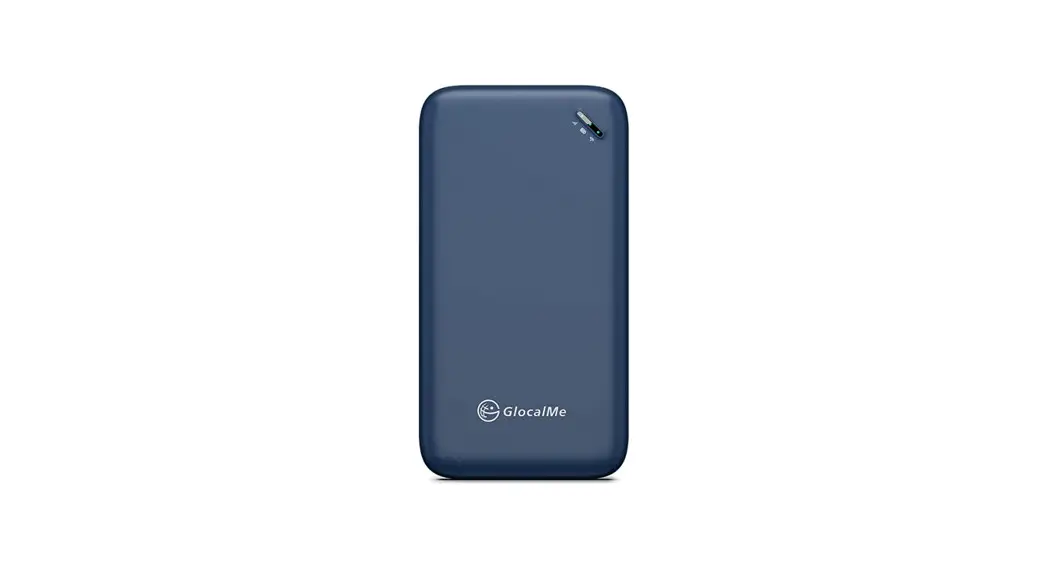
 UPP
UPP
User manual v1.0
Product Overview
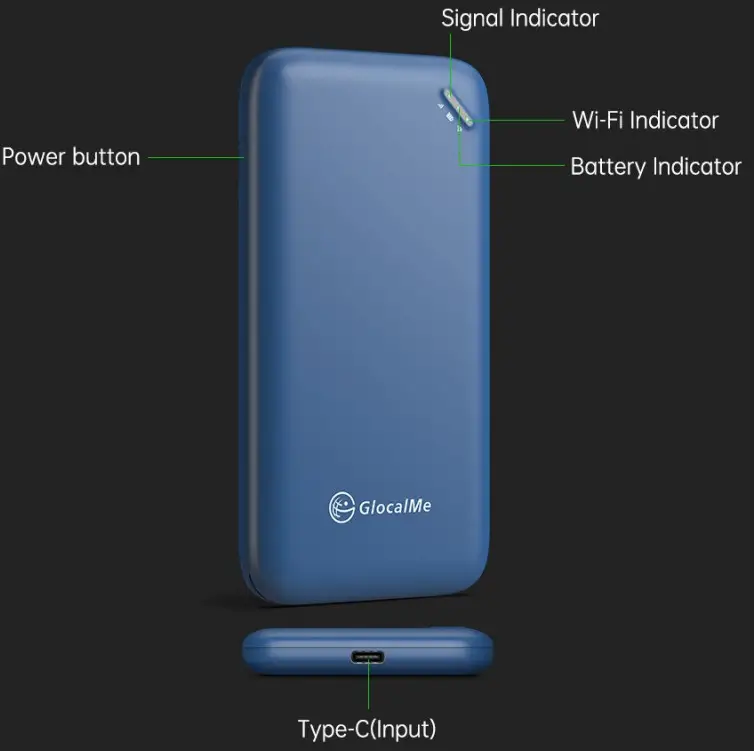
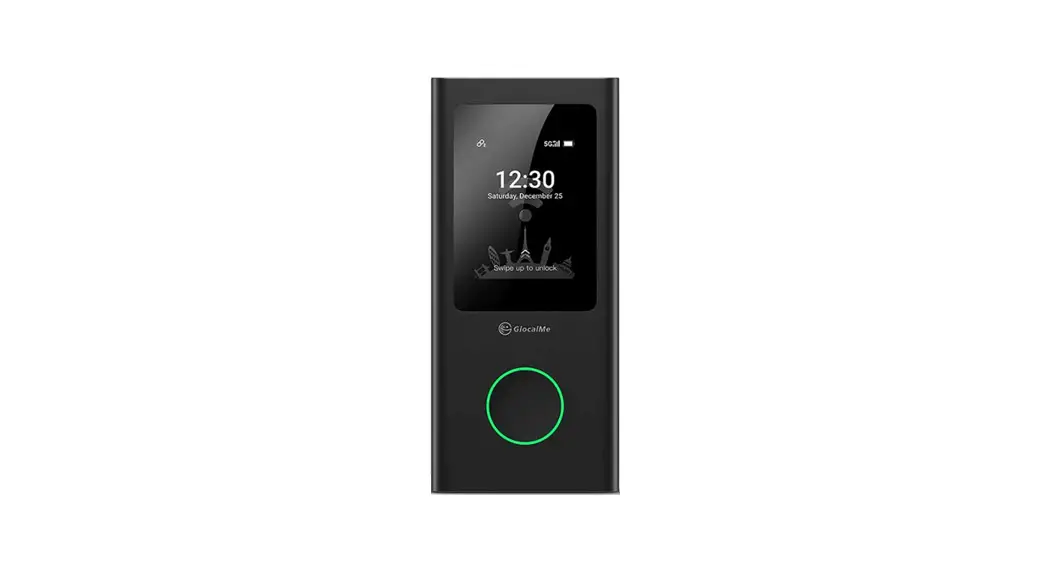
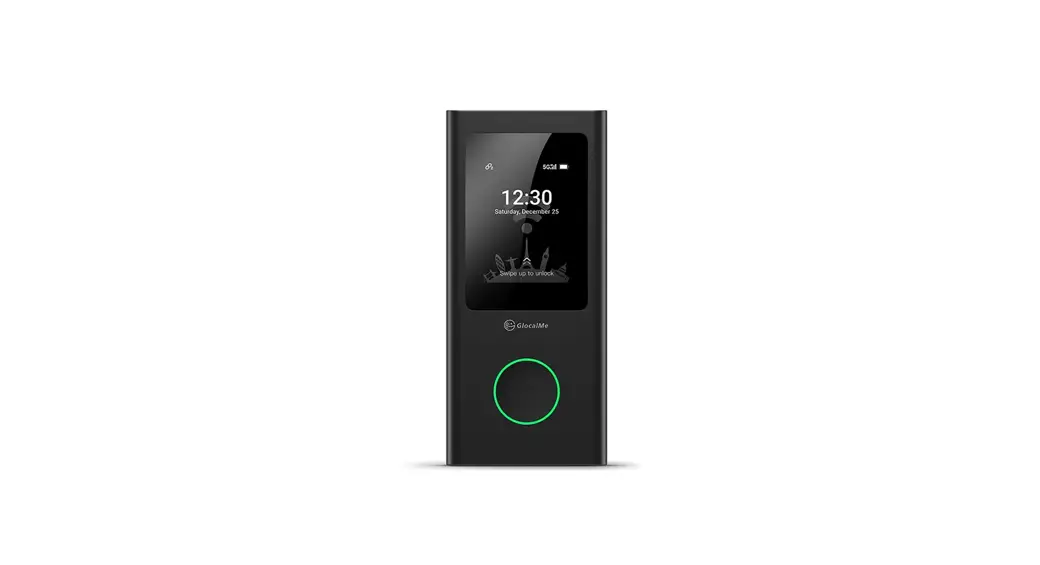
Function Introduction
- Power on: Press power button for 3 seconds.
- Power off : Press power button for 3 seconds.
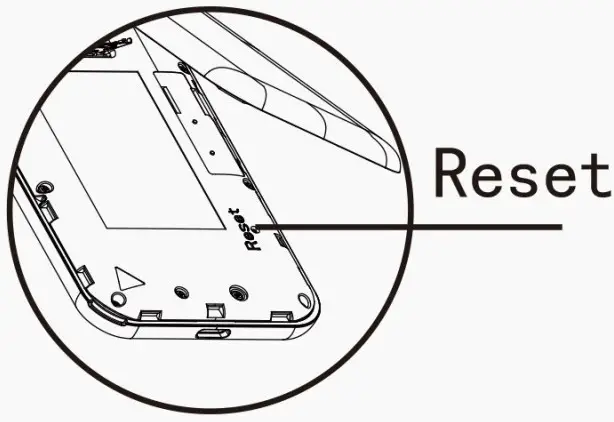
- Restore Factory Settings: Enter “192.168.43.1” in the address bar of web browser, restore factory settings.
- Reboot: Open the front shell press power button.
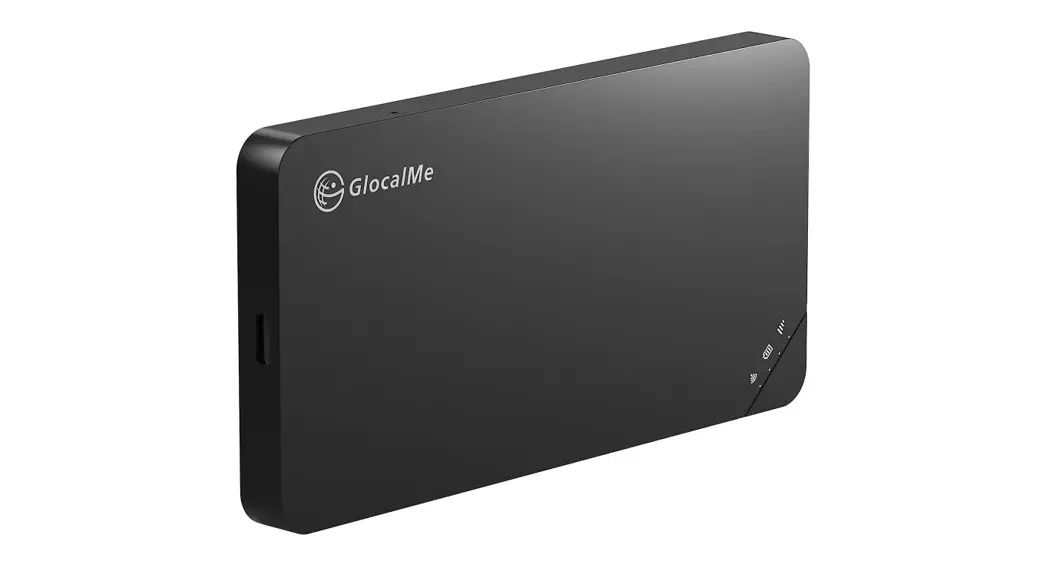
| LED Indicator Type | Status | Remarks |
| Wi-Fi LED Indicator | Green flashing | Ready for internet connection |
| Steady green light | Normal Network | |
| Steady red light | The network is abnormal and cannot be recovered. Restart the device | |
| Signal LED Indicator | Green light (5s) | Signaled |
| Red light (5s) | No Signal | |
| Steady orange light | The speed limit state | |
| Battery LED Indicator | Green light (5s) | Battery>50% |
| Orange light(5s) | Battery20-50% | |
| Steady red light | Battery<20% | |
| Steady green light | Charging (fully charged) | |
| Green flashing | Charging (power >50%) | |
| Orange flashing | Charging (power<50%) |
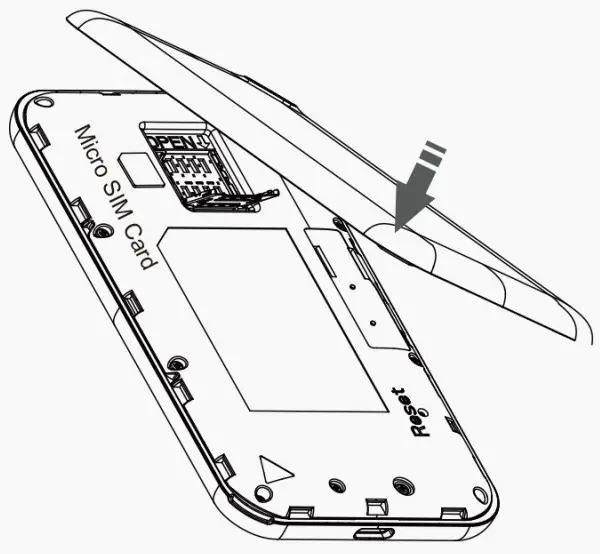
Local SIM 1. Open the lower cover as the right arrow button and insert the Micro SIM card
Note
- Please turn off your device when inserting/removing SIM card
- Log in to 192.168.43.1 to switch the physical SIM card.
- When using a physical card, pay attention to the SIM traffic and roaming status.
- device does not support SIM cards with PIN code, if you want to use this type of SIM cards, please unlock the PIN code first.
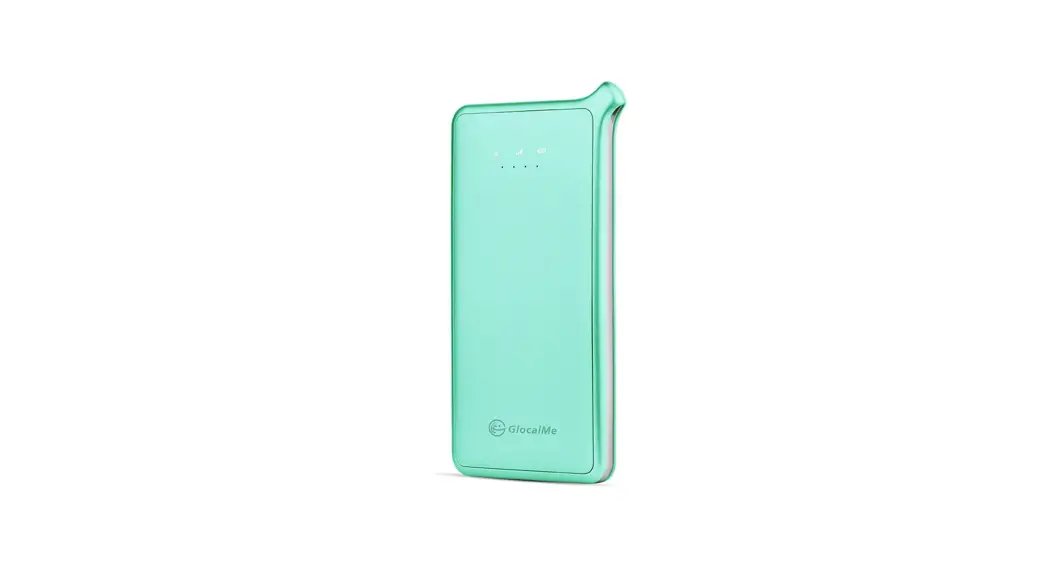
Brand: GlocalMe
Model No.: GLMU21A03
Box content: Device*1, User manual*1, Type-C cable*1
Technical Specification:
| Size: | 120*64.6*12mm |
| LTE FDD: | B1/2/3/4/5/7/8/12/13/17/18/20/25/26/28/66 |
| LTE TDD: | B34/38/39140/41(194M) |
| WCDMA: | B1/2/4/5/8 |
| GSM: | 850/900/1800/1900 |
| Max Upload Speed: | 50Mbps |
| Max Download Speed: | 150Mbps |
| Wi-Fi: | IEEE802. 11b/g/n |
| USB port: | Type-C (Input) |
| Battery Capacity: | 3000mAh |
| Power Input: | DC 5V 1A |
Note Listed wireless data transfer rates are the theoretoical maximum. The actual data transfer rate may vary depending on the network environment and carrier’s coverage.
Quick Start Guide
- Register an Account: Scan the QR code below to download the GlocalMe App. You can register for an account after installation.
- Activate Device: Use the GlocalMe app to scan the QR code on the back panel of the device.
- Purchase Package: Purchase package or top up through the GlocalMe app.
- Power On: Press power button for 3 seconds.
- Connect to GlocalMe: When the When the Wi-Fi LED indicator ”
 ” is staying on, turn on Wi-Fi on your cell phone, select GlocalMe Wi-Fi, enter the password to connect to the Internet. (Wi-Fi name and password can be seen on the back panel. as shown below)
 - Device Management: Enter “192.168.43.1” in the address bar of web browser, and enter the username and password to login. (The initial username and password are adminiadmin).
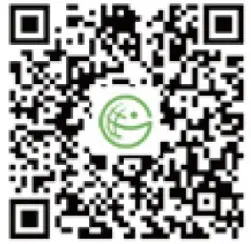 | 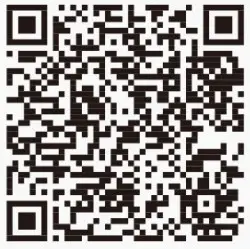 IMEI: 123456789012345 IMEI: 123456789012345SSD: admin PWD: admin |
http://www.glocalme.com/index/index/downloadPage | https://www.glocalme.com/CN/zh-CN/download/downloadPage? imei=869680022932833&pwd=66296839&type=E1 |
Safety,handling and support
Warning
Specific Absorption Rate (SAR) refers to the rate at which the body absorbs RF energy. The SAR limit is 1.6 watts per kilogram in countries that set the limit averaged over 1 gram of tissue and 2.0 watts per kilogram in countries that set the limit averaged over 10 grams of tissue. During testing, the device are set to their highest transmission levels in all tested frequency bands, although the SAR is determined at the highest certified power level, the actual SAR level of the device while operating can be well below the maximum value.
EU Regulatory conformance
The device complies with RF specifications and when used with an accessory that contains no metal and that positions the device a minimum of 0.5 cm from the body. The SAR limit adopted is 2.0W/kg averaged over 10 grams of tissue. The highest SAR value reported for the device when properly worn on the body complies with the limit.
FCC Regulatory conformance
For body worn operation, the device complies with FCC RF exposure guidelines and when used with an accessory that contains no metal and that positions the device a minimum of 1.0 cm from the body. The SAR limit adopted by the FCC is 1.6W/kg averaged over 1 gram of tissue. The highest SAR value reported for the device when properly worn on the body complies with the limit. This device complies with part 15 of the FCC rules. Operation is subject to the following two conditions: (1) this device may not cause harmful interference, and (2) this device must accept any interference received, including interference that may cause. Undesired operation. Any changes or modifications not expressly approved by the party responsible for compliance could void the user’s authority to operate the equipment.
Note: This equipment has been tested and complies with the limits for a class B digital device, pursuant to part 15 of the FCC Rules. These limits are designed to provide reasonable protection against harmful interference in a residential installation.
This equipment generates uses and can radiate radio frequency energy and, if not installed and used in accordance with the instructions, may cause harmful interference to radio communications. However, there is no guarantee that interference will not occur during installation. If the device does cause harmful interference to radio or television reception, which can be determined by turning the equipment off and on, the user is suggested to try to correct the interfernce by the following measures:
–Reorient or relocate the receiving antenna.
–Increase the distance between the equipment and receiver
–Connect the equipment to an outlet on different circuit to the receiver
–Consult the manufacturer or an experienced radio/TV technician for help.
Information on the disposal and recycling of the devices. This symbol (with or without a solid bar) on the device, batteries (if included), and/or the packaging, indicates that the device and its electrical accessories (for example, a headset,adapter,or cable) and batteries should not be disposed of as household garbage. These items should not be disposed of as unsorted municipal wasted and should be taken to a certified collection point for recycling or proper disposal. For detailed information about device or battery recycling, contact your local city office, housedhold waste disposal service, or retail store. Disposal of the device and batteries ( if included) is subject to WEEE. Directive recast (Directive 2012/19/EU) and battery dirctive (Directive 2006/66/ec). The purpose of separating WEEE and batteries from other waste is to minimize the potential environmental impacts and human health risk of any hazardous subsatances that may be present.
 Ocean Trading GmbH
Anhalter Str.10, 10963, Berlin,Germany
[email protected] UCLOUDLINK UK LIMITED
96 Kensington High Street W8 4SG,
London [email protected]
Hong Kong uCloudlink Network Technology Limited
E-mail : [email protected]
Hotline : +852 8191 2660
Address : Suit 603, 6/F, Lows Commercial Plaza 788 Cheung Sha Wan Road, Kowloon, Hong Kong
 GlocalMe
 GlocalMe
 @GlocalMeMoments
 @GlocalMeMoments
 This product and related system are protected by one or more of uCloudlink’s patents details please refer to https://www.ucloudlink.com/patents
Copyright © 2021 uCloudlink All Rights Reserved