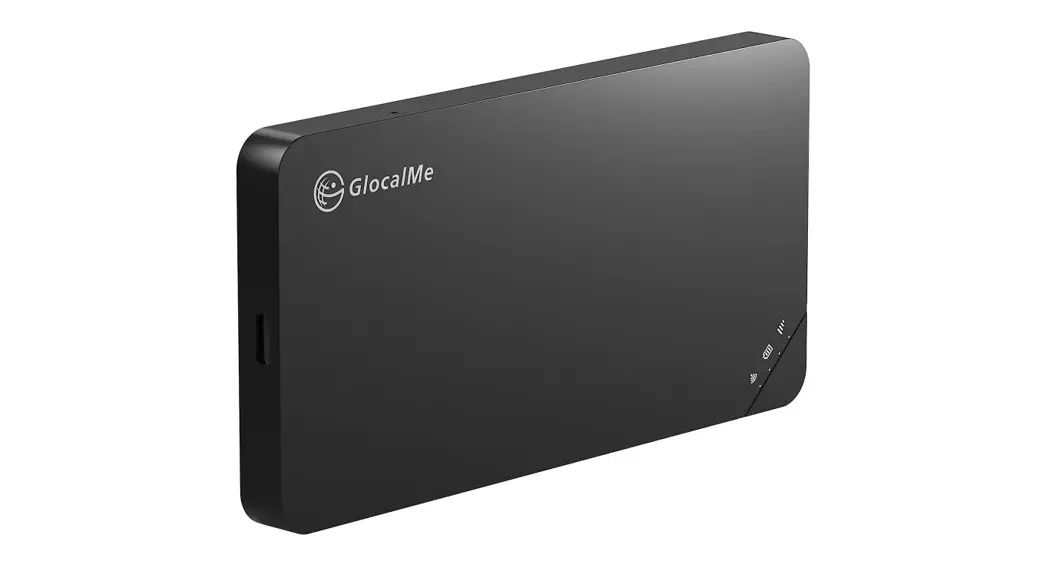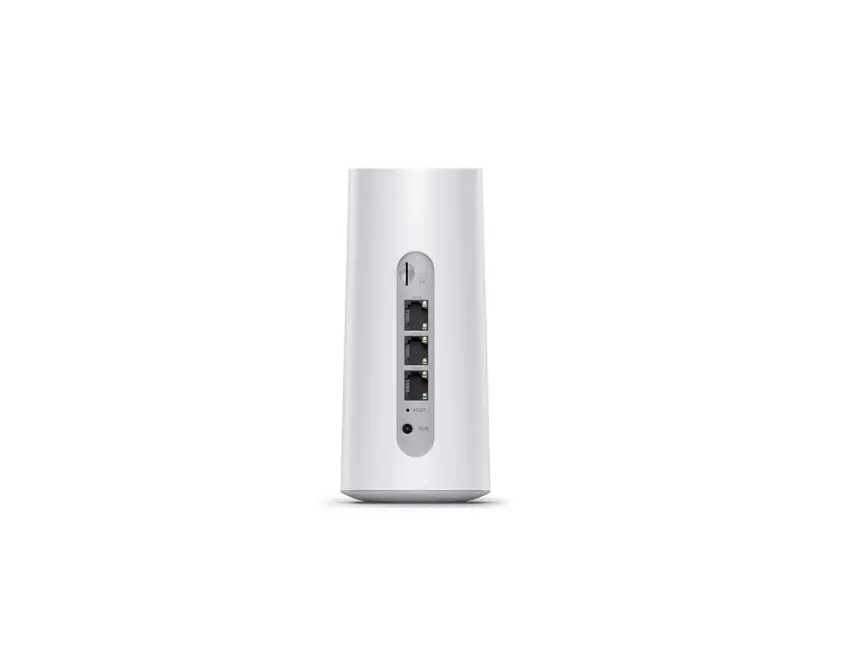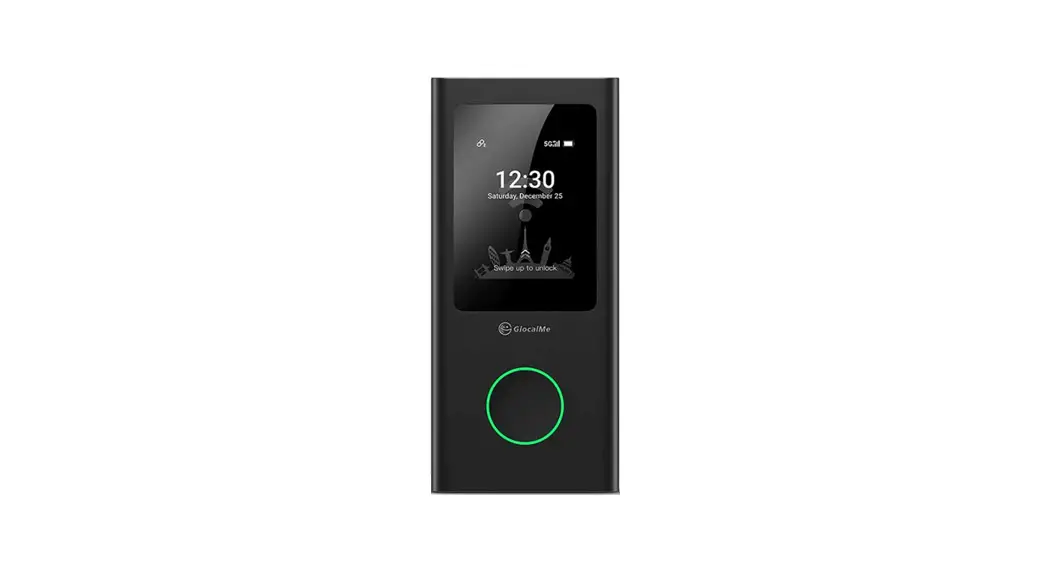
 FirstG Portable WiFi
User Guide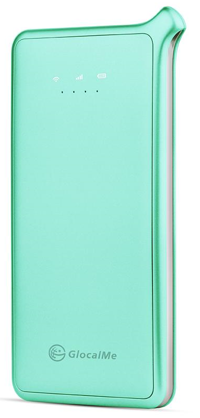
Insert SIM Card
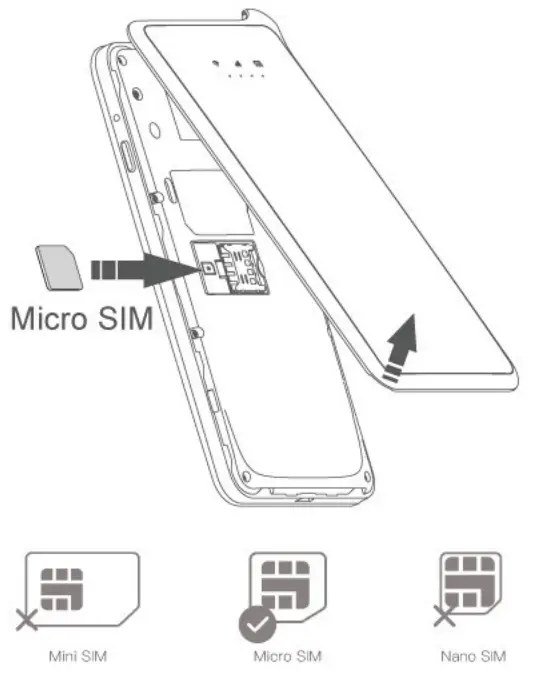
Turn on FirstG
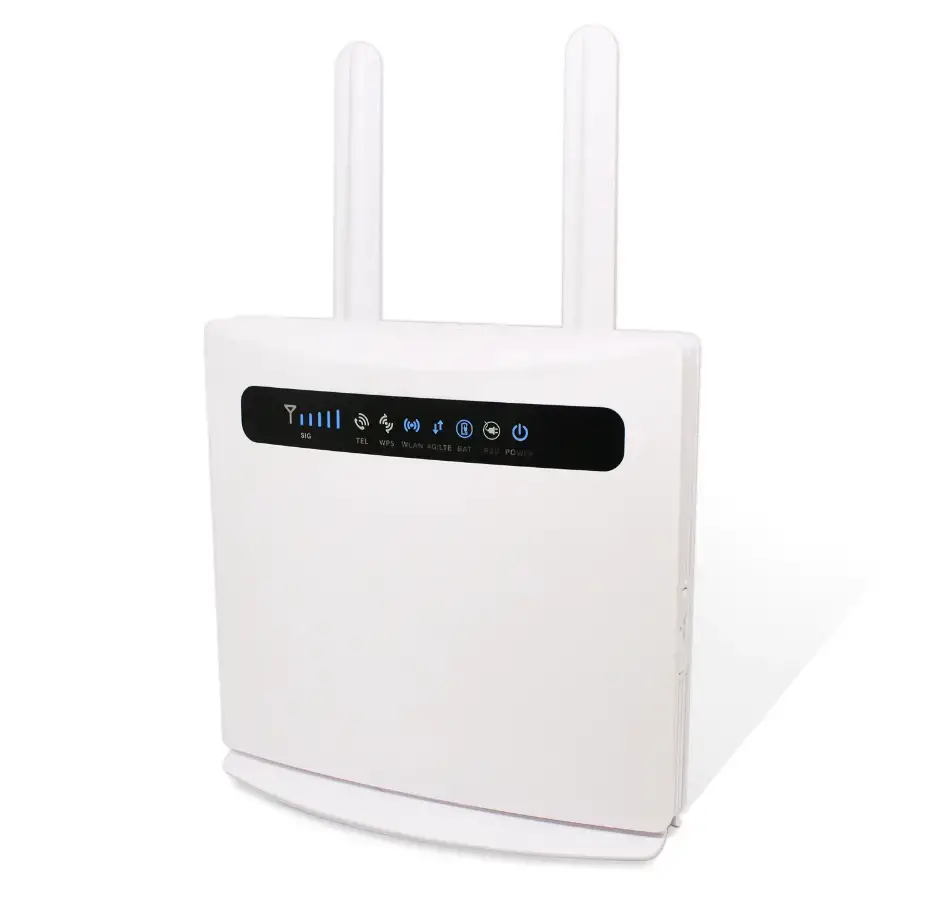
- Press and hold the power button for 3 second
- When the light of
 stays on, it means successful connection.
 stays on, it means successful connection.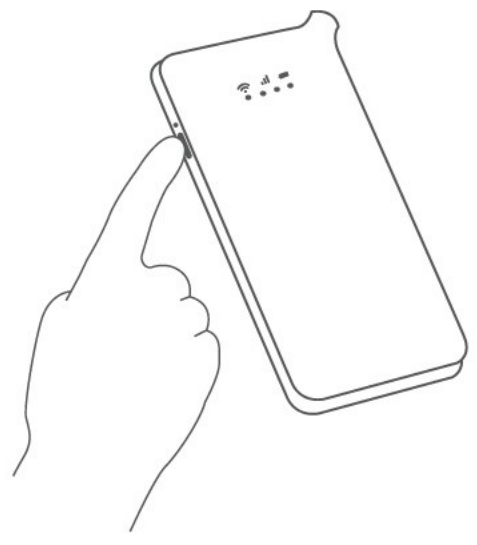
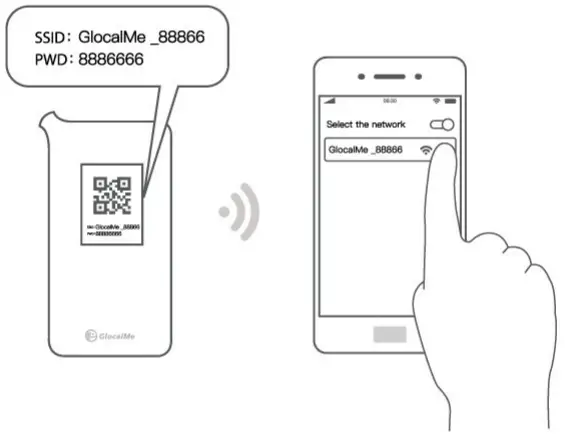
Connect Wi-Fi
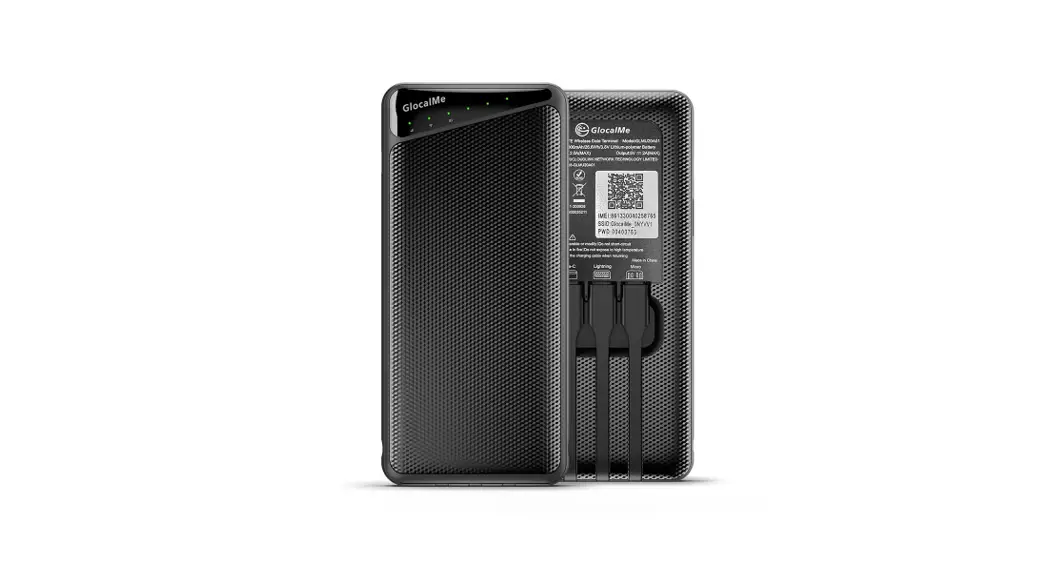
- Find the Wi-Fi name and password at the back of FirstG (or inside)
- Connect your mobile device in Wi-Fi setting

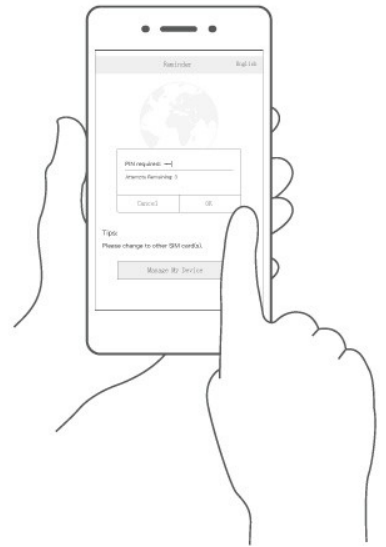
Unlock PIN
- If SIM card is set to PIN safety mode, connect to WiFi, visit 192.168.43.1 which will direct to unlock PIN webpage, enter correct PIN code to unlock

Set APN
- If there is no connection after completion of preceding steps, you have to add APN manually.
 enter APN of your SIM card operator, save and use.
 enter APN of your SIM card operator, save and use.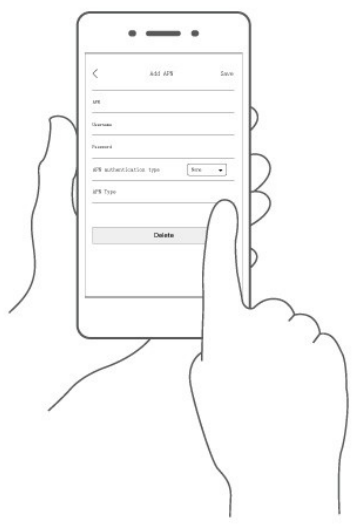
Manage My Device
Web: 192.168.43.1
Username: admin
Password: admin