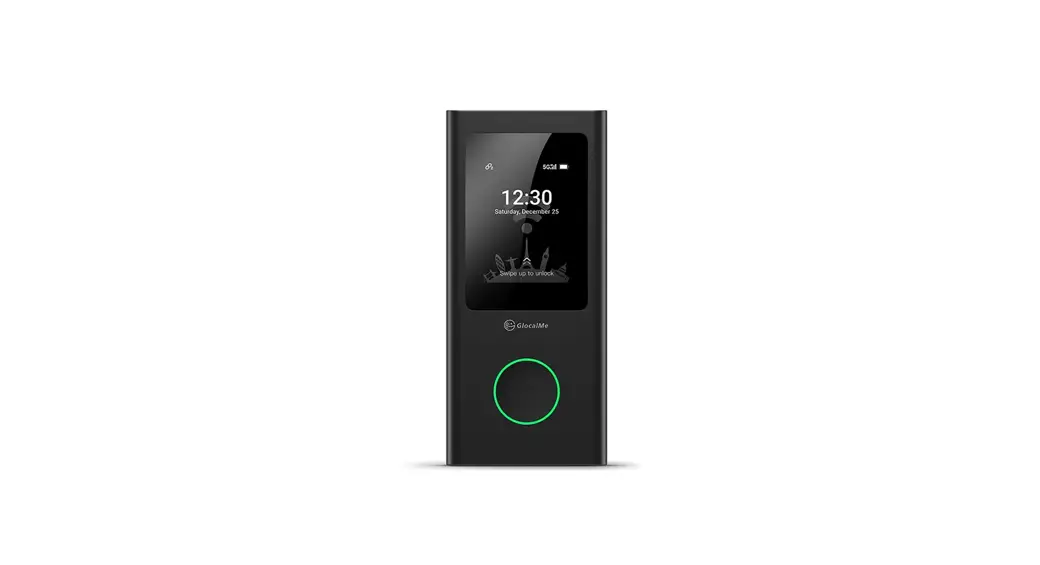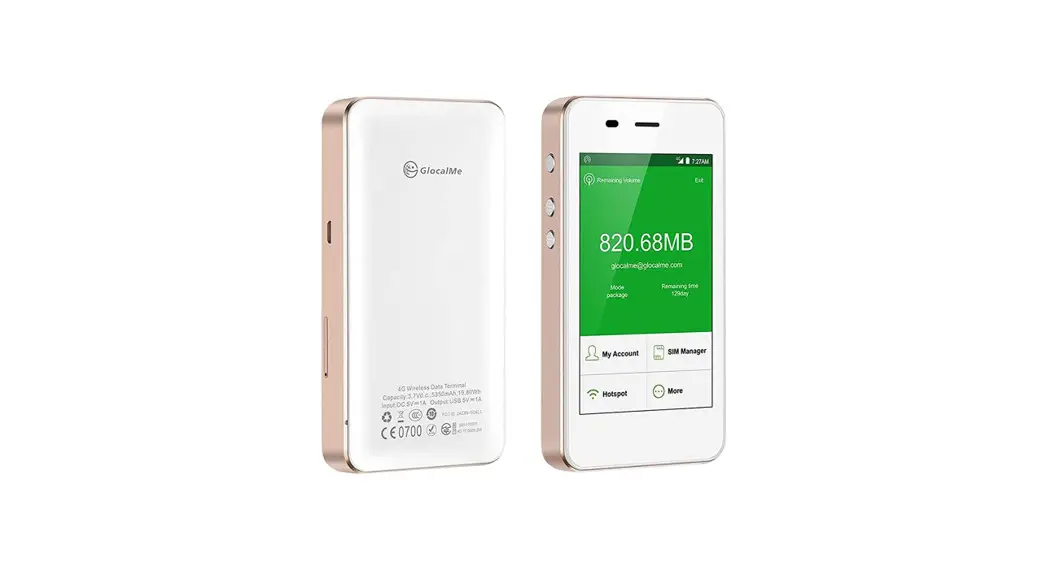
 G3
G3
Quick Start Guide
Download GlocalMe APP
- Download and Install GlocalMe App on your mobile
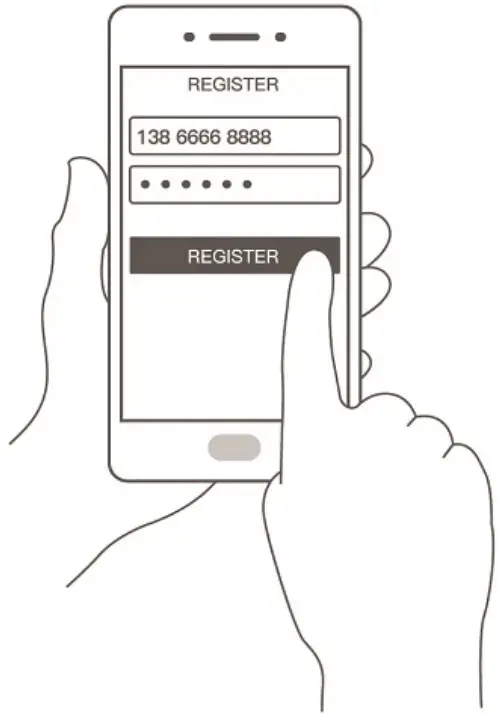
Register a GlocalMe Account (in APP)
- Press

- Follow the step to register an account (You can register by email or mobile number)

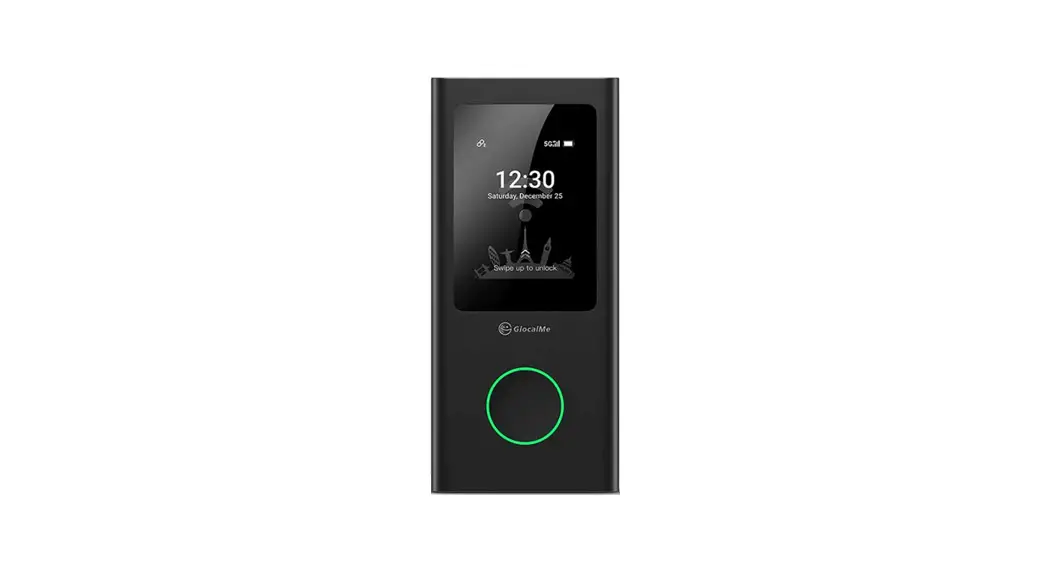
Turn on G3
- Press and hold the power button
 for 3 second
 - Press
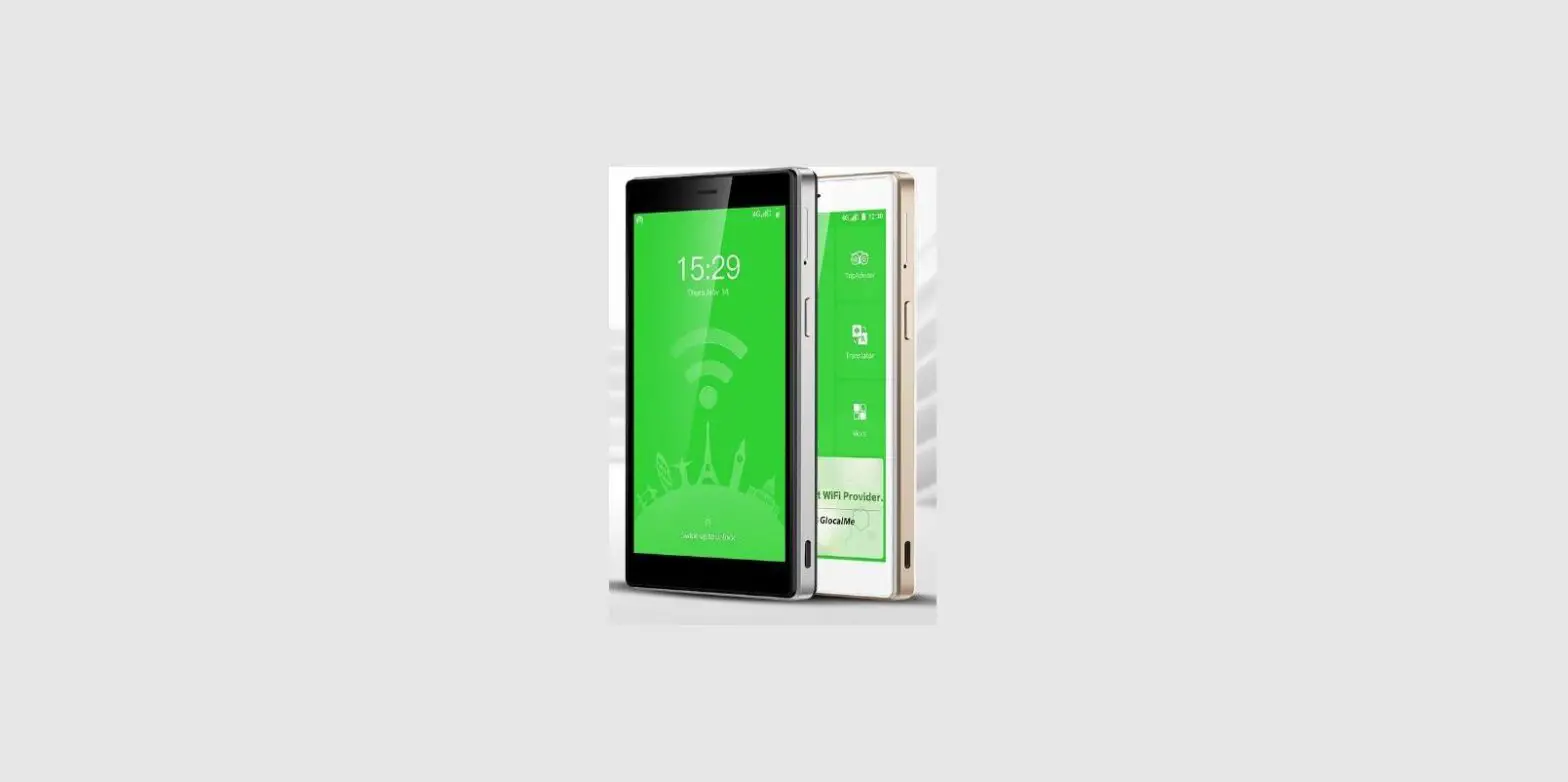
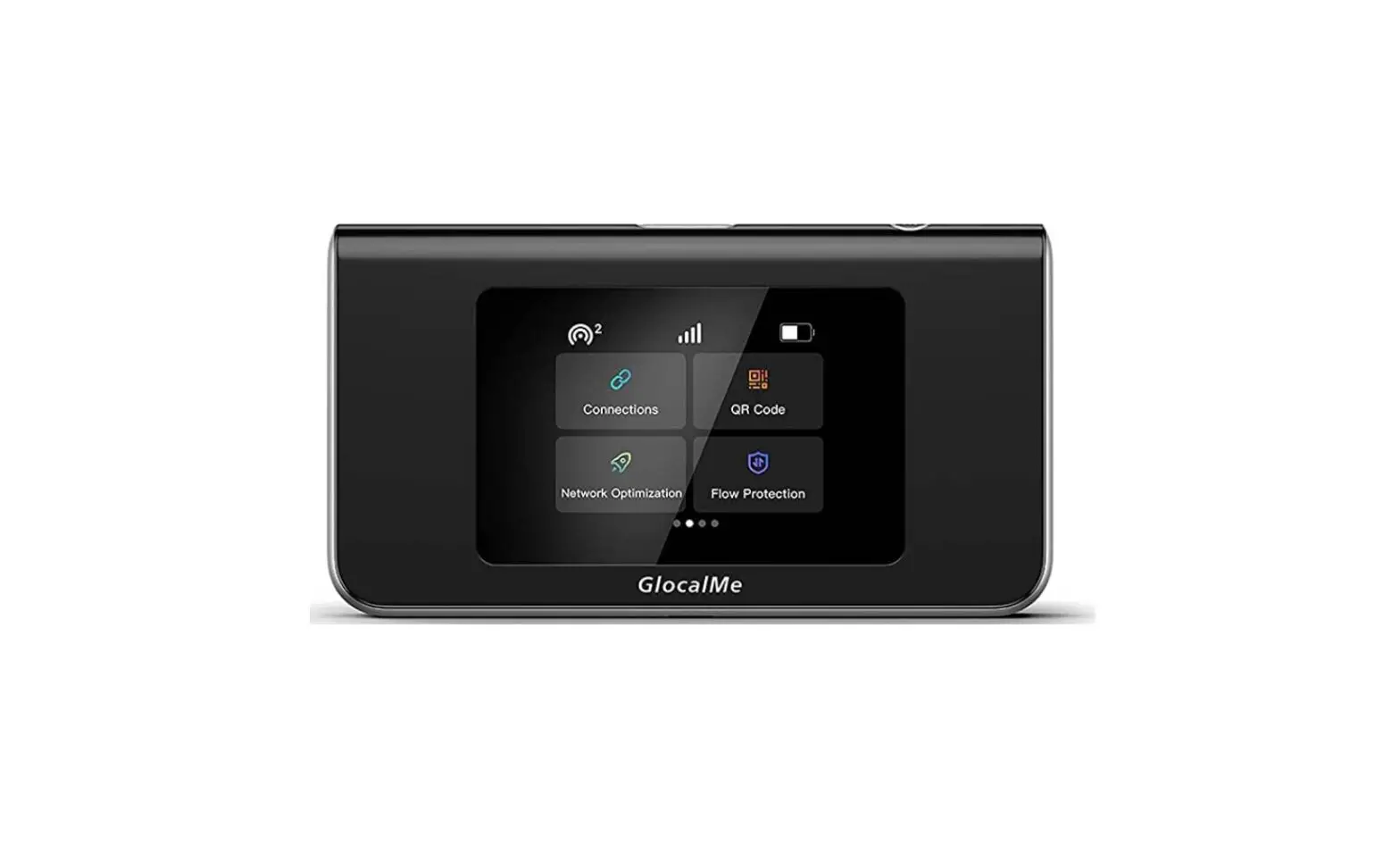
 on home page and find the device QR-Code on the screen
 for 3 second
 on home page and find the device QR-Code on the screen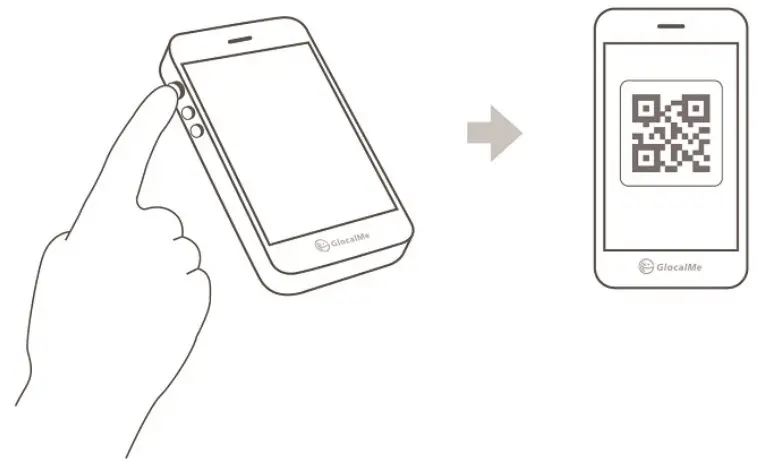
G3 Activation
- Open GlocalMe APP
- Press

- Scan the QR-Code (Step 3) on G3
- Re-start your G3 after activation success


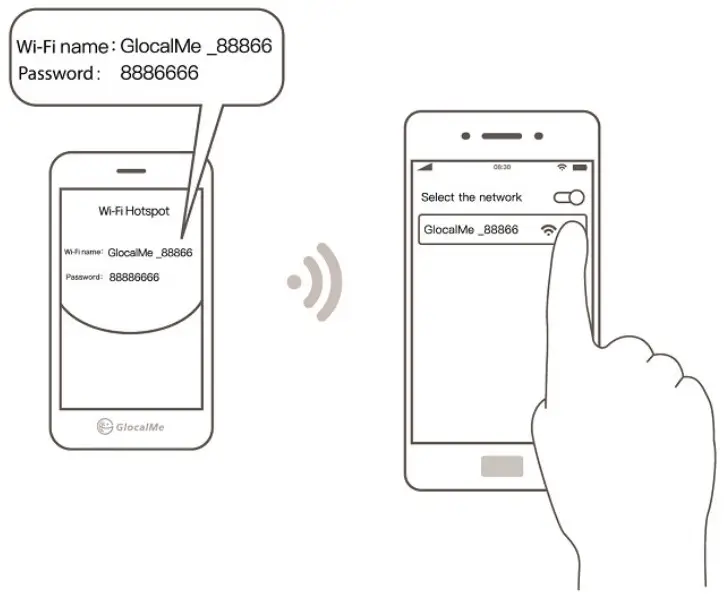
Connect GlocalMe Wi-Fi
- Press
 on G3 and find the Wi-Fi name and password
 - Connect your mobile device in Wi-Fi setting
 on G3 and find the Wi-Fi name and password