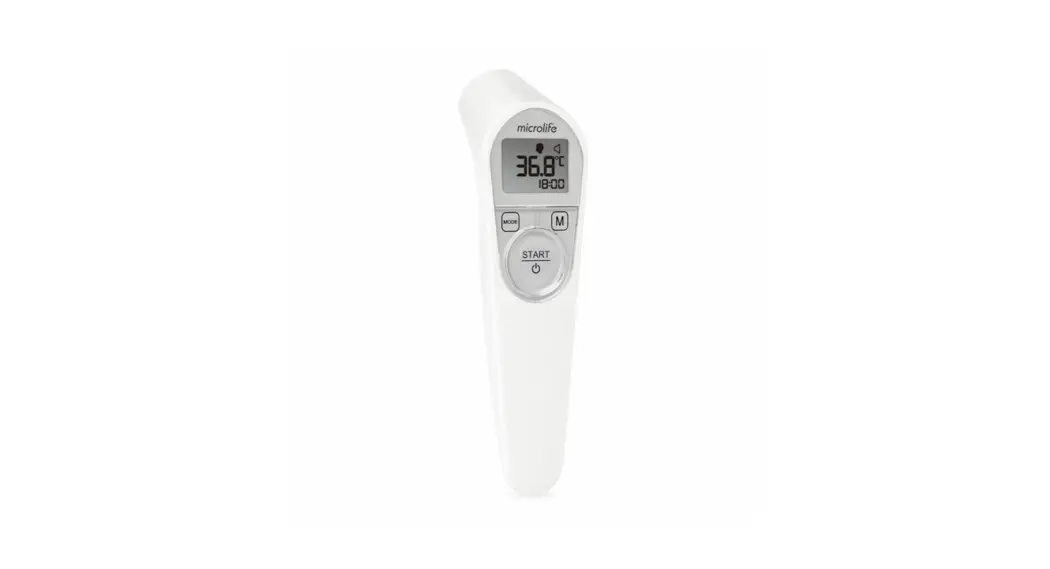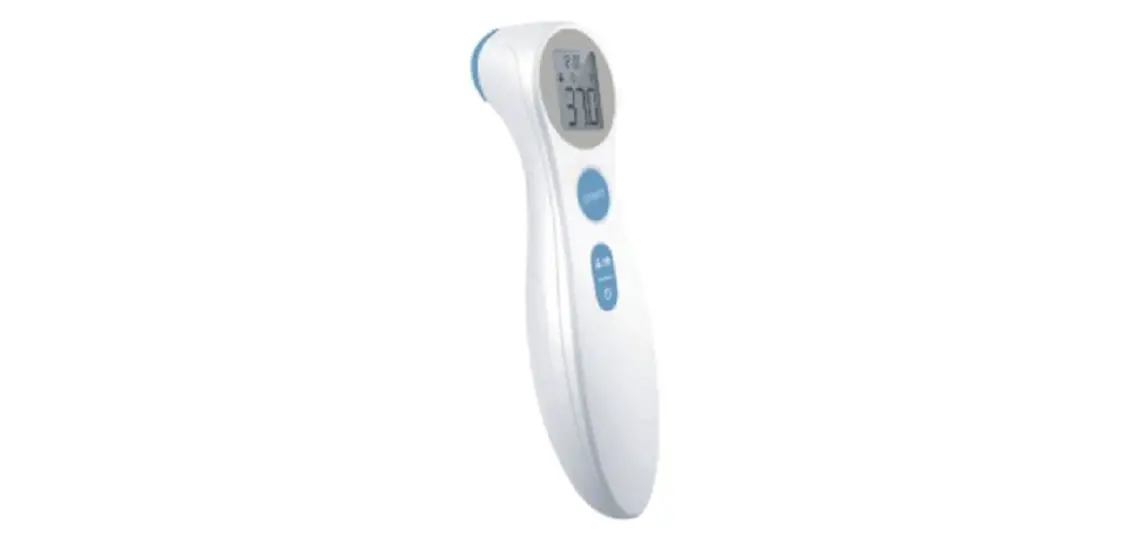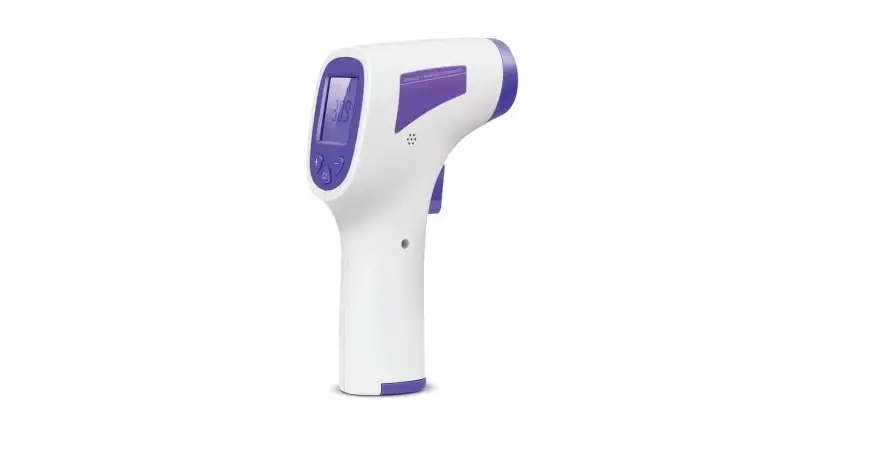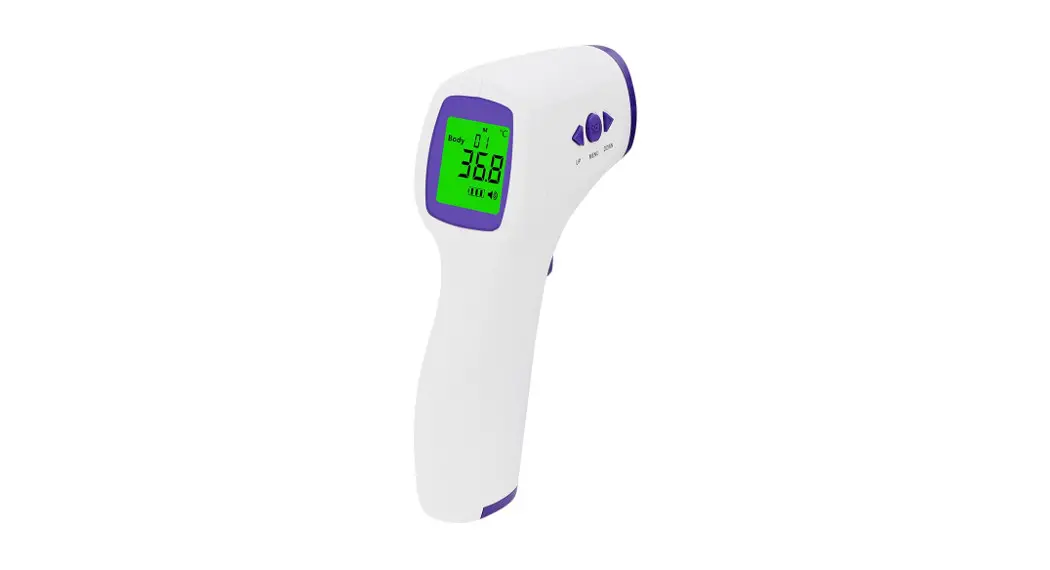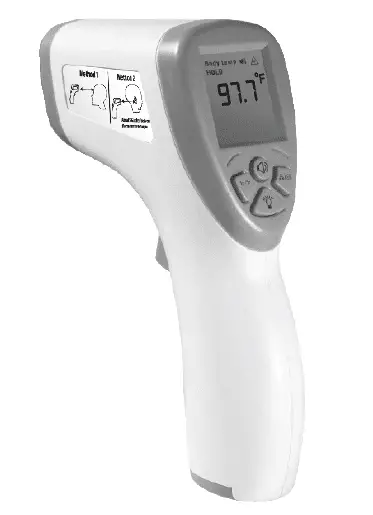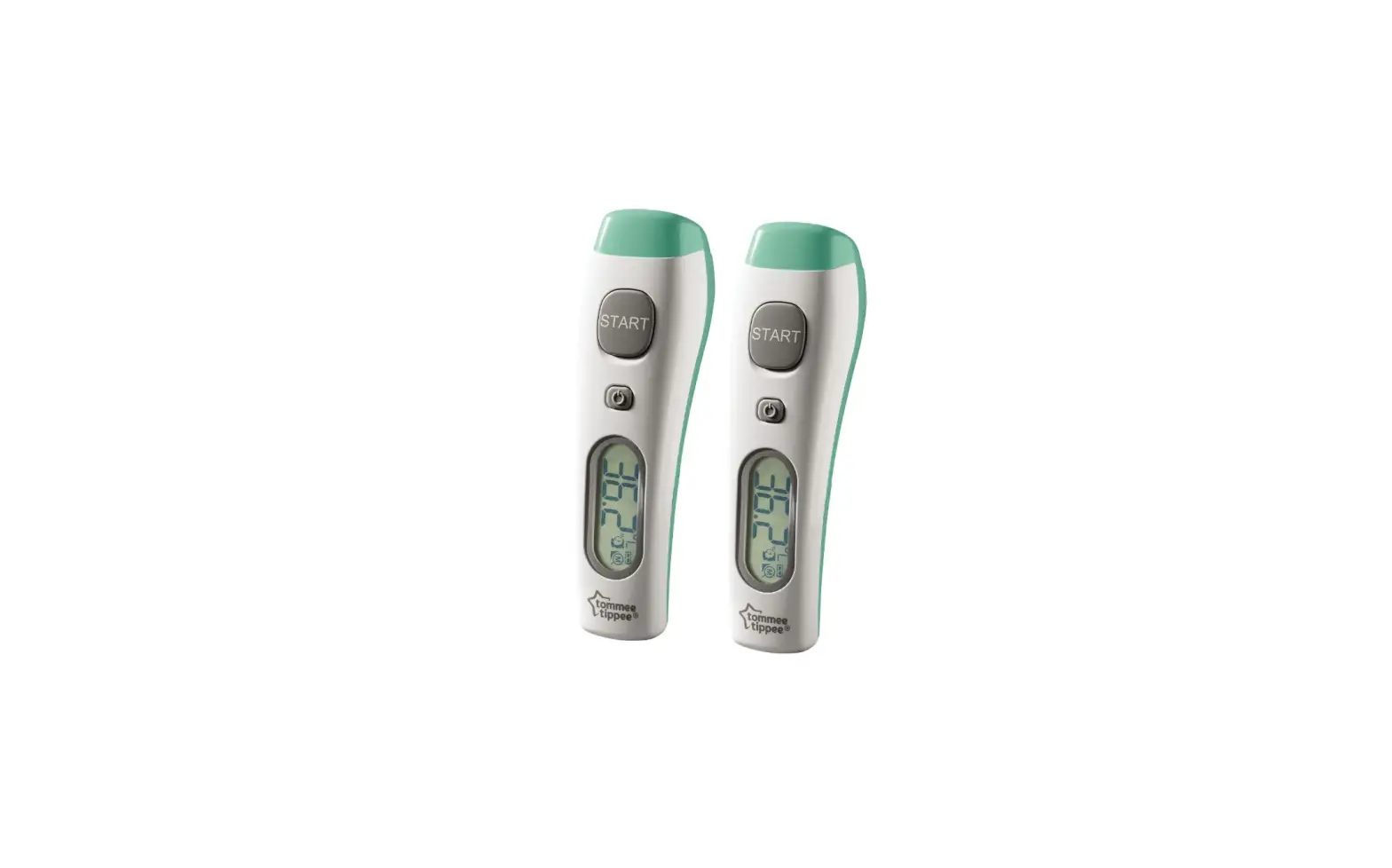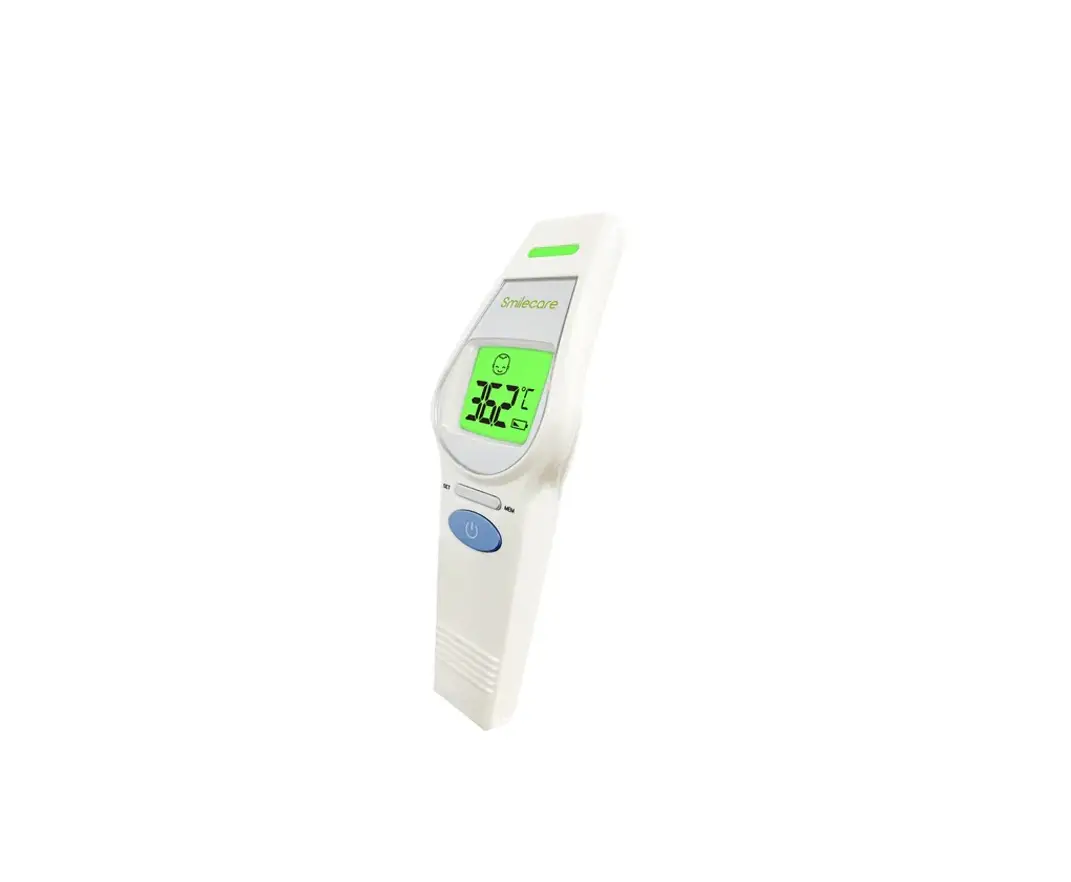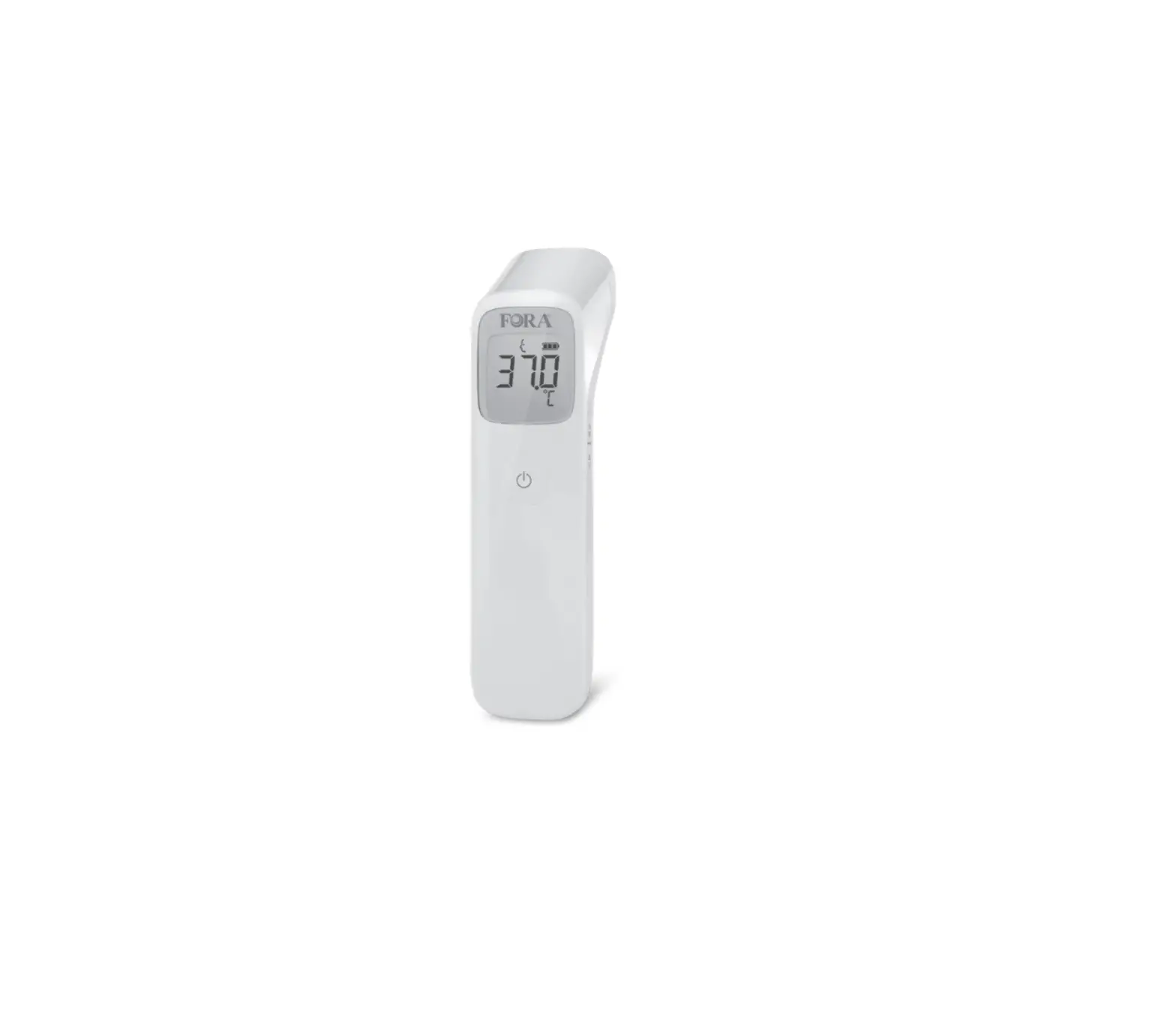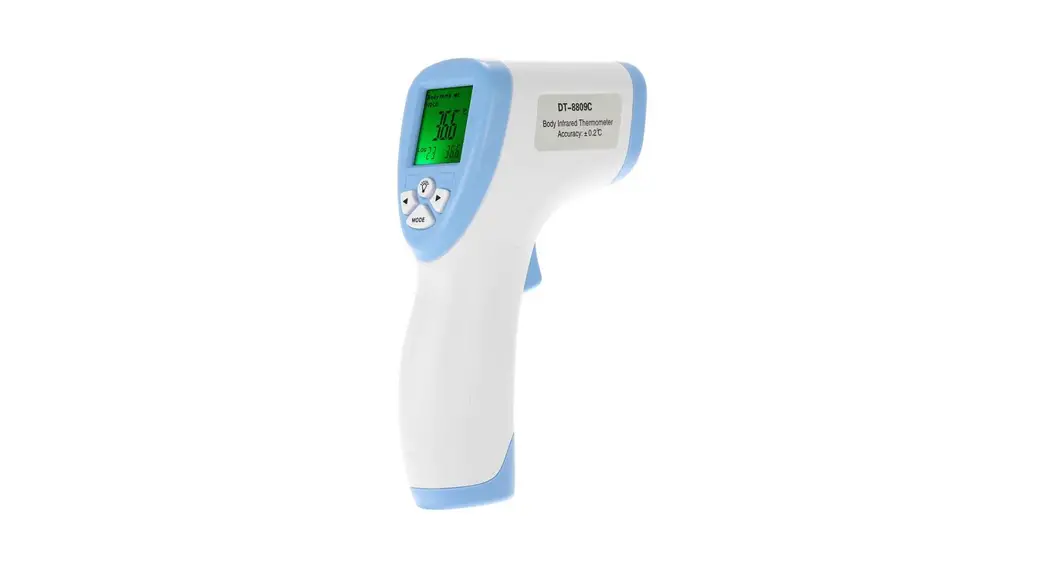

Thermometer Instructions for Building Entry
- After entering the building, wait at least 5 minutes before taking your temperature.
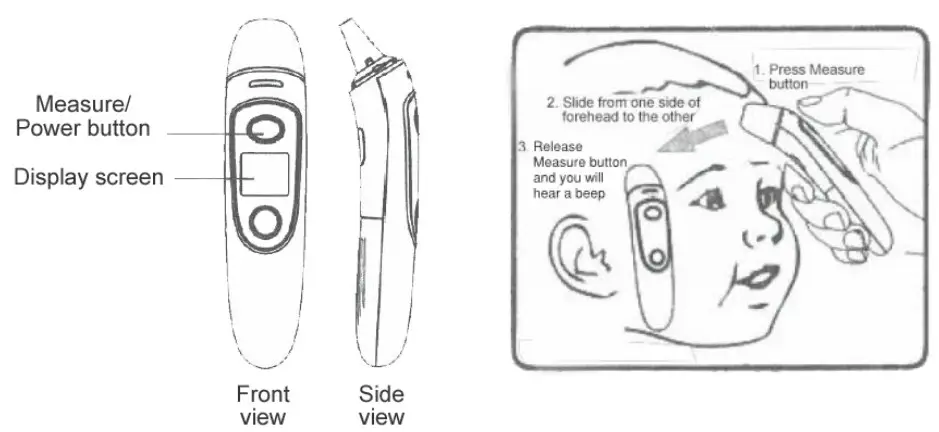
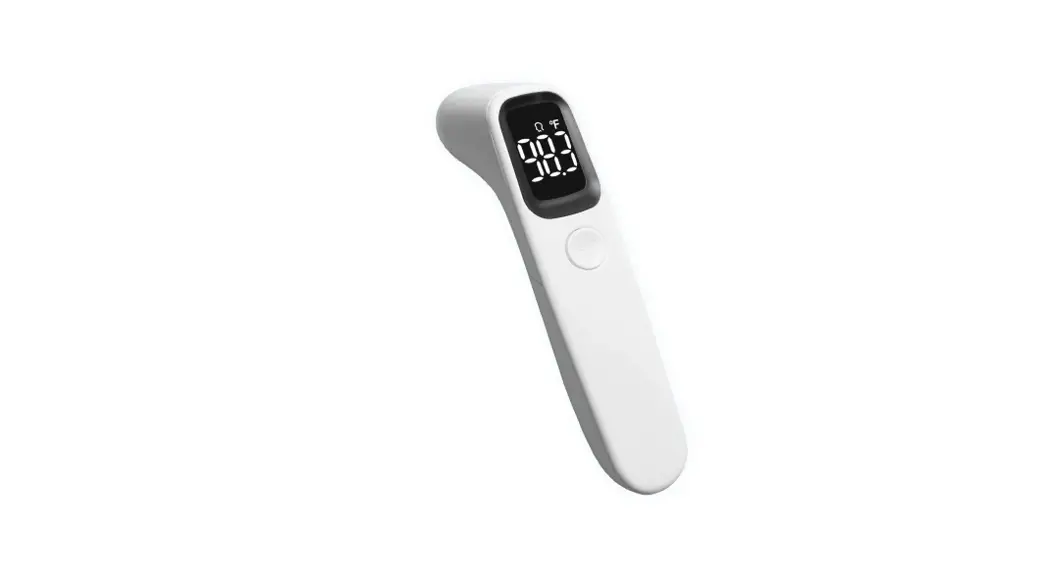
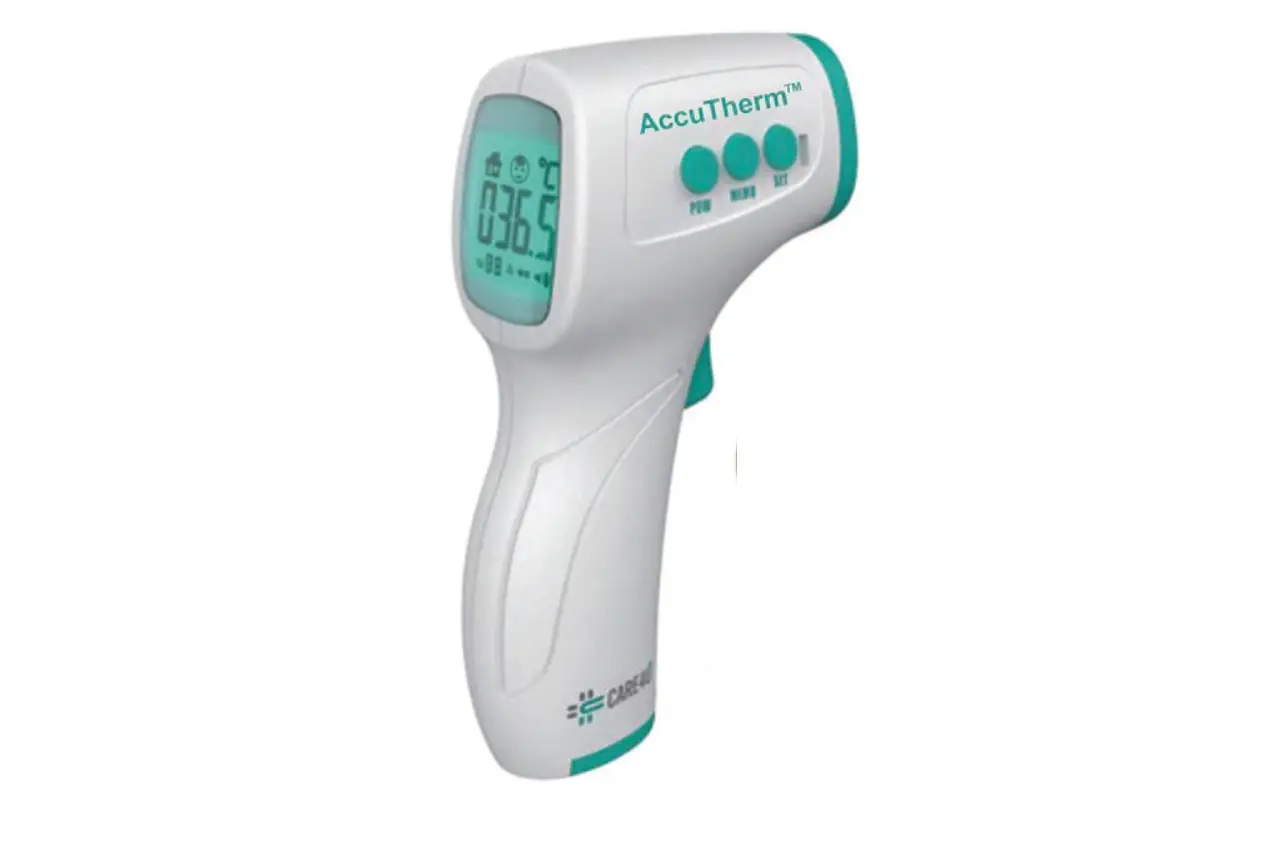
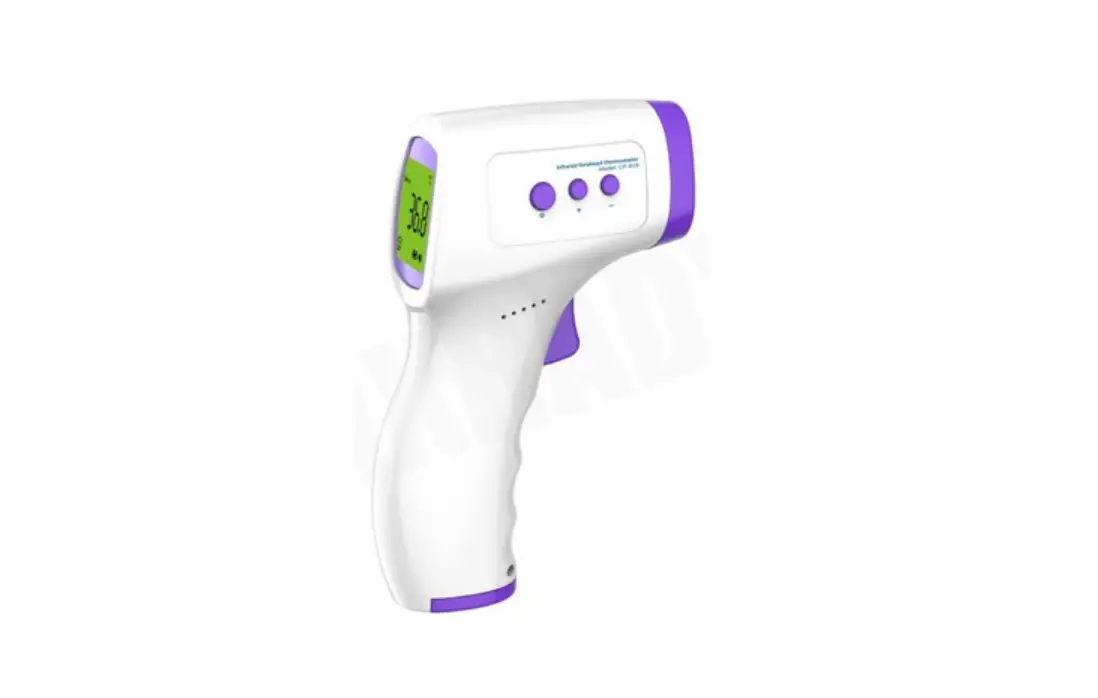
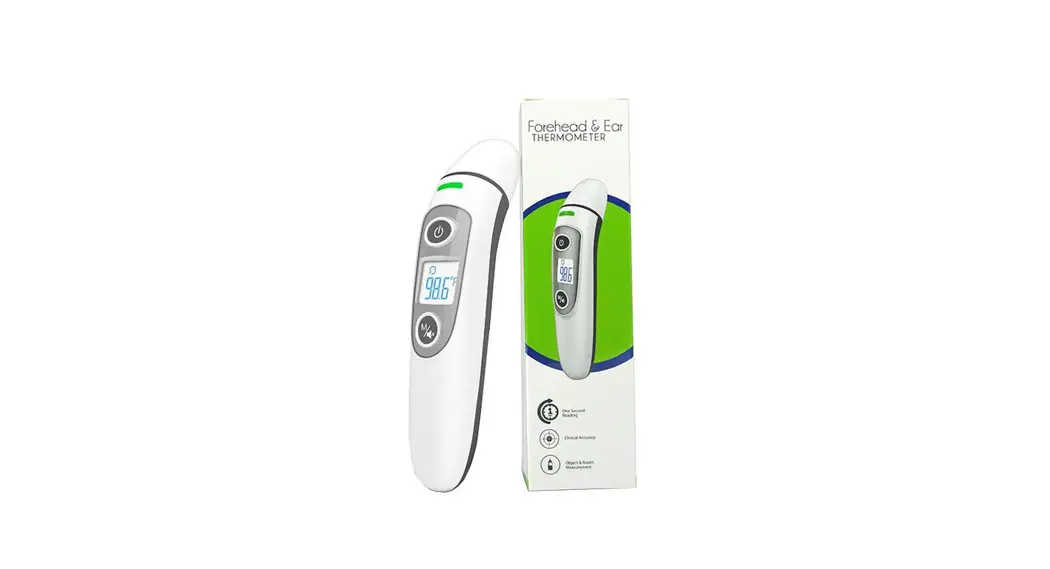
- Press the Measure/power button to power on the thermometer.
- Press and hold the Measure/power button while you press the thermometer to your forehead and slowly move it from one side to the other for about 2-3 seconds– make sure the thermometer is touching your skin the entire time.
- Release the measure button and remove the thermometer from your forehead, you will hear a “beep” and can now read the digital temperature.
a. If your temperature reads 99.9° or lower, proceed into the building.
b. If your temperature reads 100.0° or higher, wait 2 minutes and then do the test again.
c. If your temperature reads 100.0° or higher on the second test;
i. Employees: contact your manager and EHS (David Steinbacher at 206-375-0427 or Shyam Mahanti at 425-205-7355).
ii. Non-employees: contact your AGC Biologics contact - After use, sanitize the thermometer using the wipes provided.