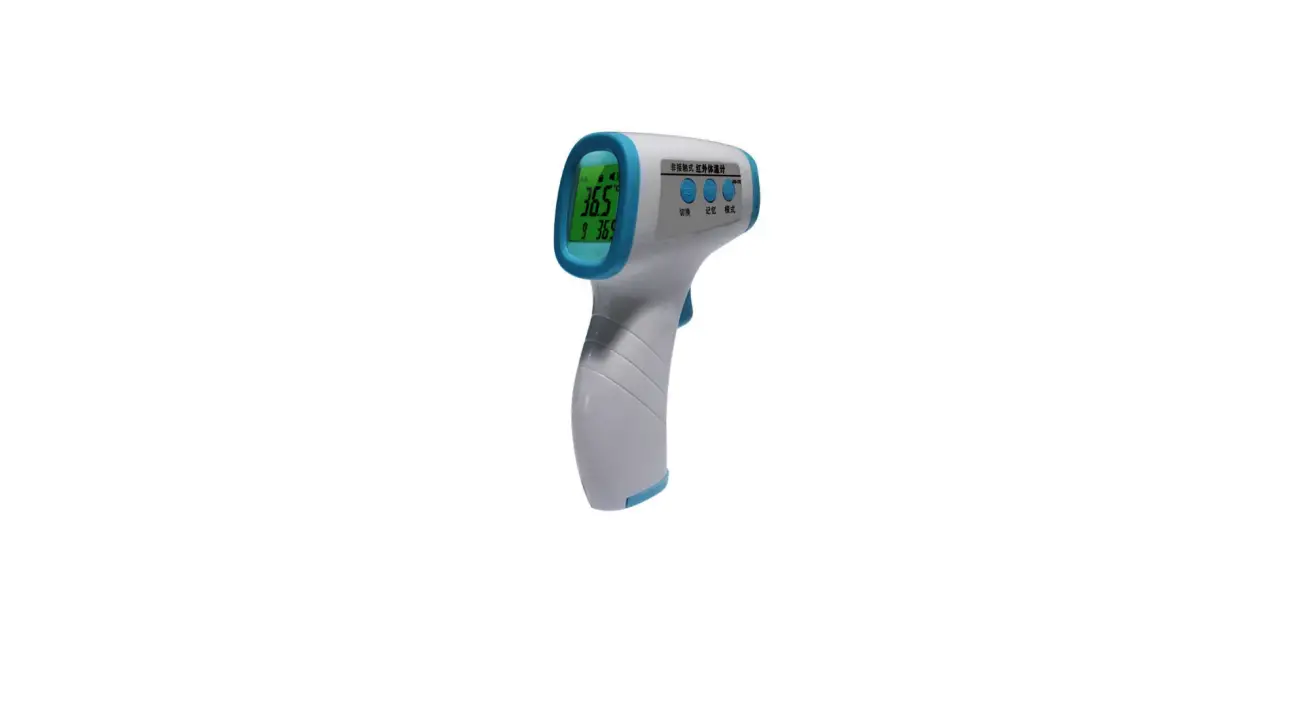
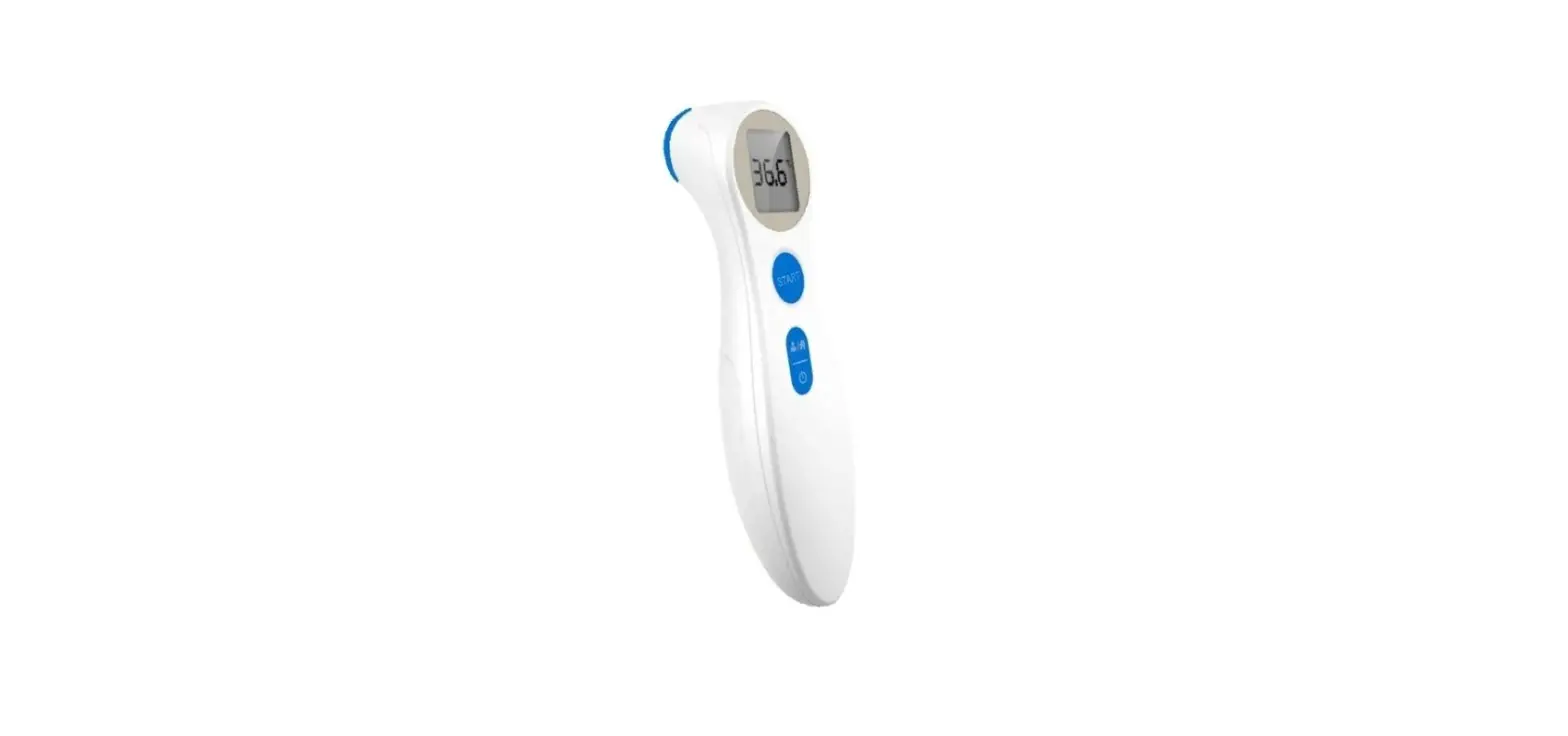
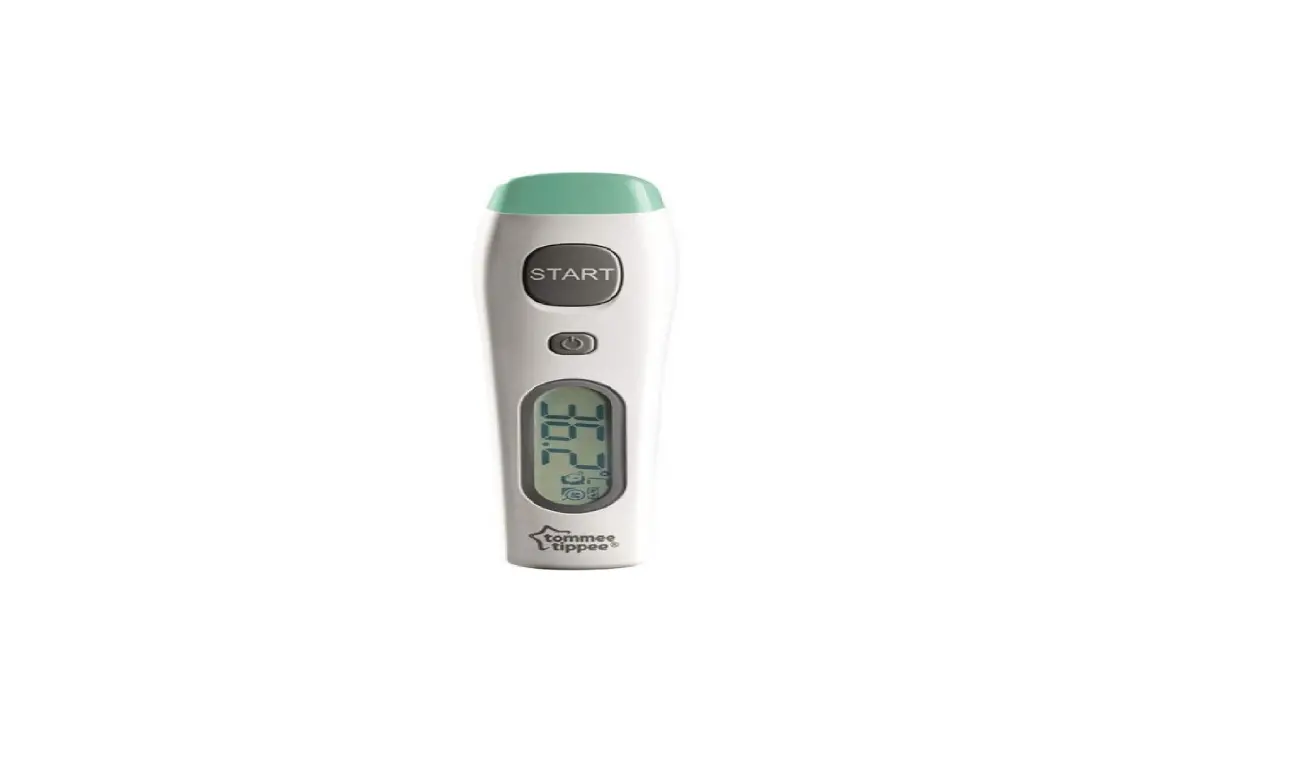
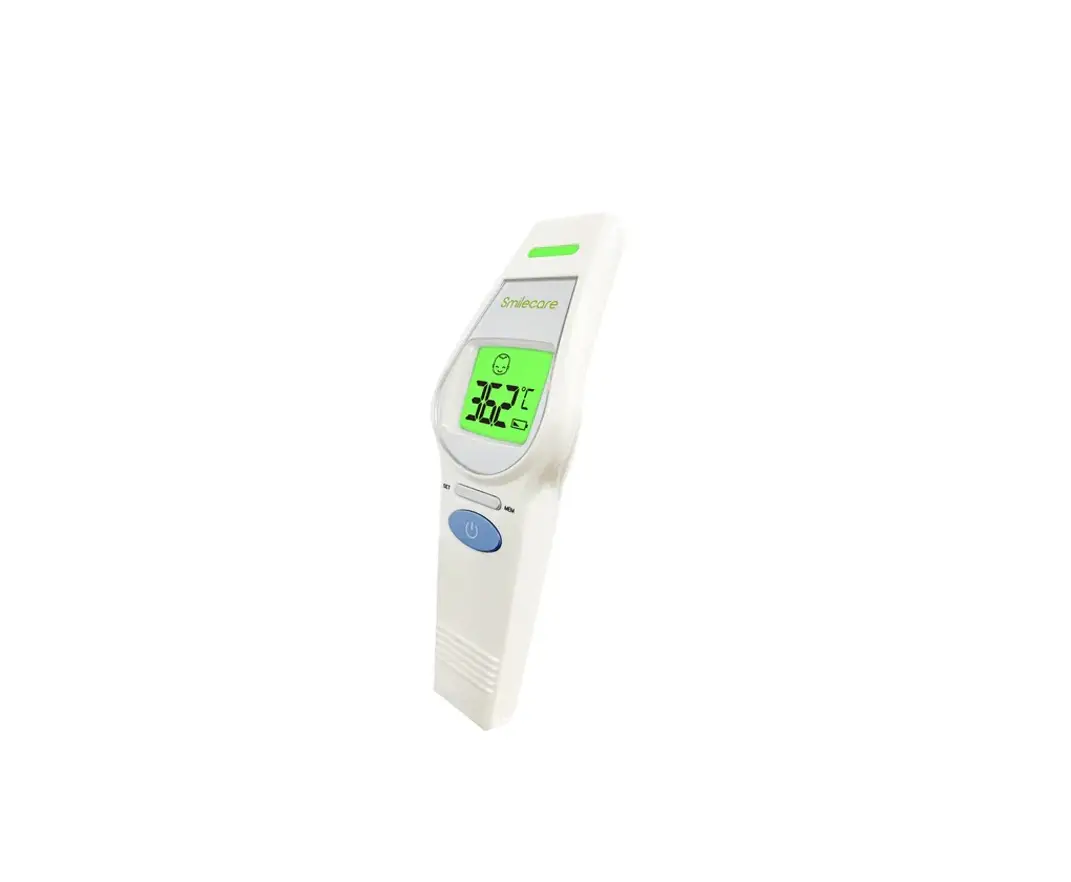
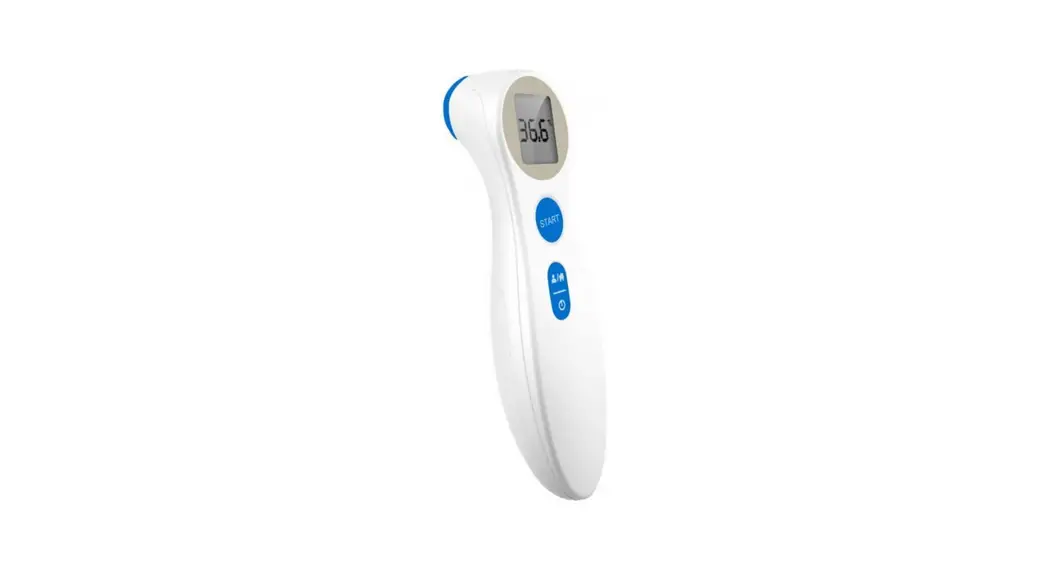
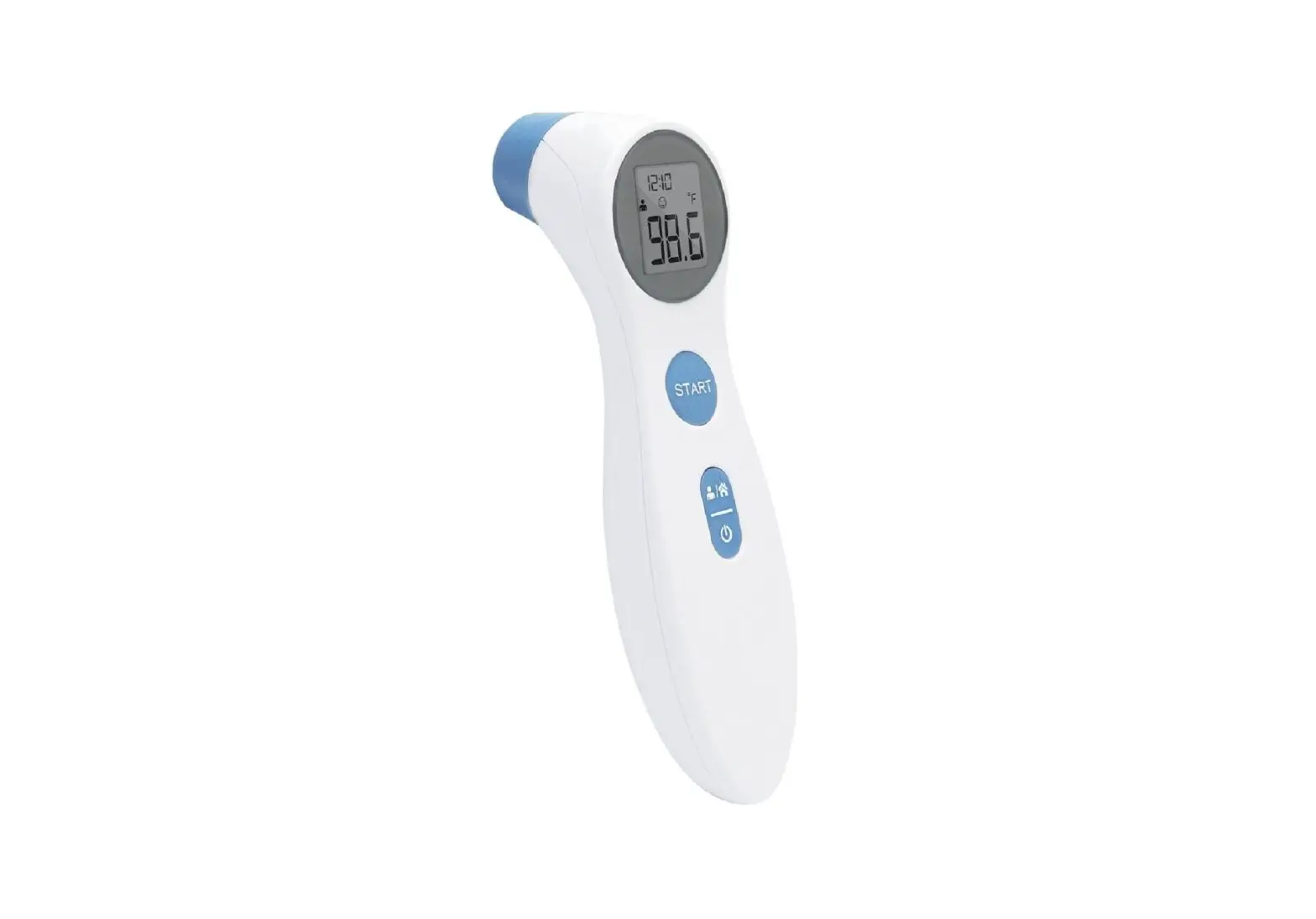
INSPECTUSA FT-967 Forehead IR Thermometer

FEATURES
- Non-contact temperature measurement, 34.0 ℃ to 43.0 ℃ ( 93.2 ℉ to 109.4 ℉ ) precision for forehead no contact temperature measurement.
- 0.1 degree resolution, high precision, exclusive design for the human forehead temperature measurement.
- Useful instrument to find the not normal ( extra higher ) human body temperature in the crowd quickly.
- Automatic data hold.
- Back light LCD display.
- High repeatability with 0.5 ℃.
- ℃,℉, display unit, select by internal switch..
- IR measurement with red LED light guide, safety.
- Microprocessor circuit.
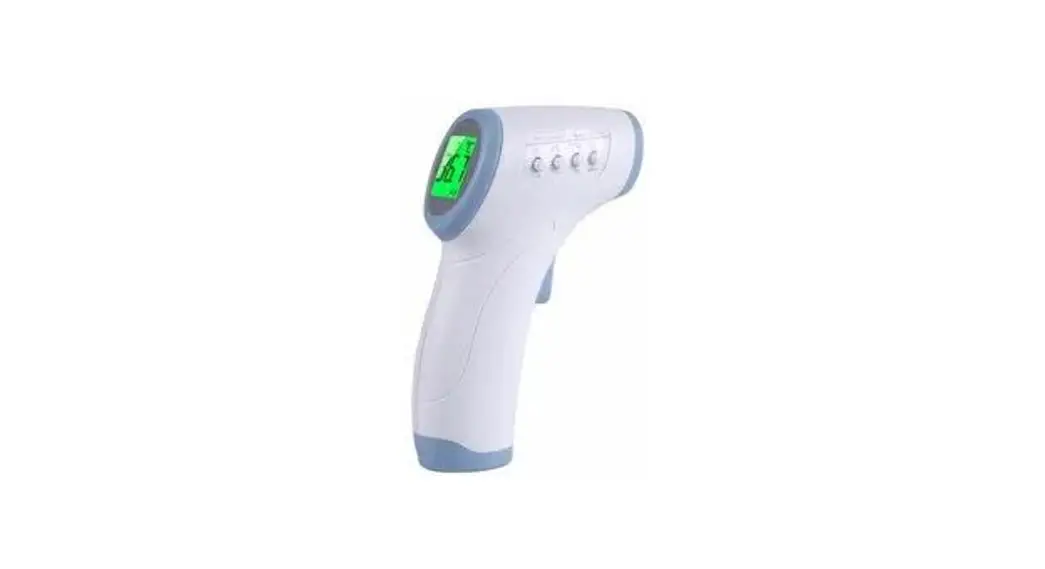
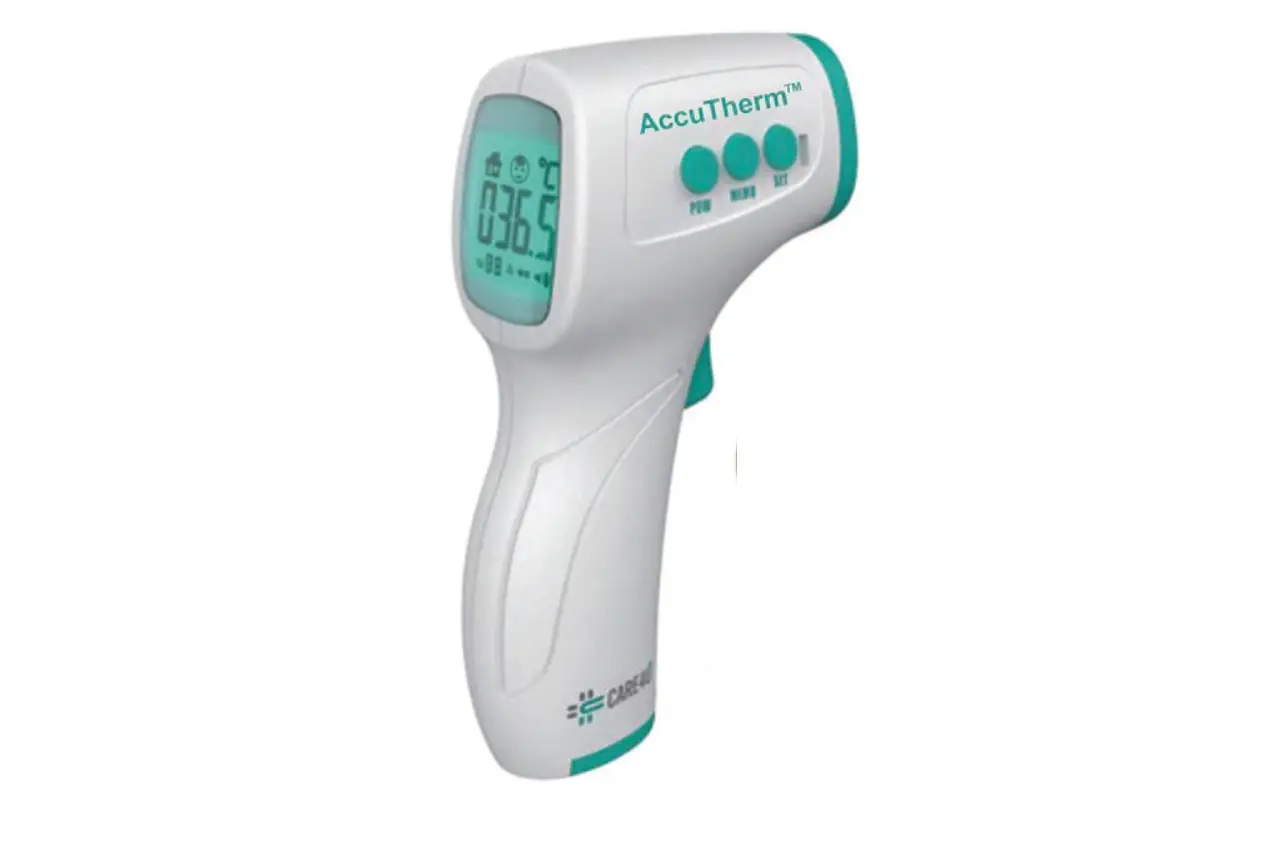
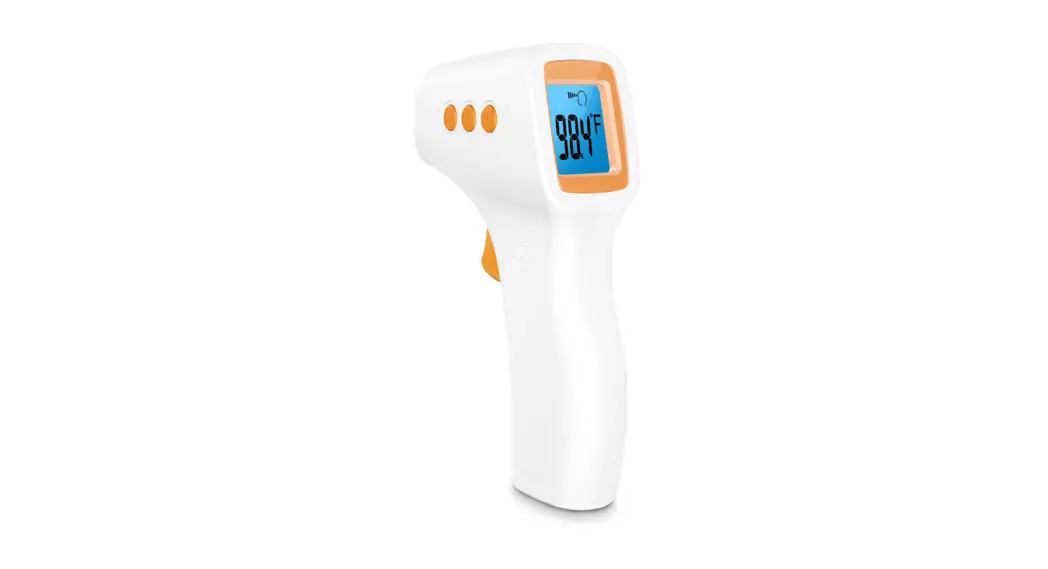
- Gun type, heavy duty & compact housing case.
- Data hold function to freeze the display reading.
- LCD display, easy readout.
- Operates from 006P DC 9V battery.
SPECIFICATIONS
General Specifications
| Circuit | Custom one-chip of micro processor LSI circuit. |
| Display | LCD, 29 mm x 33 mm. |
| Functions | ℃, ℉, Auto data hold, Auto power off, Auto LCD back light. |
| Sampling Time | Approx. 0.6 second. |
| Hold and Auto Power Off function | After release the operation switch, display will hold the last measuring value for about 10 seconds continuously. |
| Power Supply | 006P DC 9V battery (Heavy Duty Type, Alkaline type) or equivalent. |
| Power Consumption | Approx. DC 12 mA. |
| Operating Temp. | 0 to 50 ℃ (32 to 122 ℉). |
| Operating Humidity | Less than 80% RH. |
| Weight | 150 g/0.33 LB ( without battery ). |
| Dimension | 160 x 92 x 45 mm. ( 6.3 x 3.6 x 1.8 inch ). |
| Standard Accessory Included | Instruction manual………………………………… 1 PC. |
| Optional Carrying Case | soft carrying case, CA-05A. |
Electrical Specifications
| Measuring range | Forehead temperature measurement : 34.0 ℃ to 43.0 ℃ ( 93.2 ℉ to 109.4 ℉ ) |
| Resolution | 0.1 ℃ ( 0.1 ℉ ). |
| Accuracy | Forehead temperature measurement : ±0.5 ℃
|
| Repeatability | Forehead temperature measurement : ±0.5 ℃
|
| Measuring distance | 2 to 5 cm. |
| IR Sensor | Thermocouple pile. |
| Light Guide | Red LED light, safety for human eye. |
| Emissivity Setting | 0.95. |
| Measurement Wavelength | 6 to 12 micrometer. |
| Distance Factor | D/S : Approx. 1:1. D – Distance, S – Spot. |
FRONT PANEL DESCRIPTION
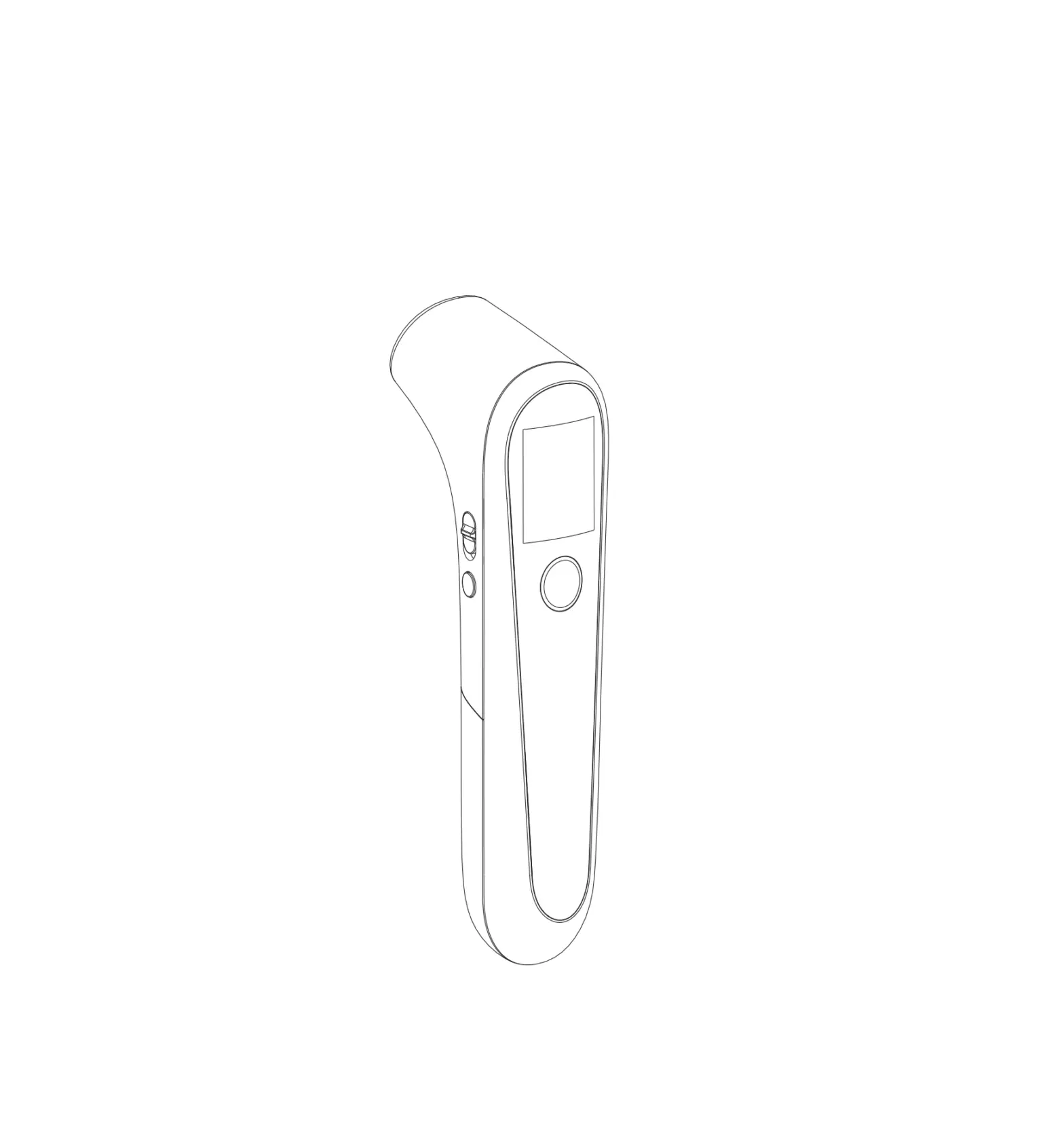
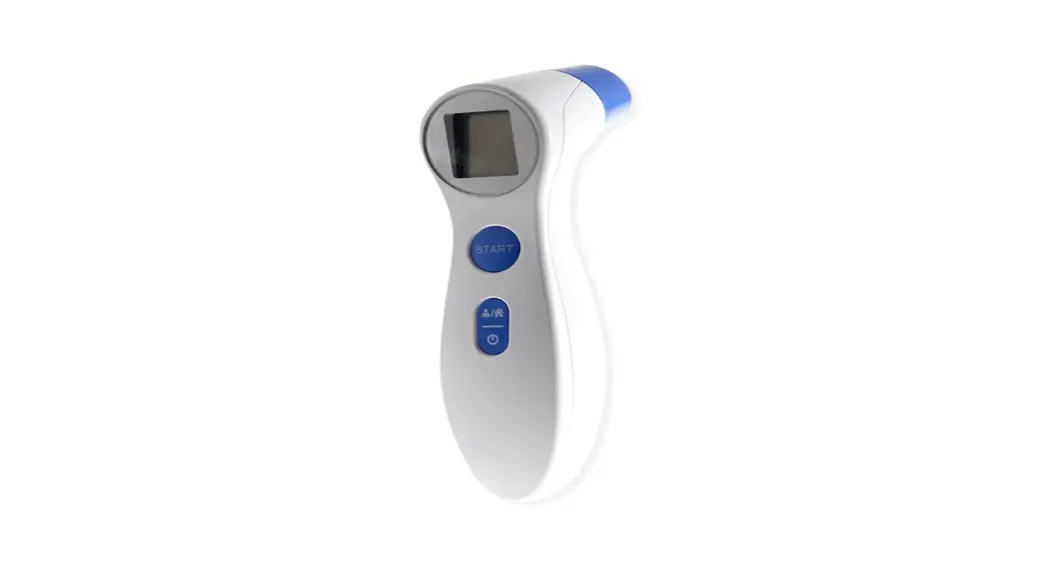
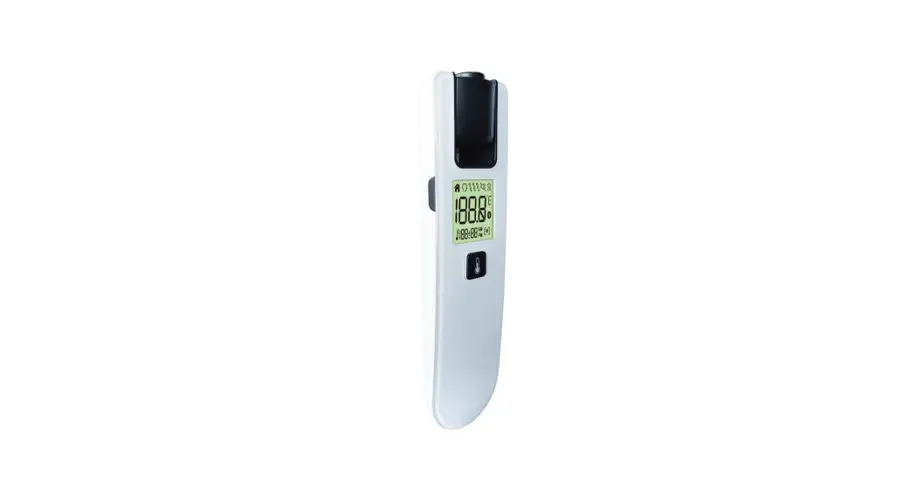
- 3-1 Display
- 3-2 Battery Cover
- 3-3 ℃/℉ Select Switch
- 3-4 Battery Compartment
- 3-5 LED Target Light Guide
- 3-6 IR Sensing Head
- 3-7 Operation Switch
- 3-8 Handle


MEASURING PROCEDURE
- One hand hold the ” Handle ” ( 3-8, Fig. 1 ), use finger to press the ” Operation Switch ” ( 3-7, Fig. 1 ) continuously, at the same time the ” LED Target Light ” will flash when test value stable, the ” LED Target Light ” will off and beep will sound once.
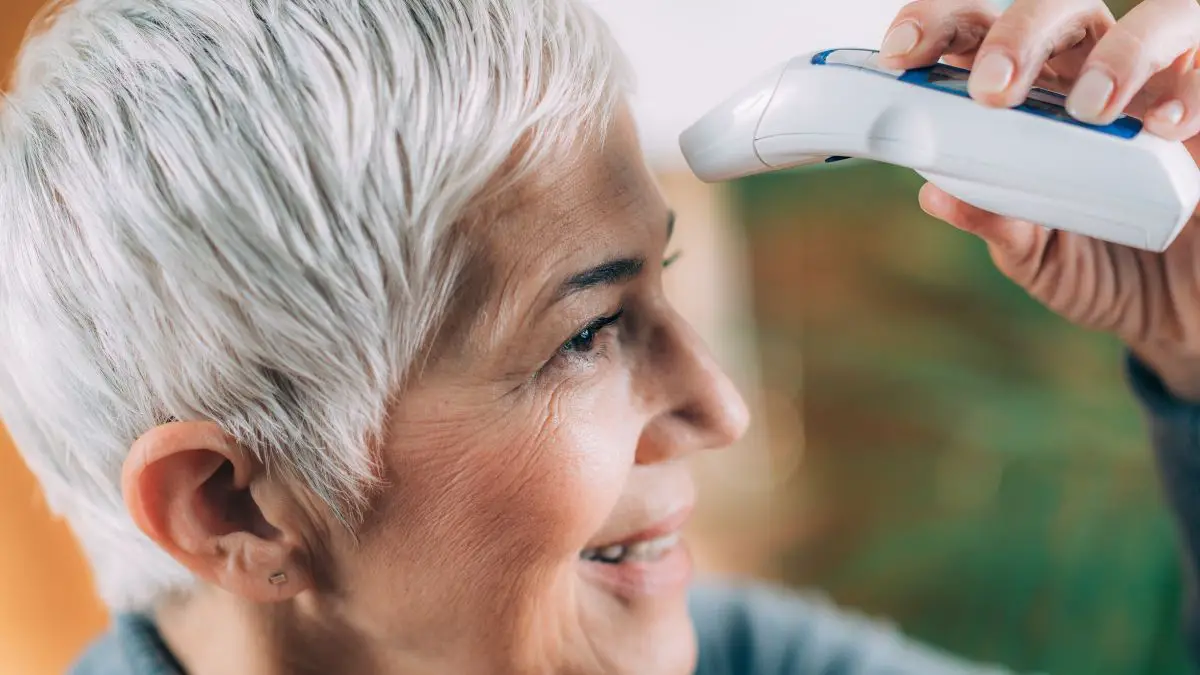
- Point the ” IR Sensing Head ” ( 3-6, Fig. 1 ) face against to the forehead, until meter show the stable temperature values ( approx. 1 to 2 seconds ), release the ” Operation Switch “. The Display will hold the measuring value for about 10 seconds, then power off automatically.
Note :
* The distance between the ” Sensing Head ” and forehead should about 2 to 5 cm.
* During the measurement, if press the ” Operation switch ” continuously, will make the measurement continuously. - LED Target Light Guide
When press the ” Operation Switch ” ( 3-7, Fig. 1 ) to make the temperature measurement, at the same time the meter’s head will generate the red ” LED Target Light ” ( 3-5, Fig. 1 ) to guide the target.
MEASURING CONSIDERATION
If the meter change the operation environment, it recommend to stay the meter under the new environment at least 10 minutes to let the circuit reach the stable condition.
BATTERY REPLACEMENT
Battery condition indicator
- When the LCD display show the ” Low battery indicator ” as above, it is necessary to replace the battery. However, in-spec measurement may still be made for several hours after low battery indicator appears before the instrument become inaccurate.
- Slide the Battery Cover ( 3-2, Fig. 1 ) away from the instrument and remove the battery.
- Install a 9 V battery ( 3-4, Fig. 1 ) and replace the cover.