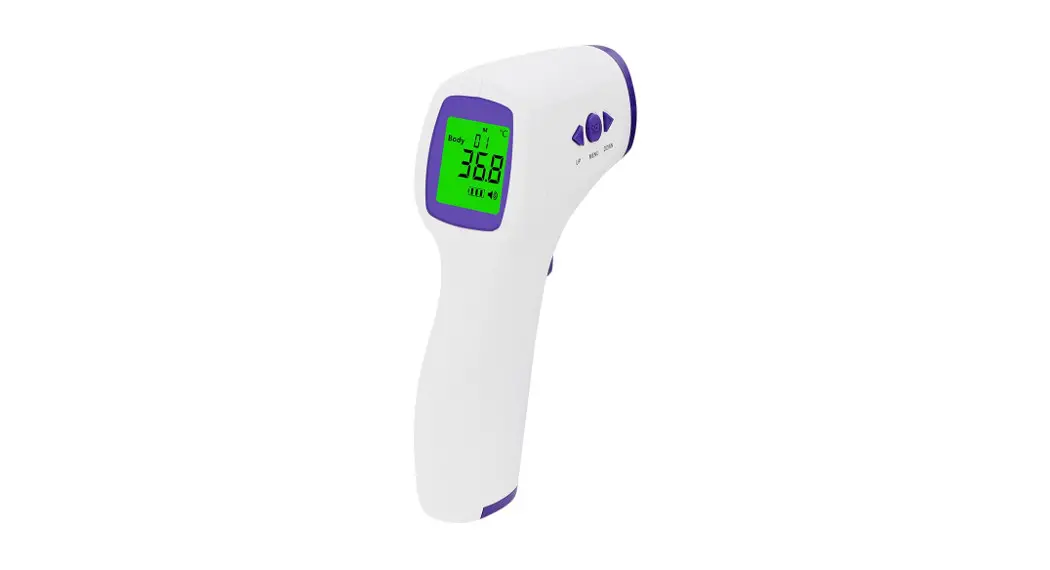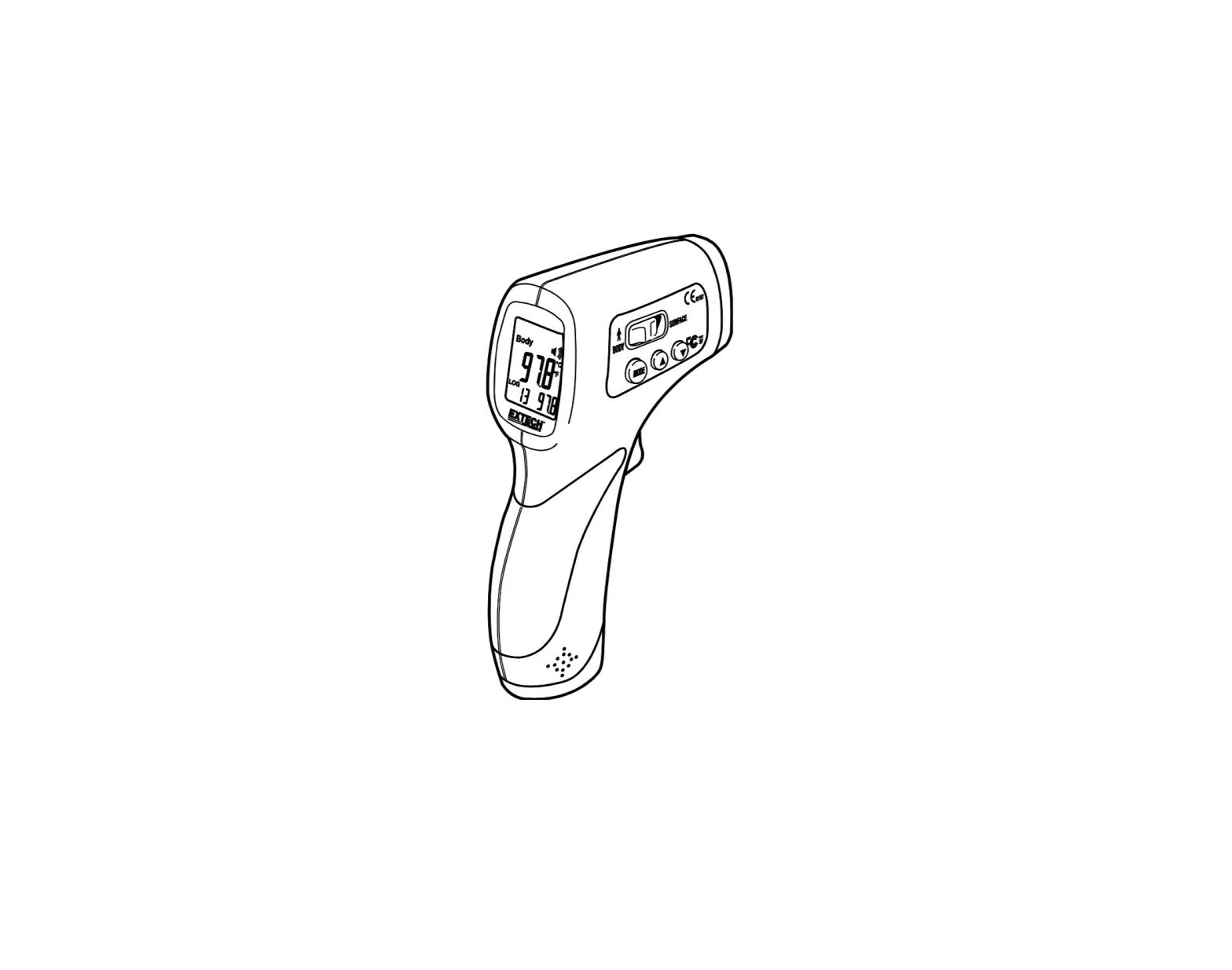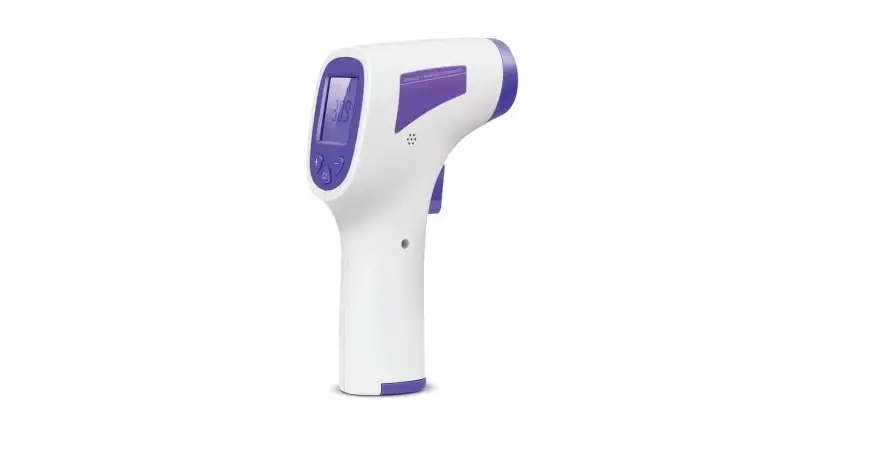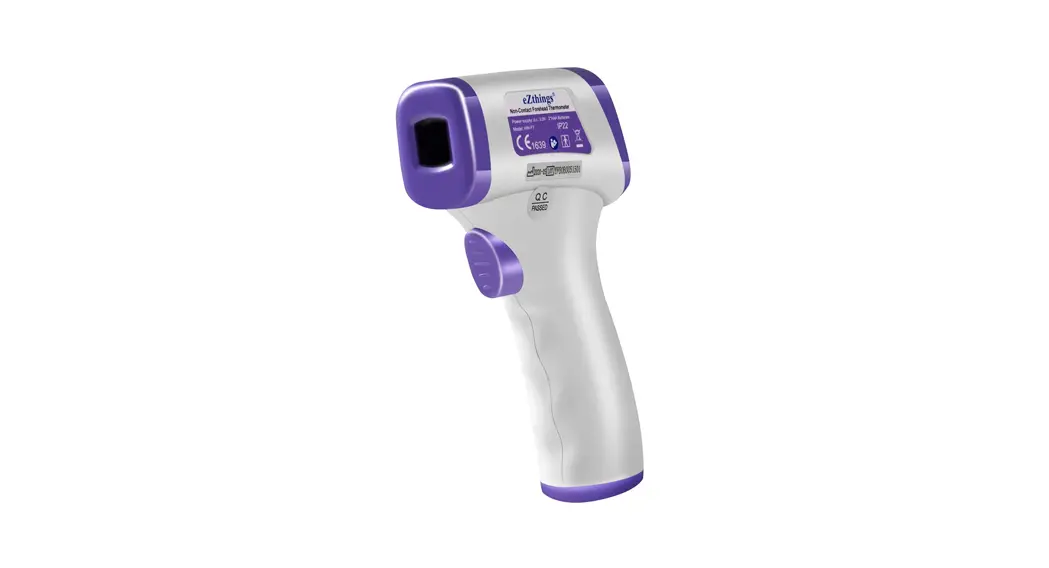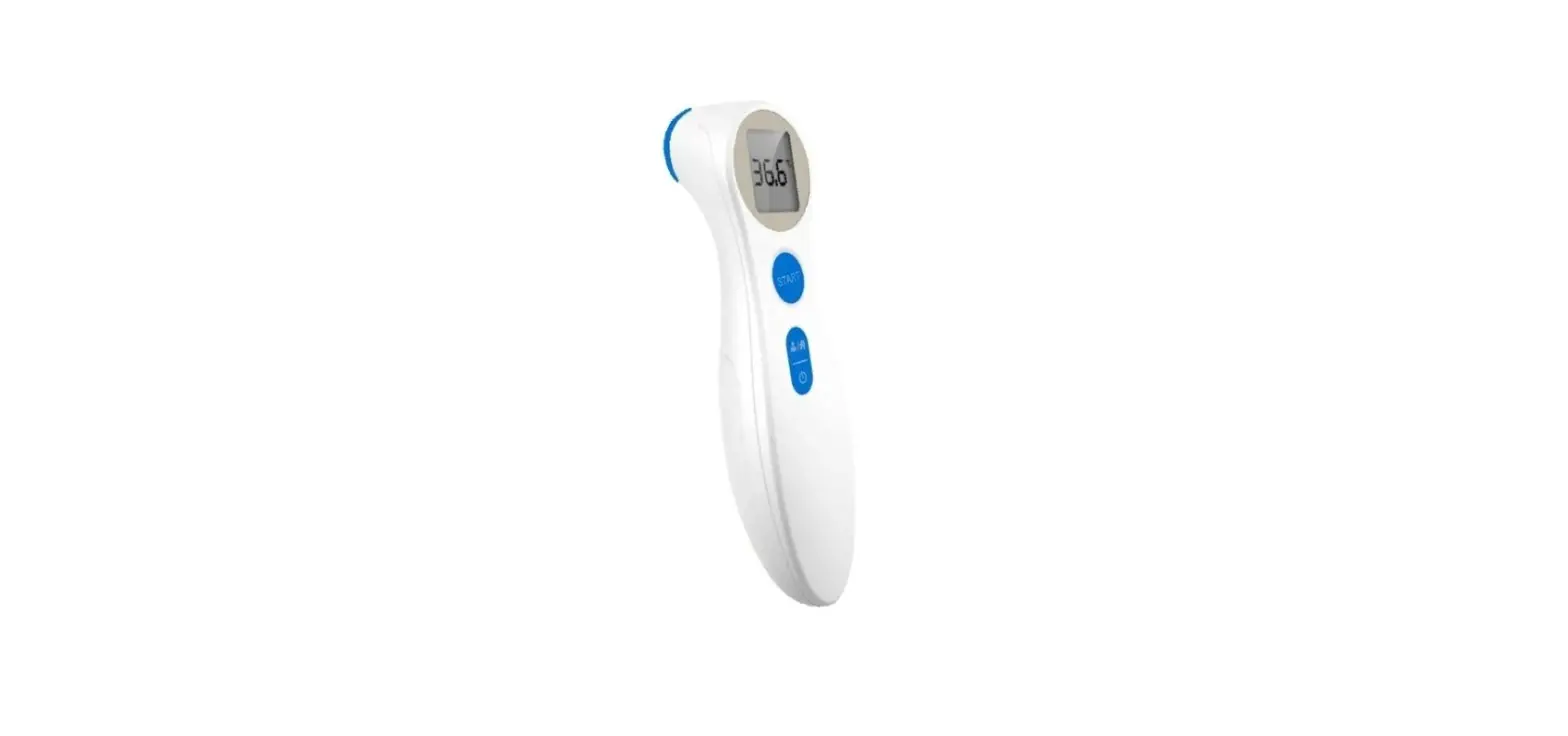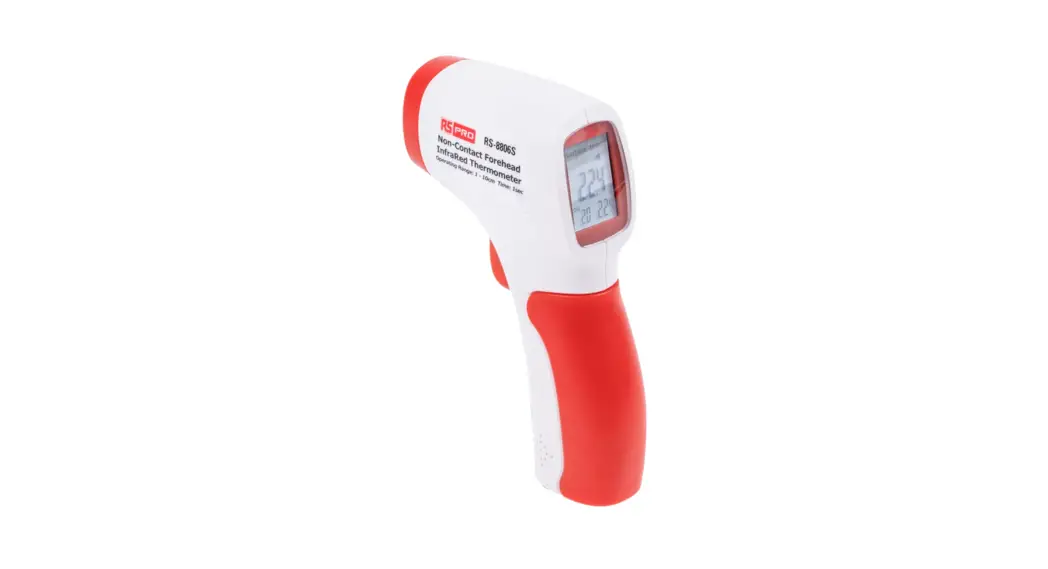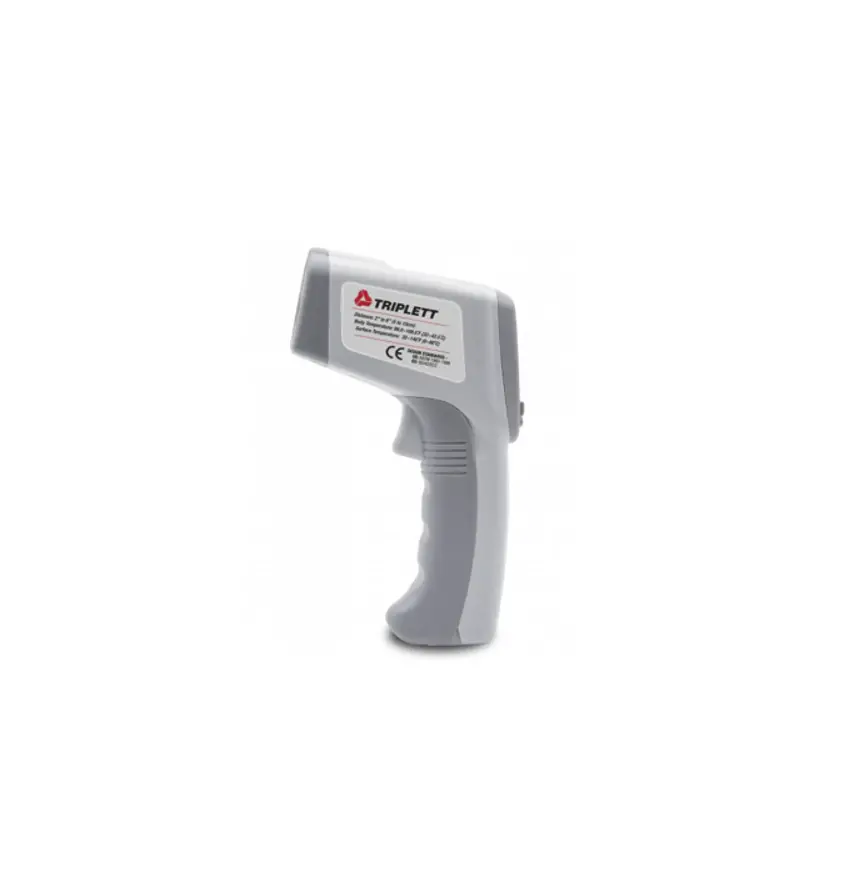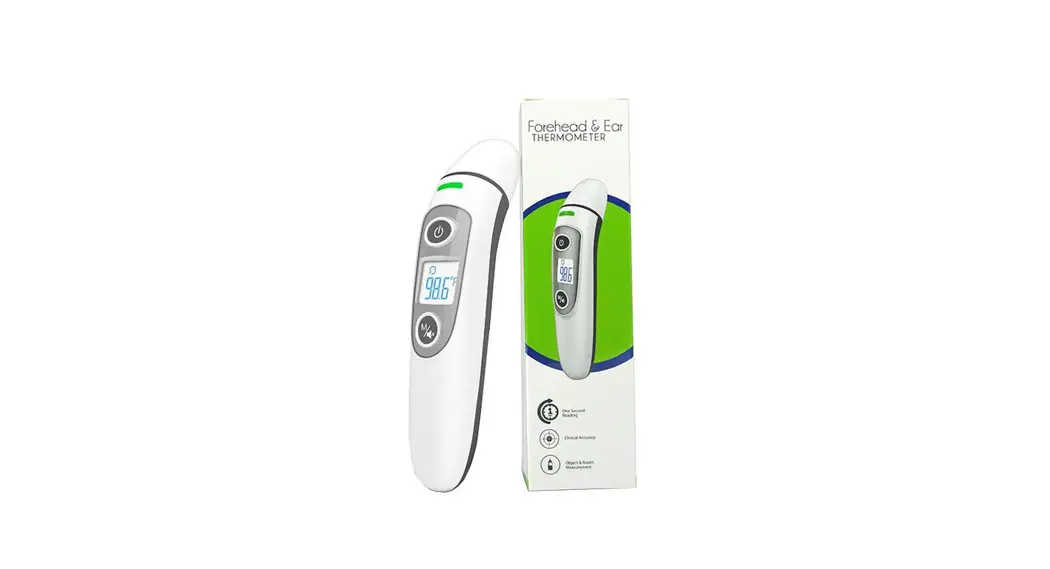

THERMOMETRE INFRAROUGE SANS CONTACT
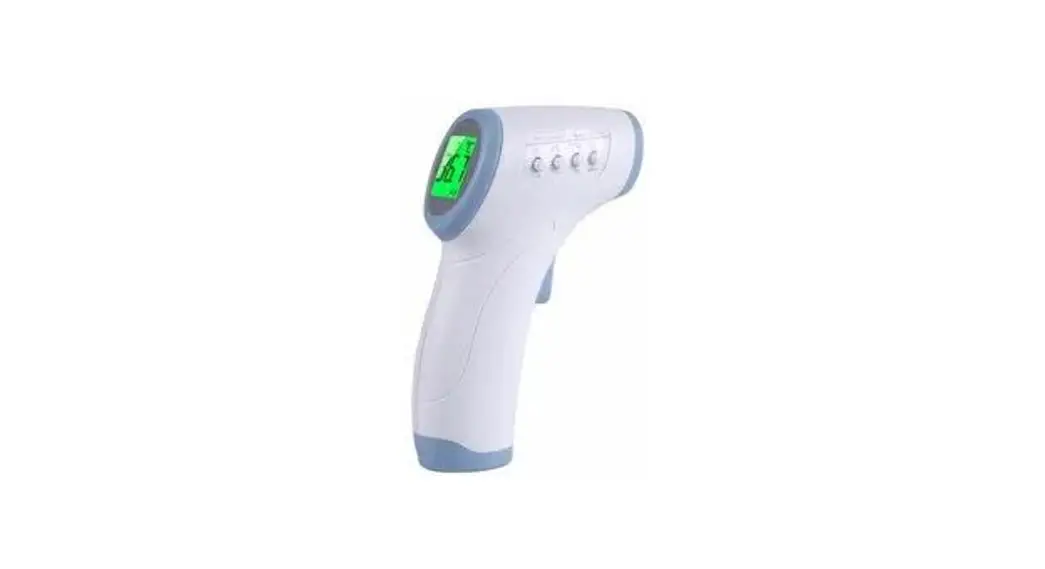
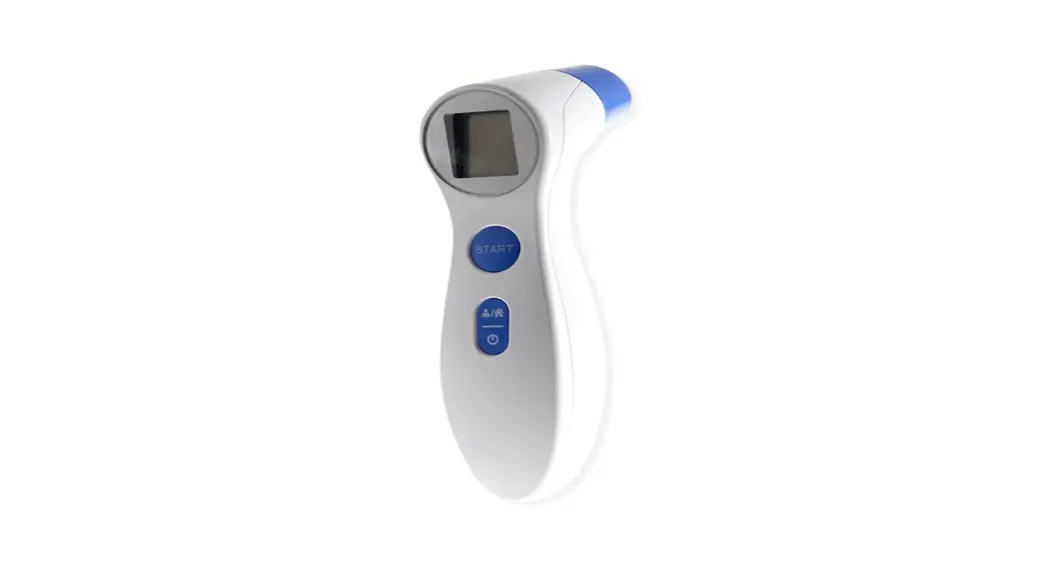
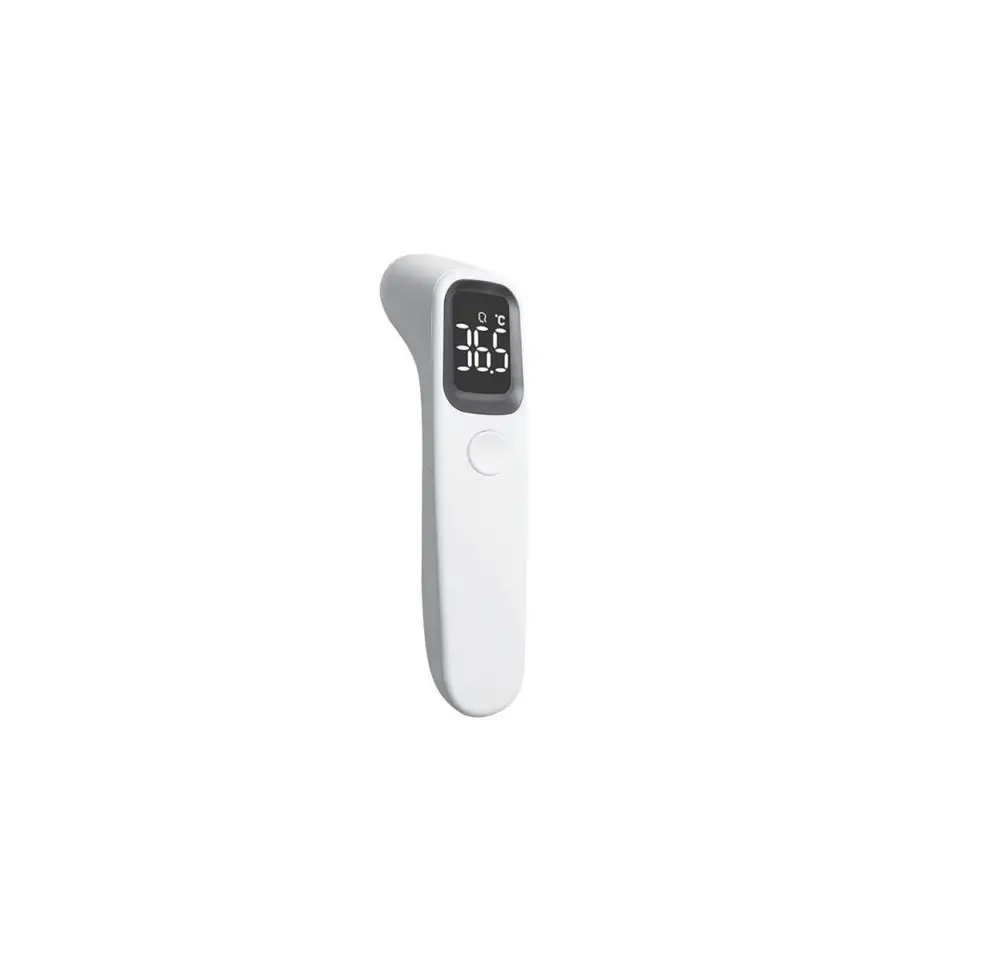
Non-Contact Forehead Thermometer
FC-IR100
User manual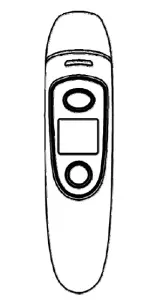
Quick guide in ENGLISH : how to use the thermometer
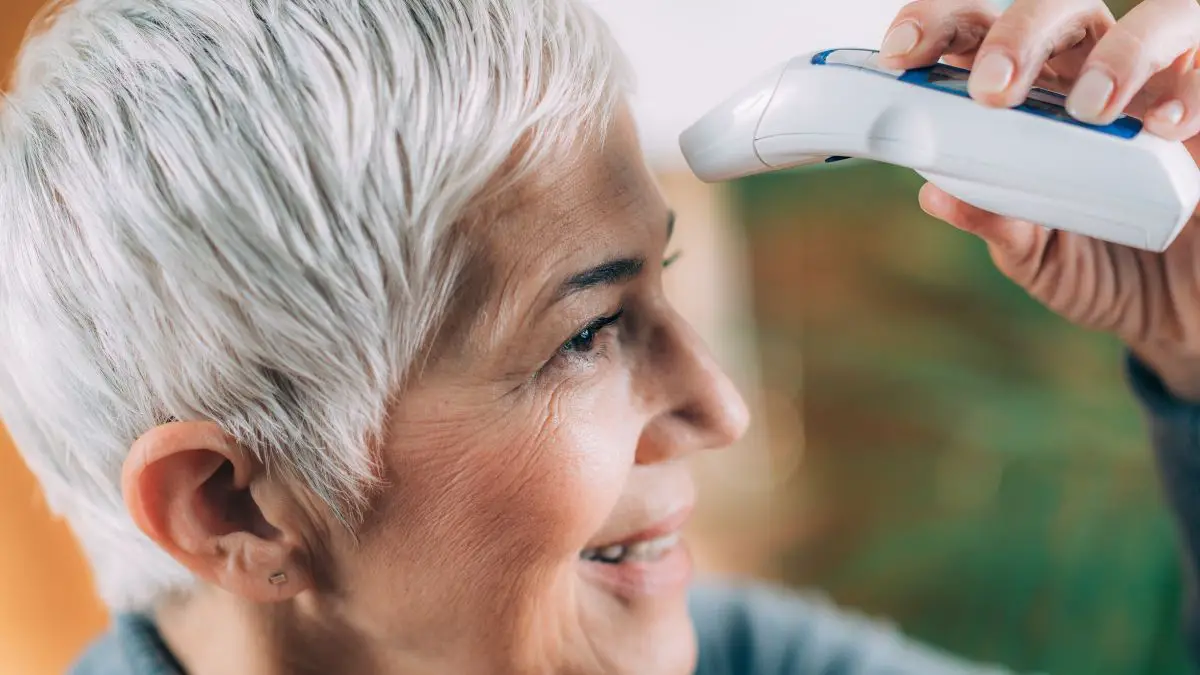
How to measure the forehead temperature
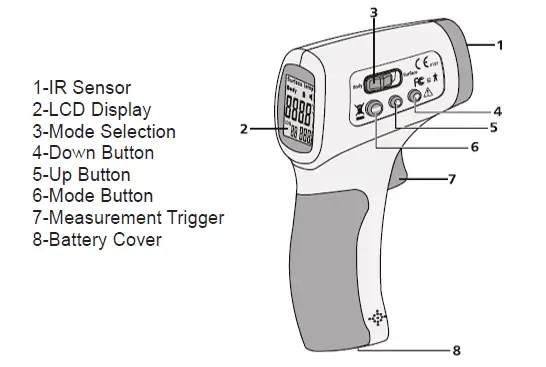
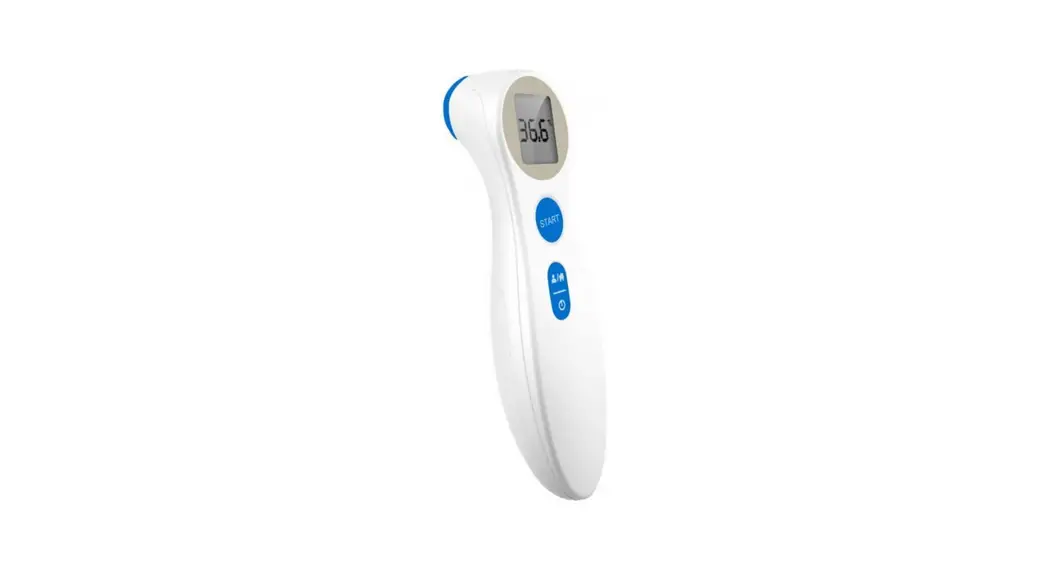
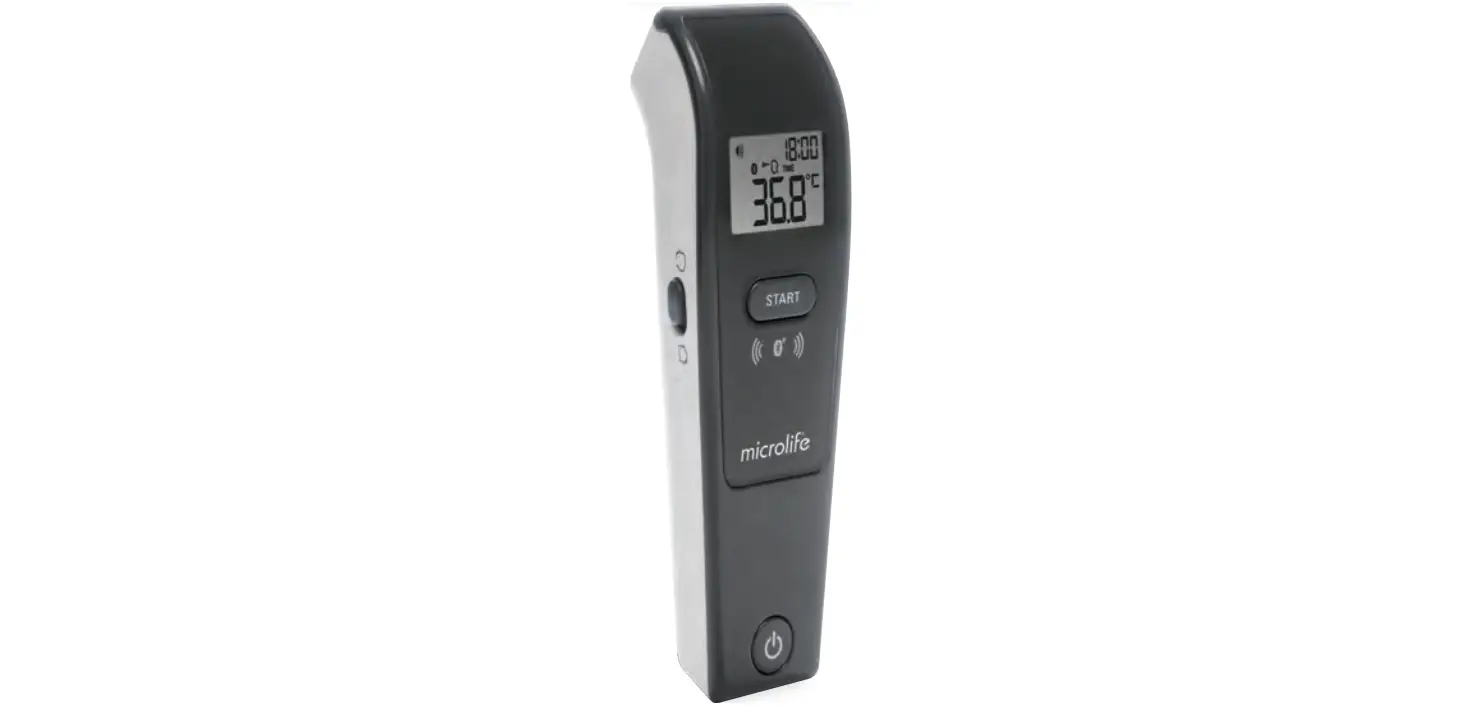
Press the  button to turn on the thermometer. Aim only on the forehead from a distance of 0-3 cm. No need for skin contact. Press to measure the body temperature, the beep will sound, you can now read the value.
How to measure room/object temperature
When the thermometer is power off, press  the button for 3 seconds until it shows
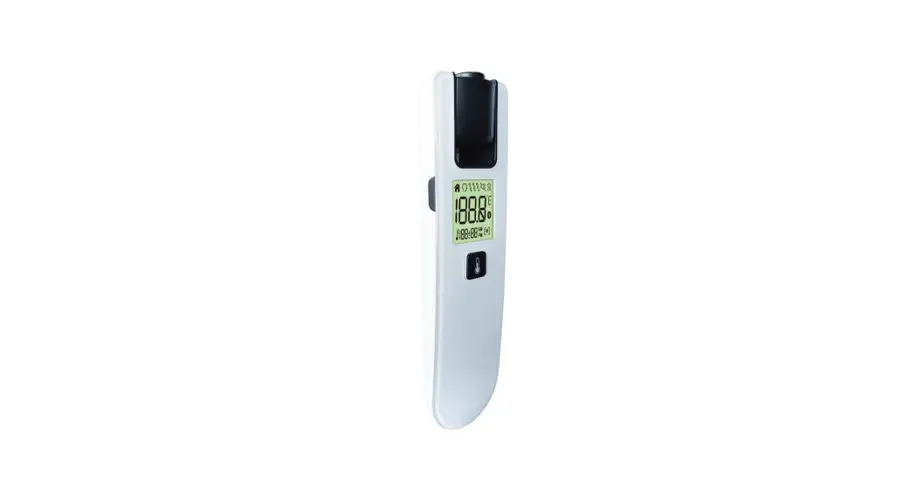
 . Then press the button to measure. Keep the thermometer about 1-3 cm away from the object. Press and release the button for 1 second, the beep will sound, now you can read the value.
How to switch between mute and un-mute
When the thermometer is turned on, keep pressing the button for 3 seconds, to switch from un-mute to mute.
How to check the memory data
When the thermometer is turned on or power off, by pressing the button to go to the memory mode, press button again to check the 35 groups of memories one by one. If no value, it will display “_ _M”.
How to switch from °C to °F
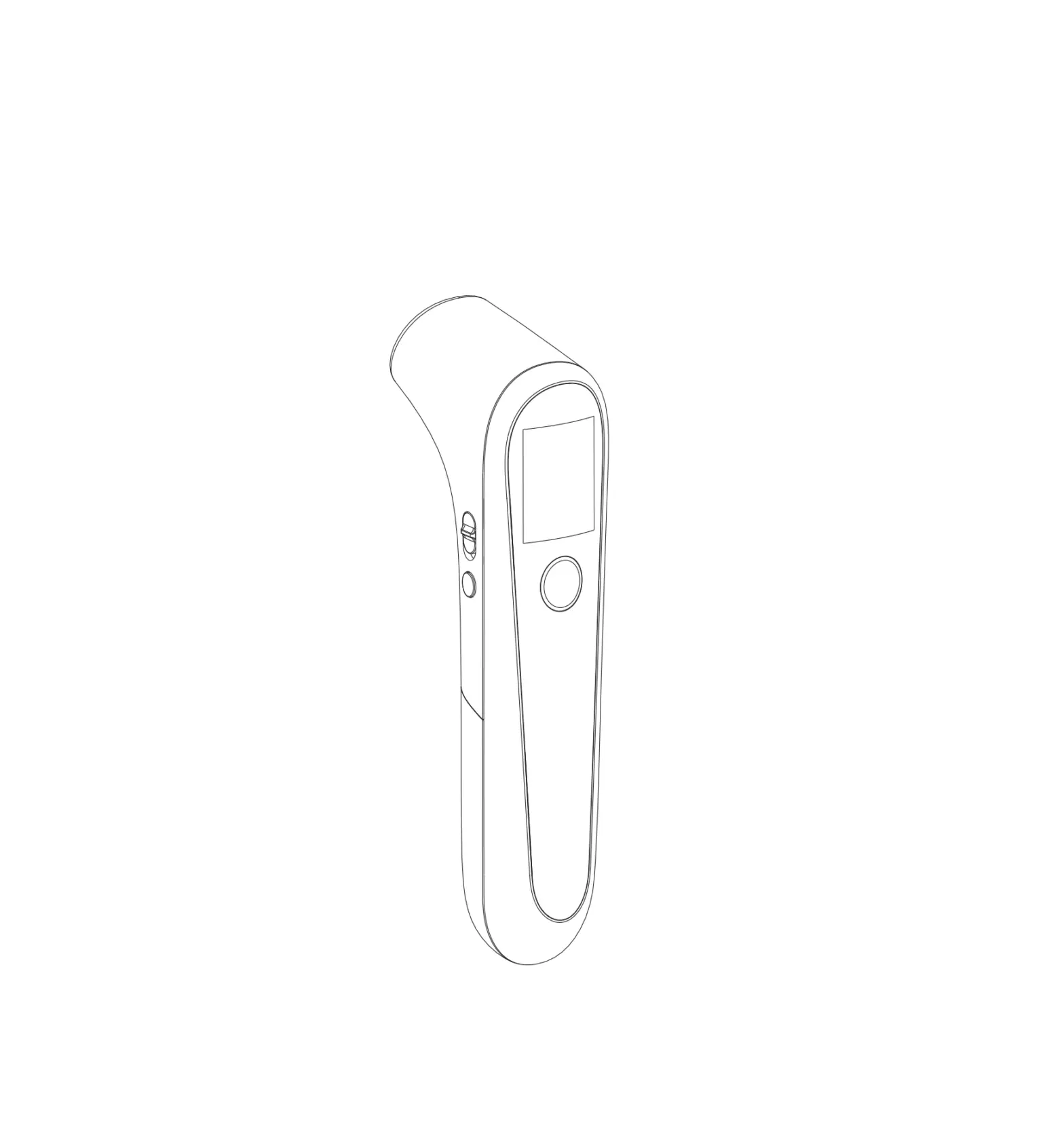
Open the battery cover, remove batteries. Use the toggle switch to change the °C/°F.
How to turn off the thermometer
The thermometer will shut down automatically after 10 seconds of no use. Or you can keep pressing the button for 6 seconds.
How to replace the battery
Slide the battery cover off along the marked direction. Put two AAA batteries correctly into the compartment. Remove the batteries if the thermometer will not be used for more then two months.