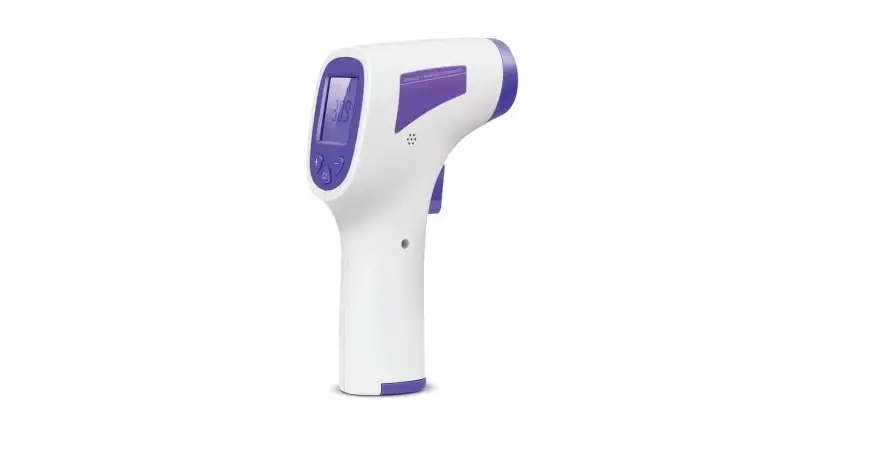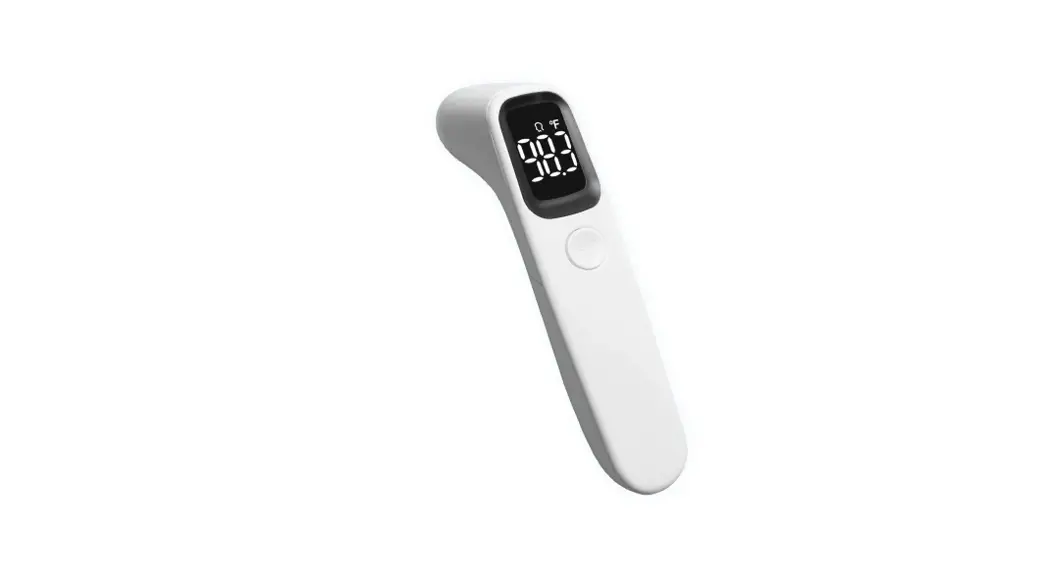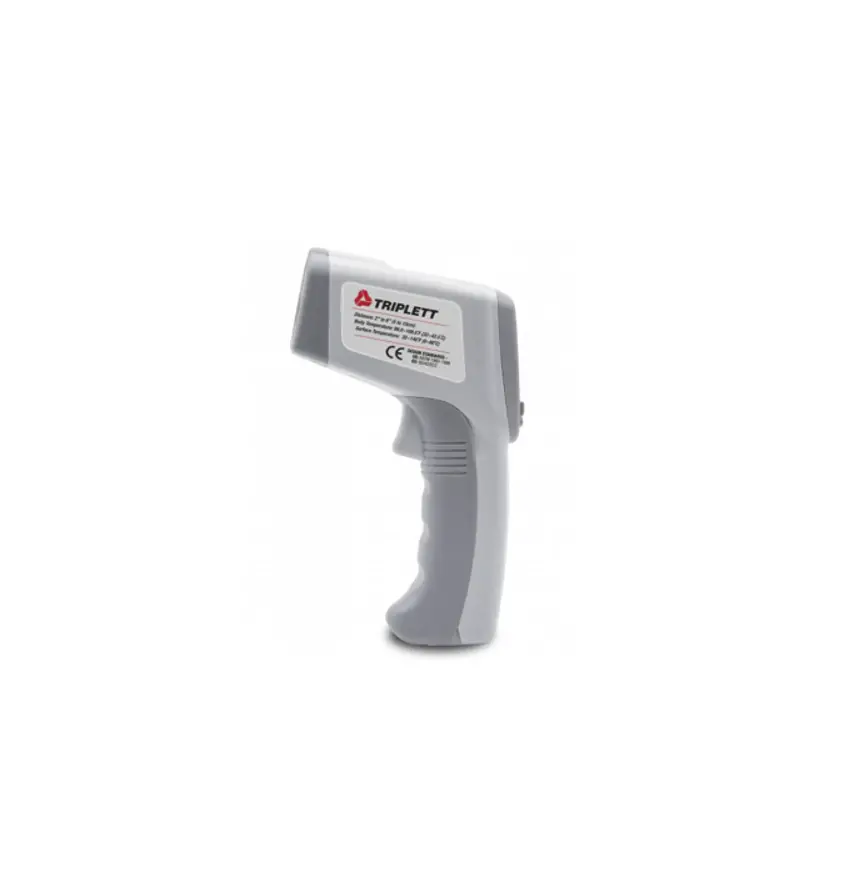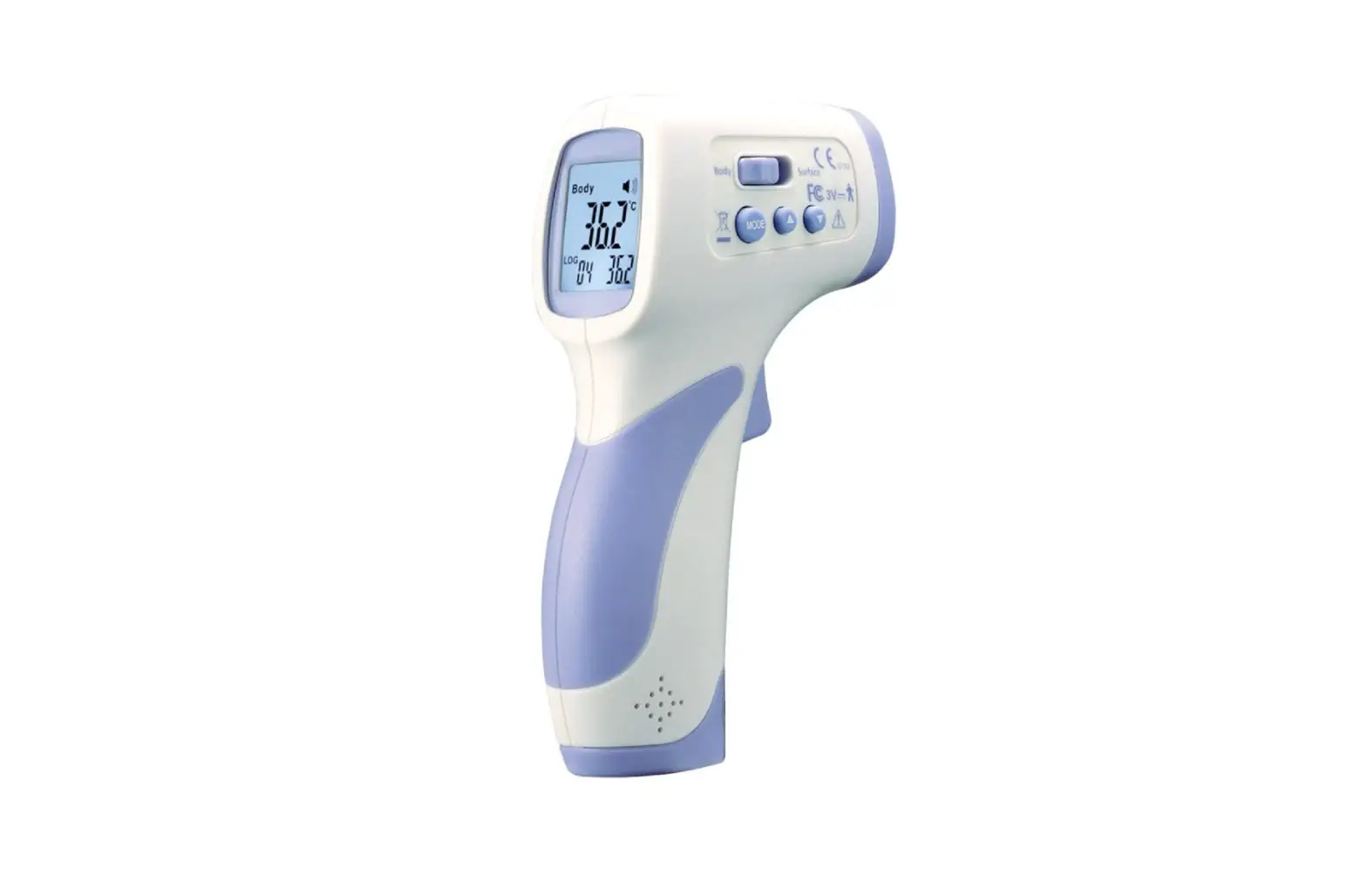
Non-Contact Infrared Forehead Thermometer B2355238
USER MANUAL
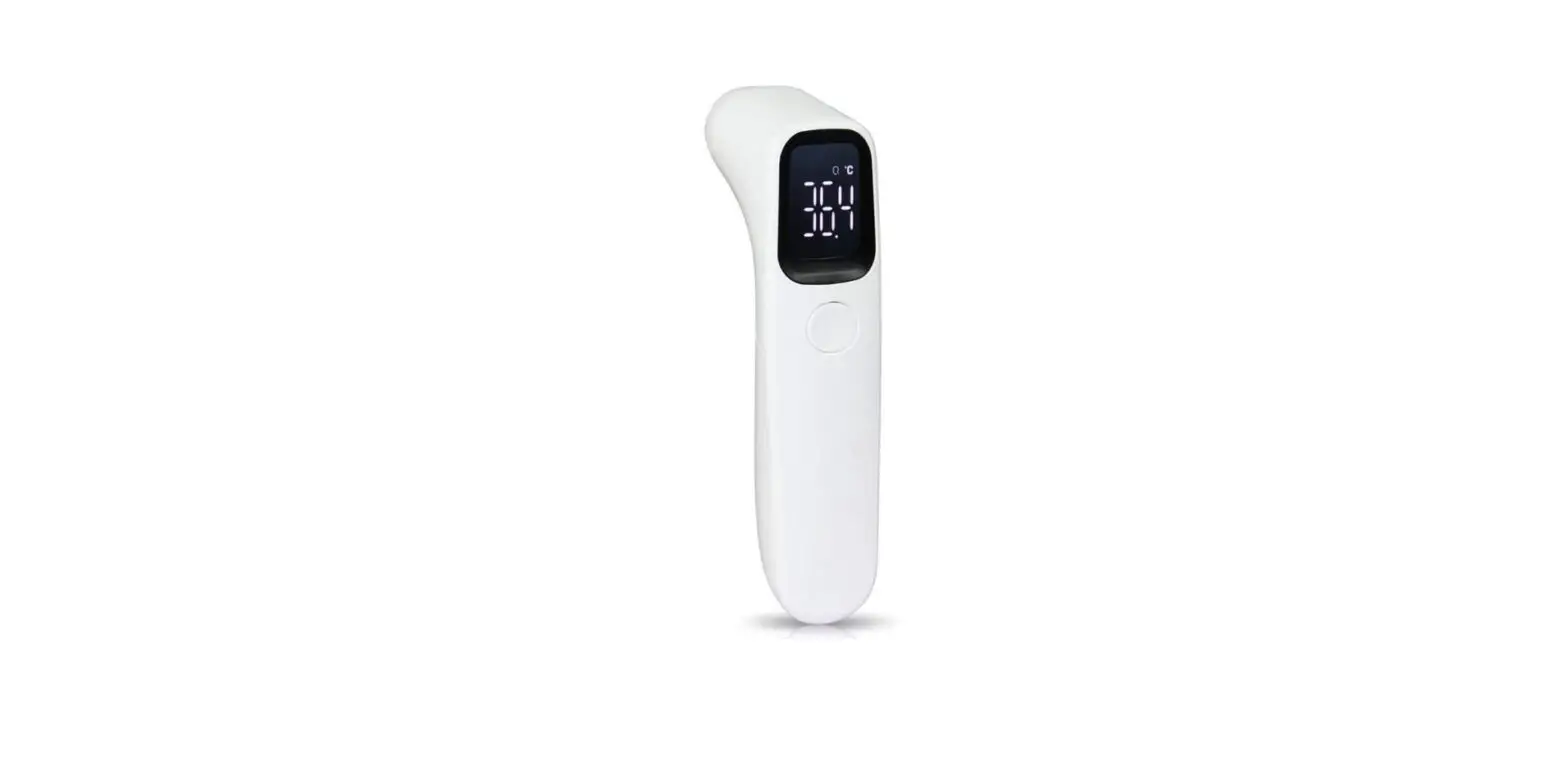
Non-Contact Infrared Forehead Thermometer with Digital LED Display – White
Model B2355238 Read this manual thoroughly prior to installation, operation or maintenance. Keep these instructions in a safe location for future reference. For questions, visit globalindustrial.com or contact Customer Service at 1-800-645-2986.
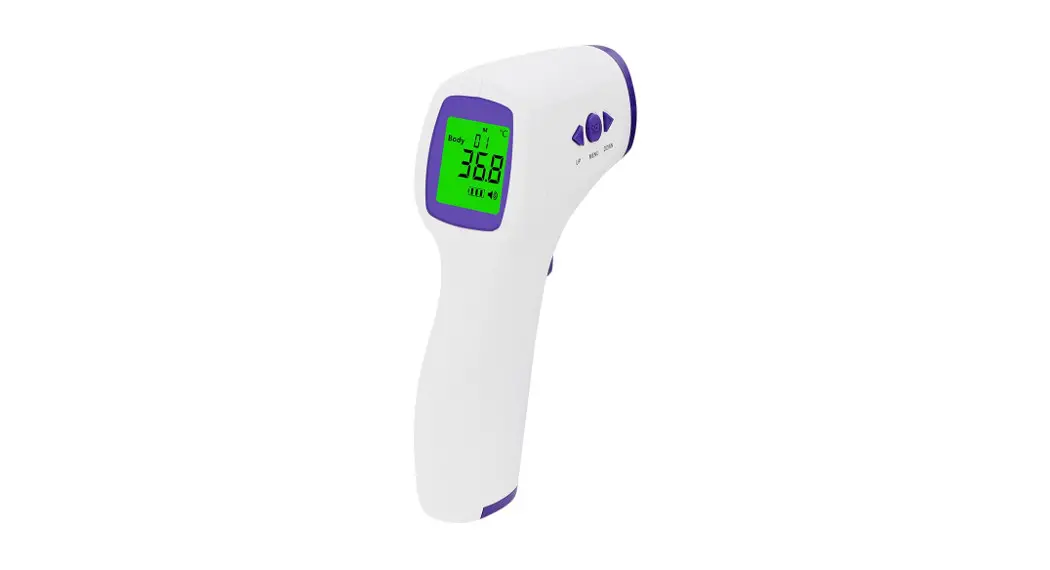
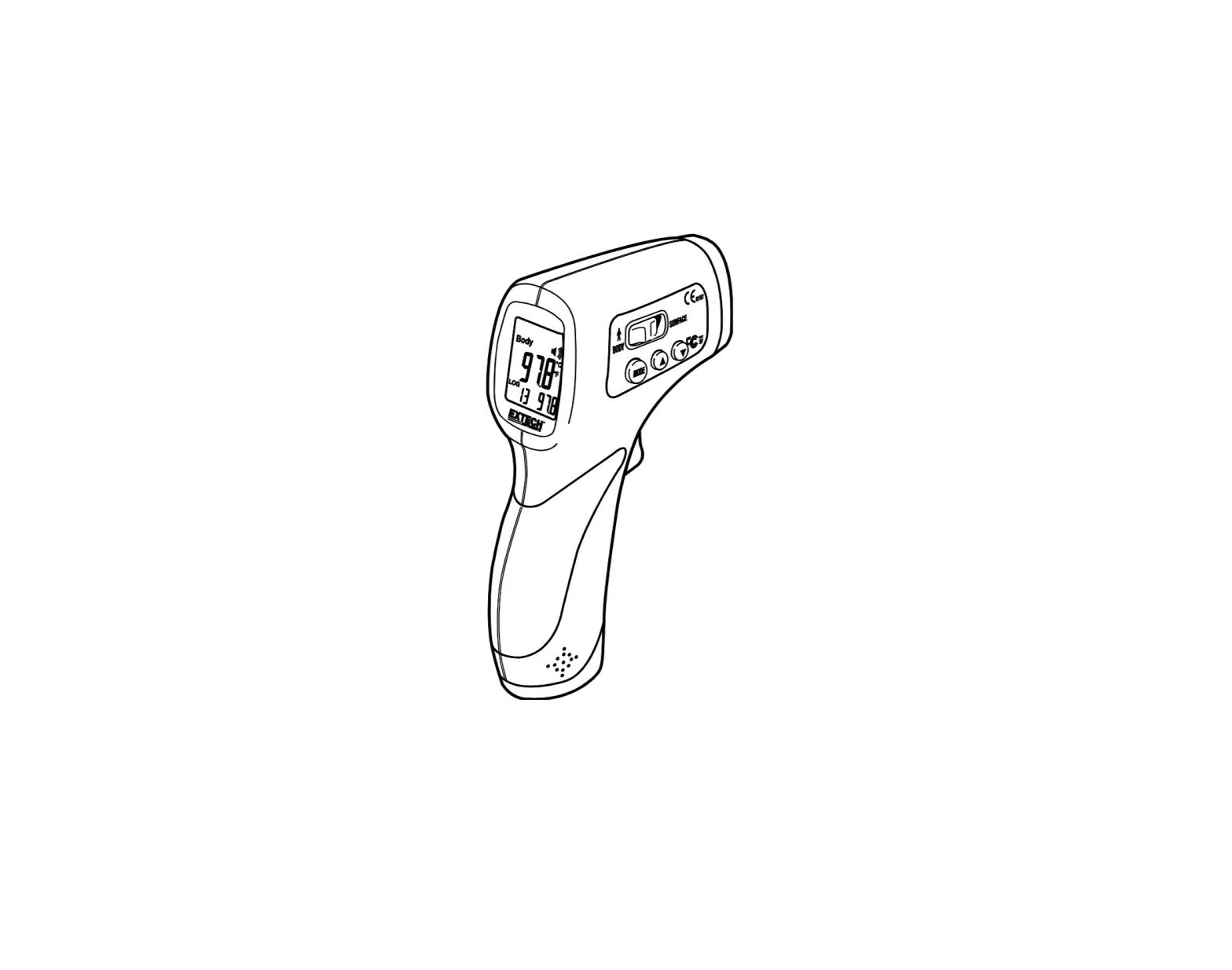
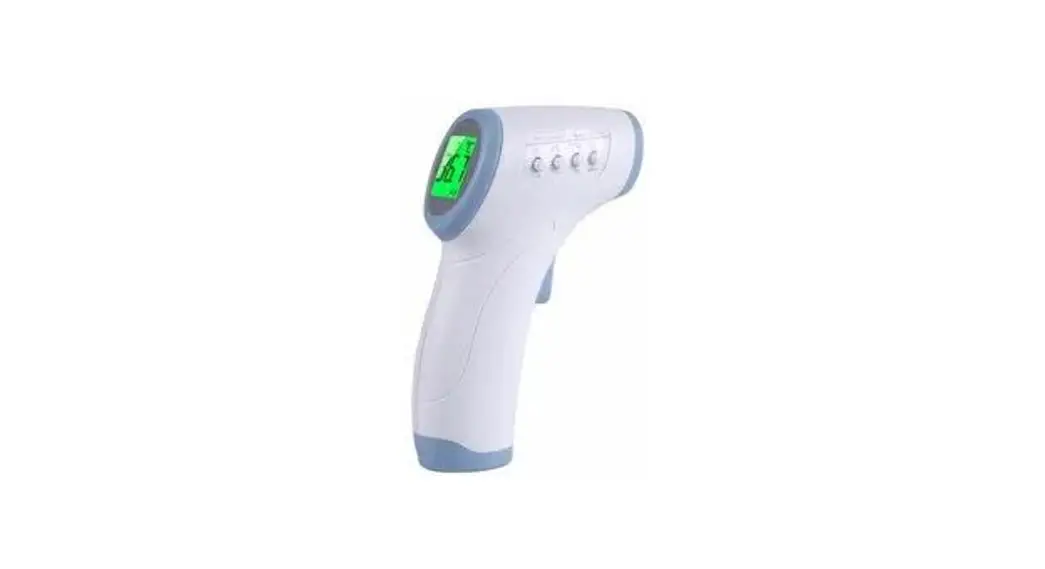
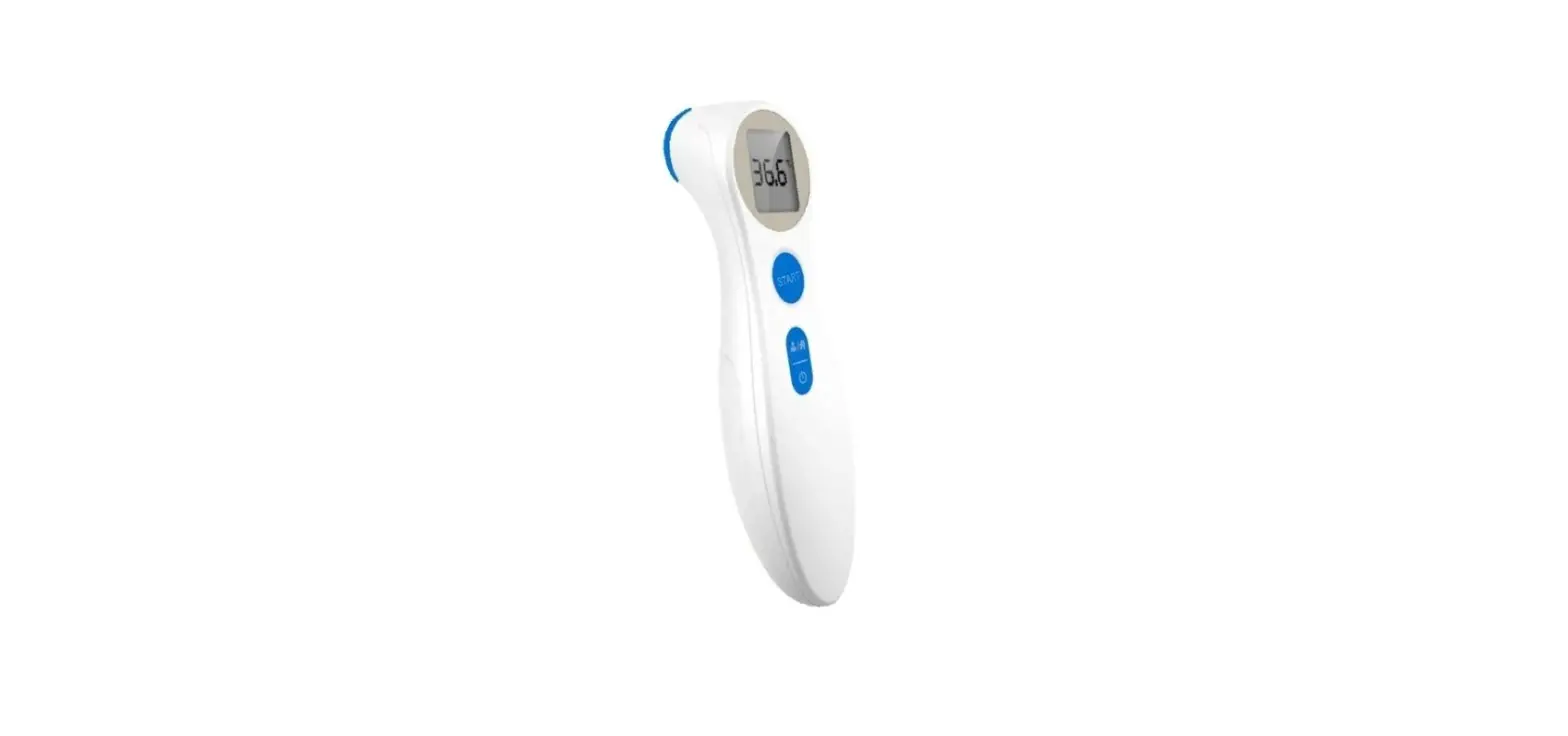
Parts Breakdown
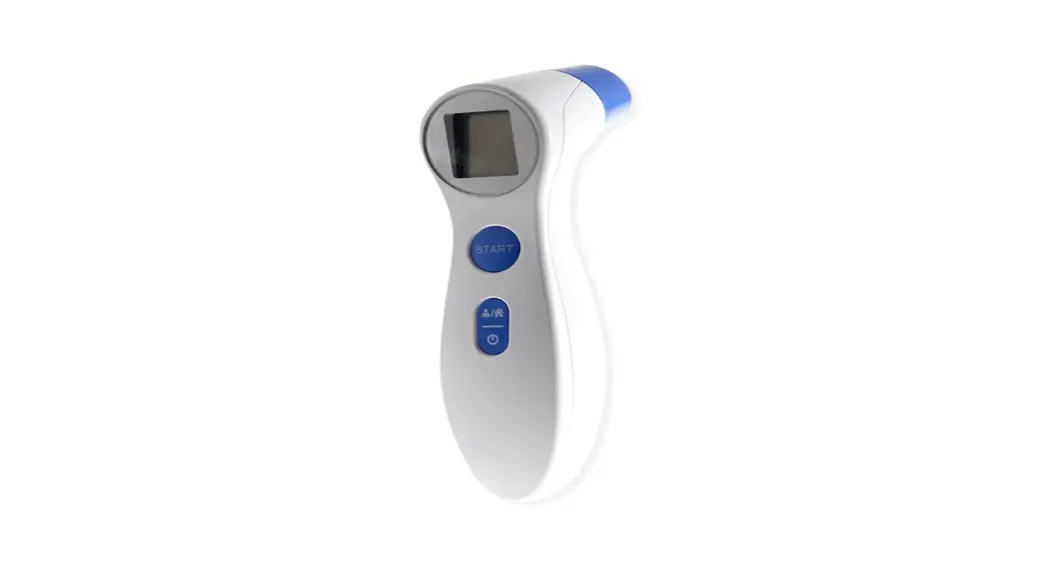
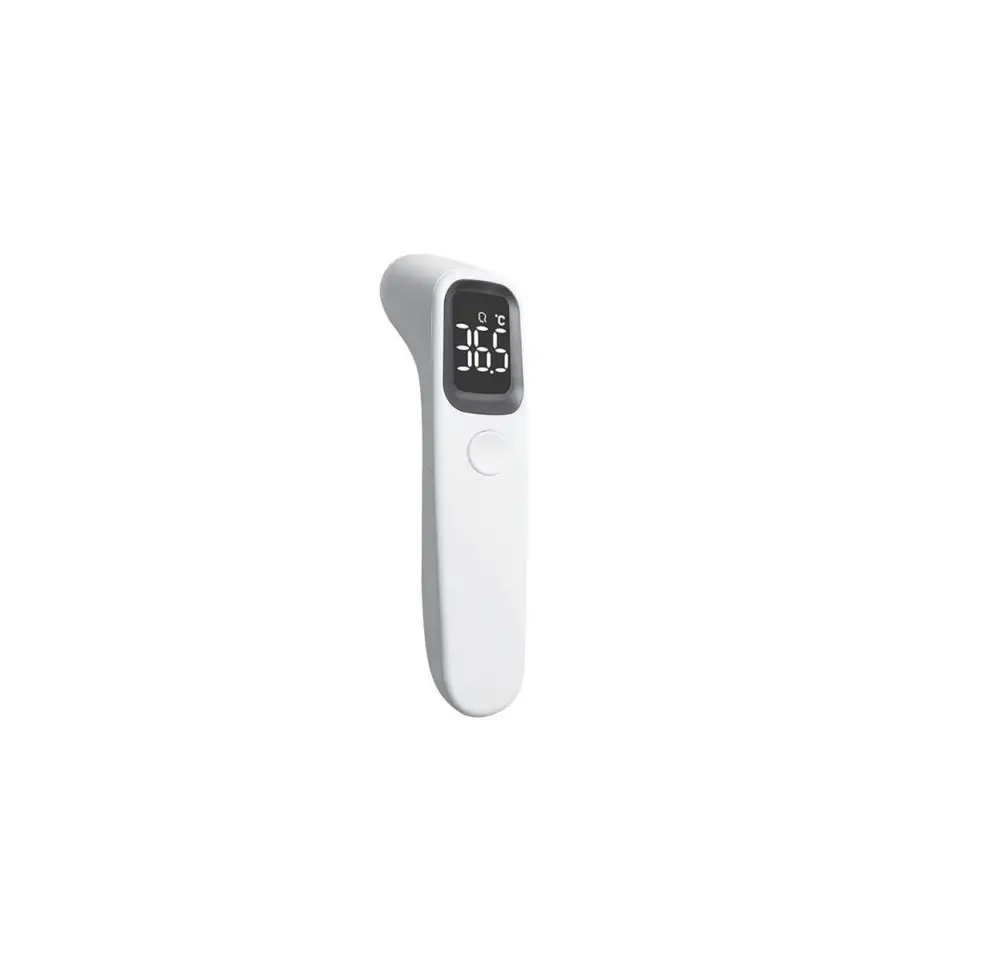
LED Display Screen
ON/OFF/MEASURE Button
Infrared Sensor
Battery Cover (on rear side)
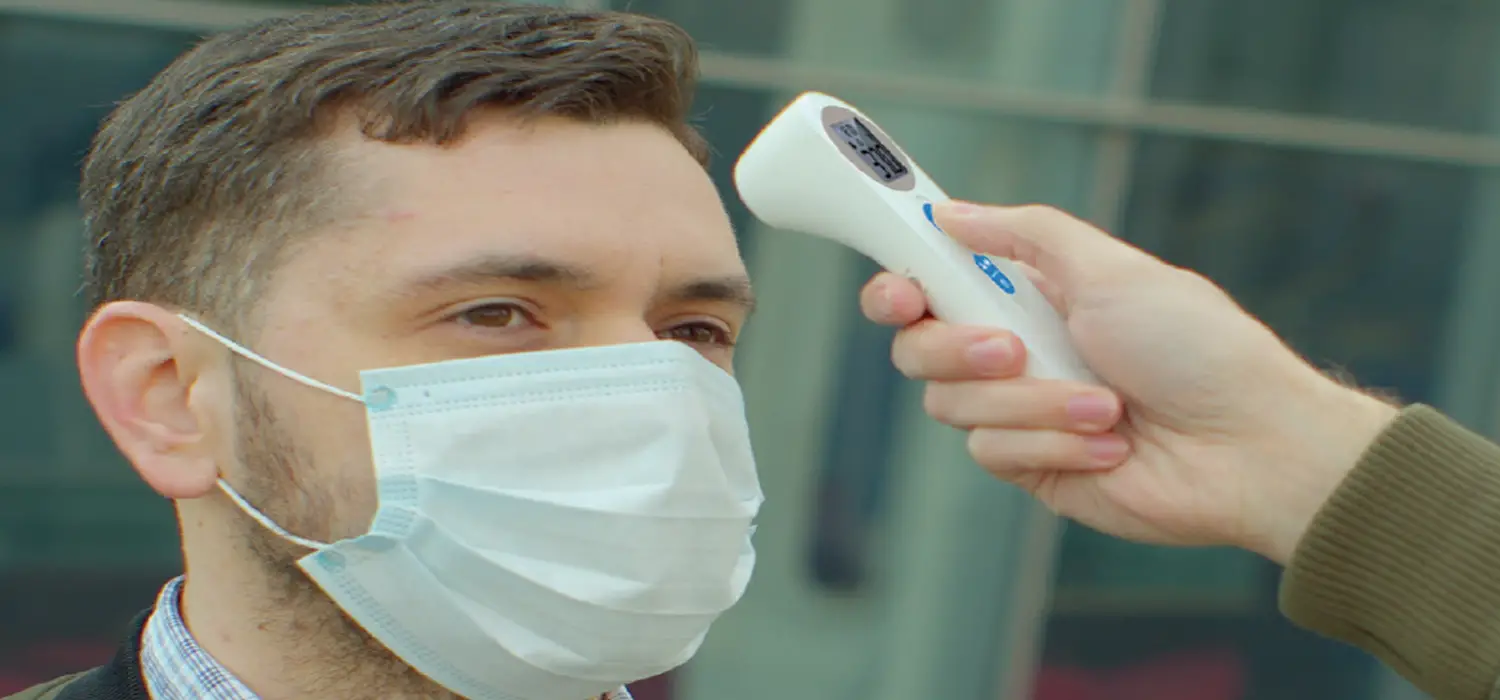
Measure the forehead with a distance between 1/2″ to 2″.
LED Display Information
1. Turn the thermometer on by pressing the ON/OFF/MEASURE button. The device beep and the temperature unit icon (°C) will flash on the LED display screen. To change from °C to °F, refer to the `Changing Measurement Unit’ section of this manual.
sensor point at the forehead, press and hold the
button for roughly 1 second and release. The thermometer
the °C or °F symbol to flash. The above
Low battery Memory
· Measuring Position: This icon flashes to indicate sensor is in the correct position when taking a measurement. · Temperature Data: The temperature will display here after a measurement has been completed. · Temperature Unit: Displays °C or °F – the current temperature measurement unit being used. To switch from °C to °F, refer to the `Changing Measurement Unit’ section of this manual. · Low Battery: This icon flashes when the thermometer has low battery. Replace batteries immediately. · Memory: This icon will be displayed when the thermometer is currently in the memory query mode.
button for roughly 5 seconds. The thermometer will also turn off automatically if idle for 60 seconds.
Loading and Replacing Batteries
· Locate the battery cover on the rear side of the thermometer. · Remove the cover by pressing and pushing upward diagonally. · Install 2 AAA batteries (not included). · Reattach battery cover.
Caution: · Remove batteries if the thermometer is not being used for an extended period of time. · Refer to local laws and regulation for the disposal of batteries.
Prior to Operation
· Product to be used in ambient temperatures between 60°-95°F (16°-35°C). If the device has recently been introduced to extreme hot or cold temperatures, allow it to rest for 30 minutes before use. · Do not use this device in an environment with a relative humidity greater than 93%. · Do not place this product too close to the electromagnetic range, (examples: radio, mobile phone, etc.). · Do not expose to excessive heat or water. · Sweat, hair, hats, or other foreign matter on the forehead can affect the accuracy of the measurement. · Allow up to 5 seconds between measurements. · Keep the infrared sensor clean to ensure accuracy. · Do not use if product is damaged. · Ensure the measurement distance is within 1/2 to 2 inches. · Contact Global Industrial if there are any problems with the thermometer, do not attempt to do any repairs yourself. · Do not use on children 3 years of age or younger.
OPERATION 1. Turn the thermometer on by pressing the ON/OFF/MEASURE button. The device will beep and the temperature unit icon (°C or °F) will flash on the LED display screen. Note: To change from °C to °F, refer to the `Changing Measurement Unit’ section of this manual. 2. Place the sensor point at the forehead, then press the “ON/OFF/MEASURE” button for 1 second and release. 3. The device will beep and display the accurate body temperature. 4. If a consecutive reading is required, wait for the temperature unit icon (°C or °F) to flash before proceeding. Repeat above procedures as many times as needed. 5. Press and hold the “ON/OFF/MEASURE” button for 5 seconds to turn off the thermometer. The device will also turn off automatically if left idle for 60 seconds. · If temperature reading is below 32°C (89°F), the device will alert by beeping 2 times, and “Lo” will be displayed on the LED screen. · If temperature reading is above 37.8°C (100°F), the device will alert by beeping 6 times. · If temperature reading is above 42.2°C (108°F), the device will alert by beeping 2 times, and “Hi” will be displayed on the LED screen.
Changing Measurement Unit
Correct position to measure forehead:
Measure the forehead with a distance between 1/2″ to 2″.
on If needed, clean the infrared sensor with a soft dry cloth in a gentle manner.
sensor Global Industrial immediately. Global Industrial. *If there are any problems, contact Global Industrial. *If there are any problems, contact Global Industrial. *If there are any problems, contact Global Industrial. *If there are any problems, contact Global Industrial. *If there are any problems, contact Global Industrial.
use 1/2″ to 2″
5.4″ x 1.5″ x 1.5″ .2 (without batteries)
– not included
1 year
Customer Service: US: 1-800-645-2986