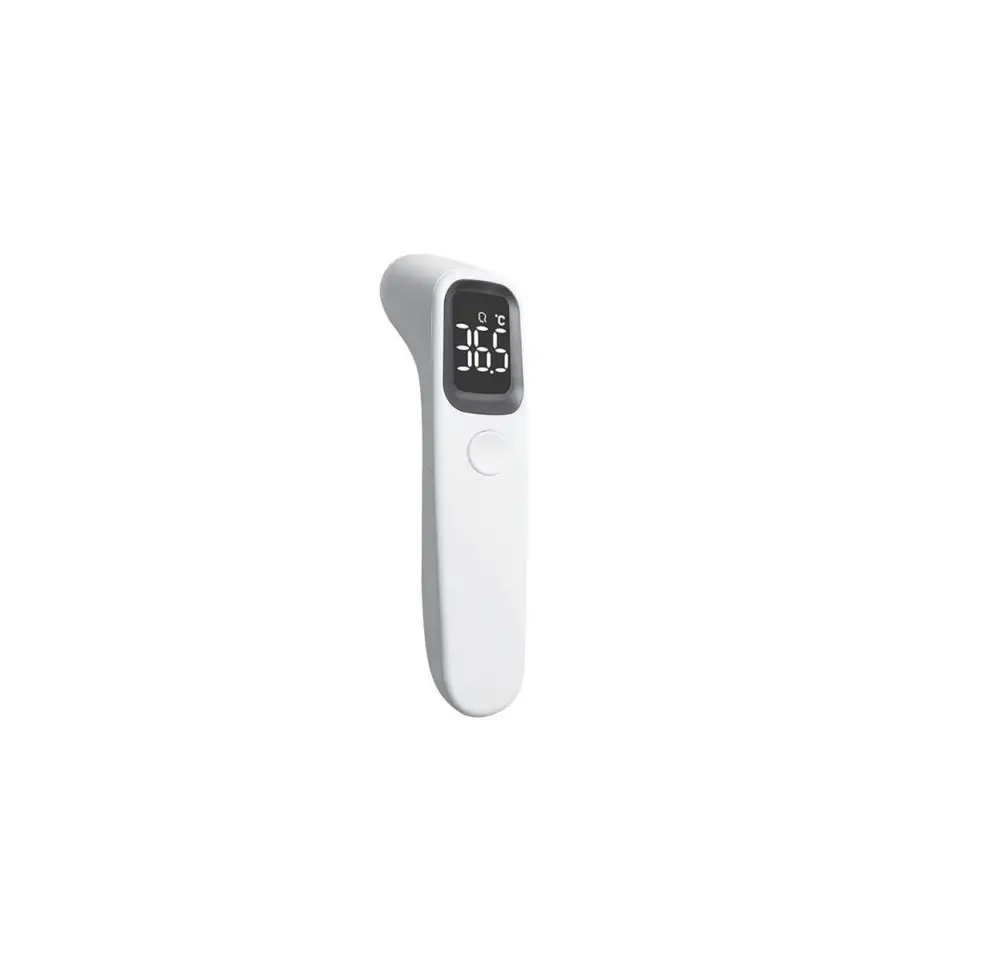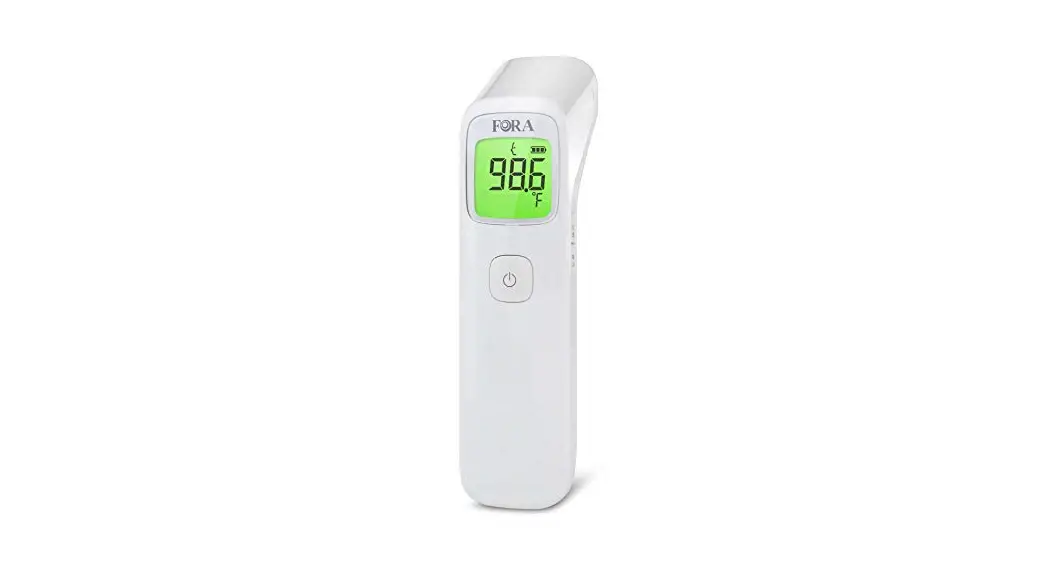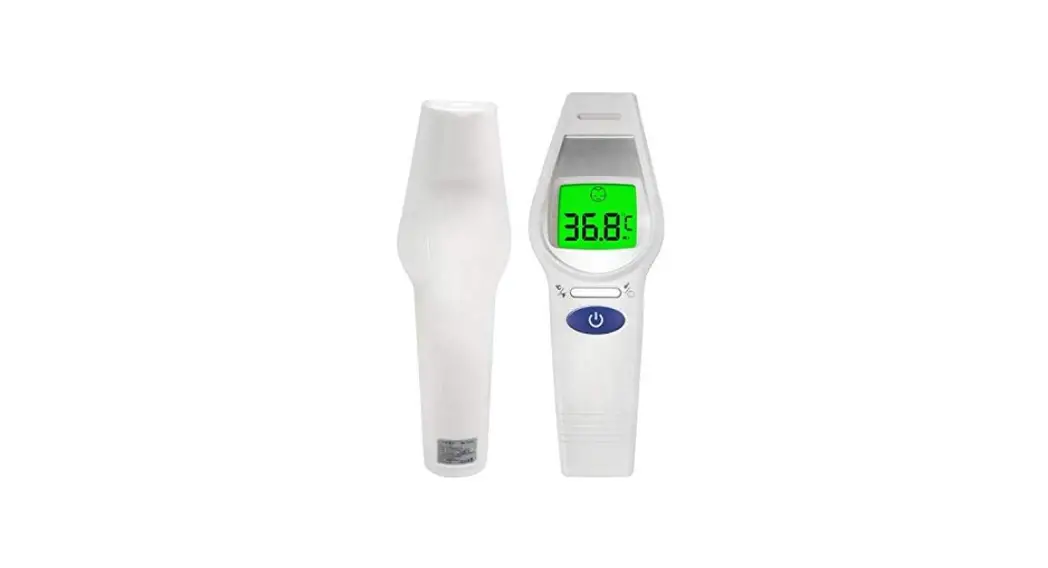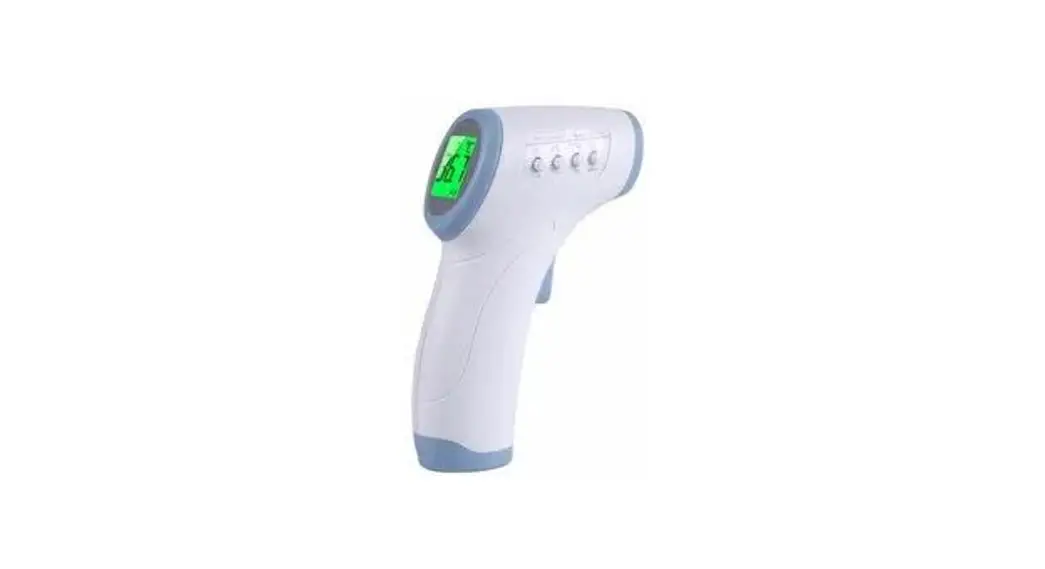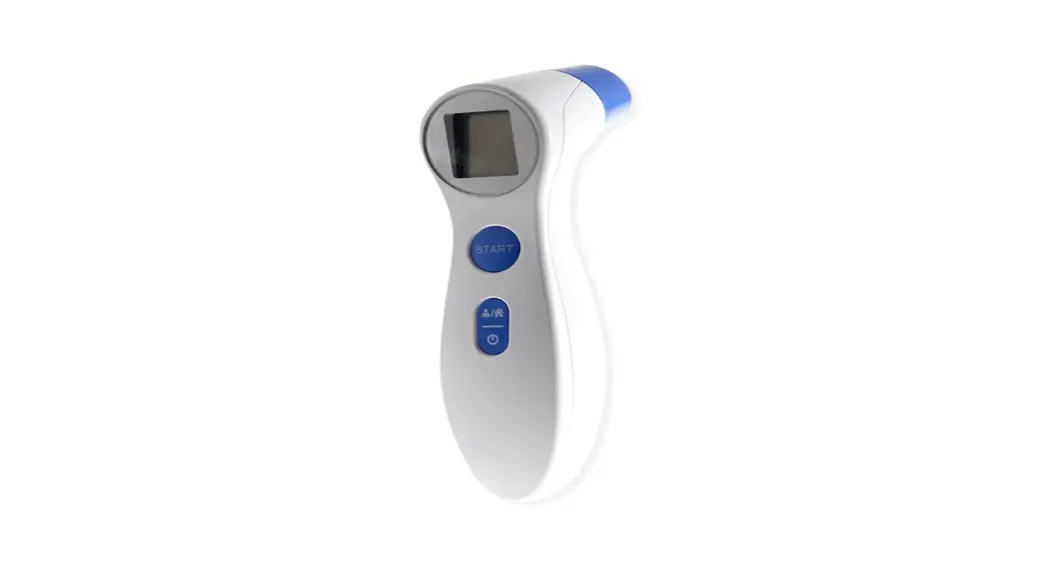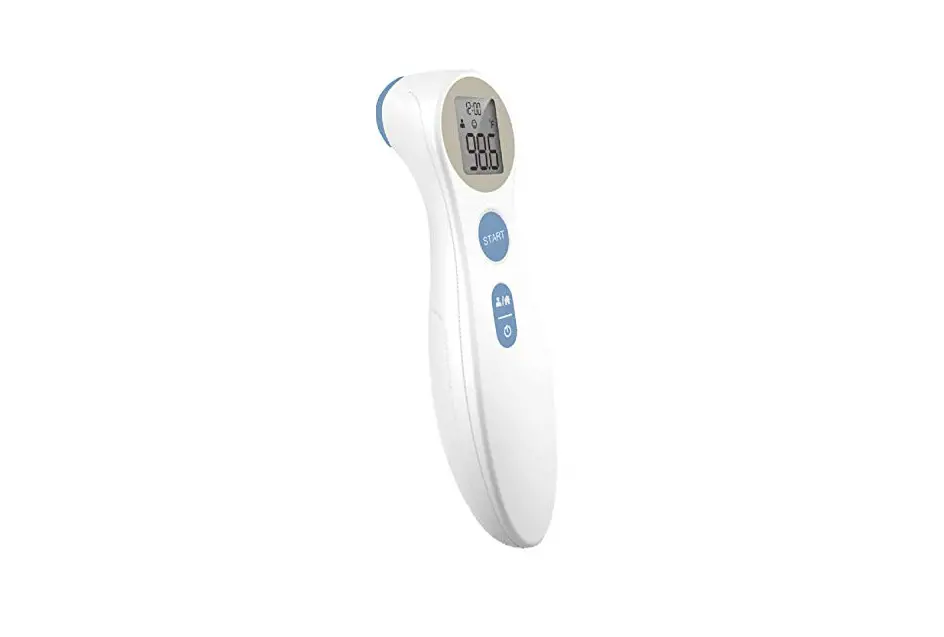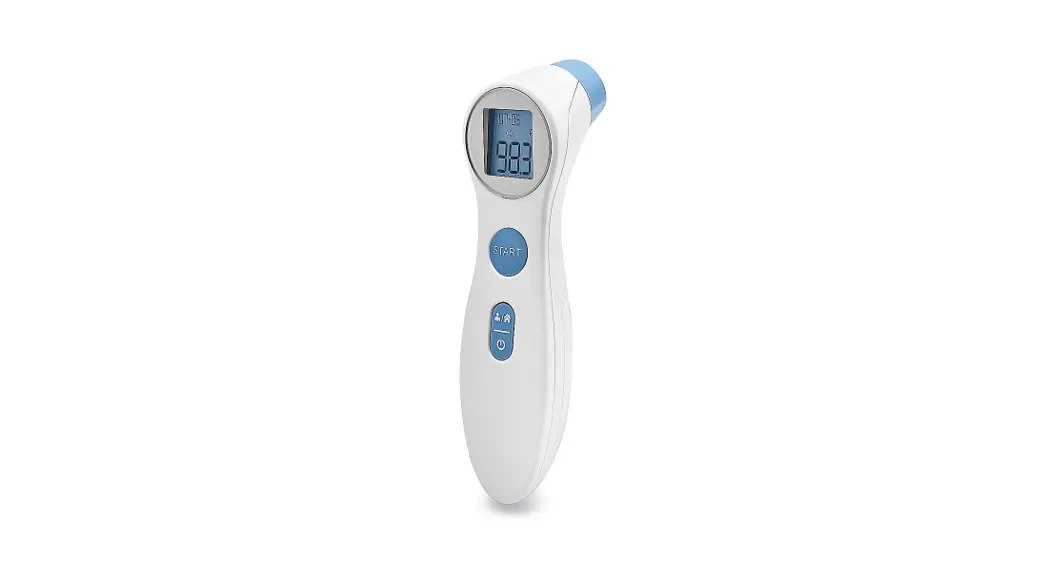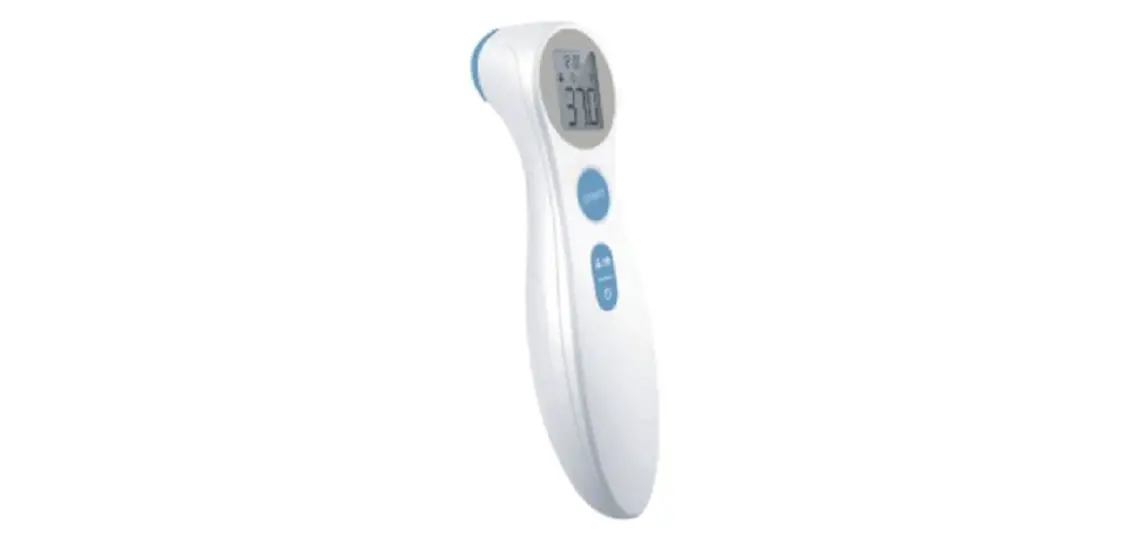
EMERSON Non-contact Infrared Forehead Thermometer 4DET-306 Instructions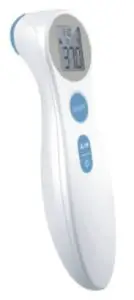
IMPORTANT:
Users and the thermometer should be in the same ambient temperature for at least 10 minutes before taking a reading. This device is designed for indoor use.
How to Take a Temperature Reading
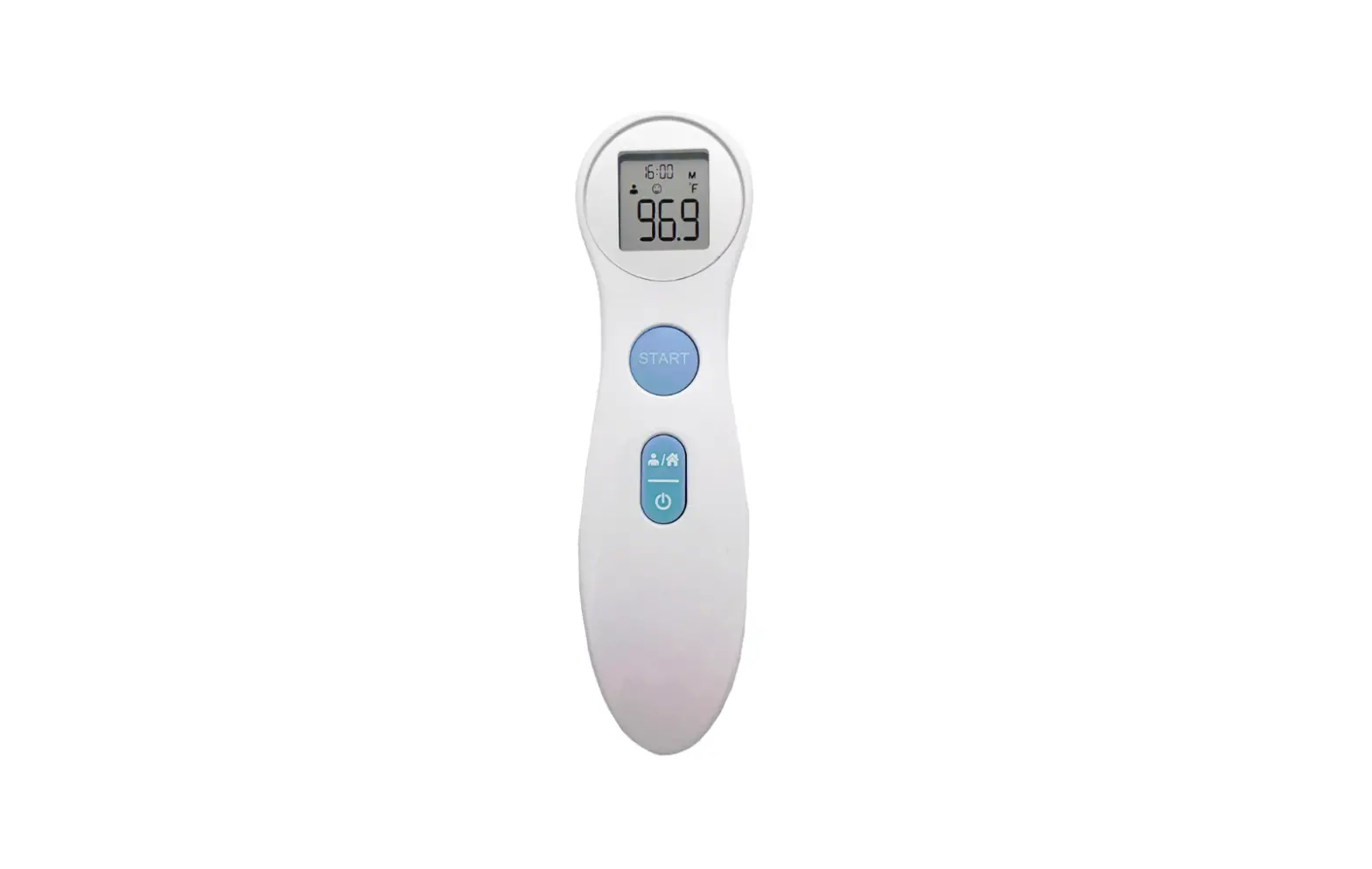
- Press the power button
 and wait for 2 beeps
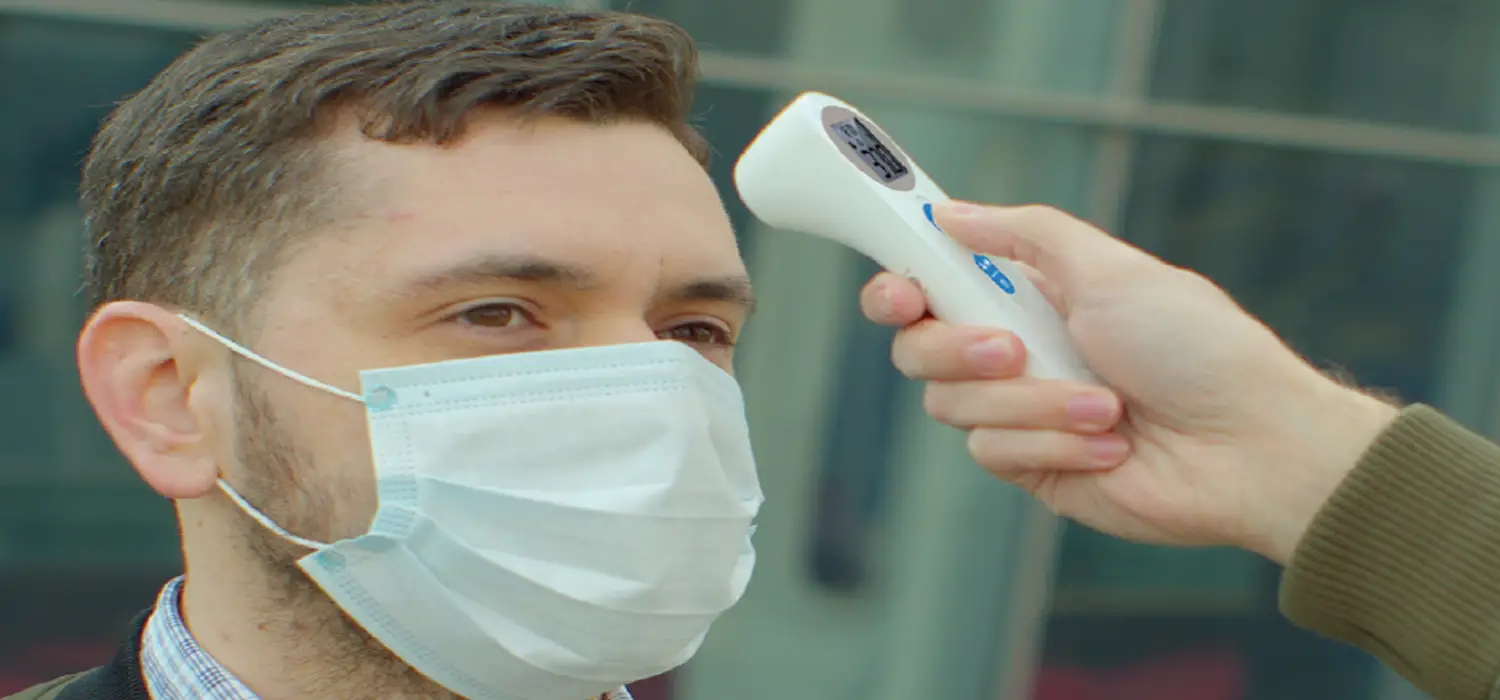
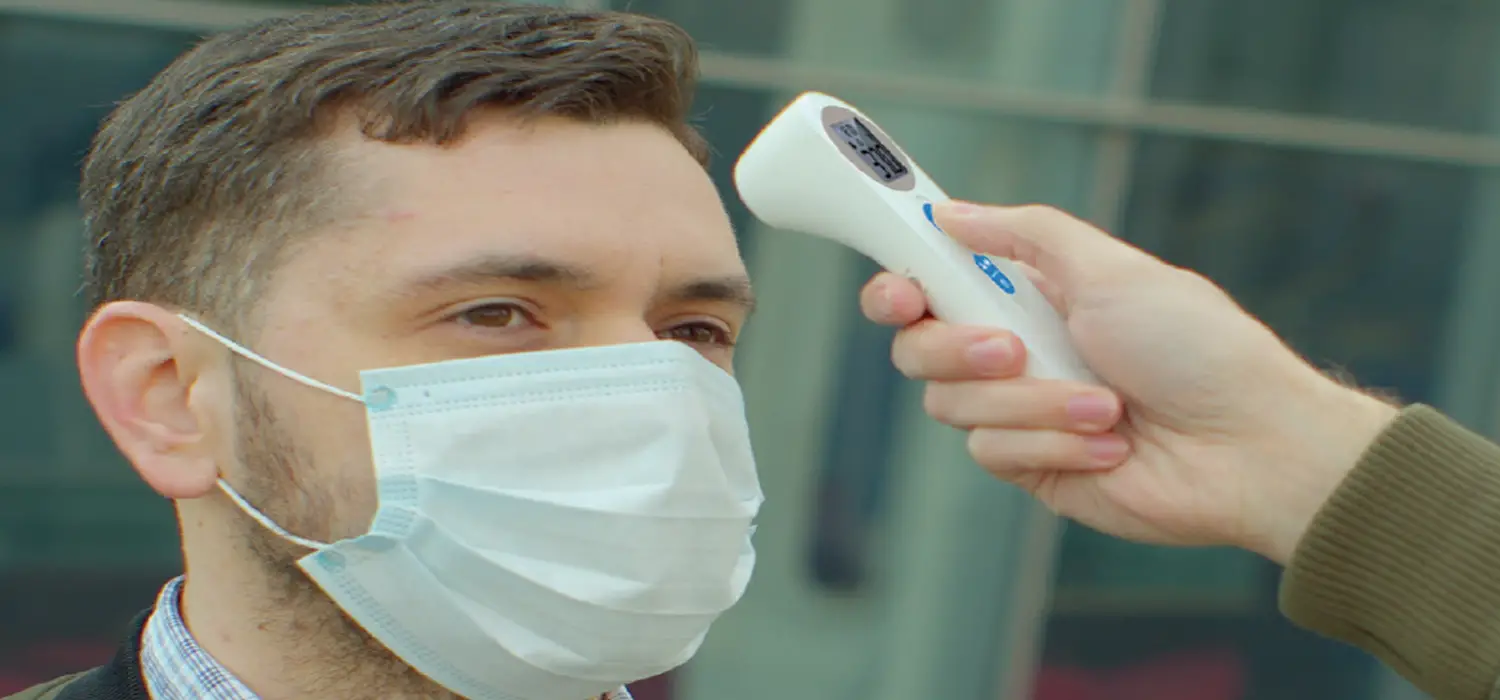
 - Aim the thermometer at the center of the forehead 1” (2-3 cm) from the skin and press the START
 button.
 and wait for 2 beeps
 button.
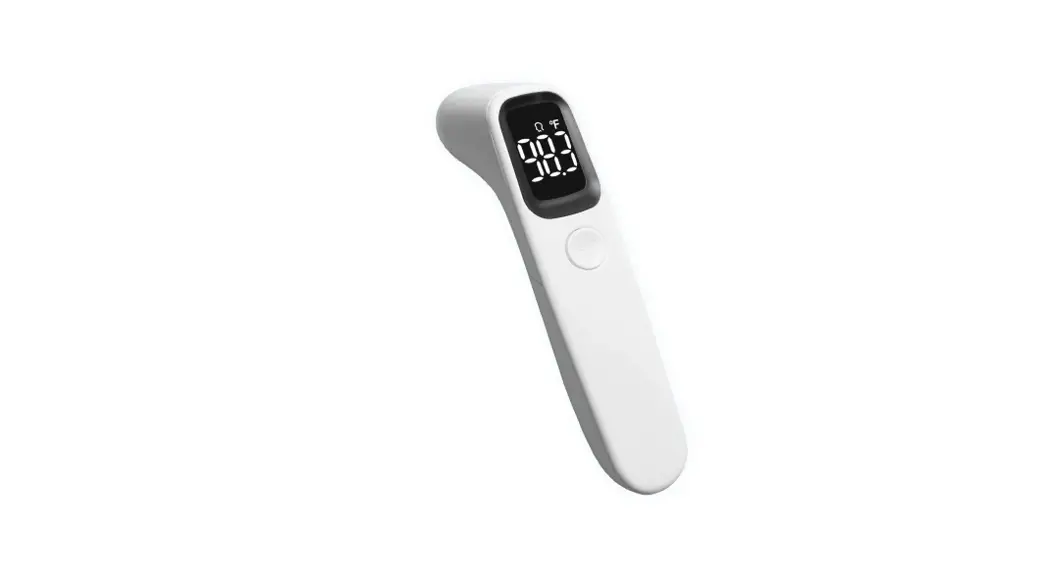
- If the temperature is below 100°F (38.7°C) one short beep will sound and a happy face
 will appear on the display.
 - If the temperature is above 100°F (38.7°C) one long beep will sound followed by 3 short beeps and a sad face
 will appear on the display.
For accurate temperature readings ensure the thermometer is held at the distance shown above.
 will appear on the display.
 will appear on the display.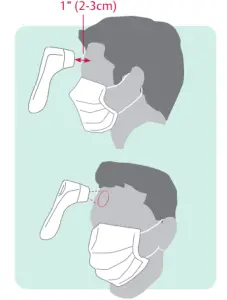
Manufactured by JoyTech Healthcare Co., Ltd.
No.365, Wuzhou Road,
Yuhang Economic Development Zone,
311100, Hangzhou, China
T +86-571-81957767
Distributed by Cooper-Atkins
Emerson Commercial & Residential Solutions
33 Reeds Gap Road | Middlefield, CT 06455
T +800-835-5011 | F +860-347-5135
www.cooper-atkins.com | 67-1793 | 0420

 Cooper-Atkins | HACCP Temperature Monitoring Instruments & Systems