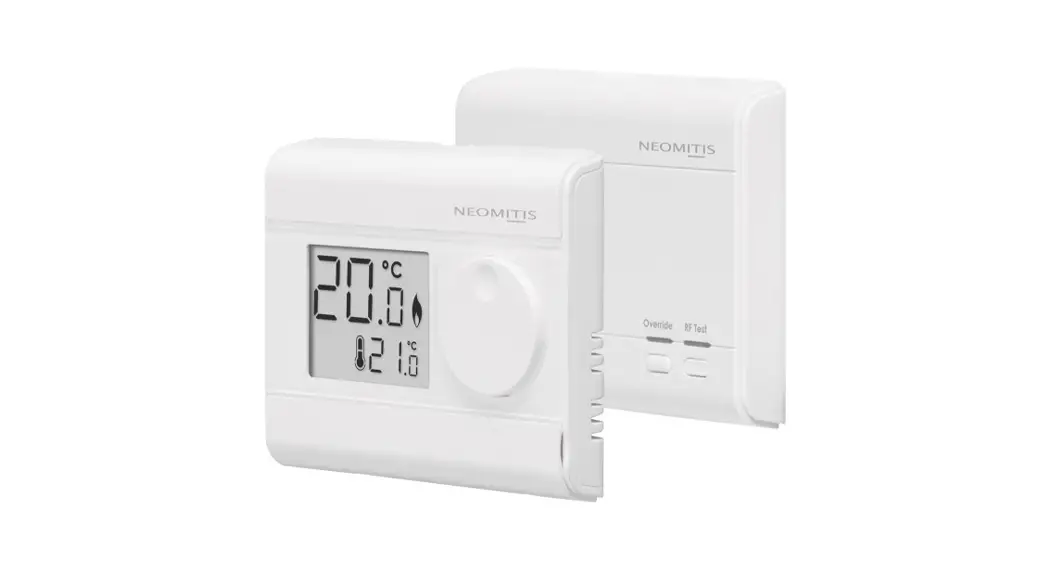
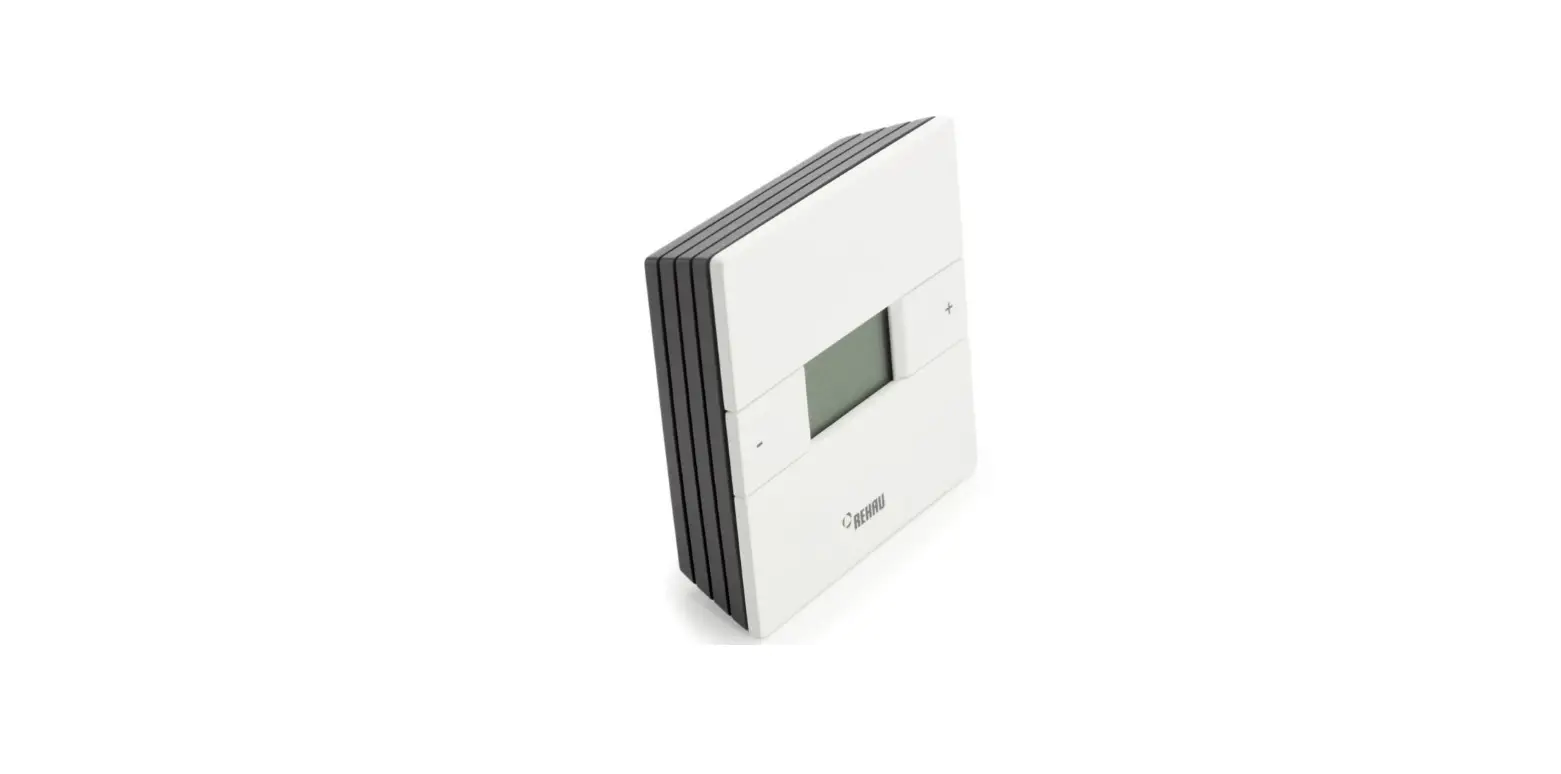
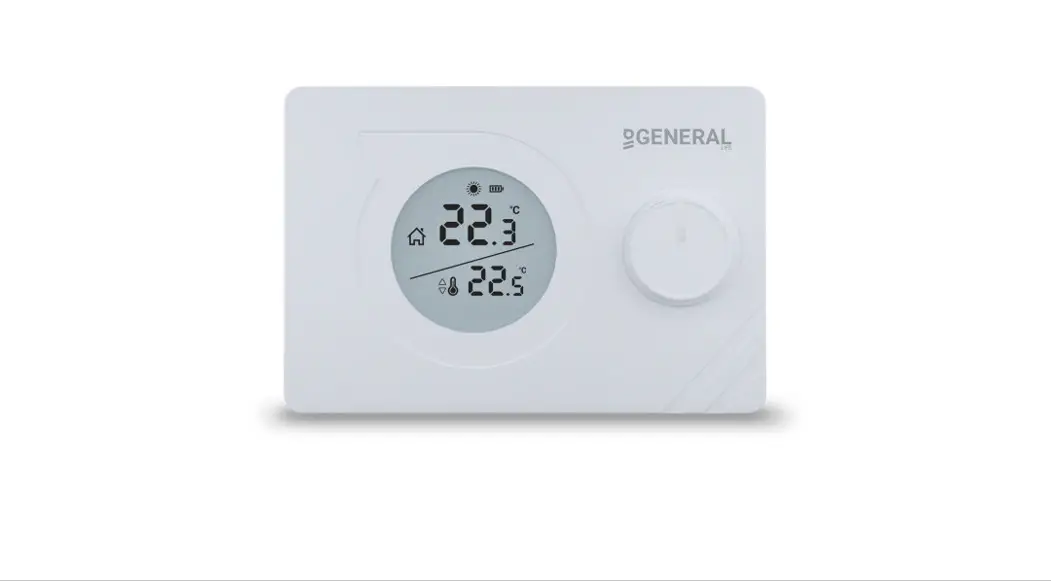
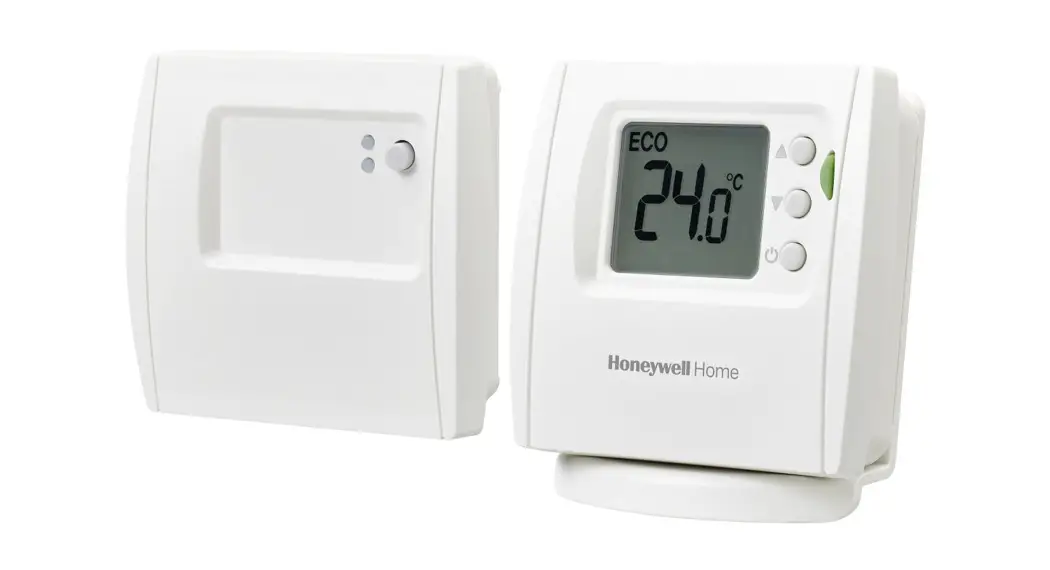
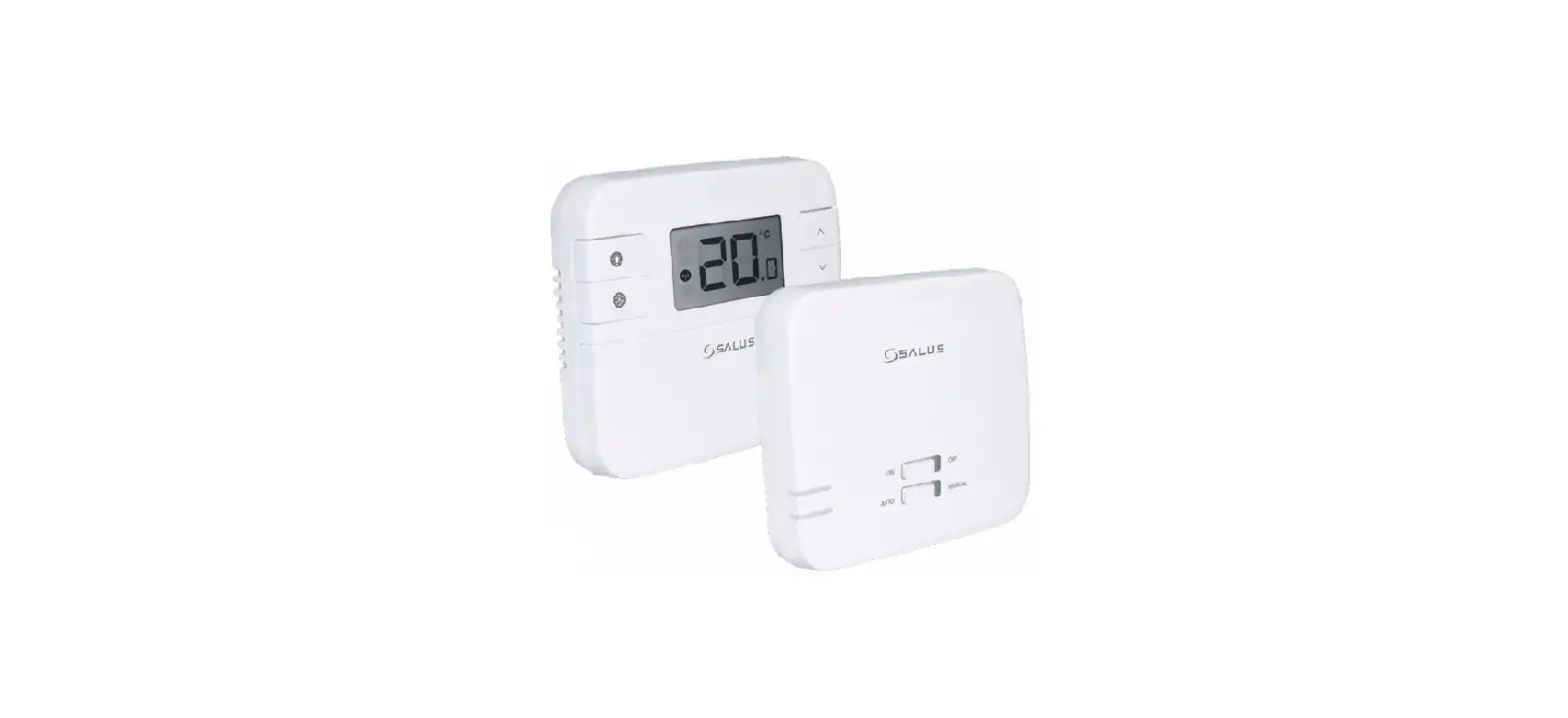
VRT 51f sensoROOM Wireless Room Thermostat
Product Information:
| Product Name: | sensoROOM el |
|---|---|
| Model Number: | VRT 51f |
| Language: | English (en) |
| Product Code: | 0020299998 |
| Supported Languages: | Hungarian (hu) |
| Audio Jack Size: | 3.5 mm |
| Camera Lens Size: | 35 mm |
| Product Weight: | 95 g |
| Wireless Frequency Range: | 868,0 – 868,6 MHz / 869,4 – 869,65 MHz |
| Wireless Power Output: | <25 mW |
| Wireless Category: | SRD category 2 |
| Wireless Range: | 250 m |
| Product Dimensions (L x W x H): | 72 mm x 70 mm x 28 mm |
| Protection Rating: | IP 20 |
Product Usage Instructions:
- Safety:
- Ensure proper use of the product.
- Intended Use:
- Refer to the user manual for specific instructions on how to
use the product.
- Refer to the user manual for specific instructions on how to
- Product Description:
- The product features a display and a signal LED.
- The signal LED has different flashing sequences to indicate
various conditions and activities.
- Start-up:
- If you have purchased a starter kit with the Wi-Fi gateway and
room thermostat, follow these steps:
- Remove the battery tab from the product.
- The product will enter pairing mode for three minutes.
- If the Wi-Fi gateway is operational during this time, the
product will automatically connect to it. - If necessary, press the system button to restart the pairing
process.
- If you have purchased a starter kit with the Wi-Fi gateway and
0020314806_01 GBGRHUIE 012023 Subject to change
sensoROOM el
VRT 51f
en
0020299998
hu
Wi-Fi Gateway VR 940f (myVAILLANT connect) | Only works with the VR 940f Wi-Fi gateway (myVAILLANT connect) | Csak VR 940f (myVAILLANT connect) Wi-Fi átjáróval mködik.
3.5 mm
35 mm
5 mm
+ +
1
6
5
SET
4
1
3
2
2
A
C B
3
: | Recommended: | Javasolt:
myVAILLANT
Vaillant GmbH Berghauser Str. 40 D-42859 Remscheid Tel. +49 21 91 18-0 Fax +49 21 91 18-2810 [email protected] | www.vaillant.de
4
1,5 m
5
A
Ø 5
B C
| Technical data | Mszaki adatok
| Parameter | Paraméter
| Battery type | Elemtípus
| Power consumption | Áramfelvétel
| IP rating | Védettség
| Pollution degree | Szennyezettségi szint
. | Maximum permitted environmental temperature | Max. megengedett környezeti hmérséklet
| Height | Magasság
| Width | Szélesség
| Depth | Mélység
(. ) | Weight (incl. batteries) | Tömeg (elemekkel)
| Transmission frequency | Átviteli frekvencia
| Maximum transmission power | Maximális adóteljesítmény
| Receiver category | Vevkategória
| Range outdoors | Hatótávolság a szabadban
Duty Cycle | Duty cycle | Munkaciklus (Duty Cycle)
| Mode of operation| Hatásmódok
| Value | Érték 2x 1,5 V LR03 / Micro / AAA 50 mA
IP 20
2
0 … 35 °C
72 mm 70 mm 28 mm 95 g
868,0 – 868,6 MHz / 869,4 – 869,65 MHz < 25 mW
SRD category 2
250 m
< 1% / h / < 10% / h 1 | Type 1 | 1-es típus
el
1
1.1
, . , . : , –
. IP. . . ! .
2
2.1
1 1 2 3 4 / LED 5 / °C 6
2.2 LED
1 1
( 10 .) ( ) 3
/ /
Duty Cycle Limit
.
.
Duty Cycle Limit Intervall (1 h) . . , , Wi-Fi. .
.
1 1 ( )
, .
()
(OTAU = Over the Air Update)
. (: 12 .) .
2.3
WiFi-Gateway, ( . 4.1)
( . 3)
3
> 2 3.
: , Wi-Fi
, 3 . Wi-Fi , . > , , ,
. .
: Wi-Fi Wi-Fi
> LED Wi-Fi . .
:
, .
4
4.1
:
> , .
i
, .
:
> . > «
» . >
.
:
> Wi-Fi.
4.2
1. . 2.
4 ., LED . 3. . 4. 4 ., LED . 5. , . .
5
5.1
> .
> , , , .
5.2
a
! ! , .
, . 2 . . >
. > . >
. >
LED .
6
> . >
. >
.
en
1 Safety
1.1 Intended use
In the event of inappropriate or improper use, damage to the product and other property may arise. You can use the room thermostat to control the heating system while taking the room temperature into consideration. Intended use includes the following: observance of accompanying operating, installation and
maintenance instructions for the product and any other system components installing and setting up the product in accordance with the product and system approval compliance with all inspection and maintenance conditions listed in the instructions. Intended use also covers installation in accordance with the IP rating. Any other use that is not specified in these instructions, or use beyond that specified in this document, shall be considered improper use. Any direct commercial or industrial use is also deemed to be improper. Caution. Improper use of any kind is prohibited.
2 Product description
2.1 Display
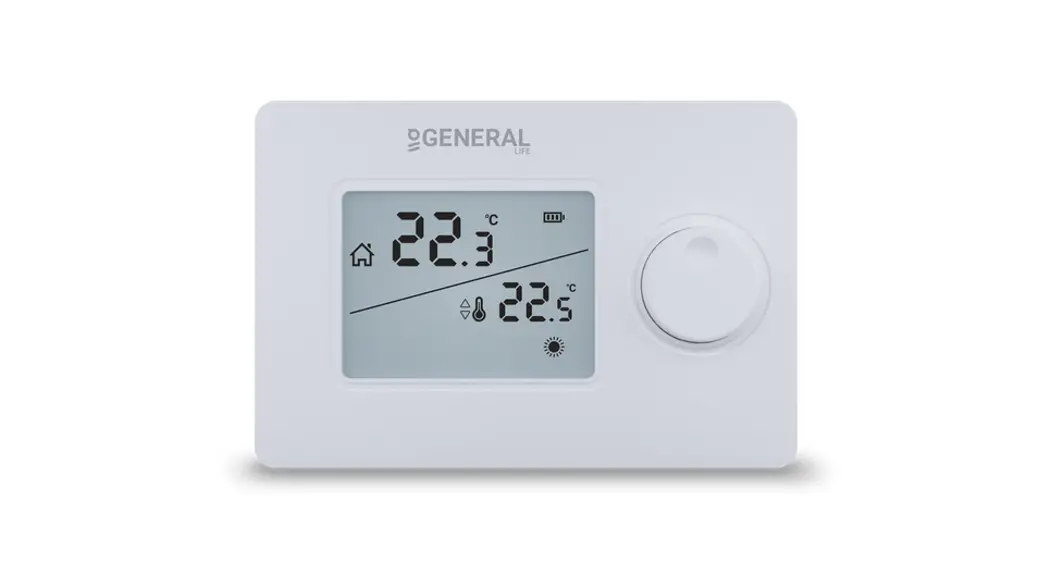
Figure 1 1 Radio data transmission 2 Low battery charge 3 Rotary knob 4 System button/signal LED 5 Target/actual temperature °C 6 Setting mode active
2.2 Flashing sequence of the signal LED
Flashing sequence
Meaning
Required activity
Brief period of flashing orange
Radio transmission/transmission attempt or configuration data is transferred
Wait until the transmission has ended.
One long period of Process con- Continue with the
lighting up green firmed
operation.
One long period of lighting up red
Process failed or duty cycle limit reached
Wait for the duty cycle limit interval (1 hour) and try again.
Brief period of
Pairing mode
flashing orange
active
(every 10 seconds)
None. If required, press the button at the Wi-Fi gateway.
Brief period of lighting up orange (after a green or red reception notification)
Batteries flat
Replace the batteries.
Three long periods Product
of flashing red
defective
Note the display in your app or contact your specialist dealer.
Lights up orange once and green once (after inserting the batteries)
Test display
Once the test display goes out, you can continue.
Long and brief period of flashing orange (alternating)
Update to the unit software (OTAU = Over the Air Update)
New software is transferred. (Duration: Up to 12 hours) This does not affect how the product works during this time.
2.3 Radio transmission symbol
Flashing sequence Symbol is permanently on Symbol is flashing
Symbol is off
Meaning
Radio link active
The product is paired with the Wi-Fi gateway but the connection is interrupted (see section 4.1) The product is not paired (see section 3)
3 Start-up
> Figures 2 and 3.
Conditions: You have purchased a starter kit, consisting of the Wi-Fi gateway and room thermostat
After removing the battery tab, the product is in pairing mode for three minutes. If the Wi-Fi gateway is operating during this time, the products are automatically connected to each other. > If required, press the system button to restart the pair-
ing process. No further action is required.
Conditions: You have purchased the Wi-Fi gateway and room thermostat individually, and the Wi-Fi gateway is already connected to the Internet
> Press the button beside the LED on the Wi-Fi gateway and the system button on the room thermostat. The products are automatically connected to each other.
Valid for both cases:
The radio link is successfully established if the radio transmission symbol is permanently on.
4 Troubleshooting
4.1 Detecting and eliminating faults
Conditions: The room temperature does not reach the set temperature
> Check whether room air can circulate freely around the room thermostat, and that the room thermostat is not covered by furniture, curtains or other objects.
i
Note Due to poorer air circulation at the sensors, the measurement accuracy may be less precise for floor-standing installation than for wall installation.
Conditions: The display is off
> Press the rotary knob once. > Check whether the “Low battery” symbol is shown in
the display. > Check that the batteries for the room thermostat have
been correctly inserted in the battery compartment.
Conditions: No radio reception
> Select a different position for the room thermostat or the Wi-Fi gateway.
4.2 Reset to factory settings
1. Remove the batteries. 2. Re-insert the batteries in accordance with the polar-
ity markings and, at the same time, press and hold the system button for four seconds until the signal LED starts to rapidly flash in orange. 3. Release the system button. 4. Press the system button again for four seconds until the signal LED lights up green. 5. Release the system button to complete the process of restoring the factory settings. The product restarts.
5 Care and maintenance
5.1 Caring for the product
> Clean the casing with a damp cloth and a little solvent-free soap.
> Do not use sprays, scouring agents, detergents, solvents or cleaning agents that contain chlorine.
5.2 Changing batteries
a
Danger! Risk of death caused by unsuitable batteries! If batteries are replaced with the wrong type of battery, there is a risk of explosion.
After inserting the batteries, the product first runs through a self-test for approx. two seconds. Initialisation then takes place. > Replace the batteries only with those of the same or an
equivalent type. > Do not use rechargeable batteries. > When inserting the batteries, make sure the battery
poles are the right way round. > After inserting the batteries, observe the flashing
sequence of the signal LED.
6 Recycling and disposal
> Do not dispose of the product with the household waste.
> Hand in the product to a collection centre for waste electrical or electronic equipment.
> Dispose of the batteries at a collection point for batteries.
hu
1 Biztonság
1.1 Rendeltetésszer használat
Szakszertlen vagy nem rendeltetésszer használat esetén megsérülhet a termék vagy más anyagi károk is keletkezhetnek. A helyiségtermosztáttal a ftési rendszer a helyiséghmérséklet figyelembe vételével szabályozható. A rendeltetésszer használat a következket jelenti: a termék , valamint a rendszer összes további kompo-
nenseihez mellékelt üzemeltetési, szerelési és karbantartási útmutatóinak figyelembe vétele a termék- és rendszerengedélynek megfelel telepítés és összeszerelés az útmutatókban feltüntetett ellenrzési és karbantartási feltételek betartása. A rendeltetésszer használatba beletartozik ezenkívül az IP-védettség szerinti beszerelés is. A jelen útmutatóban ismertetett használattól eltér vagy az azt meghaladó használat nem rendeltetésszer használatnak minsül. Nem rendeltetésszer használatnak minsül a termék a termék minden közvetlen kereskedelmi és ipari célú használata. Figyelem! Minden, a megengedettl eltér használat tilos.
2 A termék leírása
2.1 Kijelz
1. ábra 1 Rádióátvitel 2 Alacsony akkutöltöttség 3 Forgatógomb 4 Rendszergomb/jelzés LED 5 Elírt/tényleges hmérséklet °C 6 A beállító üzemmód aktív
2.2 A Jel LED villogási sorrendjei
Villogási sorrend
Rövid narancssárga villogás
1-szer hosszan világító zöld fény 1-szer hosszan világító piros fény
Rövid narancssárga villogás (10 másodpercenként)
Röviden világító narancssárga fény (a zöld vagy a piros szín vételi jel után) 3-szor hosszan világító piros fény
1-szer narancssárga és 1-szer zöld szín fény (az elemek behelyezését követen) Felváltva hosszan és röviden villogó narancssárga fény
Jelentés
Rádióátvitel/ küldési próbálkozás, ill. konfigurációs adatok átvitele
Folyamat nyugtázva
A folyamat nem sikerült vagy elérték a Duty Cycle Limit határértéket
Betanítási üzemmód aktív
Az elemek lemerültek
Elvégzend tevékenység Várja meg, míg az adatátvitel befejezdik.
Folytassa a kezeléssel.
Várja meg a Duty Cycle Limit intervallumát (1 h), majd próbálja meg újra.
Nincs. Szükség esetén nyomja meg a gombot a Wi-Fi útválasztón.
Cserélje ki az elemeket.
A termék meghibásodott
Tesztkijelzés
Figyeljen az alkalmazás kijelzjére vagy forduljon a szakkereskedjéhez.
A tesztkijelzés eltnését követen.
Készülékszoftver frissítése (OTAU = Over the Air Update)
Új szoftver átvitele folyamatban. (idtartam: max. 12 óra) A termék funkcionalitása eközben nem korlátozott.
2.3 Rádióátvitel szimbóluma
Villogási sorrend A szimbólum tartósan megjelenik A szimbólum villog
A szimbólum kialudt
Jelentés A rádiókapcsolat aktív
A termék össze van kapcsolva a WiFi-Gateway-jel, de kapcsolat megszakad (lásd 4.1 fejezet) A készülék nincs összekapcsolva (lásd 3. fejezet)
3 Üzembe helyezés
> 2. és 3. ábra
Feltételek: Rendelkezik kezd készlettel, amely egy Wi-Fi átjáróval és egy helyiségtermosztáttal
Az elemvéd fül eltávolítása után a termék 3 percen keresztül betanulási módban van. Ha a Wi-Fi útválasztó ez id alatt üzemben van, akkor a termékek automatikusan összekapcsolódnak egymással. > A betanulási mód újraindításához szükség esetén
nyomja meg a rendszergombot. Nincs szükség további mveletre.
Feltételek: Rendelkezik külön egy Wi-Fi átjáróval és egy helyiségtermosztáttal, és a Wi-Fi átjáró már kapcsolódik az internethez
> Nyomja meg a Wi-Fi útválasztón a LED melletti gombot, és a helyiségtermosztát rendszergombját. A termékek automatikusan összekapcsolódnak.
Mindkét esetben érvényes:
A rádiós kapcsolat létrehozása sikerült, ha a rádiós adatátvitel szimbóluma tartósan látszik.
4 Zavarelhárítás
4.1 Zavarok felismerése és elhárítása
Feltételek: a helyiséghmérséklet nem éri el a beállított hmérsékletet
> Ellenrizze, hogy a helyiség levegje szabadon cirkulálhat-e, valamint, hogy a rendszerszabályozót nem takarják-e el bútorokkal, függönyökkel vagy más tárgyakkal.
i
Tudnivaló A mérési pontosság álló beszerelés esetén kisebb lehet mint fali felszerelés esetén, amit az érzékelk rosszabb levegellátása okoz.
Feltételek: a kijelz kikapcsolt
> Nyomja meg egyszer röviden a forgatógombot. > Ellenrizze, hogy a kijelzn megjelenik-e az ,,Elem töl-
töttségi szintje alacsony” szimbólum. > Ellenrizze, hogy a helyiségtermosztát elemei megfele-
len vannak-e behelyezve az elemtartóba.
Feltételek: nincs vétel
> Válasszon másik helyet a helyiségtermosztát vagy a Wi-Fi útválasztó számára.
4.2 Visszaállítás gyári beállításra
1. Vegye ki az elemeket. 2. A polaritási jelöléseknek megfelelen helyezze visz-
sza az elemeket és ezzel egyidejleg tartsa 4 másodpercig lenyomva a rendszergombot, míg a Jel LED el nem kezd gyorsan narancssárgán villogni. 3. Engedje el a rendszergombot. 4. Nyomja meg ismét 4 másodperc hosszan a rendszergombot, míg a Jel LED zölden fel nem villan. 5. A gyári beállítások visszaállításához engedje el a rendszergombot. A termék újraindítást végez.
5 Ápolás és karbantartás
5.1 A termék ápolása
> A burkolatot kevés, oldószermentes tisztítószerrel átitatott, nedves kendvel törölje le.
> Ne használjon spray-t, súrolószereket, mosogatószereket, oldószer- vagy klórtartalmú tisztítószereket.
5.2 Elemek cseréje
a
Veszély! Életveszély a nem megfelel elemek miatt! Ha nem megfelel elemtípusra cserélik az elemeket, akkor robbanásveszély áll fenn.
Az elemek behelyezését követen a termék elször kb. 2 másodpercig önellenrzést végez. Ezt követi az inicializálás. > Csak azonos típusú, vagy megegyez érték elemeket
alkalmazzon. > Ne használjon újratölthet elemeket. > Az elemek behelyezésénél ügyeljen a megfelel polari-
tásra. > Az elemek behelyezését követen ügyeljen a Jel LED
villogási sorrendjére.
6 Újrahasznosítás és ártalmatlanítás
> A terméket ne ártalmatlanítsa a háztartási hulladékkal együtt.
> Adja le a terméket egy elektromos és elektronikus készülékekre szakosodott gyjthelyen.
> Az akkumulátorokat egy akkumulátorgyjt ponton ártalmatlanítsa.
0020314806_01 GBGRHUIE 012023 Subject to change
 Heizung? Entdecken Sie innovative Heizungen | Vaillant