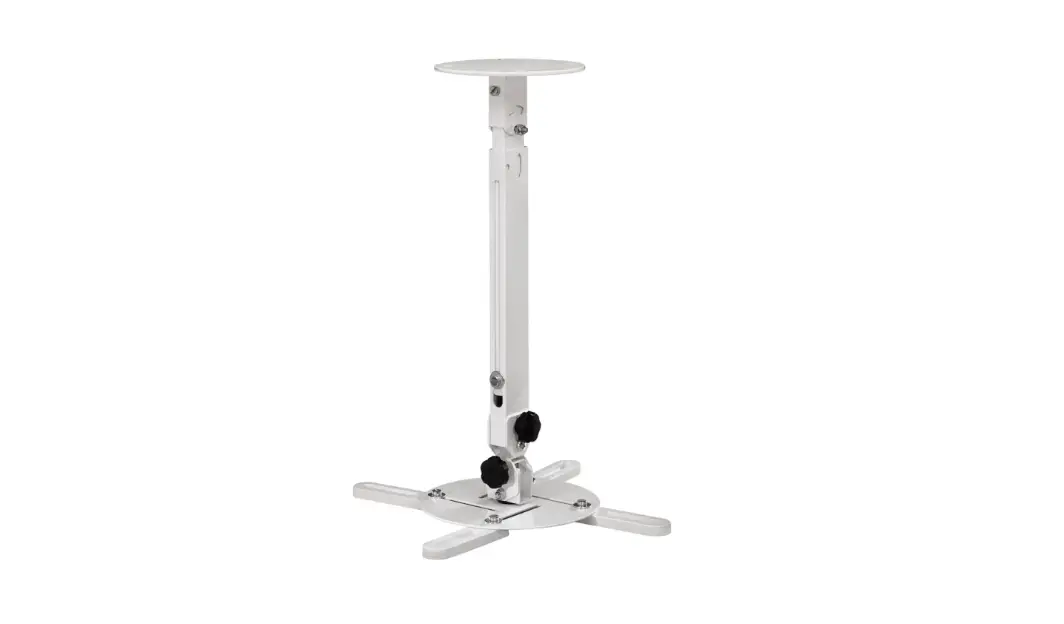
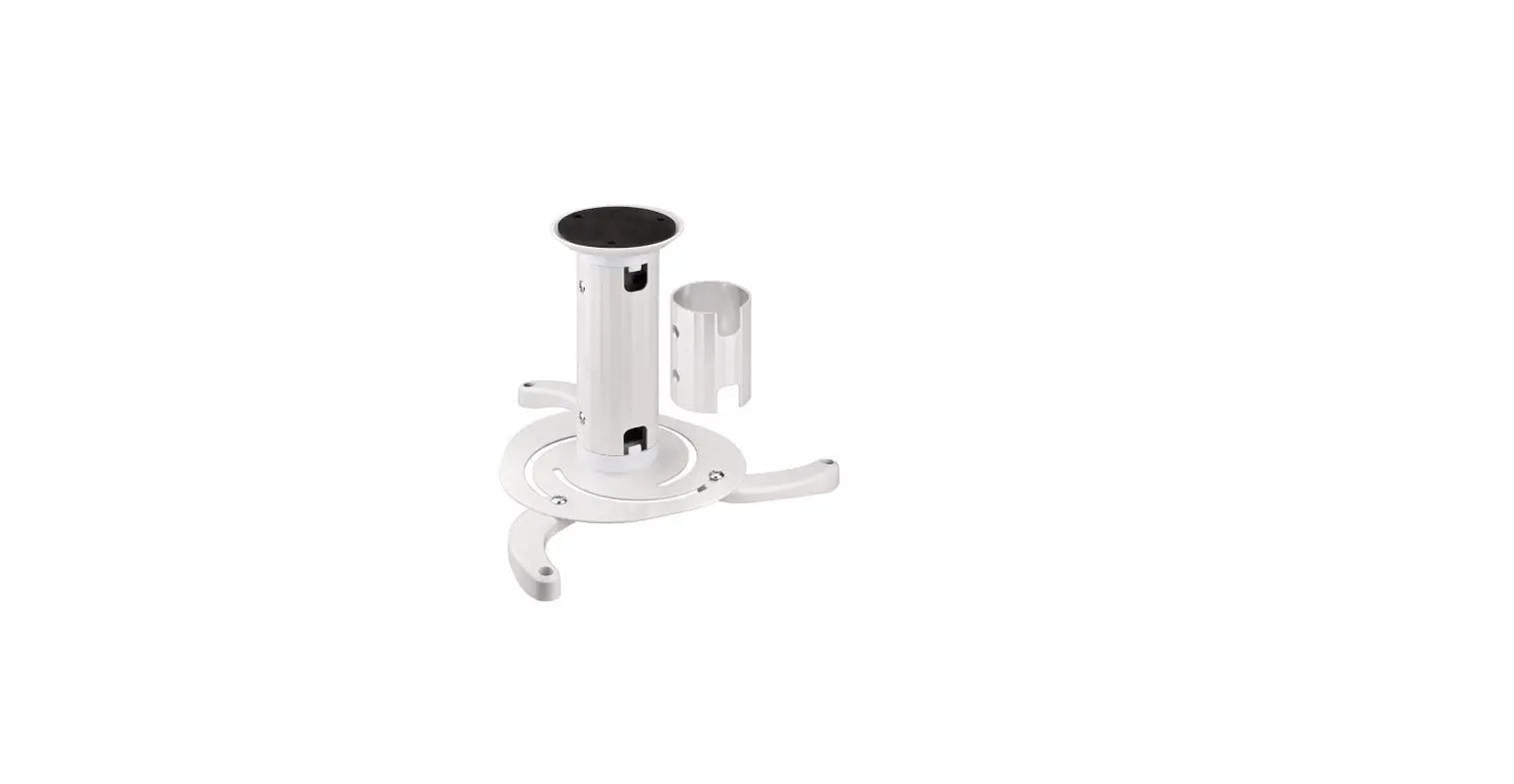
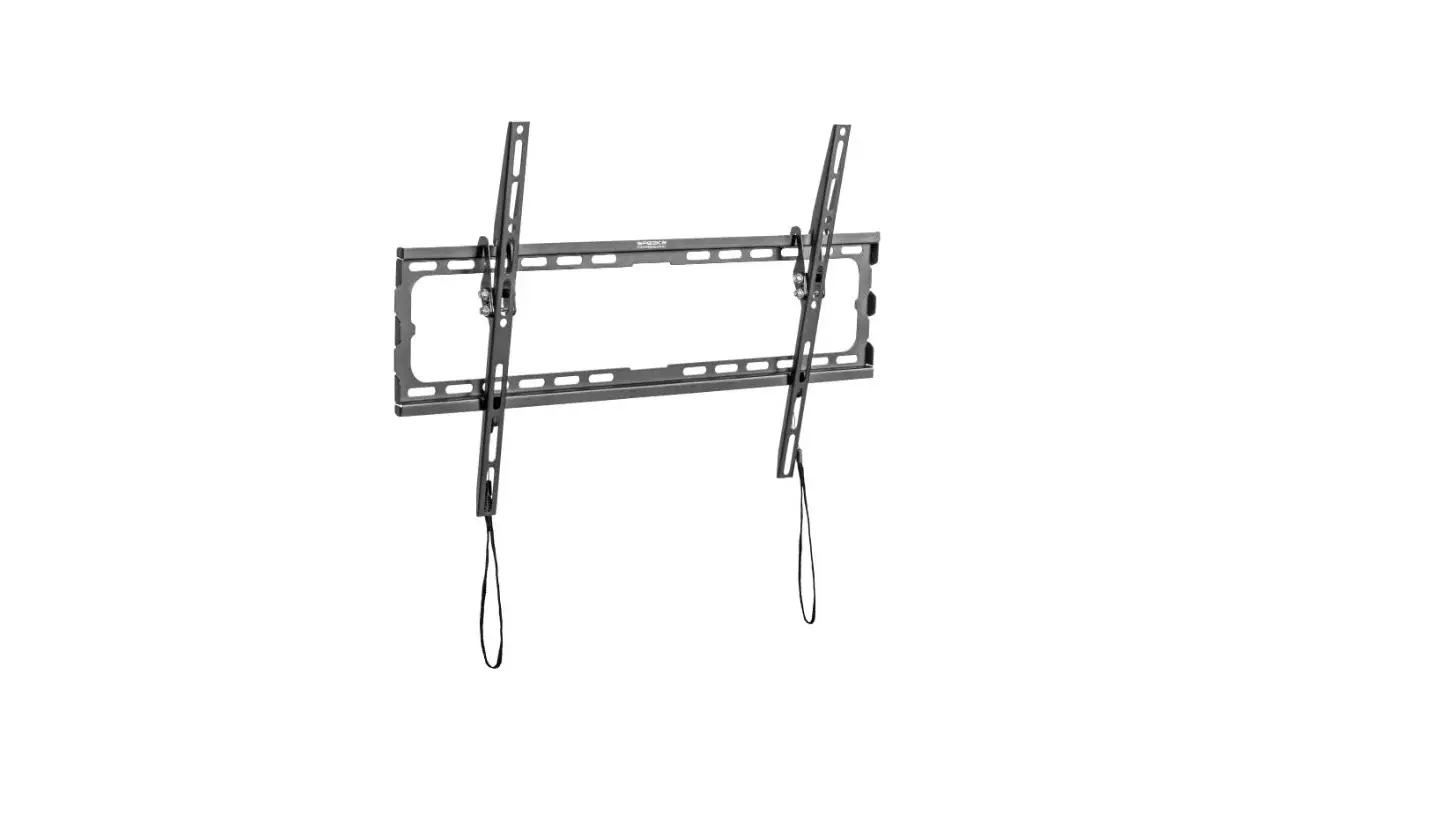
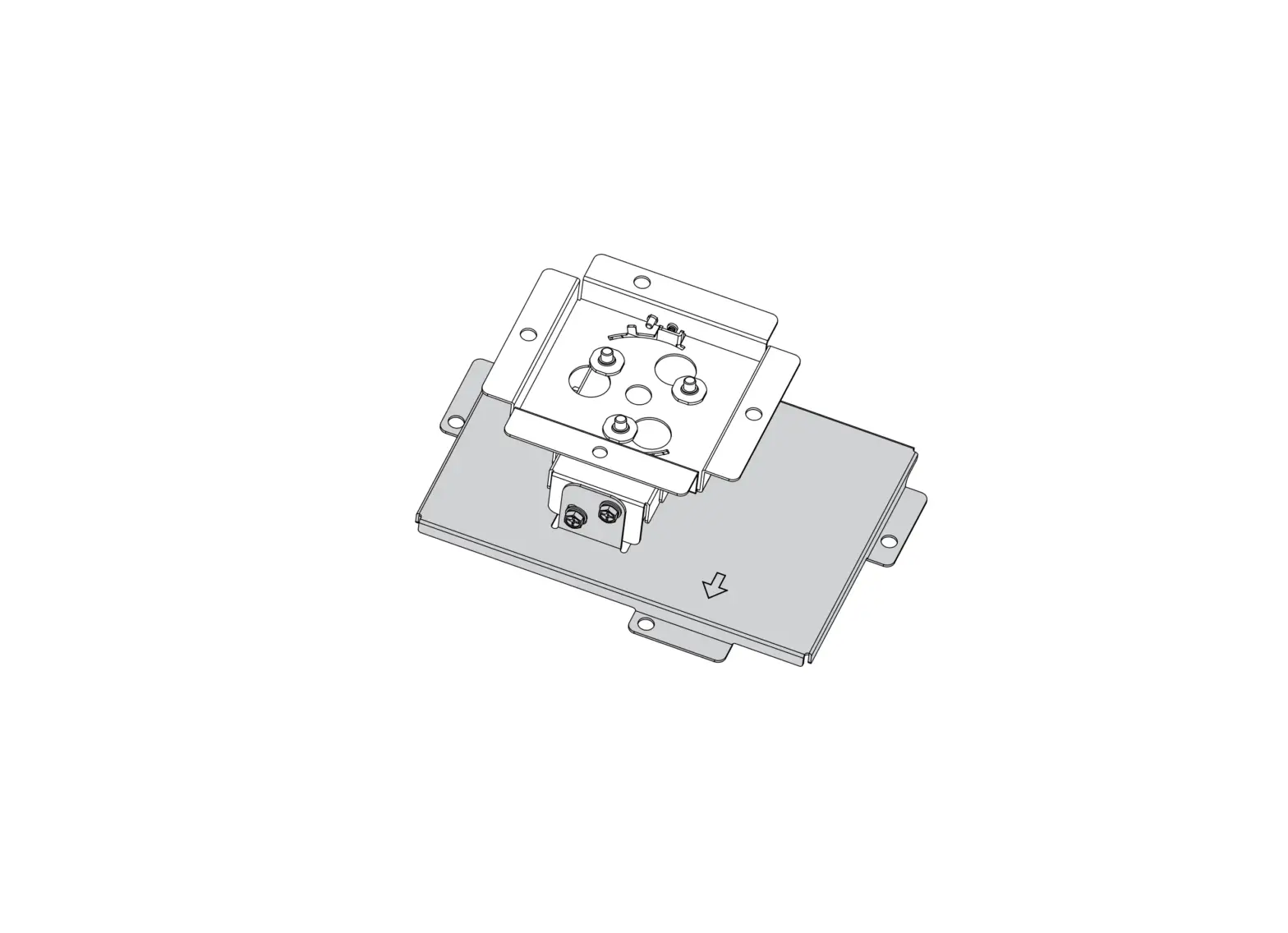
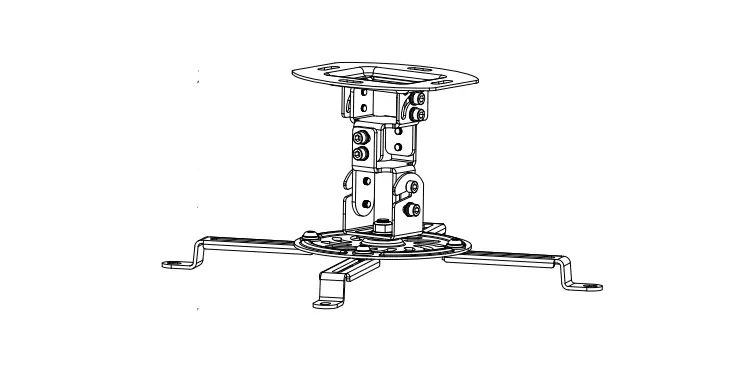
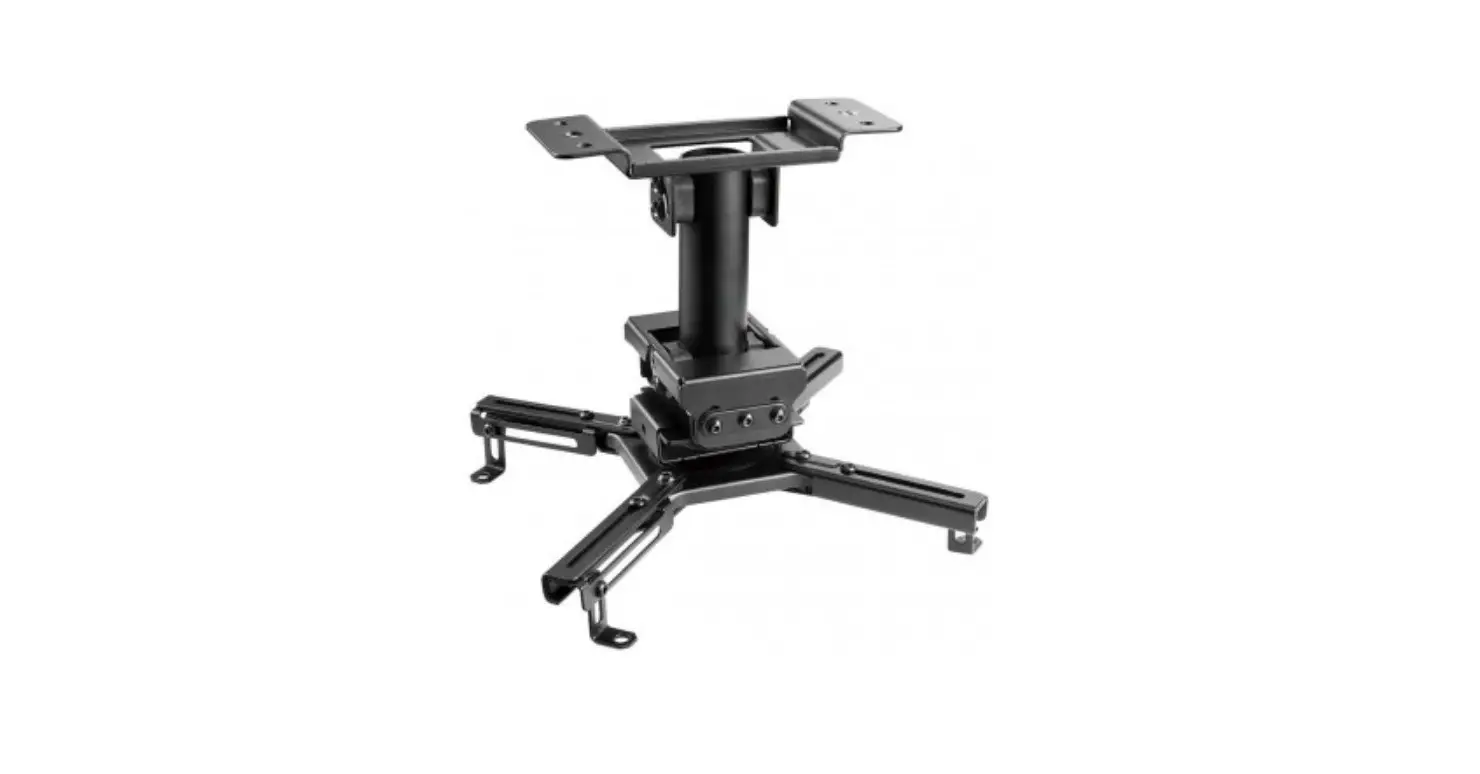
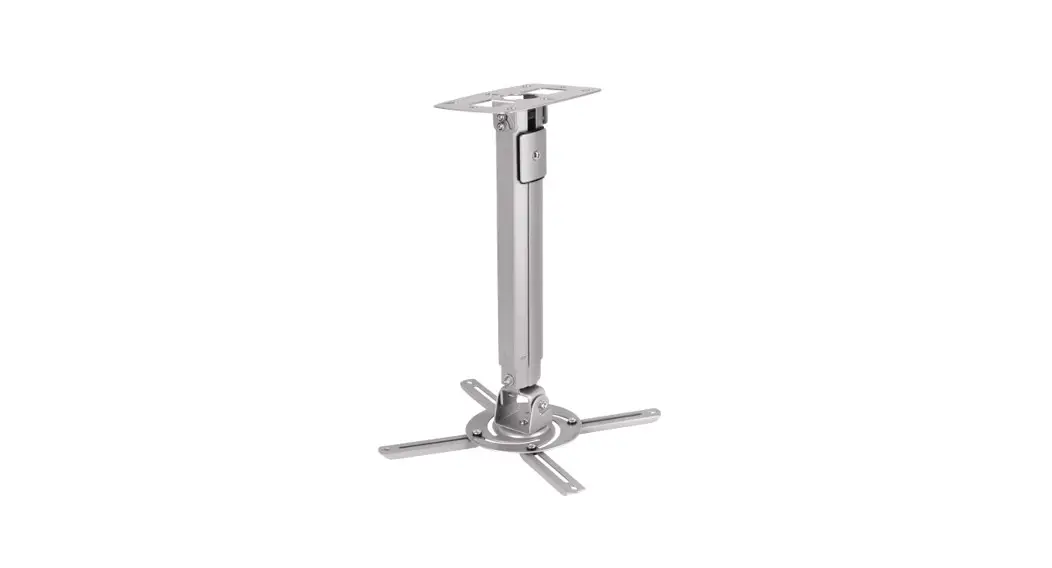
SP-PWM-200 Projector Wall Mount
Product Information:
Product Name: Projektor-Wandhalterung
Item Number: 2632386 (SP-PWM-200)
Maximum Weight Capacity: 15 kg
Product Usage Instructions:
- Identify a suitable location on the wall where you want to
install the projector wall mount. - Ensure that the wall surface is sturdy and can support the
weight of the projector and the wall mount. - Using appropriate tools, mark the positions for drilling holes
on the wall according to the mounting template provided. - Drill holes at the marked positions on the wall.
- Insert wall anchors into the drilled holes to provide
additional support. - Attach the projector wall mount to the wall by aligning it with
the drilled holes. - Securely fasten the mount to the wall using screws, ensuring
not to overtighten them as indicated in the instructions. - Verify that the wall mount is securely attached to the wall and
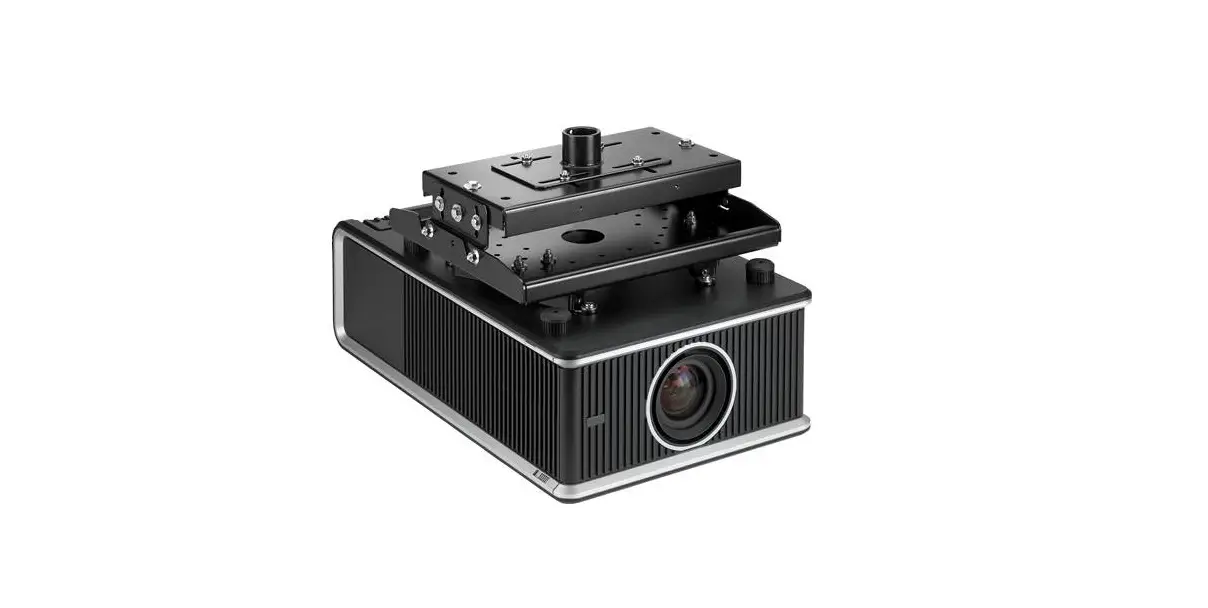
can support the weight of the projector. - Attach the projector to the wall mount according to the
manufacturer’s instructions provided with the projector. - Adjust the angle and position of the projector as desired for
optimal viewing.
Note: It is important to follow the manufacturer’s instructions
for attaching the projector to the wall mount and adjusting its
settings. For any further assistance or troubleshooting, refer to
the projector’s user manual or contact customer support.
Installationsanweisungen
Projektor-Wandhalterung
Best.-Nr.: 2632386 (SP-PWM-200)
Installation Instructions
Projector Wall Mount
Item No.: 2632386 (SP-PWM-200)
AUSGELEGT FÜR
max. 15 kg
Rated max. 15 kg
Wichtig! Ziehen Sie die Schrauben nicht zu fest an. Important! Do not overtighten the screws.