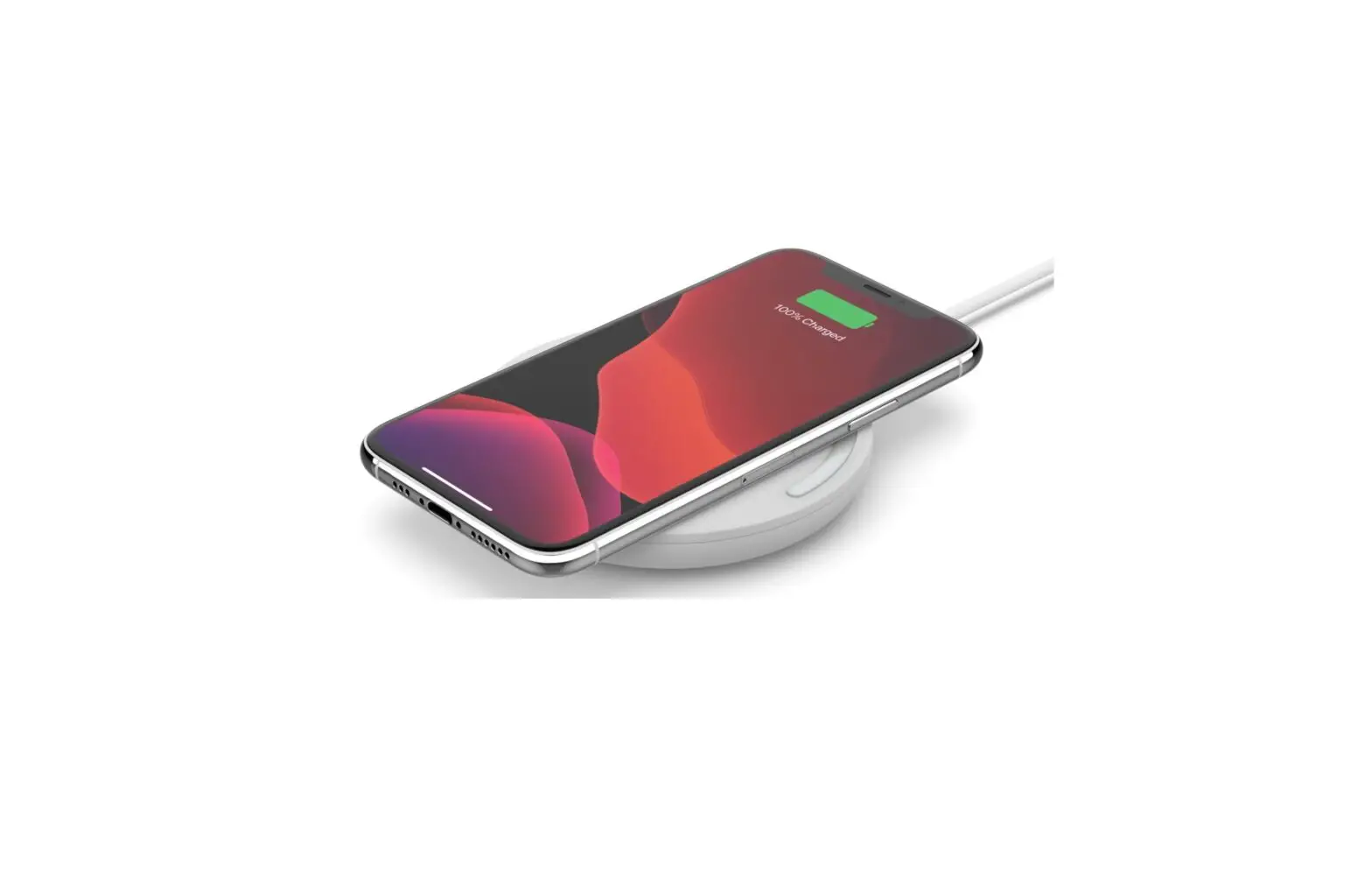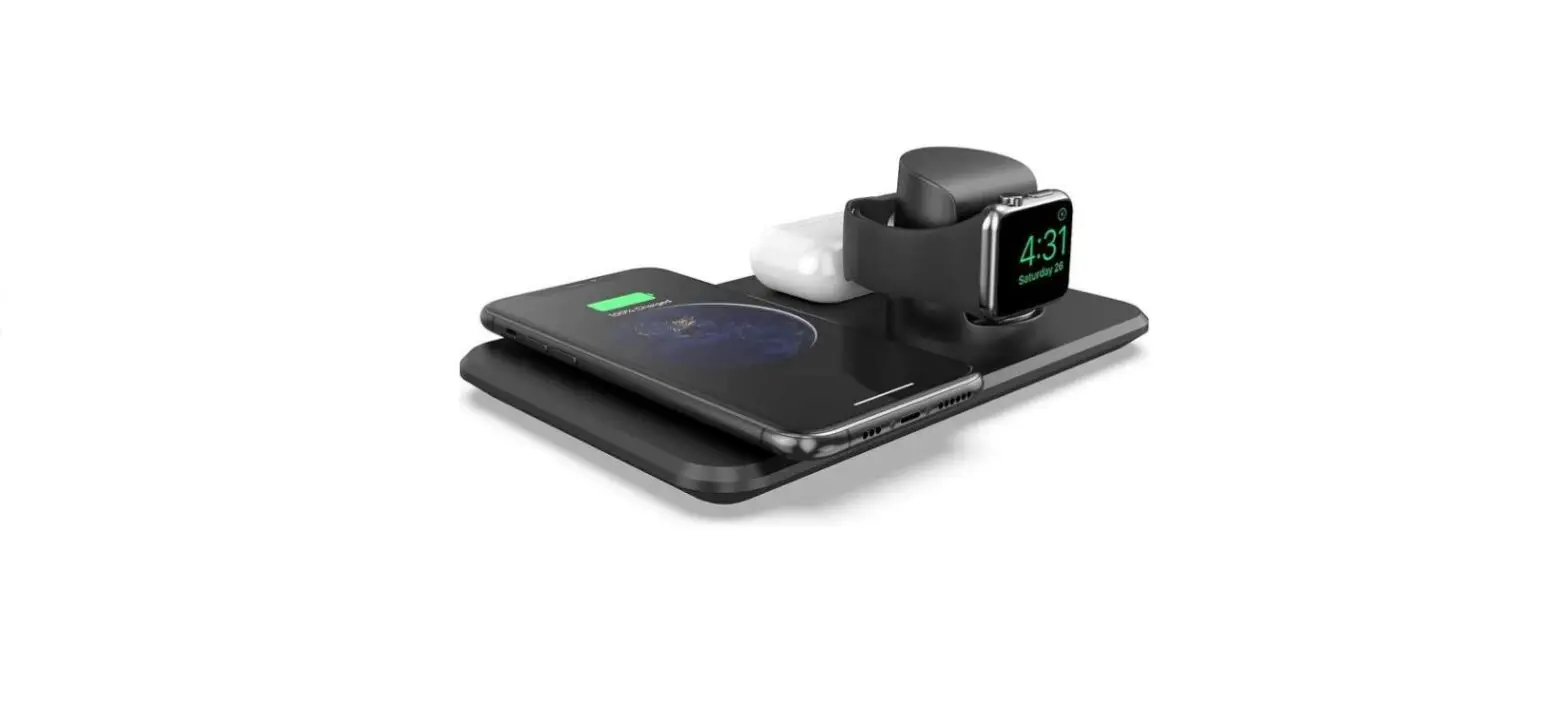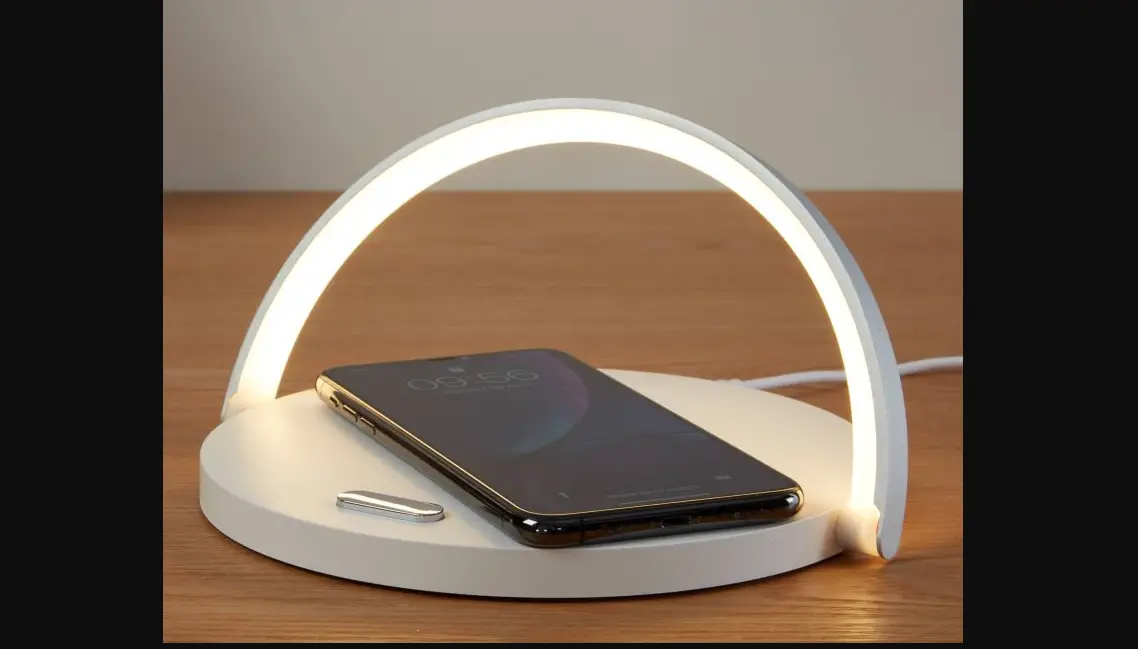

Goodmans 364137 3 in 1 Qi Wireless Charger
THANK YOU
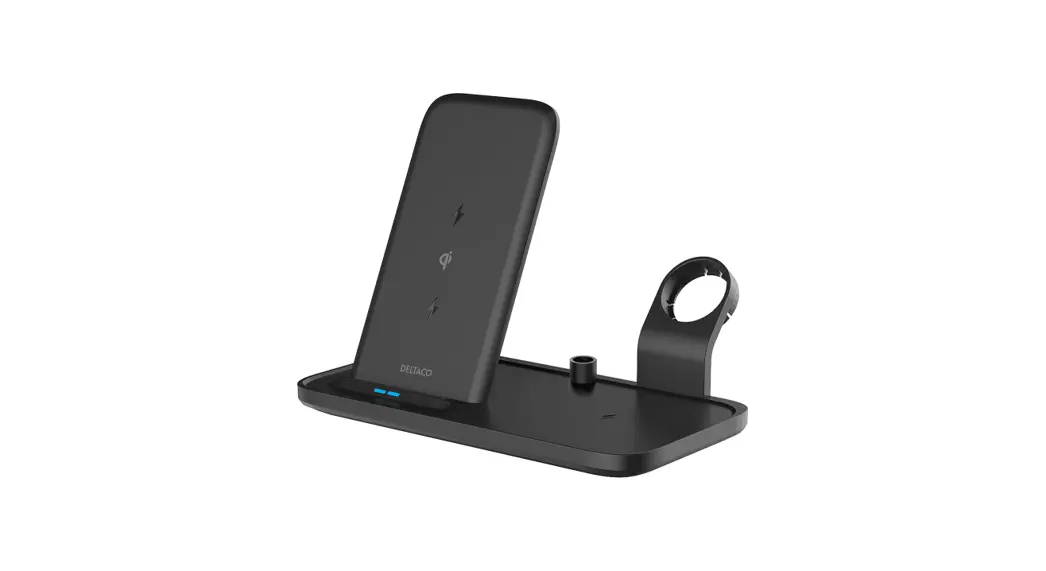
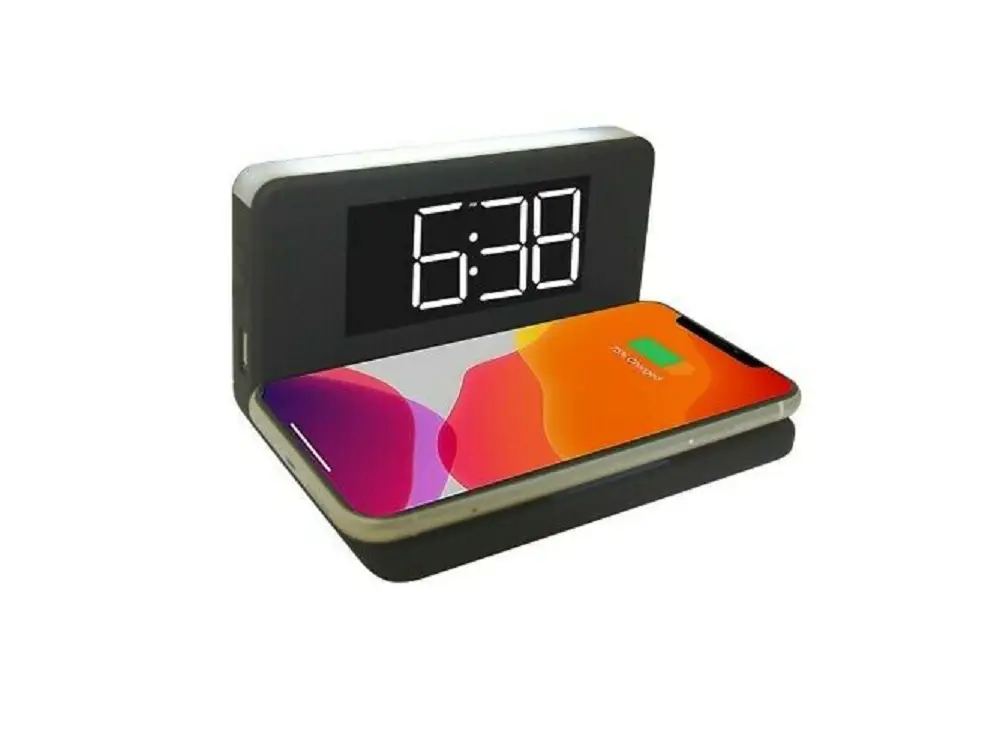
Thank you for choosing a Goodmans product. We’ve been making electrical products for the British people for over 90 years. Each of our products has been carefully designed to be great at what it does and this one is no exception. We hope you enjoy your 3 in 1 Qi Wireless Charger, LED Light and Phone Stand.
Please read the Guarantee & Safety booklet before starting.
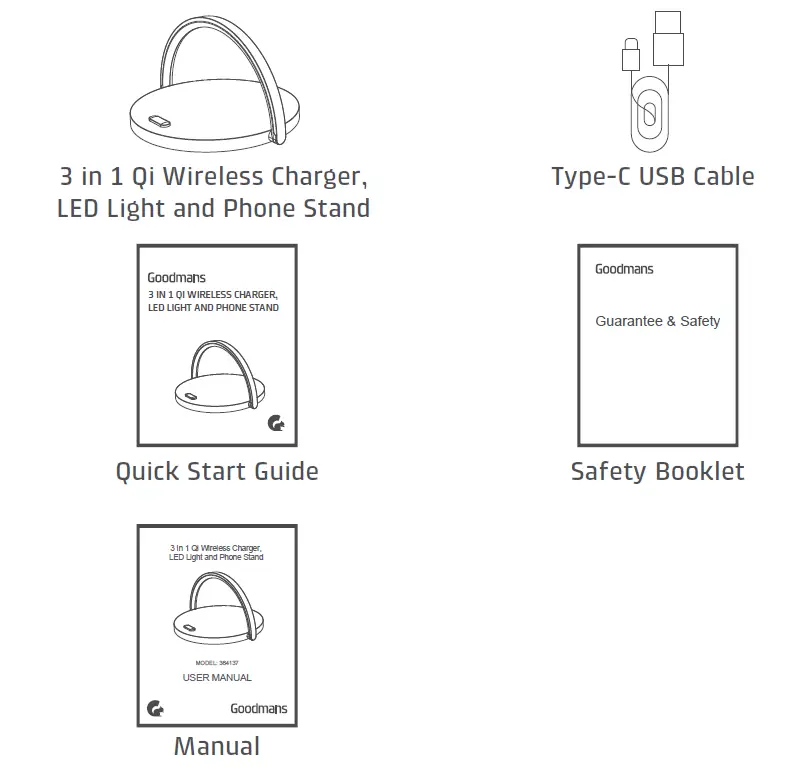
IN THE BOX
DID YOU KNOW?
You can charge your QI enable device using the wireless charger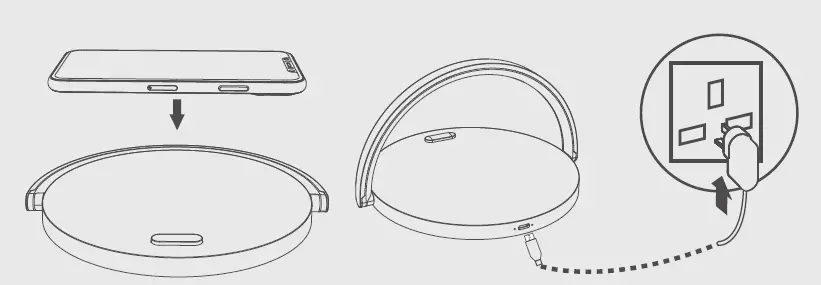
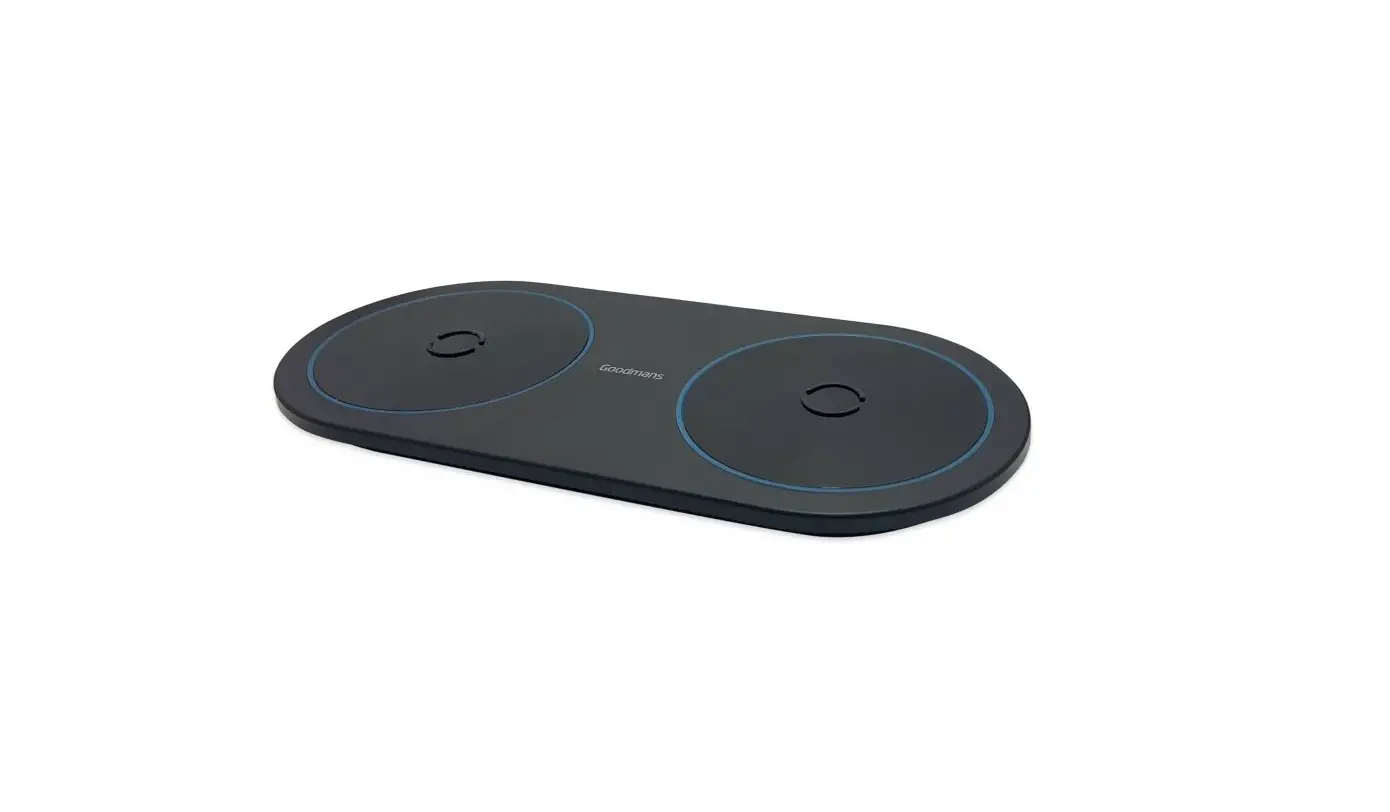
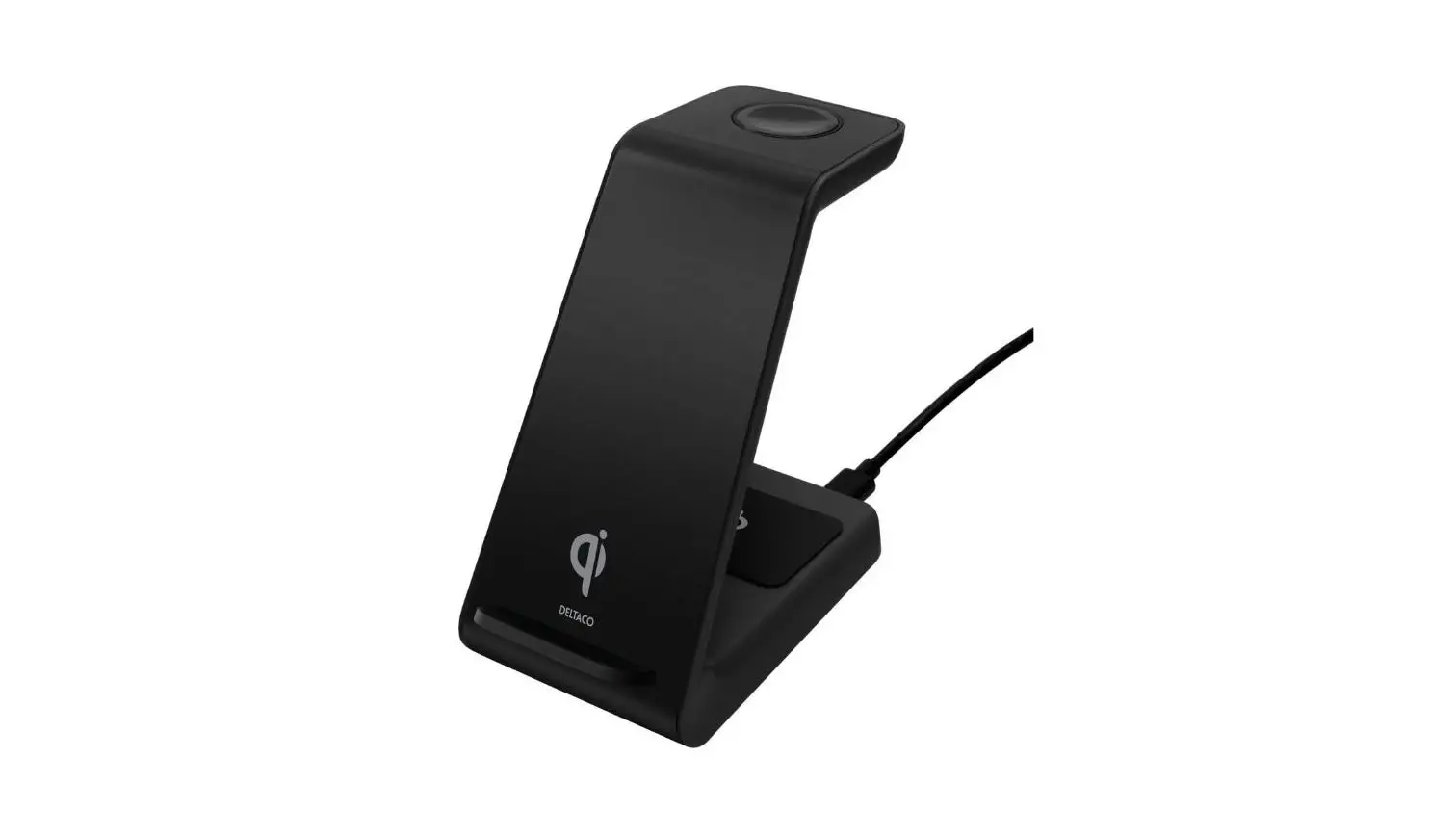
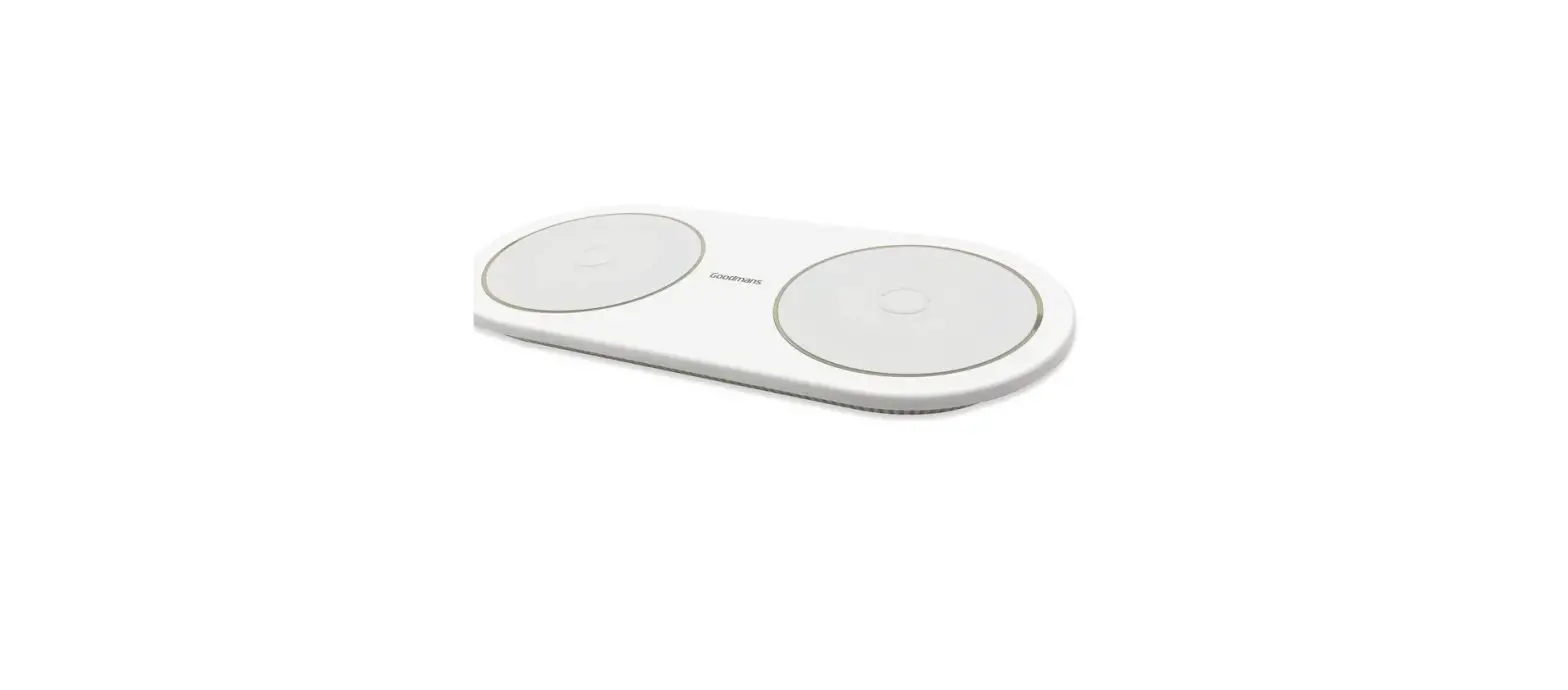
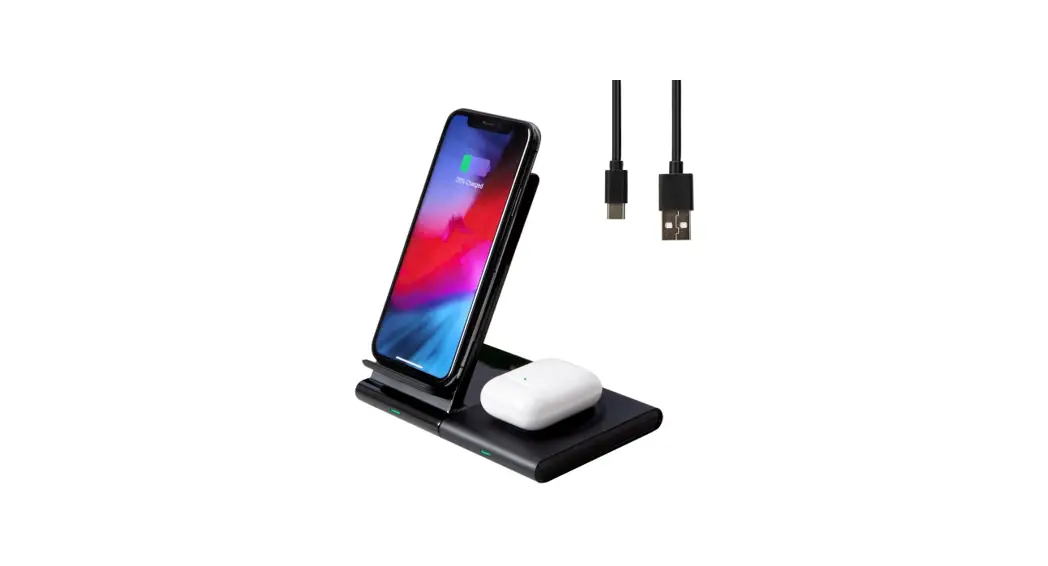
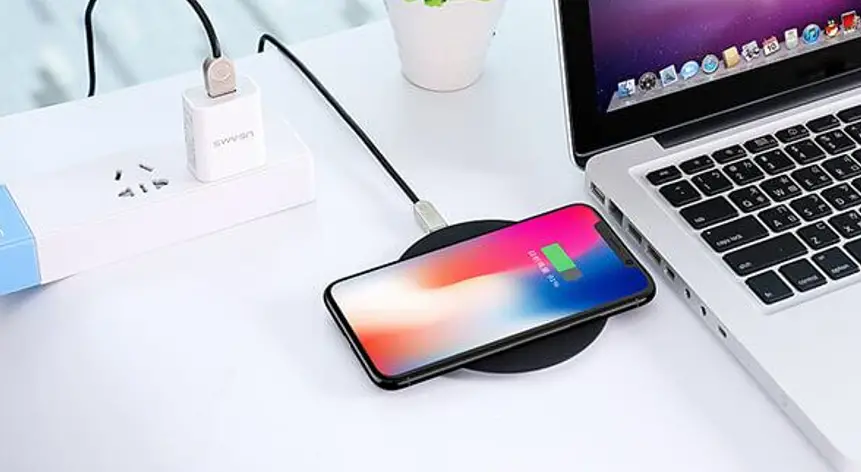
- Connect the Type C cable provided to the wireless charger and the USB to an adapter or USB port (adapter not included).
- Place your QI enable device in the centre of the wireless charger.
- The charging indicator light will illuminate blue when your device is charging and change to white when your device is fully charged.
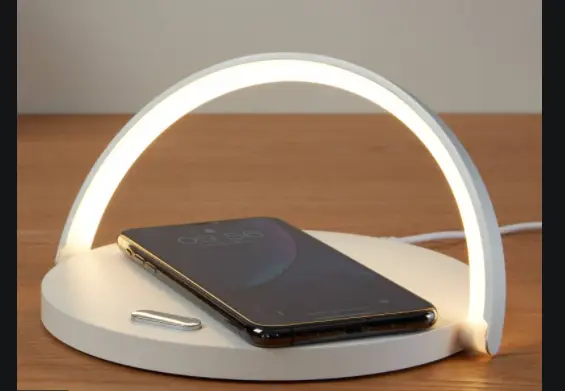
- To turn the mood light ON/OFF, touch the button twice. Touch the button to adjust the brightness.