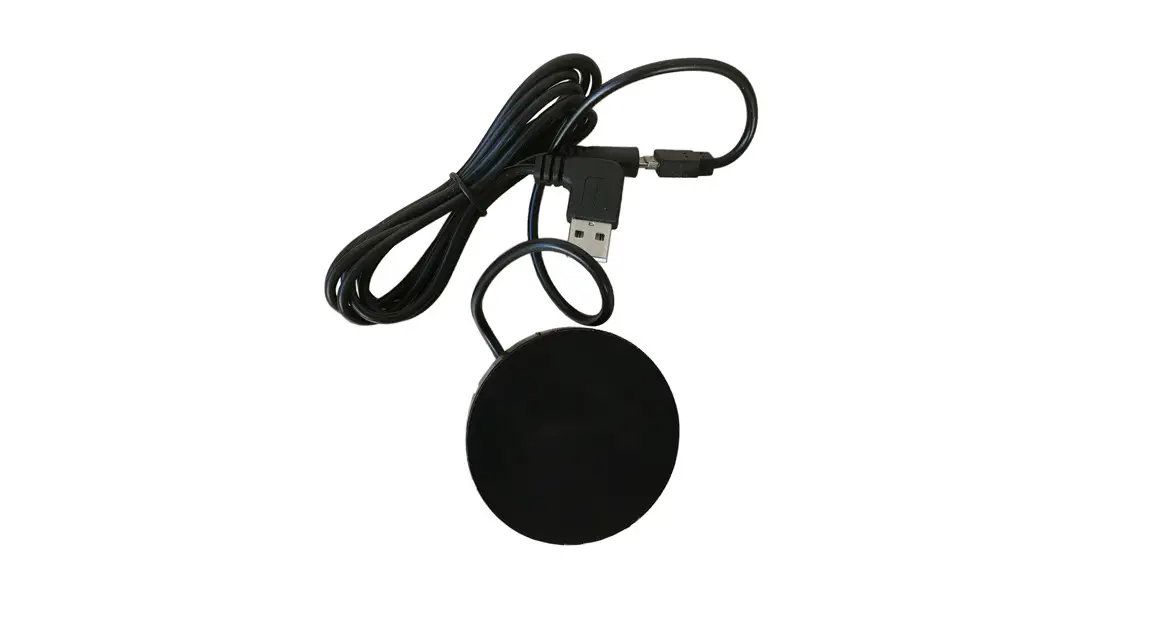

935-QI61
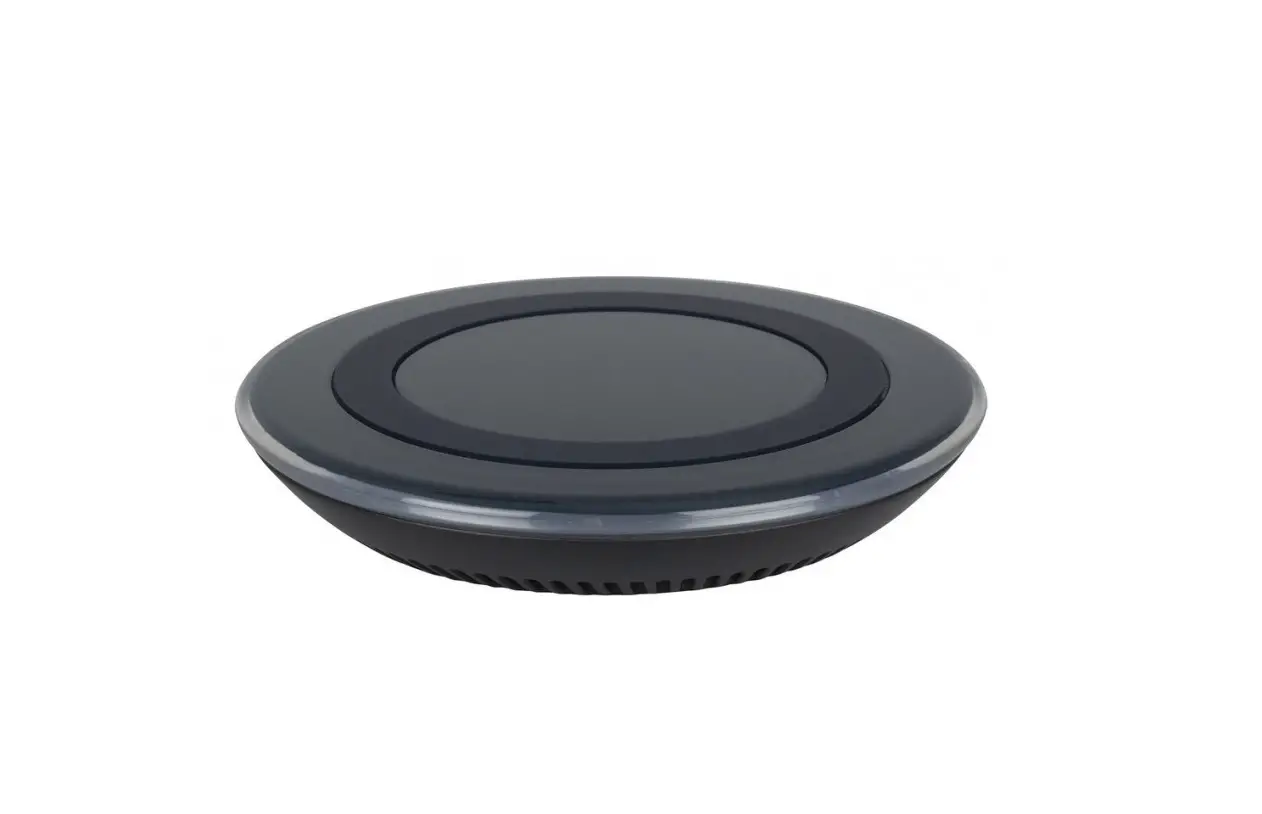
Integrated Qi
Wireless Charger
www.kondator.se
CONTENT:
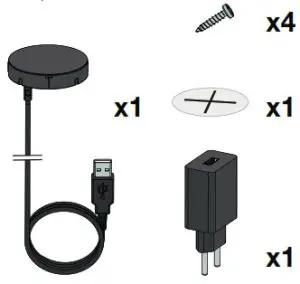
- MILL
Make a cavity in the underside of the table by milling.
 MILLING NOTE
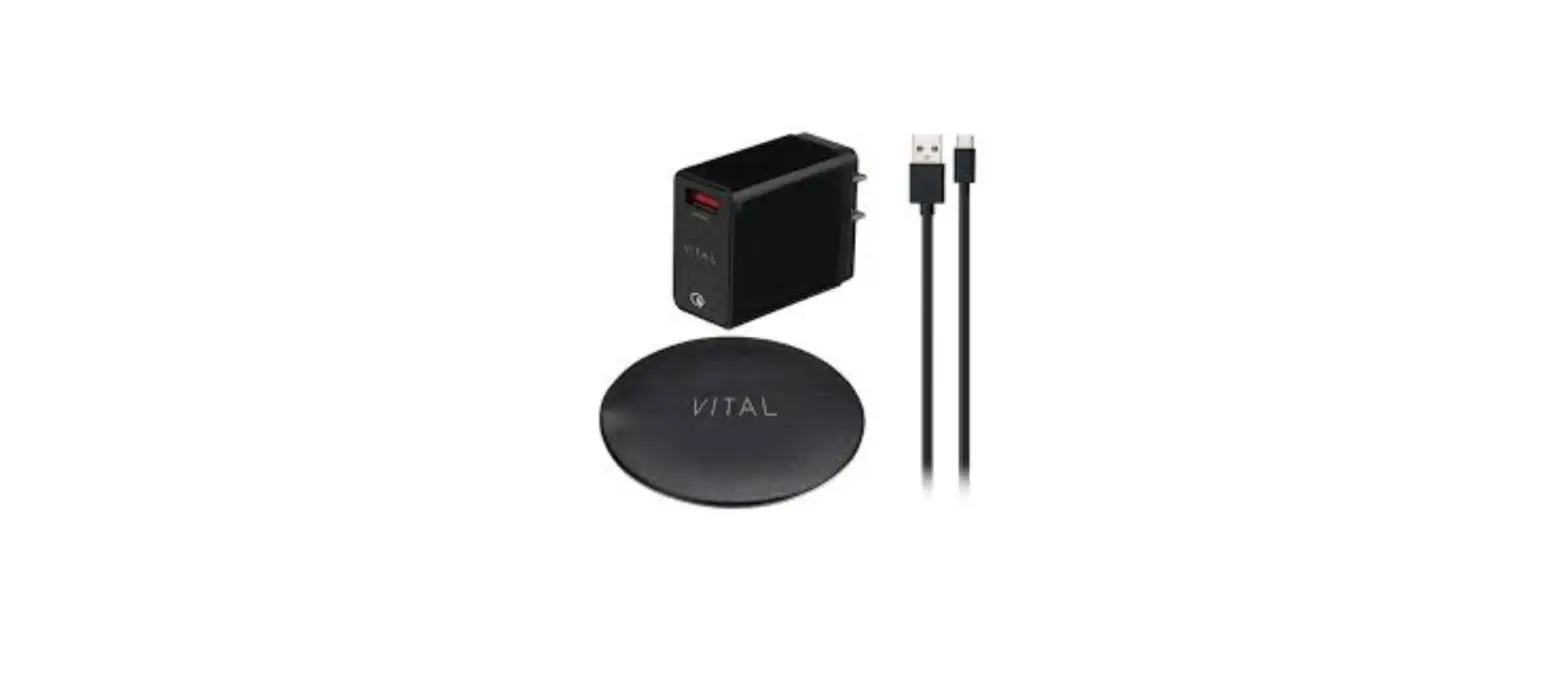
Make sure to leave 3 mm off the table. The shorter the distance to the table surface, the better the efficiency of the QI Charger. – 300 mm USB Micro cable (Type-C male)
– 1450 mm USB Micro (Type-C Female) to USB (Type-A Male) cable
– USB (Type-A Female) to Europlug adapter
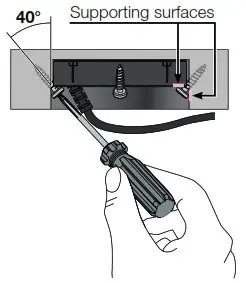
- SECURE POSITION
Use the four screws to secure the QI charger to its intended position. Use the four small tracks from the QI Charger and lean the screws with an angle of about 40-70°The function of the screws is to keep the QI charger in its position as close to the surface as possible. Ascertain that the screws’ heads bear the QI Charger and remain in position.
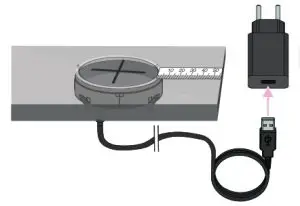
- ATTACH STICKER & PLUG IT IN
- Measure the distance to the edges and attach the sticker as close to the measured center as possible. Lastly, provide the QI charger with power by plugging it into an electrical socket.

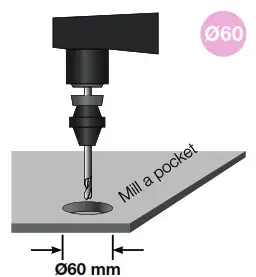
 MILLING NOTE
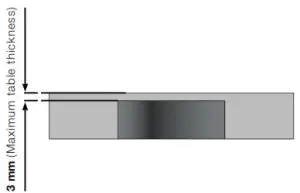 – 300 mm USB Micro cable (Type-C male)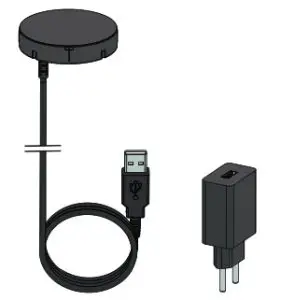
Kondator AB, Energivägen 8 – Box 121, SE-135 23 TYRESÖ, SWEDEN