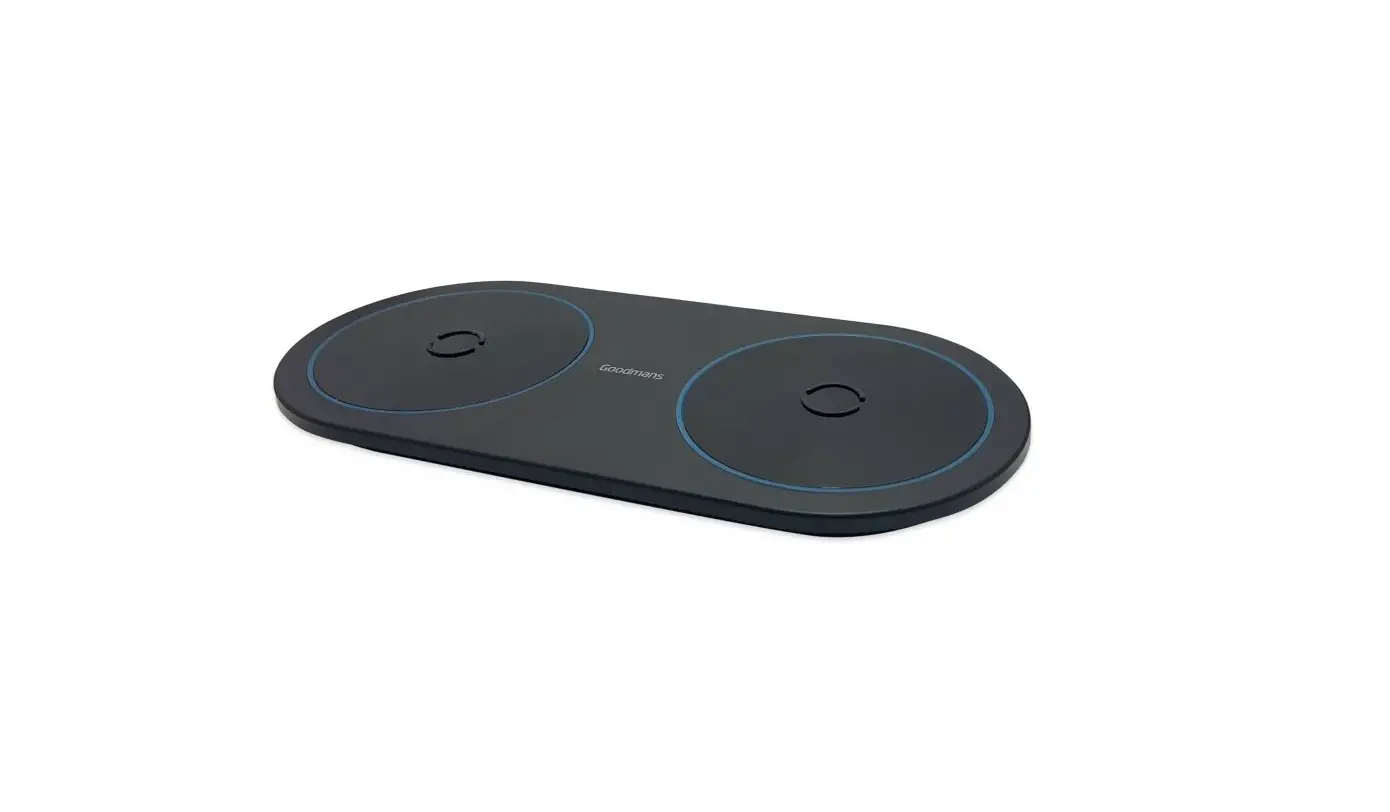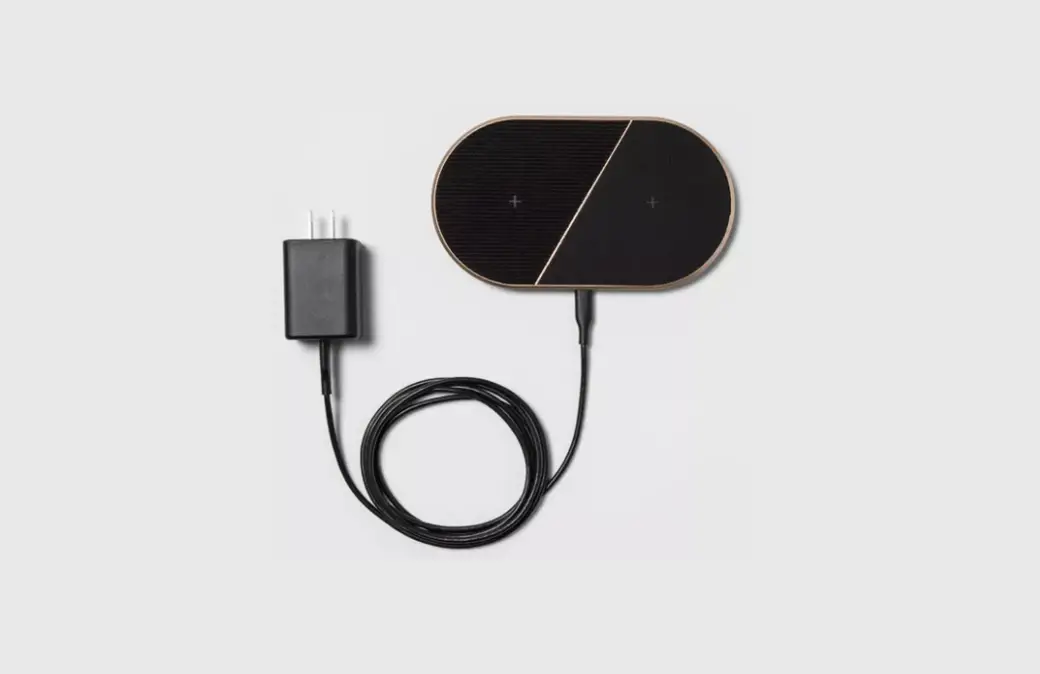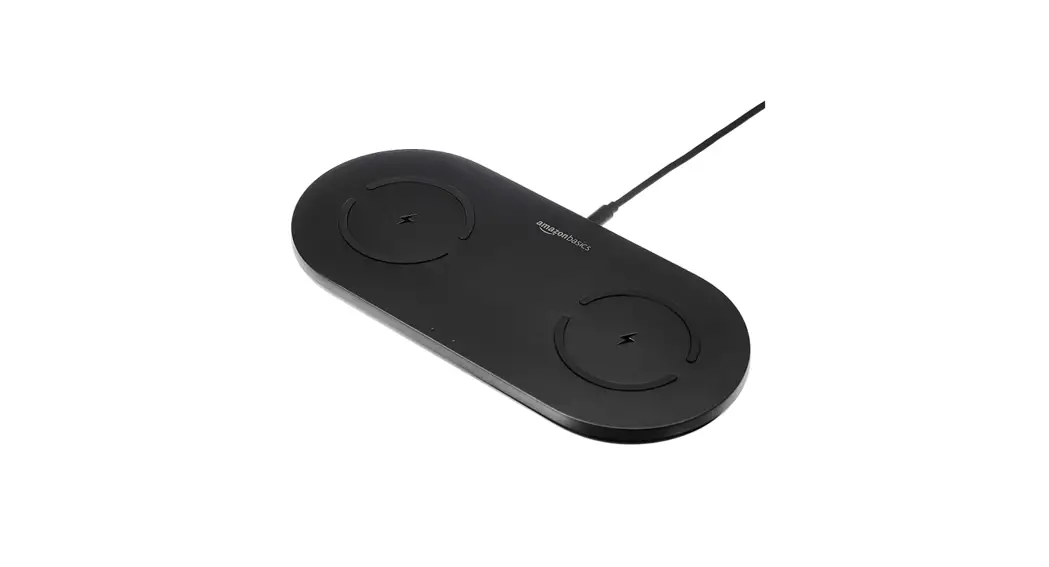
Goodmans 364133 Dual QI Wireless Charging Pad User Manual
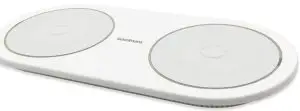
Welcome
Thank you for choosing this Goodmans product. We’ve been making electrical products for the British people for over 90 years. Each of our products have been carefully designed to be great at what they do and this one is no exception. We hope you enjoy your new Dual Qi wireless charger Pad.
Your Dual Qi Wireless Charging Pad
In The Box
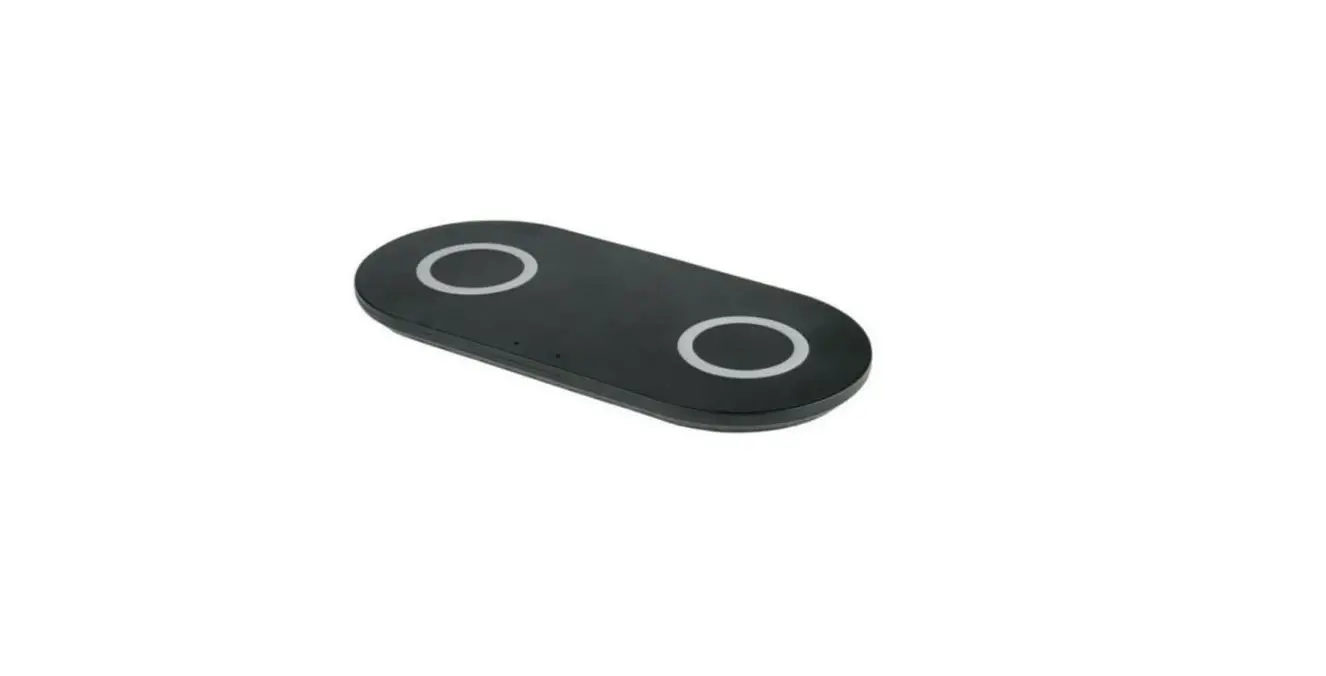
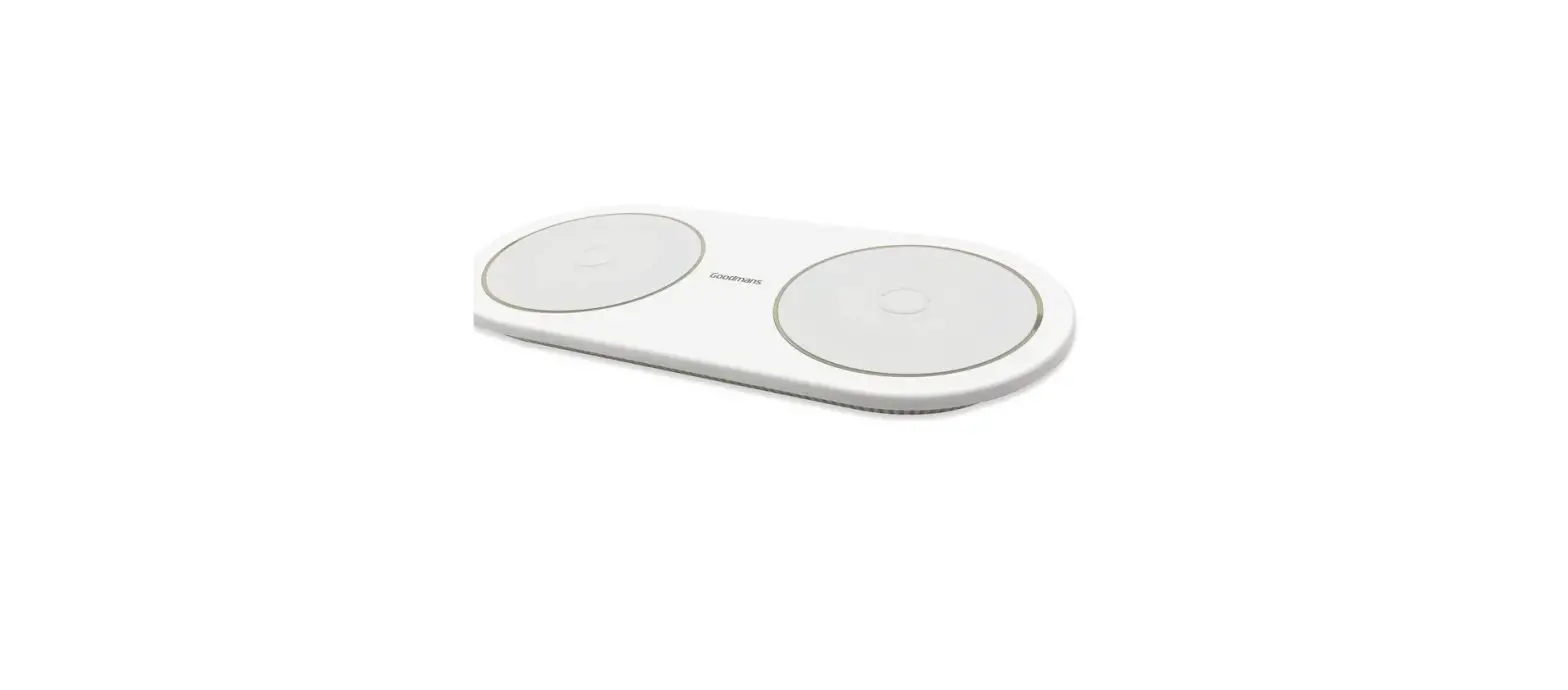
Carefully remove your Dual Qi Wireless Charging Pad from the box. Inside the box you will find:
- 1 x Dual Qi Wireless Charging Pad
- 1 x Type-C USB Cable
- Quick Start Guide
- Instruction Manual
- Guarantee & Safety Manual
Top View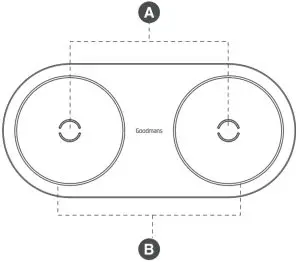
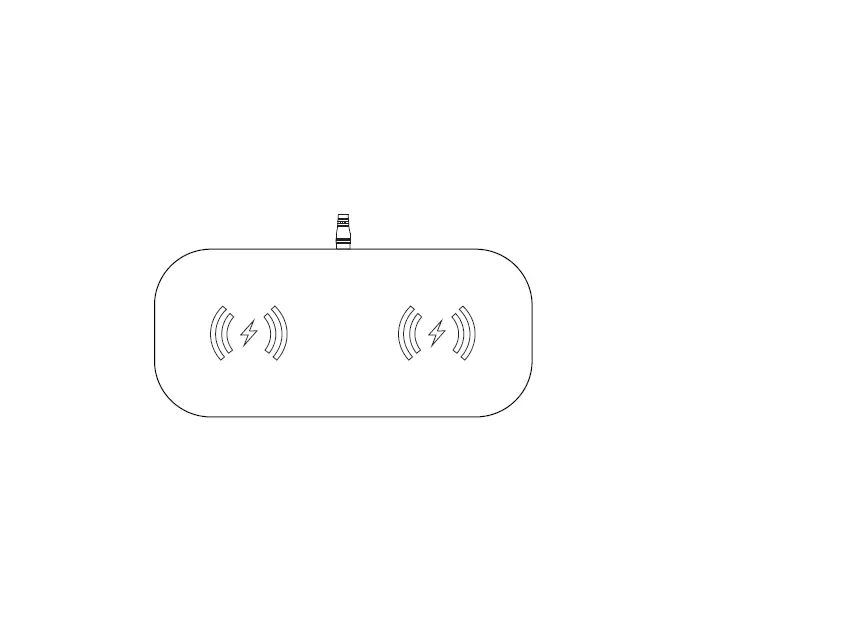
- A QI Charging Location
Used to charge your Qi enabled devices. - B LED Indicator Light
Power on: blue and green lights will flash for 3 seconds.
Charging: the indicator light will turn Blue.
Charging Complete: the indicator light will turn Green.
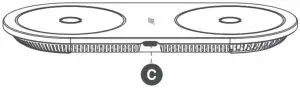
C Type-C Input Port
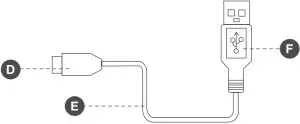
D Type-C Connector
E Type-C Cable
F USB Connector
Quick Setup
Connect Your Dual Wireless Charging Pad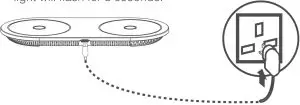
- Please use the Type-C USB cable provided and connect it to the
Type-C input port of the wireless charging pad. - Connect the other end of USB cable to a power adapter (not included).
- When connected successfully, the blue and green LED indicator light will flash for 3 seconds.
Charging Your Qi Enabled Devices
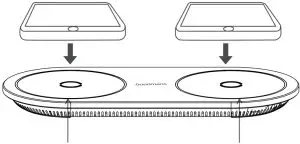
- Place your device on the centre of the Qi charging location.
- The LED indicator will turn to Blue when your device is charging.

The blue light will turn on when our device is charging.
Fast Charging
Compatible Chargers
- This device supports fast charging when the output of the USB power source is 9V.
- Make sure that your device is located in the centre of the wireless charging pad.
Note: that an adapter is not supplied with the wireless charger.
Charging Do’s and Don’ts
- For standard speed wireless charging, you can use an adapter with a 5V 2A output or a standard USB port on your PC.
- If your device supports fast charging we recommend that you use an adapter that has Qualcomm Quick Charge technology.
- Do not use in a hot, humid or corrosive environment.
- Do not place the wireless charger too close to magnetic stripes or chip cards.
- Please keep the wireless charger at 20cm away from any implantable medical devices(pacemakers, implantable cochlear, etc.).
- Keep away from children.
- Do not use a metal case for your smartphone when using the
wireless charger. - For optimum charging times make sure that your device is not in a protective case that is more than 2mm thick, and that it is positioned centrally over the wireless charger.
- Remove your smartphone from the wireless charger when fully charged, and remove the power from the charging base.
Troubleshooting
Problem | What to do |
Dual Oi Wireless Charger has no power | Check the Type-C charging cable is connected correctly. |
| My device is not charging. |
|
The USB cable cannot connect properly. | Please use dry cloth or cleaning brush to clean the USB port. |
Please Note
Not all devices charging support is listed above. Please refer to your device’s user manual for further information.
Technical Specifications
Model Number | 364133 |
Input | 9.0V 3.0A (Fast charge) 5.0V 3.OA (Normal) 5.0V 2.OA (Only support 1 side normal charging) |
| Output | 9.0V 1.1A x 2 Location (Fast charge) |
Dimensions | 199.5mm(L) x 91.5mm(W) x 13.8mm(H) |
| Weight | 182 g |
EC Declaration
This product is intended for use within the UK
This appliance complies with the below listed EU directives.
2014/53/EU Radio Equipment Directive
2011/65/EU Restriction of Hazardous Substances
The complete declaration of conformity is available upon request for relevant Enquiries.
The “Qi” symbol is a trademark of the Wireless Power Consortium.
Information on Waste Disposal for Consumers of Electrical & Electronic Equipment.
 This mark on a product and/or accompanying documents indicates that when it is to be disposed of, it must be treated as Waste Electrical & Electronic Equipment (WEEE).
Any WEEE marked waste products must not be mixed with general household waste, but kept separate for the treatment, recovery and recycling of the materials used.
For proper treatment, recovery and recycling; please take all WEEE marked waste to your Local Authority Civic waste site, where it will be accepted free of charge.
If all consumers dispose of Waste Electrical & Electronic Equipment correctly, they will be helping to save valuable resources and preventing any potential negative effects upon human health and the environment of any hazardous materials that the waste may contain.

 Made in China
Imported by B&M Retail Ltd, Dakota Drive, Liverpool, L24 8RJ, UK