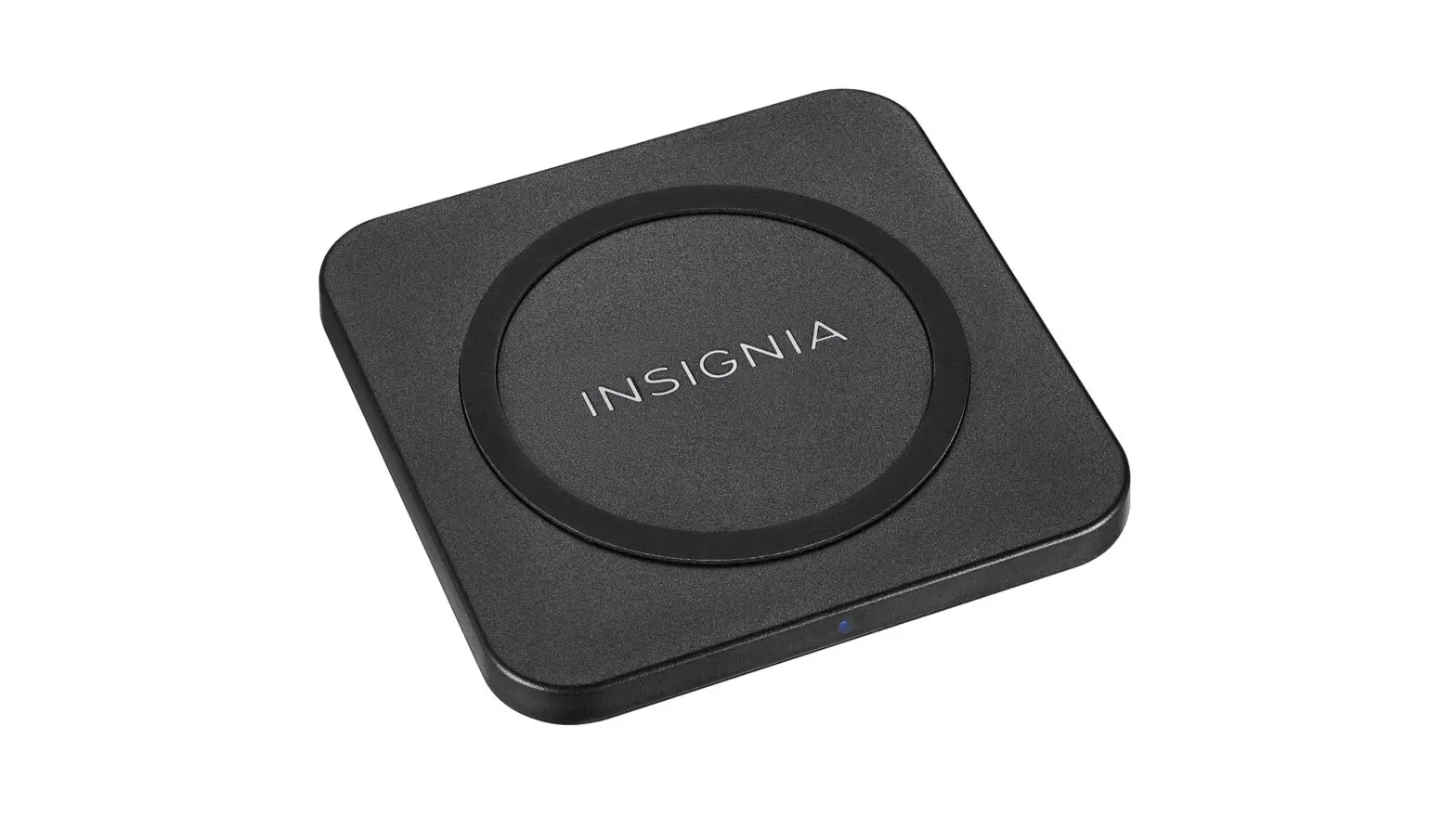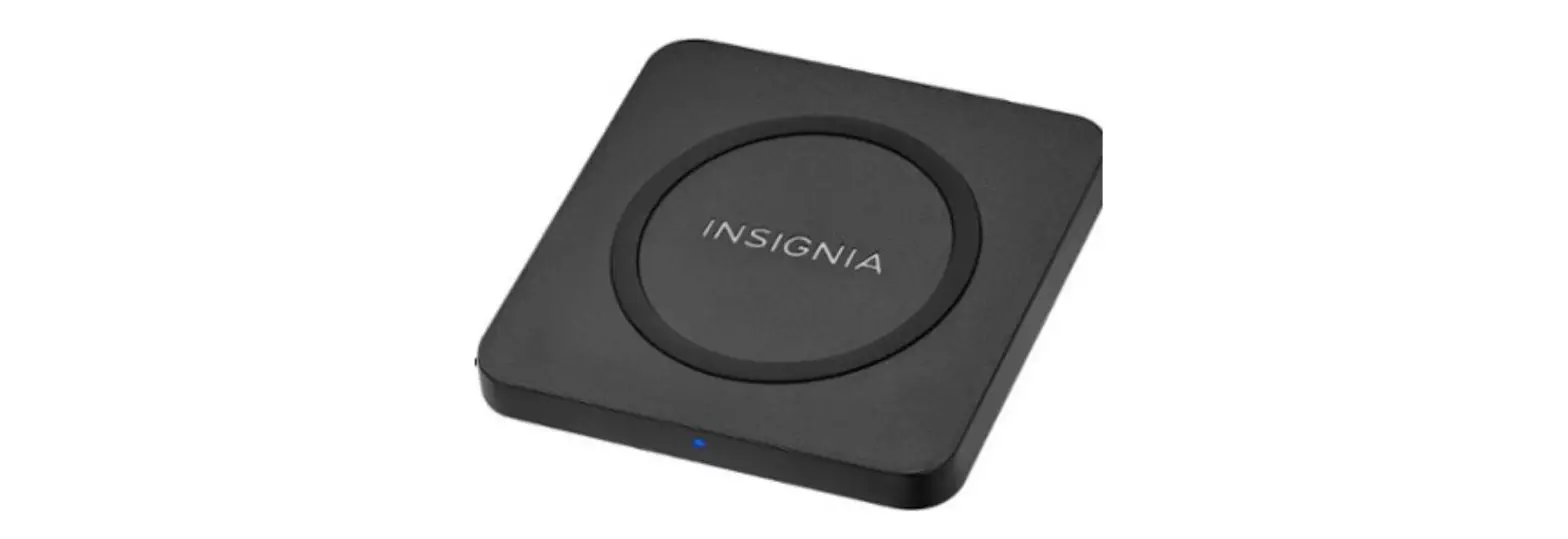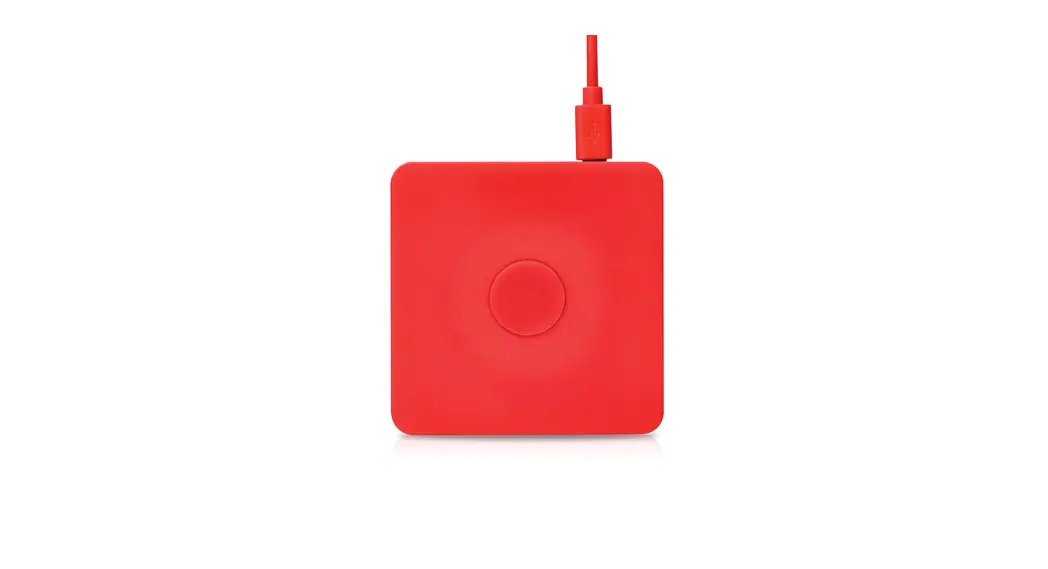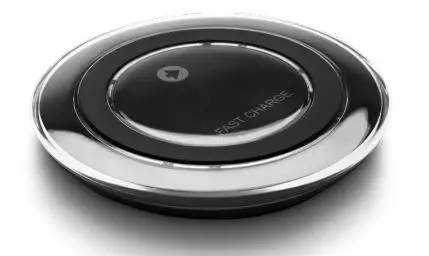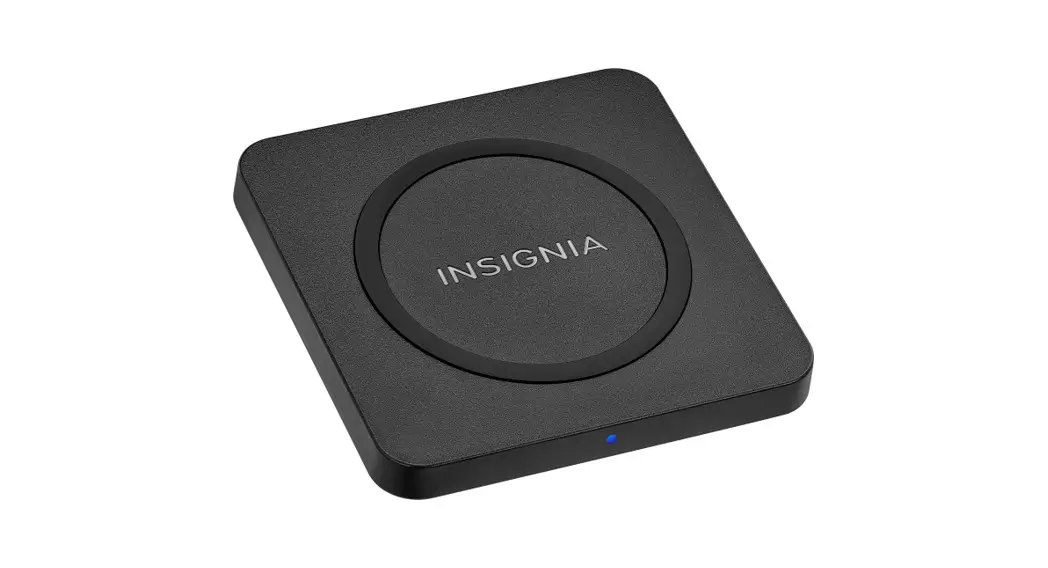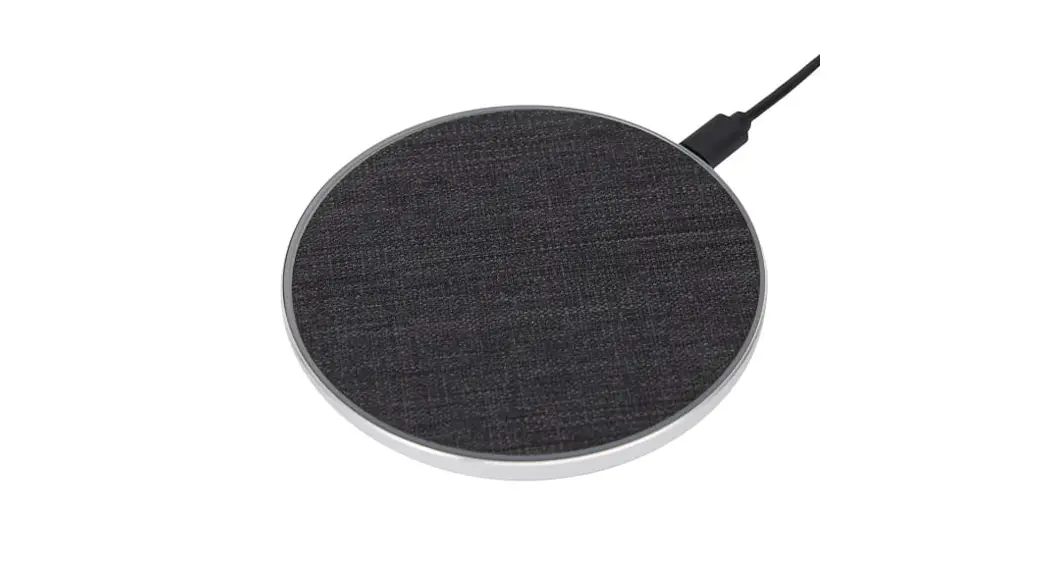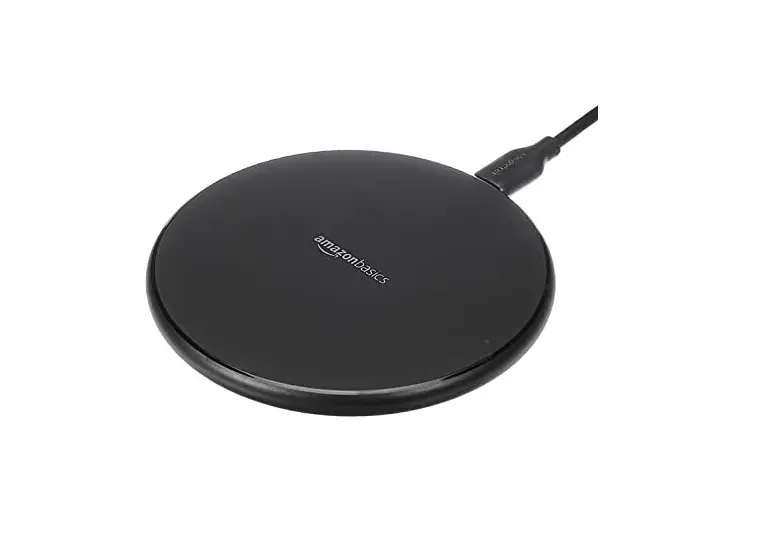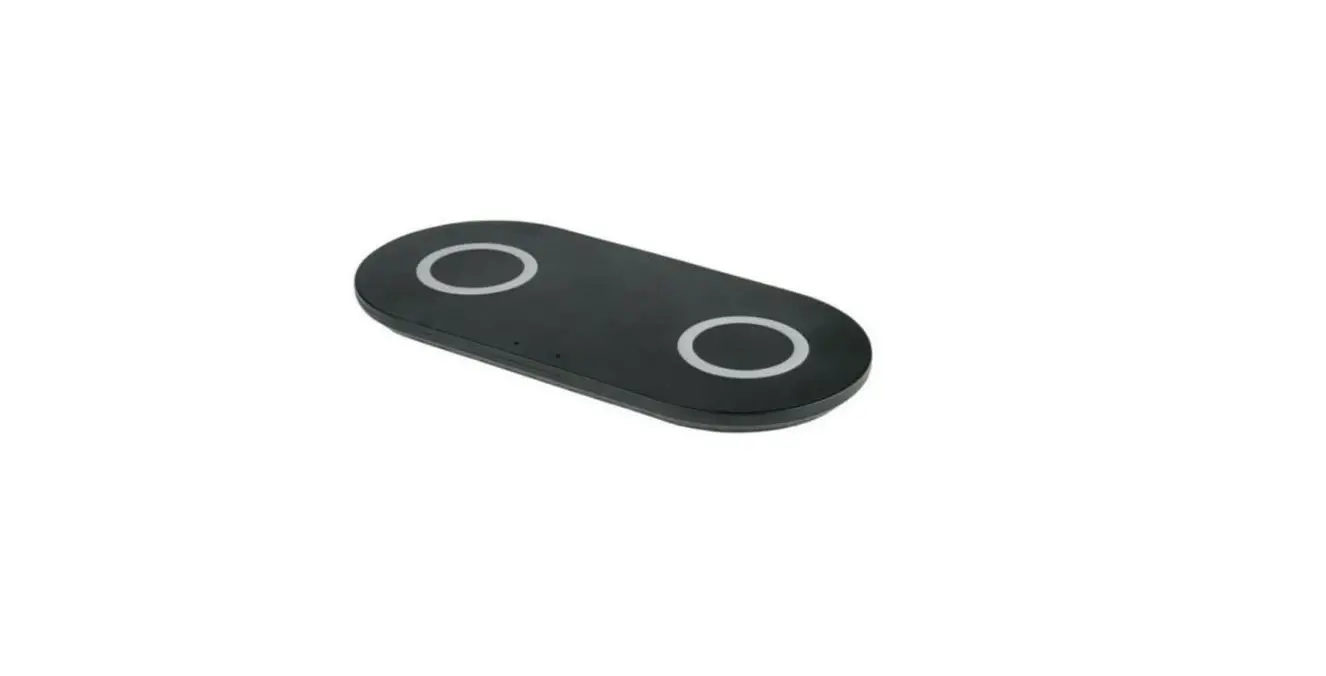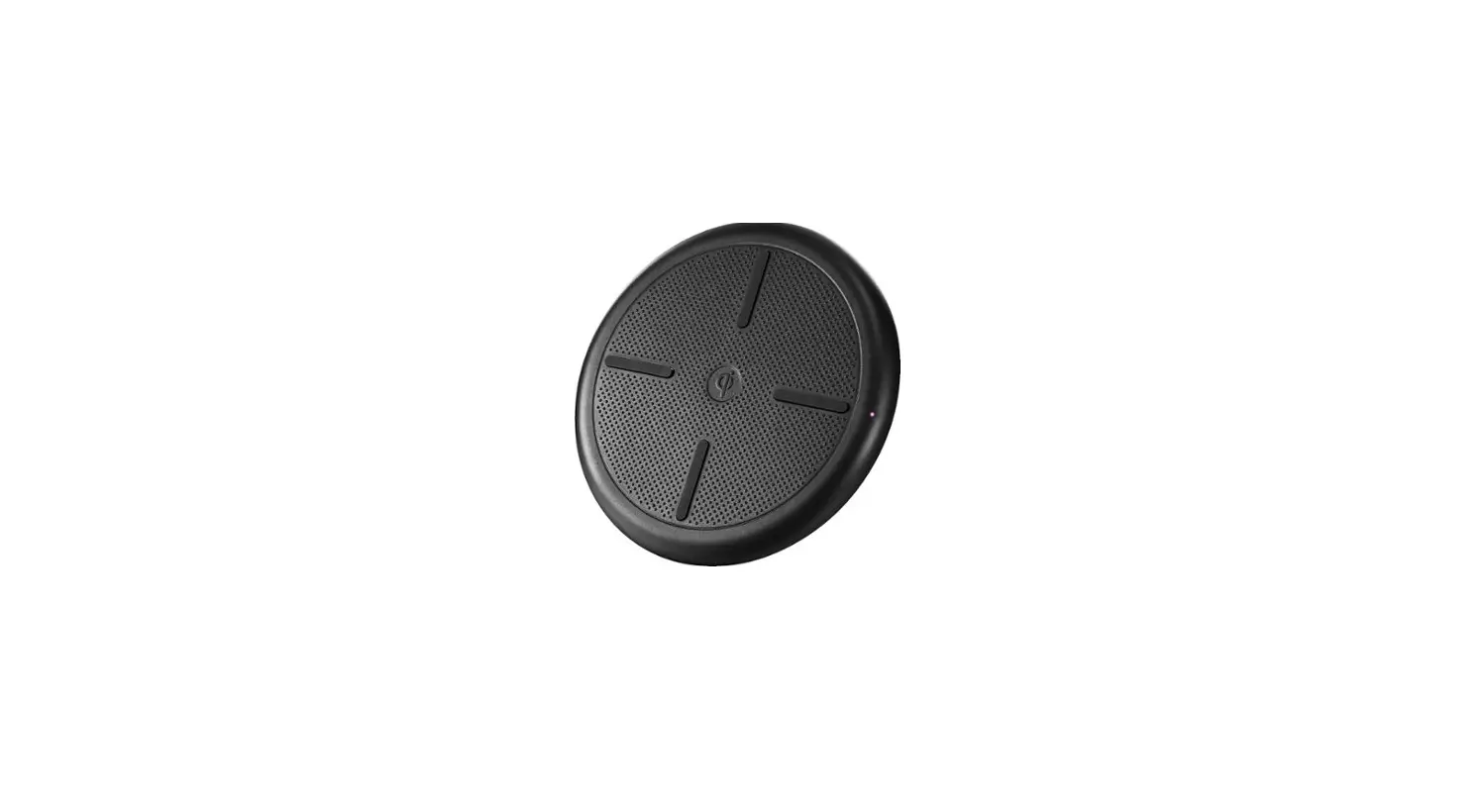

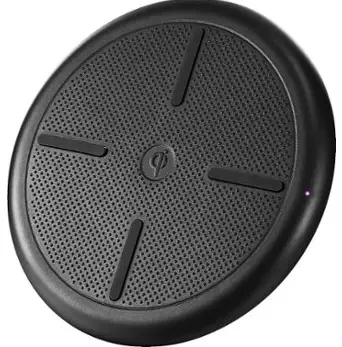
insignia NS-MWPC5CU Qi Wireless Charging Pad
PACKAGE CONTENTS
- Qi Wireless Charging Pad
- 3 ft. (1m) Micro USB charge/sync cable
- USB wall charger
- Quick Setup Guide
COMPATIBILITY
Works with all Qi v1.2 and newer devices. This includes iPhone 8, iPhone X, Samsung Note 5, S6, S6 Edge, S7, S8, and Note 8.
FEATURES
- Works with most Qi-enabled smartphone devices
- LEDs show your charging status
- Lightweight and compact design for added portability
- Wireless design lets you charge devices without cumbersome cords
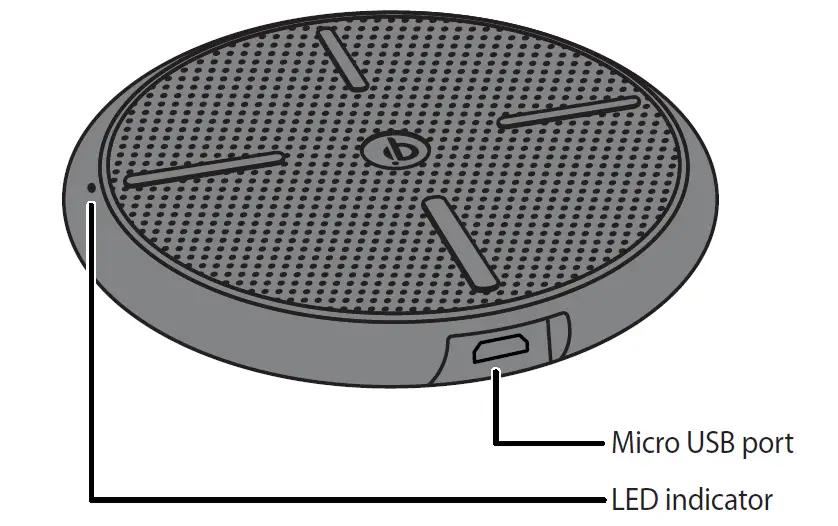
PRODUCT OVERVIEW
USING YOUR CHARGING PAD
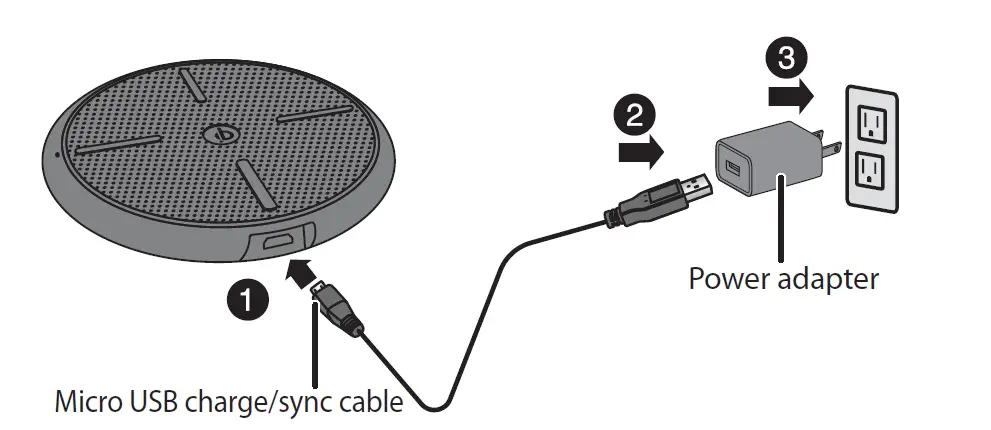
- Connect the micro USB charge/sync cable to the micro USB por on your charging pad.
- Plug the USB connector into the power adapter.
- Connect the power adapter to the power outlet.
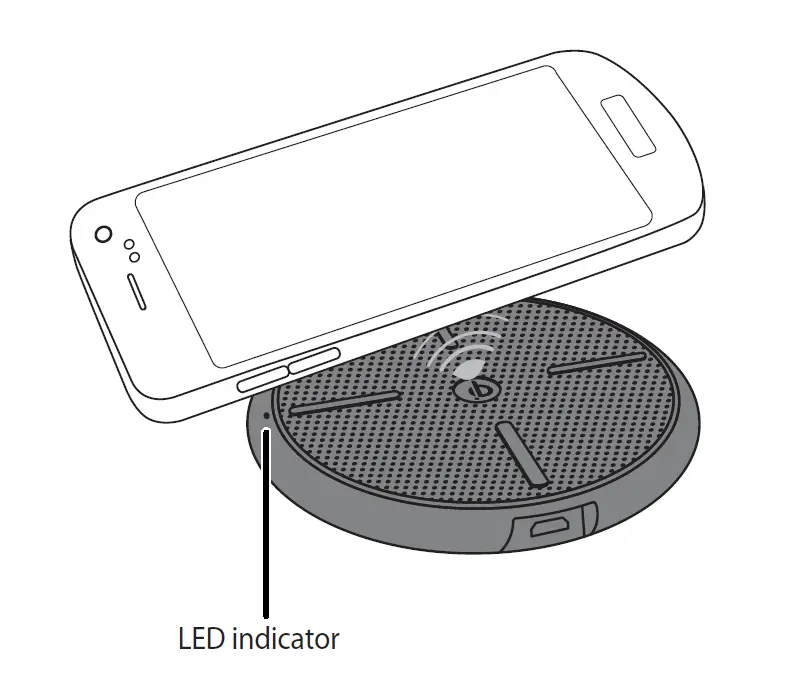
- Place your Qi-enabled device on the center of the charging pad with the screen facing up. The LED is blue when your device is charging.
Note: If the LED is red, your device is not charging.
See “Troubleshooting” for more information.

| LED | STATUS |
| Blue | The device is charging. |
| Red | The device is not charging. See “Troubleshooting” for more information. |
| Off | The charging pad is not connected to power. |
TROUBLESHOOTING
Device not charging/LED is red
- Make sure that your device is Qi-enabled.
- Make sure that your charging pad is connected to a working power outlet.
- Make sure that you are using the power adapter that came with this product.
- Make sure that your device is positioned correctly on your charging pad.
- Make sure that there are no other objects on the charging pad.
- Remove your device’s case. It may be blocking the wireless signal.
Device charges slowly
- Your device may charge more slowly with the charging pad than a charging cable. This is normal behavior.
- Make sure that you are using the power adapter that came with this product.
- Make sure that your device is positioned in the center of your charging pad.
SPECIFICATIONS
Qi Wireless Charging Pad:
- Input: DC 5V/2A
- Output: 5W max.
- Dimension: 3.9 × 3.9 × .6 in. (100 × 100× 14 mm)
AC Power Adapter:
- Input: ~100-240V 50/60Hz
- Output: DC 5V/2A
LEGAL NOTICES
FCC Information
FCC Caution: Changes or modifications not expressly approved by the part responsible for compliance could void the user’s authority to operate the equipment.
FCC Statement: This equipment has been tested and found to comply with the limits for a Class B digital device, pursuant to part 15 of the FCC Rules. These limits are designed to provide reasonable protection against harmful interference in a residential installation. This equipment generates, uses and can radiate radio frequency energy and, if not installed and used in accordance with the instructions, may cause harmful interference to radio communications. However, there is no guarantee that interference will not occur in a particular installation. If this equipment does cause harmful interference to radio or television reception, which can be determined by turning the equipment off and on, the user is encouraged to try to correct the interference by one or more of the following measures:
- Reorient or relocate the receiving antenna.
- Increase the separation between the equipment and the receiver.
- Connect the equipment into an outlet on a circuit different from that to which the receiver is connected.
- Consult the dealer or an experienced radio/TV technician for help.
FCC statement: This device complies with part 15 of the FCC Rules. Operation is subject to the following two conditions: (1) This device may not cause harmful interference, and (2) this device must accept any interference received, including interference that may cause undesired operation.
RSS-Gen statement:
This device complies with Industry Canada license-exempt RSS standard(s). Operation is subject to the following two conditions: (1) this device may not cause interference, and (2) this device must accept any interference, including interference that may cause undesired operation of the device.
SAFETY INFORMATION
- Use only the power adapter that came with the product. Do not make unauthorized changes to the power supply.
- Do not attempt to disassemble the product. It may result in short-circuit or damage.
- The product should be kept in a dry and ventilated environment. Do not store it in an area of high humidity and high temperature.
- Do not use organic solvent to clean the product.
ONE-YEAR LIMITED WARRANTY
Visit www.insigniaproducts.com for details.
CONTACT INSIGNIA:
1-877-467-4289 (U.S. and Canada)
01-800-926-3000 (Mexico)
www.insigniaproducts.com
INSIGNIA is a trademark of Best Buy and its affiliated companies Distributed by Best Buy Purchasing, LLC
7601 Penn Ave South, Richfield, MN 55423 U.S.A.
©2018 Best Buy. All rights reserved.
Made in China