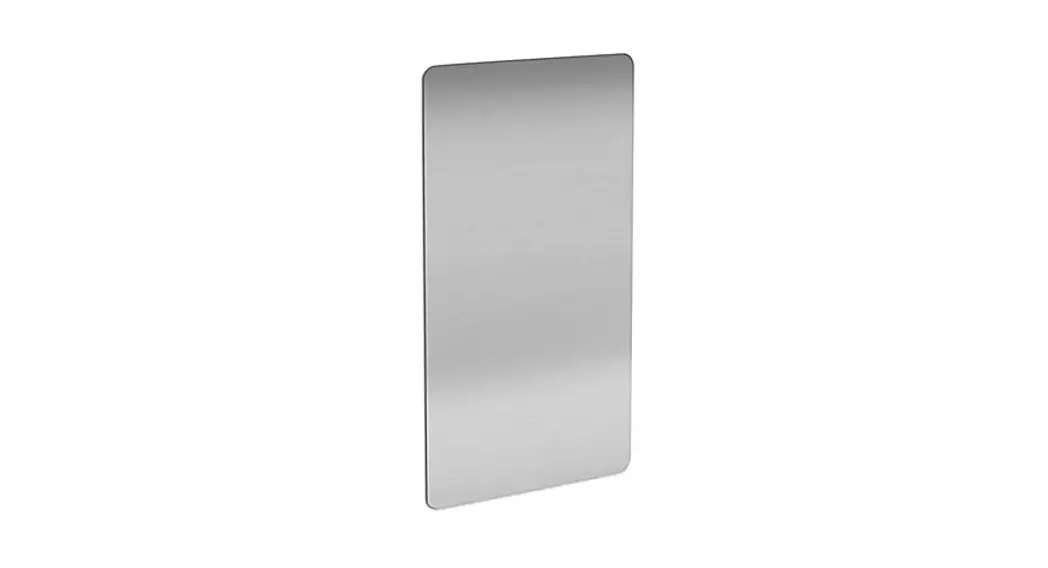
 H-7856
EXCEL WALL GUARD STAINLESS
TOOLS NEEDED
 Mount with four strips of construction grade 3M adhesive tape (included).
INSTALLATION
- Clean the wall surface with isopropyl alcohol prior to installation. Make sure the surface is dry and free of any dust and debris.
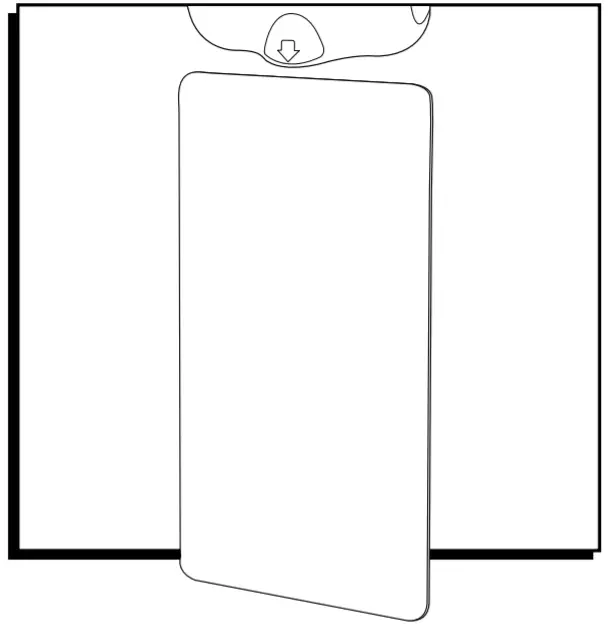
- Center the wall guard underneath the hand dryer so that the top of the wall guard is 1″ below the bottom of the dryer.
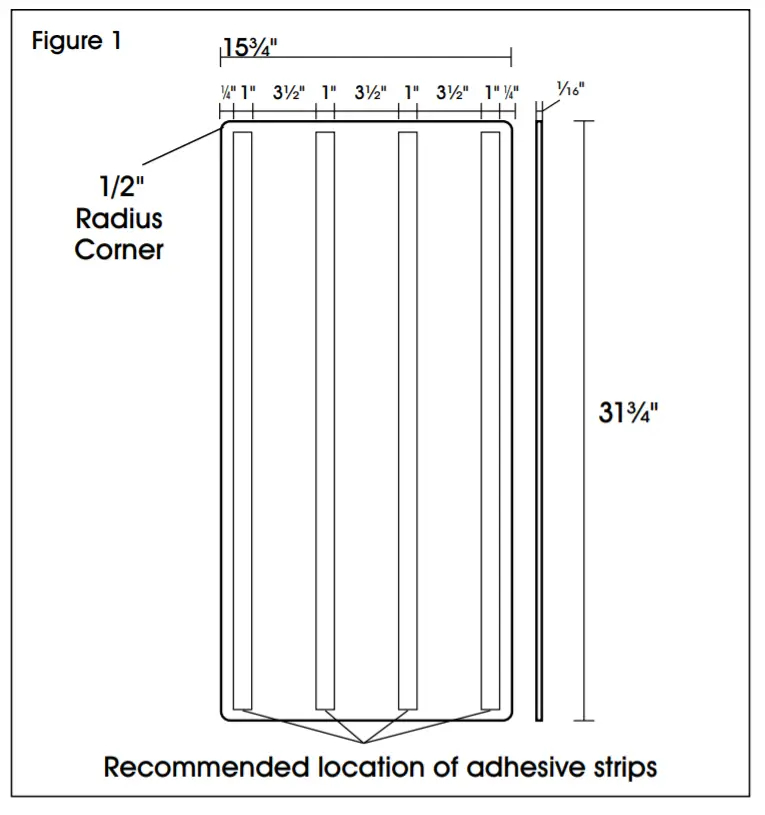
- Carefully measure and mark the wall surface for placement of the wall guard with a pencil or temporary marker. (See Figure 1)
- Four strips of double-sided adhesive are included for each panel. Apply strips to smooth side of the panel as follows:
a. Lay outstrips as shown in Figure 1.
b. Remove one strip and apply to either the right or left side to start.
c. Press each strip firmly onto the wall guard as it is applied.
d. Continue until all four strips are applied. CAUTION! Alignment is critical. Once placed on the wall, the wall guard cannot be repositioned.
 - Align the top edge of the wall guard with the markings on the wall and firmly press into place against the entire surface of the wall guard.
 CAUTION! Alignment is critical. Once placed on the wall, the wall guard cannot be repositioned.
 OPTIONAL: Afterguard is applied to the wall, the user may add silicone sealant around the edge.
MAINTENANCE
Clean the installed wall guard with mild soapy water and a soft cloth. Mild dish soap mixed with water in a spray bottle works best. WARNING! Do not use any cleaner that contains ammonia or abrasive cleansers to clean the surface.
1-800-295-5510
uline.com