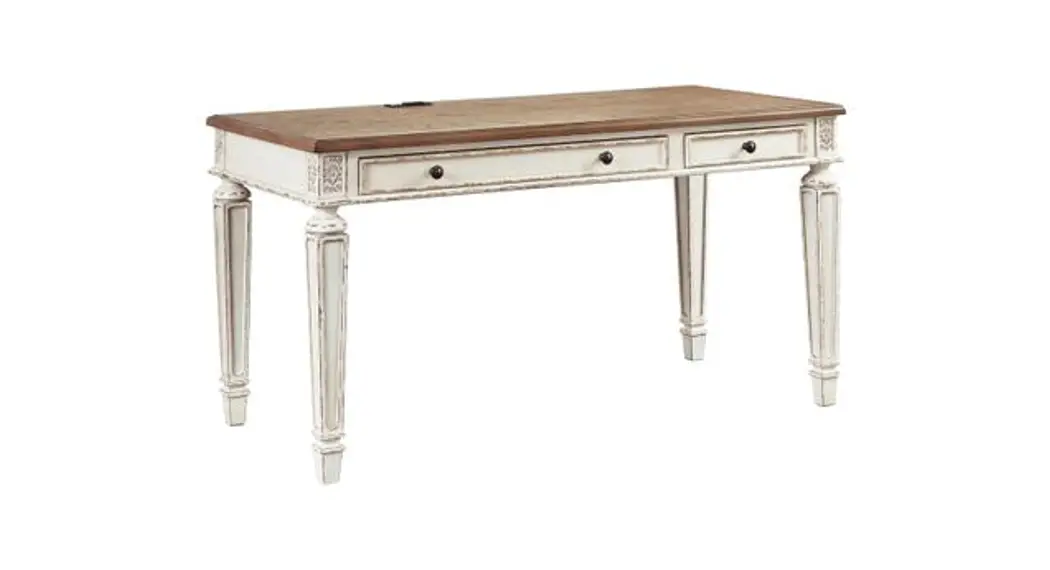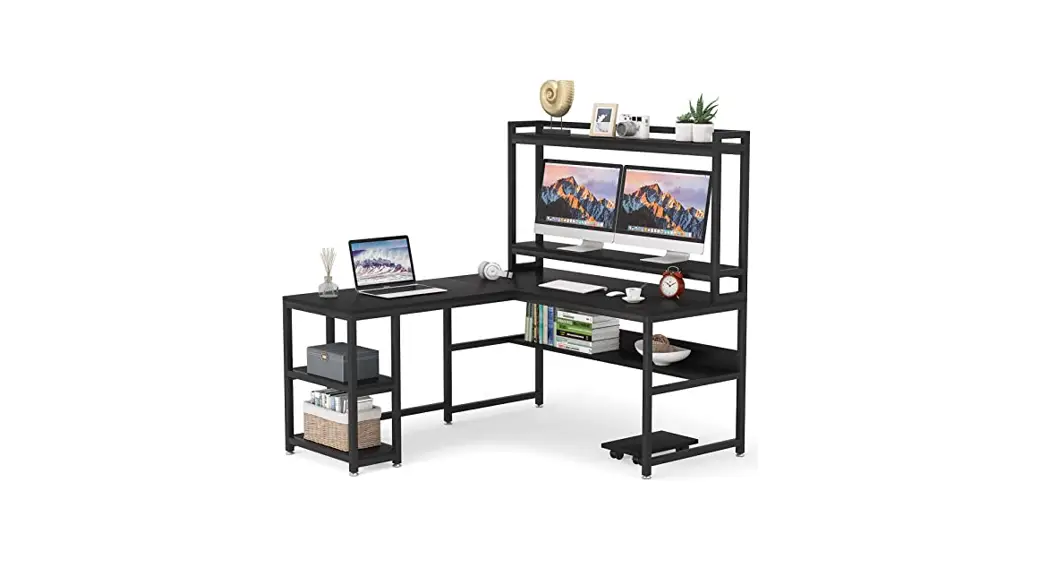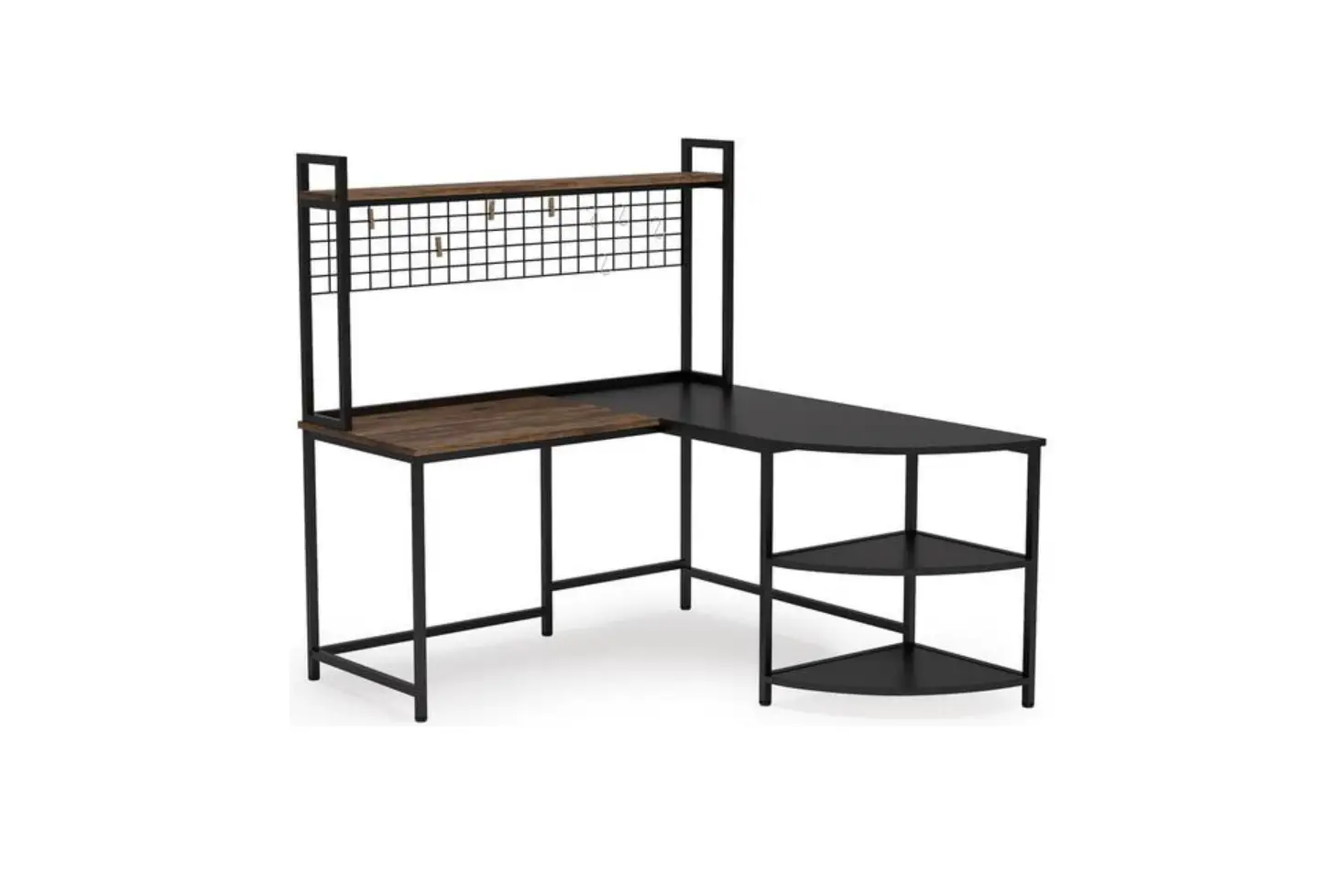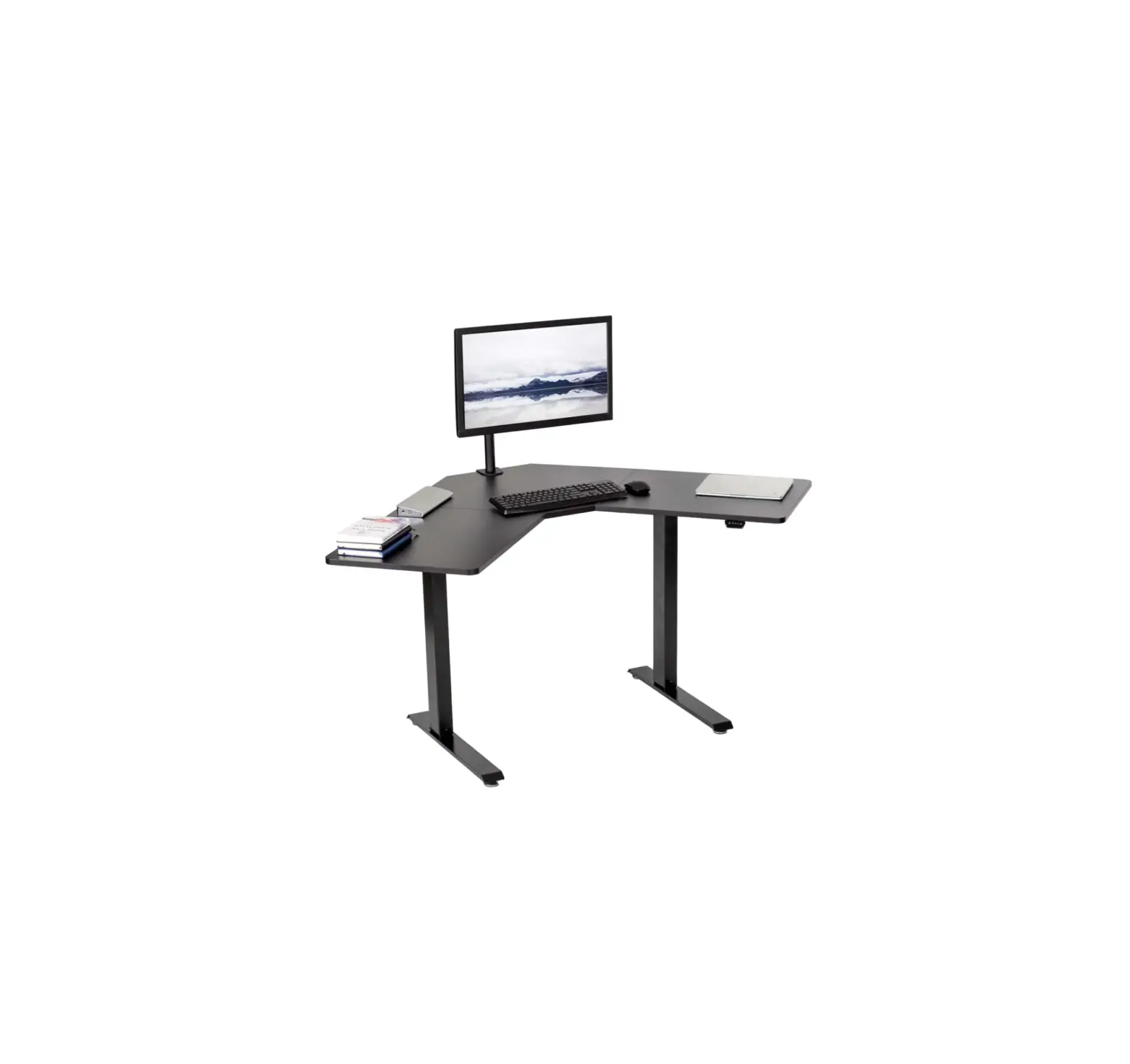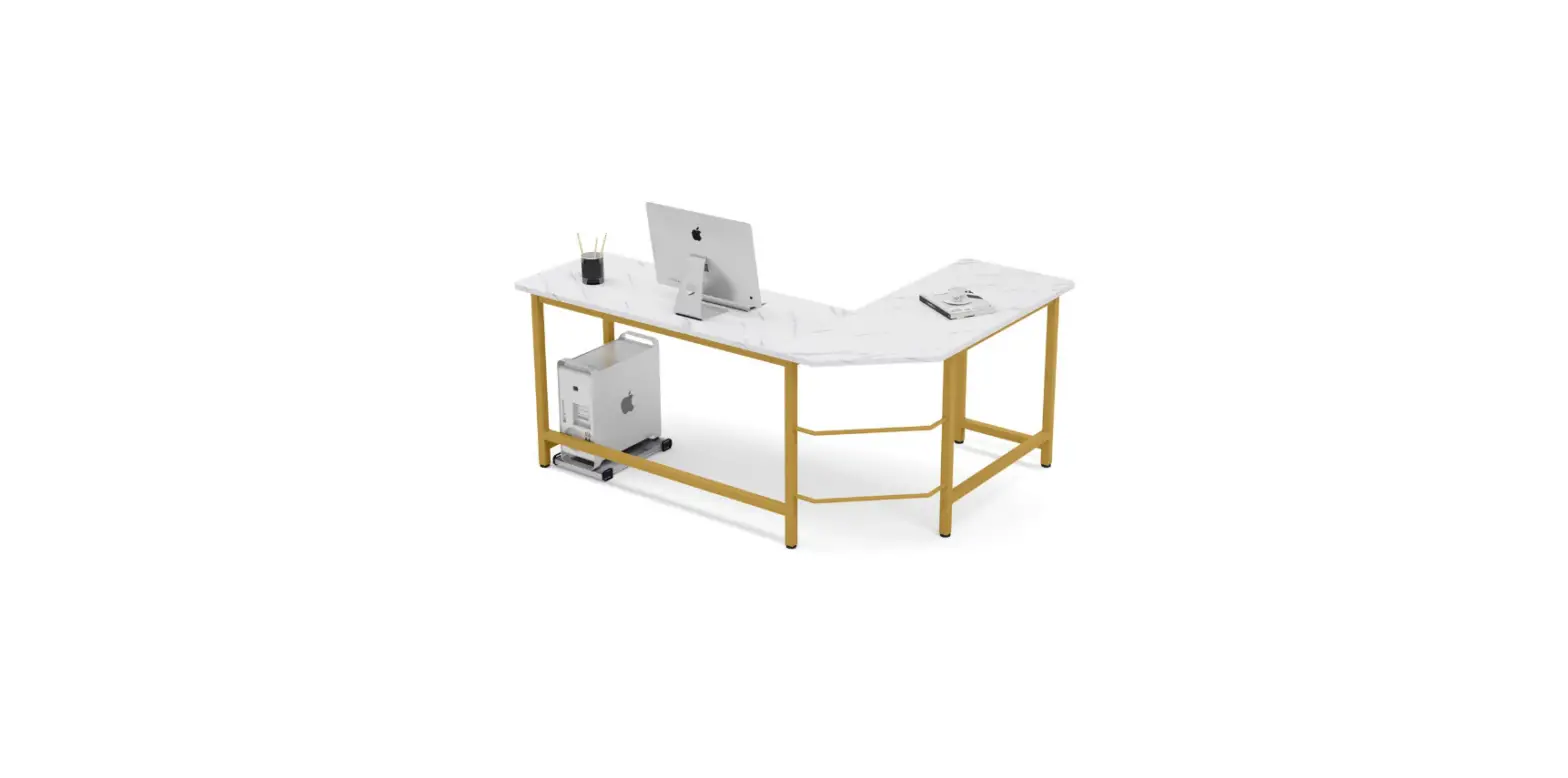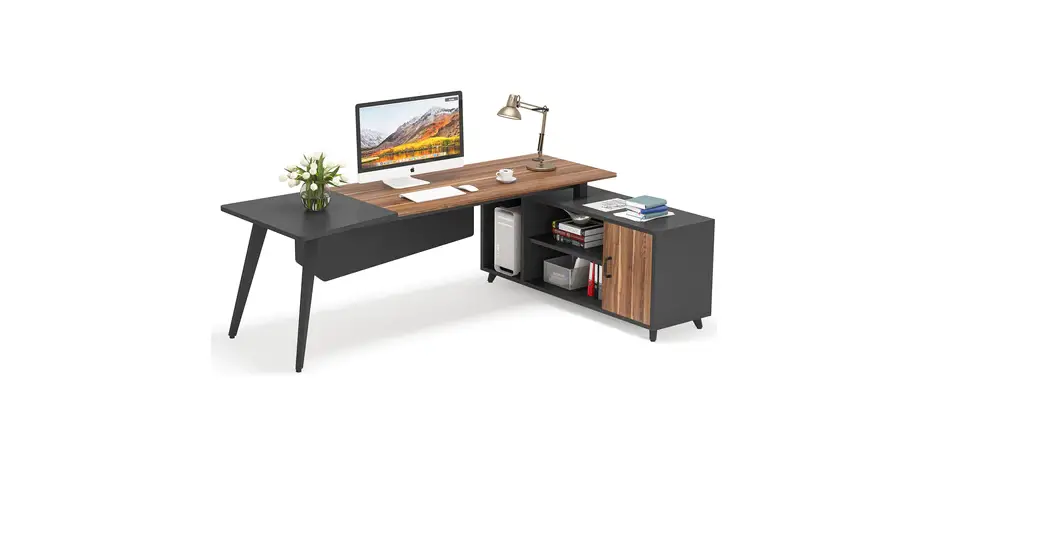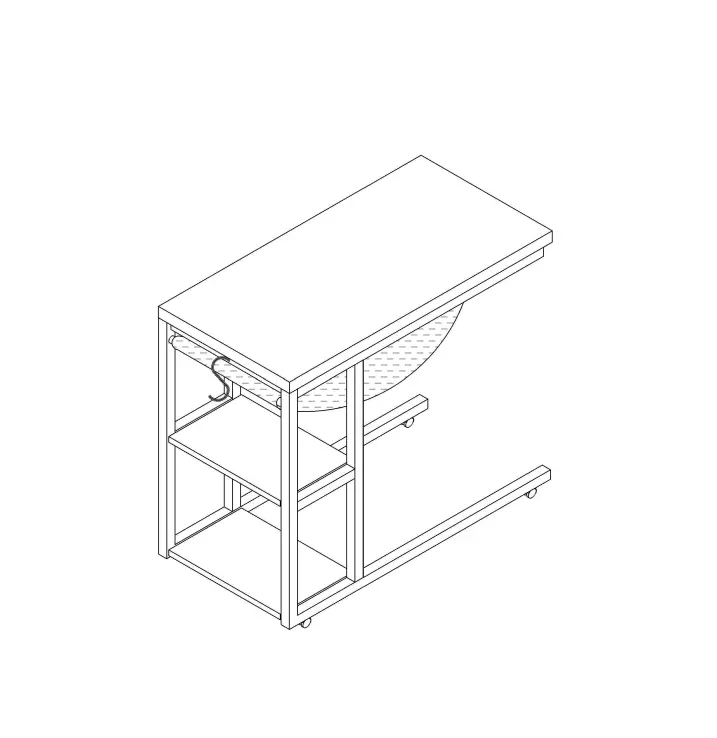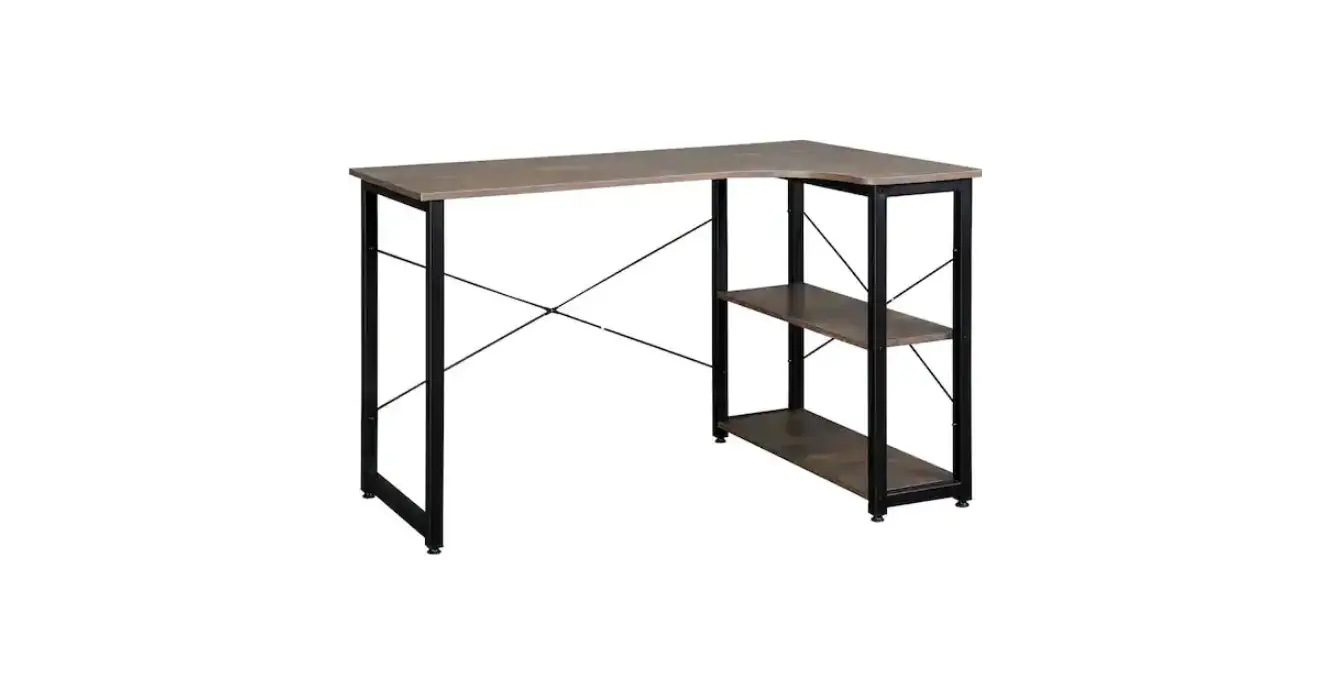

Tribesigns Hd-aw2272 Reversible L-shaped Desk White Wood Corner Computer Desk Instruction Manual

Tribesigns Hd-aw2272 Reversible L-shaped Desk White Wood Corner Computer Desk Instruction Manual

Tribesigns-LOGO

Tribesigns HD-AW2272 Reversible L-Shaped Desk White Wood Corner Computer Desk
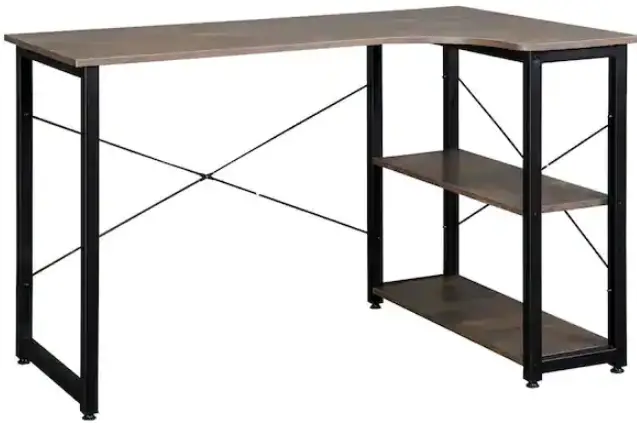
Tribesigns-HD-AW2272-Reversible-L-Shaped-Desk-White-Wood-Corner-Computer-Desk-PRO

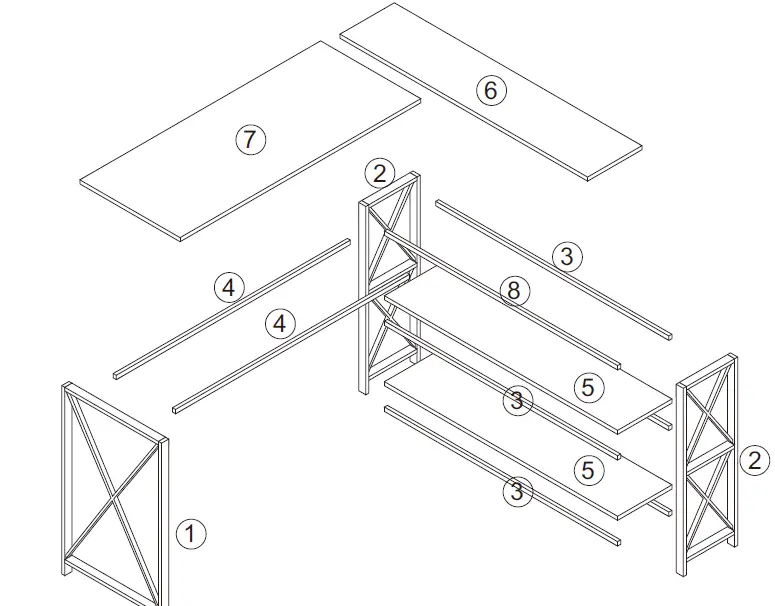
PARTS

Tribesigns-HD-AW2272-Reversible-L-Shaped-Desk-White-Wood-Corner-Computer-Desk- (1)

Notes: Don’t tighten screws completely at first, just in case parts were assembled wrong and need disassemble. Tighten screws at last when all parts are put together.
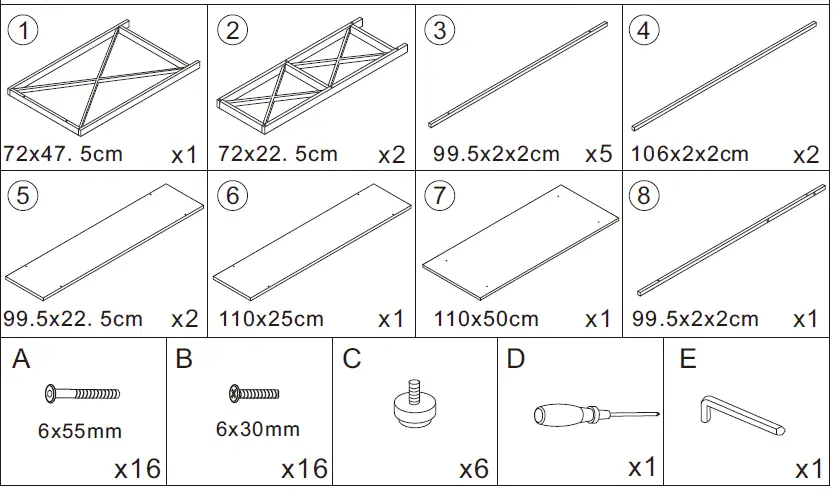
Tribesigns-HD-AW2272-Reversible-L-Shaped-Desk-White-Wood-Corner-Computer-Desk- (2)

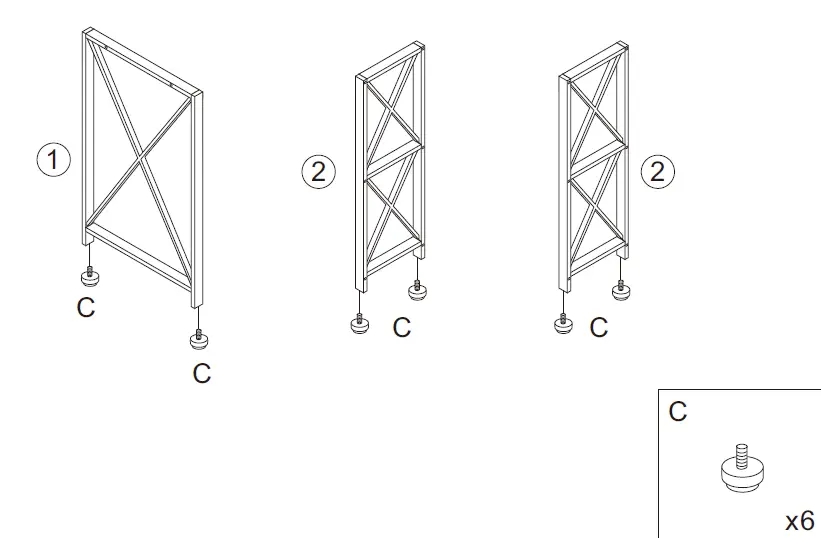
INSTALLATION

  1. STEP 1:Tribesigns-HD-AW2272-Reversible-L-Shaped-Desk-White-Wood-Corner-Computer-Desk- (3)
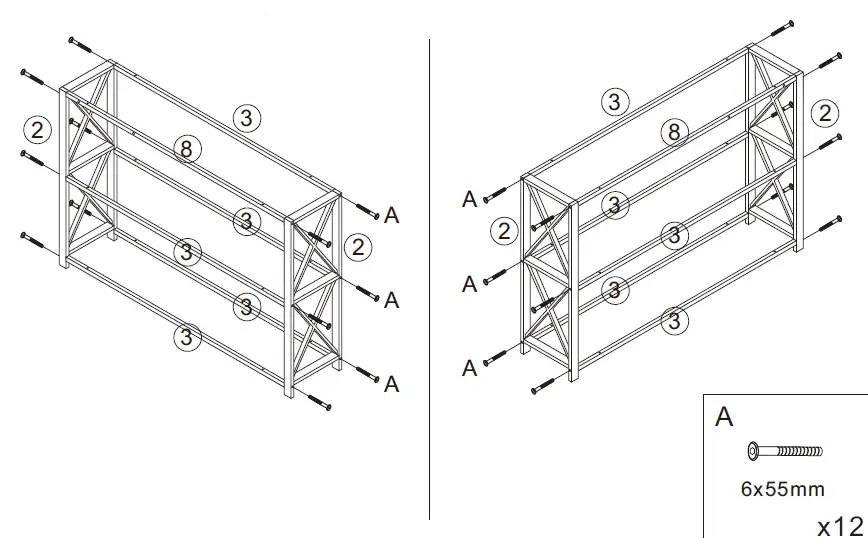
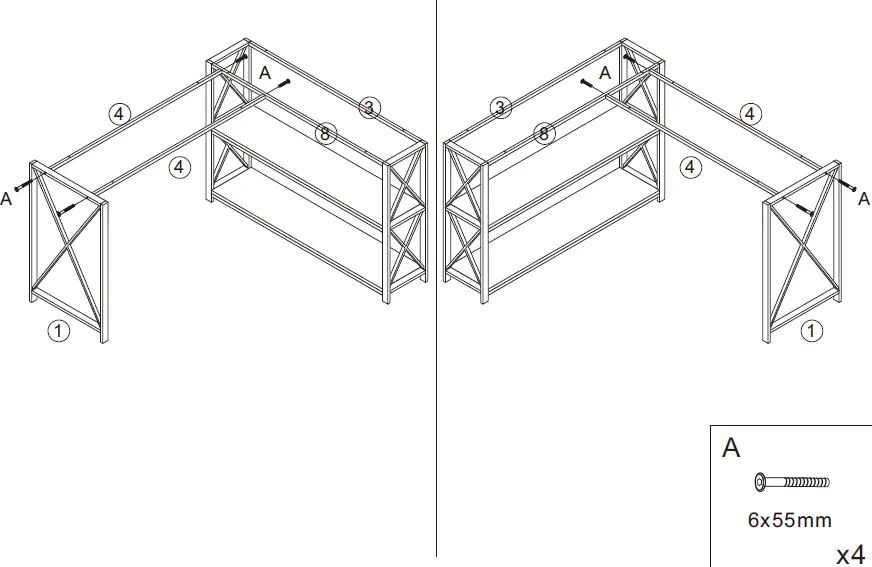
  2. STEP 2: Reversible left and right, please follow the appropriate steps for the installation according to the result you want.Tribesigns-HD-AW2272-Reversible-L-Shaped-Desk-White-Wood-Corner-Computer-Desk- (4)
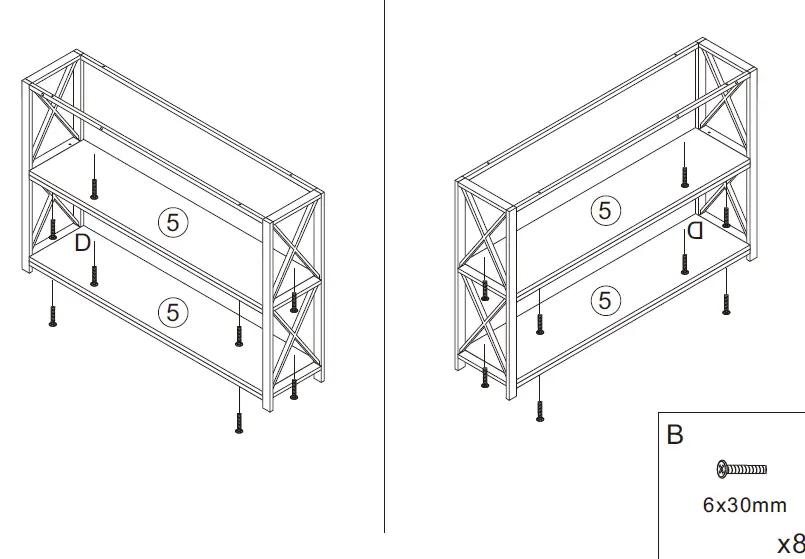
  3. STEP 3: Tribesigns-HD-AW2272-Reversible-L-Shaped-Desk-White-Wood-Corner-Computer-Desk- (5)
  4. STEP 4:Tribesigns-HD-AW2272-Reversible-L-Shaped-Desk-White-Wood-Corner-Computer-Desk- (6)
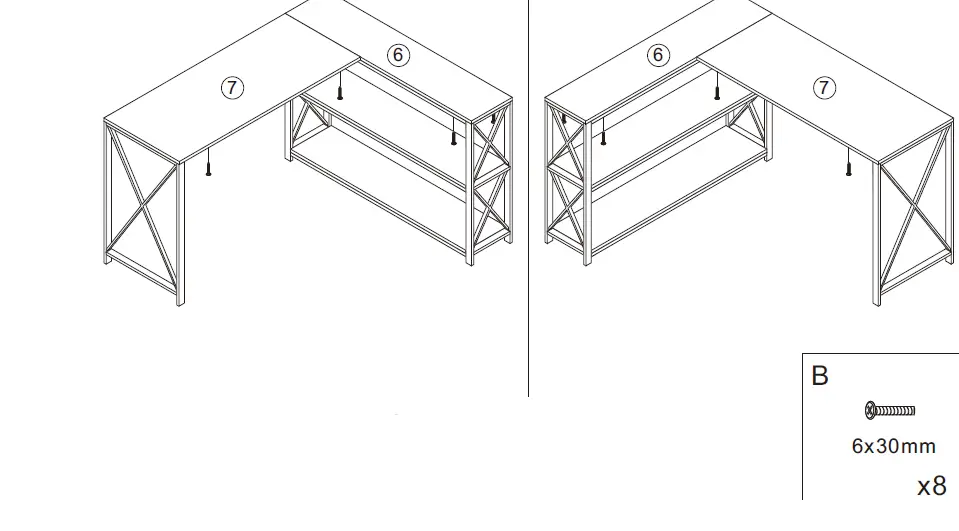
  5. STEP 5: Friendly Tips: there is a little bit of difference between the two ends of the #7 board’s hole spacing, if the screw holes can not be aligned rightly, please reverse the direction of the #7 board.Tribesigns-HD-AW2272-Reversible-L-Shaped-Desk-White-Wood-Corner-Computer-Desk- (7)
    Friendly Tips: Please do not tighten the screws at the bottom of shelves #6 and #7 beforehand, tighten them after #6 and #7 were aligned rightly
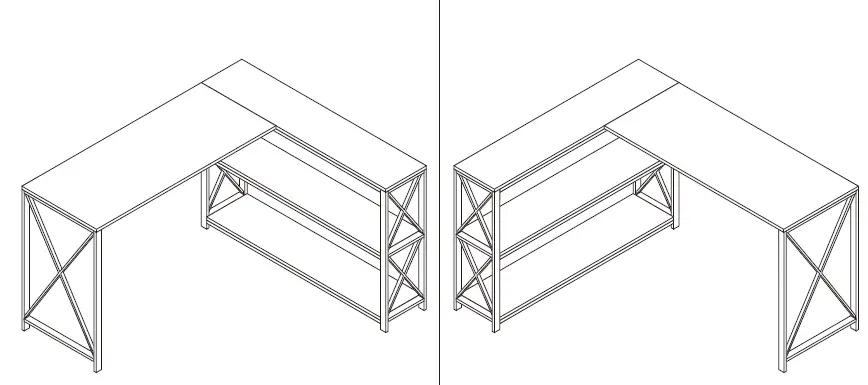
  6. STEP 6:Tribesigns-HD-AW2272-Reversible-L-Shaped-Desk-White-Wood-Corner-Computer-Desk- (8)

Documents / Resouces

Download manual
Here you can download full pdf version of manual, it may contain additional safety instructions, warranty information, FCC rules, etc.


Related Manuals