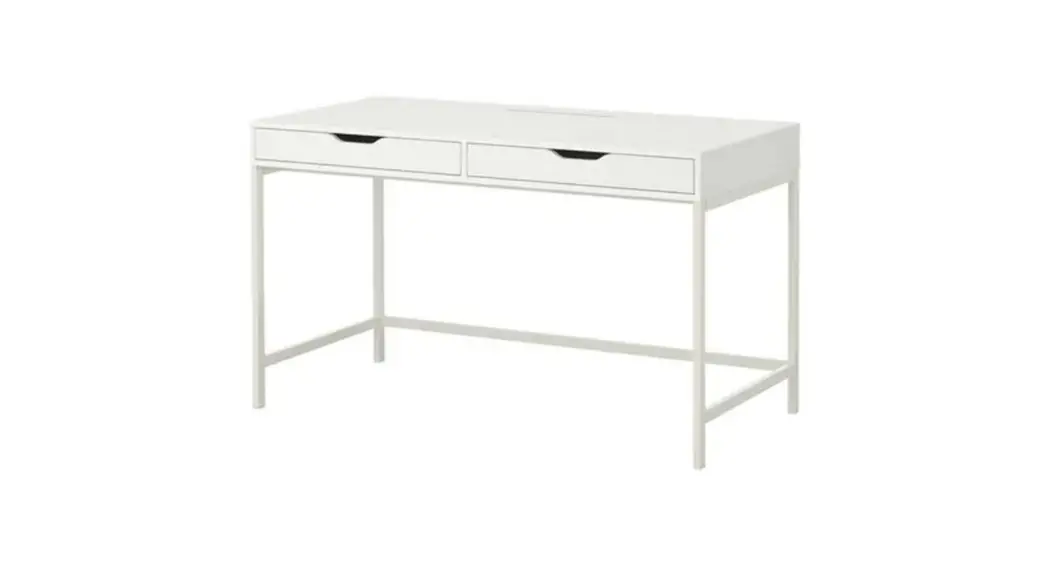
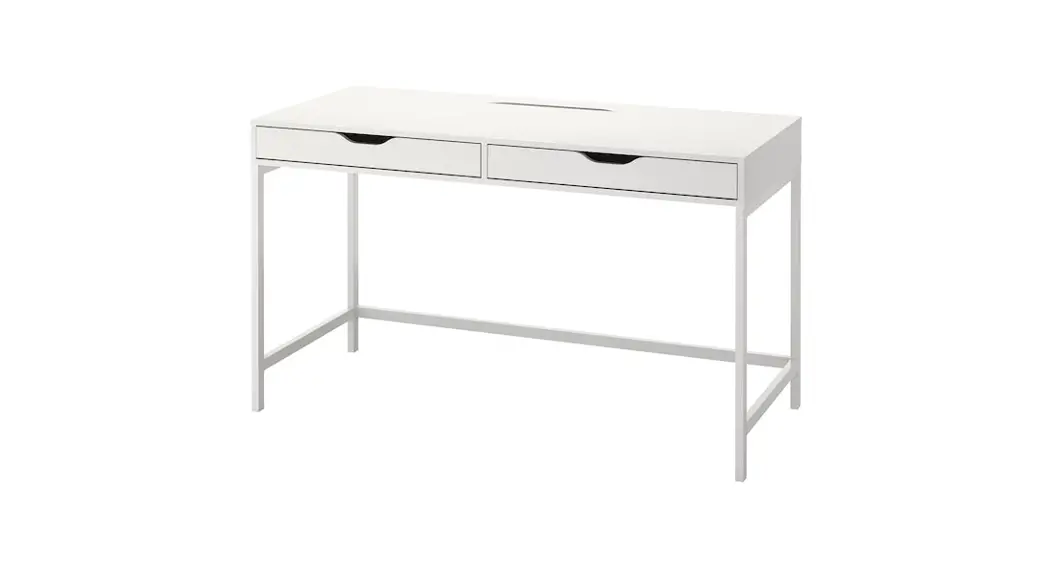
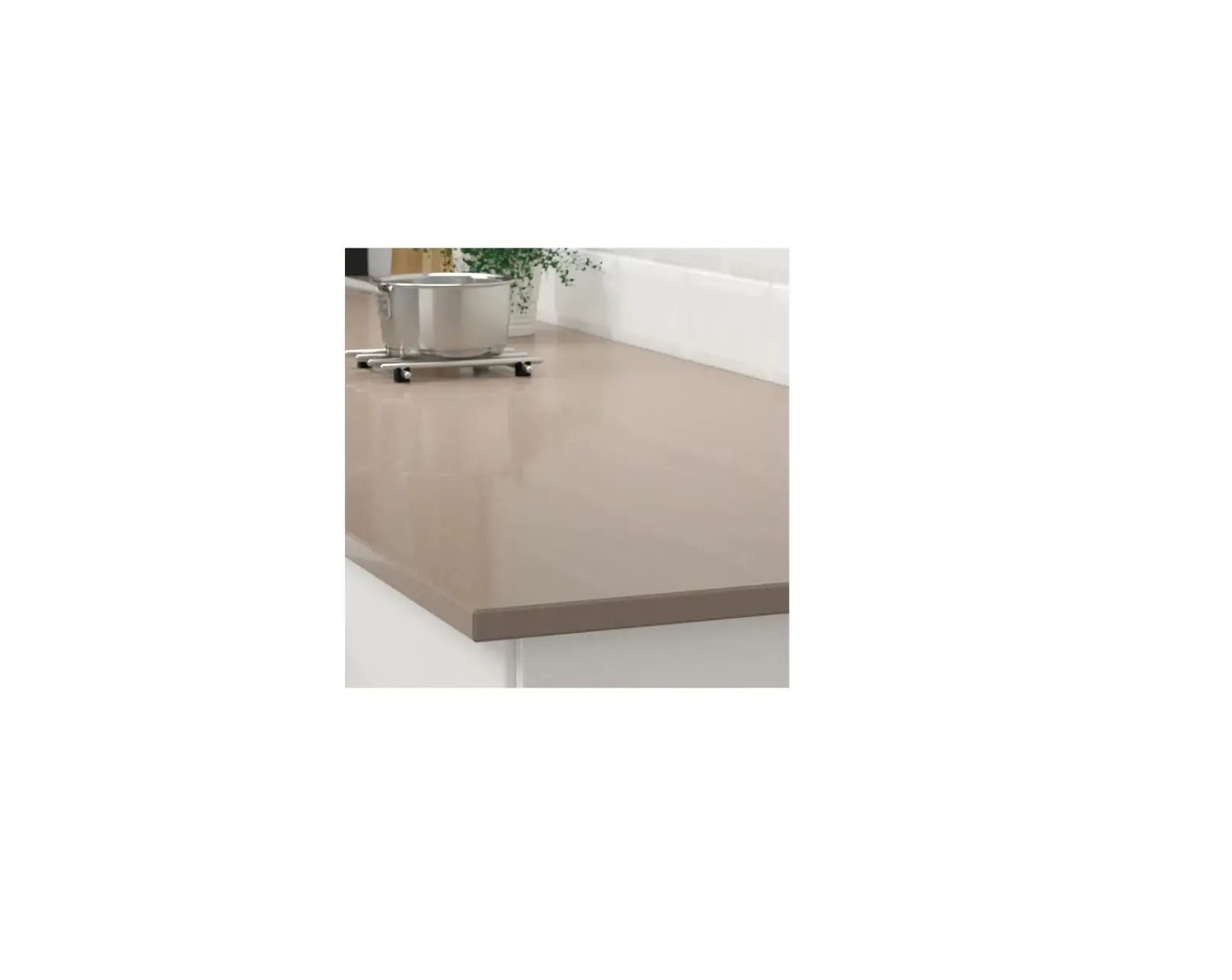
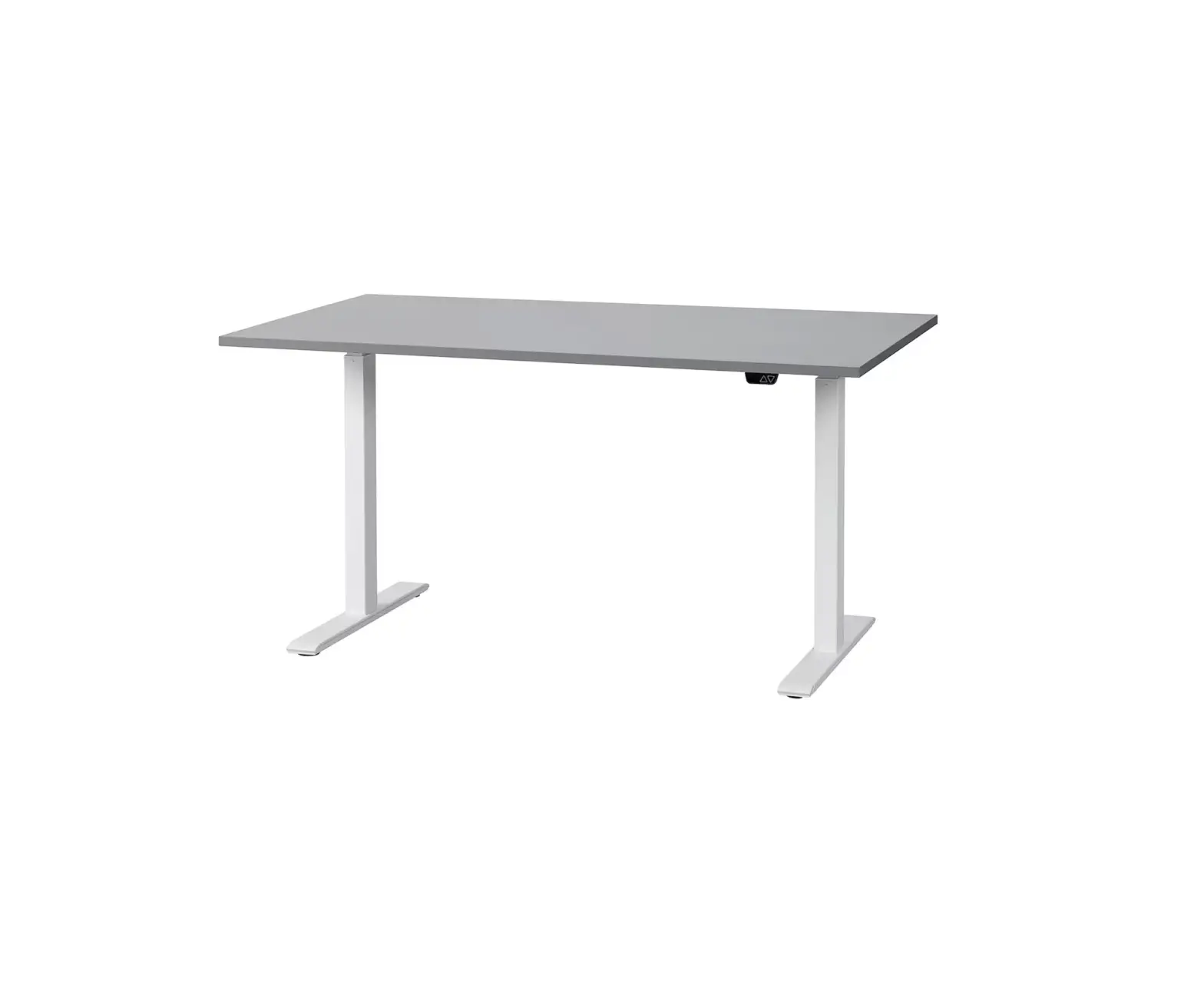
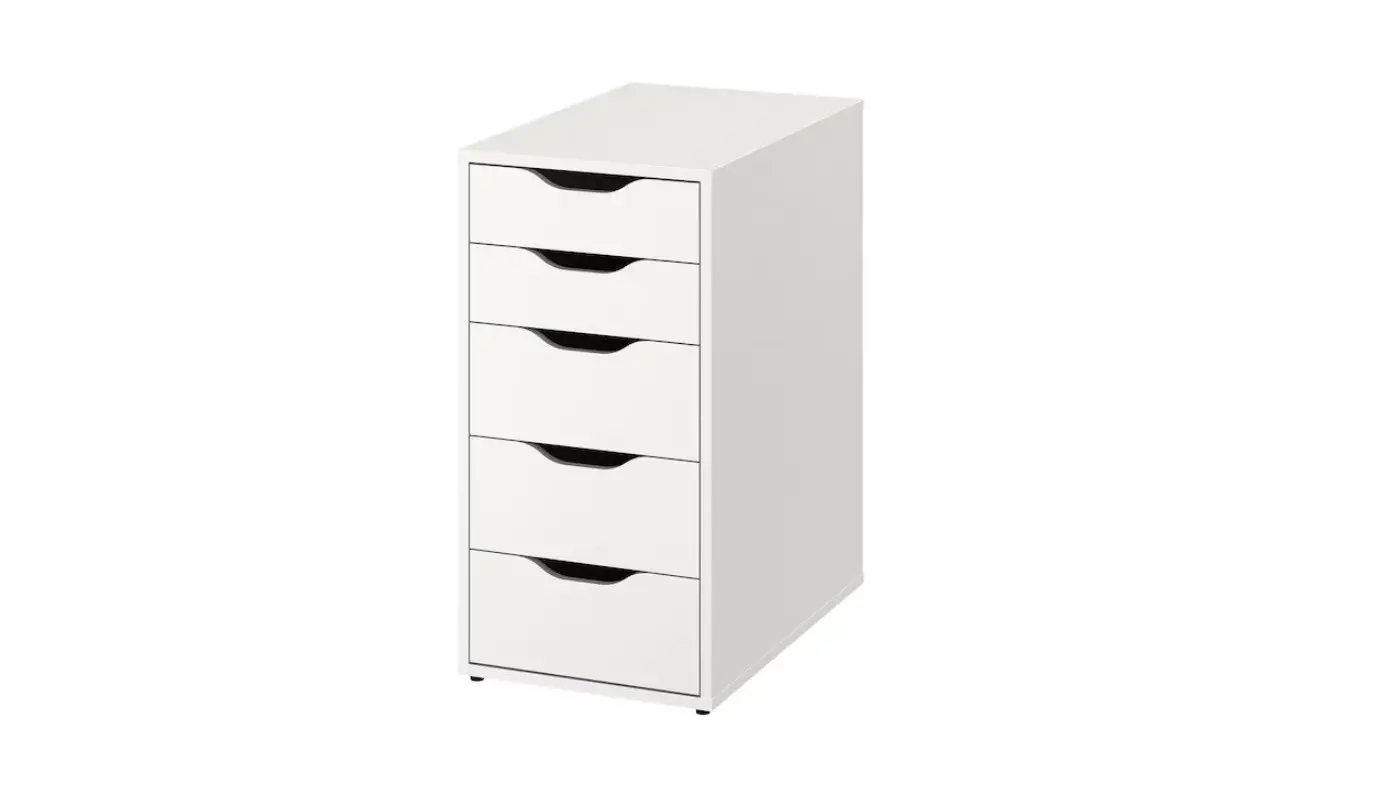
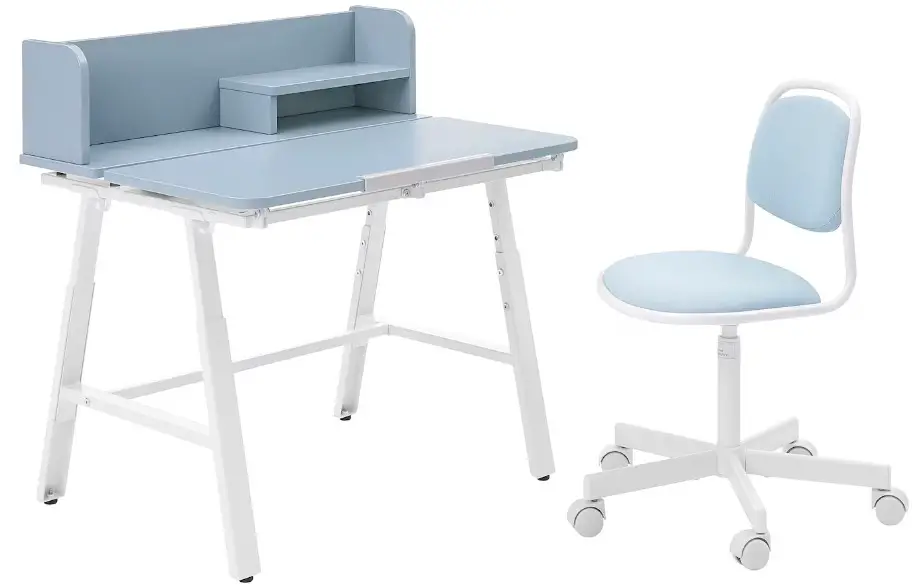
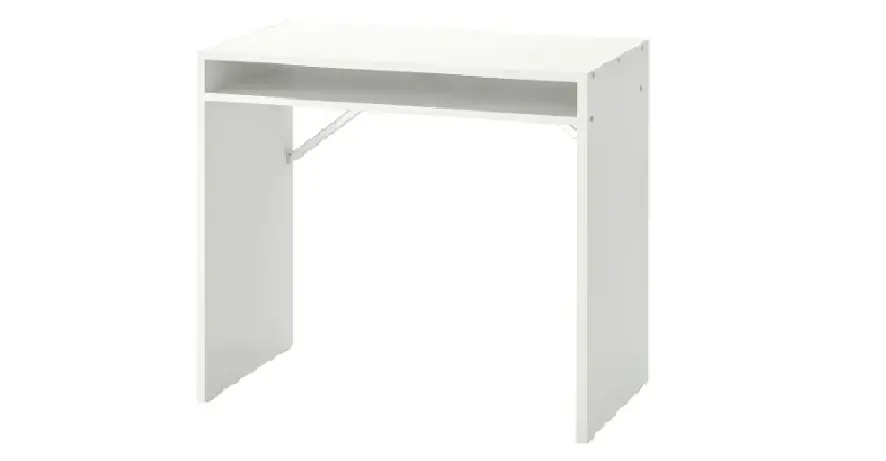
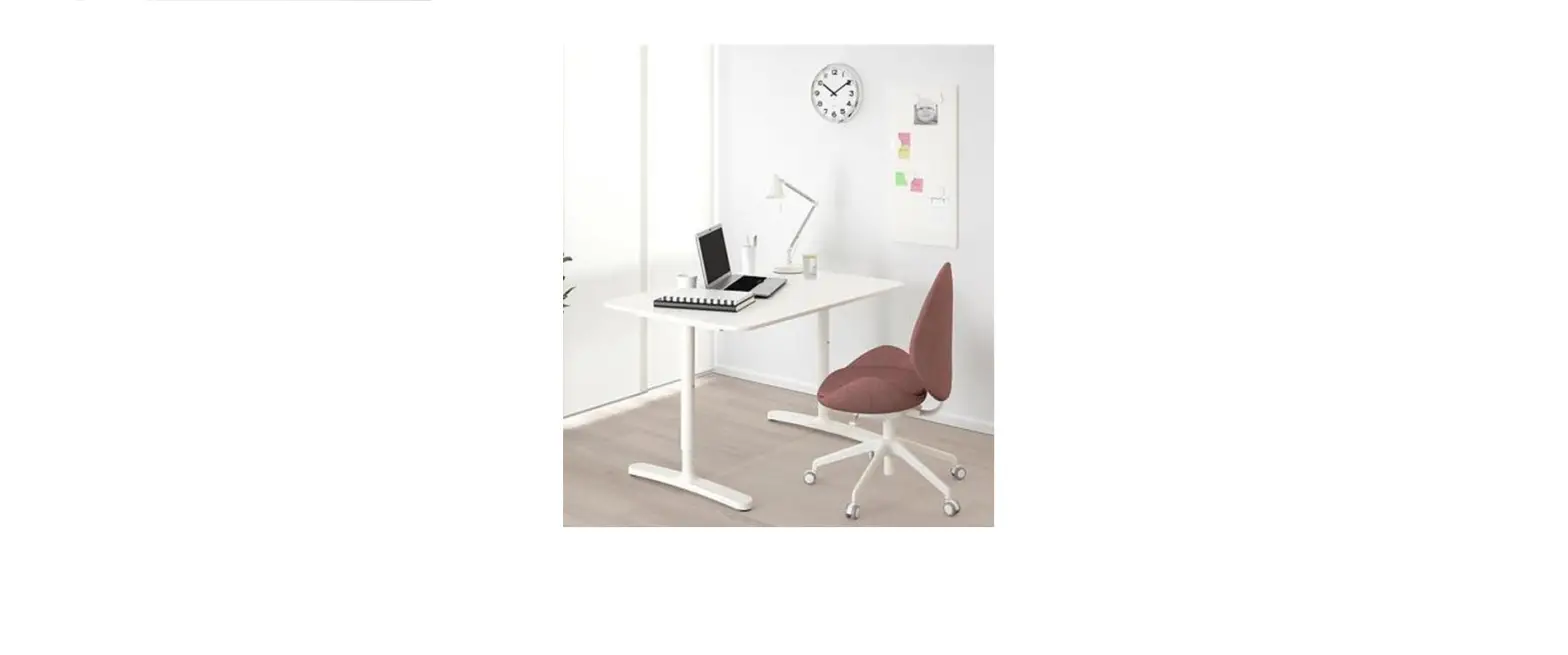
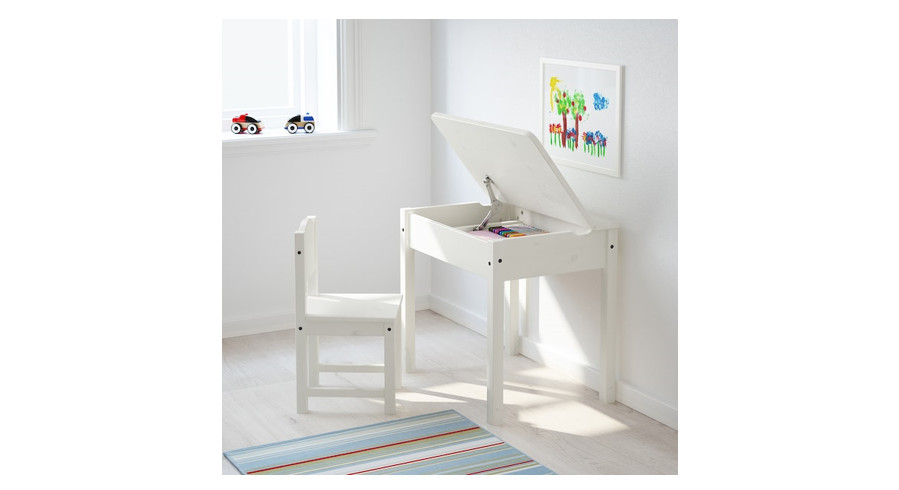
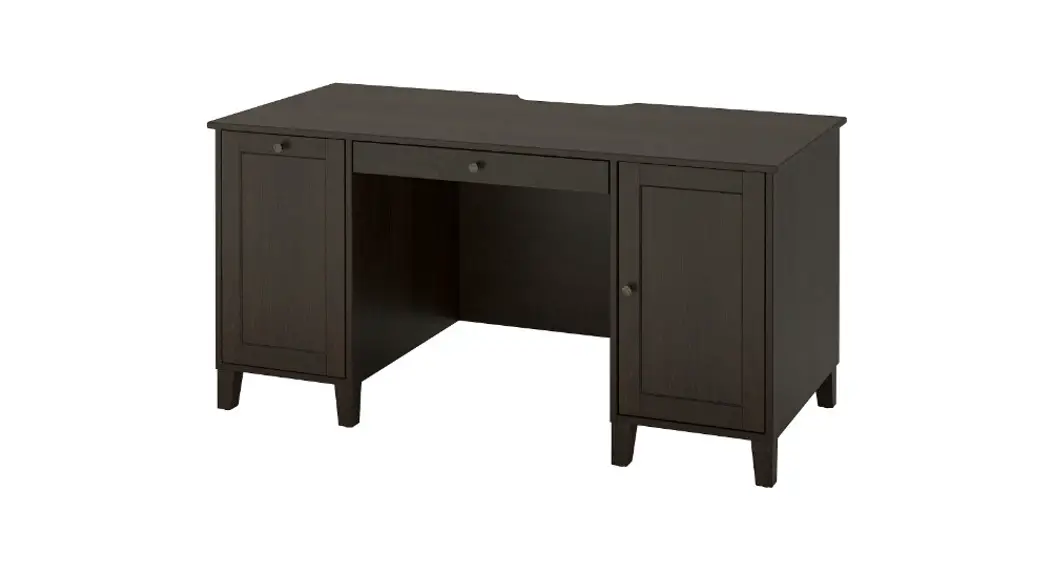
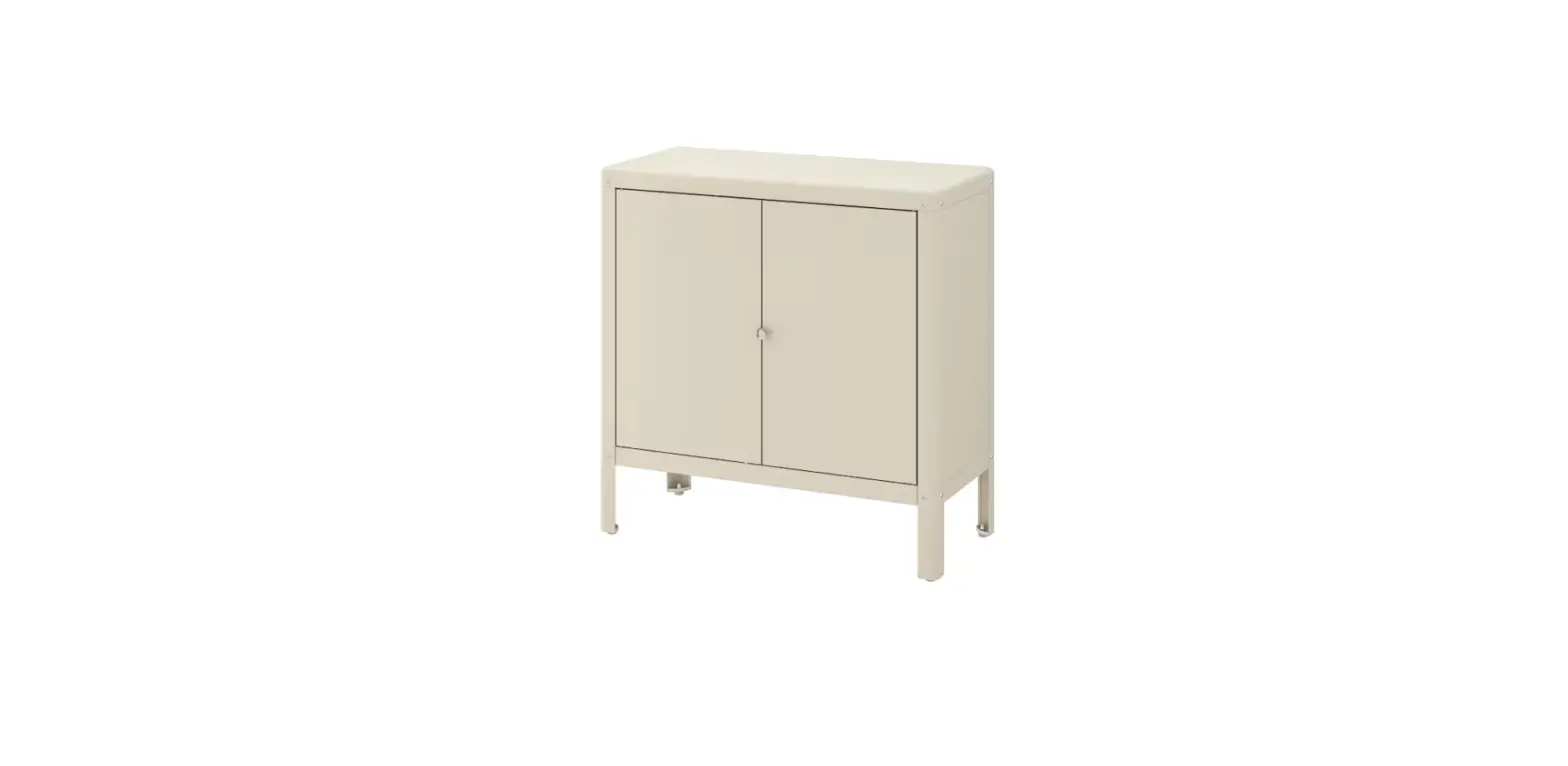
ALEX 132x58cm Desk
Product Information:
Product Name: ALEX
Model Number: AA-2263447-3
Package Contents: 2x ALEX, 4x AA-2263447-3 batteries
Product Usage Instructions:
- Open the package and take out the ALEX product.
- Insert 4 AA-2263447-3 batteries into the ALEX product.
- Press the power button on the ALEX product to turn it on.
- Follow the on-screen instructions to set up the ALEX
product. - Use the ALEX product as desired.
- To change the batteries, remove the old batteries and insert
new AA-2263447-3 batteries. - To turn off the ALEX product, press and hold the power button
until it shuts down.
Please note that for specific features and functionalities of
the ALEX product, refer to the detailed user manual provided with
the product.
ALEX
2
AA-2263447-3
4x
3
1x
1x
2x
124639 100001 106699
127101
4x
6x
8x
4x
4x
4x
105021 105344 109534 110853 119251 103114
8x
26x
6x
4x
100218 118331 100481 101345 110519
8x
4
2x
2x 2x
123603 112818 123602
AA-2263447-3
154895
122166
1
2x 2x
2
2x
5
101345
118331 100481
118331
AA-2263447-3
3
2x
103114
4
1x
6
105344
154895
105344 109534
103114 119251
5
2x
6
110519
7
6x
AA-2263447-3
8
8
100481
105344 109534
105344
1x
7
9
1x
10
1x
9
110853
110853
110853
110853
11
2x
101345
12
2x
119251
10
AA-2263447-3
13
2x
14
2x
11
124639
110853
110853
15 4x
101345
16
4x
12
101345
AA-2263447-3
17
4x
119251
18 8x
13
101345
19
1x
100001
100218
14
AA-2263447-3
20
4x
15
21
16
AA-2263447-3
22
23
7x
17
100218
24
2x
123603 112818 123602
18
AA-2263447-3
25
4x
101345
26
4x
19
27 28
2x
122166
109534
20
AA-2263447-3
106699
106699 106699
21
29
4x
105021
22
AA-2263447-3
23
24
© Inter IKEA Systems B.V. 2020
2022-10-27
AA-2263447-3