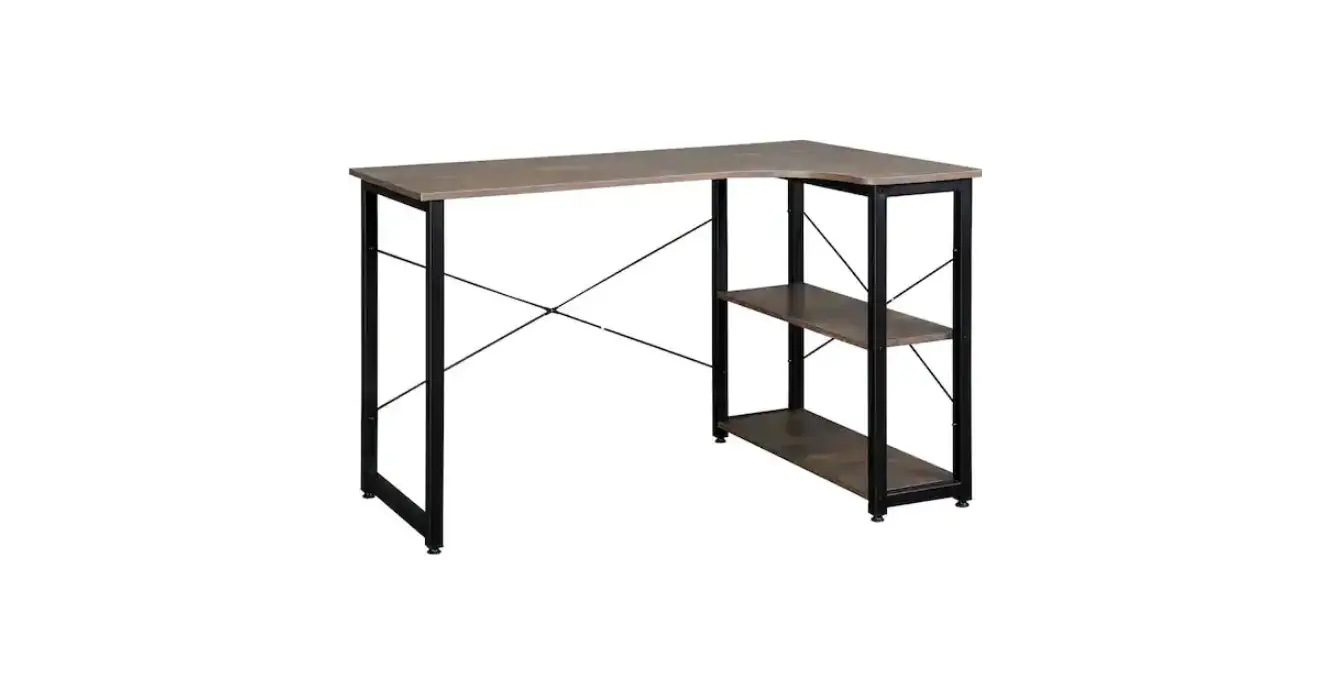
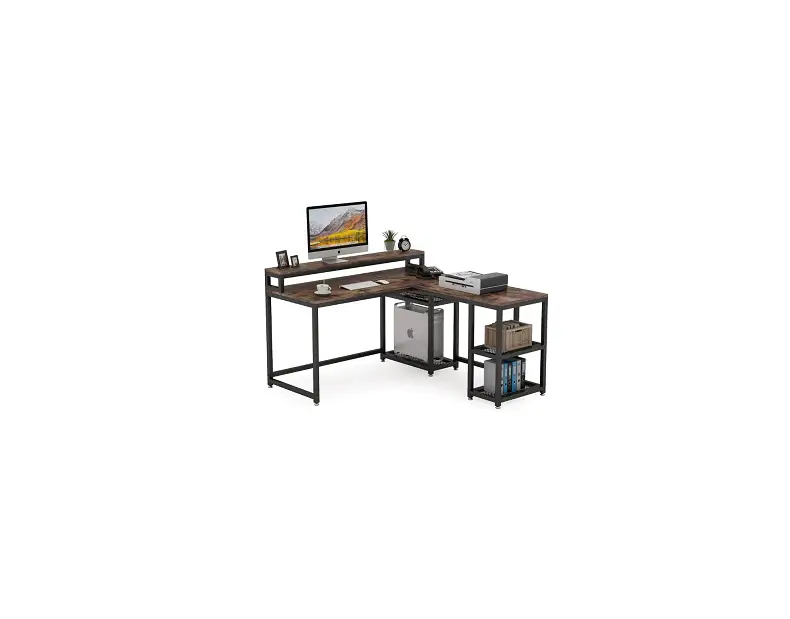
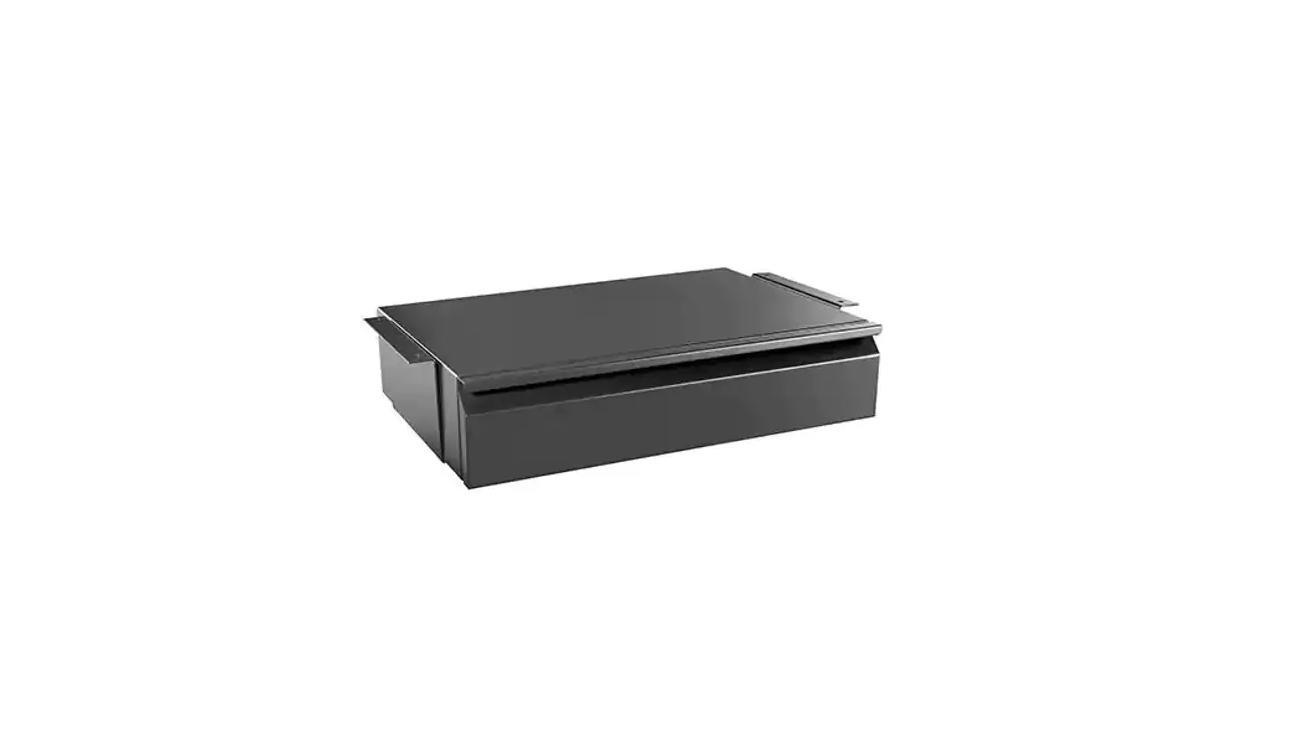
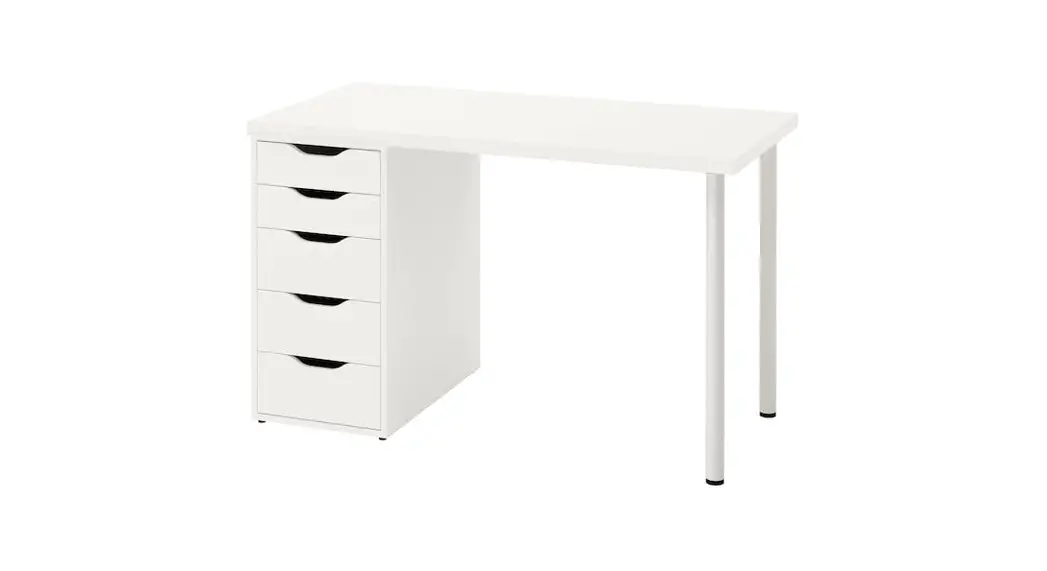
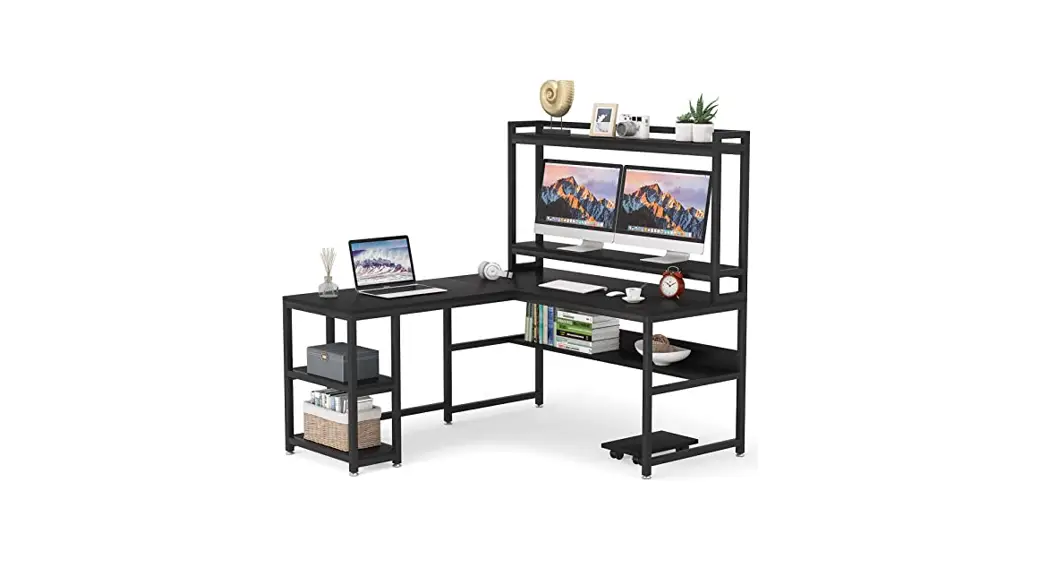
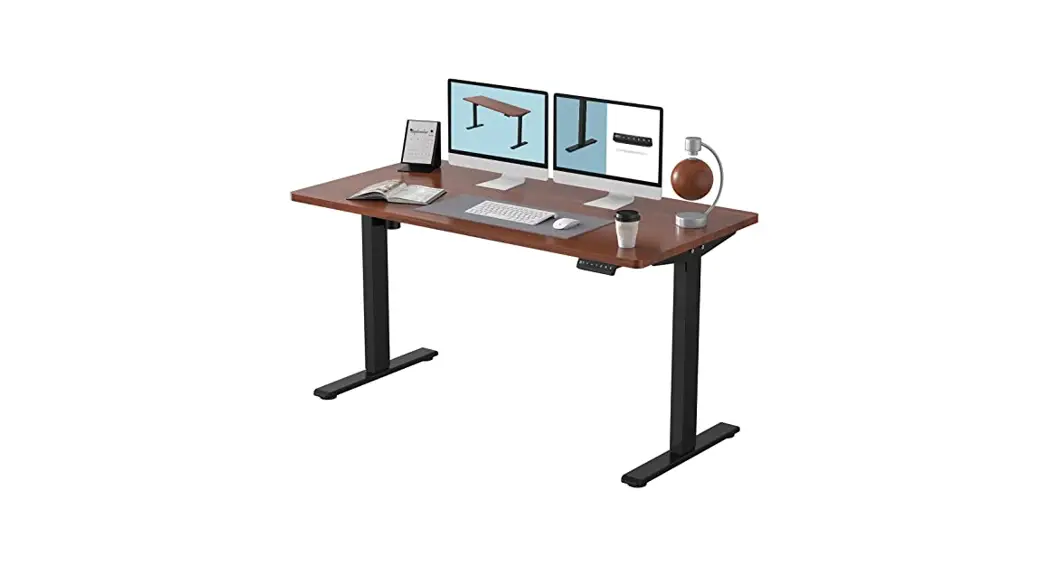
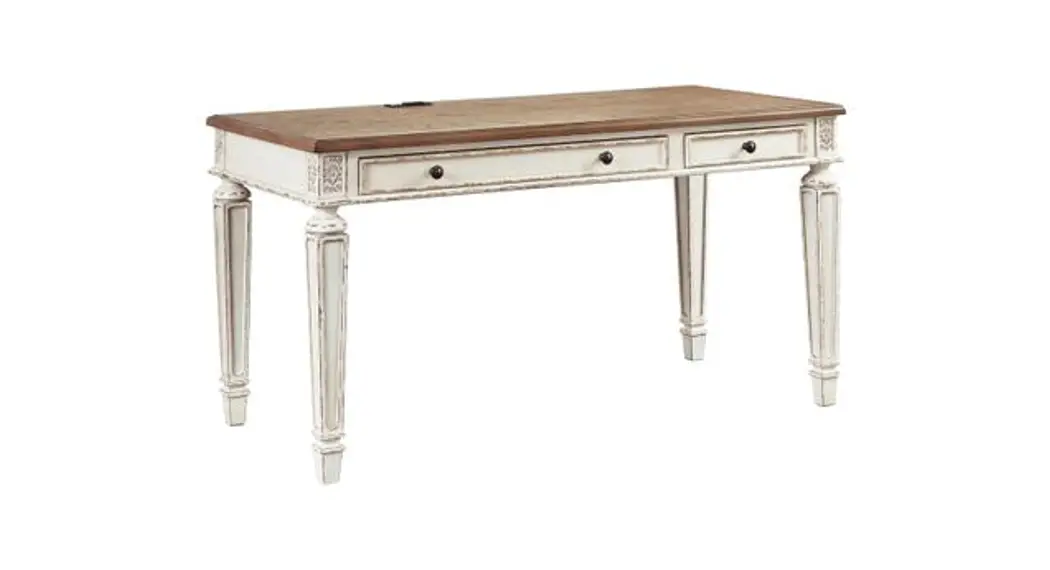
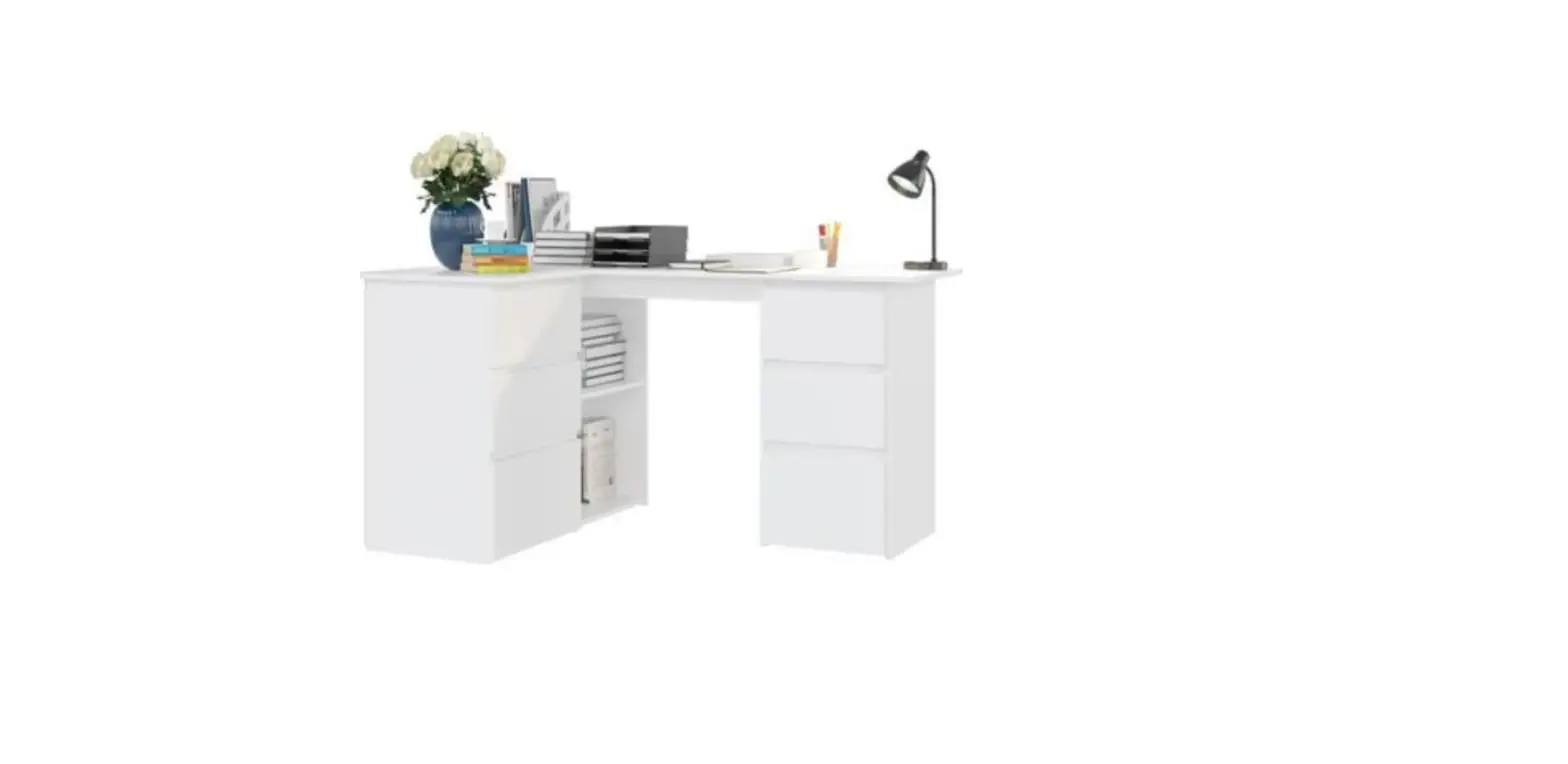
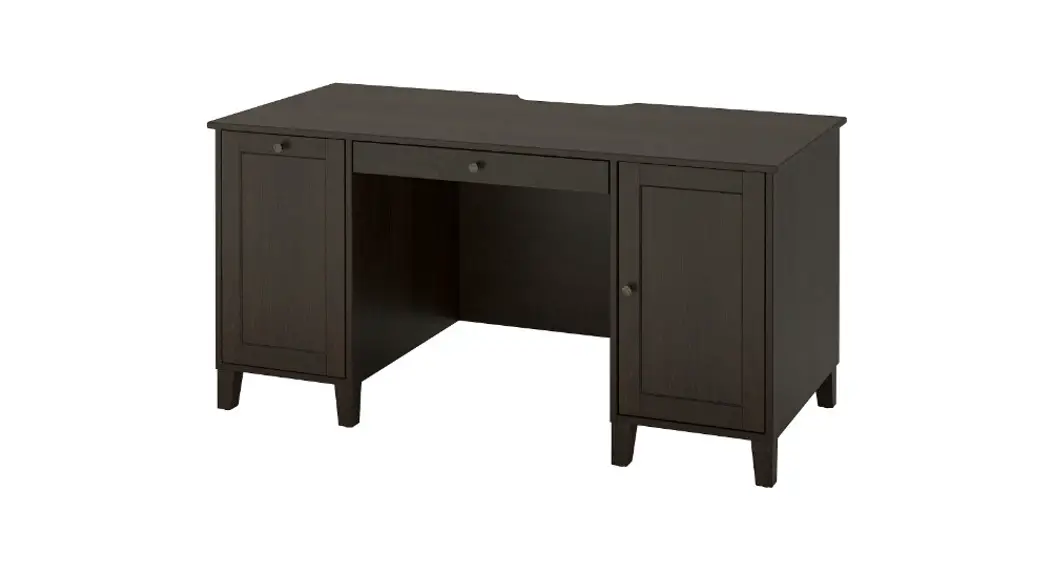
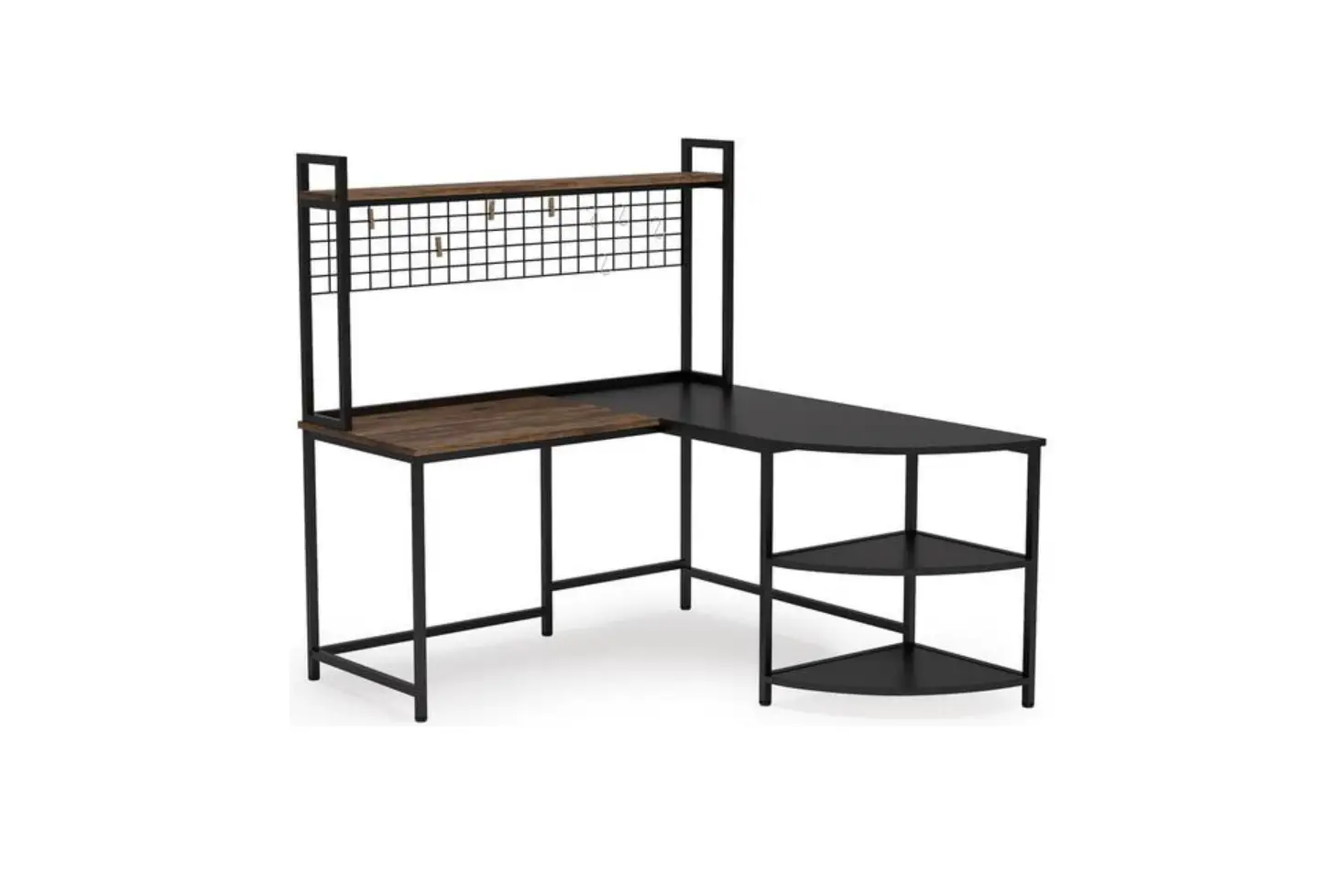
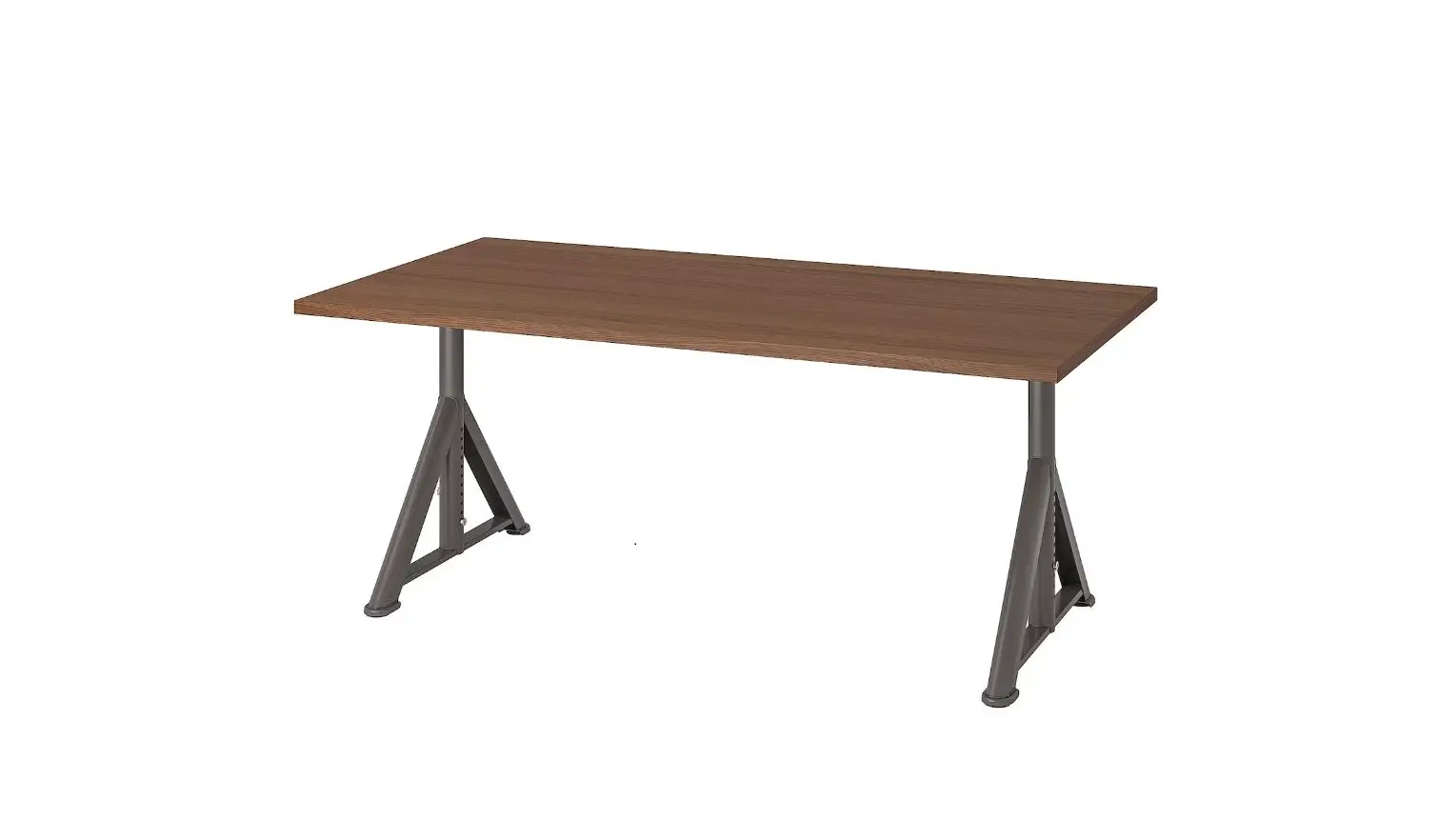
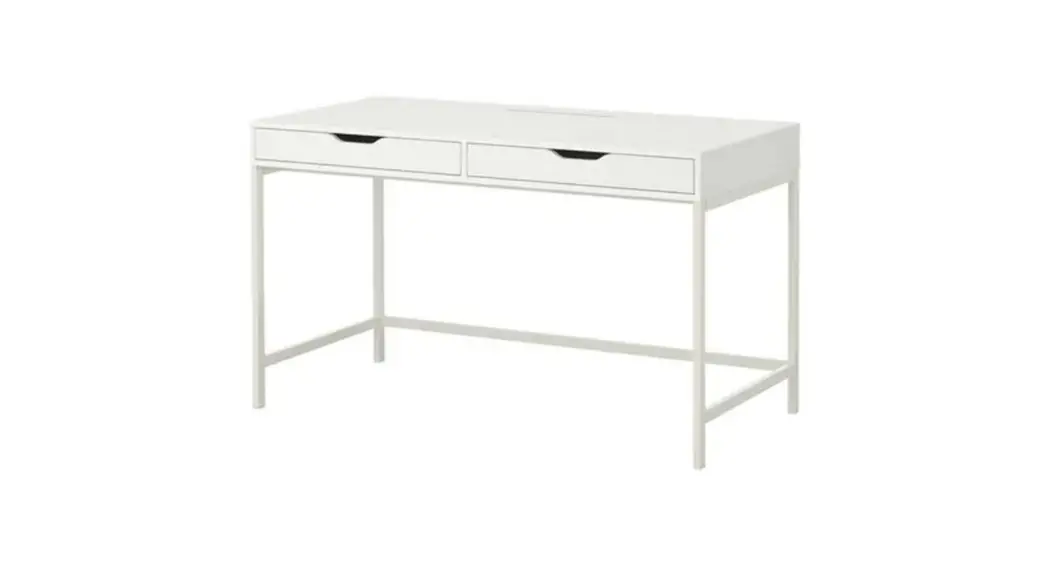
OSCESDSK-202704 Oscar Reversible Desk
Product Information:
The product is identified as OSCESDSK/202704 and is an assembly
kit. It includes various parts and hardware for the assembly
process. Glue is recommended for use in securing wood dowels.
Product Usage Instructions:
- Glue not included. It is recommended to apply some glue into
holes before inserting wood dowels. - Screw in the cam post and tighten it in place.
- Ensure that the cam lock arrow is pointed to the hole. Align
the cam lock screw to the hole of the cam lock case. - After turning the cam lock case to the locked position, the cam
lock arrow will be located in the position shown above. - Follow the step-by-step assembly instructions provided in the
manual, using the identified parts and hardware. - Refer to the labeled diagrams for each step to ensure correct
placement and alignment of the parts. - Pay attention to any additional instructions or warnings
provided in the manual to ensure safe and proper assembly. - Once assembly is complete, secure the product using the
anti-tipping strap according to the provided instructions.
Necessary tools/Outils nécessaires
Glue not included ( We recommend to apply some glue into holes before inserting wood dowels .) Colle non inclus (Nous vous recommandons d’appliquer quelques gouttes de colle dans les trous avant d’introduire les chevilles de bois.)
How to use cam lock system/Comment utiliser le système de verrouillage
*Screw in cam post and tighten in place. *Visser le montant de came et serrer en place.
Unlocked Déverrouillé
#1 Nº1
*Ensure that the cam lock arrow is pointed to the hole, align the cam lock screw to the hole of the cam lock case.
Locked Desbloqueado
#2 Nº2
*Use a straight edge screwdriver to turn cam lock case until it is locked.Locked position is approximately 1/2 turn(210°) clock-wise.
environ 1/2 tour (210°) à la droite.
#3 Nº3
*After turnning the cam lock case to the locked position,the cam lock arrow will be located in the position shown above.
ci-dessus.
ASSEMBLY INSTRUCTIONS / INSTRUCTIONS D’ASSEMBLAGE
ITEM NO/NO ARTICLE:OSCESDSK/202704
VERSION:20191217
PAGE 1 OF 14 / PAGE 1 DE 14
PARTS IDENTIFICATIONS / IDENTIFICATION DES PIECES
ITEM NO/NO ARTICLE:OSCESDSK/202704
(1) 1pc/pce (2) 1pc/pce (3) 1pc/pce (4) 1pc/pce (5) 1pc/pce (6) 1pc/pce (7) 1pc/pce (8) 1pc/pce
(9) 1pc/pce (17) 2pcs/pces (10) 1pc/pce (18) 2pcs/pces (11) 1pc/pce (19) 2pcs/pces (12) 1pc/pce (20) 1pc/pce (13) 1pc/pce (21) 1pc/pce (14) 2pcs/pces (22) 1pc/pce (15) 2pcs/pces (16) 2pcs/pces
PAGE 2 OF 14 / PAGE 2 DE 14
HARDWARE IDENTIFICATIONS/
IDENTIFICATION DU KIT D’ASSEMBLAGE
ITEM NO/NO ARTICLE:OSCESDSK/202704
A
L29mm
25pcs/pces
B
¶PP
25pcs/pces
C
¶ðPP
18pcs/pces
D
¶PP5&
6pcs/pces
E
16″
1pc/pce
Glue: For securing please apply to wood dowel first
F
before inserting into panel.
Colle: Appliquez de la colle sur les goujons en
ERLVDYDQWGHOHVLQVlHUGDQVOHSDQQHDX
G
hh
3pcs/pces
H
¶ðPP
2pcs/pces
I
[[PP2pcs/pces
J
M5mm
1pc/pce
K
¶ðPP
2pcs/pces
L
¶ð
2pcs/pces
M
0ðPP
2pcs/pces
N
¶PP
6pcs/pces
O
16″
2pcs/pces
P
3.5x12mm
36pcs/pces
Q
¶ðPP
14pcs/pces
R
L20mm
12pcs/pces
S
¶PP
12pcs/pces
T
¶ðPP
6pcs/pces
U
¶PP65
2pcs/pces
PAGE 3 OF 14 / PAGE 3 DE 14
ITEM NO/NO ARTICLE:OSCESDSK/202704
A C B
STEP 1 / ETAPE 1 STEP 2 / ETAPE 2
O P
E
A
A
B C P
O E
PAGE 4 OF 14 / PAGE 4 DE 14
ITEM NO/NO ARTICLE:OSCESDSK/202704
STEP 3 / ETAPE 3 STEP 4 / ETAPE 4
A C B
PAGE 5 OF 14 / PAGE 5 DE 14
ITEM NO/NO ARTICLE:OSCESDSK/202704
AC B
STEP 5 / ETAPE 5 STEP 6 / ETAPE 6
PAGE 6 OF 14 / PAGE 6 DE 16
ITEM NO/NO ARTICLE:OSCESDSK/202704
STEP 7 / ETAPE 7 STEP 8 / ETAPE 8
A D
PAGE 7 OF 14 / PAGE 7 DE 14
ITEM NO/NO ARTICLE:OSCESDSK/202704
A
STEP 9 / ETAPE 9 STEP 10 / ETAPE 10
B U
I M
J
PAGE 8 OF 14 / PAGE 8 DE 14
ITEM NO/NO ARTICLE:OSCESDSK/202704
C BU
I M J
STEP 11 / ETAPE 11 STEP 12 / ETAPE 12
N
PAGE 9 OF 14 / PAGE 9 DE 14
ITEM NO/NO ARTICLE:OSCESDSK/202704
STEP 13 / ETAPE 13 STEP 14 / ETAPE 14
Q
P
X2
O
PAGE 10 OF 14 / PAGE 10 DE 14
ITEM NO/NO ARTICLE:OSCESDSK/202704
X2
STEP 15 / ETAPE 15 STEP 16 / ETAPE 16
S R
X2
STEP 17 / ETAPE 17
X2
PAGE 11 OF 14 / PAGE 11 DE 14
ITEM NO/NO ARTICLE:OSCESDSK/202704
P
STEP 18 / ETAPE 18
E
STEP 19 / ETAPE 19
STEP 20 / ETAPE 20
S R
H
PAGE 12 OF 14 / PAGE 12 DE 14
ITEM NO/NO ARTICLE:OSCESDSK/202704
STEP 21 / ETAPE 21 STEP 22 / ETAPE 22
PAGE 13 OF 14 / PAGE 13 DE 14
ITEM NO/NO ARTICLE:OSCESDSK/202704
STEP 23 / ETAPE 23 STEP 24 / ETAPE 24
PAGE 14 OF 14 / PAGE 14 DE 14
ANTI-TIPPING STRAP INSTRUCTION
:
: