ESP-WROOM-32 Microcontroller
Product Information
The Chatter is a device that allows users to communicate and
interact with others. It consists of various components that work
together to provide a seamless user experience.
Chatter’s Anatomy
The Chatter’s anatomy guide provides an overview of the
different components and their functions. It starts with an
introduction to the PCB board, which is the central component of
the device. The PCB board is made of fiberglass and has copper
traces, protective paint, and insulating material. It allows all
the connected or soldered components to communicate with each
other.
The back of the PCB board features fun patterns to enhance the
device’s aesthetics.
Components
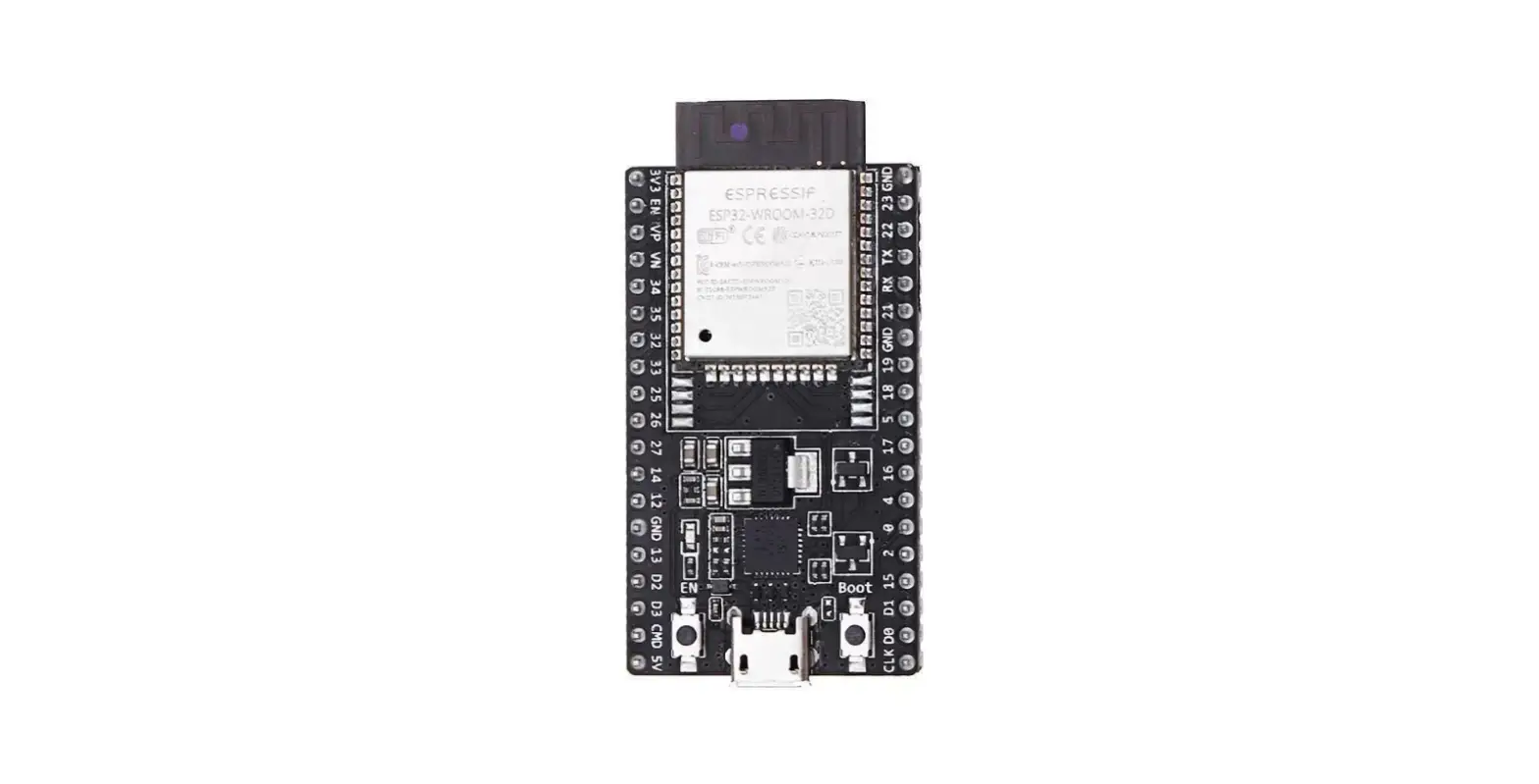
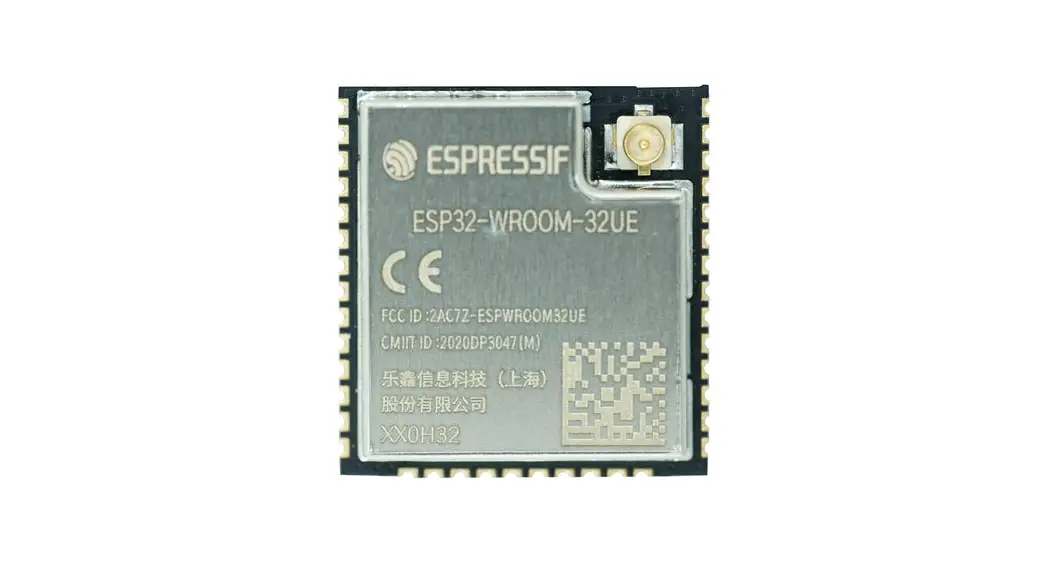
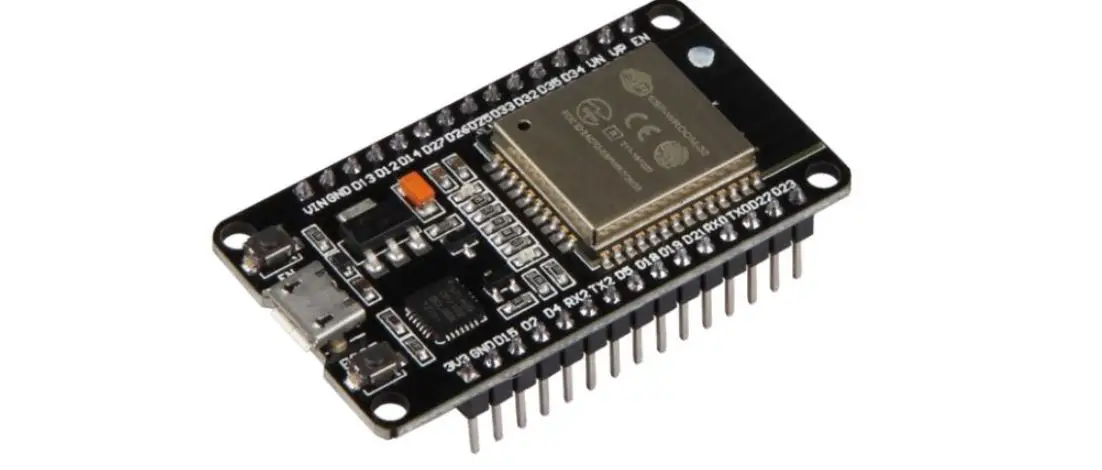
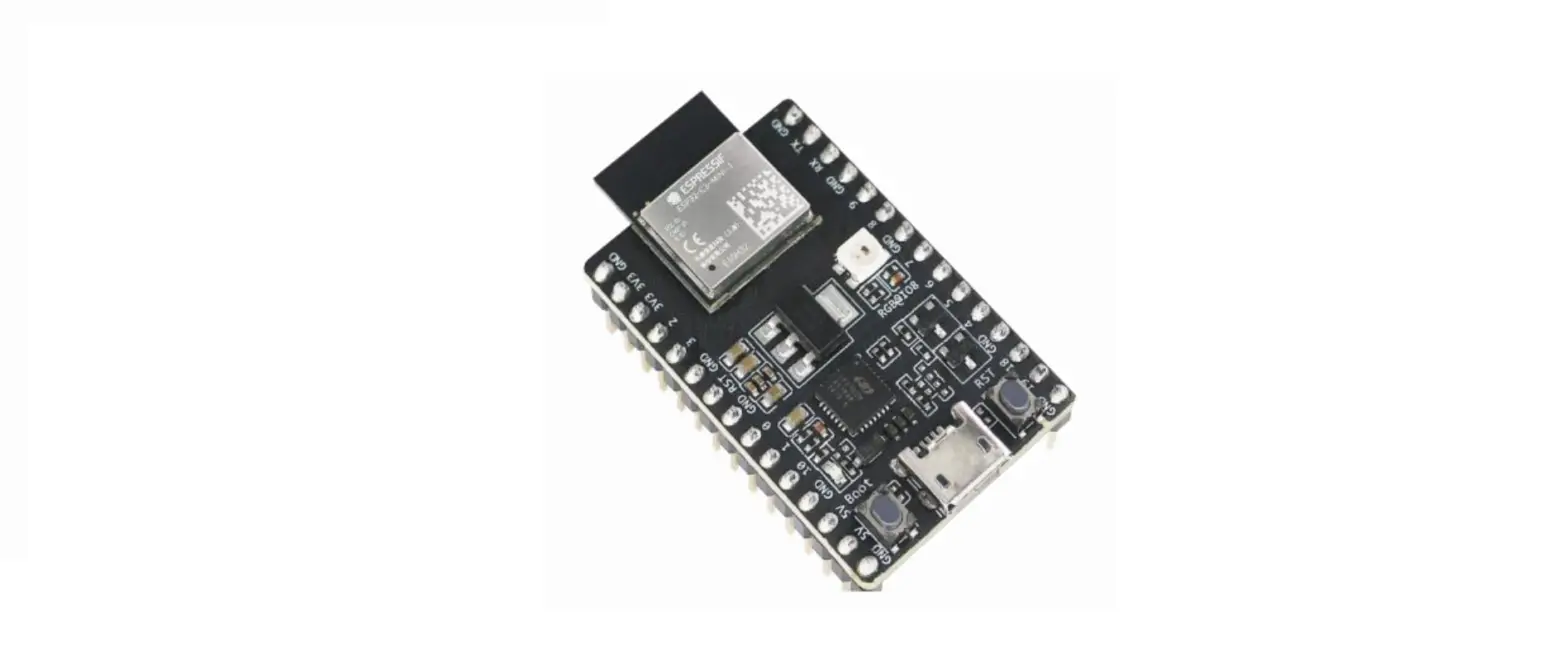
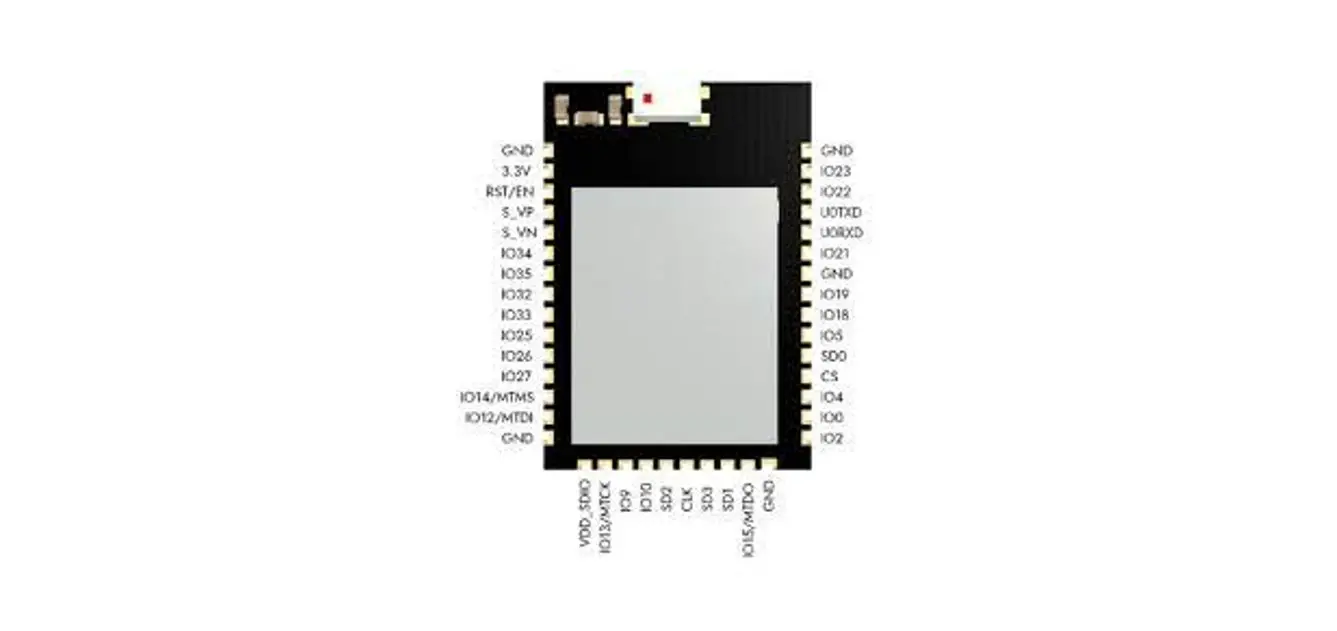
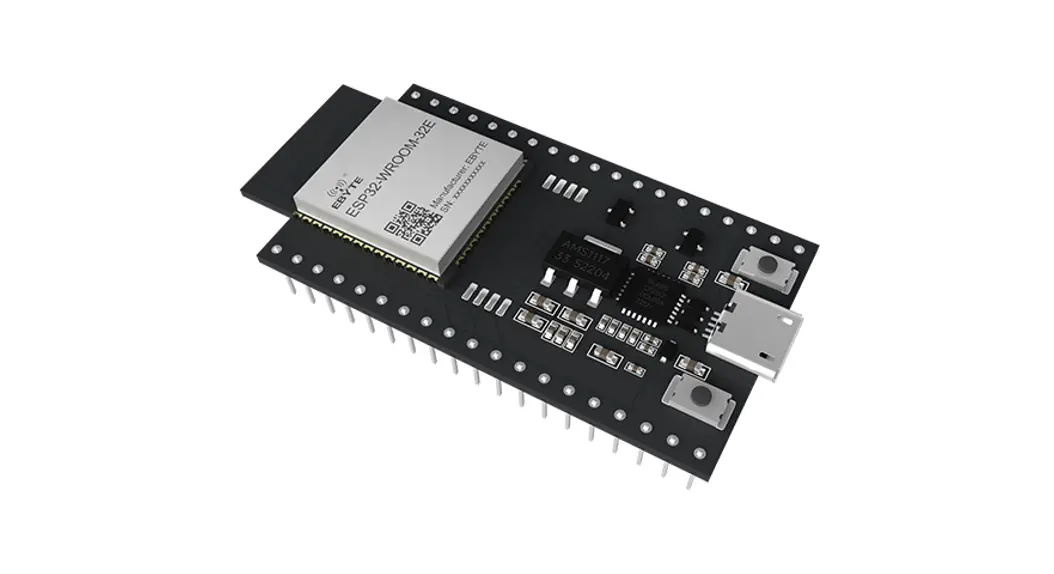
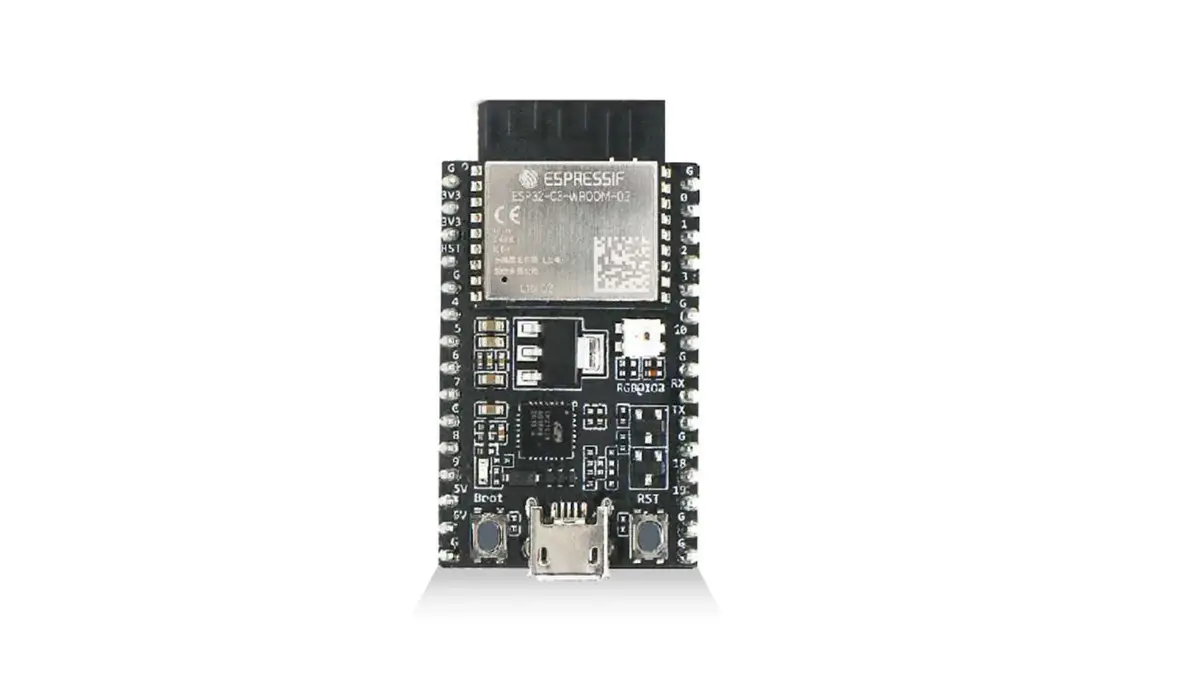
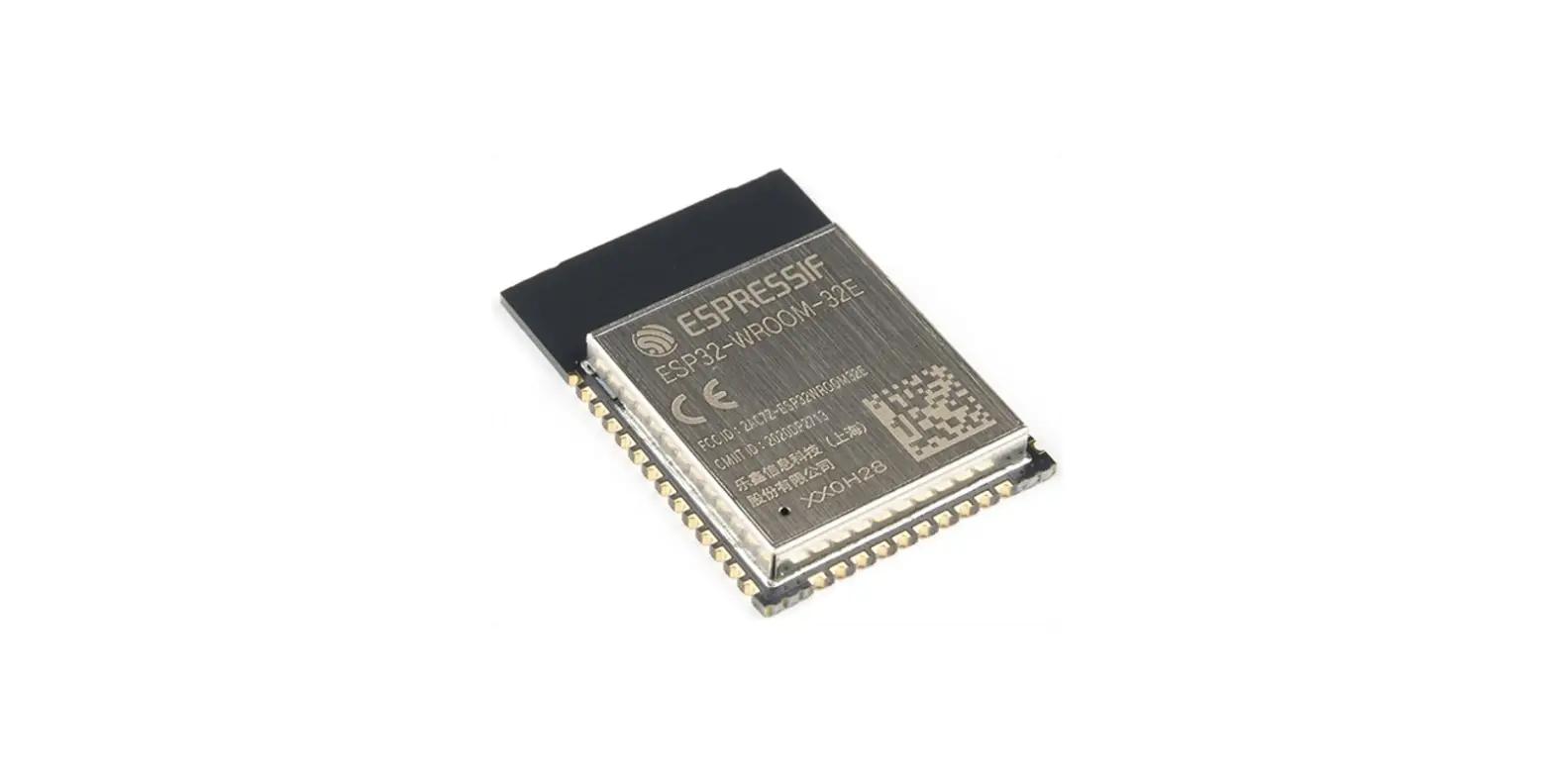
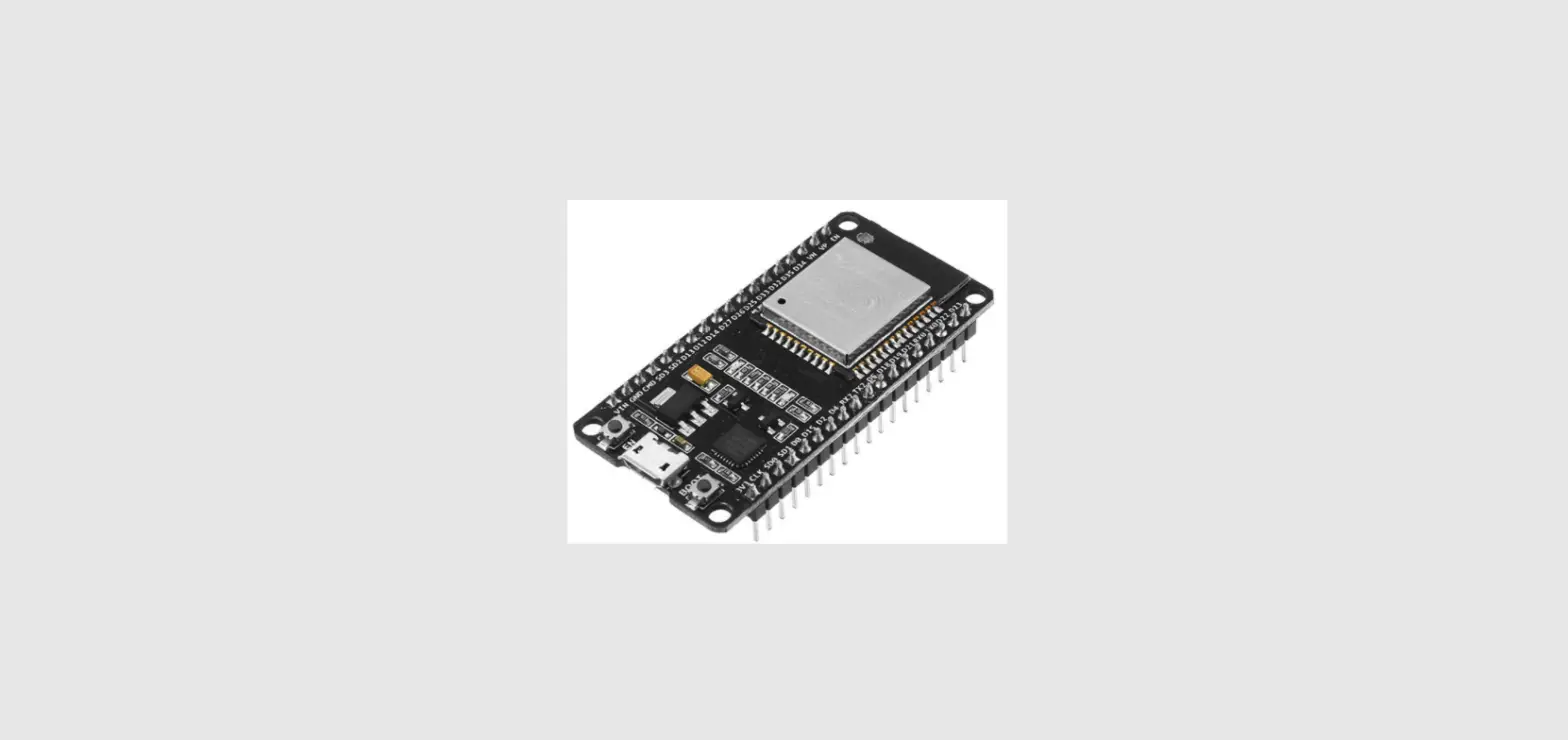
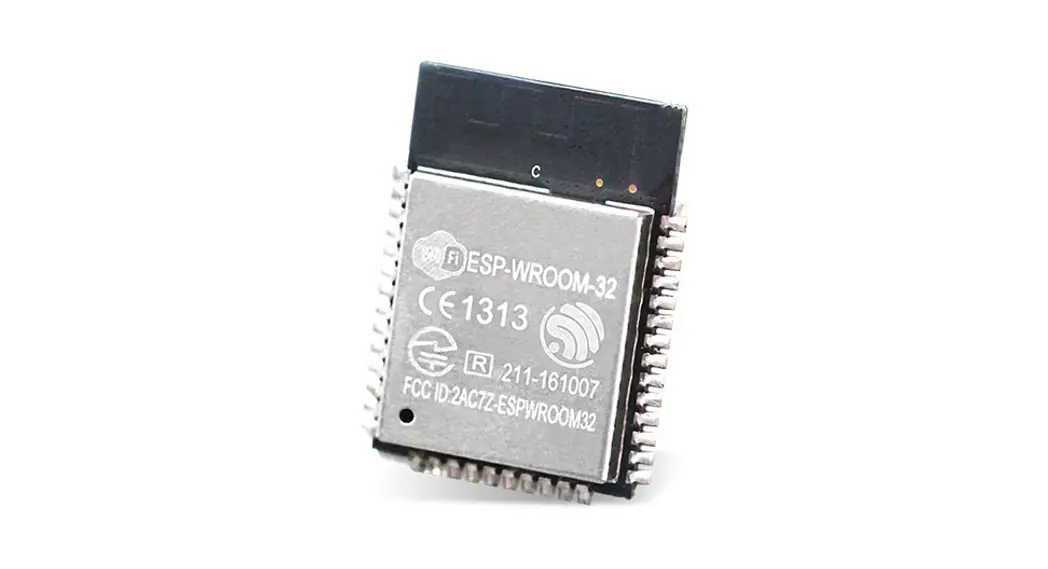
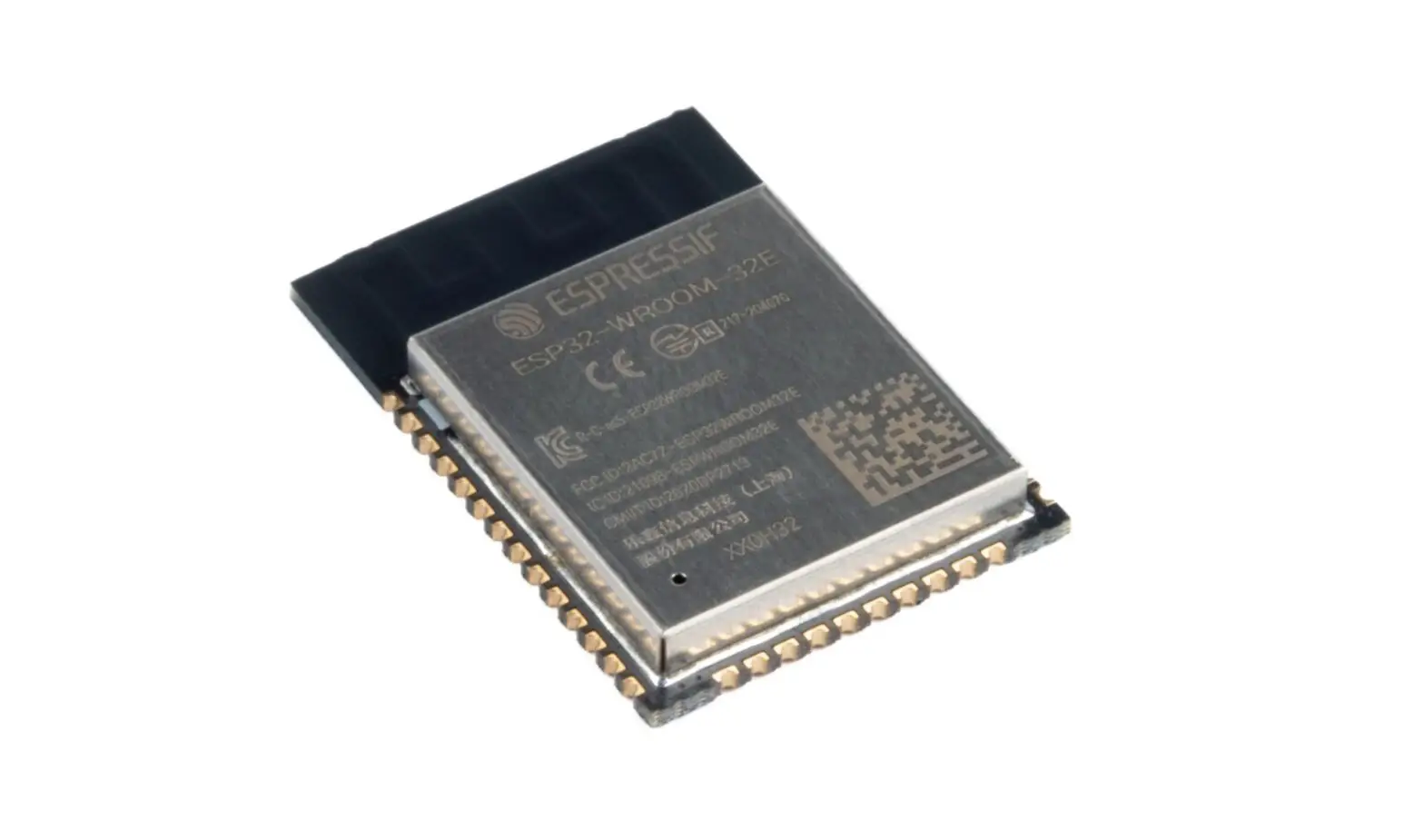
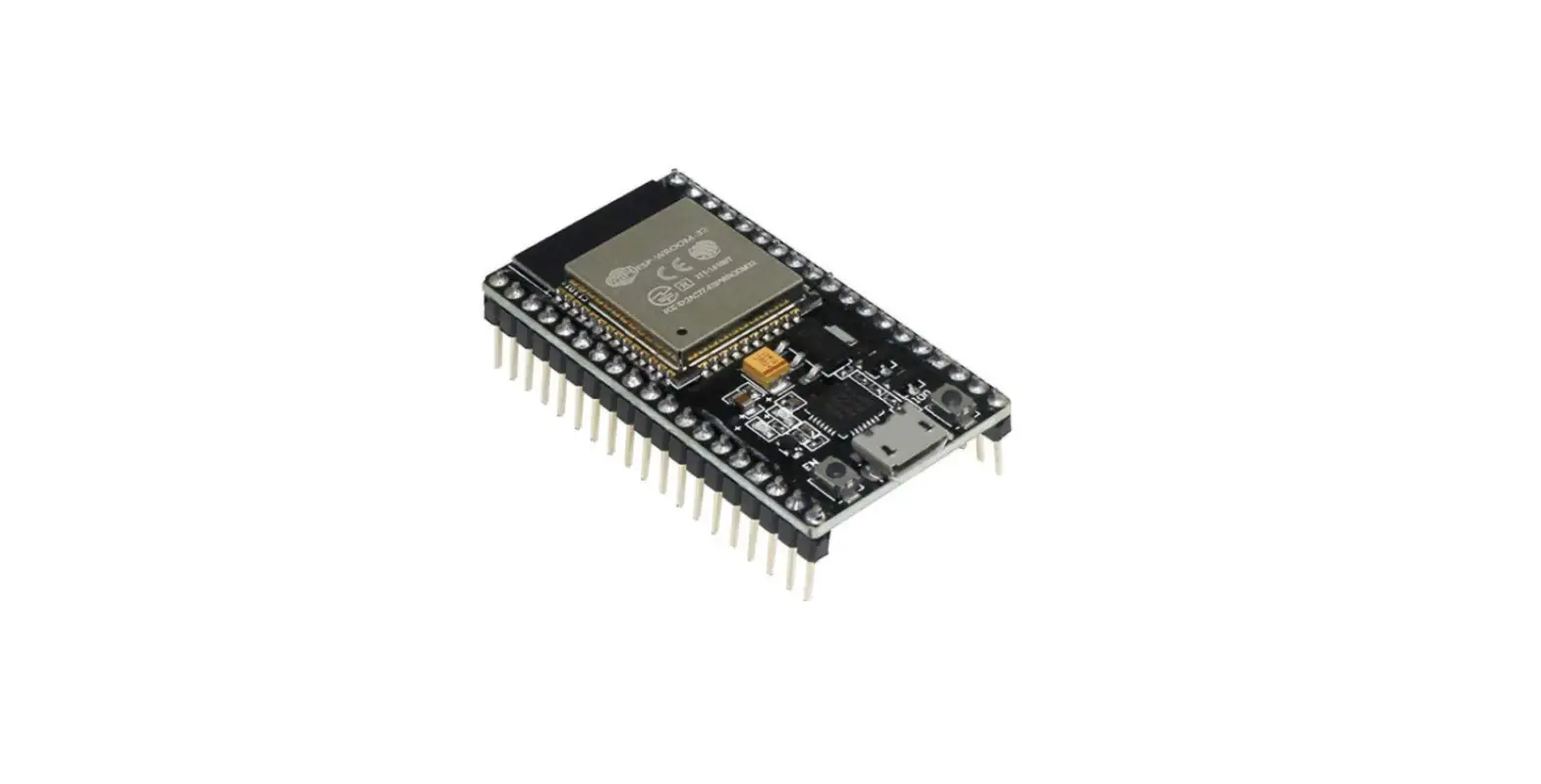
- ESP-WROOM-32: This microcontroller serves as
Chatter’s brain. It is a powerful module used for sound encoding,
streaming music, controlling the display, and pushbuttons. - Reset Button: The reset button is used to
reset the entire device in case of freezing or power-saving
mode. - USB-C Connector: This connector is used for
charging the device and connecting it to a computer for programming
using CircuitBlocks, a graphical programming interface. - Display: The display allows users to view
information, write messages, and navigate through Chatter’s
menu. - Buttons: These buttons enable users to
interact with Chatter, write and send messages, and perform various
functions. - Chips: The Chatter contains several chips with
specific functions, including LoRa module for wireless data
transmission, SE5120ST33-HF chip for managing battery energy, FC5
connector for connecting the display, 74HC165 chips for text input
and menu navigation, CH340C chip for USB communication with a
computer, and UMH3NFHATN chip for switching between Run Mode and
programming mode. - Capacitors and Resistors: These small
components control the flow of current in the device and are
located around the ESP-WROOM-32 module, display, and important
chips.
Product Usage Instructions
To use the Chatter device effectively, follow these
instructions:
- Assemble the Chatter device according to the provided
instructions in the user manual. - Ensure that the device is powered on and functioning
properly. - Use the buttons on the device to navigate through the menu and
perform various functions like writing and sending messages. - Connect the Chatter device to a computer using the USB-C
connector to charge it or program it using CircuitBlocks. - In case the device becomes unresponsive or frozen, press the
reset button to restart it. - Take advantage of the display to view information, write
messages, and interact with the device’s features.
By following these instructions, you can utilize all the
features and functionality of the Chatter device for seamless
communication and interaction.
Chatter Anatomy Guide
Chatter’s anatomy
Explore the board
Welcome to Chatter’s anatomy guide!
Whether you have already assembled your Chatter or not, this is going to be a helpful guide where you’ll learn a bit more about the soldered components, small connections, and drivers. We’ll start with bigger components and cover smaller components later in the guide.
Exploring the board
Starting with anything else but the PCB board itself would be wrong. Therefore, we present you the star of the night…
PCB stands for a printed circuit board. This fiberglass board has copper traces, protective paint, and insulating material. Thanks to all the copper lead on the board, all the connected or soldered components can communicate with each other. Without it, a buzzer wouldn’t be able to vibrate once you receive a text message, the display wouldn’t react after any input, and you wouldn’t be able to write a message using the pushbuttons.
Just like with other CircuitMess devices like Nibble or Spencer, we want our components not only to work wonders but to look cool as well! Therefore, we designed some pretty fun patterns that you can see on the back of the board.
1 / 9
ESP-WROOM-32
This microcontroller runs everything, and you could say that this is Chatter’s brain. ESP-WROOM-32 is a powerful module mainly used for sound encoding and streaming music. It is reasonably priced considering all its abilities.
2 / 9
Apart from being famous for sound encoding, ESP-WROOM-32 also controls pictures on the display and pushbuttons. Due to its complexity and sensitivity, this module is already connected to Chatter’s main board.
ESP-WROOM-32 data sheet
Reset button
This one’s pretty self-explanatory – the reset button is used for resetting the whole device. You can find this useful in case something gets frozen (which is hopefully never) or if your Chatter turns off due to battery saving program.
USB-C connector
This connector on the top side of the board is used for charging and connecting Chatter to the computer. Once you connect it to your PC, you’ll be able to
3 / 9
program it in CircuitBlocks – a graphical programming interface that helps newbies get into embedded programming.
Display
Chatter’s display is connected to its own small board that is soldered to the main board. There are no pins that need to be soldered (unlike on our other devices), but only a small orange tape that needs to be connected to the main board. Don’t worry! Guides that explain this step are quite simple, so we hope you’ll actually enjoy the process of assembling the device together. On this display, you’ll be able to see text messages you’ll receive, all the settings, and cool features that you’ll be able to program in CircuitBlocks a bit later.
4 / 9
Buttons
These buttons allow you to navigate through Chatter’s menu, write and send messages, and so much more!
5 / 9
Explore the chips
6 / 9
1. LoRa module
LoRa is a wireless technology that offers long range, low-power, and secure data transmission.
2. Chip SE5120ST33-HF
This chip will make sure the energy from the batteries comes to the main board and run the Chatter.
3. FC5 connector
You’ll use this connector to connect the display to the mainboard.
4. Chip 74HC165
These chips will make sure you can write text messages and scroll through the menu using pushbuttons.
5. Chip CH340C
7 / 9
Thanks to this little guy, Chatter can communicate with your computer over USB!
6. Chip UMH3NFHATN
This chip allows Chatter to switch between Run Mode and programming mode!
Capacitors and resistors
The rest of the small components are called capacitors and resistors. These are the main parts of pretty much every electronic device in the world. They are used to control the flow of the current in a circle. There are a few locations on the board where these components are located, mainly around the ESP-WROOM-32 module, the display, and the important chips.
Blocks… and more blocks
Chatter’s block diagram
This is Chatter’s block diagram. Take a look at the scheme below and feel free to investigate in detail. It shows how the components like EPS-WROOM-32, display, buzzer, and pushbuttons are connected. It also explains how different inputs are accepted and processed by different drivers and how they affect the outputs.
8 / 9
Now that you know what each component on the mainboard is, you’re ready to build your Chatters Check out the Chatter build guide here:
Chatter build guide
9 / 9
 Circuitmess Resources