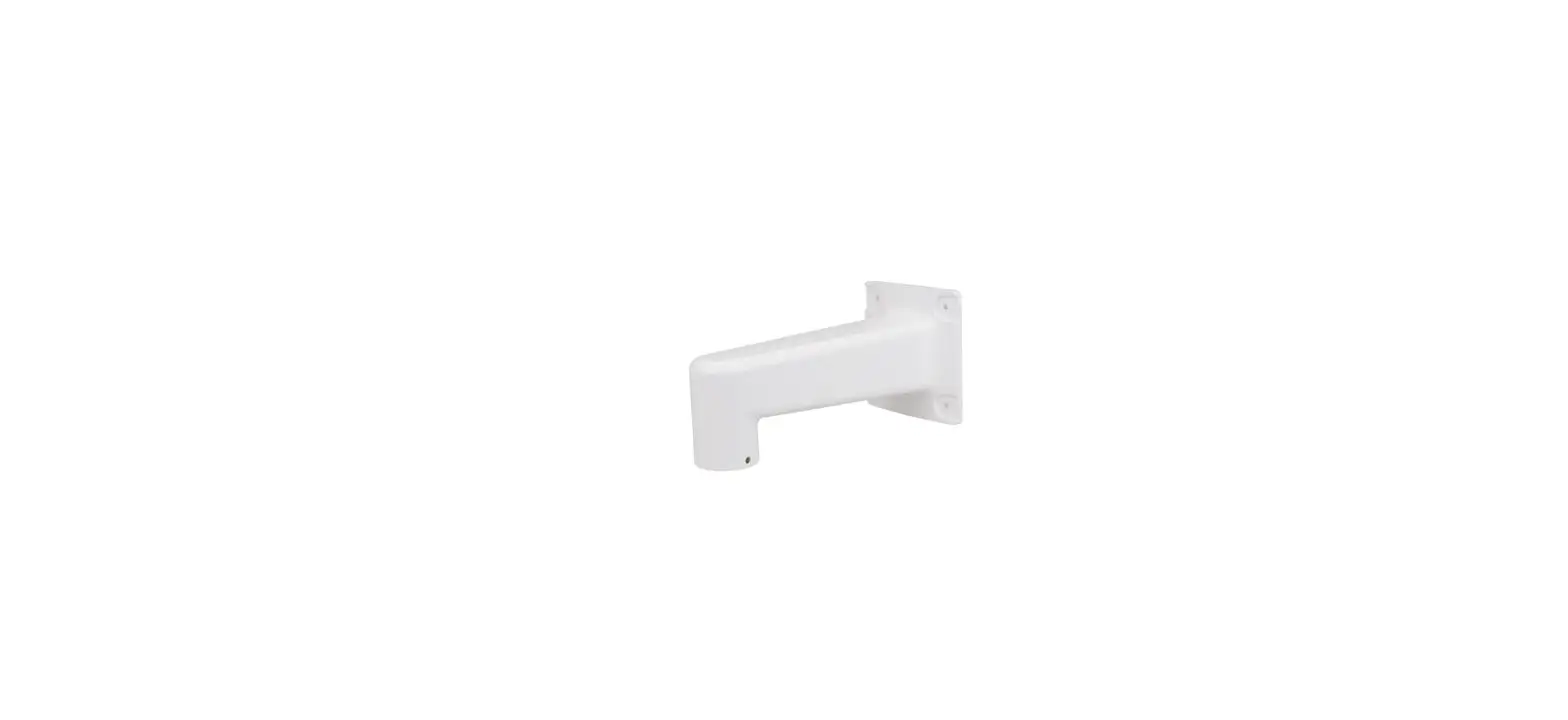
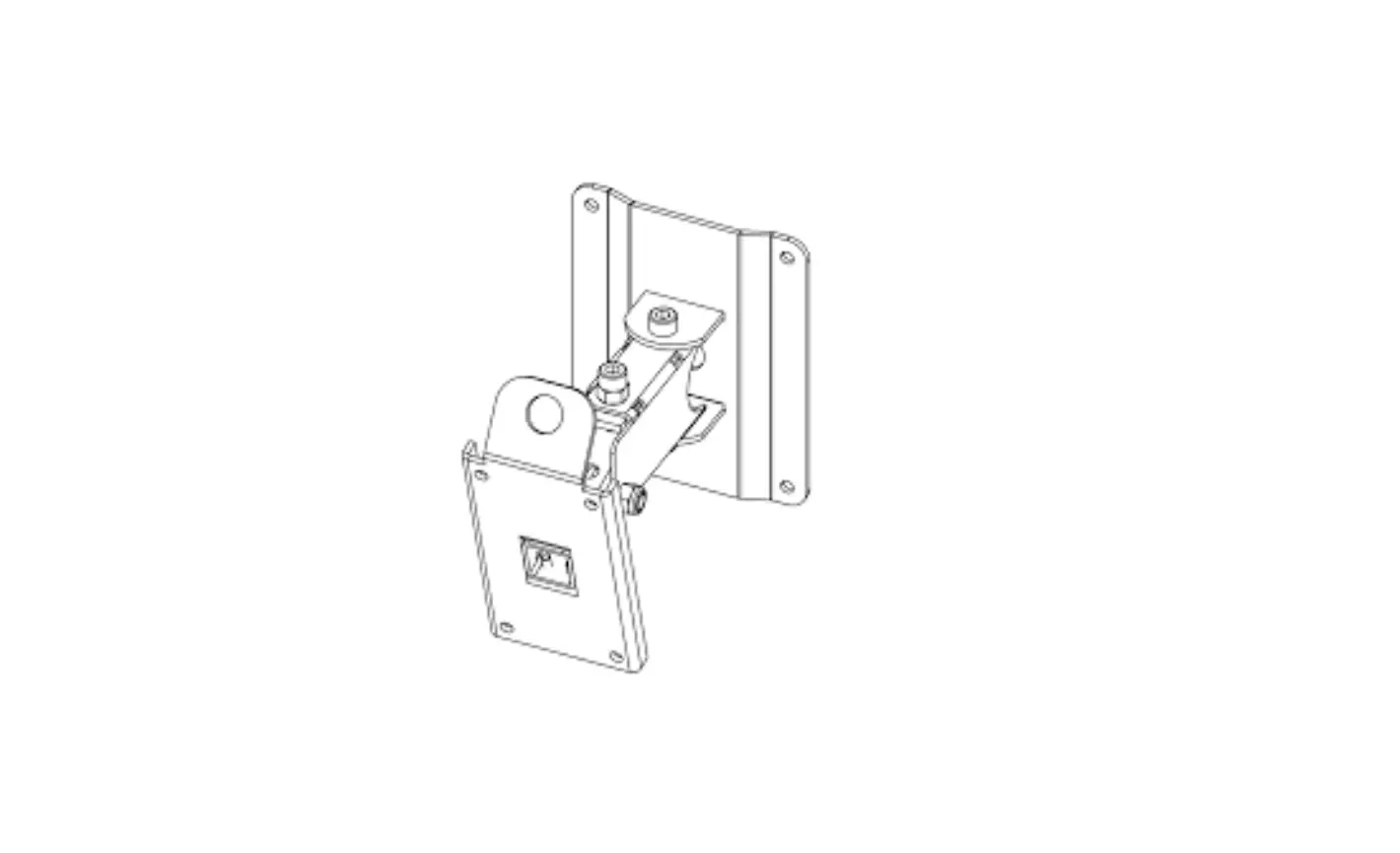
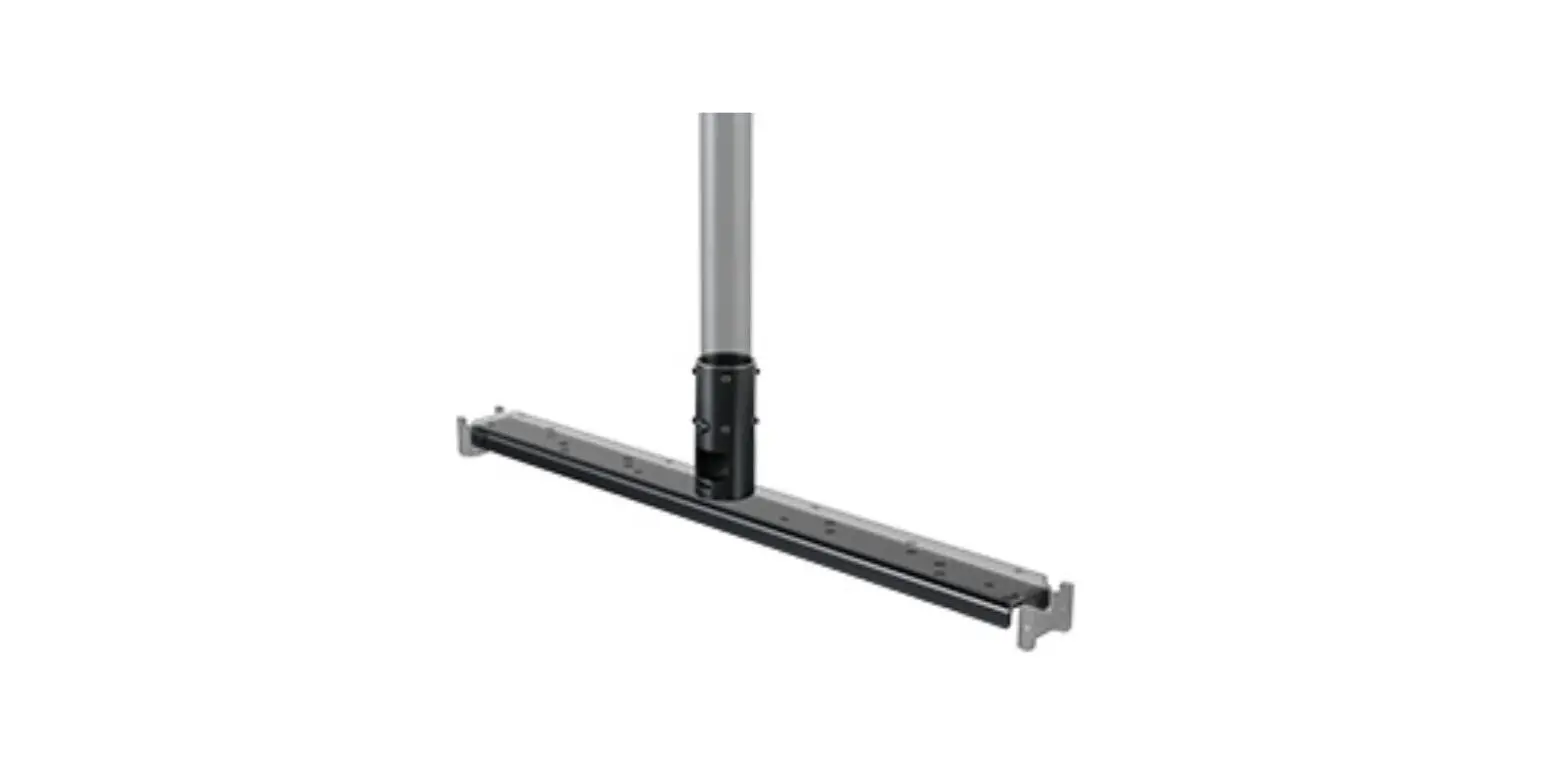
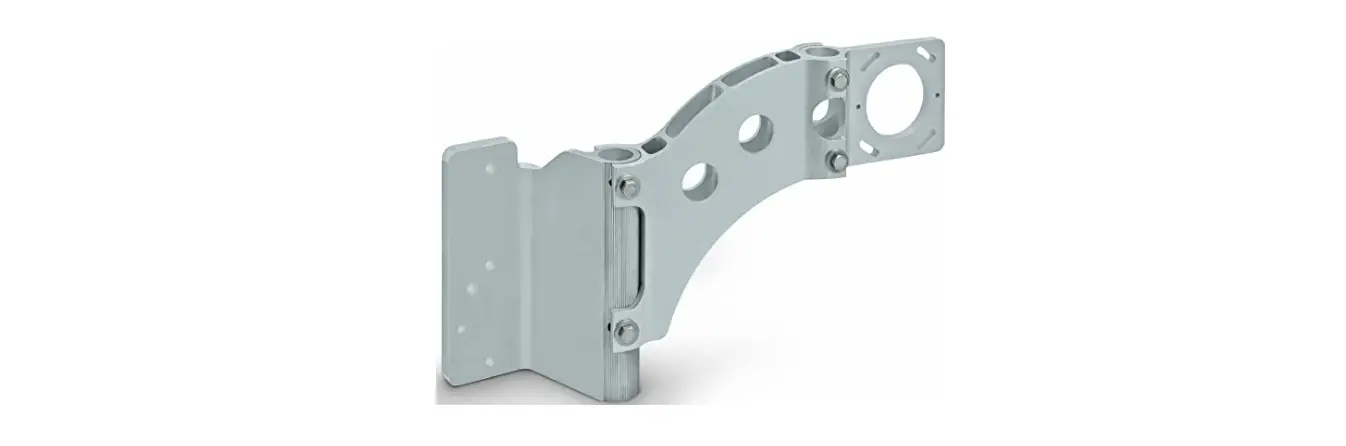
AM-525 Mounting Adapter
VIVOTEK Fixed Dome Series
The VIVOTEK Fixed Dome Series includes a range of mounting
adapters, pendant heads, pipes, NPT adaptors, goosenecks, wall
mounts, pole mounts, and corner mounts to provide flexible
installation options for compatible VIVOTEK cameras.
Compatible VIVOTEK Cameras
The following VIVOTEK cameras are compatible with the mounting
accessories:
- FD9371-(E)HTV
- FD9381-(E)HTV
- FD836B-(E)HVF2
- FD836B-(E)HTV
- FD8382-(E)VF2
- FD8382-(E)TV
- FD8367-(T)V
- FD8338-HV
- FE8181
- FE8191
Compatible Accessories
The following compatible accessories are available:
- AM-311 Pole Mount Bracket
- AM-411 Corner Mount Bracket
- AM-221 Gooseneck Bracket
- AM-212 Wall-mount Bracket
- AM-118 Pendant Head
- AM-522 Pendant NPT Adaptor
- AM-116 and AM-117 Pendant Pipe
Installation Guide
WARNING:
- Select a suitable location where the camera is free from
accidental damage, tampering, or harsh environmental
conditions. - Locate a place for the installation where the camera can not be
intentionally or unintentionally interfered. - Select a solid and flat mounting surface that can support the
combined weight of the camera and associated hardware. Vibration
and temperature range should also be taken into consideration.
Direct Installation Using Pendant Pipe
Follow the steps below to install the camera using the pendant
pipe:
- Determine a hard surface ceiling location, and use the included
alignment sticker for marking three mounting holes as where holes
will be drilled to secure the pendant head. - Hammer in the plastic anchors.
- Secure pendant head using the included screws.
- Install the pendant pipe.
- Tighten the retention screw using the hex wrench.
- Install the AM-525.
- Tighten the retention screw using the included hex wrench.
- Pull the cables through the pendant pipe, and the camera base.
Install the camera. Use a crimping tool to connect the Ethernet
wires to an RJ45 connector.
Direct Installation Using 3/4 NPT Pipe
Follow the steps below to install the camera using the 3/4 NPT
pipe:
- Determine a hard surface ceiling location, and use the included
alignment sticker for marking three mounting holes as where holes
will be drilled to secure the pendant head. - Attach the 3/4 female adapter to the AM-522 NPT adaptor.
- Install the 3/4 pendant pipe into the adapter.
- Tighten the retention screw using the hex wrench.
- Install the AM-525.
- Tighten the retention screw using the included hex wrench.
- Pull the cables through the pendant pipe, and the camera base.
Install the camera. Use a crimping tool to connect the Ethernet
wires to an RJ45 connector.
VIVOTEK Fixed Dome Series
Mounting kit
Using AM-525 Mounting Adapter, AM-51C Mounting Adapter, AM-513 Mounting Adapter, AM-118 Pendant Head (indoor), AM-116 and AM-117 Pendant Pipes, AM-522 NPT adaptor AM-221 Gooseneck, AM-212 Wall Mount, AM-311 Pole Mount, AM-411 Corner Mount
Installation Guide
Corresponding part number:
AM-525: 100140500G AM-51C: 100140100G AM-513: 100138100G AM-118: 900014600G AM-116: 900014300G AM-117: 900014400G AM-221: 900014800G AM-212: 900004202G
900004203G (v03) AM-311: 900002902G (v03)
900002903G (v04) 900002904G (v05) AM-411: 900003003G (v04) 900003004G (v05) AM-522: 900020200G
Document part no.: 625033000G
Rev. 1.0
IP Surveillance
Revison History:
Rev. 1.0: Initial release.
AM-525 Mounting Adapter Package Contents
Applications
AM-118
AM-116 AM-117
AM-118
AM-116 AM-117
AM-118
AM-116 AM-117
AM-118 AM-522 NPT adaptor
NPT pipe
AM-525
+
AM-513
AM-525
+
AM-51C
AM-525
AM-525
For other applications, please refer to page 12.
2
English
1 Compatible VIVOTEK Cameras
Direct installation: AM-118+AM-117 / 116 +AM-525
w/ AM-513: AM-118+AM-117 / 116 +AM-525+AM-513
w/ AM-51C: AM-118+AM-117 / 116 +AM-525+AM-51C
FD9371-(E)HTV, FD9381-(E)HTV, FD836B-(E)HVF2, FD836B-(E) HTV, FD8382-(E)VF2, FD8382-(E)TV
FD8367-(T)V, FD8338-HV
FE8181, FE8191, FD9371-(E)HTV, FD9381-(E)HTV, FD836B-(E) HVF2, FD836B-(E)HTV, FD8382-(E)VF2, FD8382-(E)TV
WARNING:
1. Select a suitable location where the camera is free from accidental damage, tampering, or harsh environmental conditions.
2. Locate a place for the installation where the camera can not be intentionally or unintentionally interfered.
3. Select a solid and flat mounting surface that can support the combined weight of the camera and associated hardware. Vibration and temperature range should also be taken into consideration.
3
2 Compatible Accessories
Compatible Accessories (1): AM-311 Pole Mount Bracket
Compatible Accessories (2): AM-411 Corner Mount Bracket
Compatible Accessories (4-1): AM-221 Gooseneck Bracket Compatible Accessories (4-2): AM-212 Wall-mount Bracket
Compatible Accessories (5-1): AM-118 Pendant Head Compatible Accessories: AM-522 Pendant NPT Adaptor
4
English
Compatible Accessories (5-2): AM-116 and AM-117 Pendant Pipe
Shown below are the dimensions using a 40cm pendant pipe (AM-117).
AM-118
140 mm AM-117
438.2 mm 565.9 mm
155 mm
24.5 mm 103.2 mm
5
3 Direct Installation 3-1. Using the Pendant Pipe
2 1
1. Determine a hard surface ceiling location, and use the included alignment sticker for marking three mounting holes as where holes will be drilled to secure the pendant head.
2. Hammer in the plastic anchors.
AM-118
3. Secure pandant head using the included
screws.
4. Install the pendant pipe.
5. Tighten the retention screw using the hex
wrench.
6. Install the AM-525.
7. Tighten the retention screw using the
included hex wrench.
AM-116/ AM-117
3 5
4 7
AM-525
6
6
English
8. Pull the cables through the pendant pipe, and the camera base. Install the camera. Use a crimping tool to connect the Ethernet wires to an RJ45 connector.
7
3-2. Using the 3/4″ NPT Pipe
AM-118 AM-522 3/4″ Female adapter
3/4″ pendent pipe
155 mm
AM-525
1. Determine a hard surface ceiling location, and use the included alignment sticker for marking three mounting holes as where holes will be drilled to secure the pendant head.
2. Hammer in the plastic anchors.
2 1
8
English
3. Secure the pandant head using the included screws. 4. Install the AM-522 adaptor and the NPT female-female coupler (user-supplied) 5. Tighten the retention screw using the hex wrench. 6. Install the 3/4″ NPT pipe of a preferred length. 7. Install the AM-525.
AM-118
5 3
AM-522
NPT femalefemale coupler
4
6
3/4″ NPT pipe
AM-525
7 9
8. Pull the cables through the NPT pipe and the camera base. Install the camera. Use a crimping tool to connect the Ethernet wires to an RJ45 connector.
10
English
4 Mounting & Cabling with AM-513
1. Please refer to the AM-513 Installation Guide for details about the mounting holes, and use a hammer and flat-blade screwdriver to open the knock out holes you prefer to use.
Fixed Dome series FD8367-V / FD8338-HV / FD8367-TV 2. Combine the AM-525 and AM-513 by driving 4 included screws.
3. For information about pendant pipe installation, please refer to page 6 and the following pages. For camera installation to the AM-513, refer to its Installation Guide.
11
5 Mounting & Cabling with AM-51C
1. Please refer to the AM-51C Installation Guide for details about the mounting holes, and use a hammer and flat-blade screwdriver to open the knock out holes you prefer to use.
Fixed Dome series Fisheye
FD9381 / FD9371 / FD836B / FD8382
FE8191 / FE8181
User a hammer and screwdriver to open the knock out holes you prefer to use.
2. Combine the AM-525 and AM-51C by driving 4 included screws.
3. For information about pendant pipe installation, please refer to page 6 and the following pages. For camera installation to the AM-51C, refer to its Installation Guide.
12
English
6 Using Other Accessories
6-1. Gooseneck Installation – AM-221
Below is a general, sample procedure using a gooseneck bracket: 1. Route power lines and other cables through the wall and the bracket. 2. Locate the position where you want to install the gooseneck bracket and camera. Drill
holes on the wall for securing the bracket and for routing the cables. Secure the bracket by hammering anchors into the wall and then fasten screws through it. Drill 10mm holes in diameter and 60mm deep. 3. Attach the mounting adapter to the bracket by rotating it clockwise until it is tightly fastened.
WARNING:
When you hammer the threaded anchors into wall, keep the nuts and washers on them in case the top of threaded poles can be deformed during the process.
2
1
AM-221 Gooseneck bracket 4
Cables
3 Mounting adapter
5 Dome camera
4. Use a hex wrench to secure the mounting adaptor to the gooseneck bracket.
6. When cabling is done, proceed with initial setup such as enabling network access, focus tuning, or zooming. When done, secure the outer dome cover. 13
The same installation method applies to the AM-212 wall-mount bracket. 14
English
6-2. Corner Mount Installation
Below is a general, sample procedure using a Corner mount bracket: 1. Combine the two brackets together using the included nuts and washers. 2. Align the assembled brackets with the desired position. Align screw holes on the
brackets against the wall. Drill holes on the wall for securing the bracket and for routing the cables. Hammer anchors into the wall. Wall anchors are user-supplied. 3. Route power lines and other cables through the included cable gland, conduits (separately purchased), and install the cable gland to the brackets’ through hole in the center.
Gooseneck
1
bracket
5
Corner Mount Bracket
2
Mounting adapter
Dome camera
6 3 4
Cable gland and 3/4″ conduits
4. Secure corner mount brackets to the wall. Screws are user-supplied. 5. Fill the unused holes on the bracket with the included silicone stoppers. 6. Use the included hex bolts, washers, and nuts to secure the gooseneck to the corner
mount bracket. 7. The rest of the mounting procedure is identical to those described in the Gooseneck
installation on page 7.
15
6-3. Pole Mount Installation
Below is a general, sample procedure using a Pole mount bracket: 1. Route power lines and other cables through the included cable gland, pass them
through conduits (separately purchased), and install the cable gland to the pole mount bracket. 2. Locate the position where you want to install the pole mount bracket and camera. Unwrap the stainless belts, feed them through the openings on the sides of the bracket, and then strap them around the pole. Use a pincer and flat-blade screwdriver to fasten the bracket to the pole. 3. Fill the unused screw holes using the included silicone stoppers.
4
Gooseneck bracket
Pole mount bracket
2
Mounting adapter
Dome camera
3 1
Cable gland and 3/4″ conduits
4. Secure the gooseneck bracket using the included hex bolts, washers, and nuts. The rest of the mounting procedure is identical to those described in the Gooseneck installation on page 12. 16