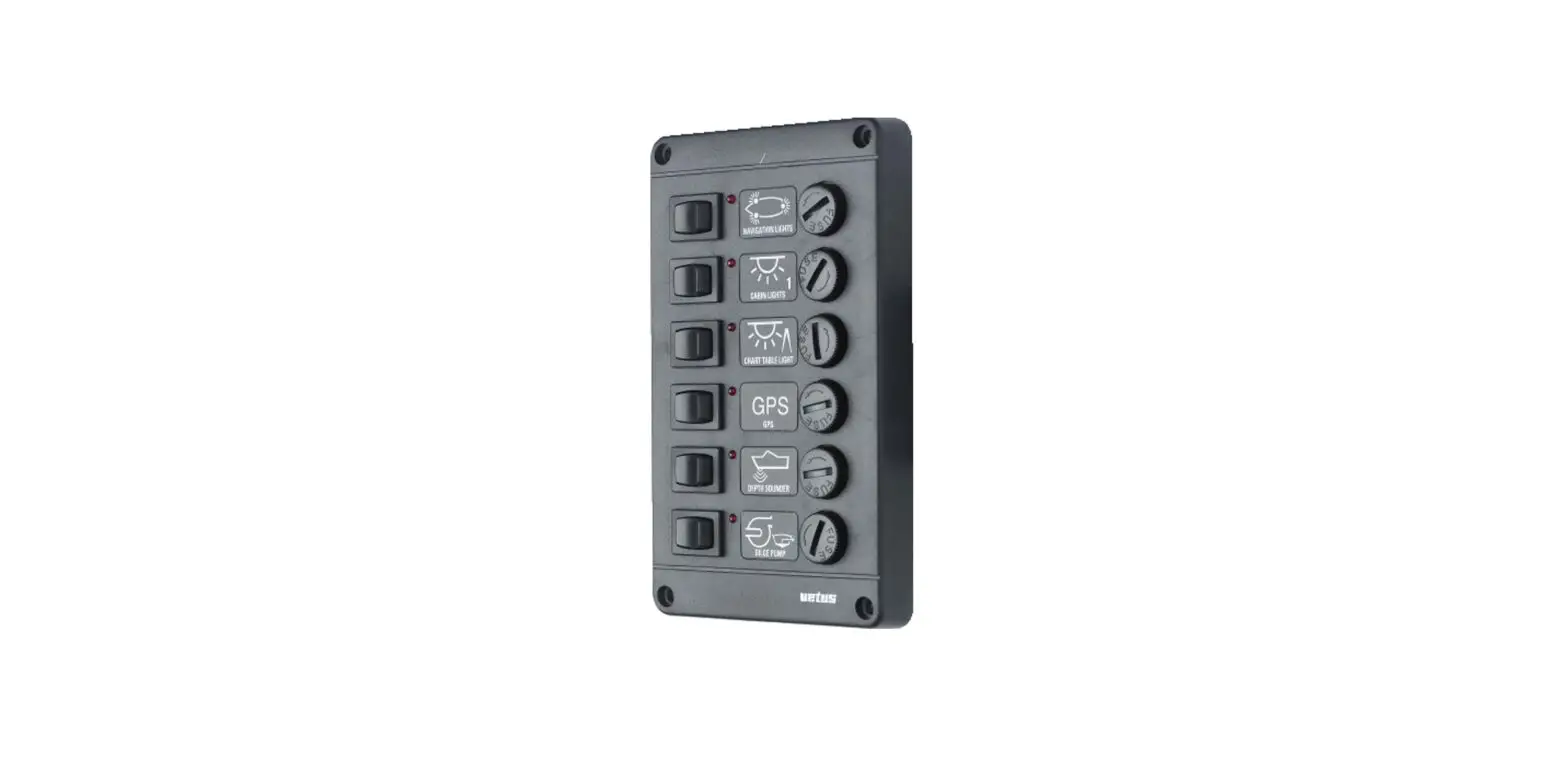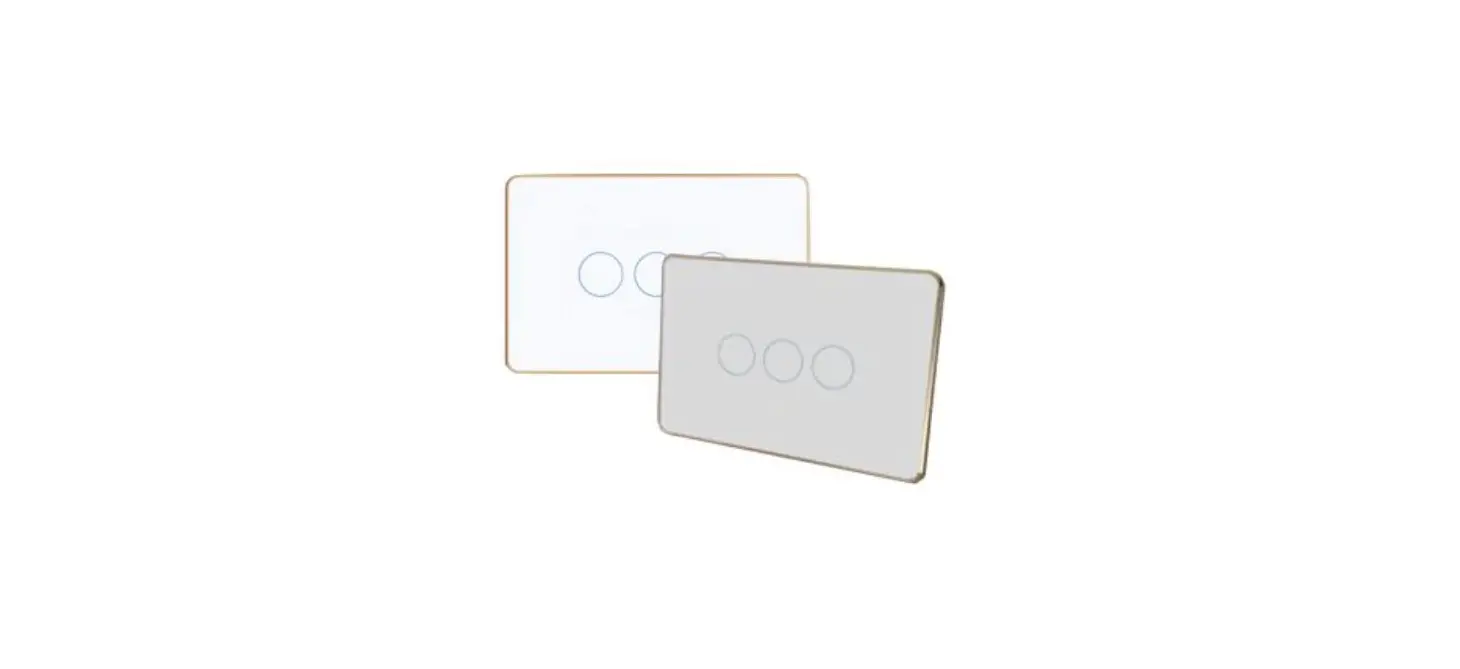

Multi-purpose 6-switches Control Panel
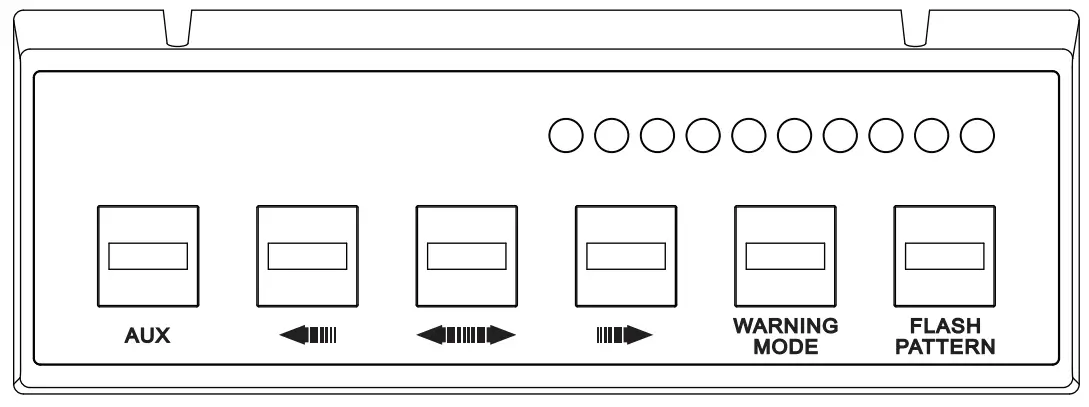
210525SW610
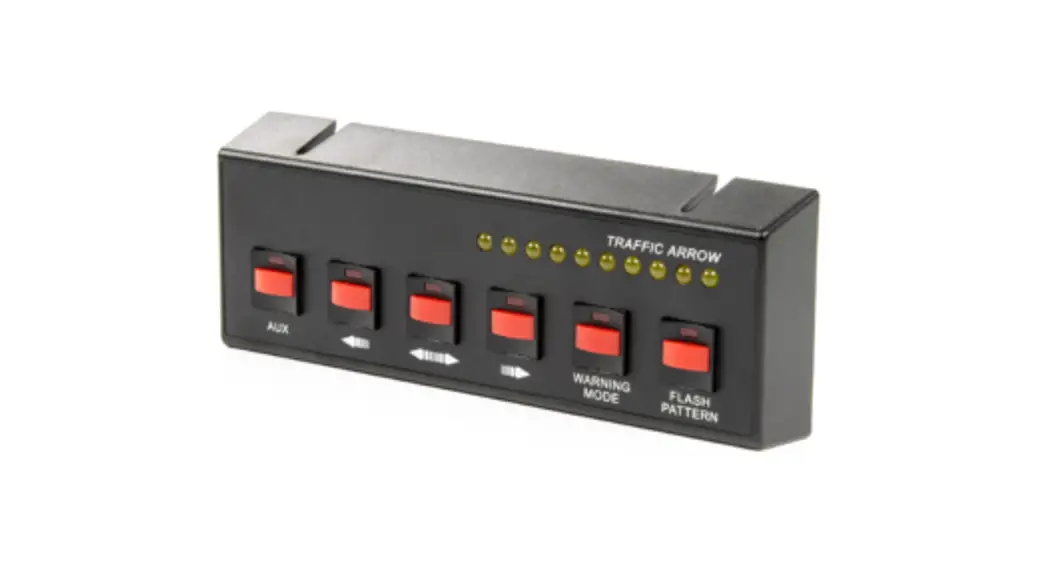
SW610 Multi-Purpose 6-Switches Control Panel
Wiring
RED ……………… to +VDC
BLACK …………. to -GND
WHITE ………….. to LED Indicator Signal (Traffic Arrow or Lightbar)
GREEN …………. AUX (Output signal for optional relay)
ORANGE ………. Left Arrow
BLUE ……………. Right Arrow
BROWN ………… Warning Mode
YELLOW ………. Flash Pattern
[ON/OFF Switch]
[ON/OFF Switch]
[ON/OFF Switch]
[ON/OFF Switch]
[Momentary Switch]
Switch Specification
Input Voltage: 10~30 VDC
Input Current: 0.2A / port 1.0A / 6 port
Output Voltage: 10~24 VDC
Output Current: 0.2A x 1 port (AUX) ; 0.01A x 5 ports
Fuse Rating: 2A
Recommended Relay
Specification (User-supplied)
Input Voltage: 10~24 VDC
Input Current: < 200mA
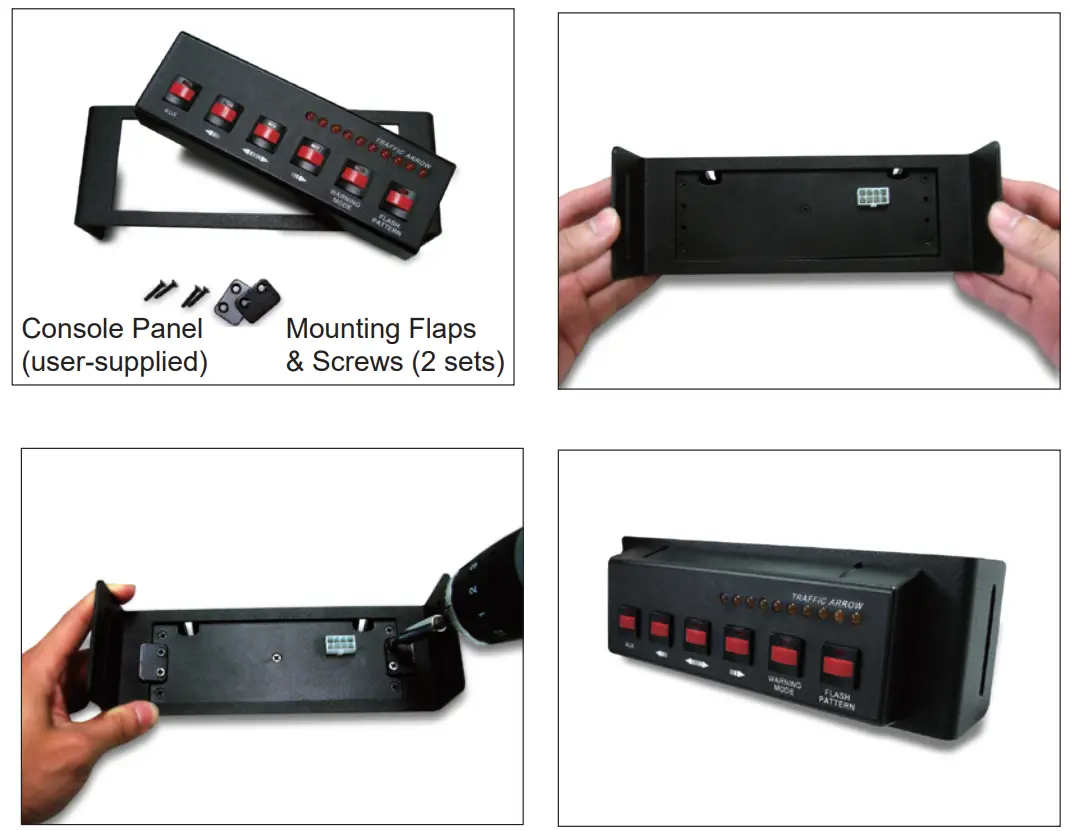
Screw Mount Installation
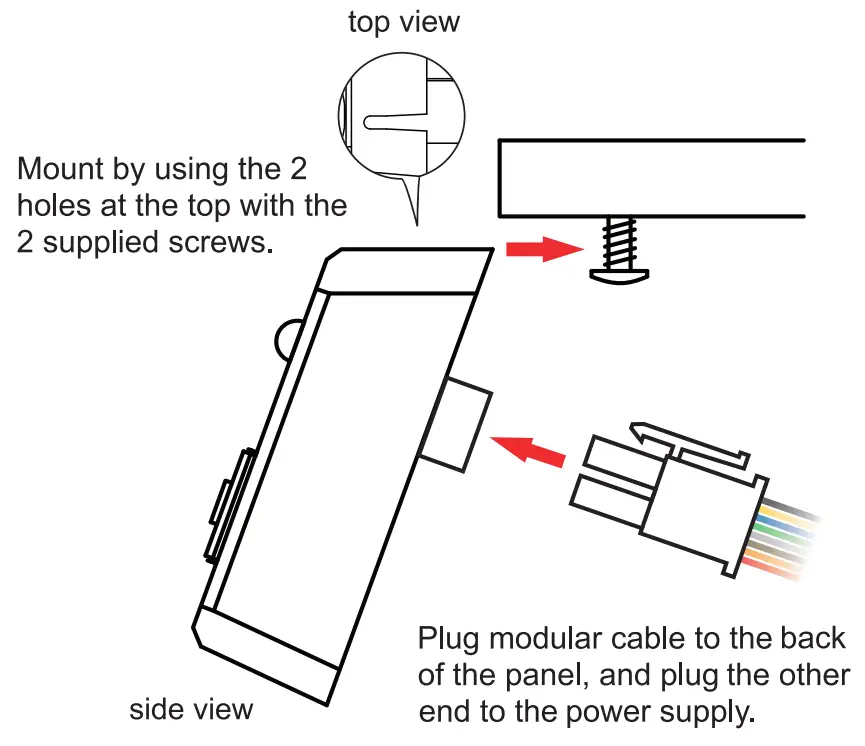
NOTE: Connect only the RED and BLACK wires to the power supply wiring harness.
Console Mount Installation