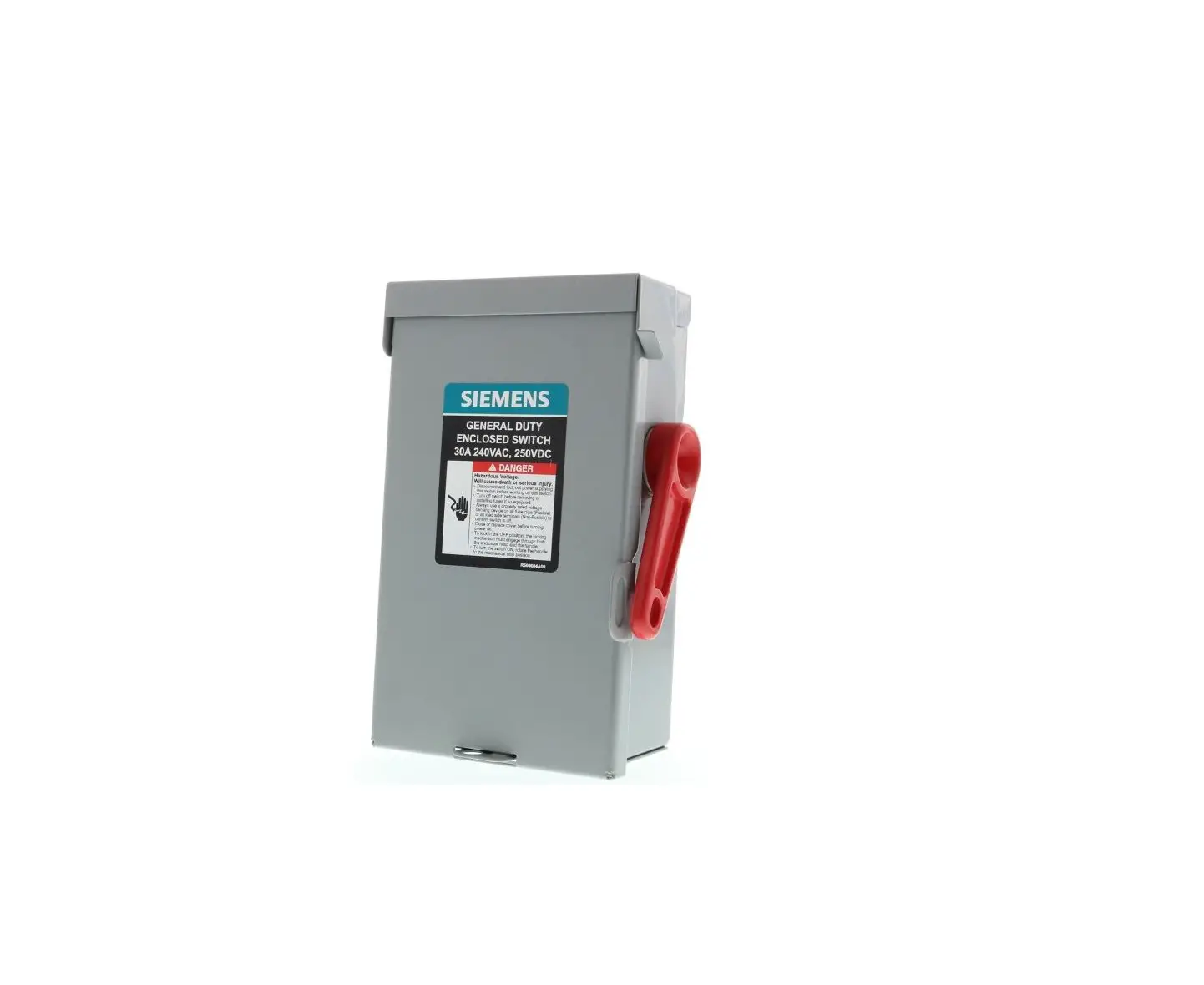
400A and 600A Panel Board Switches
Product Information: 400A & 600A Series A Panel Board
Switches
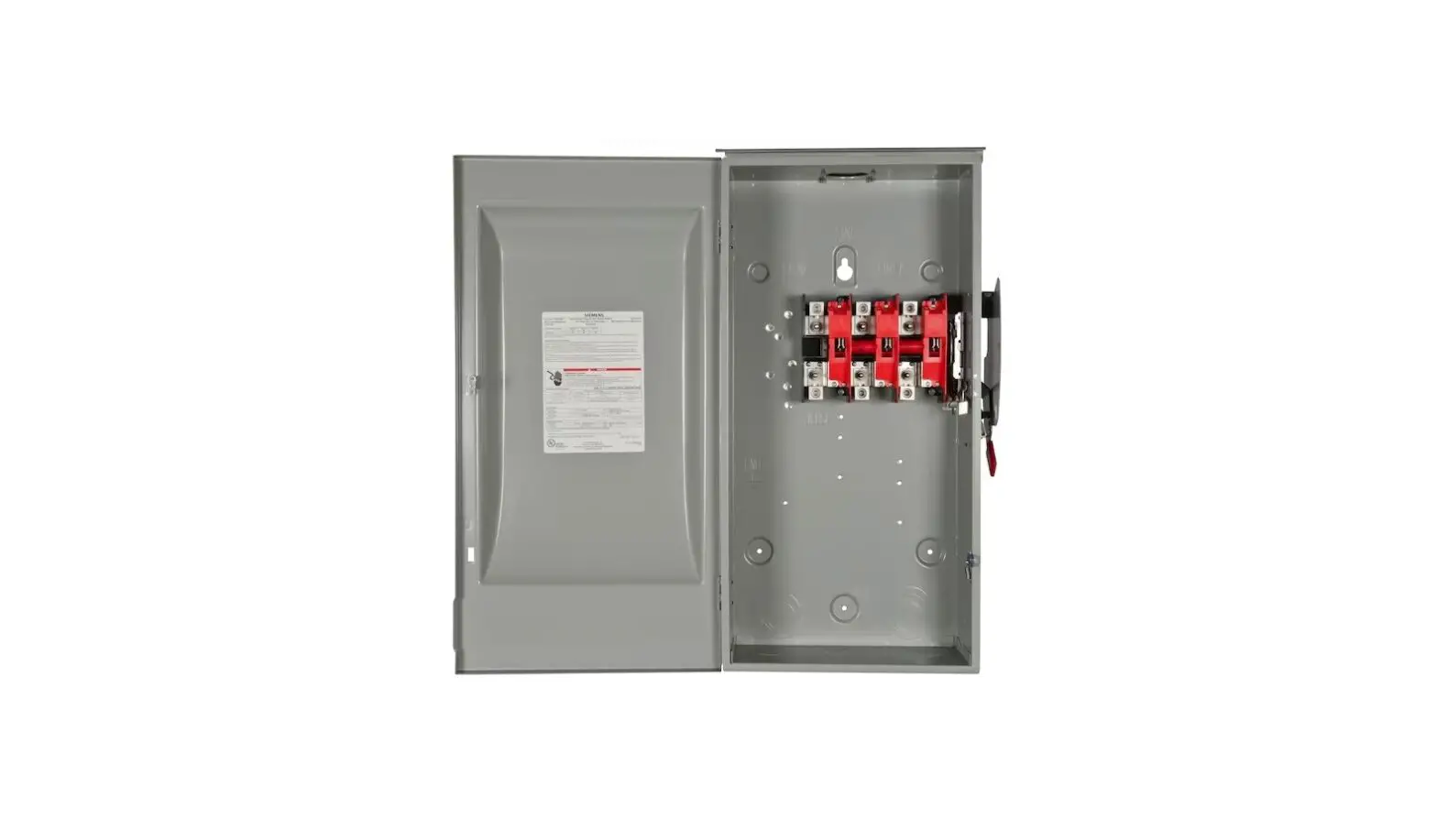
The 400A & 600A Series A Panel Board Switches are electrical
switches that are designed to be used with Siemens certified
components. The product comes with a recommended tool list that
includes a 1/4 Ratchet, 3/8 Socket (Magnetic), 5/16 Socket
(Magnetic), 6 & 10 Extension bar, Torque wrench, Combination
Square Marker, and Large flat blade screwdriver. The product also
comes with a Panel Board Enclosure Alignment Pin, Panel Board
Enclosure Mounting Screw, and Copper Strap Mounting Screw.
Product Usage Instructions
- Prepare the panelboard switch for installation by opening the
cover and loosening the four load base mounting screws as shown in
Figs. 1 & 1a. - Remove the load base and screws and set aside as shown in Fig.
2. - Remove the mounting screw from the bottom barrier and set aside
as shown in Fig. 3. Do not discard. - Remove the bottom barrier and set aside as shown in Fig. 4. Do
not discard. - Turn the switch handle to the ON position while restraining the
cover interlock from moving as shown in Fig. 5. - Mark the location of the switch at the top of the opening on
both of the mounting (Z) rails as shown in Fig 6 & 6a. - Remove the panel board gutter covers and center cover assembly
as shown in Fig. 7. - Install two alignment pins into the holes 1.88 below the top of
the switch mark (second hole down). Hand tighten until pin is fully
seated as shown in Fig. 8. - Place the panel board switch onto the alignment pins using the
3/8 diameter holes (Second mounting hole down) as shown in Fig. 9.
Hold or secure in place until hardware is installed in the next
step. - Install two mounting screws as shown in Fig. 10. Use the
provided template and pre-thread the holes with one of the screws
provided in the installation kit to establish the threads before
installing the mounting screws. Panel Board Enclosure Mounting
Screw should be torqued to 55 lb-in. (6.2 N-m). - Install two mounting screws for the 15 units and one mounting
screw for 10 units as shown in Fig. 11. Torque to 55 lb-in. (6.2
N-m). - Turn the switch handle to the OFF position.
- Install two screws into each of the connecting straps as shown
in Fig. 13. Copper Strap Mounting Screw should be torqued to 69
lb-in. (7.8 N-m).
400A & 600A Series A Panel Board Switches
Installation Instructions
Use only with Siemens certified components.
NOTE – These instructions do not purport to cover all details or variations in equipment, or to provide for every possible contingency to be met in connection with installation, operation or maintenance. Should further information be desired or should particular problems arise, which are not covered sufficiently for the purchaser’s purposes, the matter should be referred to the local Siemens sales office. The contents of this instruction manual shall not become part of or modify any prior or existing agreement, commitment or relationship. The sales contract contains the entire obligation of Siemens. The warranty contained in the contract between the parties is the sole warranty of Siemens. Any statements contained herein do not create new warranties or modify the existing warranty.
TRADEMARKS – Unless otherwise noted, all names identified by ® are registered trademarks of Siemens AG or Siemens Industry, Inc. The remaining trademarks in this publication may be trademarks whose use by third parties for their own purposes could violate the rights of the owner.
Recommended tools: 1/4″ Ratchet 3/8″ Socket (Magnetic) 5/16″ Socket (Magnetic) 6″ & 10″ Extension bar, Torque wrench Combination Square Marker Large flat blade screwdriver
Panel Board Enclosure Alignment Pin
¼-20 (2)
Panel Board Enclosure Mounting Screw
¼-20x 3/8″ (4)
Copper Strap Mounting Screw
¼-20x 7/8″ (6)
2/16 (English)
I.L. No. R508623A00
Prepare the panelboard switch for installation. 1. Open Cover, loosen four load base mounting screws as shown in Figs. 1 & 1a.
Figure 1
Figure 1a 3/16 (English)
I.L. No. R508623A00
2. Remove load base and screws and set aside as shown in Fig. 2.
Figure 2
4/16 (English)
I.L. No. R508623A00
3. Remove mounting screw from bottom barrier and set aside, as shown in Fig 3. Do not discard. 4. Remove bottom barrier and set aside, as shown in Fig 4. Do not discard.
Figure 3
Figure 4 5/16 (English)
I.L. No. R508623A00
5. Turn switch handle to ON position while restraining the cover interlock from moving as shown in Fig. 5.
HOLD
Figure 5
6/16 (English)
I.L. No. R508623A00
Prepare Panel Board for switch installation. § Turn OFF and lock out all power supplying this equipment before working on the device. § Verify that NO voltage is present on the line bus.
6. Mark location of the switch at top of the opening on both of the mounting (Z) rails see Fig 6 & 6a.
Figure 6
MARK
Figure 6a 7/16 (English)
I.L. No. R508623A00
7. Remove the panel board gutter covers and center cover assembly as shown in Fig. 7.
Gutter cover
Gutter cover Center cover assembly
Figure 7 8/16 (English)
I.L. No. R508623A00
NOTE: It is recommended to pre-thread the holes with one of the screws provided in the installation kit to establish the threads before installing the alignment pins. 8. Install 2 alignment pins into the holes 1.88″ below the top of the switch mark (second hole down). Hand tighten until pin is fully seated see Fig. 8.
Top of switch mark
Top of switch mark
Figure 4
Figure 8
9/16 (English)
I.L. No. R508623A00
Read and be prepared to complete step 10 after installing panelboard switch alignment pins. 9. Place the panel board switch onto the alignment pins using the 3/8″ diameter holes.
(Second mounting hole down) as shown in Fig. 9. Hold or secure in place until hardware is installed in next step.
3/8″ diameter hole
Figure 9 10/16 (English)
3/8″ diameter hole I.L. No. R508623A00
NOTE: It is recommended to pre-thread the holes with one of the screws provided in the installation kit to establish the threads before installing the mounting screws. Use the template provided.
10. Install 2 mounting screws as shown in Fig. 10.
Panel Board Enclosure Mounting
Screw
¼-20x 3/8″ (2)
Torque to 55 lb-in. (6.2 N-m)
Torque to 55 lb-in. (6.2 N-m)
Figure 10 11/16 (English)
I.L. No. R508623A00
11. Install 2 mounting screws for the 15″ units as shown in Fig. 11. Install 1 mounting screw for 10″ units as shown in Fig. 11.
Torque to 55 lb-in. (6.2 N-m)
15″ and 10″ units
Panel Board Enclosure Mounting
Screw
¼-20x 3/8″
Torque to 55 lb-in. (6.2 N-m)
15″ units only Figure 11
12/16 (English)
I.L. No. R508623A00
12. Turn switch handle to OFF 13. Install 2 screws into each of the connecting straps (see torque) as shown in Fig. 13.
Copper Strap Mounting Screw
¼-20x 7/8″ (6)
Torque to 69 lb-in. (7.8 N-m)
Torque to 69 lb-in. (7.8 N-m)
Torque to 69 lb-in. (7.8 N-m)
Figure 13 13/16 (English)
I.L. No. R508623A00
14. Reinstall bottom barrier, ensure barrier rests on top of line base tabs as shown in fig. 14. 15. Secure with one screw to hold in place. Hand tighten as shown in Fig. 15.
Barrier must rest on top of line base tabs
Figure 14
Figure 15 14/16 (English)
I.L. No. R508623A00
16. Locate load base position using load base fuse label on inside of enclosure see Fig. 16. 17. Reinstall load base mounting screws ( take care not to strip existing thread ) see Fig. 17.
Sample load base fuse location label Figure 16
Torque to 55 lb-in. (6.2 N-m)
Figure 17 15 /16 (English)
I.L. No. R508623A00
18. Install the load conductors. Torque the lugs to the wire tightening torque values listed in the Terminal & Wire Information Table on the interior label.
19. Reinstall panel board covers. 20. Install Fuses. 21. Close cover before restoring power to the safety switch.
Technical Support:
Subject to change without prior notice Siemens Industry Inc., Norcross, GA 30092
Toll Free: 1-800-241-4453
Internet: www.usa.siemens.com/powerdistribution
16/16 (English)
© Siemens Industry Inc. 2018
I.L. No. R508623A00